
Best AI Image Generator for Beginners
First week with AI images: skip the parameter wall. Use one reusable prompt skeleton, split Midjourney, GPT Image, and Nano Banana by job, and ship a frame you can actually use.
The first hour with an AI image generator rarely fails because the pictures are “not good enough.” It fails because the screen is a wall of models, sliders, and style tokens, and you still do not know what to type.
If you only need a usable first frame—a profile crop, a cover draft, a product sketch, a character sheet—do not start from a leaderboard champion. Pick one entry point, name the subject and the light, run two comparison rolls, then decide whether a model switch is worth it.
Key takeaways
- Beginner-friendly means short prompts, recoverable misses, and model switching in one place—not the longest feature list
- Write who / where / what light / what crop before you stack style words
- Midjourney is for vibe; GPT Image is for dense briefs; Nano Banana is for fast shortlists
- The on-site AI Image Generator keeps A/Bs in one workflow instead of hopping official sites
- Week-one success is a reusable prompt skeleton, not a masterpiece on roll one
Where beginners actually get stuck
Most first-week misses are process, not model quality:
- The job is vague — “make something pretty” cannot be judged, so the model guesses
- Too many edits at once — subject, backdrop, light, and style all move, so you never learn what saved the frame
- Wrong door — resume portraits forced through generic text-to-image; anime judged with photoreal rules
Spot those three early and the rest of this guide reads cleaner.
Pick a door by the first deliverable
| What you need to ship | Open first | Why |
|---|---|---|
| General scenes, covers, product sketches, people + places | AI Image Generator | Same prompt across models; good for first comparisons |
| Resume / social headshots | AI Headshot Generator | Backdrop and head-and-shoulders safe zone are already constrained |
| One character across poses | AI Character Generator | Lock identity before you expand scenes |
| Anime, manga, fan-art looks | AI Anime Generator | Do not grade cel-shading with photoreal rules |
Photoreal skin-and-light deep dives live here: Best AI Image Generators for Realistic Photos in 2026. Film stills have a different bar: Best AI Image Generator for Cinematic Scenes & Movie Stills. For week one, optimize for “can I ship this.”
1. On-site image entry — the least painful comparison table
If you cannot choose an official site yet, write the prompt once. In the AI Image Generator or online workspace, run the same skeleton on two lanes (GPT Image + Nano Banana, or Midjourney + GPT Image). Keep winners and reject reasons.
You are learning a loop, not a brand name. For the weekly multi-model rhythm, see the 2026 multi-model workflow guide.
2. GPT Image — choose it when the brief is a checklist
“Beige wall, window light from front-left, half-body, hands in pockets, no text” is the kind of list GPT Image usually follows. Conversational edits also help beginners: keep the crop, change only light or expression.
Use it for product explainers, event portraits, and any draft with hard constraints. Go deeper: GPT Image 2 model page · prompt guide · What is GPT Image 2
3. Nano Banana — choose it when you need a shortlist tonight
Waiting an afternoon for the first usable frame kills momentum. The Nano Banana family is built for volume: check whether subject and crop hold, then migrate winners to a model that is stricter on vibe or instructions.
Close-up skin and hair often hold up here too. Go deeper: Nano Banana model page · Lite prompt guide
4. Midjourney — bring it in when you want magazine or set energy
When the prompt is still short but you want atmosphere, Midjourney often lands a frame with presence. Watch the trade-off: beauty can rewrite locked wardrobe or props. If the brief is contractual, send the same prompt through GPT Image as a control pass.
Go deeper: Midjourney V8 model page · V8.2 prompt guide · how the three models split
A six-line beginner skeleton
Do not memorize a paragraph of filter names. Keep layers you can reuse:
- Subject — who, what pose
- One recognisable detail — sweater, hair, a prop that survives crop
- Place + light — indoor window / dusk outdoors, and where the key comes from
- One style lane — photoreal, poster, or anime—not all three
- Crop / lens — half-body, 85mm, shallow depth, or 16:9 cover
- Short negatives — no text, no plastic skin, no extra hands
Sample:
Half-body portrait of a young woman, cream knit sweater, natural freckles, soft window light from front-left, pale beige wall, face slightly right of center, 85mm, shallow depth of field, no beauty blur, no text in the frame.
Steal more lines: 10 best AI image prompts for 2026 · 50 GPT Image 2 prompts
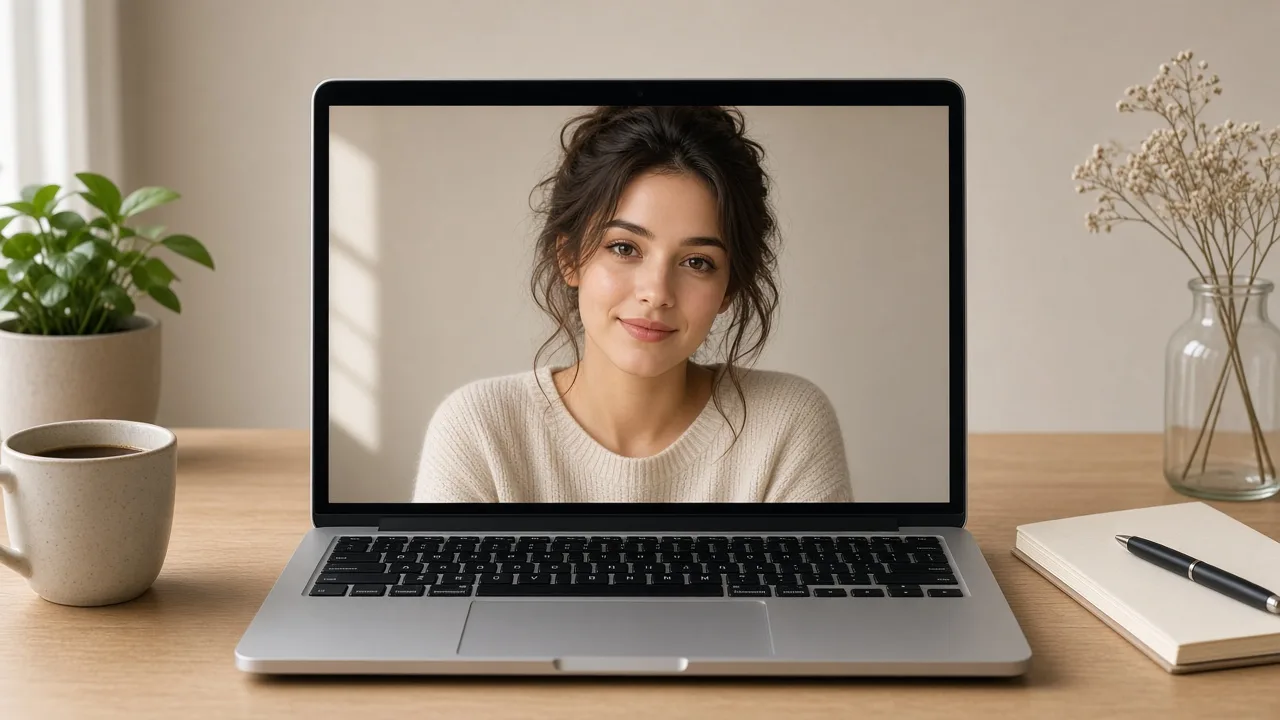
Five checks before you call it “good enough”
- Thumbnail — is the subject readable, or will the crop cut them in half?
- Hands and face — extra fingers, melted jewelry, fake smiles are out
- Light — is there a key, or is everything lit from nowhere?
- Text — keep letters only if the job needs them; practice runs should ban text
- Publish crop — square avatar, 16:9 cover, and vertical cover each get a look
Change one layer per retry: light first, backdrop second, model last. Five new adjectives at once will convince you “this generator is bad.”
Failure modes and quick fixes
| Symptom | Likely cause | Try first |
|---|---|---|
| Flashy but no subject | Style tokens overcrowded | Cut the stack; keep subject + light |
| Collapses after two edits | Crop and style moving together | Lock the crop; change one thing |
| Headshot dies after crop | Generic text-to-image for ID portraits | Switch to the headshot generator |
| Anime looks like plastic photos | Wrong acceptance bar | Switch to the anime generator |
| Cannot tell which model is better | Prompt changes every roll | Run one skeleton on two entries |
Next step
Do not install three apps tonight. Open the AI Image Generator or start generating, run the half-body skeleton once, and write down why a frame passed or failed (hands, flat light, bad crop).
The beginner “best” is not a ranking winner. It is the prompt you can still use next week.