bikabika AI
AI Headshot Generator example: a large youthful fashion portrait shown on a studio monitor

bikabika AI

AI Headshot Generator

Create professional LinkedIn headshots and resume portraits online—upload a selfie or half-body photo, then shortlist clean studio looks for job apps, websites, and team pages.

  • LinkedIn headshot ready
  • Professional portraits
  • Team consistency
  • Multi-model hub

📖 Intro

What is an AI Headshot Generator?

An AI Headshot Generator is an image tool built for professional portraits—especially LinkedIn headshots, resume photos, and company team pages. Upload an existing photo—or describe the look you need—to create portraits suited for hiring and personal branding.

Unlike booking a studio session, AI headshots emphasize getting a usable professional portrait faster: unify lighting, background, and wardrobe vibe, generate multiple candidates, then pick the best option for public-facing use—at a fraction of the usual cost and wait time.

On bikabika AI, we gather mainstream models such as Midjourney, GPT Image 2, and Nano Banana so you can pick by scenario and jump into online creation.

💡 Why choose

Why creatives choose bikabika AI Headshot Generator

Most tools promise a faster face. What really matters for professional delivery is realism, controllable style, and batch consistency. bikabika AI aggregates leading models and high-frequency headshot workflows in one place.

Creator comparing multiple professional headshot candidates on a monitor—selfie to publish-ready portrait in one workflow

From selfie to publish-ready portrait, in one flow

Move from upload and style choice into shortlisting without studio bookings or heavy retouch cycles—so resumes, websites, and social profiles update faster.

Collage of professional headshot styles: business formal, startup casual, and creative-industry portraits

Professional polish with natural realism

From clean studio looks to relaxed fashion portraits—switch light and backdrop by scenario for pitches and final publishing.

Grid of team member headshots with matching framing and lighting for a consistent company look

Stronger team consistency, fewer reworks

Align crop ratio, backdrop color, and retouch strength so company pages and event materials look tidy and trustworthy.

Multi-model headshot hub showing different professional portrait directions side by side

Built for real creatives’ multi-model needs

Compare Midjourney, GPT Image, Nano Banana, and more, then jump into the model that fits the headshot job—instead of being locked into a single tool.

✨ Features

AI Headshot Generator core features

Covers high-frequency workflows—photo to headshot, multi-style portraits, background/light control, team consistency, and natural retouch—so you move from selfie to publish-ready portrait more smoothly.

Photo to Headshot

01

Photo to Headshot

Upload a selfie or half-body photo and convert it into a polished, publish-ready portrait—the core entry point for resumes and profile updates.

Multi-style professional looks

02

Multi-style professional looks

Cover business formal, startup casual, creative industries, and stage-ready speaker vibes—switch style by role and platform.

Background & lighting control

03

Background & lighting control

Unify soft studio light, clean solid backdrops, or light environmental mood so portraits stay crisp for resumes and websites.

Team style consistency

04

Team style consistency

Generate similar framing, light, and background rules for multiple people—ideal for About pages, investor decks, and event directories.

Natural retouch & enhance

05

Natural retouch & enhance

Improve skin, exposure, and clarity while keeping realism—avoid heavy beauty filters that create an artificial look.

Multi-model hub

06

Multi-model hub

Compare Midjourney, GPT Image, and others side by side, then pick the AI Headshot Generator model that fits each task.

🧭 Guide

How to use an AI Headshot Generator

Four steps from upload to a usable professional headshot.

  1. EP.01

    Choose an image model

    Prefer GPT Image 2 for stronger instruction following and detail constraints; pair Midjourney when you want more stylized mood.

  2. EP.02

    Upload and describe the goal

    State the use case: LinkedIn, resume, company team page, or speaker photo—and add wardrobe, backdrop, and vibe constraints.

  3. EP.03

    Generate and shortlist

    Create multiple candidates, compare expression, lighting, background cleanliness, and realism, then keep the best public-facing option.

  4. EP.04

    Crop, refine, or export

    Crop to square or portrait for each platform, prompt local fixes if needed, then use the result on resumes, websites, and profiles.

🖼 Featured

AI Headshot Generator featured cases

Fashion studio, startup, creative, role-based, and speaker looks—browse featured portraits and lock the style that fits you.

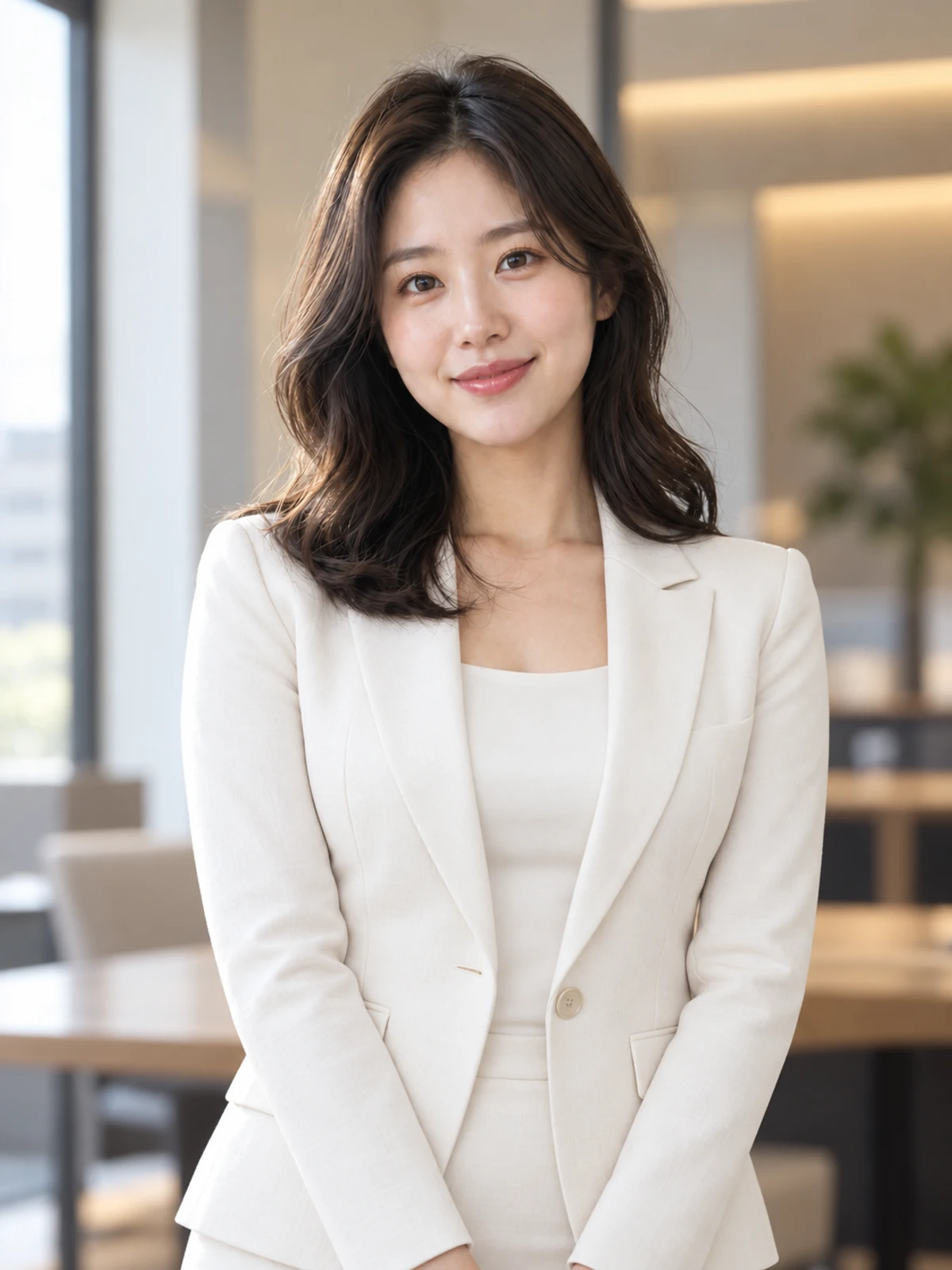
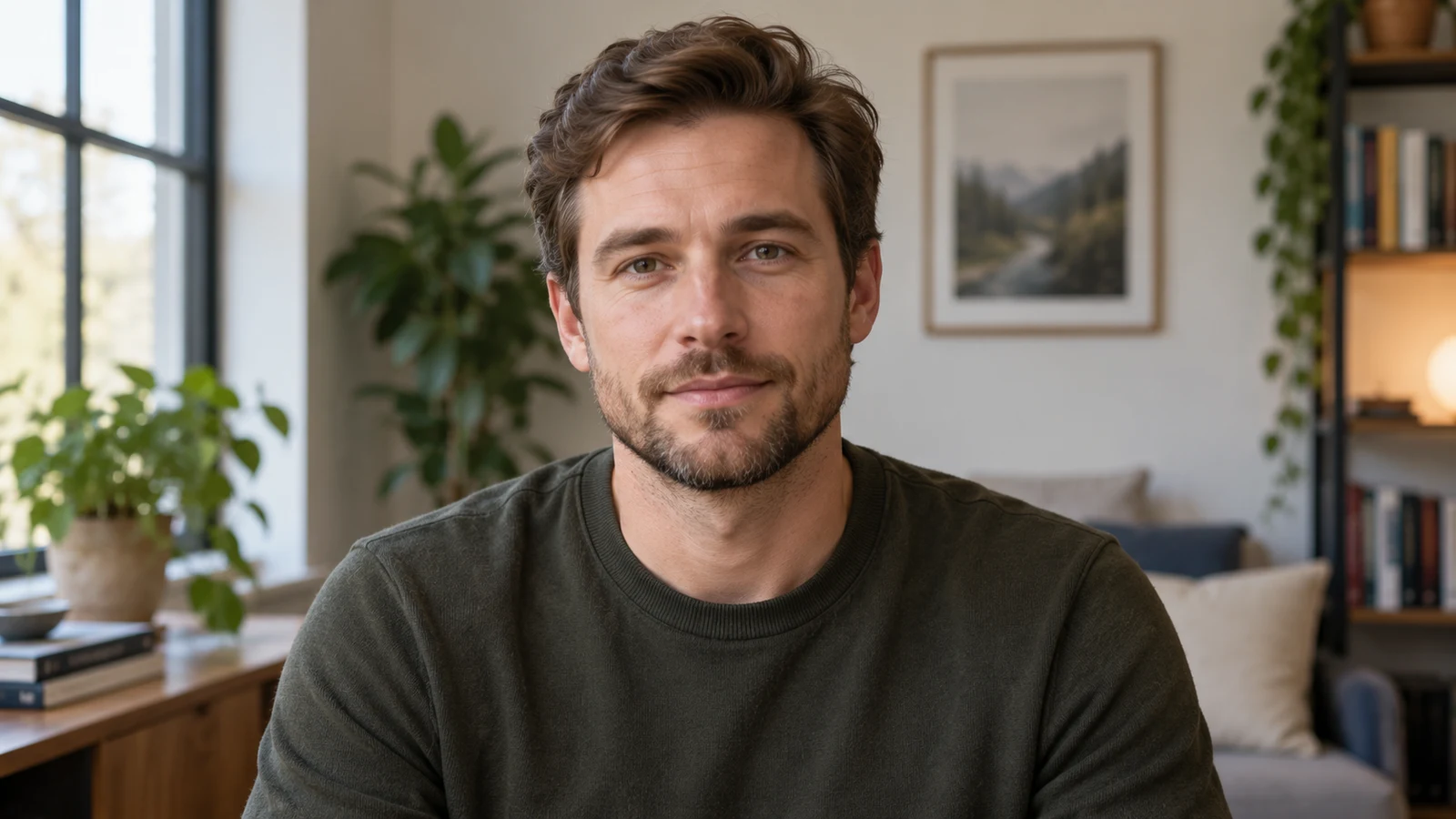
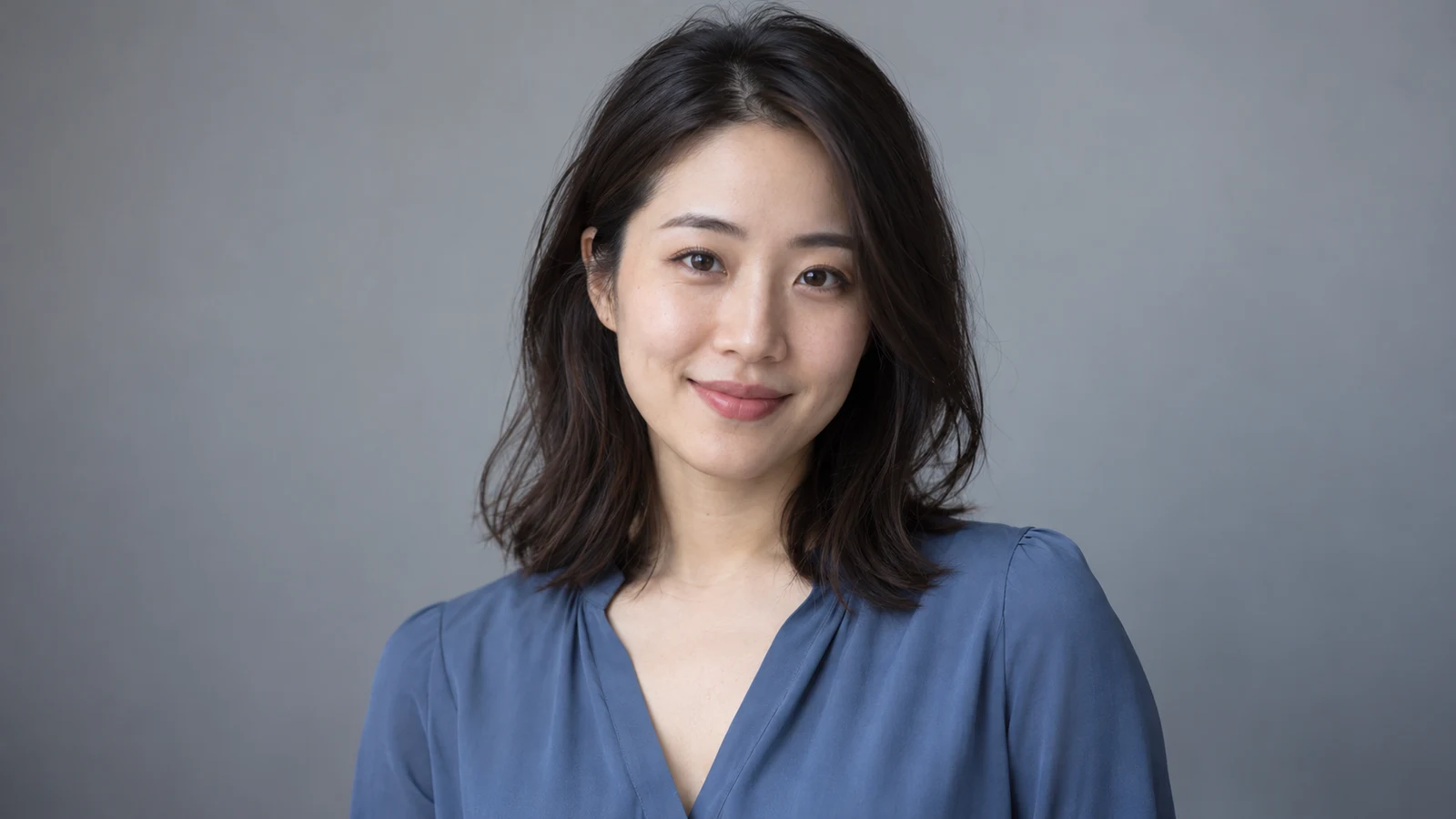
AI headshot generator example: youthful fashion portrait with soft studio lighting and clean backdrop
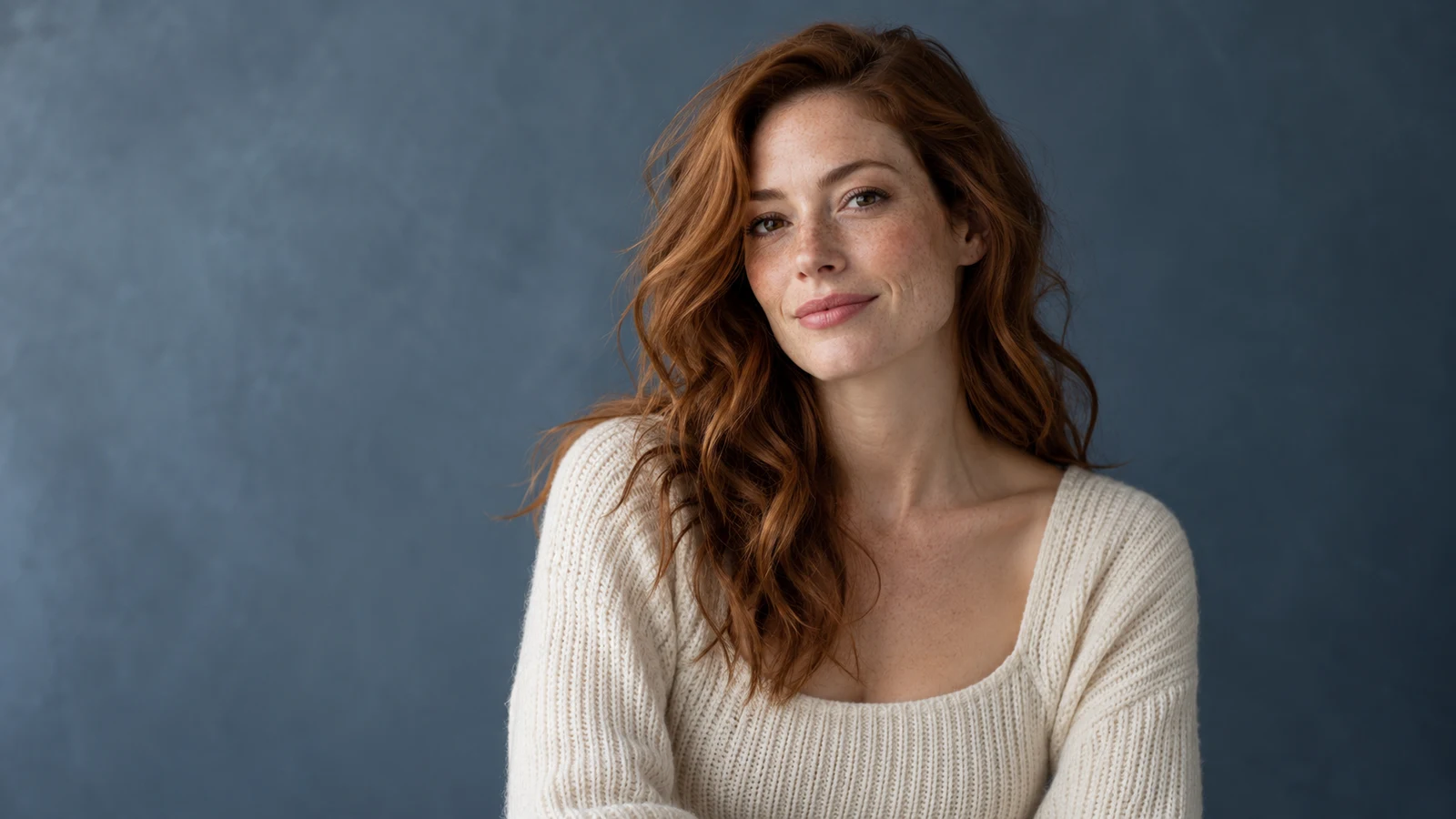
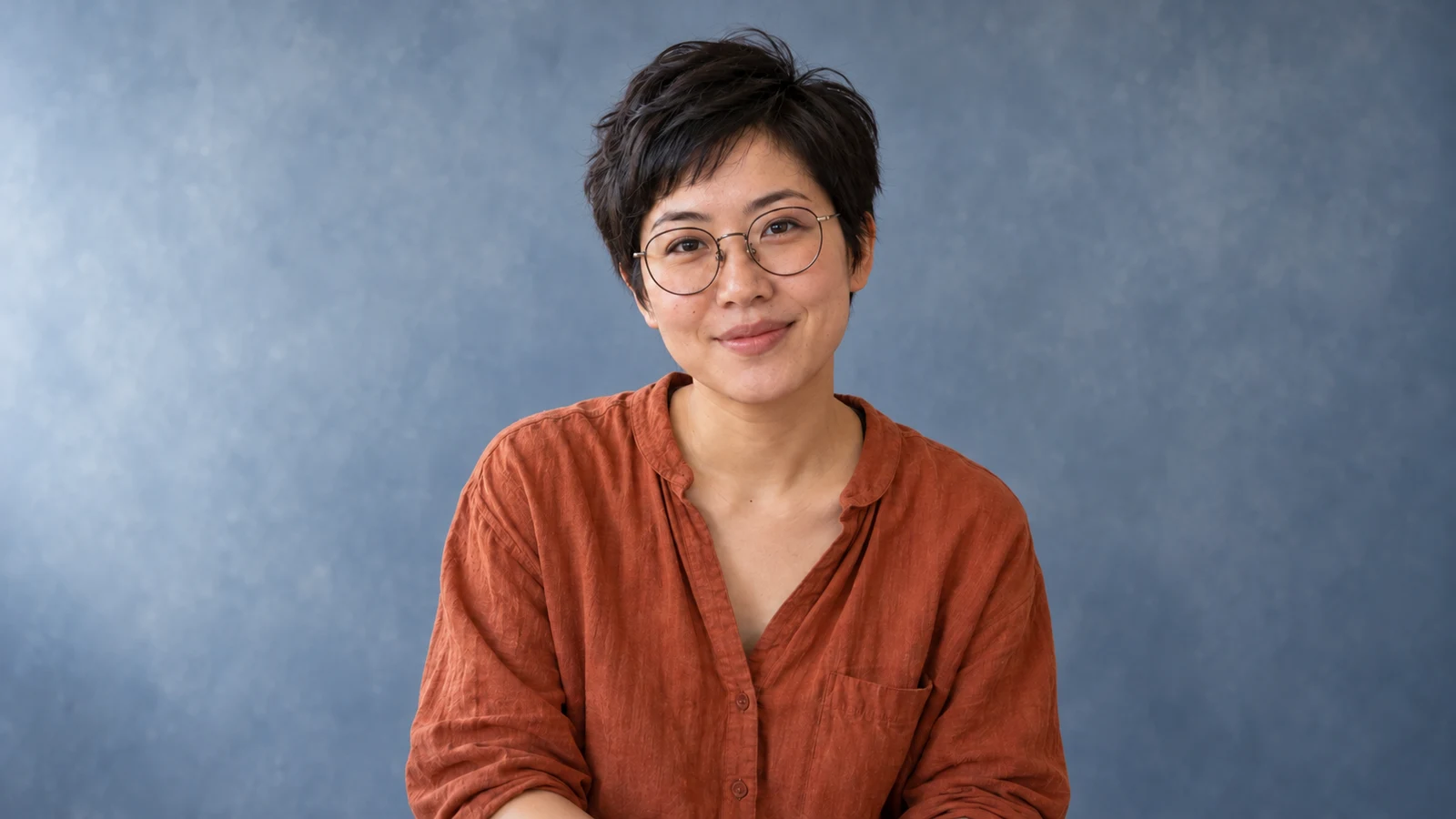
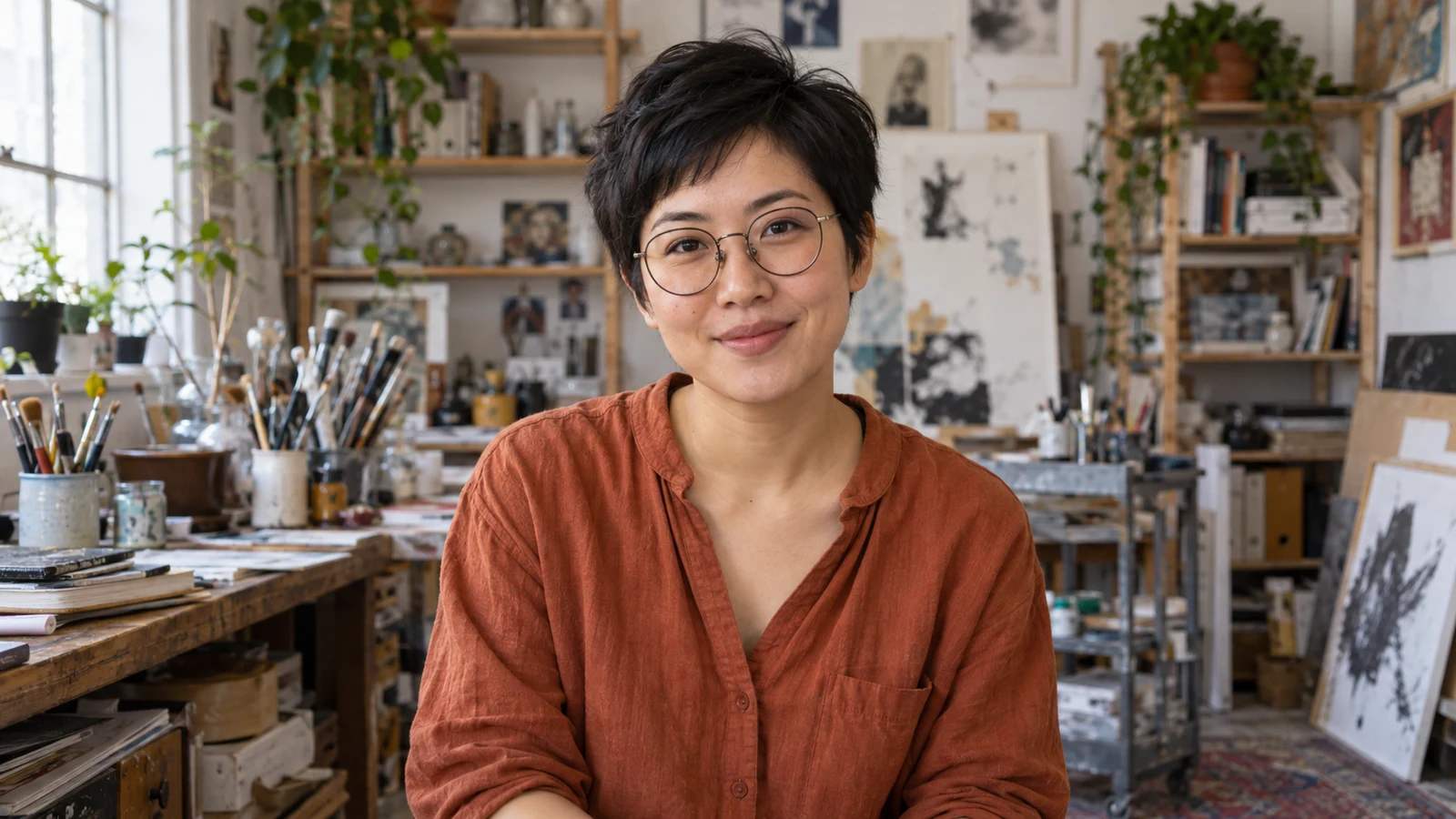
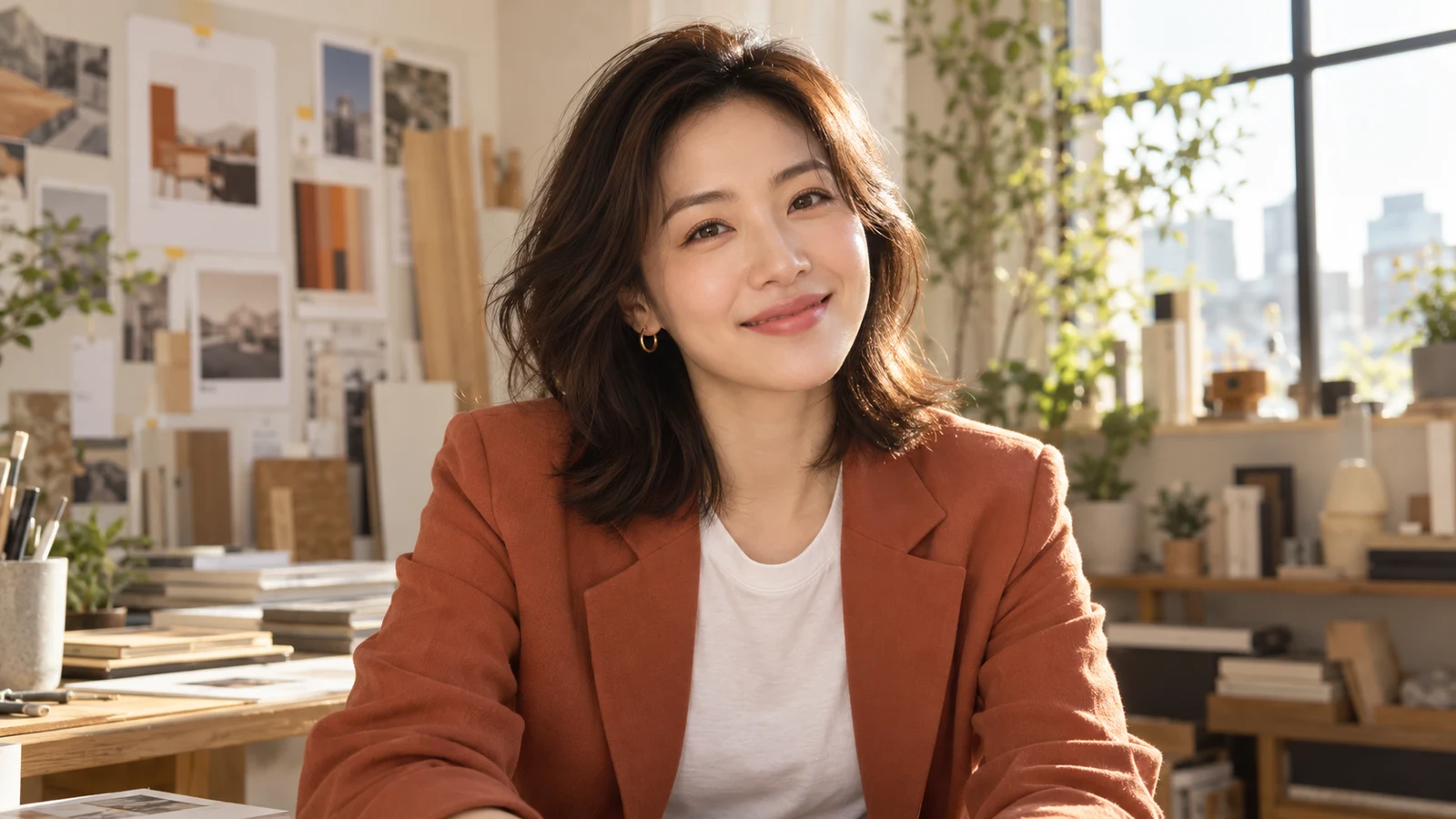
AI headshot generator example: creative professional headshot with modern colorful backdrop
AI headshot generator example: consistent team headshot style for company about pages
AI headshot generator example: actor-style dramatic headshot with cinematic lighting
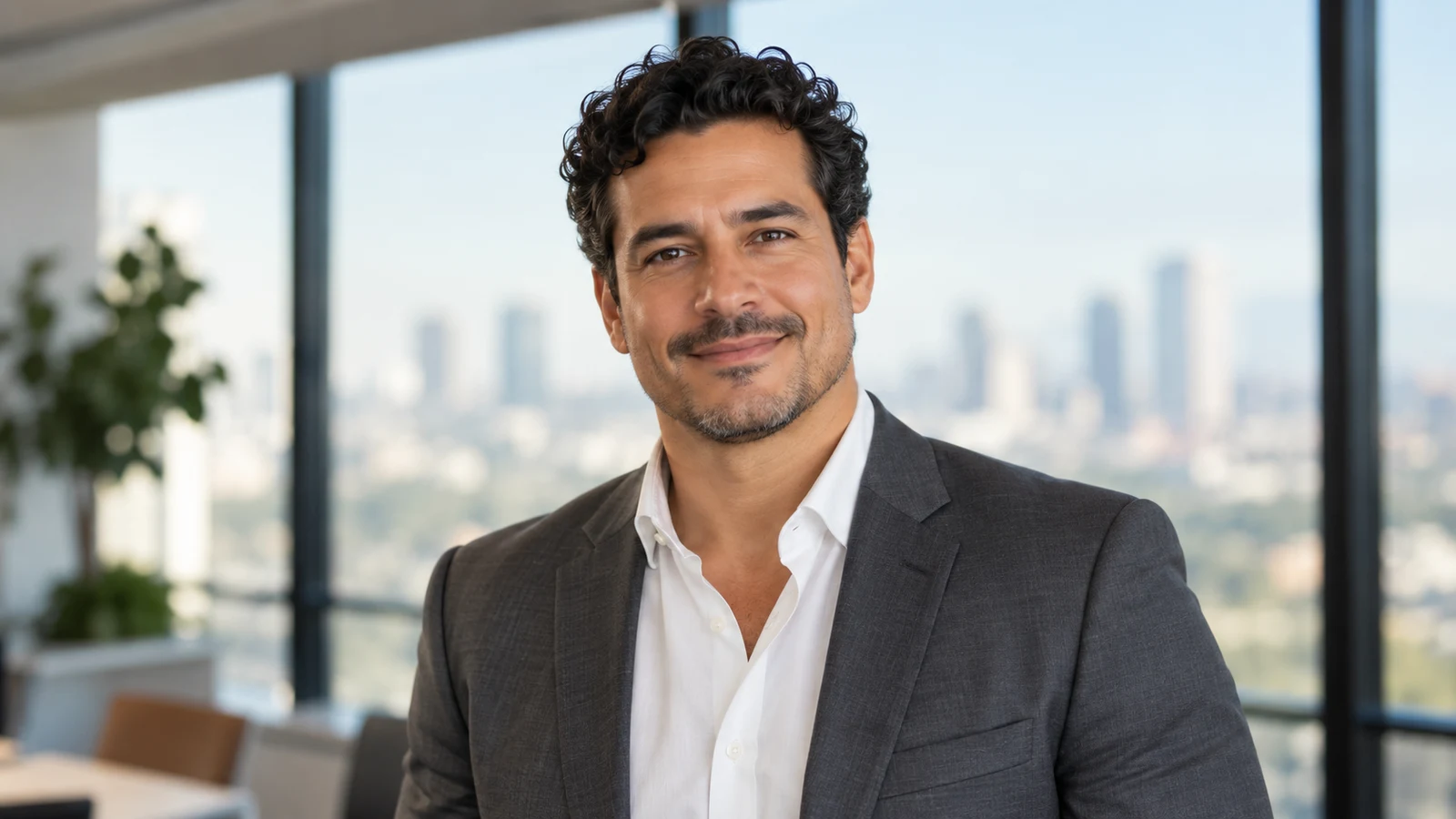
AI headshot generator example: friendly startup founder portrait for website bio
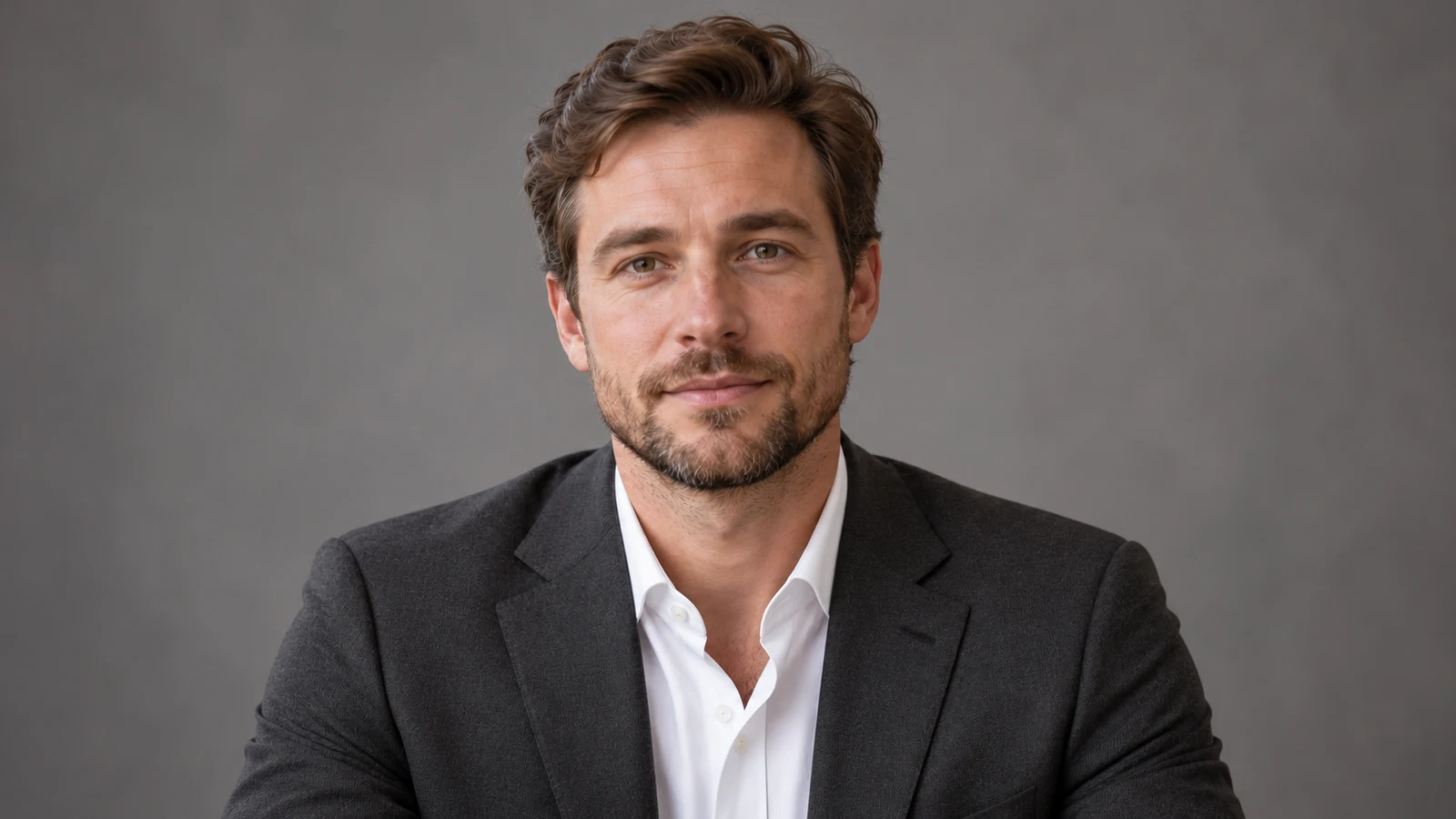
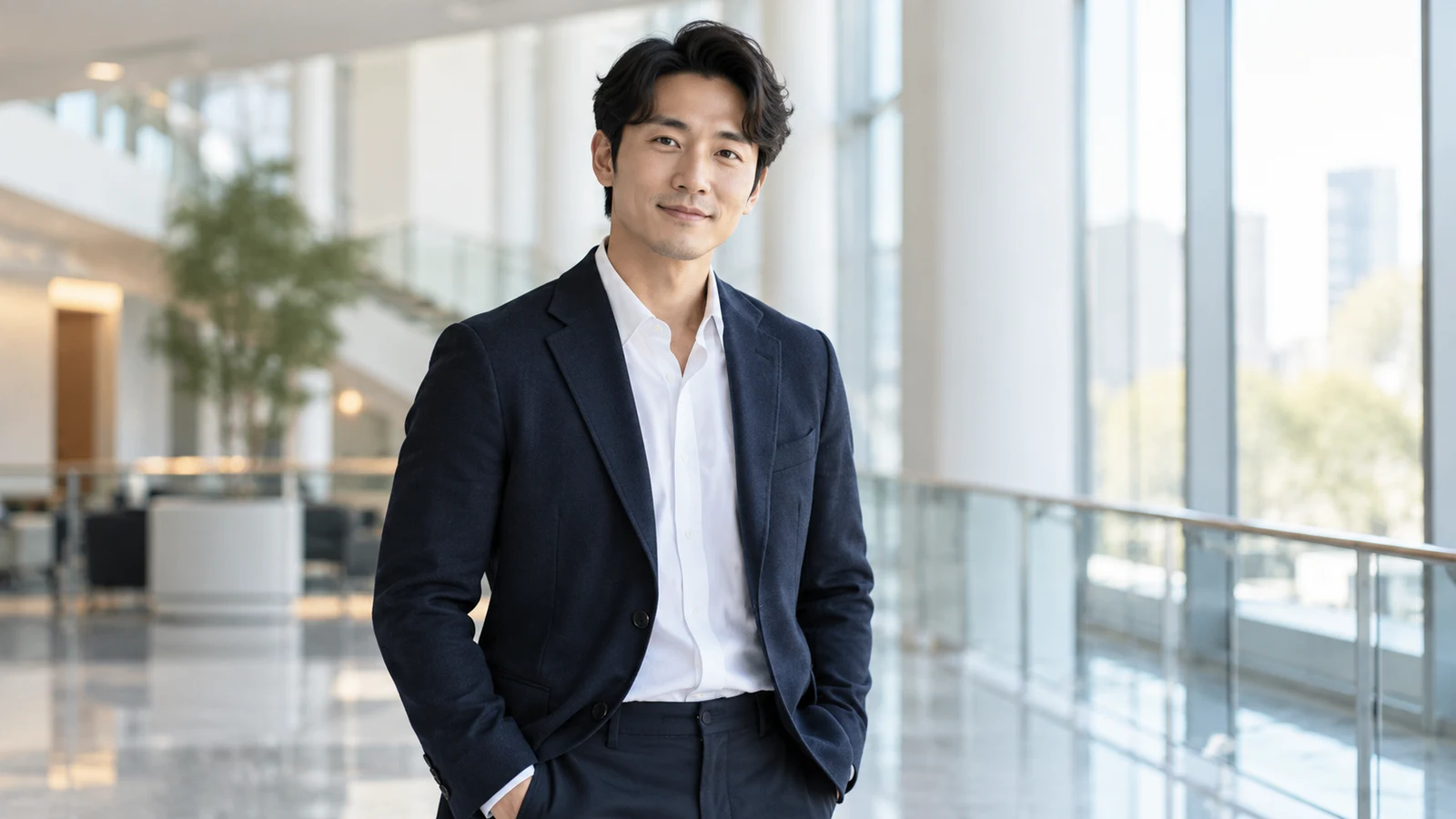
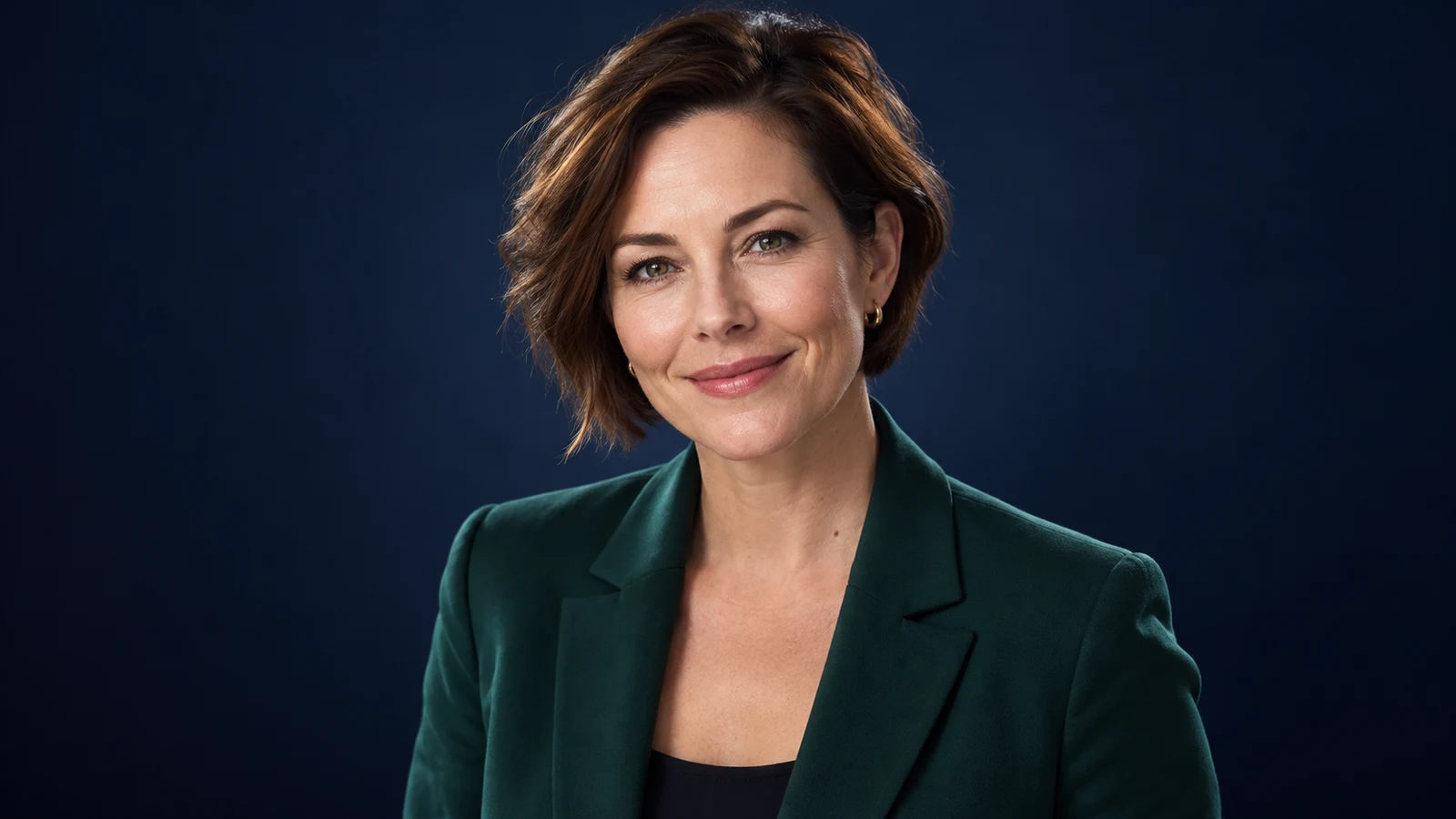
AI headshot generator example: young professional leadership headshot with clean dark backdrop
AI headshot generator example: approachable freelancer profile photo for portfolios
AI headshot generator example: studio-quality square avatar headshot for social profiles
AI headshot generator example: natural outdoor professional portrait with soft daylight
AI headshot generator example: healthcare professional headshot with trustworthy presentation
AI headshot generator example: keynote speaker headshot for conference and media kits
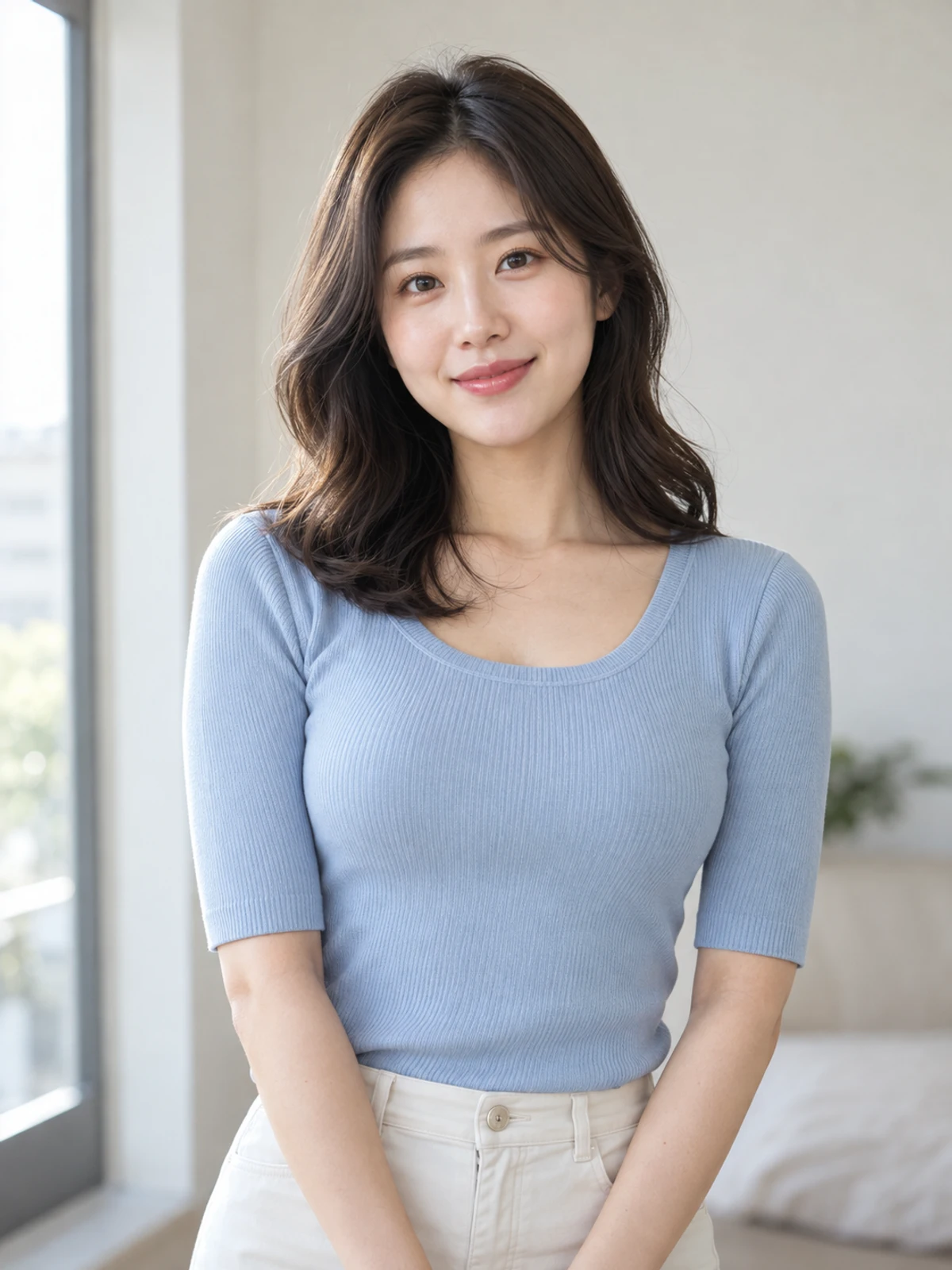
AI headshot generator example: refreshed resume photo with clean lighting and neutral background
AI headshot generator example: youthful fashion portrait with soft studio lighting and clean backdrop
AI headshot generator example: creative professional headshot with modern colorful backdrop
AI headshot generator example: consistent team headshot style for company about pages
AI headshot generator example: actor-style dramatic headshot with cinematic lighting
AI headshot generator example: friendly startup founder portrait for website bio
AI headshot generator example: young professional leadership headshot with clean dark backdrop
AI headshot generator example: approachable freelancer profile photo for portfolios
AI headshot generator example: studio-quality square avatar headshot for social profiles
AI headshot generator example: natural outdoor professional portrait with soft daylight
AI headshot generator example: healthcare professional headshot with trustworthy presentation
AI headshot generator example: keynote speaker headshot for conference and media kits
AI headshot generator example: refreshed resume photo with clean lighting and neutral background
  • Job-ready & LinkedIn portraits

    Turn everyday selfies into clean studio-style headshots that strengthen first impressions on resumes and professional networks.

  • Consistent team-page style

    Generate matching light and backdrop rules for multiple people so About pages and fundraising materials look professional.

  • Speaker & media-kit headshots

    Use stronger lighting and framing for guest photos, media kits, and event promotion portraits.

👥 Audiences

Who is an AI Headshot Generator for?

From job seekers and company team pages to freelancers and executives—scenarios folded into role-based workflows so you can find your fit.

Job seeker updating a resume photo and professional profile on a laptop

Career Ready

Job seekers & professionals

Update resumes and LinkedIn with a professional portrait—not vacation selfies.

Applications often need a clean, trustworthy headshot. Upload what you have, specify a business vibe and solid backdrop, and get portraits ready for resumes, job boards, and professional networks.

  • Resume and LinkedIn photos
  • Clean backdrop and business vibe
  • Fast multi-version shortlisting
Brand team reviewing a consistent grid of employee headshots

Team Consistent

Brand & HR teams

Generate a unified headshot style for everyone—shorten website and collateral refresh cycles.

Team pages, badges, and event directories need tidy consistency. Batch-generate with shared framing, light, and backdrop rules, then tune wardrobe vibe by role.

  • Unified About-page portraits
  • Batch style guidelines
  • Reusable event and media assets
Creator preparing professional headshot assets for talks and media promotion

Stage Ready

Creators & public speakers

Build reusable professional portraits for covers, guest intros, and media kits.

Public content needs a stable facial identity. Generate headshots for speaker posters, podcast covers, and press releases—recognizable without looking over-edited.

  • Speaker guest photos
  • Personal-brand key visuals
  • Media-kit portraits
Executive portrait on a dark backdrop suited for websites and external materials

Executive Presence

Founders & executives

Support decks, annual reports, and leadership pages with credible executive portraits.

External communication needs a composed professional look. Control backdrop, light, and wardrobe cues to produce portraits suited for investor materials and press.

  • Executive headshots
  • Fundraising and report assets
  • Website leadership pages
Freelancer portfolio page featuring a friendly professional headshot

Portfolio First

Freelancers & consultants

Make portfolio and service-page photos look credible—without studio costs every refresh.

Consultants and independents often update profiles across platforms. Generate several vibes once, then reuse on websites, proposals, and social profiles.

  • Portfolio profile photos
  • Cross-platform consistency
  • Fast low-cost refreshes
Beginner at home generating a first professional headshot from a phone selfie

Start Simple

Beginners getting a first headshot

No retouching skills or studio session required—start from one clear selfie.

Upload a clear front or half-body photo and describe the use case and vibe. Get a usable overall version first, then refine backdrop and wardrobe details.

  • A selfie is enough to start
  • Usable version first, then refine
  • Learn headshot prompts by doing

💡 Tips

AI headshot prompt tips

  • Lead with the use case: LinkedIn, resume, team page, or speaker photo—then add wardrobe and backdrop.
  • Upload a clear front/half-body photo; avoid heavy side angles, occlusion, and strong backlight.
  • Be specific with style words: corporate headshot, soft studio lighting, neutral backdrop.
  • Keep realism: prefer natural skin retouch; avoid heavy beauty-filter language that creates plastic faces.
  • For team sets, repeat the same backdrop color, framing, and retouch strength for a tidy page look.

❓ FAQ

FAQ

Common questions about LinkedIn headshots, professional portraits, realism, rights, and workflow.

What is an AI Headshot Generator?

An AI Headshot Generator turns everyday photos or text goals into professional portraits for resumes, LinkedIn, team pages, and social profiles. bikabika AI gathers mainstream models and entry points so you can start generating online faster.

Can I create a LinkedIn professional headshot with AI?

Yes. Upload a clear selfie, state “LinkedIn / professional headshot,” and constrain soft studio light, neutral backdrop, and natural skin. Shortlist several candidates, then crop square for LinkedIn. Prefer realism over heavy beauty-filter language so the portrait still looks like you.

What makes a good professional headshot for resumes and job applications?

Lead with the use case (resume, LinkedIn, company page), then lock wardrobe vibe, backdrop, and crop. Clean lighting, readable eyes, and a tidy background usually beat dramatic fashion looks for hiring contexts. Preview the final crop inside the destination platform before you publish.

Will the headshots look fake?

Results depend on source quality and prompt constraints. Emphasize natural skin and real facial structure, and avoid heavy beauty-filter wording. Generating several candidates and shortlisting usually yields more believable results.

Can I use AI headshots for job applications and websites?

In many cases yes for resumes, social profiles, and websites—but follow each platform’s rules and confirm you have rights to the source photo. For regulated ID-photo use cases, follow official requirements.

How is this different from a studio photoshoot?

Studio shoots often offer higher ceiling control; AI headshots excel at fast trials, team-style unification, and lower booking cost. Many teams use AI for a usable version first, then decide whether to reshoot.

How do I keep team headshots consistent?

Lock backdrop color, crop ratio, lighting words, and retouch strength, and keep poses similar. Establish one “template” portrait, then extend that recipe to everyone else.

Should prompts be in English or another language?

Either works. English photography terms (corporate headshot, softbox lighting) are often steadier; other languages help describe role and business vibe. Mixing is common.

Do I need retouching software?

No. Upload a photo and describe the target look to start. Later, crop in your design tools for resumes or website layouts—or polish winners with on-site photo enhancer / background remover tools when needed.

AI HEADSHOT

Ready to refresh your professional headshot?

Pick a model, upload your photo, describe the use case, and start generating.