
Seedream 5.0 Pro: give complex ideas a clear visual form
Seedream 5.0 Pro is ByteDance Seed's multimodal image creation model for information, detailed editing, and professional visuals. Consider content and design relationships together, giving an image a clearer communication role.
Choose a model, enter a prompt and adjust the settings to generate, preview and refine images on this page.
Open full workspaceEstimated cost—pts


Creative illustrations
Develop a more complete visual design
Explore information hierarchy, visual revisions, and image texture as distinct parts of a complex brief.
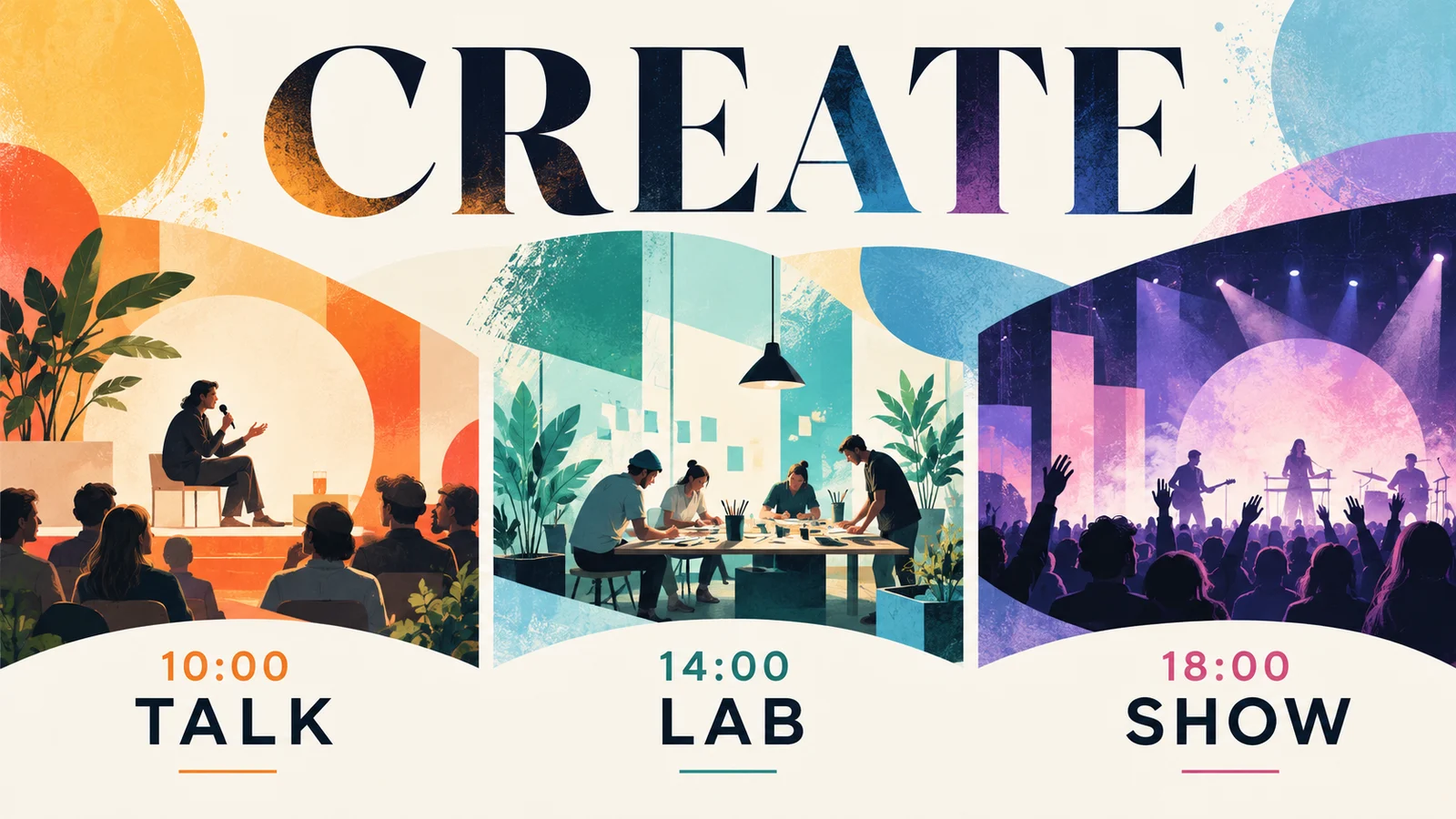

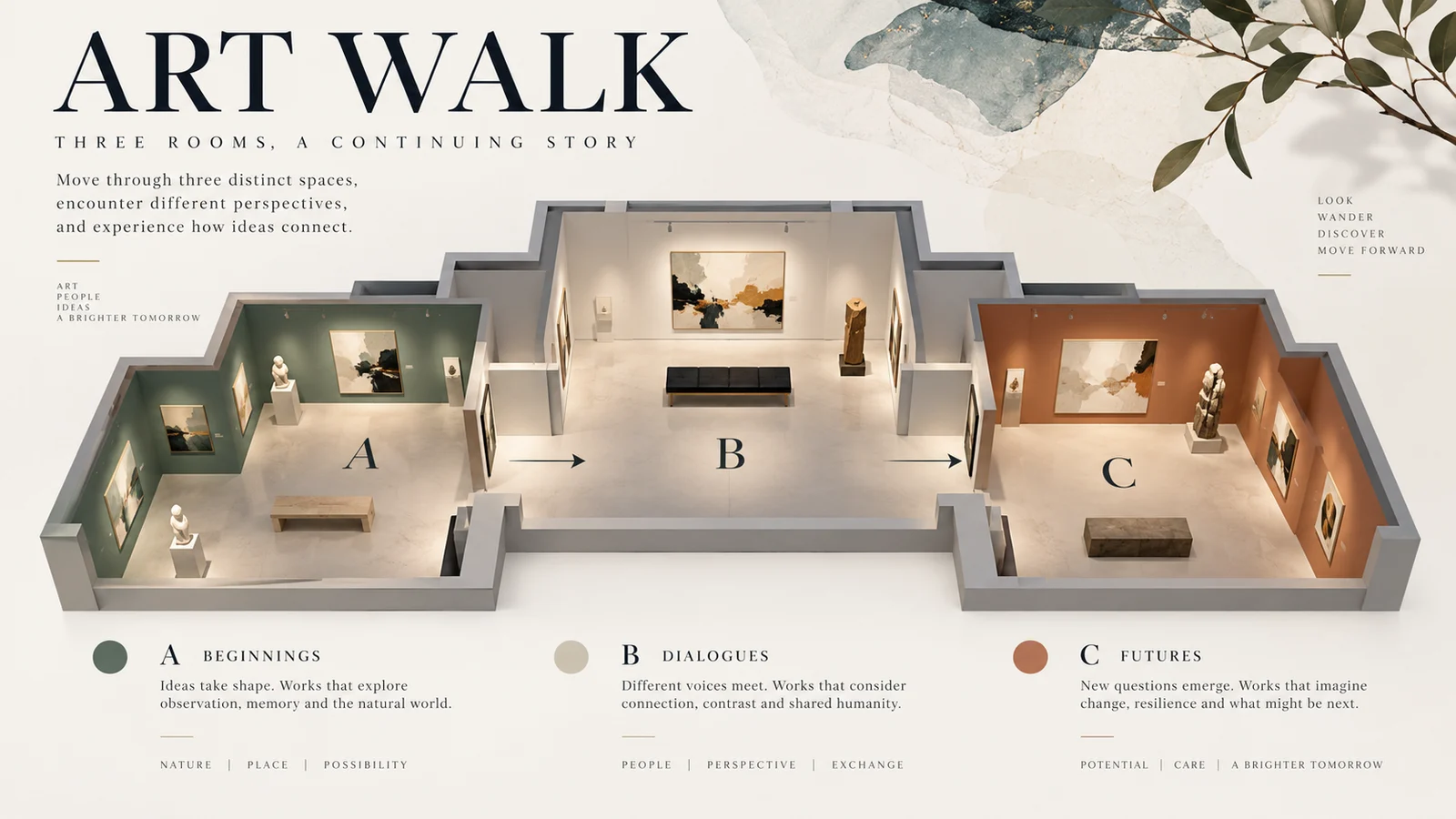
Give complex information a reading order
An infographic needs to coordinate a theme, text, and imagery. One of Pro's central directions is organizing dense content so that concepts, relationships, and priorities can be understood within a composition.
Schedules, exhibition guides, and explanatory charts all benefit from a clear sequence. Supply accurate content and check the result so the visual organization serves the communication goal.
Start creating ↗

Guide a more specific visual edit
The official interactive editing approach includes spatial annotations, selections, and sketches to identify a change. Color, material, and composition relationships can become more explicit revision targets.
This suits a design with a useful starting point. Explain the composition to retain and the intended change, then inspect edges, occlusion, and material transitions. Specific interactions depend on the interface being used.
Start creating ↗
Build texture through realistic light and material
A realistic image relies on light, surface texture, and spatial relationships as well as resolution. Skin, transparent surfaces, and reflective objects reveal those qualities differently.
Compare results against a clear photographic direction: look for natural texture, coherent reflections, and a suitable relationship between the subject and its background.
Start creating ↗

Develop related visuals across languages
Multilingual design involves length, layout, and local expression as well as translation. Pro's official capabilities include multilingual input and visual generation for exploring different language treatments.
For example, Chinese and English exhibition banners can share a theme while allowing different amounts of space for text. Review each language's names, dates, and reading order before release.
Start creating ↗Put design capabilities to work on a project
Develop visual directions around information, brand, and editorial needs.
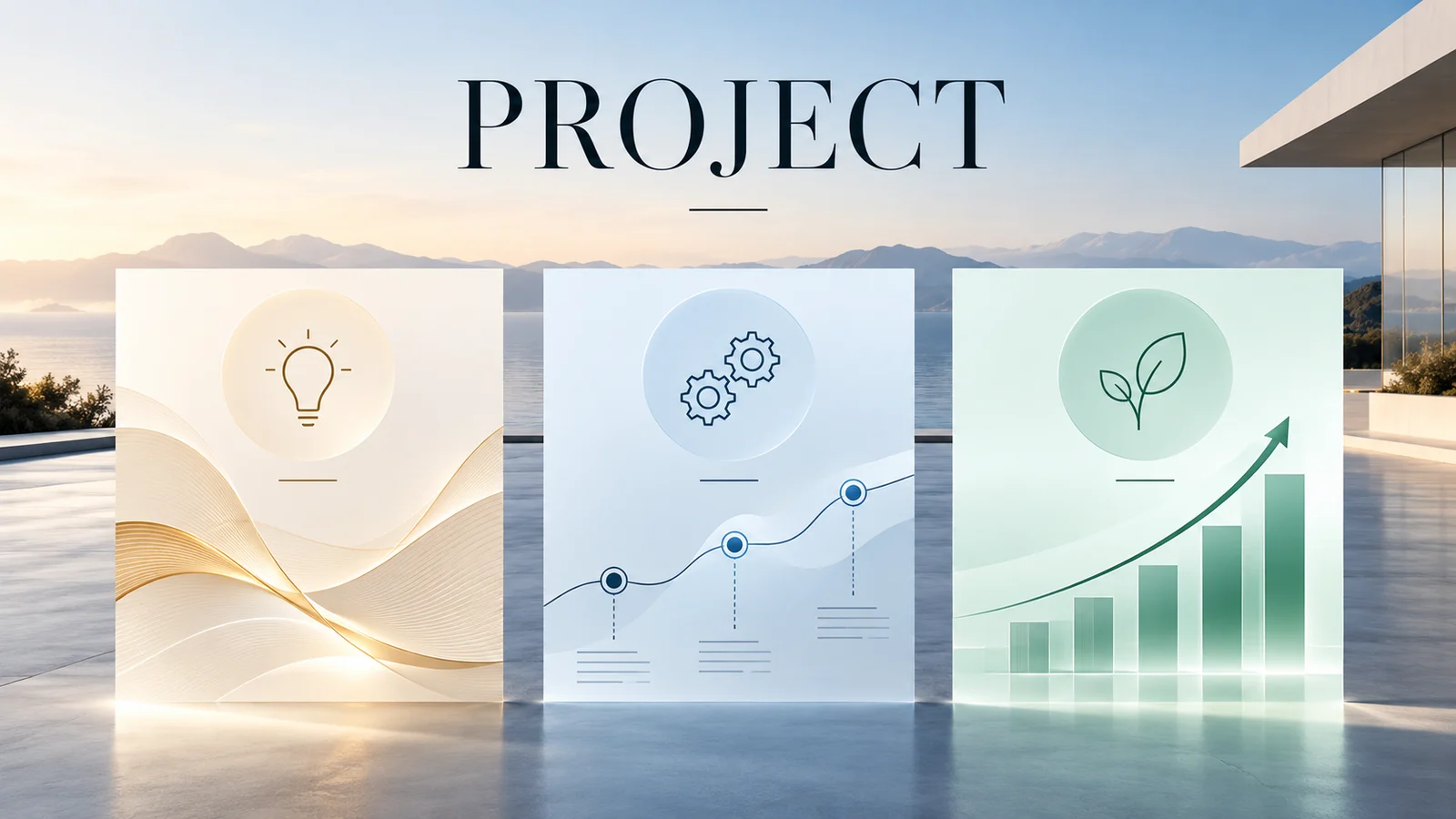
Presentations and information graphics
Organize project structures, event flows, or clearly fictional example data into presentation visuals. Real figures should be supplied and checked by the project team.
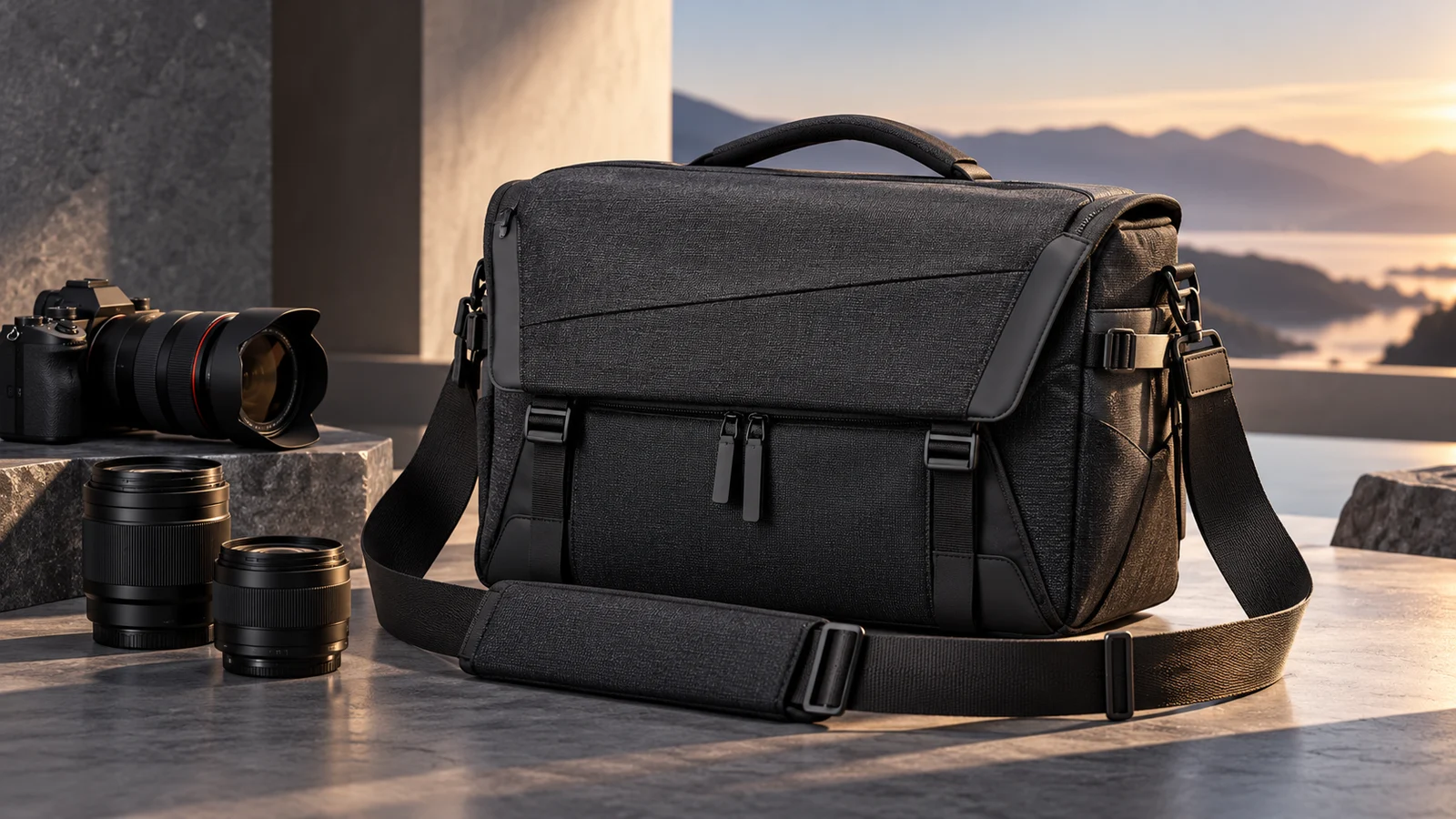
Brand and product proposals
Develop advertising directions around a product, material, and palette. Compare the expression across settings before refinement and production.

Editorial and magazine visuals
Explore relationships between images, headlines, and whitespace in a spread, cover, or feature visual.

Multilingual event design
Develop language variants around one event, retaining recognition while adapting the text layout for further localization and proofreading.
When should you explore Pro?
Explore 5.0 Pro when the brief involves dense information, multilingual content, or a specific visual revision. This dedicated page develops those design directions.
If you are still choosing a version, the Seedream family page explains the wider creative scope. Lite's understanding and reasoning focus may also be relevant to the task.
Bring a design goal into creation
- 01
Prepare the content
Organize the theme, accurate text, and permitted references. Explain the intended use.
- 02
Confirm the model
Select 5.0 Pro and available settings, then review estimated credits before submitting.
- 03
Review the design
Check hierarchy, text, details, and material before revising or completing the final layout.
Frequently asked questions
What is Seedream 5.0 Pro?
It is ByteDance Seed's multimodal image creation model, with official emphasis on complex information, interactive editing, realistic texture, and multilingual content.
How does this page differ from the Seedream family page?
The family page explains overall capabilities and version choices. This page focuses on 5.0 Pro's design and editing directions. Confirm the actual generator selection when creating.
Can I make infographics, posters, and presentation images?
These are creative uses of its information-design capabilities. Supply accurate text and figures, then review hierarchy and content in the result.
Does official interactive editing mean this site has lasso and layer tools?
No. Official model capabilities and this site's controls are separate. Use the actual available modes; this page does not simulate unprovided tools.
Can it create realistic people and materials?
Realistic imagery and texture are official areas of focus. Describe the photographic treatment and inspect anatomy, texture, and lighting in the output.
Can I create Chinese and English visuals?
The official model supports multilingual creation. Different text lengths affect layout, so proofread names, dates, spelling, and composition in each version.
How do I start and check credits here?
Confirm 5.0 Pro, the prompt, and settings in the generator, then follow the current sign-in and credit flow. Review the estimate before submitting.
Is this the official Seedream 5.0 Pro website?
This is bikabika AI, rather than ByteDance's official Seedream website.
Give a complex brief a clear visual expression
Begin with accurate content and a defined design goal, then keep refining the work.