
HappyHorse 1.0 AI video editing: give existing footage a new expression
The HappyHorse 1.0 video editing model starts with existing footage. Combine text instructions and reference images to explore changes to its style or specific elements, and develop a different visual direction.
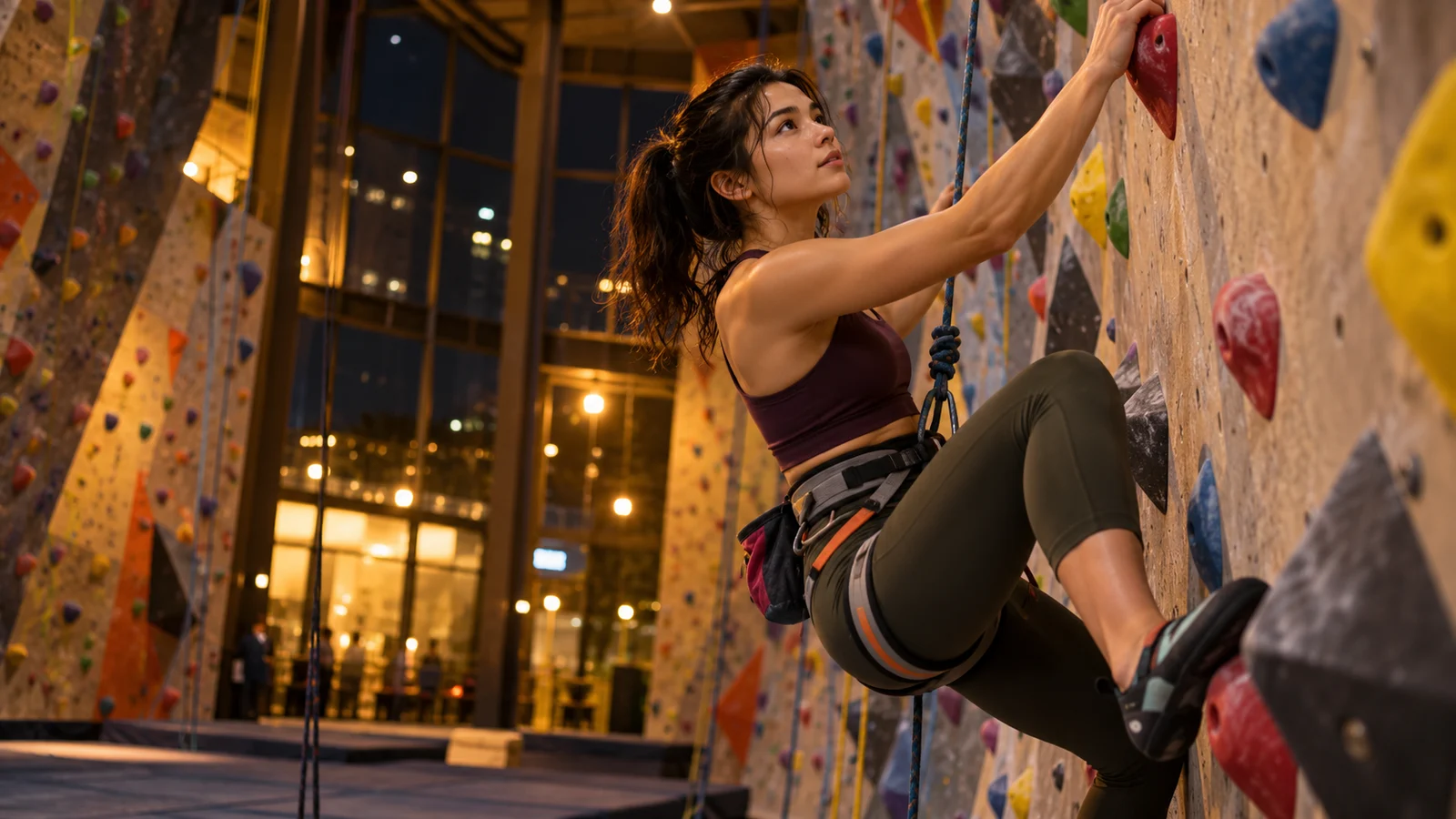

Creative illustrations
What can you edit with HappyHorse 1.0?
Develop changes around existing footage, combining overall style, individual elements, and visual references into a more specific creative direction.
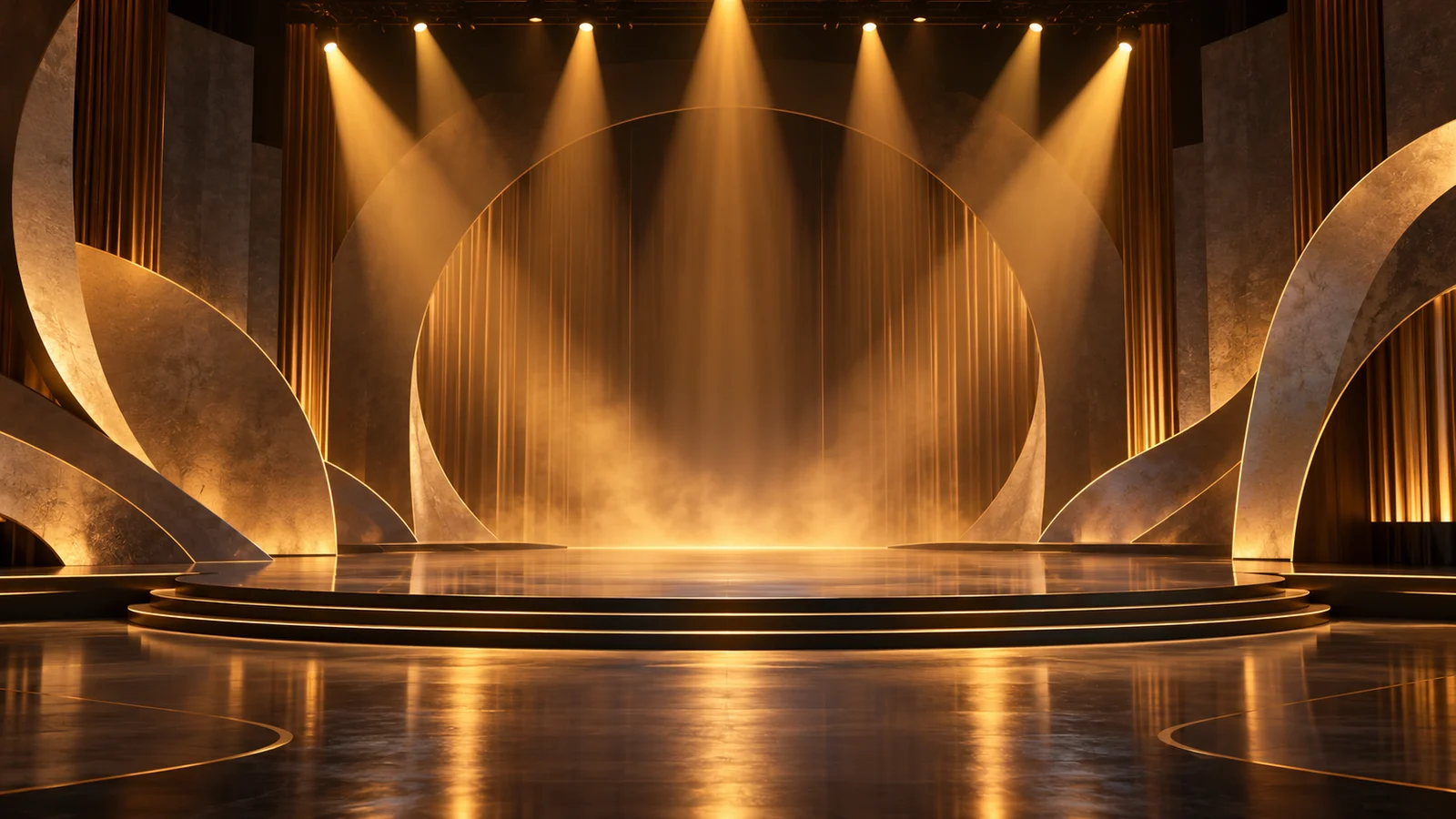
Describe an edit in your own words
Explain the object, visual effect, and details you want to keep. Natural language becomes a starting point for revising footage when you already have material and a clear goal.
For a stage clip, you might explore a different atmosphere or a new appearance for a particular object. Defining the scope makes it easier to judge whether the change serves the original story.
Start creating ↗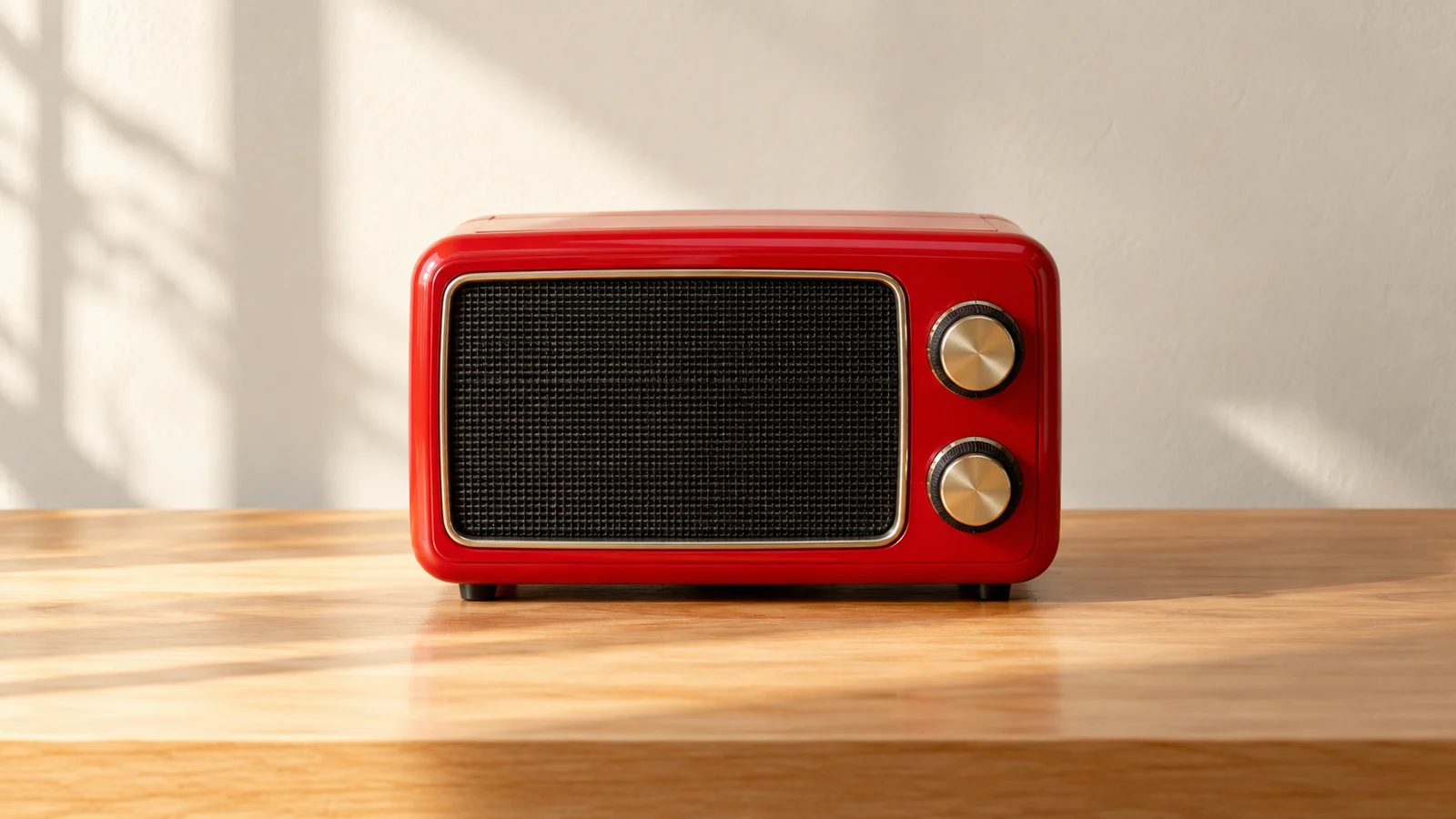
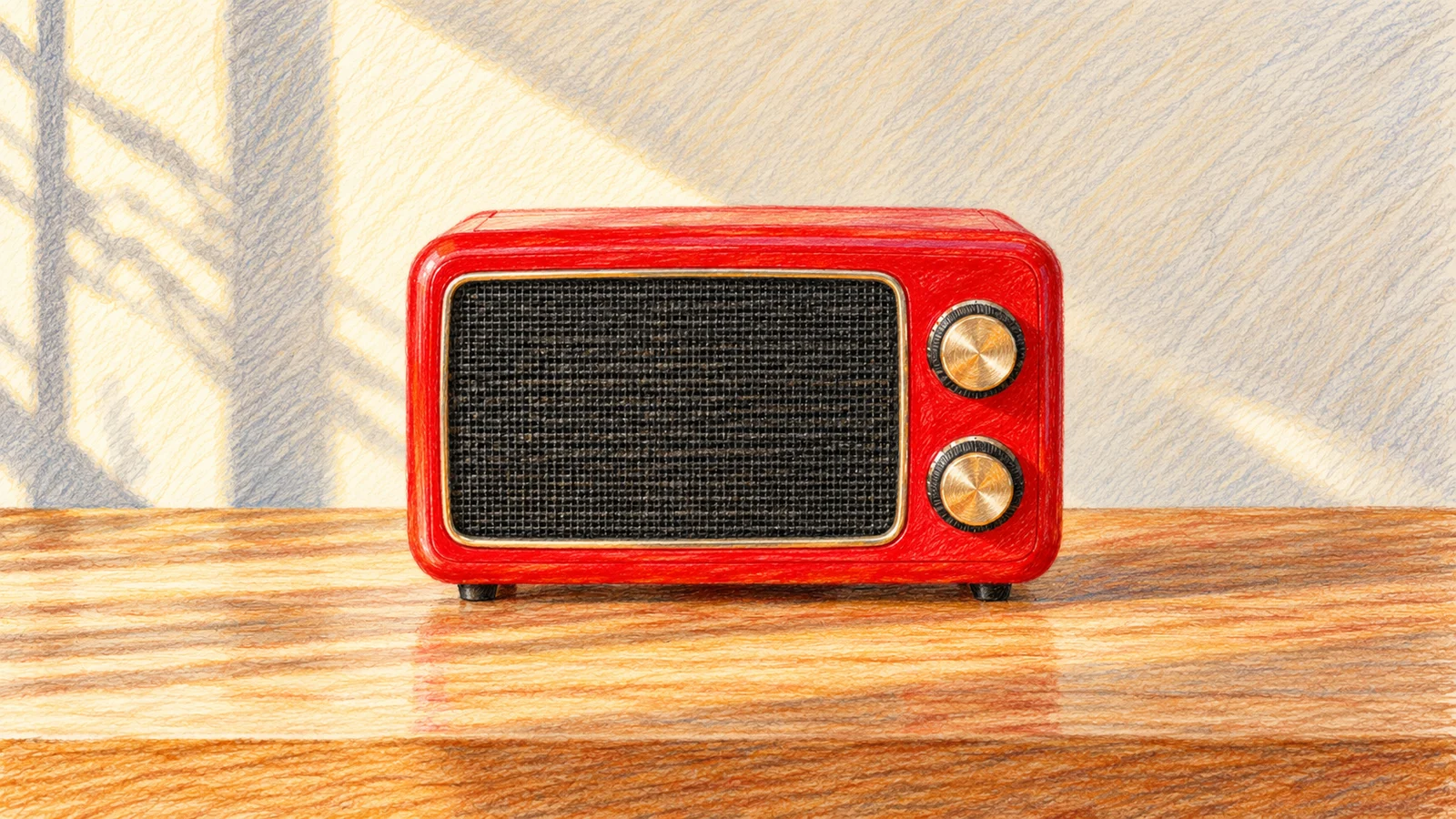
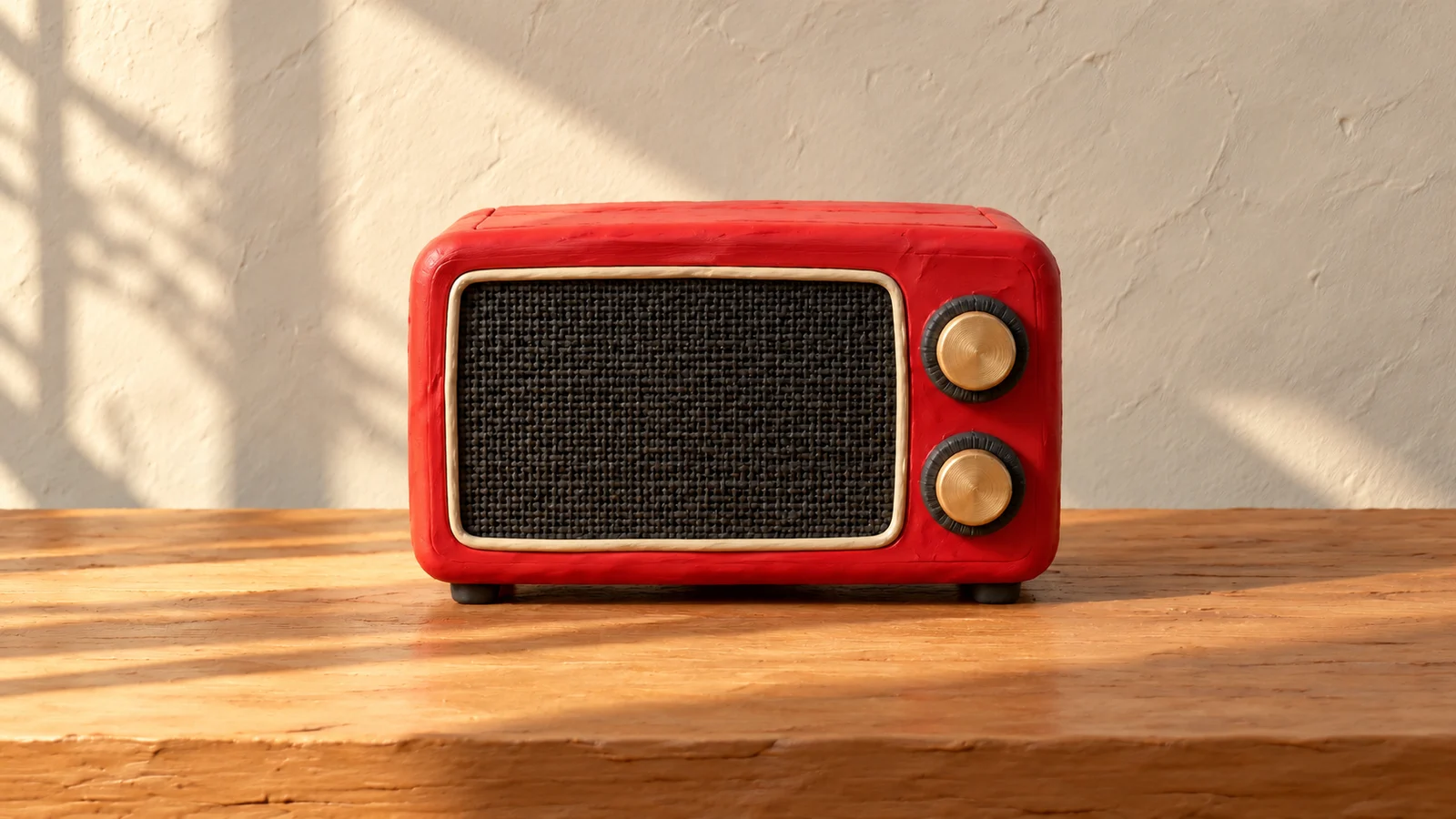
Explore different styles for the same footage
Style transfer opens another visual direction for an existing clip. Describe an illustration treatment, a crafted material, or another art direction that fits the theme of your work.
A style also changes how texture, light, and detail are perceived. Compare candidates alongside the subject, movement, and rhythm before choosing a direction to develop further.
Start creating ↗


Change a specific element within the scene
Element replacement focuses a revision on a particular object. When the composition and action already work, a different appearance can open another creative direction.
The change should fit its surroundings. Review edges, occlusion, and consecutive frames to identify areas that need further refinement.
Start creating ↗
Show the visual target with reference images
A reference can add appearance, material, or style information to a written request. The footage supplies the motion, while the image helps communicate the visual qualities to introduce.
In a design review, references might clarify a fabric texture, prop design, or color relationship. Choose clear imagery and explain which part of the scene it should influence.
Start creating ↗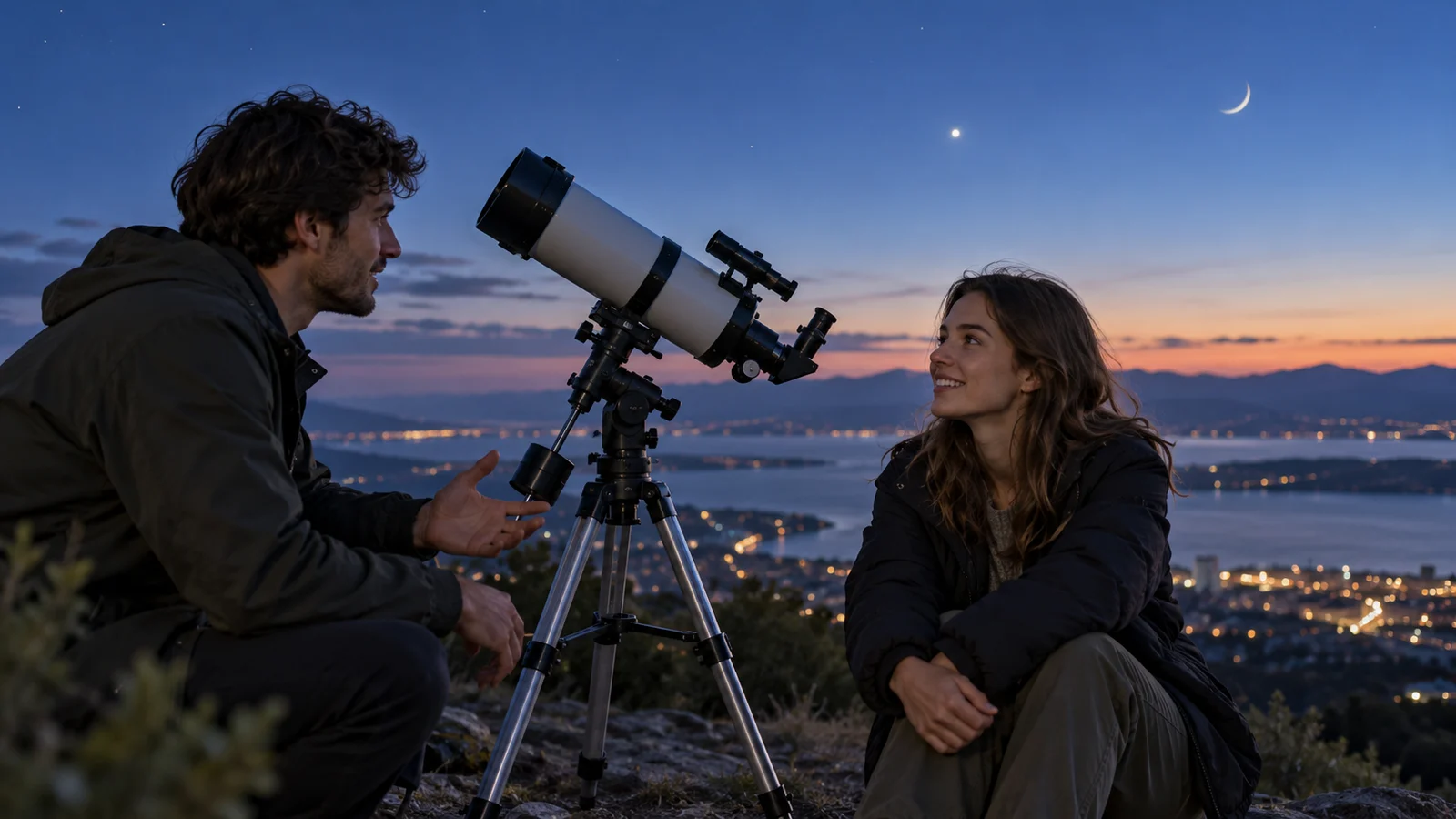
Build on existing motion and sound
Editing develops a visual change around the movement already present in a clip. It suits work where you want to retain the action and rhythm while exploring another treatment.
The official editing interface includes an option to preserve source audio. For footage with dialogue, music, or location sound, review the soundtrack alongside the revised visuals before continuing the edit.
Start creating ↗Where can video editing support your work?
Extend existing material into new directions for artistic projects, brands, and content.
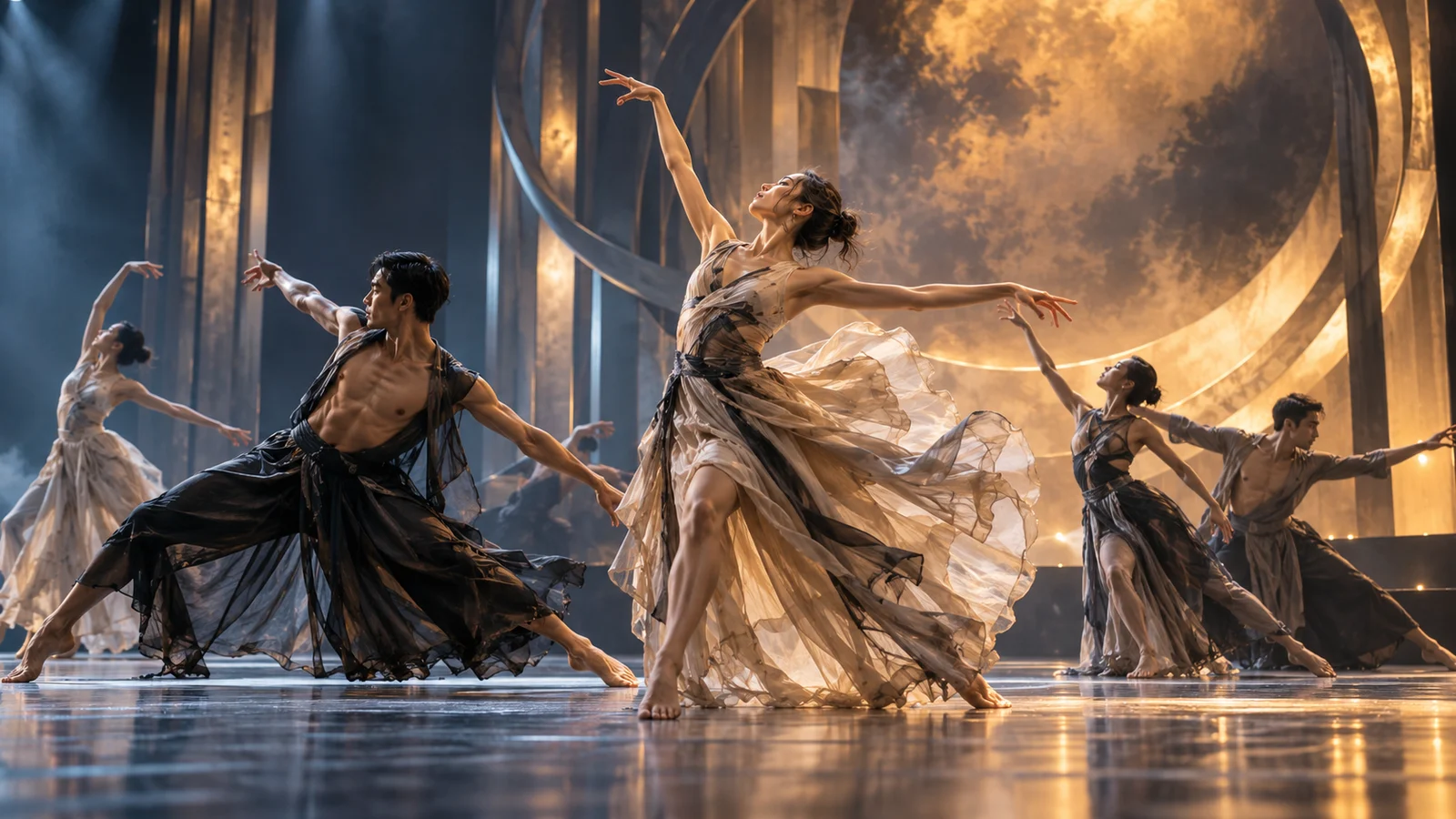
Performance and art films
Explore an alternative visual atmosphere around recorded movement and staging. Use the variation to discuss mood and theme before deciding on further production.

Product and advertising concepts
Develop appearance and style variations around a product clip. Compare visual ideas for pitches, creative discussions, and later refinement.
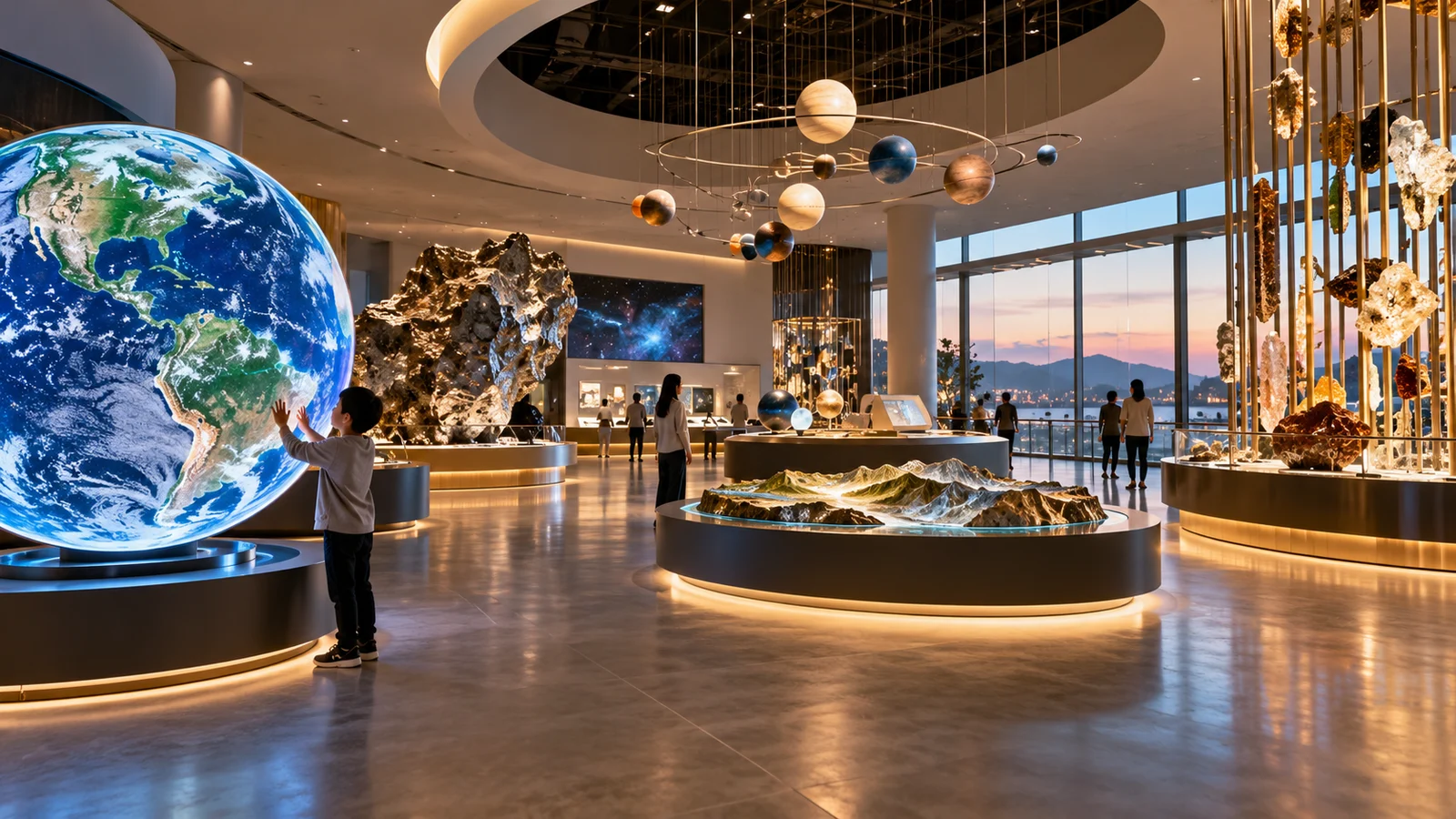
Exhibitions and educational content
Explore a visual language that fits an exhibition or explanatory sequence, connecting existing footage more closely with its subject.

Original animation art direction
Discuss material and style directions around original characters and settings as one part of developing an animation's visual identity.
HappyHorse 1.0 and 1.1: what is your starting point?
The HappyHorse 1.0 editing model described here revises existing footage through treatments such as style transfer and element replacement. It fits a project where you already have material to develop.
HappyHorse 1.1 offers text, first-frame image, and reference-image models for video generation. Explore 1.1 when your starting point is a written idea or a still image rather than a clip to edit.
Start with a clear creative change
- 01
Define the change
Describe what to keep and what to change. Prepare material you have permission to use.
- 02
Enter creation
Take your description into the site's video workspace and choose an available model and mode. Editing material belongs in a mode that supports video editing.
- 03
Review and refine
Check estimated credits before submitting. Review the resulting changes, then continue editing or iterating.
Frequently asked questions
What is HappyHorse 1.0?
This page covers the HappyHorse 1.0 video editing model, which combines existing footage, text instructions, and optional reference images to develop visual changes.
Can this HappyHorse 1.0 model generate a video from text alone?
The editing model described here requires source footage. Explore HappyHorse 1.1 for models that generate new clips from text or images.
Can HappyHorse 1.0 change a video's style?
Yes. Style transfer is an official editing capability. Describe the art direction and optionally add visual references, then review details and changes across frames.
Can it replace a specific object in a video?
The official model supports local element edits. Identify the object and what should remain, then inspect edges, occlusion, and continuity in the result.
What are reference images used for?
They help communicate appearance or style information. They do not replace the source video needed for editing. Check the relevant workspace mode for available upload options and reference counts.
Can I keep the original audio?
The official editing interface includes a source-audio preservation option. Check the relevant mode's audio controls and review how the soundtrack fits the revised visuals.
How do I start HappyHorse video creation online here?
Enter a description and select Start creating to open the main-site video workspace. Choose an available model; video editing requires a supporting mode. Explore 1.1 for text- or image-based generation.
How are credits charged?
Review the estimate shown before submission and the applicable plan terms. Model, mode, and output settings can affect credit consumption.
Take existing footage in a new direction
Begin with a clear change and continue exploring your video's visual expression.