bikabika AI
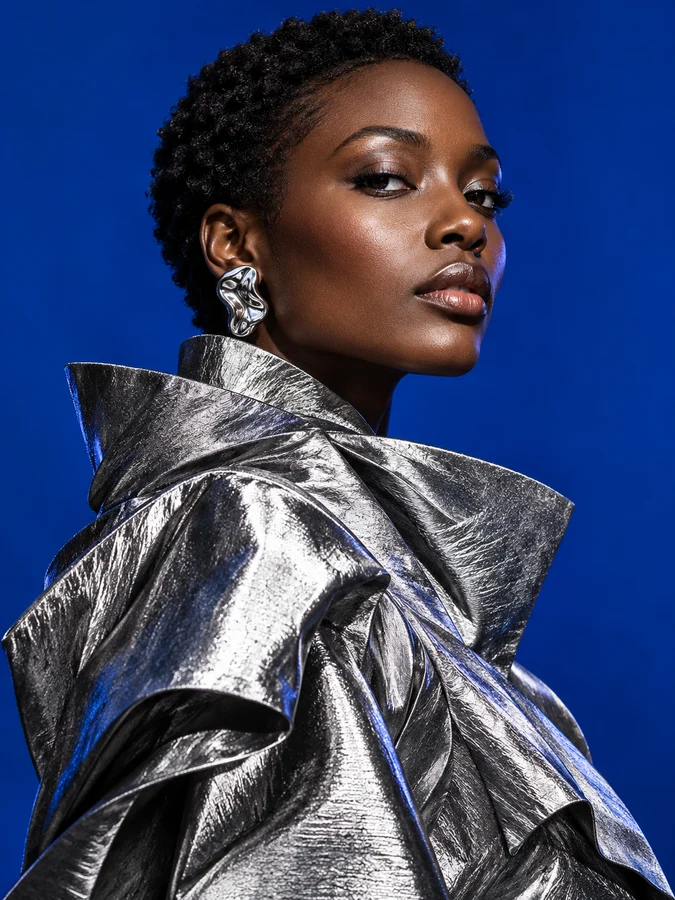
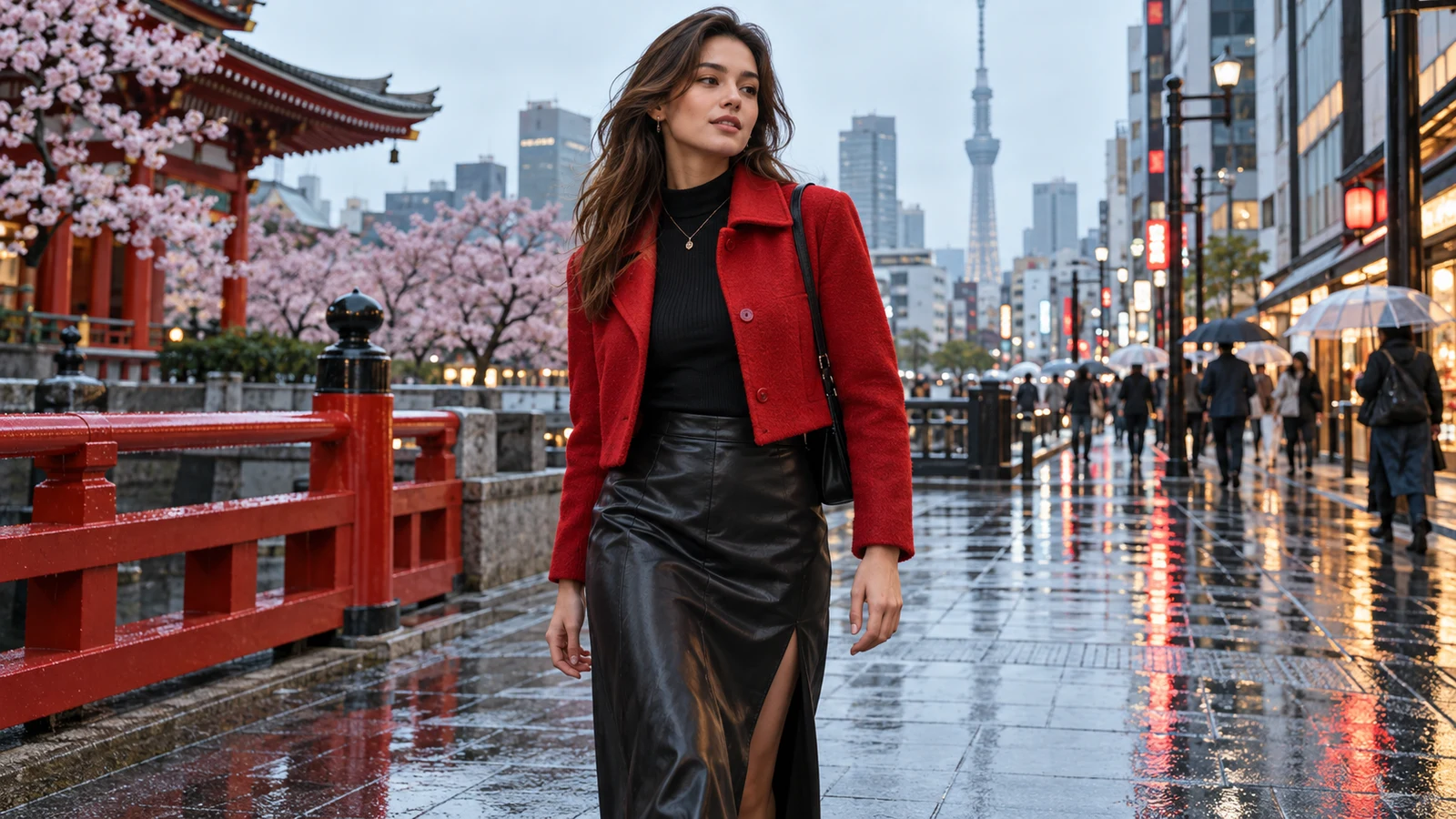
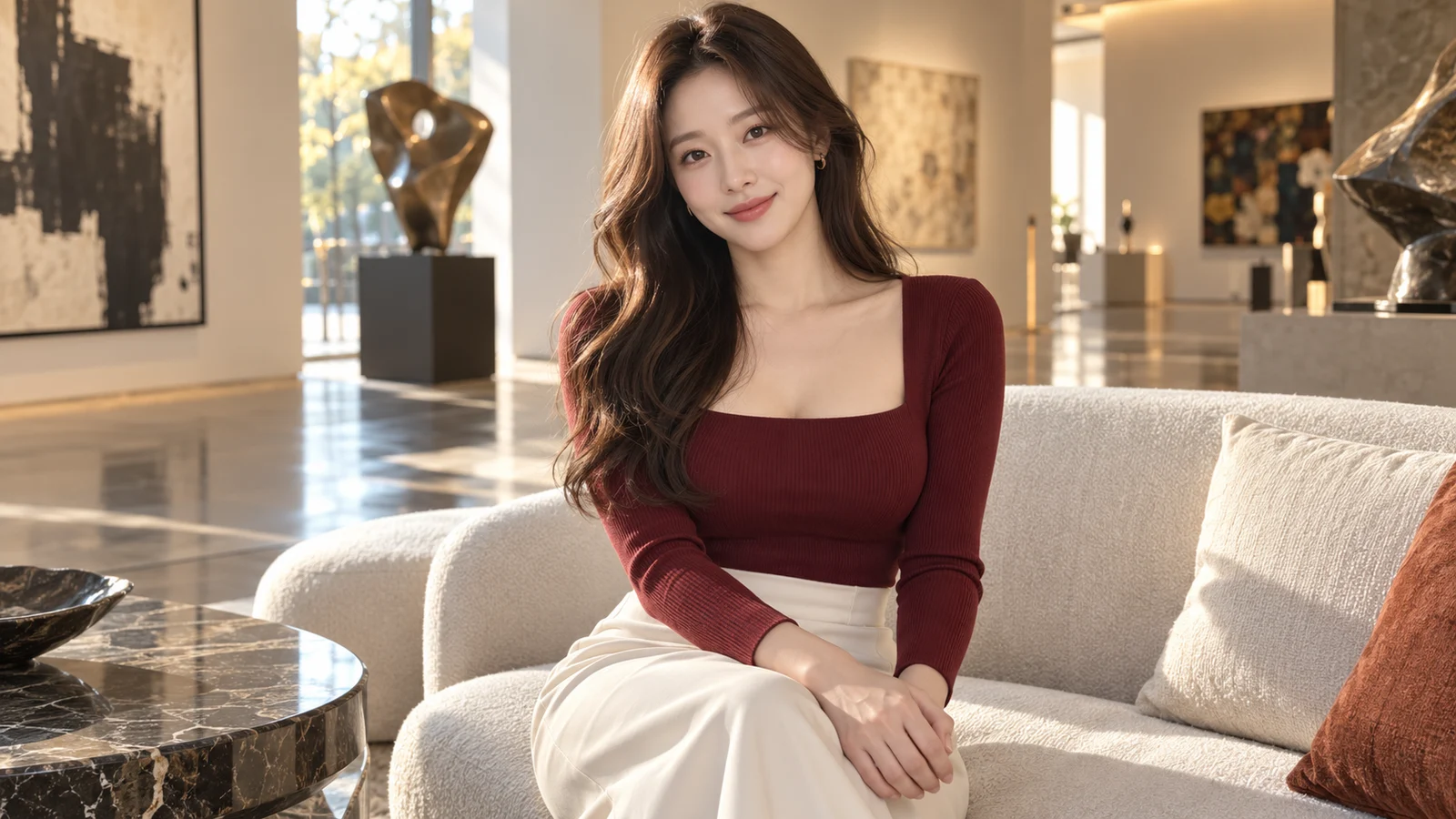
AI Image Generator example: soft-lit portrait photography showing realistic text-to-image quality

bikabika AI

AI Image Generator

Online text-to-image for product shots, posters, illustrations, and concept art—compare Midjourney, GPT Image 2, and Nano Banana in one hub for marketing, e-commerce, design, and content creation.

  • Text to image online
  • Multi-model compare
  • HD output
  • Create without Discord hopping

📖 Intro

What is an AI Image Generator?

An AI Image Generator is a tool that creates images from text prompts. Describe the subject, style, composition, and lighting—and the model outputs visuals you can use for marketing, e-commerce, design drafts, and published content.

Unlike traditional photography or hand drawing, AI image generation is built for fast iteration: test multiple compositions and styles in minutes, pick what works, then refine or move into production—cutting time and cost.

On bikabika AI, we gather mainstream models such as Midjourney, GPT Image 2, and Nano Banana so you can compare strengths and jump into online creation with one click.

Quick model fit: Midjourney often wins for artistic mood and poster energy; GPT Image 2 for instruction following, in-image text, and commercial constraints; Nano Banana for fast, low-cost draft rounds. Run the same brief across models here, then lock the lane that ships.

💡 Why choose

Why creatives choose bikabika AI Image Generator

Most AI tools promise speed. Speed without quality only creates more cleanup. bikabika AI Image Generator is built for creators who care about craft and efficiency—aggregating leading models and high-frequency workflows in one place.

Creator reviewing multiple AI-generated product visuals on a desktop monitor—idea to finished image in one workflow

From idea to finished image, in one flow

Move from Text to Image and Image to Image into targeted refinements without jumping between apps—so concepts become publish-ready visuals faster.

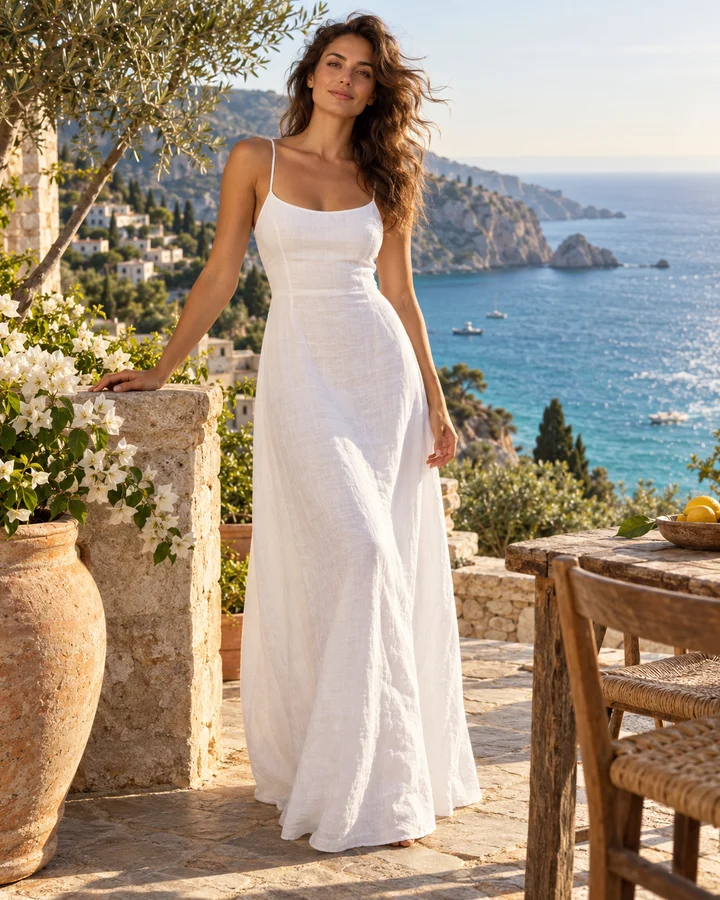
Collage of diverse styles: photoreal product shot, fashion poster illustration, and fantasy concept art

Diverse styles with professional polish

Go from product photography realism to posters, illustration, and concept art. Prototype, pitch, or publish without hitting a creative dead end.

Character consistency board showing the same person in three matching poses with identical face and outfit

Consistency and control

Character consistency, reference guidance, and iterative prompting help keep people, styles, and brand cues aligned across series work for marketing, ecommerce, and ongoing content.

Multi-model creative hub concept with photoreal portrait, illustration, and product render directions side by side

Built for real creatives’ multi-model needs

Compare Midjourney, GPT Image, Nano Banana, and more side by side, then jump into the model that fits the job—instead of being locked into a single generator.

✨ Features

AI Image Generator core features

Covers high-frequency workflows—Text to Image, Image to Image, image editing, and character consistency—so you move from idea to finished image more smoothly.

Text to Image

01

Text to Image

Generate product shots, posters, illustrations, and concept art from prompts—the core entry point for any AI Image Generator workflow.

Image to Image

02

Image to Image

Upload sketches, photos, or storyboards as references—keep structure while changing style and materials for series extensions.

Image Editing

03

Image Editing

Inpaint, outpaint, swap backgrounds, and enhance details on existing results instead of starting from scratch every time.

Character Consistency

04

Character Consistency

Lock character traits and reuse them across poses and scenes—fewer “face drift” reworks in serialized content.

HD output & multi-style

05

HD output & multi-style

Mainstream models support higher resolutions and directions from photorealism to illustration—suited for covers and ad assets.

Multi-model hub

06

Multi-model hub

Compare Midjourney, GPT Image, and others side by side, then pick the AI Image Generator model that fits each task.

🧭 Guide

How to use an AI Image Generator

Four steps from prompt to finished image.

  1. EP.01

    Choose an image model

    Pick Midjourney for artistic mood; choose GPT Image 2 when you need stronger instruction following and text-in-image layouts.

  2. EP.02

    Write a clear prompt

    Include subject, materials/appearance, scene, lighting, camera, and quality terms. English, Chinese, or mixed prompts all work.

  3. EP.03

    Generate and shortlist

    Create multiple candidates, compare composition, detail, and style stability, then keep the closest match.

  4. EP.04

    Iterate or polish

    Add missing details, adjust keywords, or continue with reference images until the result is publish-ready.

🖼 Featured

AI Image Generator featured cases

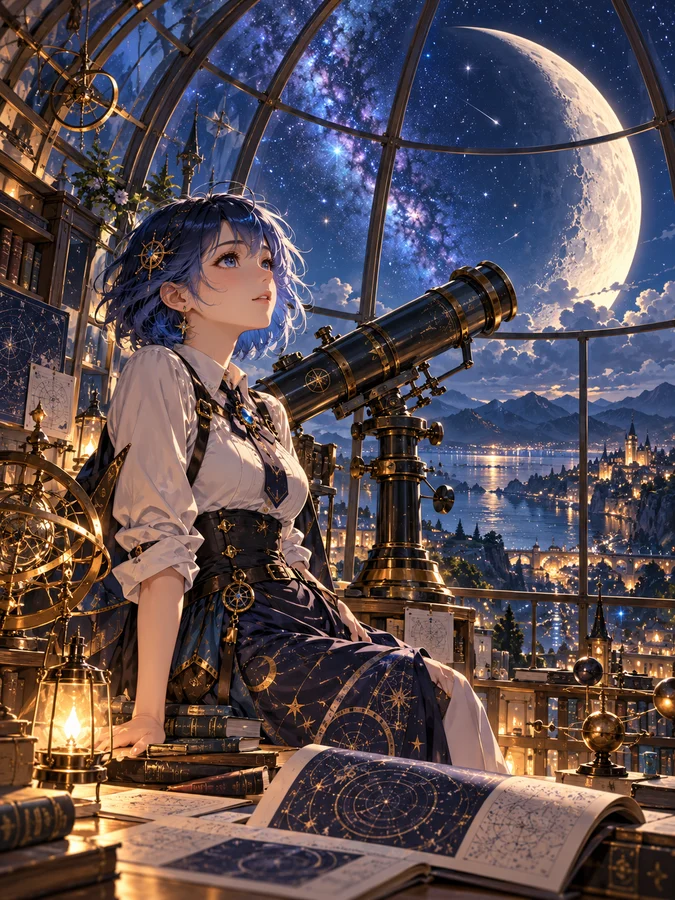
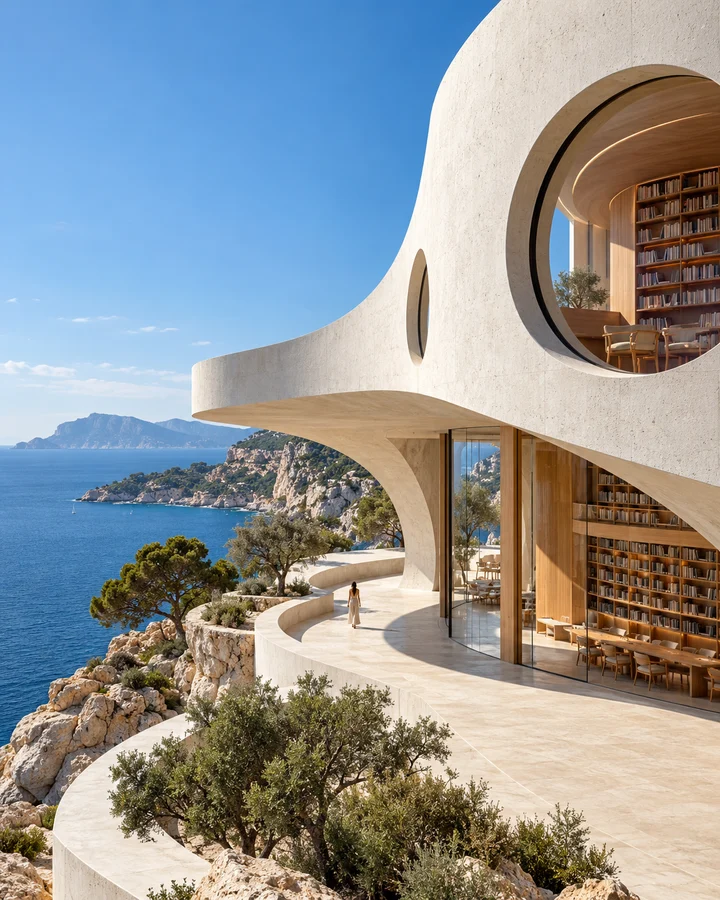
Photoreal, anime, concept art, product, architecture, abstract, and more—browse featured generations and find your visual direction.

AI-generated architectural photography of a glass skyscraper at sunset for concept and real-estate visuals
AI-generated cyberpunk anime cityscape with mecha silhouette for games and film concept art
AI-generated photoreal close-up of a ginger cat for social and lifestyle content
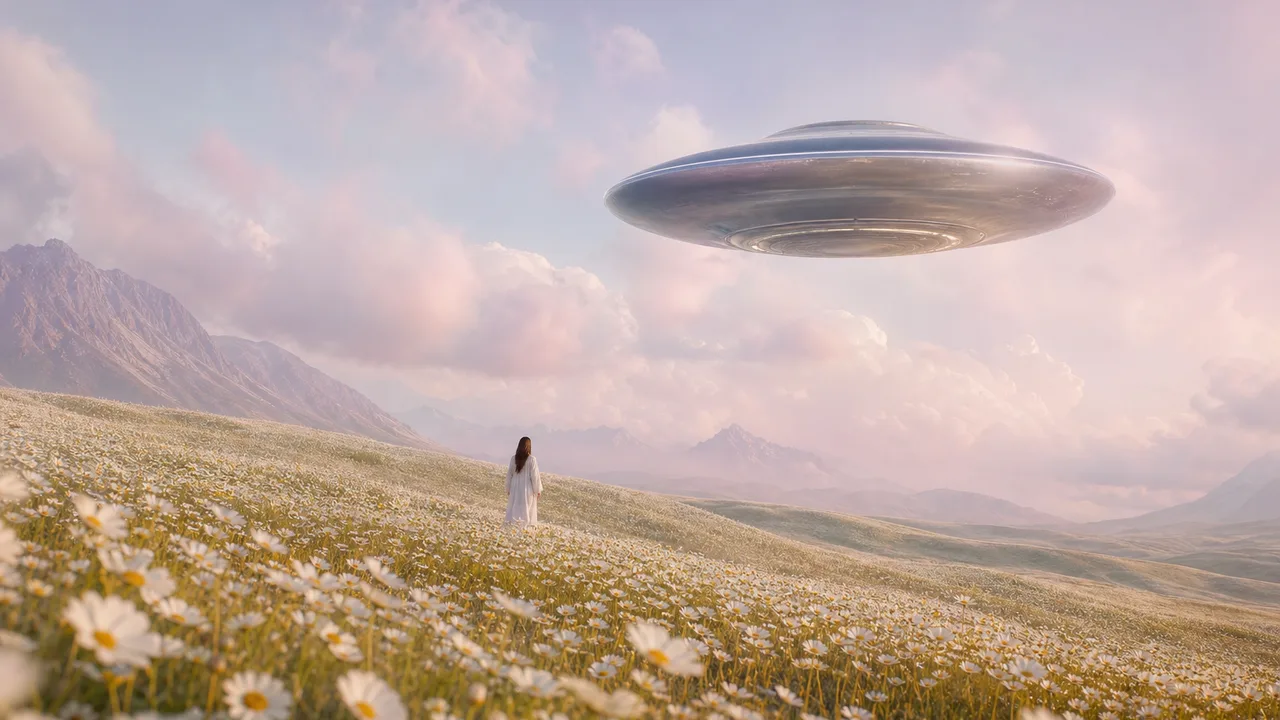
AI-generated surreal daisy field with a UFO for creative campaign and poster concepts
AI-generated 3D animated character in an orange trench coat for character design references
AI-generated luxury perfume product shot on dark stone for ecommerce hero images
AI-generated Chinese ink-wash mountain illustration for editorial and cultural posters
AI-generated abstract liquid chrome and cyan neon art for brand backgrounds and KV
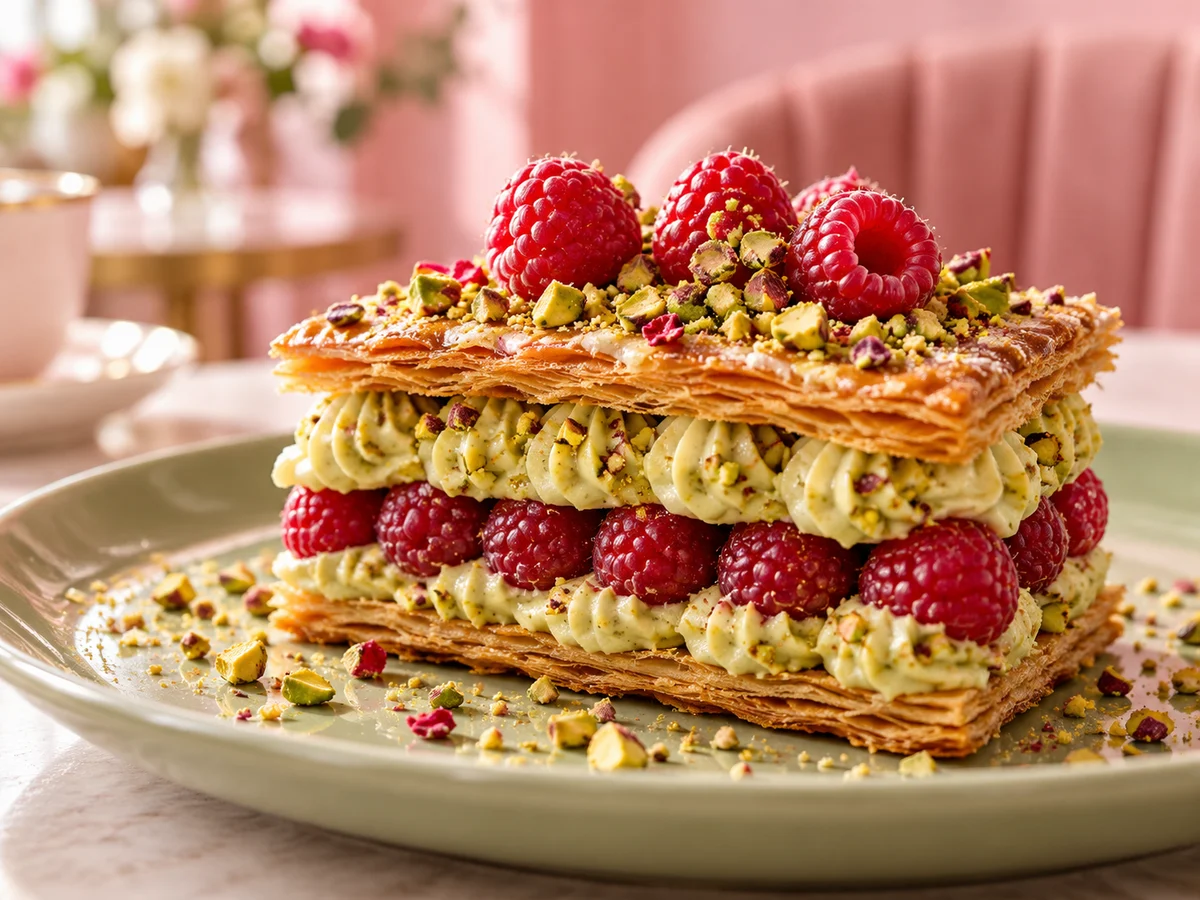
AI-generated fine-dining dessert photo for restaurant menus and food marketing
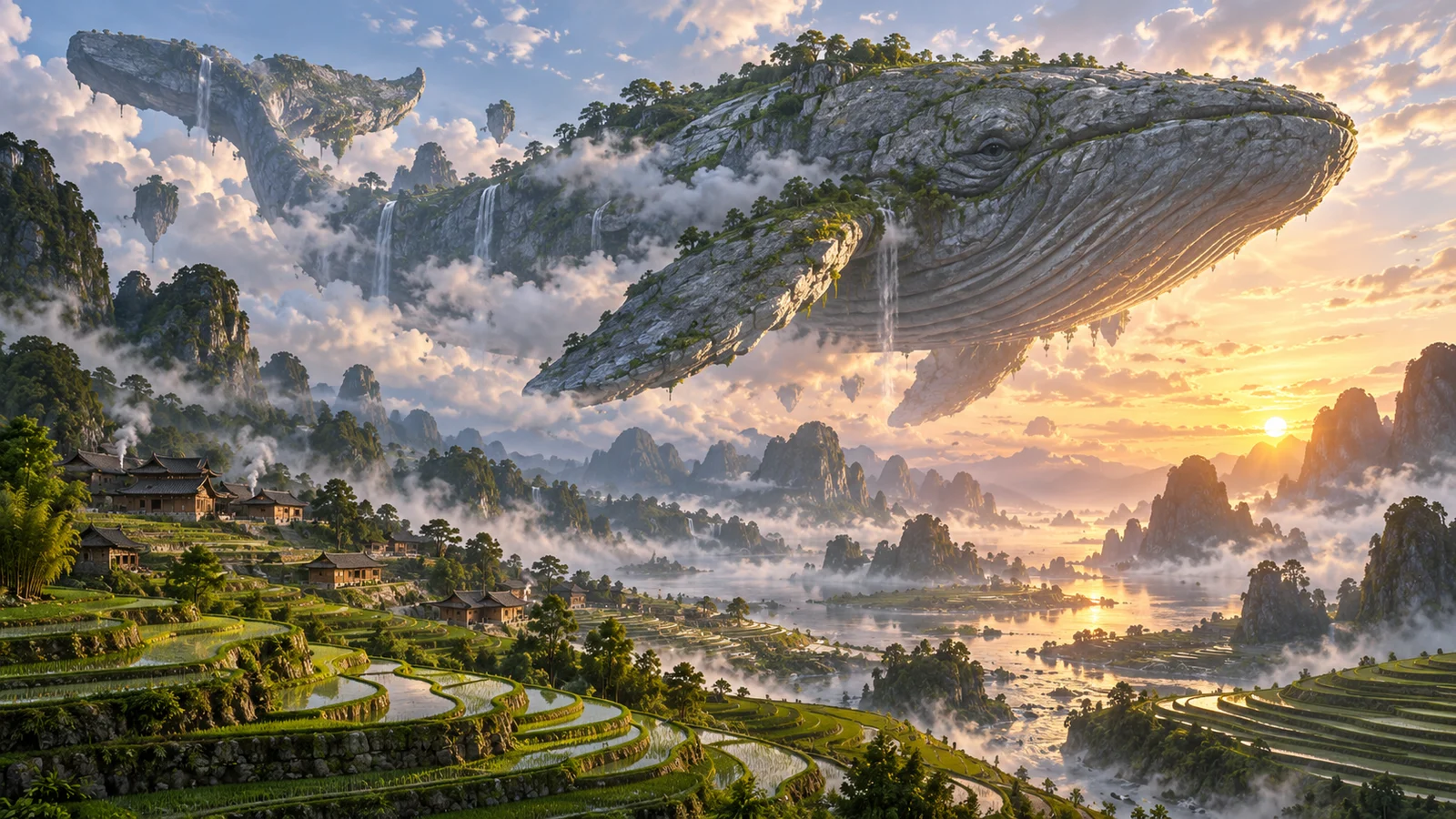
AI-generated fantasy valley landscape concept art at sunrise for worldbuilding boards
AI-generated bold fashion editorial poster portrait for campaign and magazine layouts
AI-generated commercial wireless headphones product photography for ecommerce main images
AI-generated architectural photography of a glass skyscraper at sunset for concept and real-estate visuals
AI-generated cyberpunk anime cityscape with mecha silhouette for games and film concept art
AI-generated photoreal close-up of a ginger cat for social and lifestyle content
AI-generated surreal daisy field with a UFO for creative campaign and poster concepts
AI-generated 3D animated character in an orange trench coat for character design references
AI-generated luxury perfume product shot on dark stone for ecommerce hero images
AI-generated Chinese ink-wash mountain illustration for editorial and cultural posters
AI-generated abstract liquid chrome and cyan neon art for brand backgrounds and KV
AI-generated fine-dining dessert photo for restaurant menus and food marketing
AI-generated fantasy valley landscape concept art at sunrise for worldbuilding boards
AI-generated bold fashion editorial poster portrait for campaign and magazine layouts
AI-generated commercial wireless headphones product photography for ecommerce main images
  • Ecommerce product heroes

    Draft product atmosphere and hero directions with text to image, then swap backgrounds and refine details to shorten launch visual cycles.

  • Campaign posters & brand KV

    Generate multiple poster layouts and palettes for a campaign theme—pre-test creative directions before full design or photography.

  • Concept art & character sheets

    Explore scene mood and character looks, then use character consistency to keep identity stable across poses and environments.

👥 Audiences

Who is an AI Image Generator for?

From ecommerce launches and paid campaigns to design pitches and concept art—scenarios folded into role-based workflows so you can find your fit.

Designer in a studio reviewing AI concept boards before moving into illustration polish

Creative Workflow

Designers & illustrators

Embed AI generation in a real creative pipeline—not just “one-shot final art.”

Use Text to Image to explore composition, then Image to Image to push sketches toward render-ready frames. Compare model temperaments on the same brief, pick a direction, then polish in your design stack—also ideal for visual alignment in brand and design proposals.

  • Concept exploration & layout trials
  • Controlled sketch-to-render extension
  • Visual alignment during proposals
Content creator filming under ring light, preparing social covers and supporting visuals

Always-on Content

Creators & social managers

Unique visuals for every post—less reliance on stock libraries and freelancers.

Covers, thumbnails, and campaign art often chase trends. An AI Image Generator turns one sentence into usable art, then you lock palette and style words to build assets that look like your brand—steady supply for posts, short-video covers, and channel identity.

  • Short-video covers & post art
  • Fast campaign visual refreshes
  • Style words that build channel identity
Marketing team reviewing multiple campaign visual drafts on laptops around a table

Campaign Ready

Marketing & advertising teams

Align and test with low-cost visuals before full photo shoots or design sprints.

Paid media needs multiple creative directions. Generate campaign key visuals, ad drafts, and multi-size KV first, then invest budget on the winning route—shorter path from pitch to landing-page assets.

  • A/B creative pre-visualization
  • Campaign KV and poster drafts
  • Visual alignment during proposals
Commercial wireless headphones product hero representing ecommerce product visuals

Launch Faster

Ecommerce & product visuals

Ship hero and lifestyle shots in parallel—shorten visual delivery cycles.

Product launches often need heroes, lifestyle scenes, and promo assets at once. Generate product atmosphere from text or references, then swap backgrounds and refine details so photography and retouching pressure moves later.

  • Parallel hero and scene production
  • Shorter launch visual cycles
  • Background swaps and detail polish
Cyberpunk cinematic city concept art representing games and film previsualization

Concept First

Games & film concept artists

Align art direction with visual drafts—not just written worldbuilding docs.

Scene, character, and prop concept boards speed up greenlight conversations. Pull multiple mood and design variants with AI first, then decide what enters fine illustration or 3D production.

  • Scene and character concept exploration
  • Prop and mood variant testing
  • Faster art-direction alignment
Hobby creator at home on a laptop trying an AI Image Generator with a simple text prompt

Start Simple

Beginners & hobby creators

No drawing skills or complex settings—start with one sentence and learn prompts by doing.

If you can describe what you want to see—subject, mood, rough style—you can start. Write a short prompt for a first image, then add lighting, camera, and material details. Common model entry points stay together so practicing prompts feels rewarding from day one.

  • Natural language is enough
  • Short prompt first, refine later
  • Learn prompt craft by doing

💡 Tips

Prompt writing tips

  • Lead with the subject: start with “a perfume bottle / city nightscape”, then add details.
  • Be specific with style words: product photography, cinematic lighting, editorial poster.
  • Add camera and light: close-up, wide shot, softbox, golden hour can change the result a lot.
  • Avoid stacking conflicting styles that make materials and perspective unstable.
  • For brand consistency, repeat key colors, materials, and composition constraints.

❓ FAQ

FAQ

Common questions about using an AI Image Generator—rights, quality, online workflow, and model choice.

What is an AI Image Generator?

An AI Image Generator creates images from text prompts: describe subject, style, and scene to get product shots, posters, or illustrations. bikabika AI gathers mainstream models and entry points so you can start generating online faster.

What is the difference between Text to Image and Image to Image?

Text to Image builds a scene from a prompt alone. Image to Image uses your uploaded sketch, photo, or storyboard as structure, then changes style or content while keeping composition. Start from an idea with Text to Image; extend an existing layout with Image to Image.

Midjourney vs GPT Image 2 vs Nano Banana—which should I pick?

Pick by job, not brand loyalty. Midjourney is often strongest for artistic atmosphere and stylized posters; GPT Image 2 for hard constraints, in-image text, and commercial briefs; Nano Banana for fast, affordable draft loops. On bikabika AI you can compare the same prompt across models, then keep the reusable skeleton that wins.

Can I use this AI Image Generator online without jumping between Discord and official sites?

Yes. This page is an online text-to-image hub: open the workspace, choose Midjourney, GPT Image 2, Nano Banana, or related models, and generate from one place—useful when you want multi-model comparison without re-logging everywhere.

Where can I learn better AI image prompts?

Start with subject, light, camera, and one non-negotiable constraint—then change only one layer per retry. For model-specific craft, see our English guides: GPT Image 2 prompt guide, Midjourney V8.2 prompt guide, Nano Banana 2 Lite prompt guide, and the 10 / 50 best prompts lists on the blog.

Can I use generated images commercially?

Commercial rights depend on each provider’s license and your plan tier. Read official terms from Midjourney, OpenAI, and others before commercial use, and avoid infringing third-party copyrights and trademarks.

How do I get results closer to what I want?

Spell out subject, materials, lighting, camera, and quality—and reduce conflicting style words. Generating several candidates and shortlisting is usually more efficient than one overstuffed prompt.

How is this different from traditional retouching software?

AI image generation excels at creating scenes from scratch; traditional retouching excels at polishing existing assets. Most teams combine both: draft with AI, then refine in Photoshop or design tools.

Should prompts be in English or another language?

Either works. Many models respond strongly to English photography and design terms; other languages can help with business context and emotion. Mix languages in practice, then adjust based on results.

Do I need to know how to draw?

No. You only need to describe the target scene in words. Taste and prompt skill improve with practice, but the entry barrier is low.

AI IMAGE

Ready to create your first AI image?

Pick a model, describe your scene, and start text-to-image generation.