bikabika AI
AI Character Generator example: multi-pose character sheet of the same heroine shown on a creator monitor

bikabika AI

AI Character Generator

Describe a character in one sentence to create portraits, expression sheets, and multi-angle designs—ideal for OCs, games, and virtual identities.

  • Text to character
  • Stronger consistency
  • Expressions & angles
  • Popular models in one place

📖 Intro

What is an AI Character Generator?

An AI Character Generator is an image tool built for character creation. Describe appearance, outfit, and vibe in text to get portraits, expression sheets, multi-angle designs, or concept art—so character ideas become visual faster.

Unlike drawing everything from scratch, AI character work emphasizes locking identity first, then expanding poses and scenes: fix hair, eyes, and signature outfit markers, then iterate expressions and angles with fewer “face drift” reworks.

On bikabika AI, we gather mainstream models such as Midjourney, GPT Image 2, and Nano Banana so you can pick by character task and jump into online creation.

💡 Why choose

Why creatives choose bikabika AI Character Generator

Most tools promise a faster face. What really drives character production is stable identity, expandable sheets, and a coherent workflow. bikabika AI aggregates leading models and high-frequency character capabilities in one place.

Creator desk monitor showing multi-pose sheets of the same character—concept to sheet in one workflow

From concept to character sheet, in one flow

Move from text-to-character into expressions and multi-angle extensions without jumping between apps—so OCs and project cast become publish-ready assets faster.

Character consistency board with the same silver-haired character in three matching poses

Stronger consistency and control

Lock key appearance and outfit markers, then reuse across poses—ideal for expression sheets, series art, and long-running character content.

Collage of character styles: anime portrait, chibi mascot, and semi-realistic concept

Multi-style coverage with project polish

From anime portraits and game concepts to mascots and semi-realistic looks—switch styles and models by task for prototypes and final delivery.

Multi-model character hub showing different style directions side by side

Built for real creatives’ multi-model needs

Compare Midjourney, GPT Image, Nano Banana, and more, then jump into the model that fits the character job—instead of being locked into a single tool.

✨ Features

AI Character Generator core features

Covers high-frequency workflows—text to character, consistency, expression sheets, reference guidance, and multi-style output—so you move from concept to usable sheets more smoothly.

Text to Character

01

Text to Character

Generate character portraits and concept art from prompts describing look, outfit, and vibe—the core entry point for any character workflow.

Character Consistency

02

Character Consistency

Lock hair, eyes, and outfit markers, then reuse across poses—fewer face-drift reworks in serialized content.

Expressions & multi-angle

03

Expressions & multi-angle

Expand the same design into emotions and turnaround views to build sheets and production-ready assets faster.

Reference-guided extension

04

Reference-guided extension

Upload sketches, line art, or existing portraits—keep structure while changing style, costume, and details.

Multi-style characters

05

Multi-style characters

Move from cel-shaded anime and painterly looks to semi-realistic and chibi—switch style by project needs.

Multi-model hub

06

Multi-model hub

Compare Midjourney, GPT Image, and others side by side, then pick the AI Character Generator model that fits each task.

🧭 Guide

How to use an AI Character Generator

Four steps from character description to usable sheets.

  1. EP.01

    Choose an image model

    Prefer Midjourney for artistic mood and stylization; choose GPT Image 2 for stronger instruction following and detail constraints.

  2. EP.02

    Write a clear character prompt

    Include age/vibe, hairstyle and color, eye color, signature outfit, style words, and camera terms. English, Chinese, or mixed prompts work.

  3. EP.03

    Generate and lock the main design

    Create multiple candidates, compare facial identity and outfit markers, then keep the closest match as your base.

  4. EP.04

    Expand expressions, angles, or polish

    Iterate expression sheets and turnarounds from the base design, or continue with references until the result is production-ready.

🖼 Featured

AI Character Generator featured cases

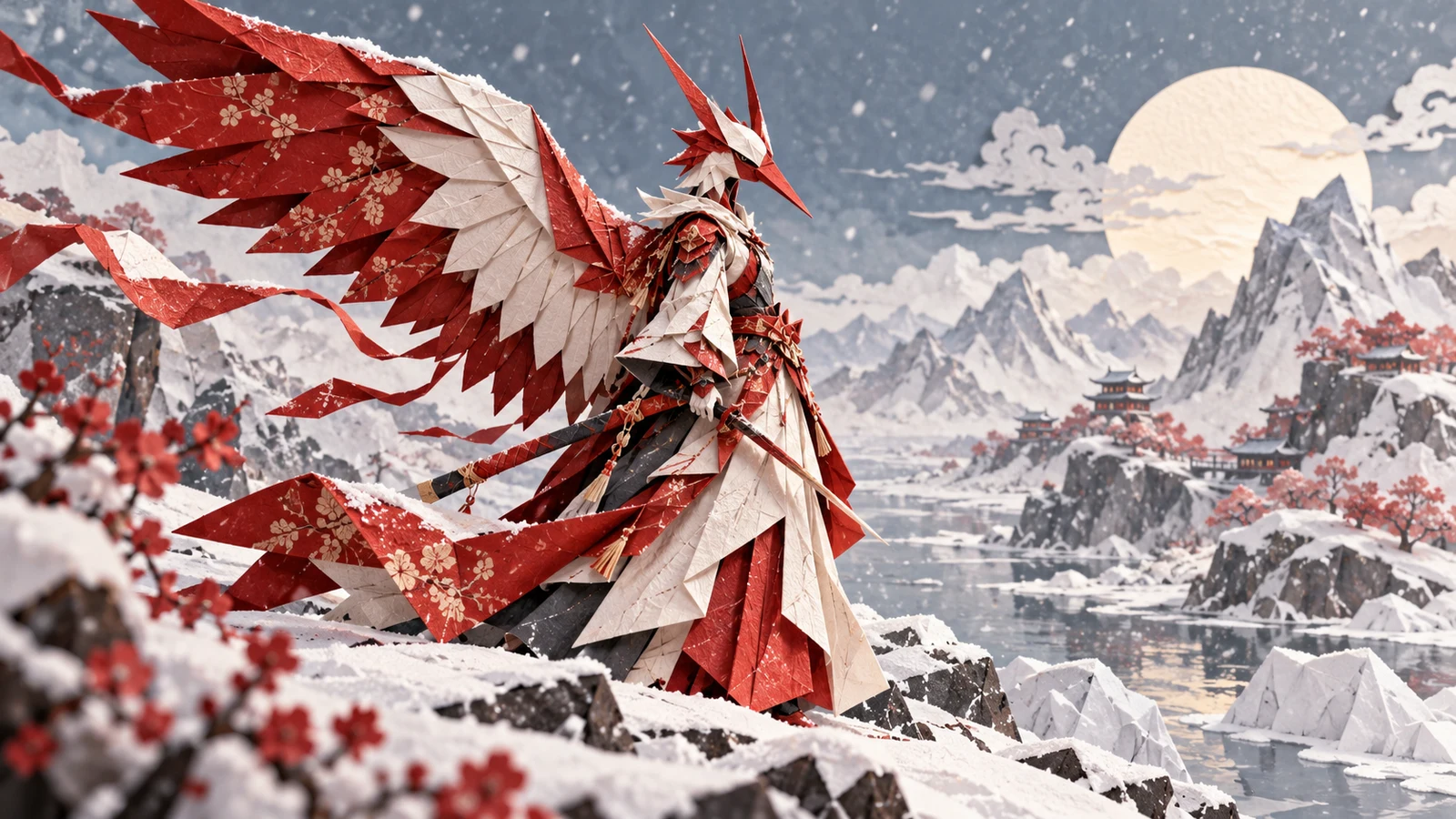
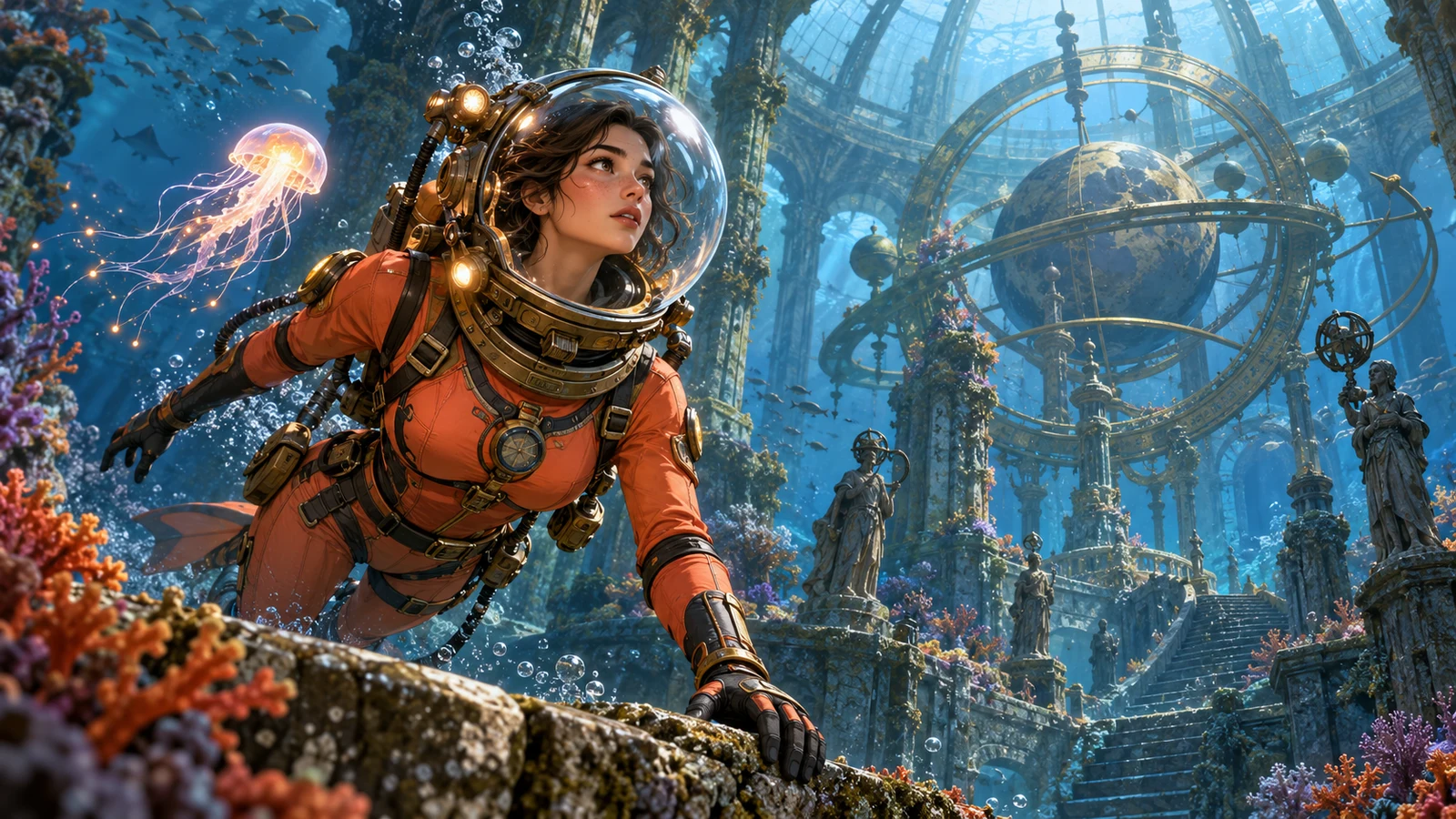
Portraits, expression sheets, turnarounds, game concepts, virtual idols, and mascots—browse featured characters and lock your visual direction.

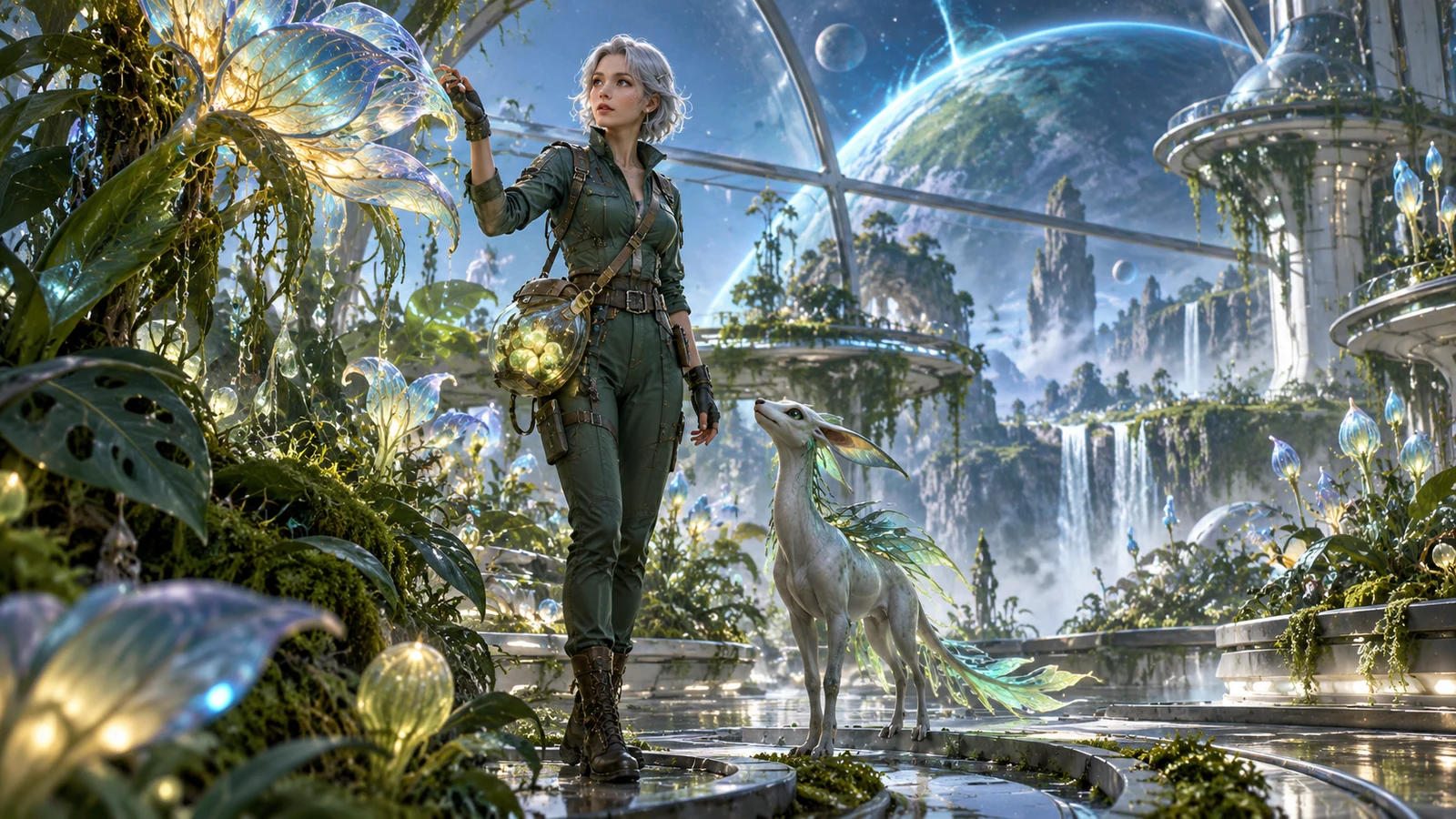
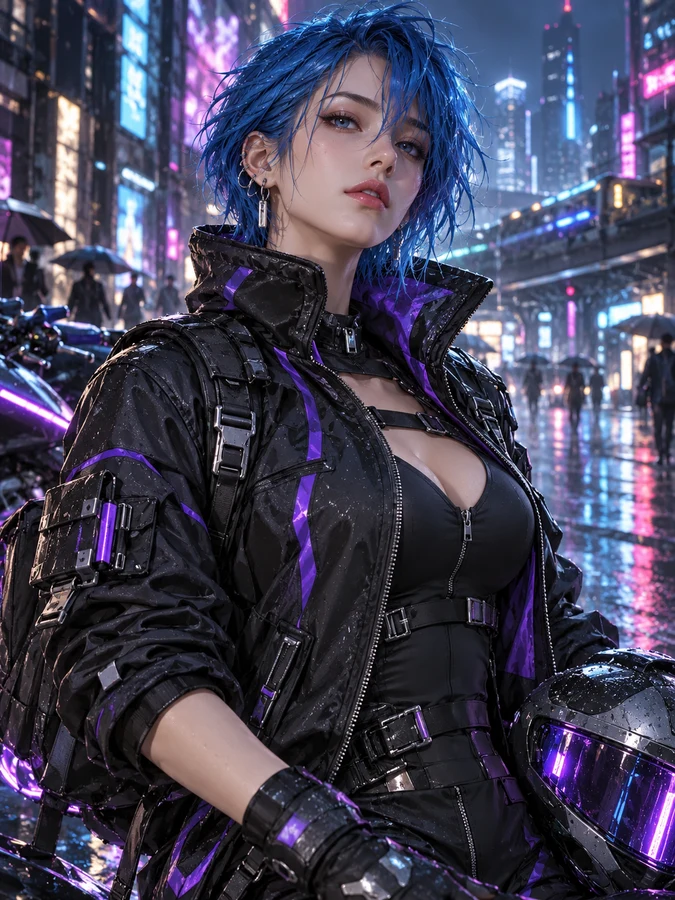
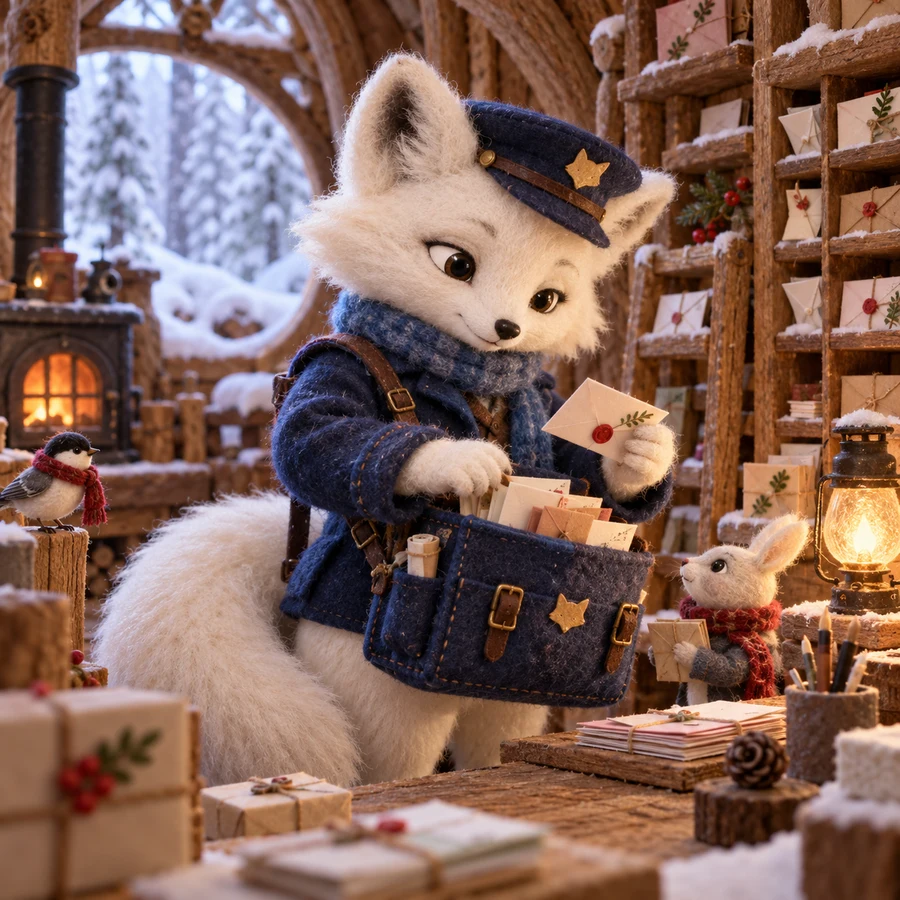
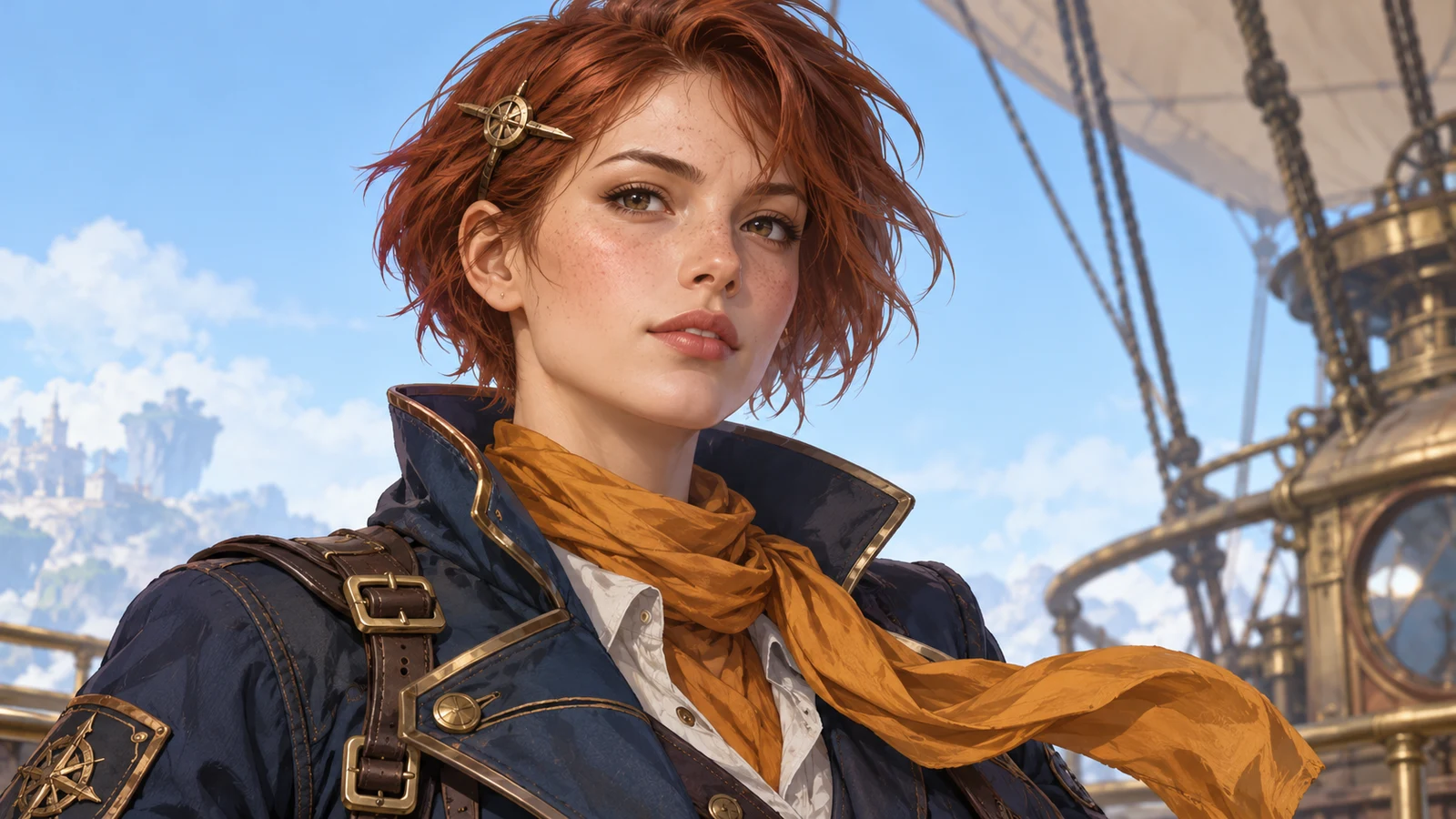
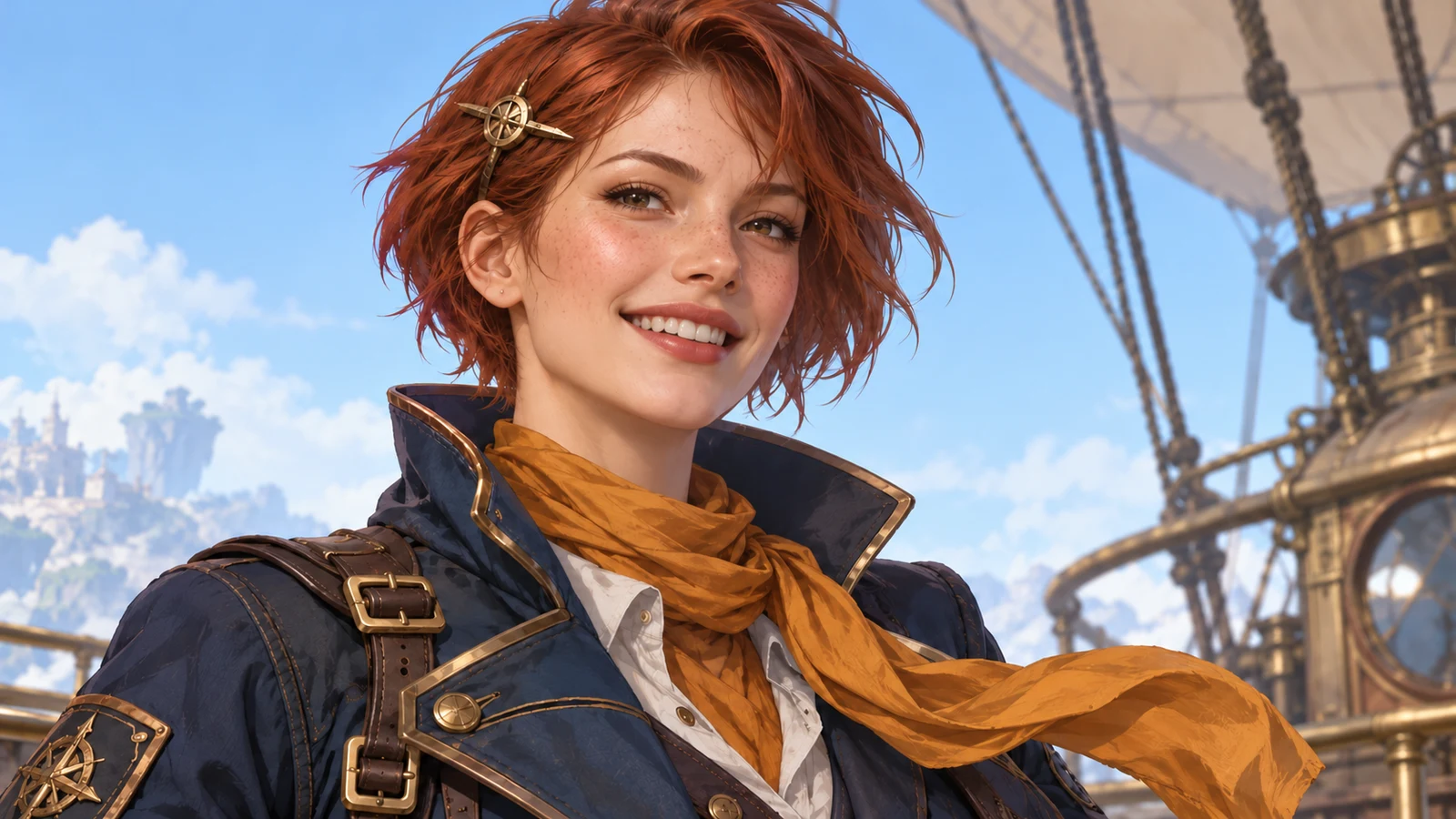
AI character generator example: anime heroine portrait with clear hair, eye, and outfit markers
AI character generator example: expression sheet of the same character across multiple emotions
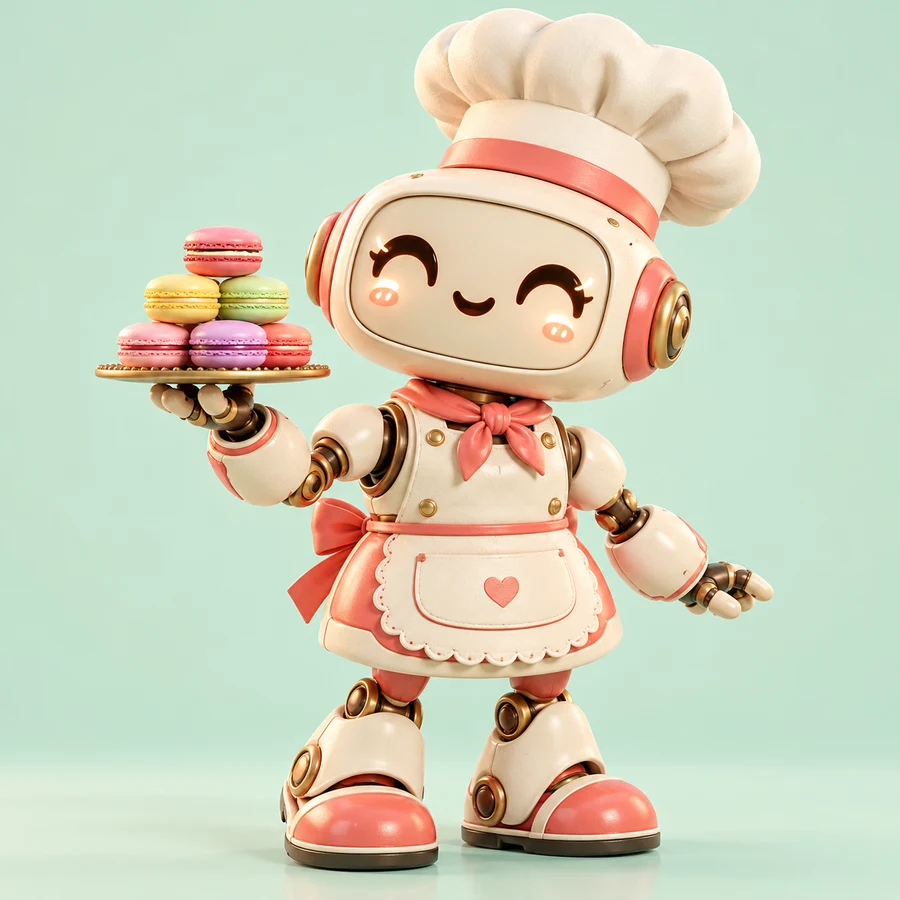
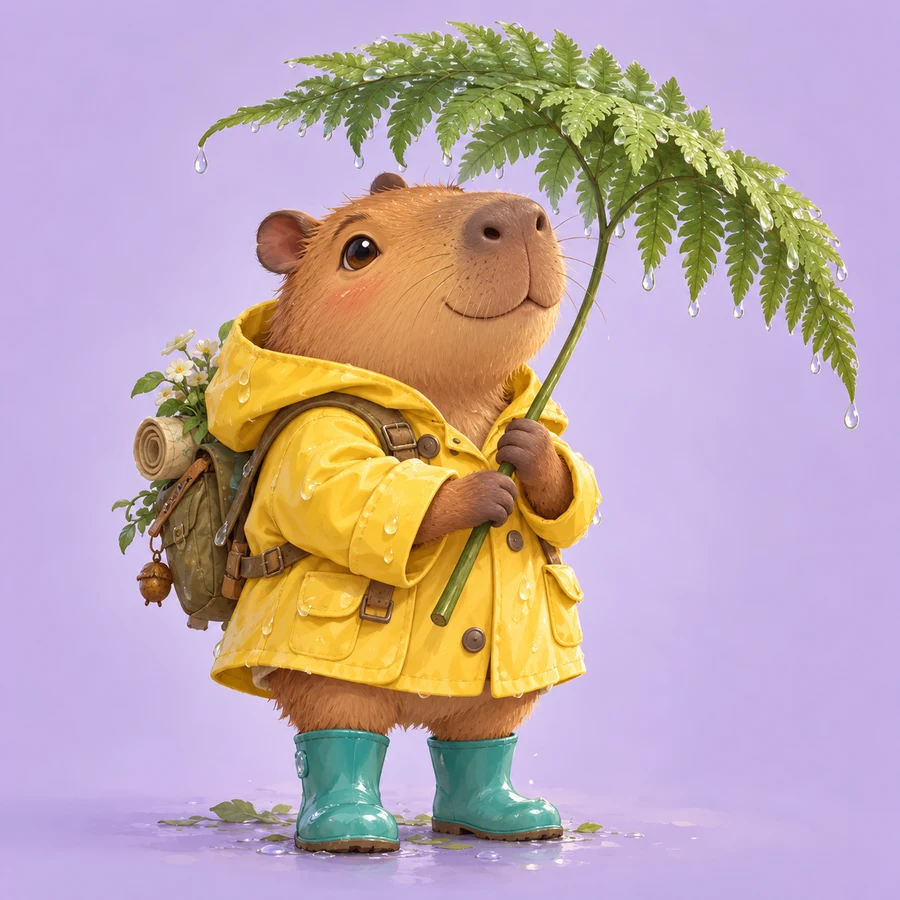
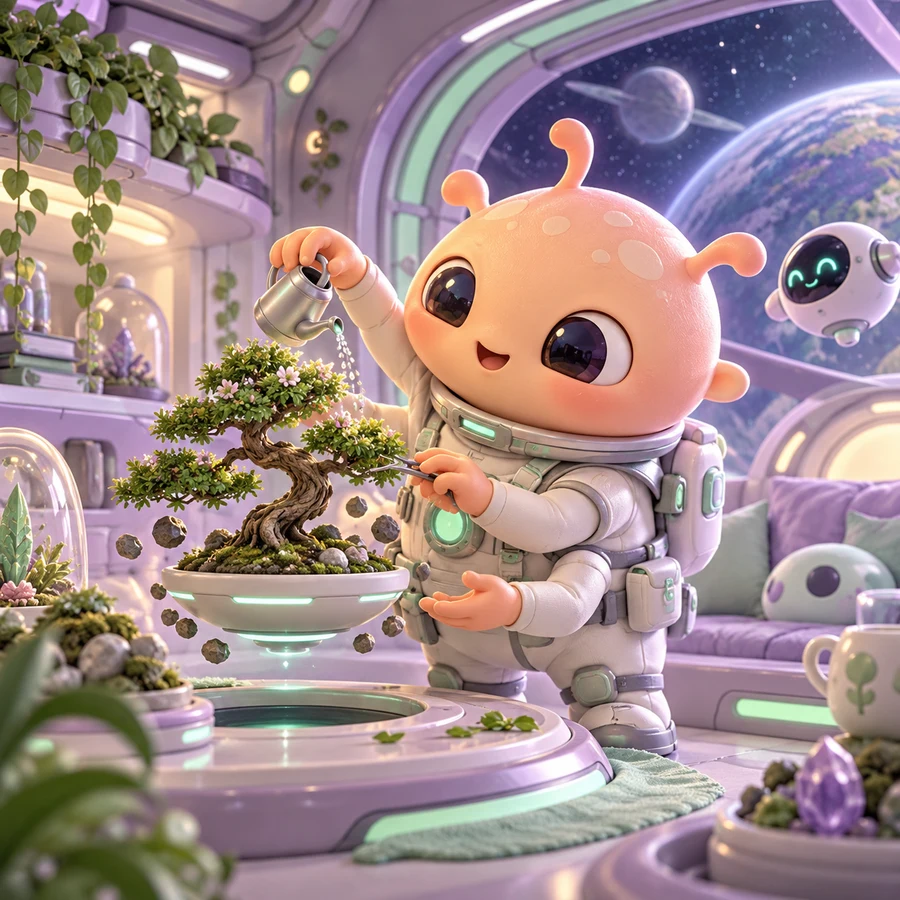
AI character generator example: cute chibi character design on a clean background
AI character generator example: multi-angle turnaround of a consistent original character
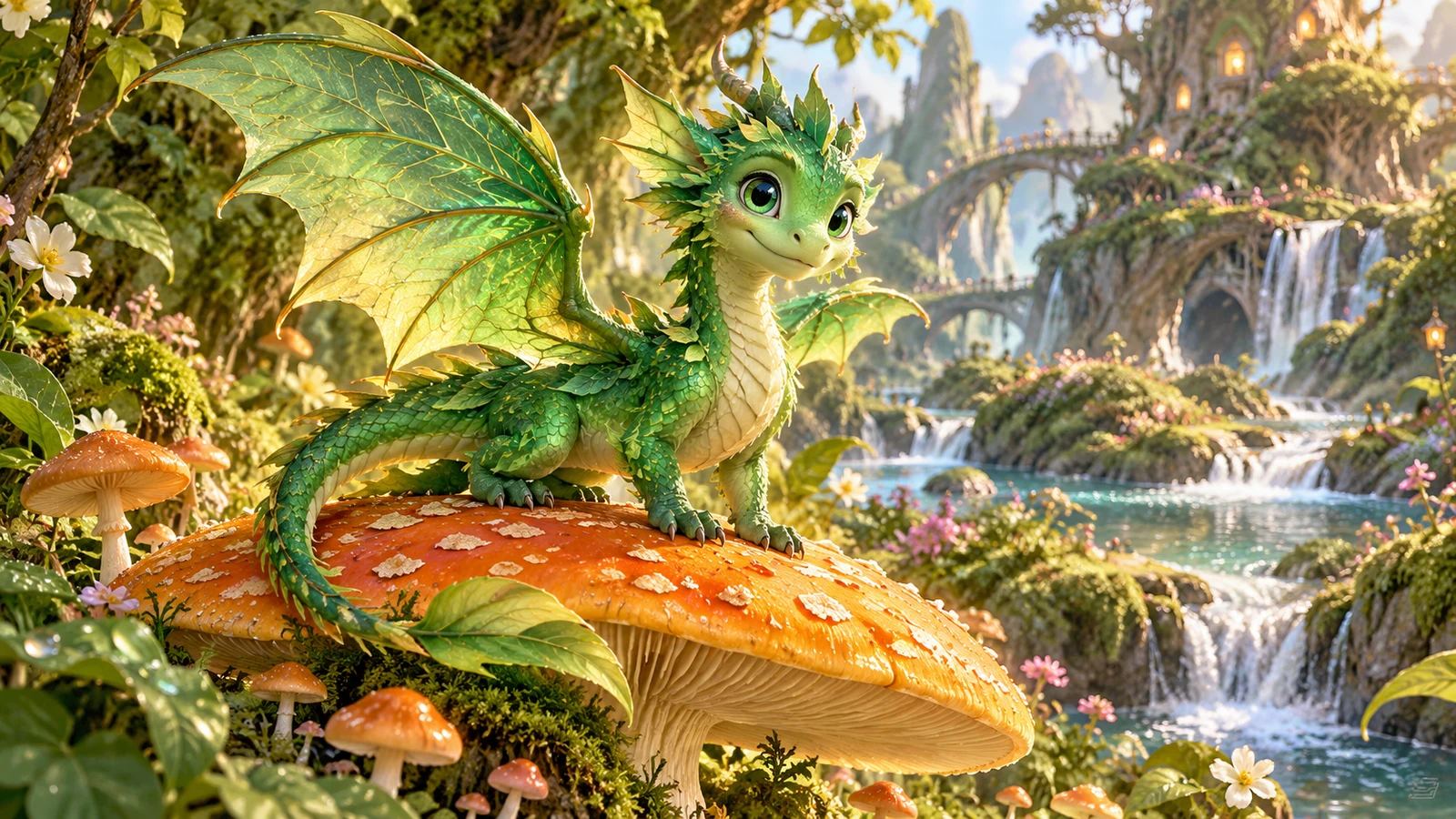
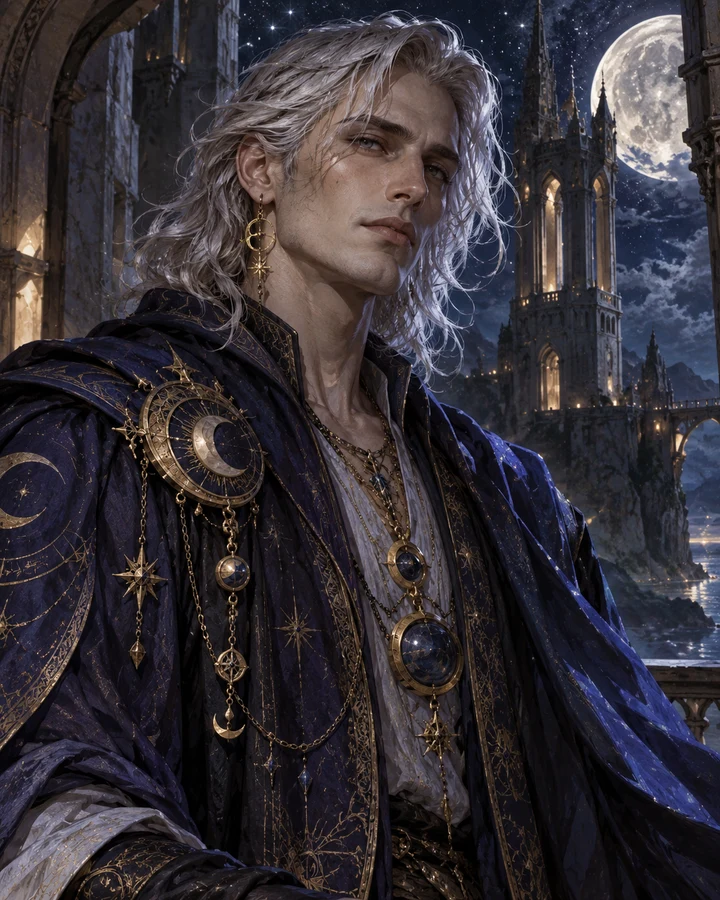
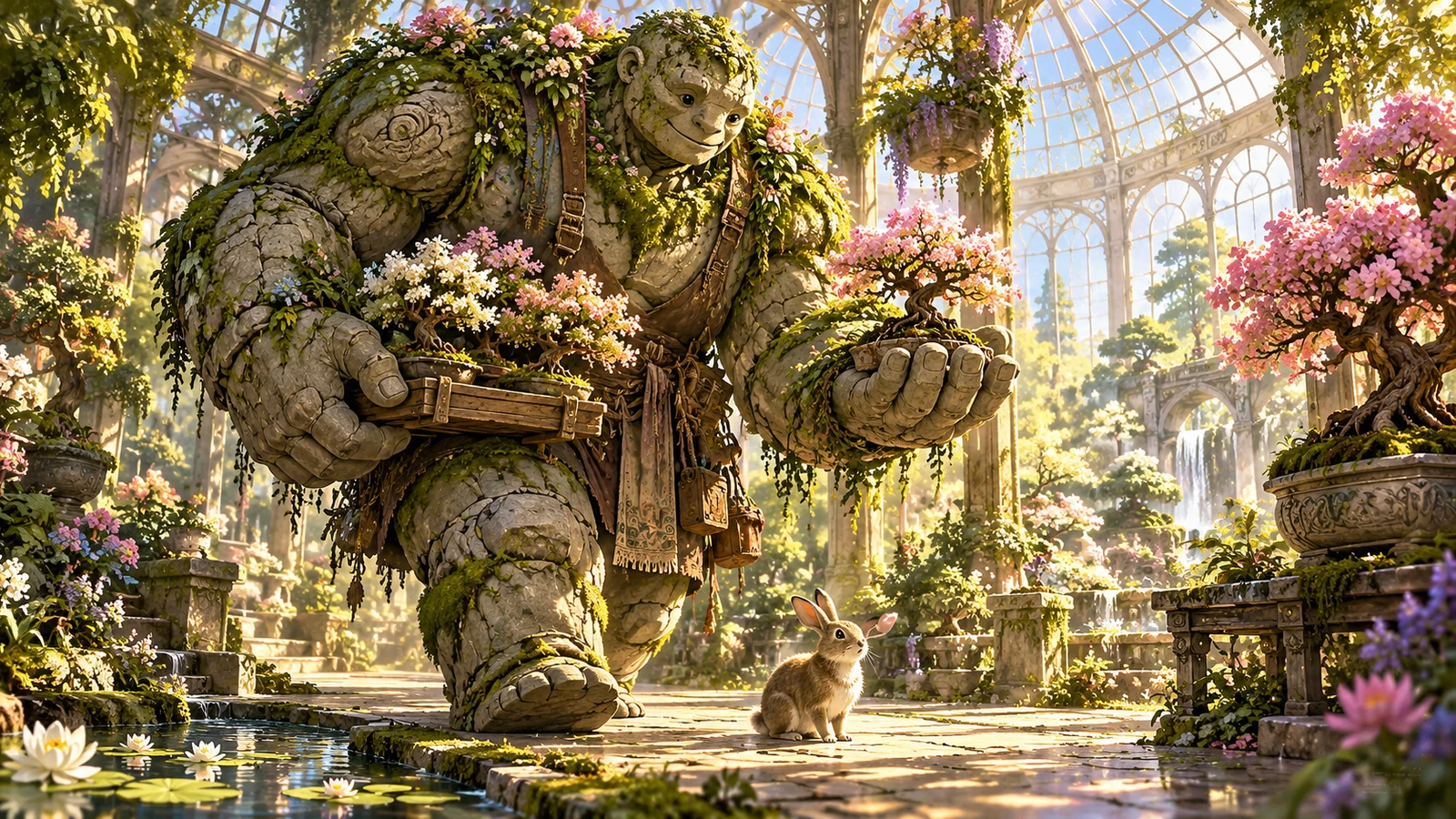
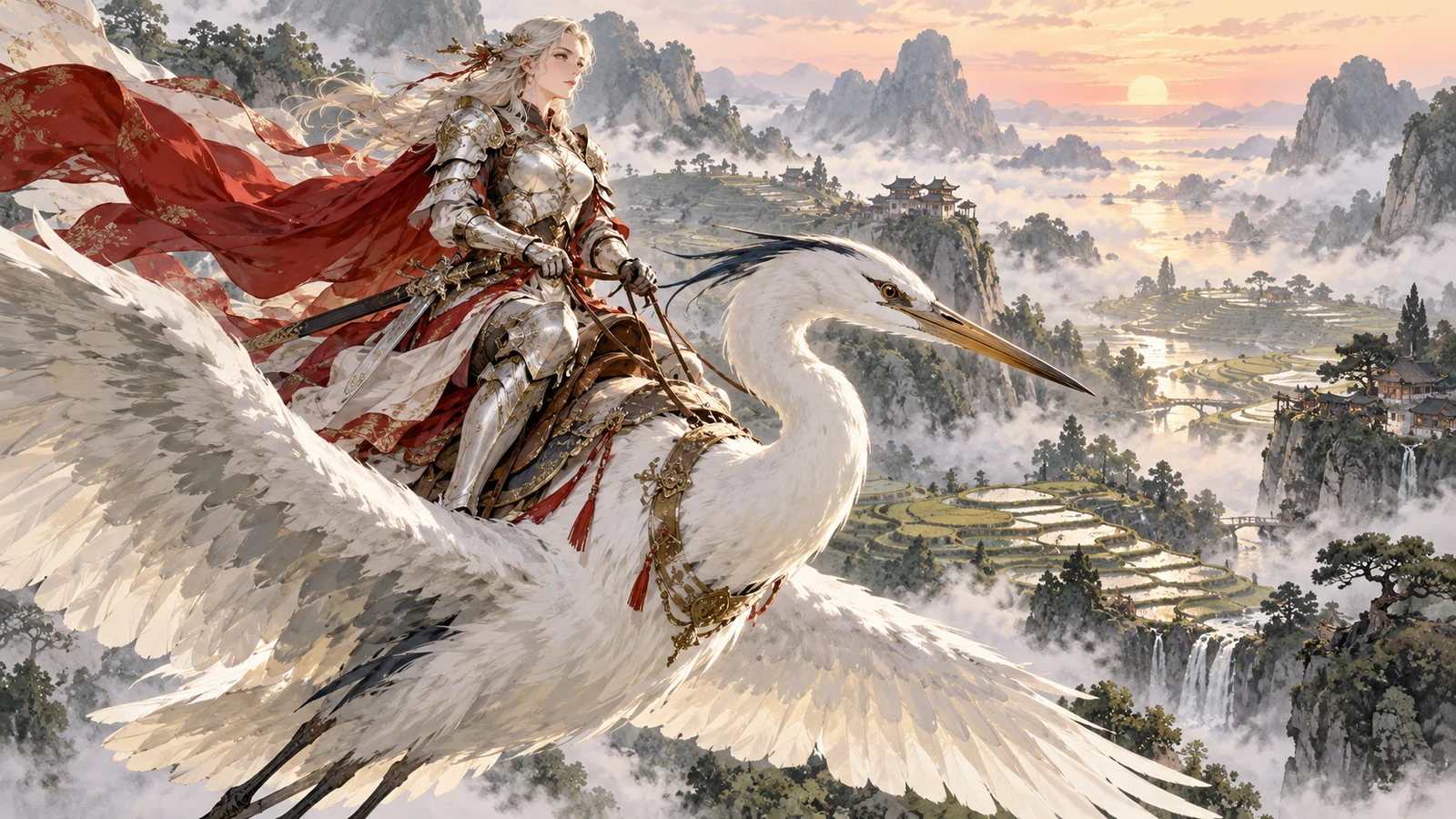
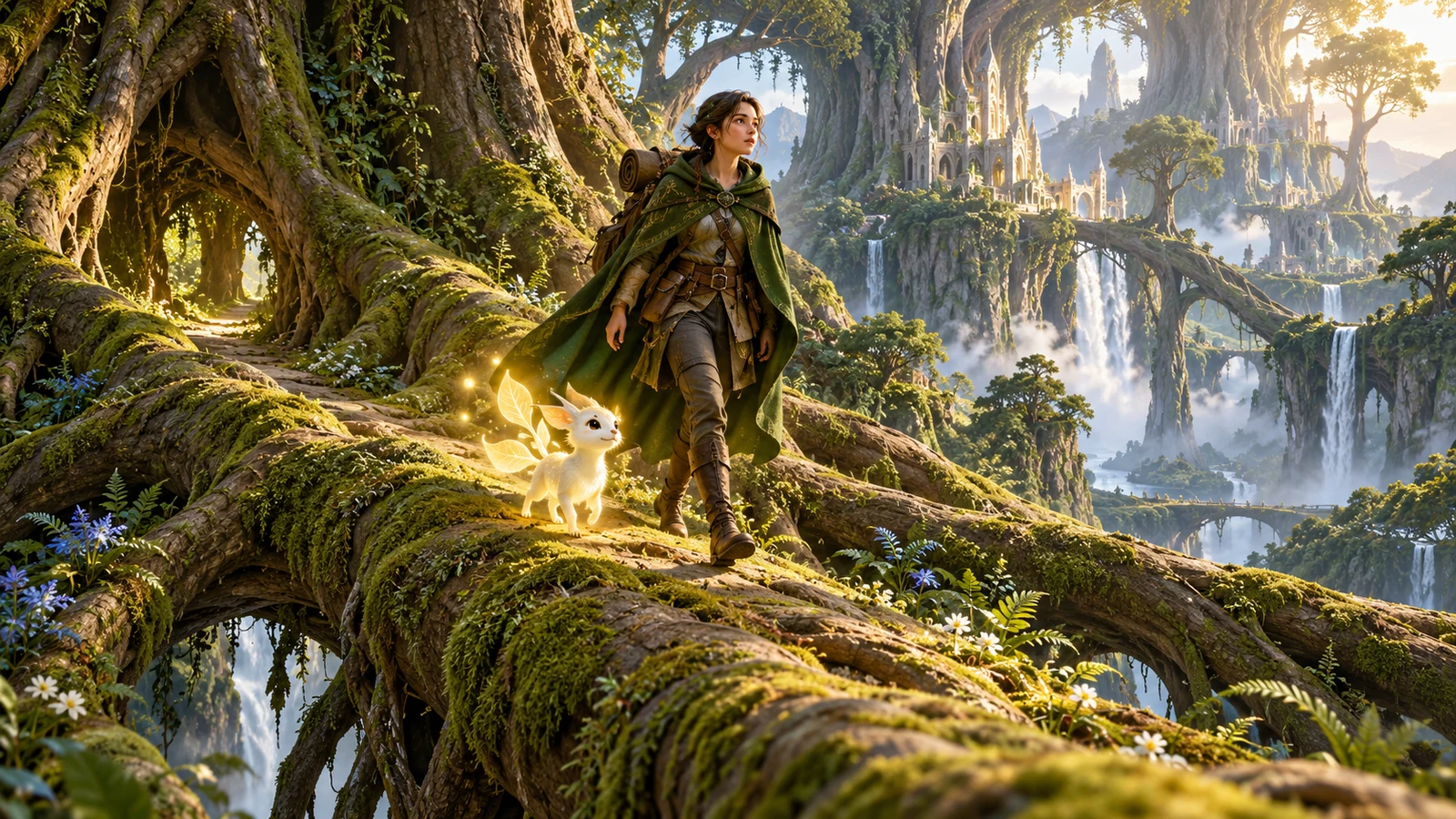
AI character generator example: fantasy mage character with distinctive costume and props
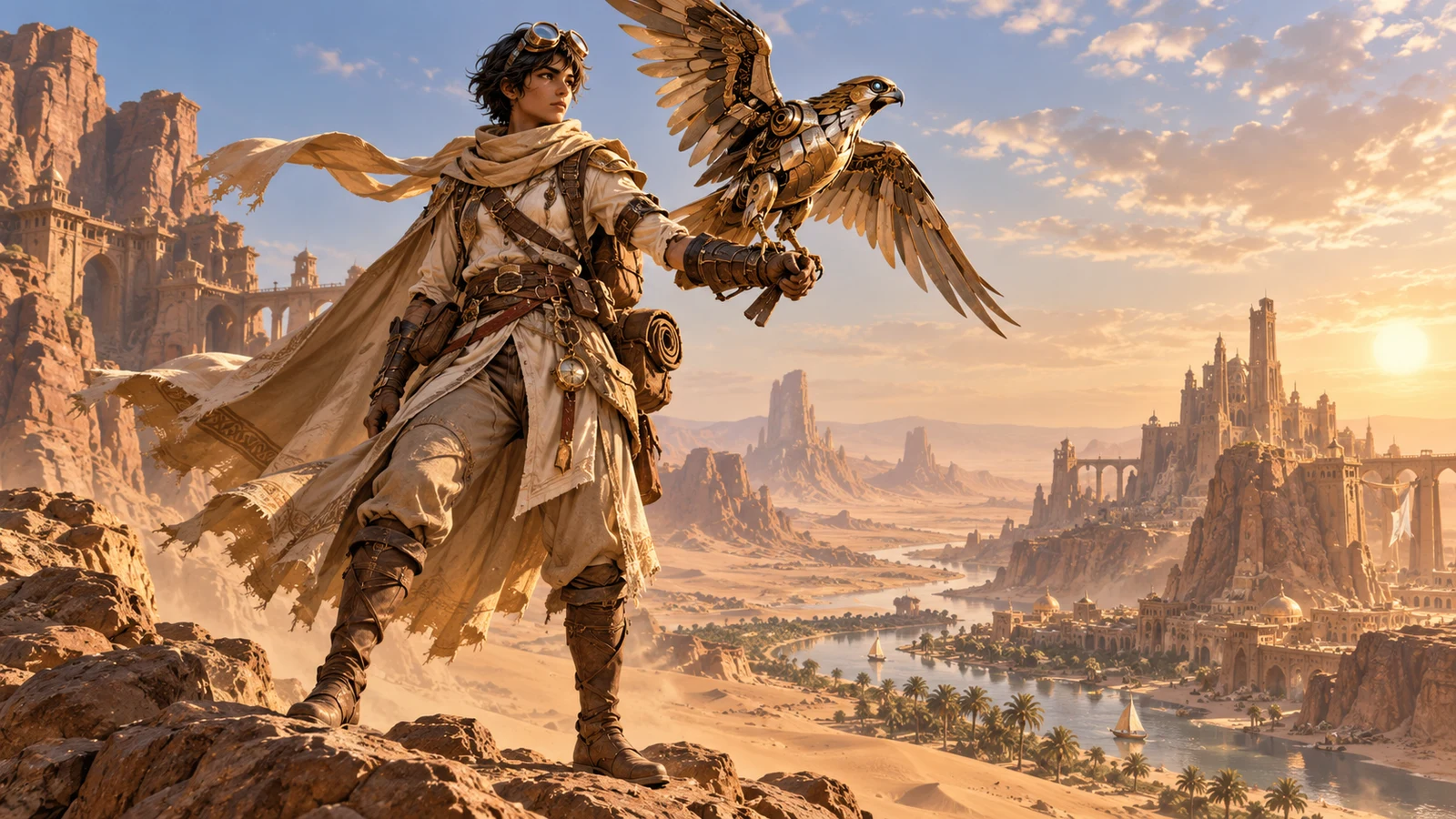
AI character generator example: stylized game NPC character concept ready for art direction
AI character generator example: virtual idol / VTuber-ready character design with signature look
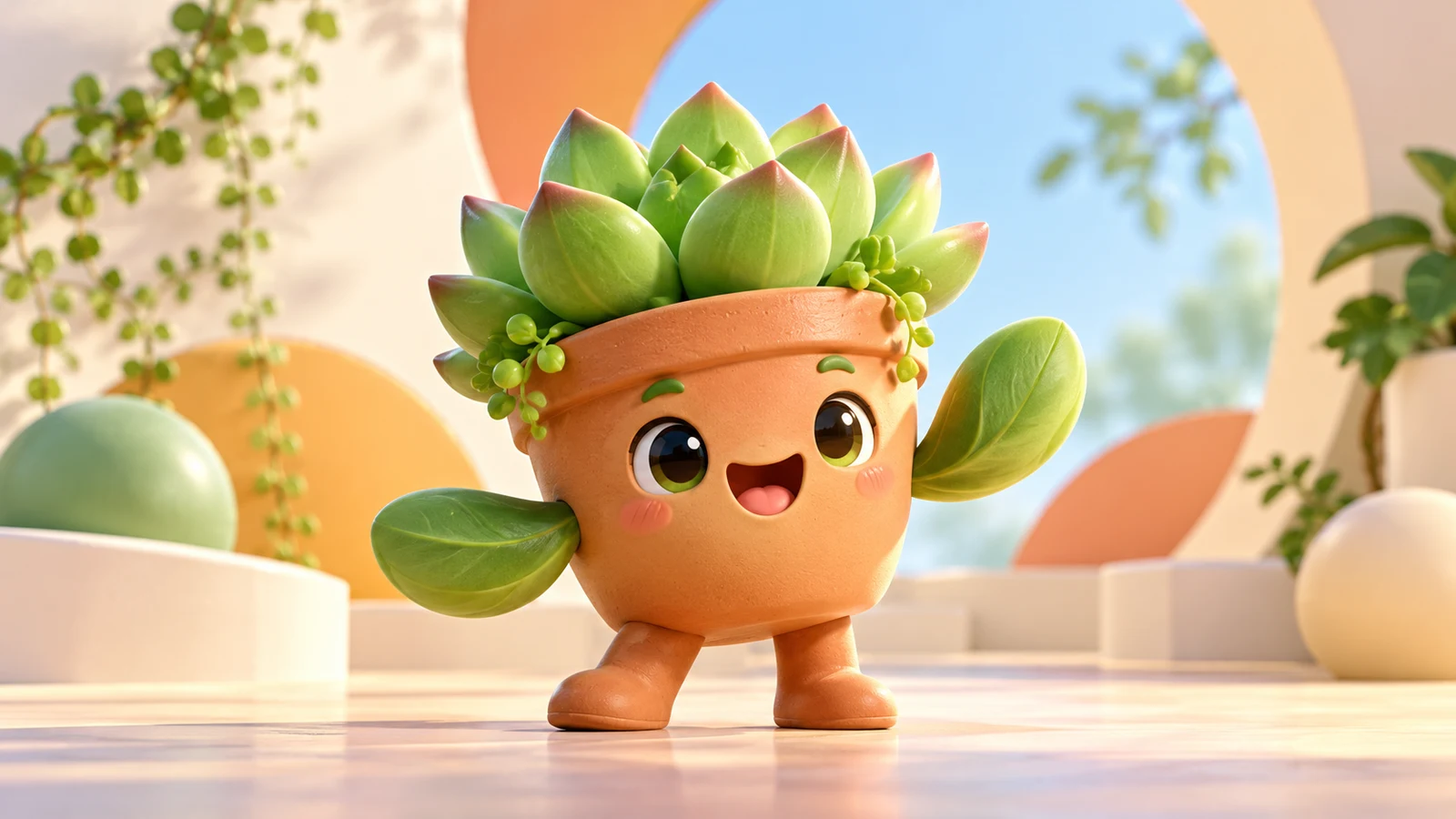
AI character generator example: friendly brand mascot character with simple memorable shapes
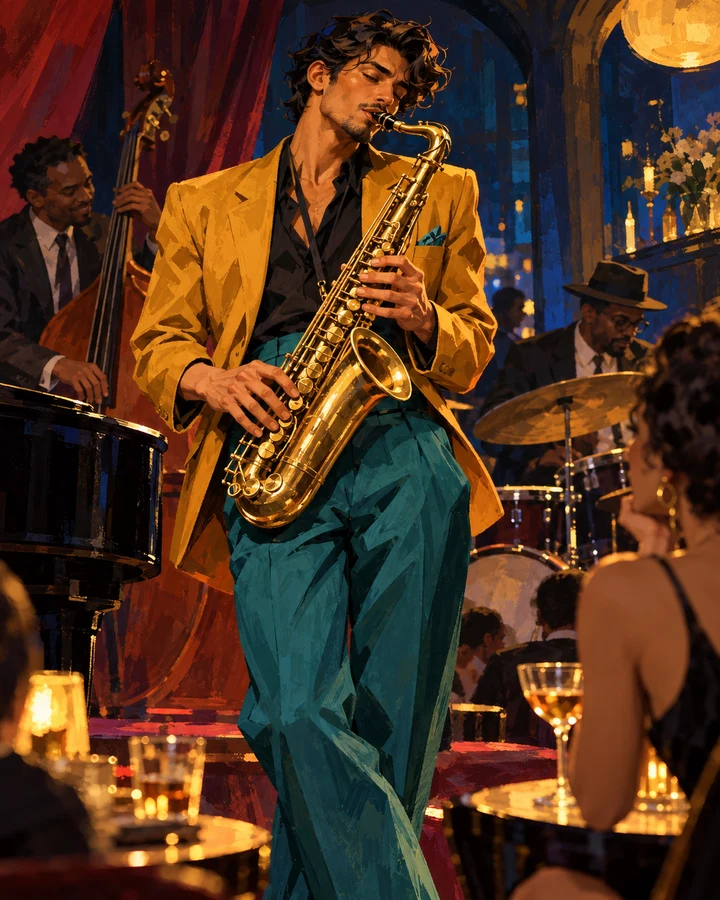
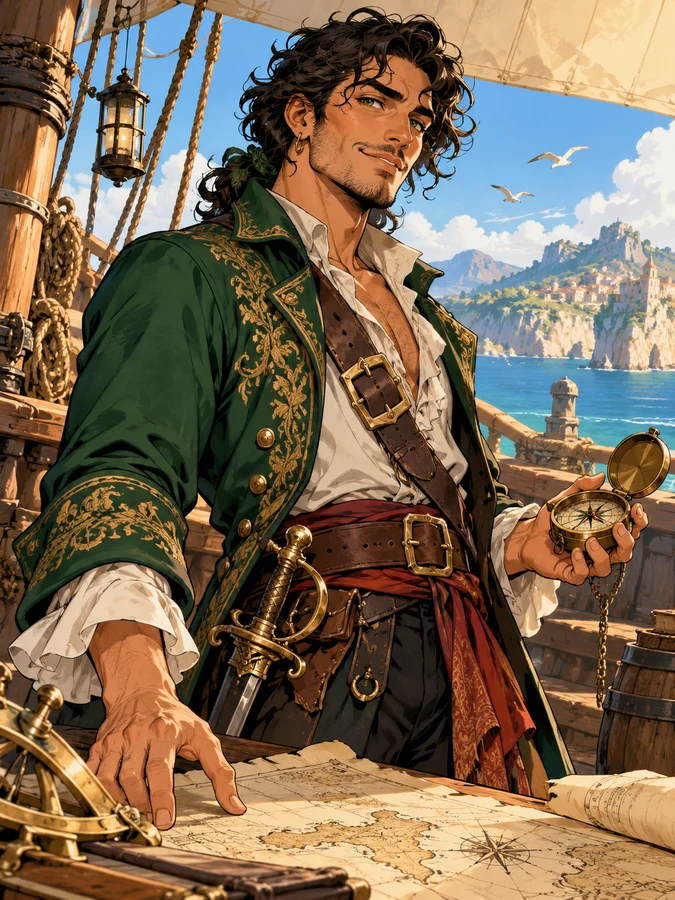
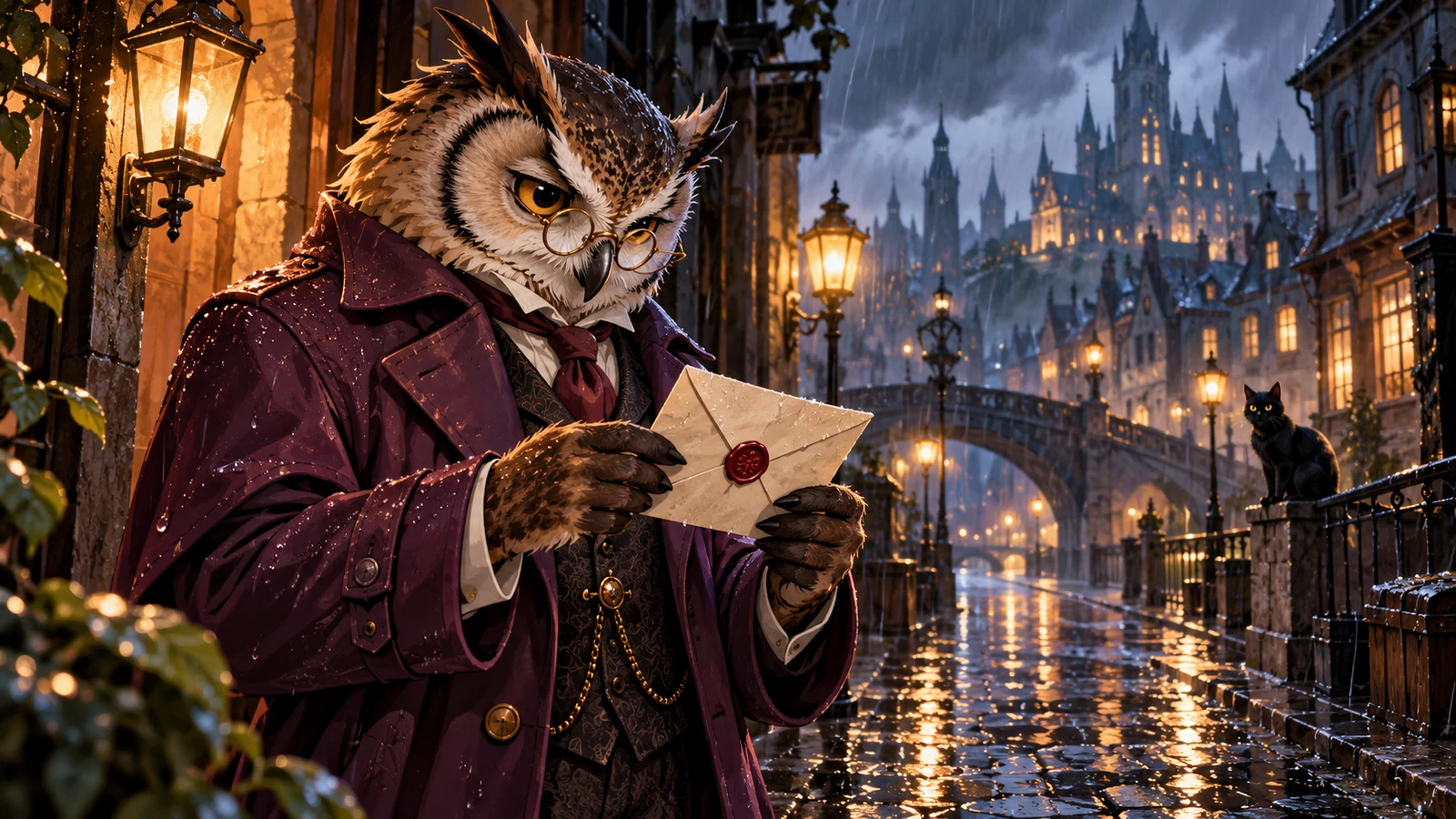
AI character generator example: semi-realistic character portrait for concept and casting boards
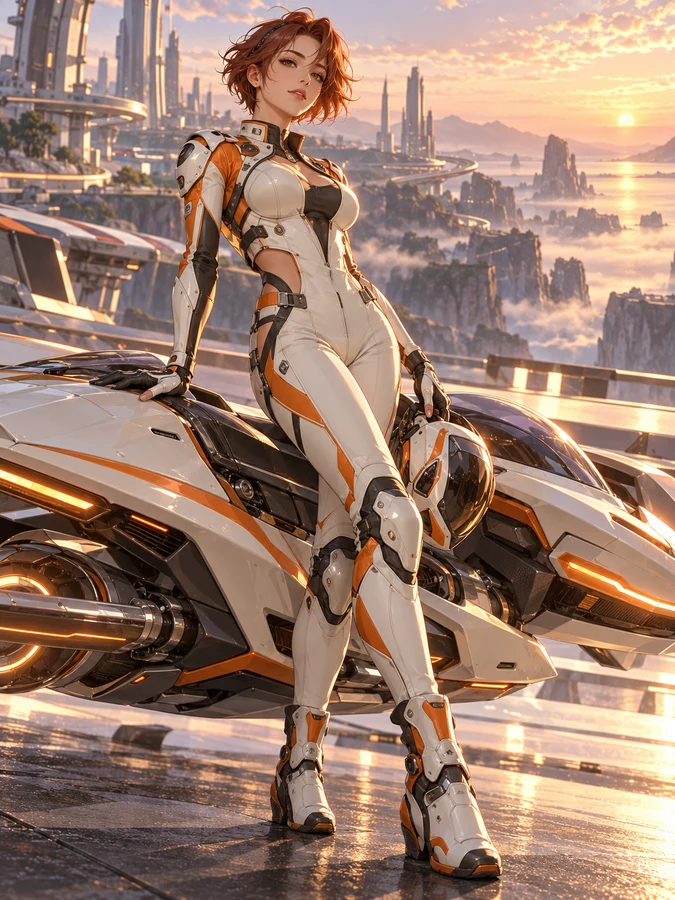
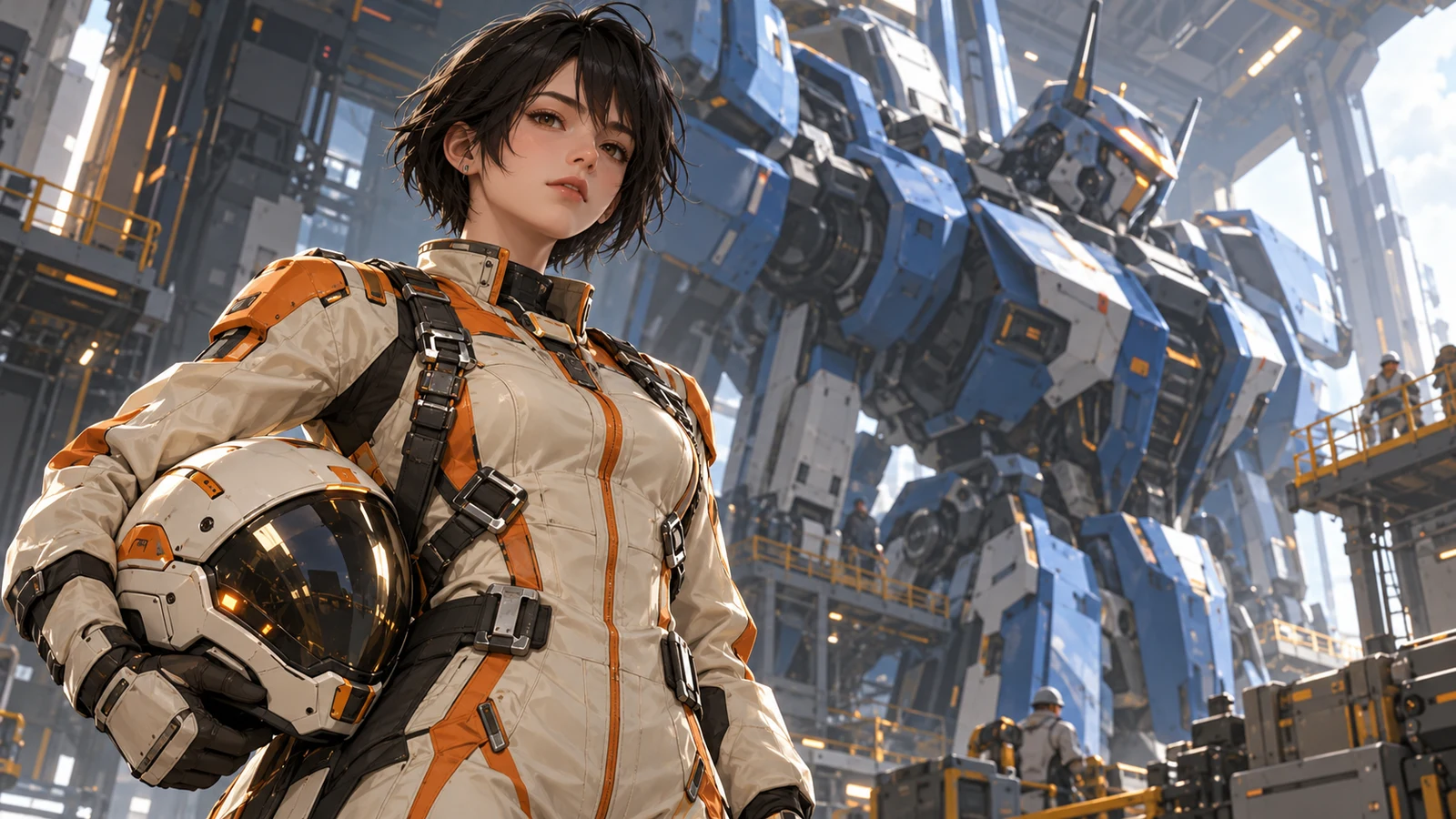
AI character generator example: mecha pilot character with consistent suit markings
AI character generator example: school-uniform original character with locked hair and eye colors
AI character generator example: small cast lineup showing distinct silhouettes and color coding
AI character generator example: anime heroine portrait with clear hair, eye, and outfit markers
AI character generator example: expression sheet of the same character across multiple emotions
AI character generator example: cute chibi character design on a clean background
AI character generator example: multi-angle turnaround of a consistent original character
AI character generator example: fantasy mage character with distinctive costume and props
AI character generator example: stylized game NPC character concept ready for art direction
AI character generator example: virtual idol / VTuber-ready character design with signature look
AI character generator example: friendly brand mascot character with simple memorable shapes
AI character generator example: semi-realistic character portrait for concept and casting boards
AI character generator example: mecha pilot character with consistent suit markings
AI character generator example: school-uniform original character with locked hair and eye colors
AI character generator example: small cast lineup showing distinct silhouettes and color coding
  • Portraits & character sheets

    Lock hair, eyes, and outfit markers first, then expand poses into reusable hero visuals.

  • Expressions & multi-angle sets

    Expand the same identity across emotions and turnarounds to speed up doujin, comics, and content ops.

  • Game & virtual identity concepts

    Test multiple vibes and designs before committing to fine illustration, Live2D, or 3D.

👥 Audiences

Who is an AI Character Generator for?

From game kickoffs and doujin OCs to comic casts and virtual identities—scenarios folded into role-based workflows so you can find your fit.

Game concept studio monitors showing character boards and mood frames

Concept First

Game & interactive teams

Align art direction with visual character drafts—not only written bios.

Heroes, NPCs, and enemies need fast vibe and silhouette tests. Pull multiple looks with an AI Character Generator first, then decide what enters fine illustration or 3D.

  • Hero and NPC concept exploration
  • Multi-version vibe tests
  • Faster art-direction alignment
Doujin creator desk with tablet and pinned character sketches

Character First

Doujin creators & illustrators

Turn a blank canvas into an iterable character board—not just one-shot finals.

Lock appearance and outfit markers in text first, then build expression sheets and angles. Ideal for commissions, doujin covers, and long-running OC work with fewer face redraws.

  • OC visualization
  • Expression and angle iteration
  • Style previews before commissions
Comic creator desk showing expression sheets and panel thumbnails

Cast Ready

Comic & short-form creators

Keep faces and outfits stable for serialized covers and storyboards.

Serialization fails when characters drift. Lock a base design, then expand expressions and poses per chapter so covers, panels, and promos stay recognizable.

  • Stable faces for serials
  • Cover and panel asset library
  • Unified promo visuals
Virtual-idol style character portrait with signature hair and accessories

Identity Lock

Virtual idol & VTuber projects

Validate memorable looks before investing in Live2D or modeling.

Virtual identities need strong recognition and expandable outfits. Test hair, palette, and signature accessories with AI first, then move into detailed design and rigging.

  • Identity landmark tests
  • Outfit and palette trials
  • Lower early design risk
Friendly brand mascot character design with simple memorable shapes

Mascot Ready

Brand mascot & campaign characters

Align brand tone with low-cost character drafts before full design spend.

Campaign IPs and mascots need memorable shapes and colors. Generate several simple designs, compare silhouettes and warmth, then polish illustration or merch previews.

  • Mascot shape exploration
  • Brand palette alignment
  • Campaign visual previews
Hobby creator at home on a laptop designing an OC with an AI Character Generator

Start Simple

Beginners & hobby creators

No drawing skills required—start designing a character from one sentence.

Describe who you want to see: hair, outfit, vibe, and style. Make a first base design, then add expressions, angles, and details. Common model entry points stay together so practice feels rewarding.

  • Natural language is enough
  • Base design first, then expand
  • Learn character prompts by doing

💡 Tips

Character prompt writing tips

  • Lead with stable identity: age/vibe, hairstyle and color, eye color, signature outfit—then add scene and action.
  • Prioritize consistency: repeat the same appearance and outfit keywords across a series; avoid conflicting style stacks.
  • For sheets, name the goal: expression sheet, front/side/back view, three-quarter pose.
  • Be specific with style words: anime cel shading, painterly illustration, chibi, semi-realistic.
  • With references, state what to keep and what to change—more reliable than “make a character” alone.

❓ FAQ

FAQ

Common questions about using an AI Character Generator—consistency, rights, and workflow.

What is an AI Character Generator?

An AI Character Generator creates character portraits, expression sheets, and design boards from text or references. bikabika AI gathers mainstream models and entry points so you can start character creation online faster.

How do I keep the same character looking consistent?

Repeat hair color, eye color, hairstyle, and outfit markers in every prompt, and reuse the same base design as a reference when possible. Generating several candidates and shortlisting usually beats one overloaded style prompt.

Can I use generated characters commercially?

Commercial rights depend on each provider’s license and your plan. Avoid copyrighted famous characters and trademarks. Read official terms from Midjourney, OpenAI, and others before commercial use.

How is this different from a general AI Image Generator?

A general image generator covers broad topics like products, posters, and scenes. A character generator emphasizes identity, expression sheets, multi-angle designs, and consistency workflows. Most teams use both together.

Should prompts be in English or another language?

Either works. English style and camera terms are often steadier; other languages help with story and personality. Mix in practice, then adjust based on results.

Can I generate famous anime or game characters?

Avoid copyrighted famous characters for commercial or public distribution. Safer practice is describing original appearance and outfits to build your own OC.

Do I need to know how to draw?

No. You only need to describe the target character in words. Taste and prompt skill improve with practice, but the entry barrier is low.

AI CHARACTER

Ready to create your first AI character?

Pick a model, describe the look and personality, and start generating.