
Vidu Q4: Bring Characters, Settings and Voices into Video
Vidu Q4 is an audiovisual generation model centered on image-to-video and reference-led creation. Connect character appearance, settings and sound around a video idea. The official API currently offers Q4 Preview.


Creative illustrations
Vidu Q4 core capabilities
Develop motion from an image or organize a scene around several references. Connect visual direction, sound and camera ideas in a shared creative brief.

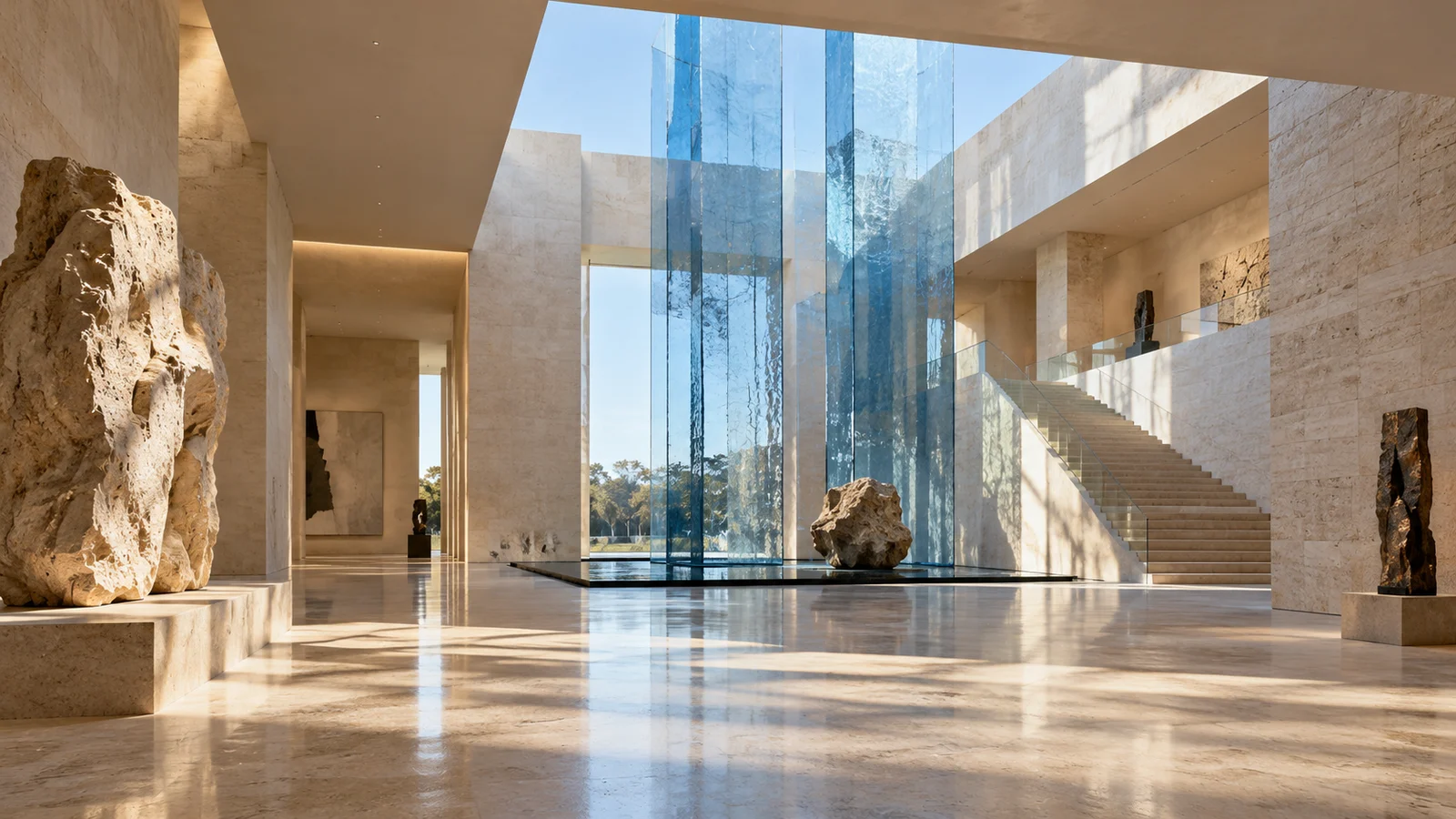
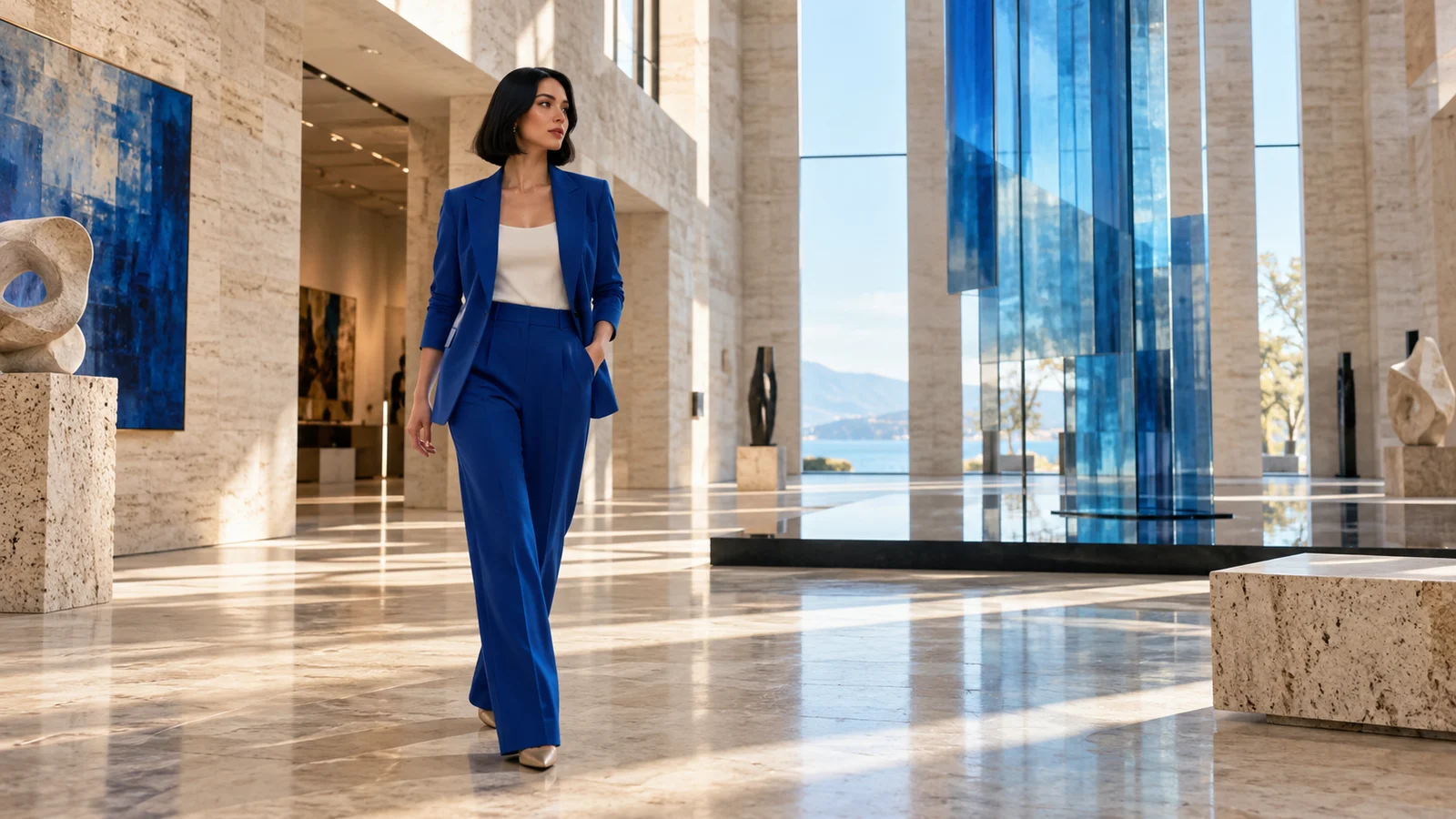
Multiple references for a shared direction
Characters, products and environments contribute different visual information. Reference-led creation lets several sources support the same clip without asking one image to communicate everything.
A brand concept can connect product appearance with a setting; a story can bring characters and locations together. Review relationships, proportions and appearance in the output. References do not replace checking the result.
Start creating ↗
Develop motion from a still image
Image-to-video uses an image as the starting frame, developing the clip through action and camera direction. It suits existing character designs, product compositions or scene visuals that need a dynamic exploration.
A character image can become a turning, walking or environmental interaction concept. Review hands, complex action, object contact and changes to the setting, and confirm rights to the supplied image.
Start creating ↗
Sound and vision shape the character
Audiovisual output and voice references connect a character’s sound with dialogue and scene atmosphere. Sound can influence identity and pacing as well as provide a background.
For conversations and performances, define the audible direction alongside the visual brief. Confirm voice rights and review speech, lip movement and speaker relationships. Check the selected mode for audio options available here.
Start creating ↗


Connect perspectives through a scene
Shot switching and connected storytelling can organize different views of the same action. An establishing view, the action itself and a closer detail can form a related sequence.
An explorer approaching an observatory, entering the hall and discovering the stars provides one such concept. Inspect appearance, spatial relationships and transitions across the resulting clip.
Start creating ↗
Choose output for the intended display
Official options include clips up to 16 seconds and high-resolution output. Landscape video, vertical publishing and other placements call for different framing decisions.
Higher resolution does not ensure correct motion or character detail. Check the selected mode for durations, resolution, required material and estimated credits offered on this site.
Start creating ↗Where can you use Vidu Q4?
Connect reference material with a concrete content goal, from products to character-led stories.
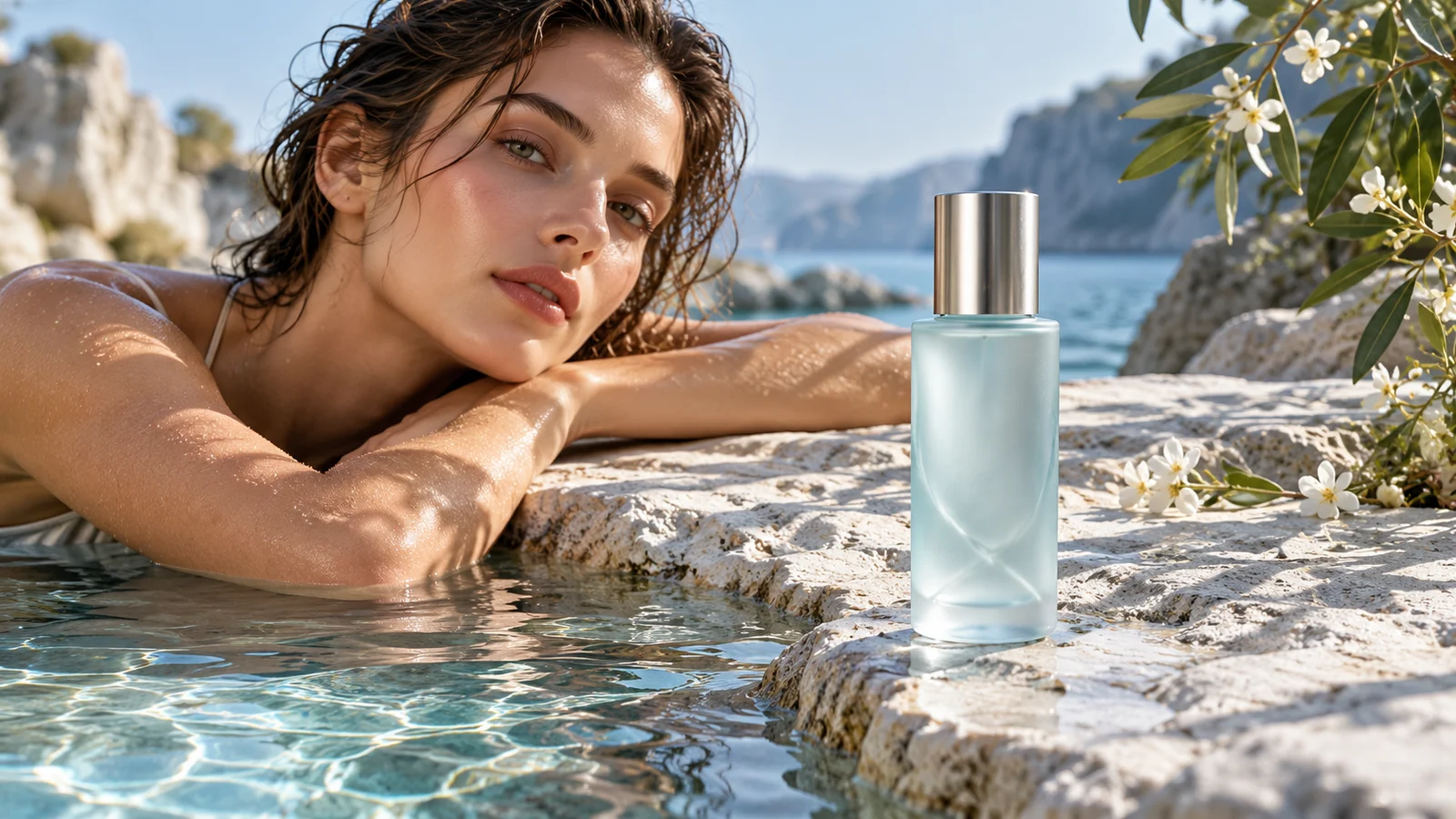
Product and brand advertising
Explore product appearance, a setting and a message for launch or campaign concepts. Verify product structure, branding and promotional facts.
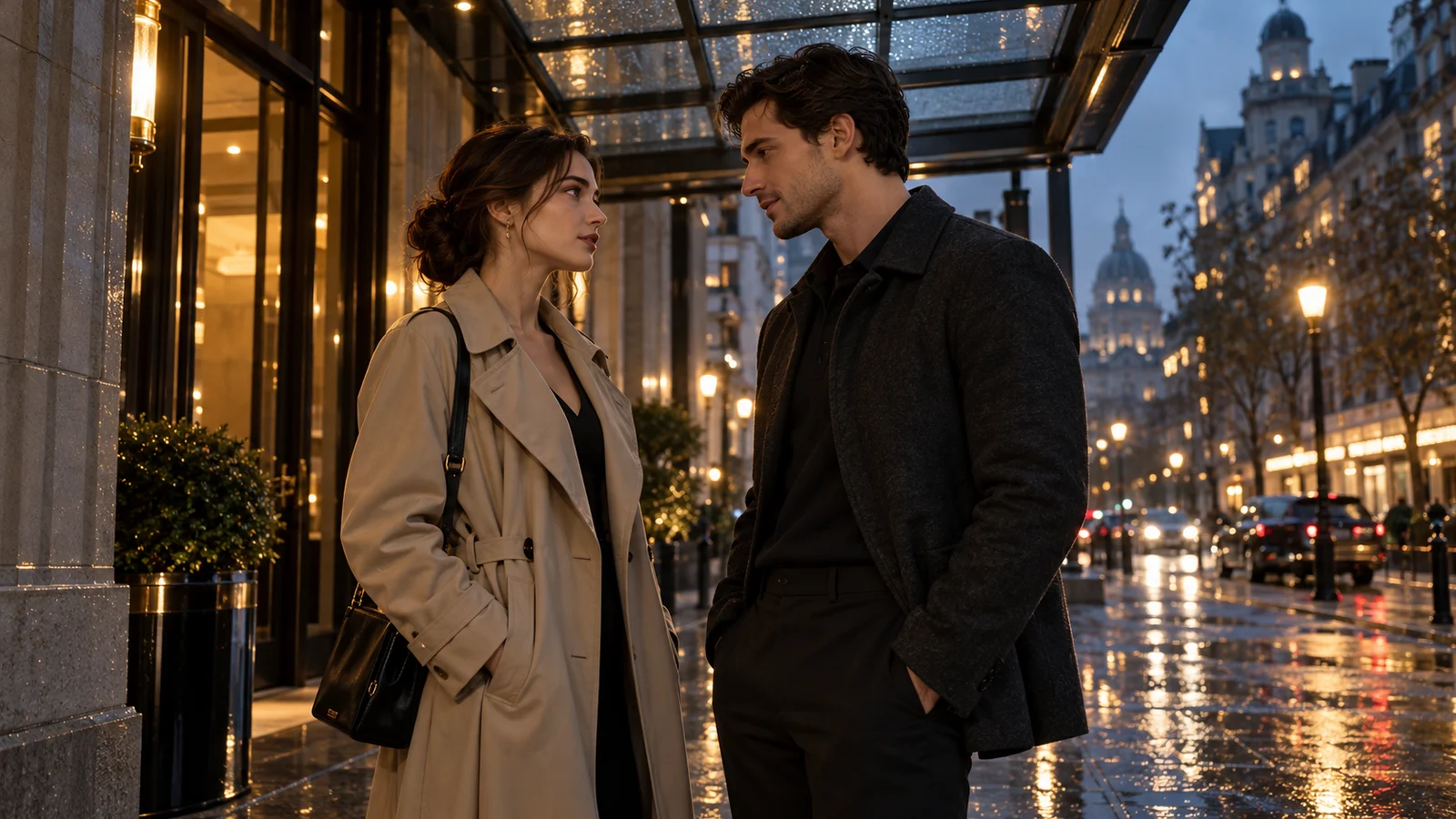
Original characters and drama concepts
Use character, environment and sound directions to explore relationships, dialogue and pacing. Review appearance and speaker matching while retaining room for editing and revision.

Animation and imagined worlds
Bring original characters and style references into animation pitches and world-building concepts. Check action logic, transitions and defining character details.

Social and fashion content
Combine clothing, environments and camera rhythm for short character-led publishing concepts. Confirm likeness rights and inspect faces, hands and clothing before publication.
Q4 Preview and other Vidu versions
Q4 focuses on image-to-video, references and audiovisual expression. The official API currently labels it Preview.
Q3 is a distinct model; review its capabilities and the settings available on this site before choosing.
Start creating with Vidu
- 01
Describe the concept
Identify the subject, action, camera and intended sound atmosphere.
- 02
Review material and settings
Choose an available model in the workspace, add required inputs and review estimated credits.
- 03
Submit and inspect
Submit deliberately, check characters, movement, sound and transitions, then decide what to refine.
Frequently asked questions
What is Vidu Q4?
Vidu Q4 is an audiovisual generation model focused on image-to-video and reference-to-video, including visual and sound references. The official API currently identifies it as Q4 Preview.
How can I use Vidu Q4 online?
Describe a concept here and open the bikabika AI video workspace to review available models. This page describes official Q4 capabilities; it does not establish that Q4 and all its features are available here.
Does Q4 generate video from text alone?
Official Q4 modes are image-to-video and reference-to-video, both requiring appropriate visual material. Text-to-video support in another Vidu model should not be attributed to Q4.
How do image-to-video and reference-to-video differ?
Image-to-video starts from one image. Reference-to-video can combine character, environment and sound references. Follow the selected mode’s requirements for quantities and formats.
Can I reference a character’s voice?
Official capabilities include voice references. Confirm usage rights and check voice, character and dialogue matching. Check the workspace for supported inputs here.
How do I choose duration and resolution?
Official options include up to 16 seconds and up to 4K, with conditions varying by mode. Review settings and estimated credits in the workspace.
Does Start creating immediately spend credits?
It does not automatically submit a task. Your description enters the workspace as a draft; confirm an available model and estimated credits before submission. See pricing for billing and plan rules.
Is this the official Vidu website?
This is bikabika AI, a one-stop AI creation platform. Our accounts, credits and service are separate from Vidu’s official products.
Bring your references and ideas into the next video
Start with a character, setting and sound direction, then continue in the video workspace.