
Wan 3.0 AI Video Creation, from Ideas and Different Materials
Wan 3.0 is Alibaba’s video generation model, bringing text, visual material and sound into a shared creative system. Explore generation, references, editing and extension, starting from a new idea or an existing clip.
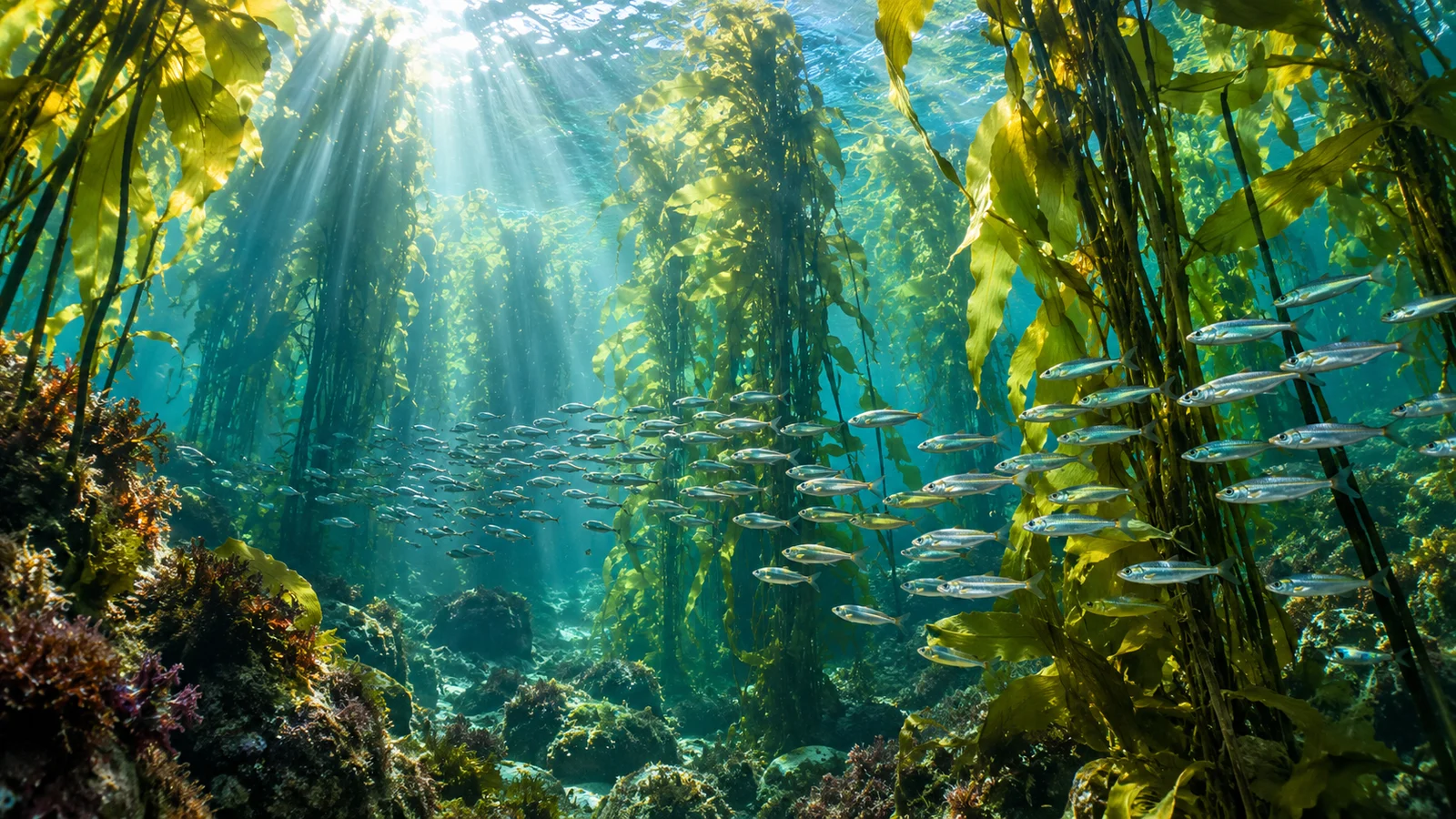

Creative illustrations
Wan 3.0 core capabilities
Develop a story, combine different references or continue work on existing footage. Explore six ways the model can support a video project.



Give an event room to develop
The official model supports up to 30 seconds per generation, providing space for actions and changing perspectives. Connect an environment, an event and a closing moment around the same story.
A ranger concept might develop from discovering a clue to exploring the surroundings and reaching a destination. Review appearance, action and setting across the output; available duration does not ensure a complete narrative.
Start creating ↗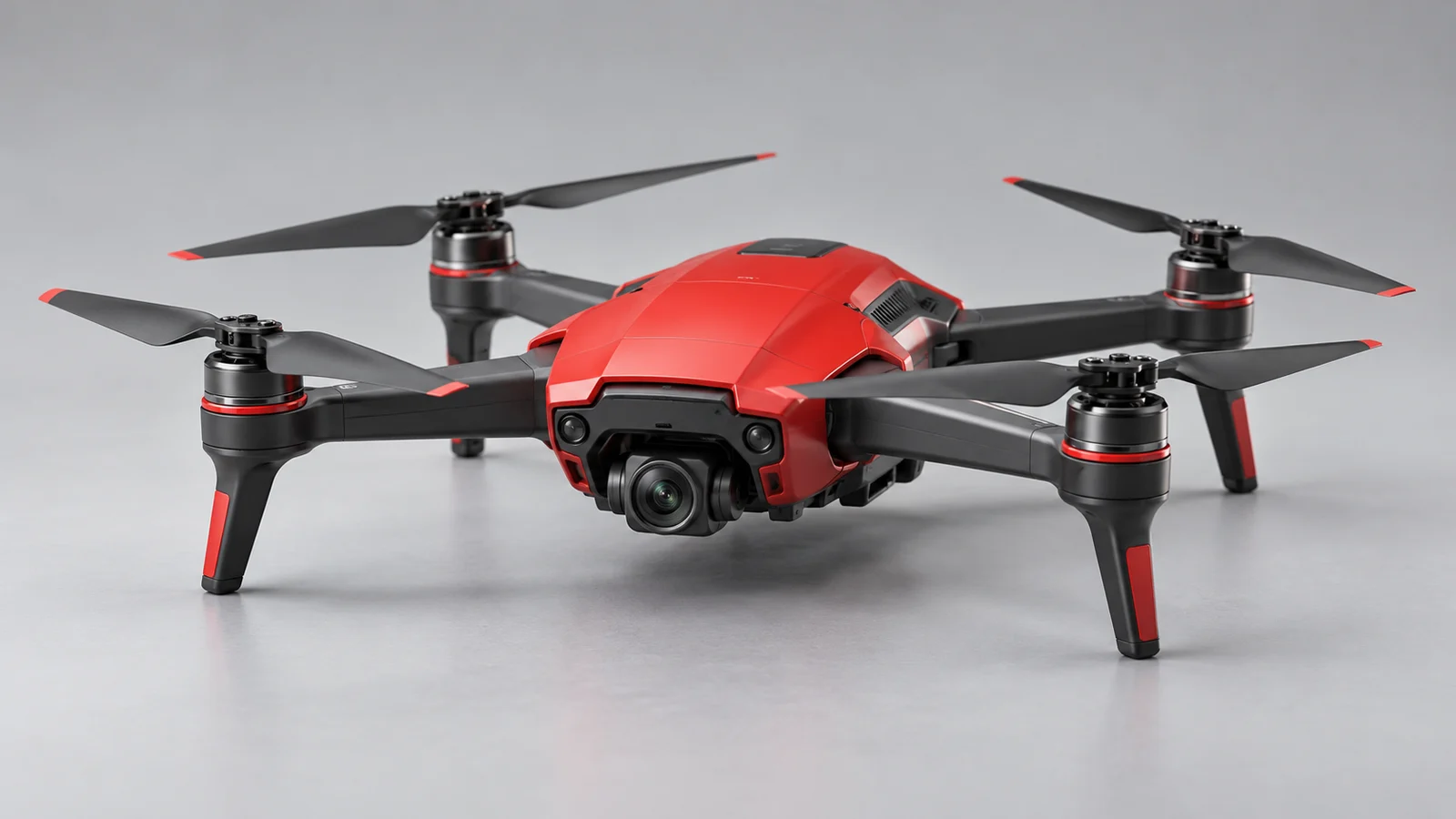


Bring different references into the brief
Images establish appearance, videos contribute action or camera direction, and audio adds listening cues. File and web-page references can also bring source information into the creative process.
Identify what each item contributes and check whether the result preserves the important relationships. Material combinations have rules; file and link access conditions do not imply unrestricted access to private content.
Start creating ↗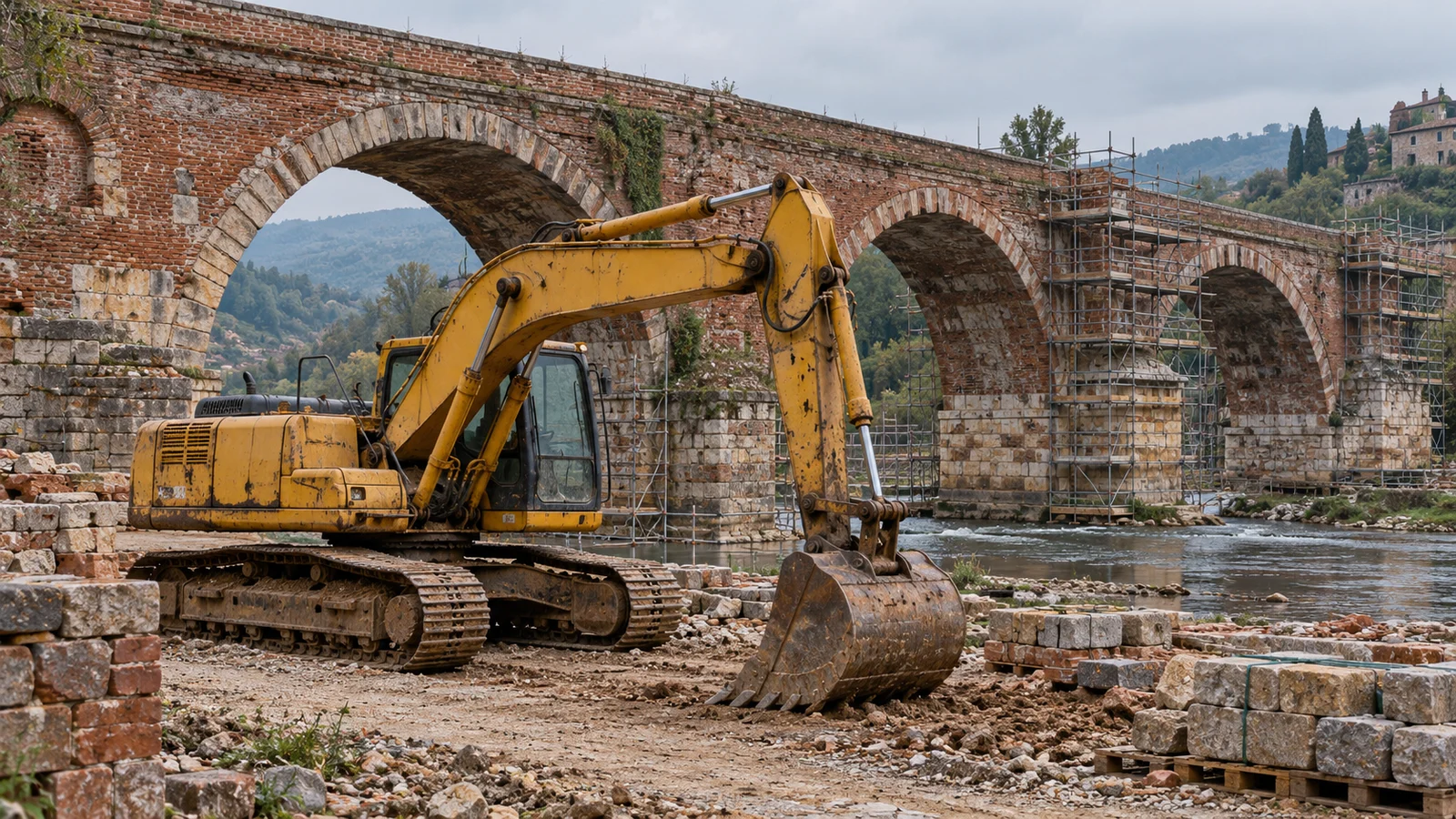
Define the beginning and ending
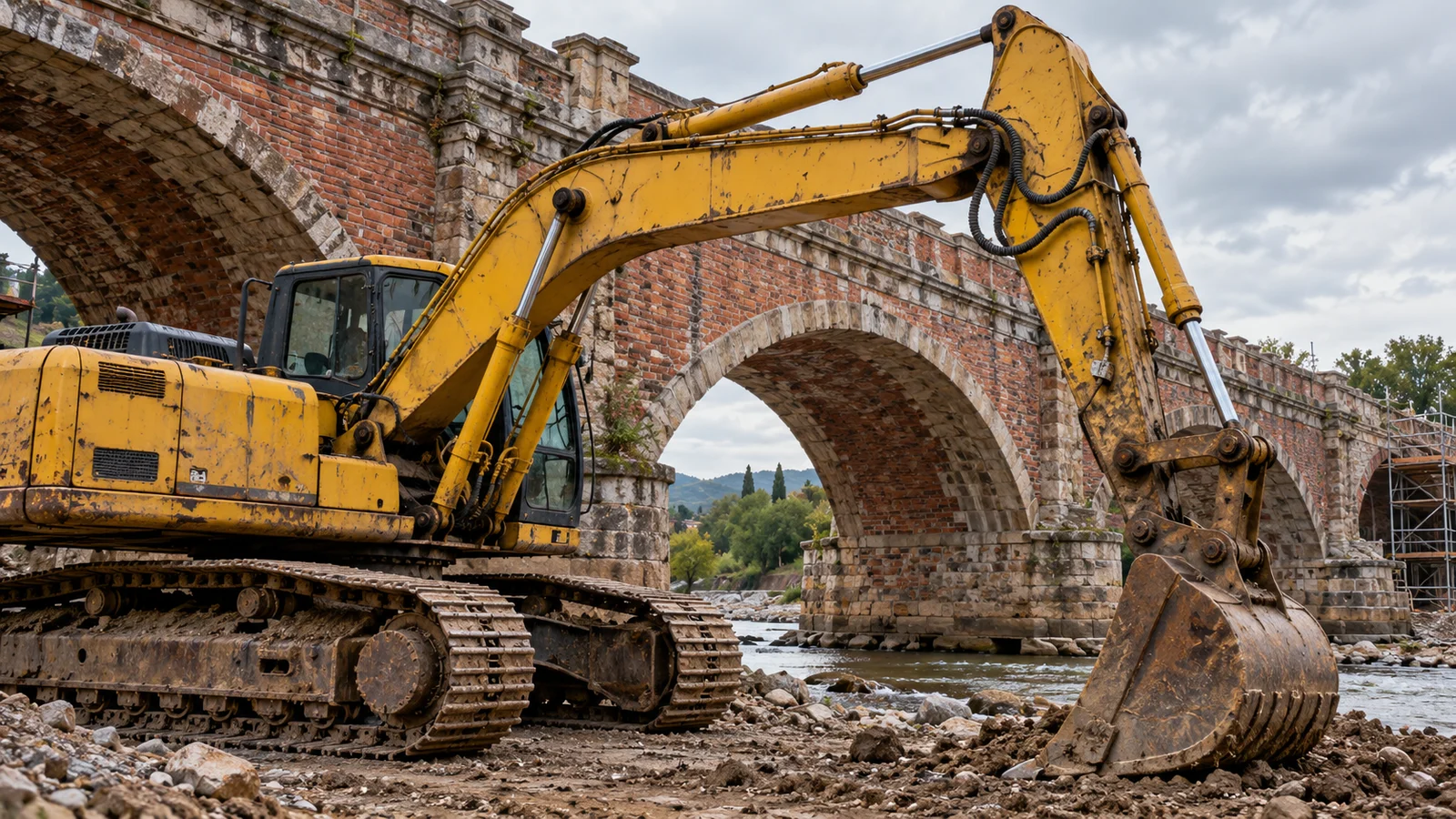
Develop a clip from an image, or use first and last frames to establish its endpoints. This suits existing compositions, products or settings that need further exploration through motion.
Choose endpoints with related subjects and space. Inspect the transition, and distinguish this mode’s input requirements from multimodal references rather than combining every input type at once.
Start creating ↗
Let sound participate in the scene
Wan 3.0 can generate dialogue, background music and effects, connecting character exchanges and environmental sound with imagery. Camera, action and sound all shape a scene’s rhythm.
A mechanical workshop, a nature concept and a character scene call for different listening directions. Check speech, sound sources and synchronization, alongside audio options offered by the selected mode.
Start creating ↗
Refine an existing video
Official editing capabilities allow changes to existing footage. The clip becomes a starting point for another iteration instead of requiring every element to be reconsidered from the beginning.
Specify what should change and what should remain. Inputs and editing options depend on the chosen mode; inspect the targeted content and continuity afterward.
Start creating ↗
Develop what happens next
Extension adds subsequent content to an existing video. Continue an action, develop environmental change or add an ending that relates to the original clip.
Review characters, sound and rhythm across the continuation. Check duration and input conditions for the extension mode rather than assigning the generation limit to every task.
Start creating ↗Bring Wan 3.0 into different projects
Organize material around the information you want to communicate and a concrete creative goal.

Industry and equipment
Explore equipment, component relationships and working environments for product explanations and project discussions. Verify real structures, processes and safe operation against professional material.

Sports and outdoor content
Develop action, space and camera direction around a person and environment. Inspect anatomy, equipment and movement; generated imagery is not safety instruction.

Nature and knowledge visuals
Organize ecological, material or abstract concepts into imagery for learning and discussion. Check microscopic structures and scientific conclusions; an illustration is not observational evidence.

Culture and local stories
Develop scenes around architecture, craft environments or local details for introductions and proposals. Verify historical, geographic and personal information against real sources.
Wan 3.0, Prime and Wan 2.7
Wan 3.0 connects generation, multimodal references and continued work on video. Prime is its official accelerated model, relevant when response efficiency matters. Speed and costs on this site depend on current service conditions and settings.
Wan 2.7 is a distinct version with its own capabilities and parameters. For existing projects, confirm the selected model, mode and input requirements without using version names interchangeably.
Start creating with Wan 3.0
- 01
Describe the goal
Explain what to generate, reference, edit or extend.
- 02
Review material
Choose an available model and mode, add appropriate inputs and review estimated credits.
- 03
Submit and refine
Submit deliberately, inspect imagery, action and sound, then develop the idea further.
Frequently asked questions
What is Wan 3.0?
Wan 3.0 is Alibaba’s video model for text and multimodal inputs, including generation, references, first-and-last-frame control, editing and extension.
How can I use Wan 3.0 online?
Open the bikabika AI video workspace from this page, confirm an available Wan 3.0 model and mode, then submit. Check the workspace for inputs, settings and costs.
How long can Wan 3.0 videos be?
Official generation supports up to 30 seconds with different resolution options. Confirm editing, extension and reference conditions separately, and review the settings offered here.
Can first-and-last-frame mode also use audio references?
Official combination rules separate endpoint control from multimodal references. Follow the chosen mode’s inputs rather than combining every material type.
Can files or web pages be references?
Official capabilities include these sources, subject to format, combination and access conditions. This is not unrestricted private-file access or web search. Check input options available here.
How does Prime differ from the regular model?
Prime is the official accelerated model with a similar core creative scope. Compare available settings, results and estimated credits; this site’s prices do not directly follow official API pricing.
Does Start creating automatically submit a task?
No. Review material, settings and estimated credits in the workspace before submitting deliberately. Sign in when prompted.
Is this the official Wan website?
This is bikabika AI, a one-stop AI creation platform. Wan is developed by Alibaba; our accounts, credits and service are separate from official products.
Bring your material and ideas into Wan 3.0
Start with a new scene or existing video and continue developing it in the workspace.