
Seedance AI Video Generator: Develop Your Story in Motion
Seedance is ByteDance Seed’s video creation model family. Version 2.5 connects audiovisual generation, storytelling, reference control and editing to develop characters, settings and action around a shared idea.

Creative illustrations
What can you create with Seedance?
Develop scenes, connect shots and refine existing footage. Explore six areas of video creation, with 2.5 as the current focus.



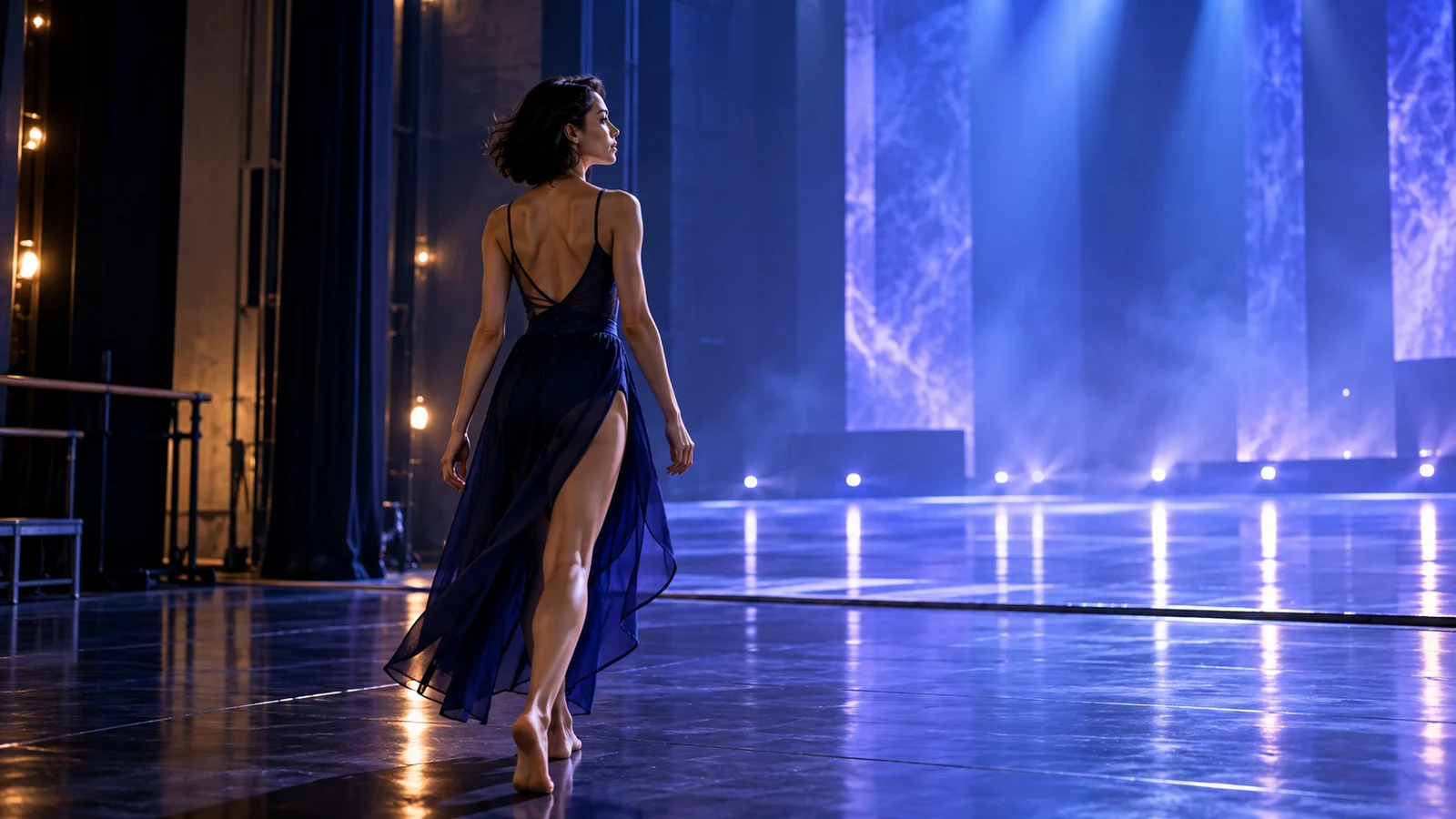
Connected storytelling
Version 2.5 officially supports audiovisual clips up to 30 seconds per generation, creating more space to develop an action or change of scene. Organize connected shots around an opening, development and ending.
A travel concept might begin at a station, continue through city streets and end with a broad city view. The creative focus is the relationship between shots; review character details, environments and actions across the result.
Start creating ↗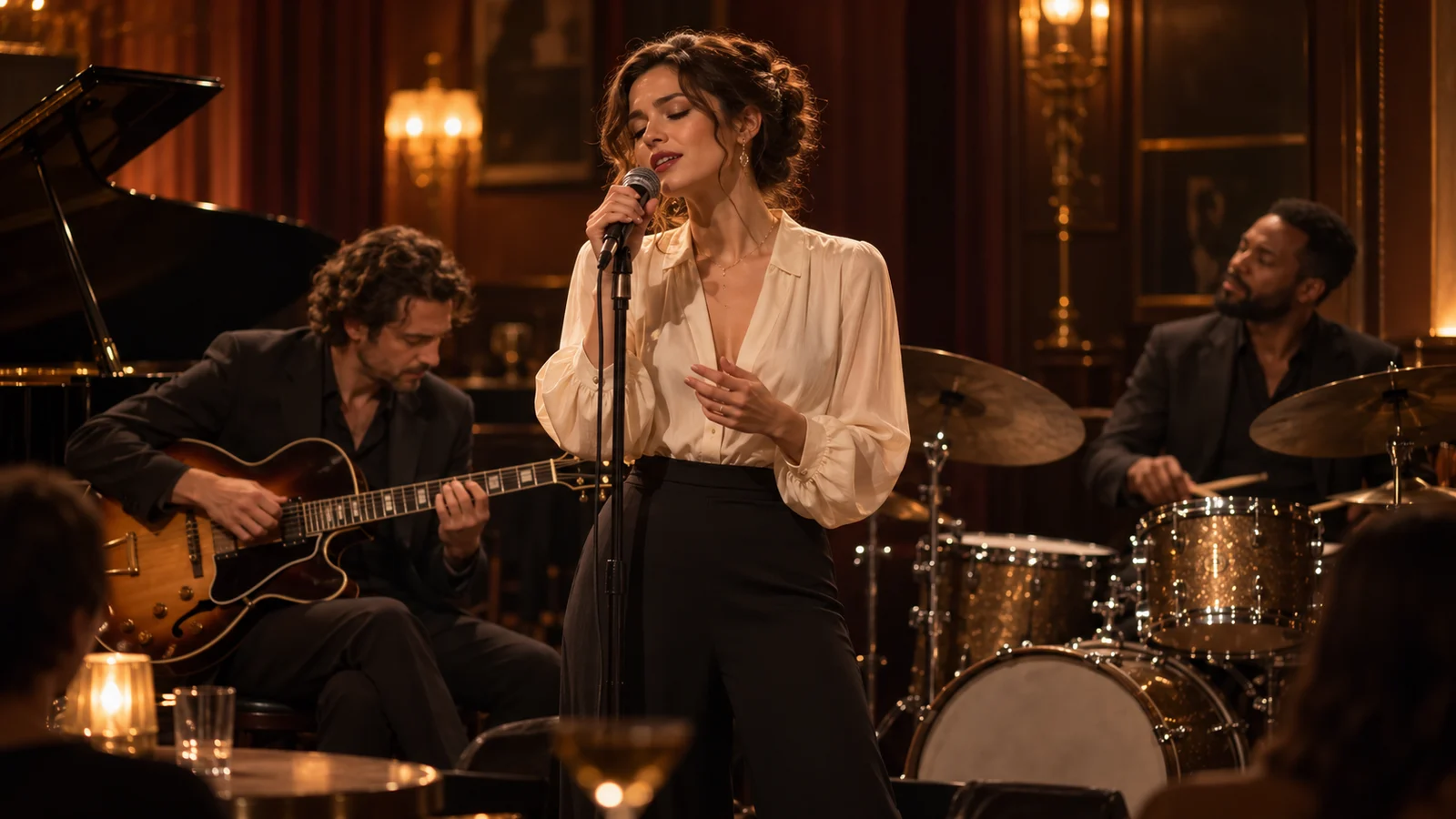
Sound and vision together
Joint audiovisual generation lets sound and imagery develop around the same idea. Performance, environmental atmosphere and rhythm all affect how a scene feels.
For music, character or lifestyle concepts, define what the audience should hear alongside the visual direction. Confirm sound output and available audio options for the chosen service, then review content and synchronization.
Start creating ↗
References with a clear role
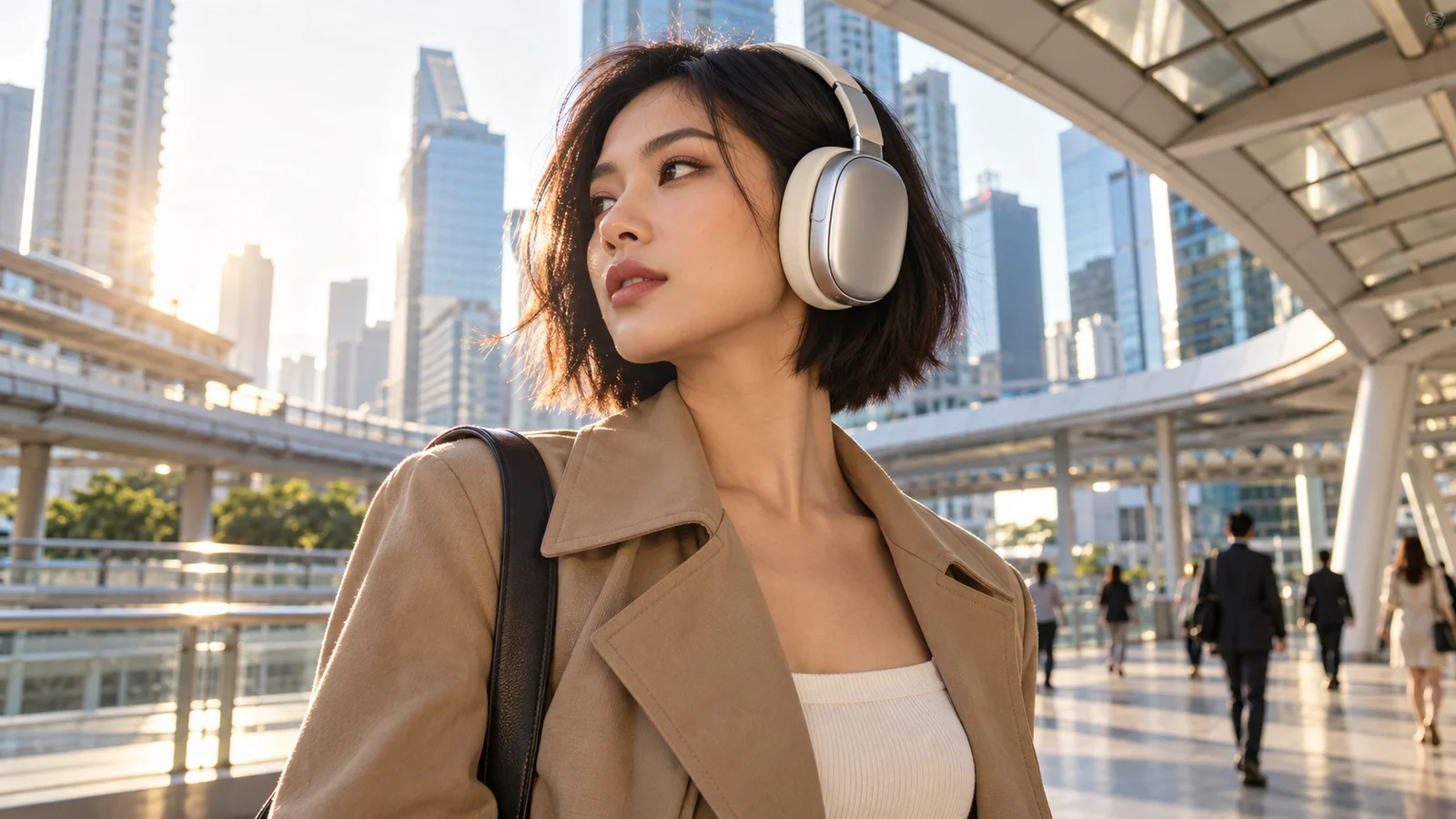
Version 2.5 supports multimodal references involving characters, objects, environments, movement and visual style. A clear role for each source helps organize more complex creative relationships.
A product concept can connect an item’s appearance with a target environment; a story can bring characters and settings together. Review appearance, scale and relationships in the result: references do not provide exact reproduction of every detail.
Start creating ↗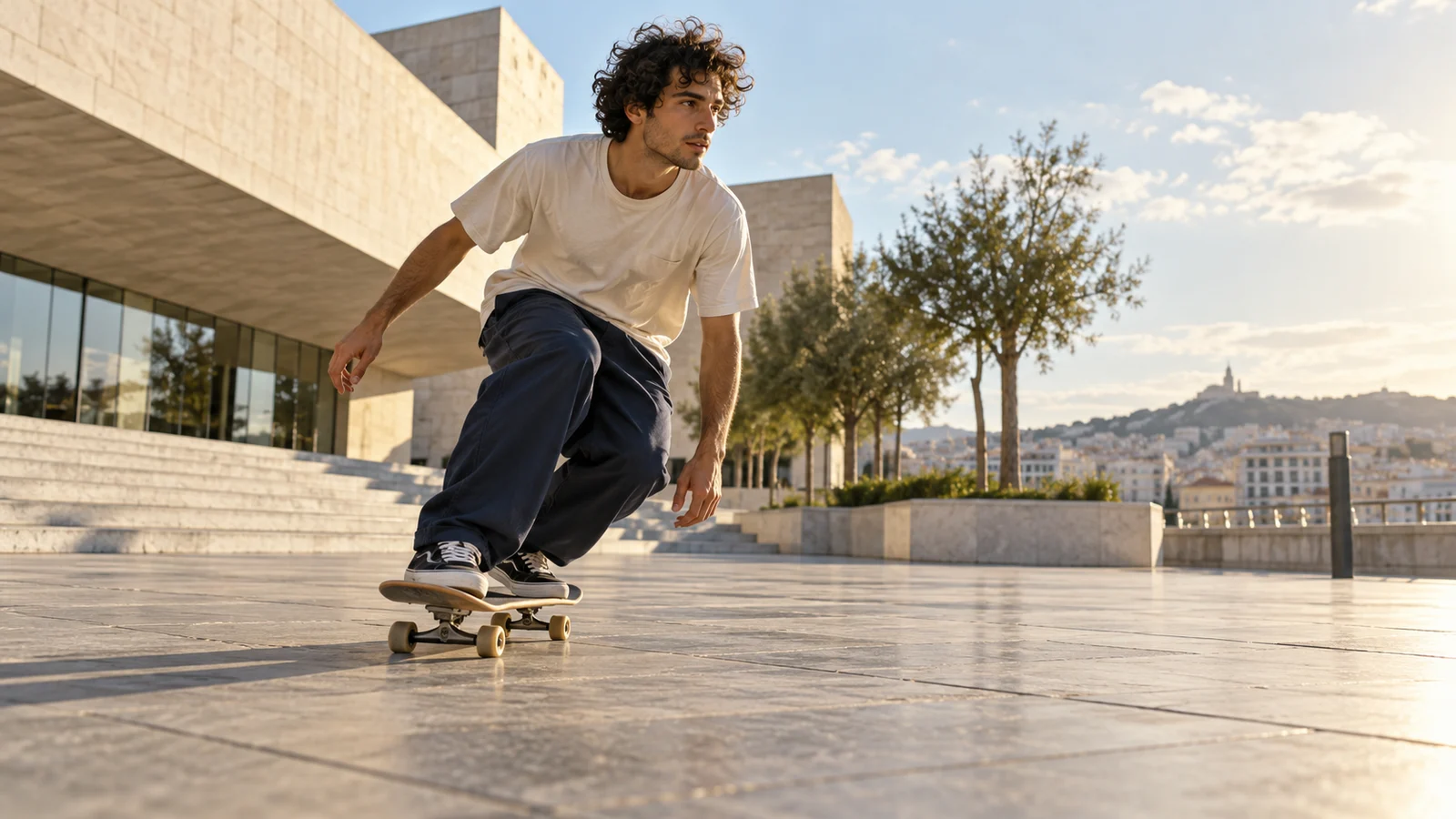
Camera movement and action
Camera distance, movement and performance shape how an audience experiences a clip. Develop different approaches, from establishing a location to following a character or emphasizing a detail.
A sports concept may emphasize a clear action path and spatial relationships; a character scene may focus on performance and perspective. Review complex anatomy, object contact and interactions between people throughout the result.
Start creating ↗
Refine an existing clip
Official 2.5 editing capabilities include changes within a time range, reference-led edits, perspective changes and green-screen work. Existing footage can become the basis of another creative iteration.
Identify what to change and retain when adjusting an environment, action or moment. Check the workspace for available editing modes, material requirements and controls, then review continuity before and after the change.
Start creating ↗
Continue a scene
Extension develops what happens after an existing clip. Continue an action, move toward another environment or add a closing moment that connects with the beginning.
Review the continuing characters, setting, audio and rhythm. Generation duration and extension conditions depend on the chosen service and settings.
Start creating ↗Bring Seedance into your video projects
Connect video capabilities with a concrete communication goal.

Brand and product films
Explore products in a setting that supports a launch or social campaign. Check product structure, branding and promotional facts before publication.
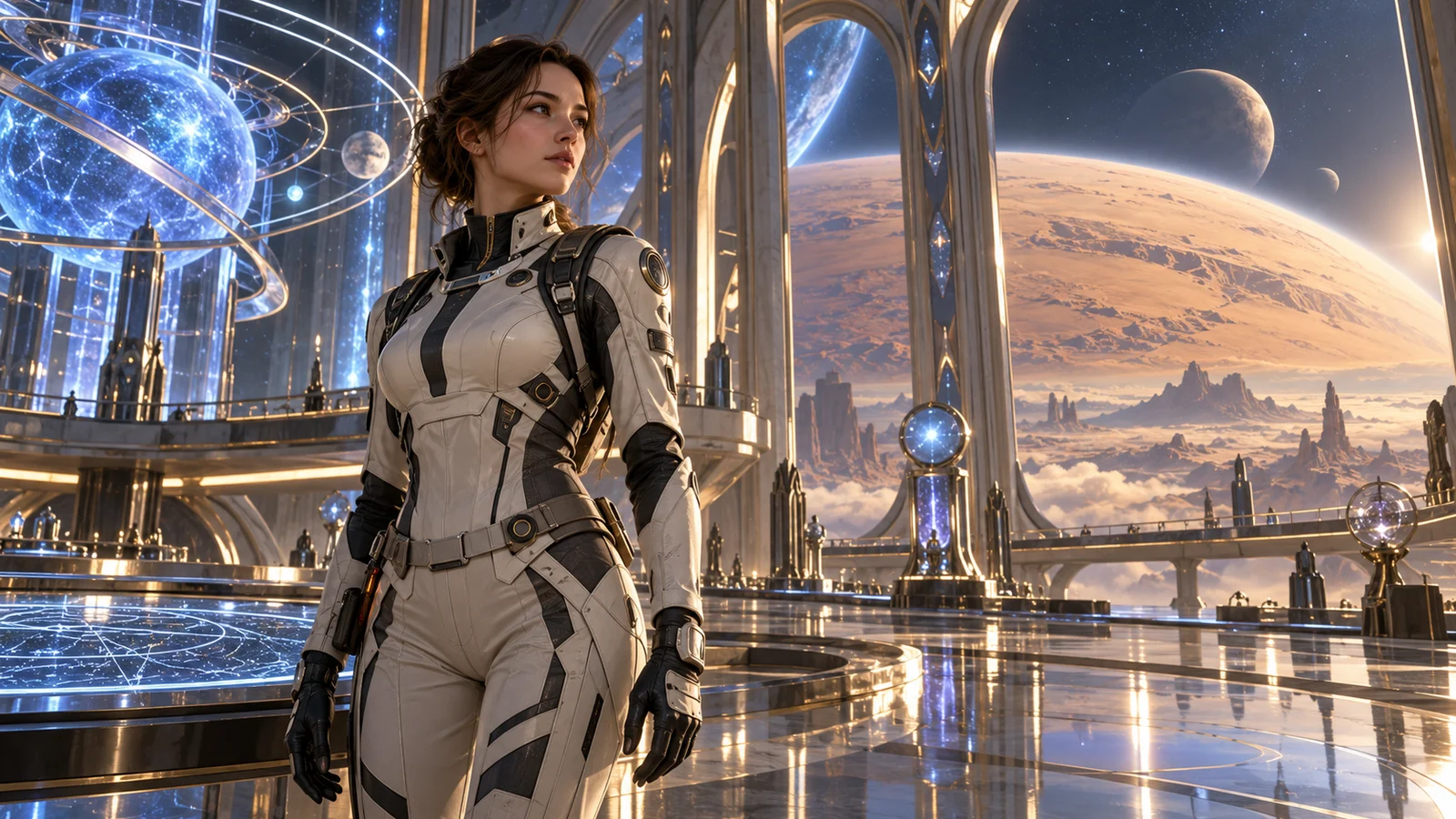
Character stories and film concepts
Develop shots around character goals, changing environments and key actions for original stories, storyboards and pitches. Review appearance and transitions throughout.
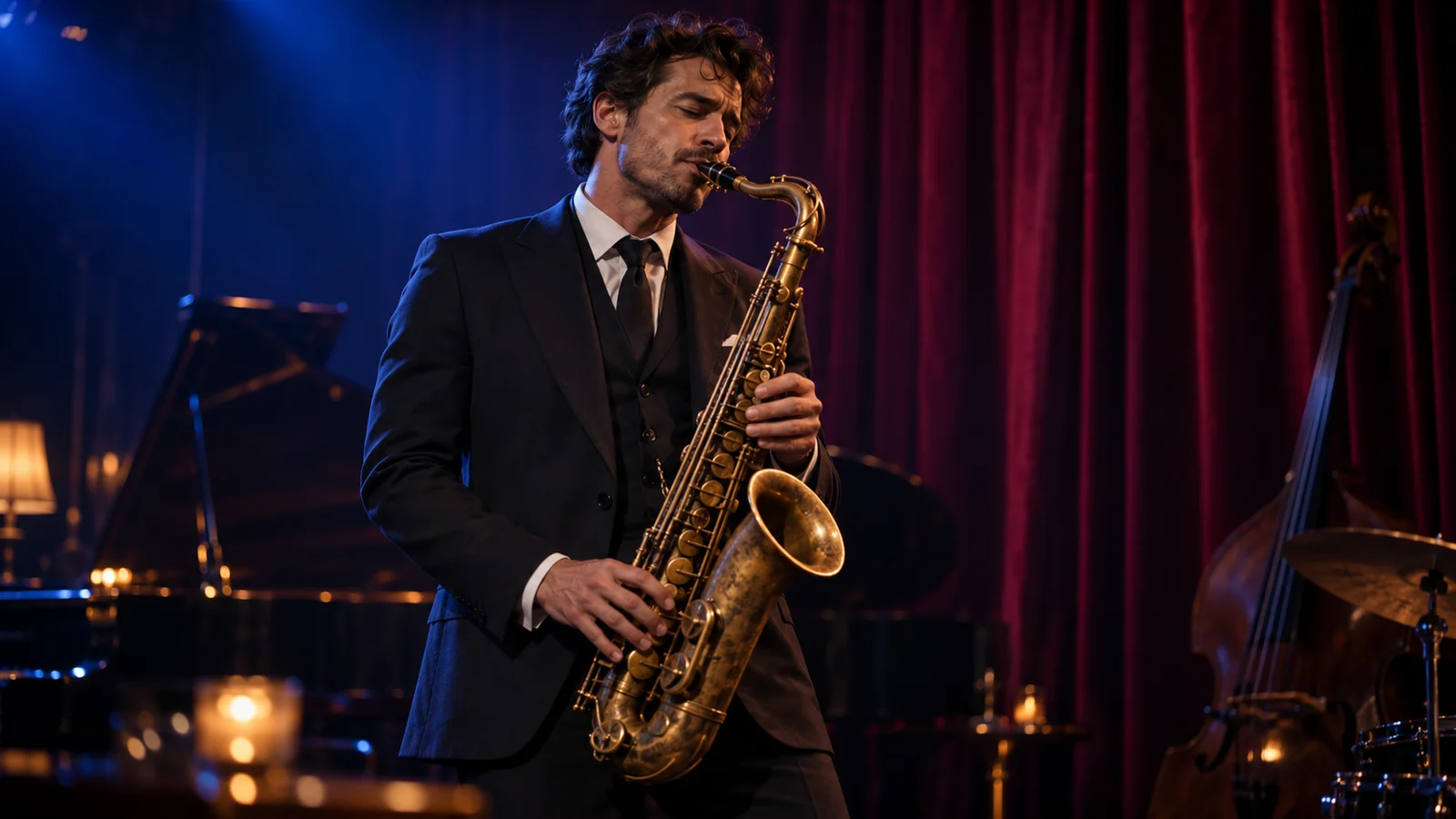
Music and performance visuals
Explore stage environments, performances and camera rhythm around the character of a track. Confirm rights to supplied music and likenesses.
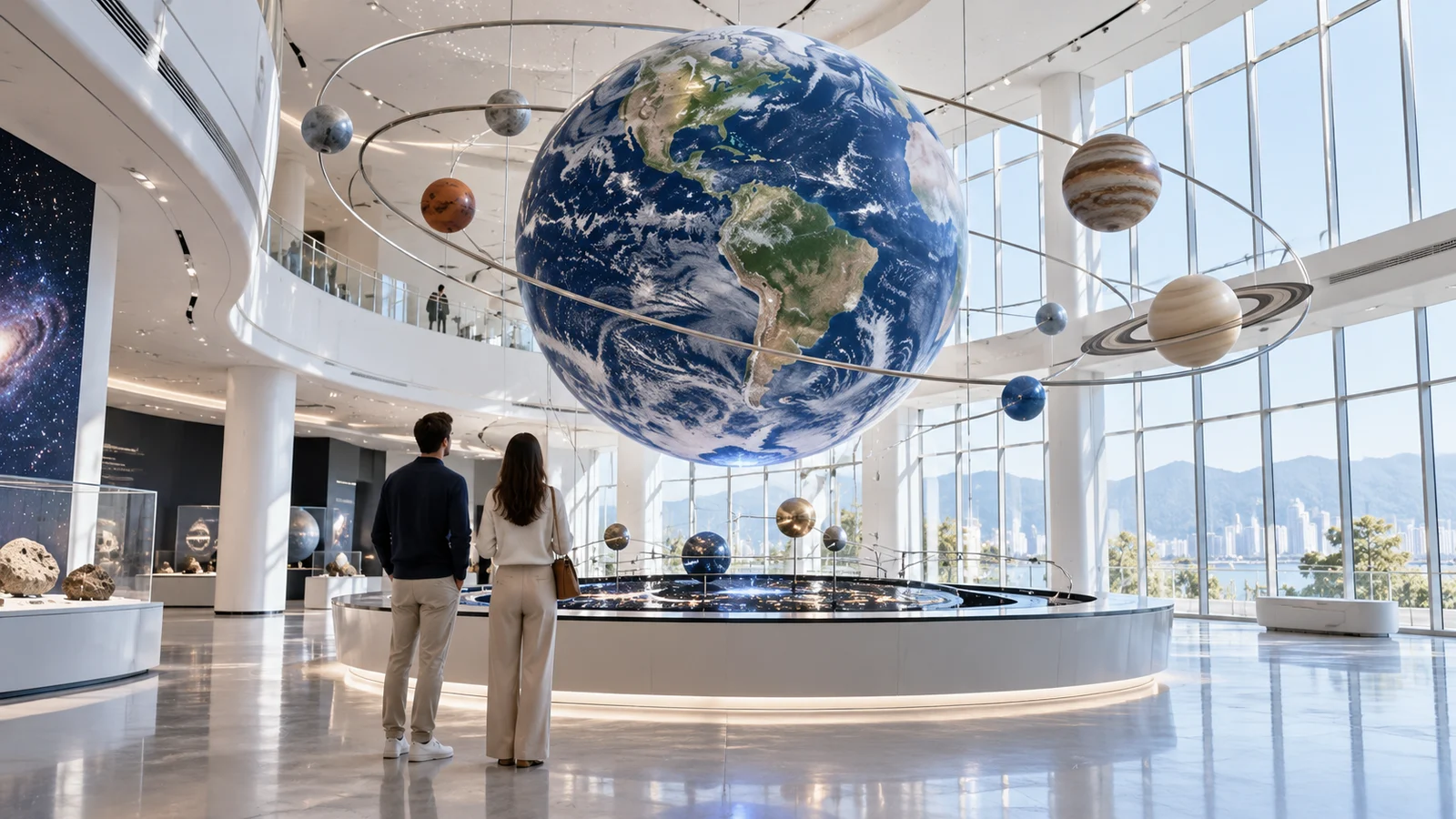
Education and explanation
Develop visual material around a setting, process or concept. Verify scientific, historical and procedural details; generated imagery is not factual evidence.
Seedance versions and creative options
2.5 develops storytelling, references and editing; 2.0 also uses joint audiovisual generation. They are distinct versions with their own requirements. Check the workspace for available models, inputs and modes, and distinguish official model capabilities from options offered here.
Start creating in three steps
- 01
Describe the idea
Identify your subject, action, setting and camera direction.
- 02
Review settings
Choose an available model, add required material and review estimated credits.
- 03
Submit and refine
Submit deliberately, inspect the result and decide what to change next.
Frequently asked questions
What is Seedance?
Seedance is ByteDance Seed’s video creation model family, developing video ideas from text and visual material. Inputs, outputs and creative features differ by version.
How can I use Seedance online?
Describe an idea here and select Start creating to open the bikabika AI video workspace. Review models, material requirements, settings and estimated credits before submitting. Sign in when prompted.
How long can Seedance 2.5 videos be?
The official model supports up to 30 seconds per generation and offers extension capabilities. Check the selected mode for durations and extension conditions available here.
Can I use image references?
Official capabilities include reference-led creation. Check your selected mode for supported material, quantities and requirements, and inspect people and products in the output.
Can Seedance generate sound?
Relevant versions use joint audiovisual generation. Confirm sound output and audio input options for the specific model and service, then review synchronization and content.
Can I edit or extend an existing video?
Official 2.5 capabilities include editing and extension. Check the workspace for available modes, material requirements and costs. Confirm rights to supplied footage.
Does Start creating immediately spend credits?
It does not submit a generation automatically. Your description remains a draft in the workspace, where you can review estimated credits before submission. See pricing for billing and plan rules.
Is this the official Seedance website?
This is bikabika AI, a one-stop AI creation platform. Seedance is developed by ByteDance; this site provides its own account, credits and service.
Develop your next video idea with Seedance
Start with a character, setting or action, then refine the idea in the video workspace.