
FLUX 3 Image: AI image generation and editing
FLUX 3 Image is Black Forest Labs' image creation model, combining text-to-image generation, visual references, and composition control. Develop a new scene or a focused revision around subjects, placement, and visual detail.
Choose a model, enter a prompt and adjust the settings to generate, preview and refine images on this page.
Open full workspaceEstimated cost—pts
Creative illustrations
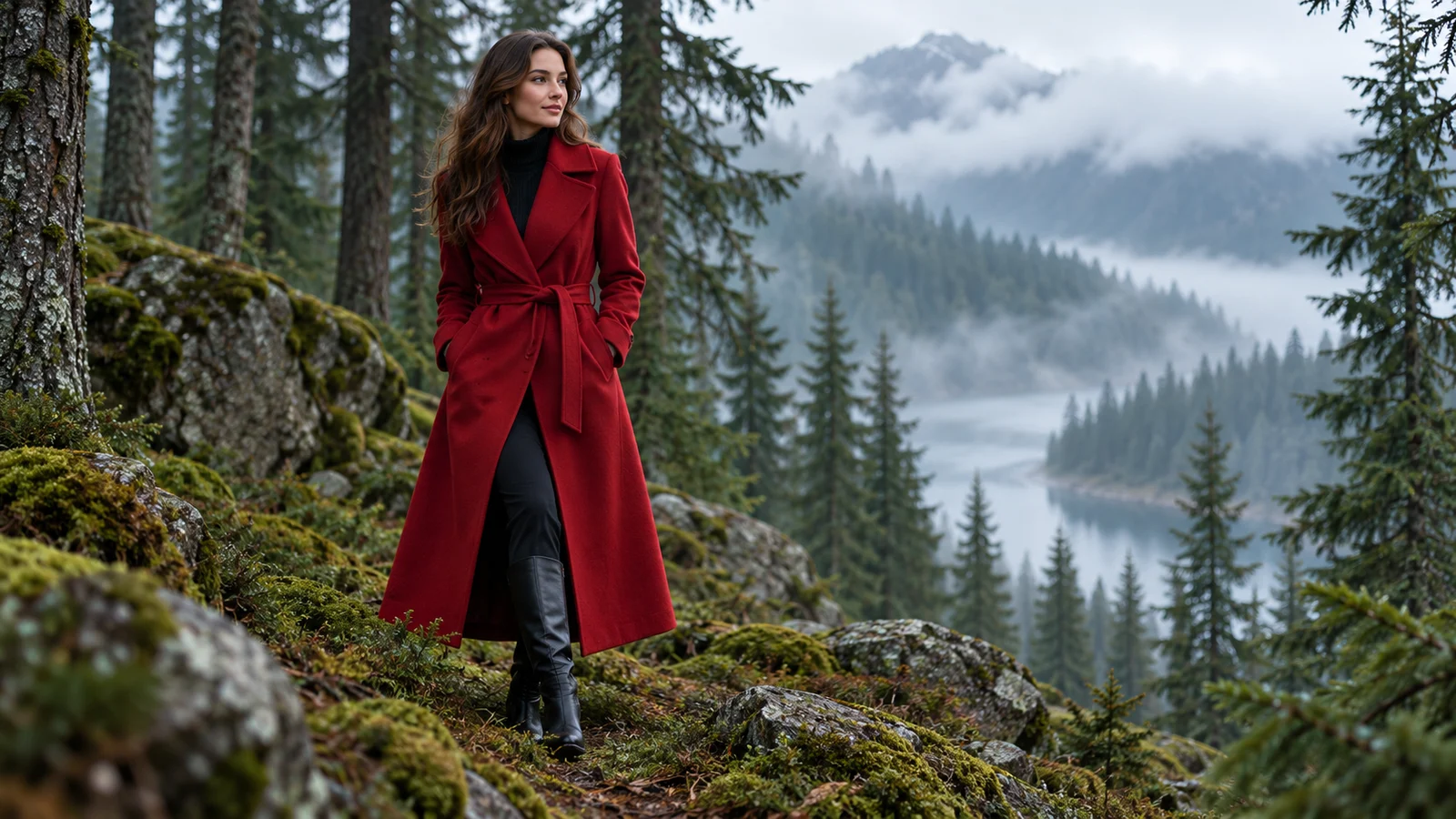
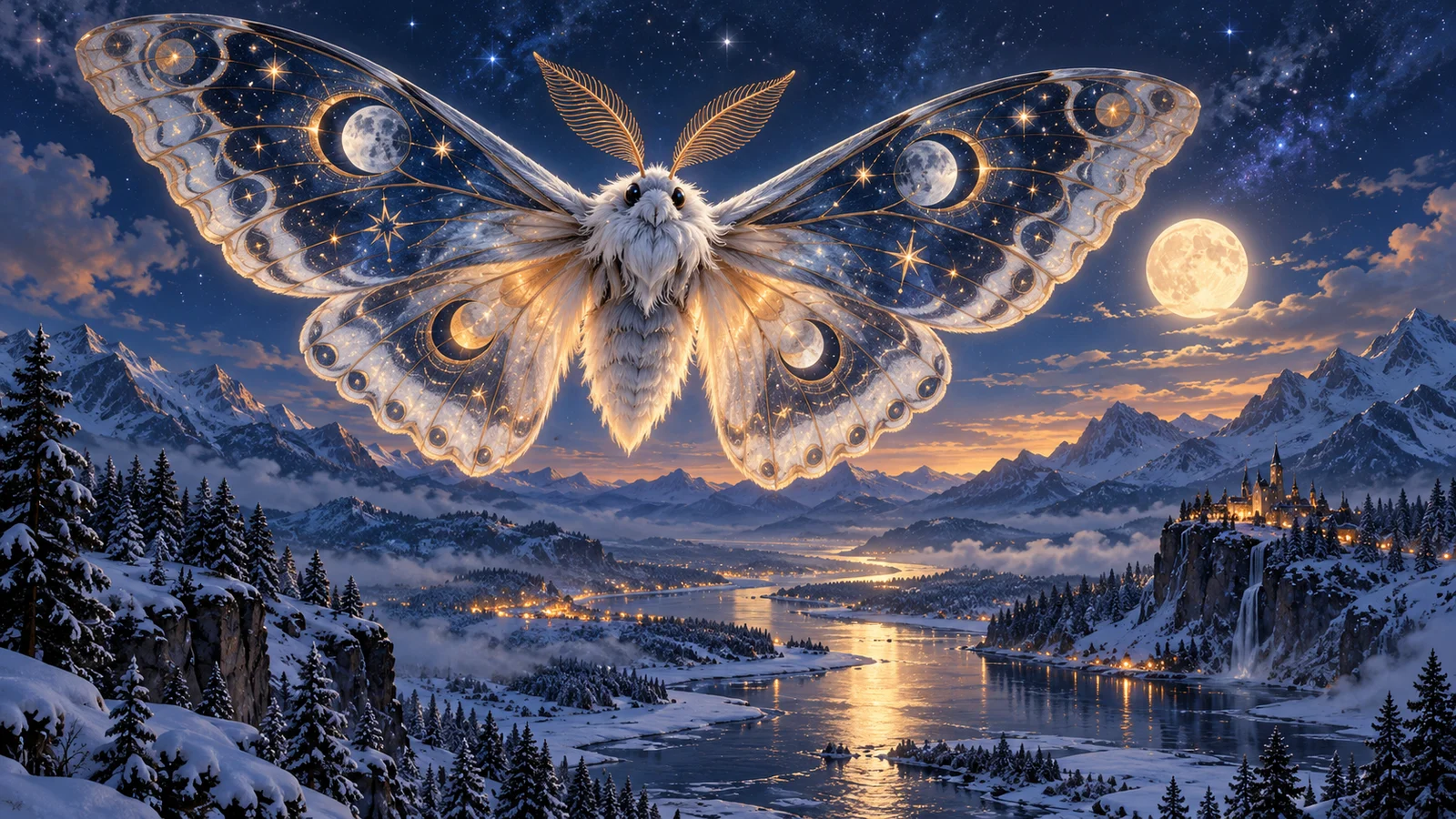
Describe the scene and consider where each element belongs
Connect generation and editing around composition, reference material, and a clearly defined creative change.
Express relationships through layout
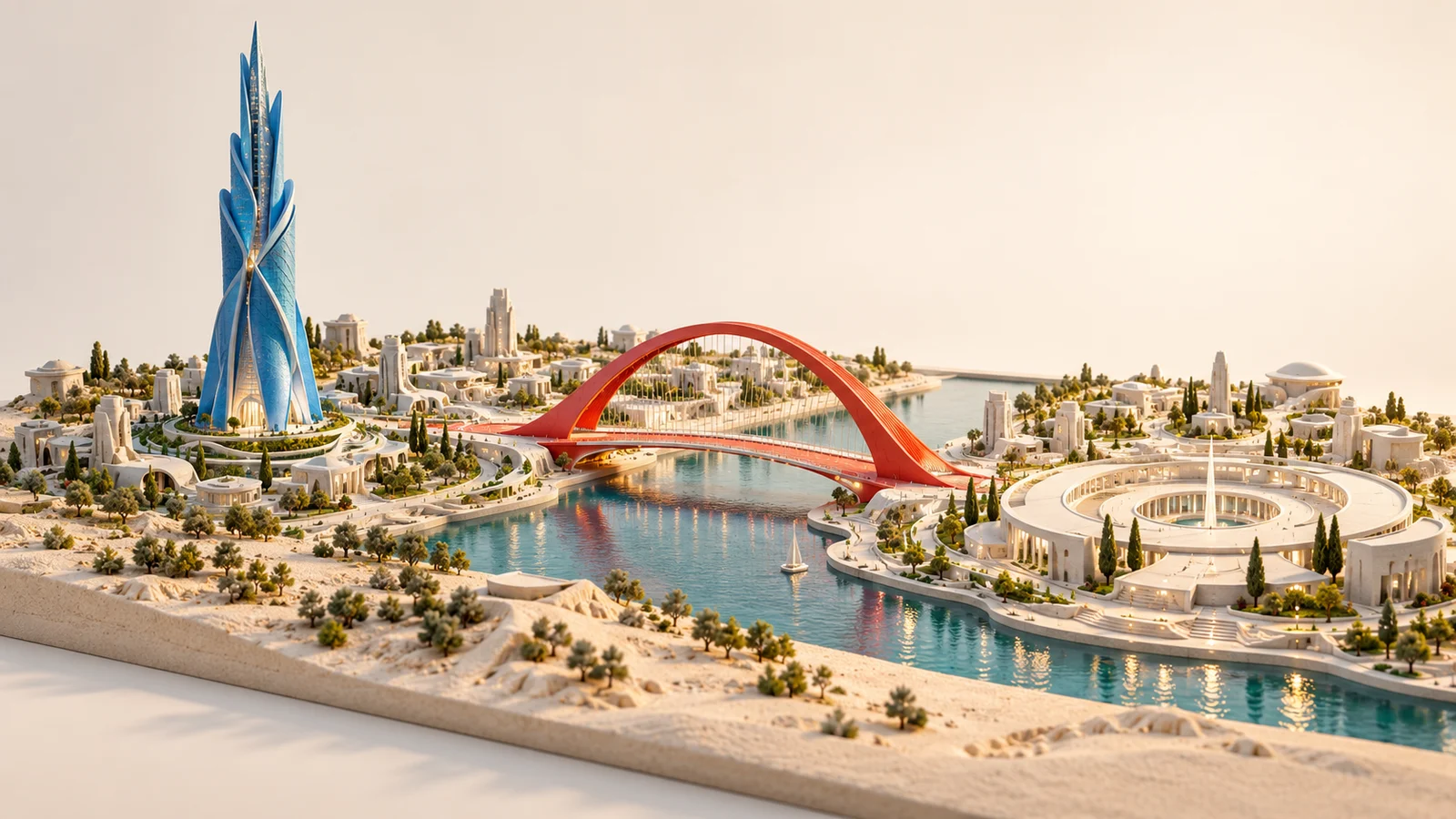
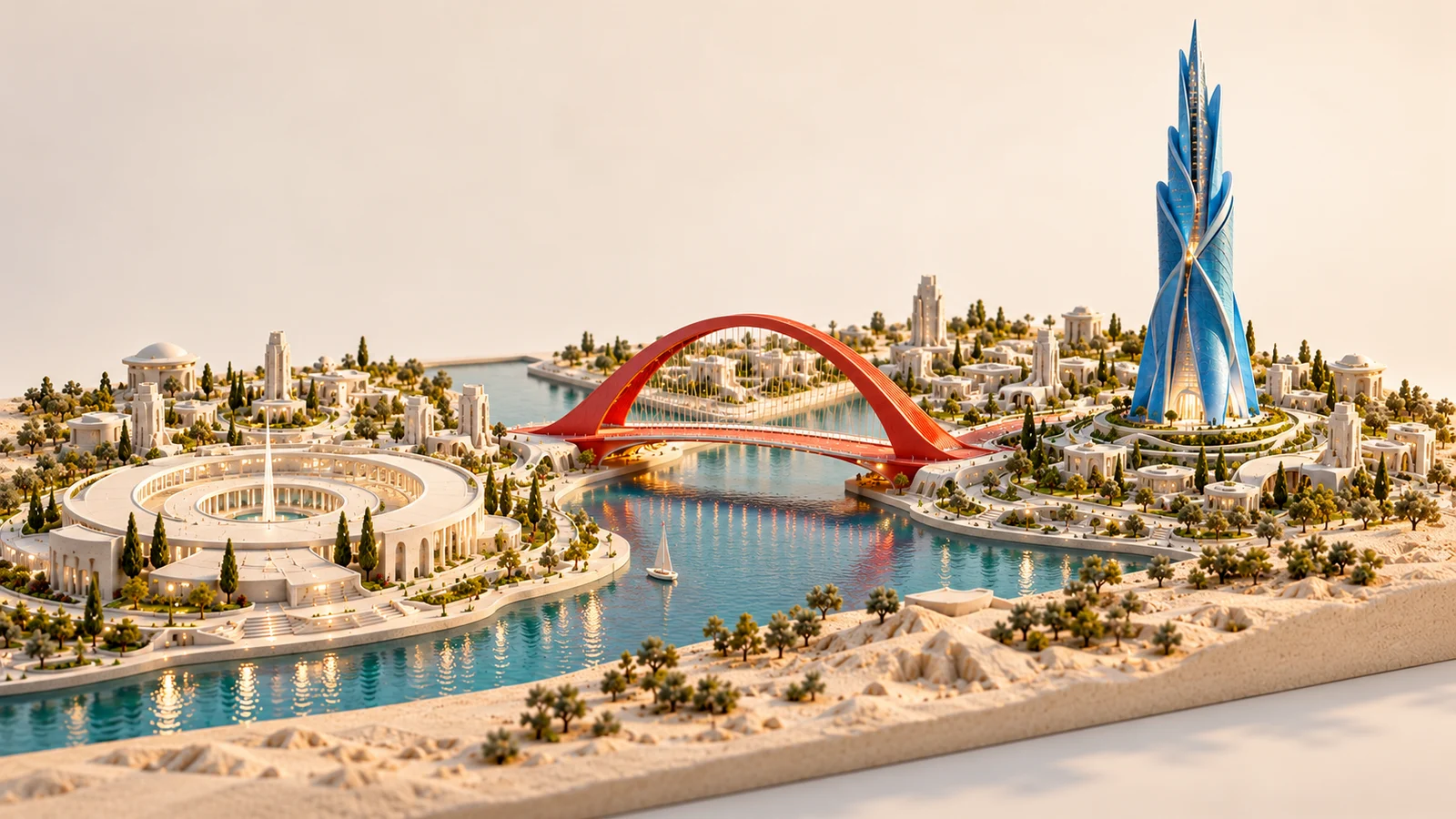
Subject placement, open space, and the relationship between foreground and background shape an image's meaning. FLUX 3 Image's official layout capability uses region descriptions to organize elements for a defined composition.
An original miniature city might place a tower on the left and a bridge near its central plaza, then explore a different arrangement. Establish the visual priority and compare how each composition guides the eye.
Start creating ↗

Focus a revision on a specific detail
A color or object in an existing image may need attention without a full redesign. FLUX 3 Image supports written edit instructions, while its official region-based approach can define the target more precisely.
A paper-art tree might explore a new color for one leaf while the surrounding leaves, light, and background remain useful references. Compare boundaries, overlap, and neighboring detail to judge whether the revision addresses the brief.
Start creating ↗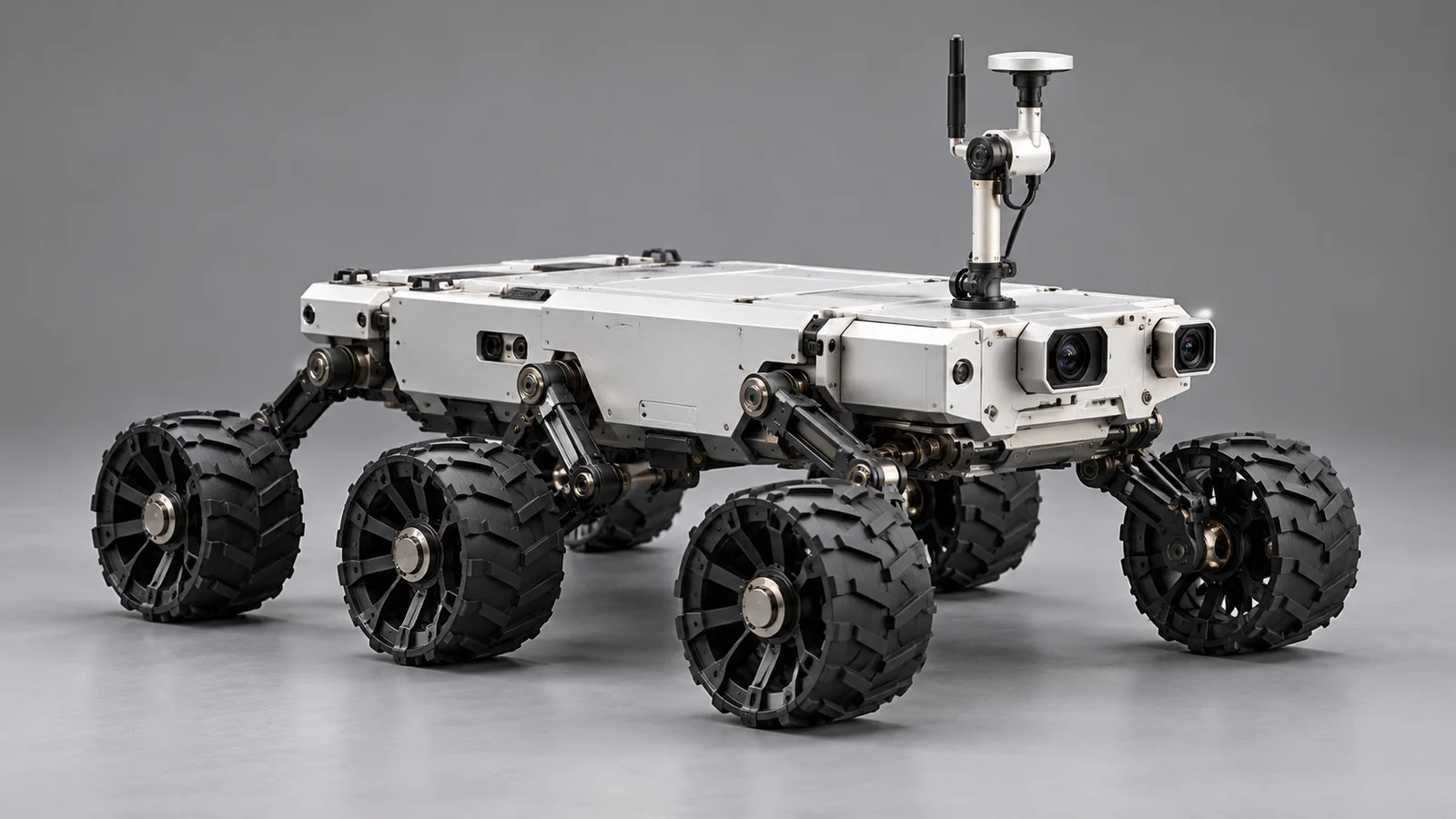


Connect subject and setting references
References can contribute different information about an object, a space, or a visual direction. Multi-reference creation brings that material into a shared composition with a description of how it should work together.
An original lunar rover and a pink desert can become a complete exploration scene. Review the vehicle's scale, contact with the ground, and cast shadows so the references form a spatial relationship.
Start creating ↗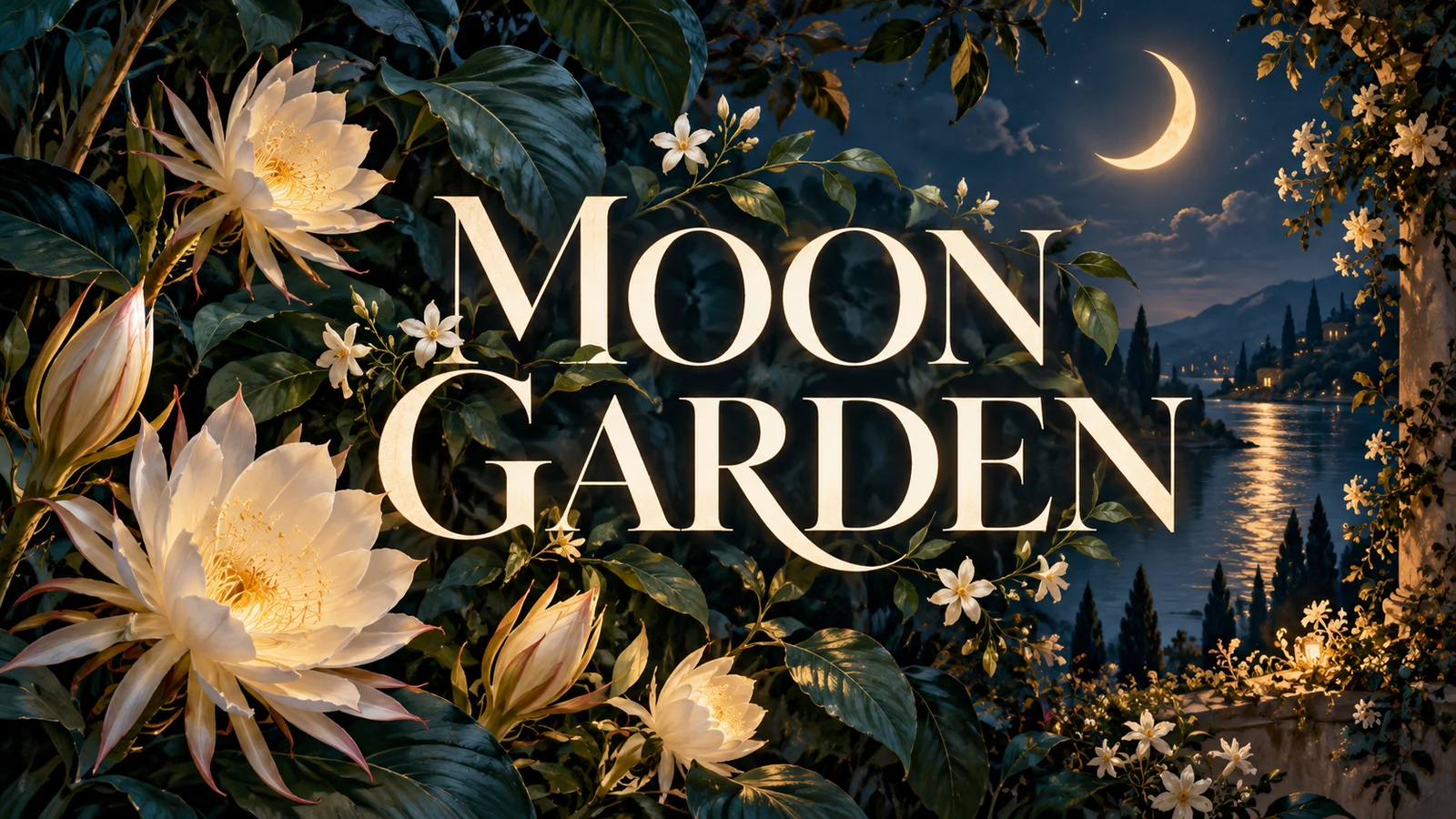
Design words, images, and space together
A title and its surrounding imagery need a shared composition. FLUX 3 Image can explore text-led visuals such as signs, themed artwork, and covers, connecting a short phrase with the main subject.
For a fictional MOON GARDEN concept, arrange plants, evening atmosphere, and a title around one idea. Proofread the wording and reading order before publication, completing precise typography in a design tool when necessary.
Start creating ↗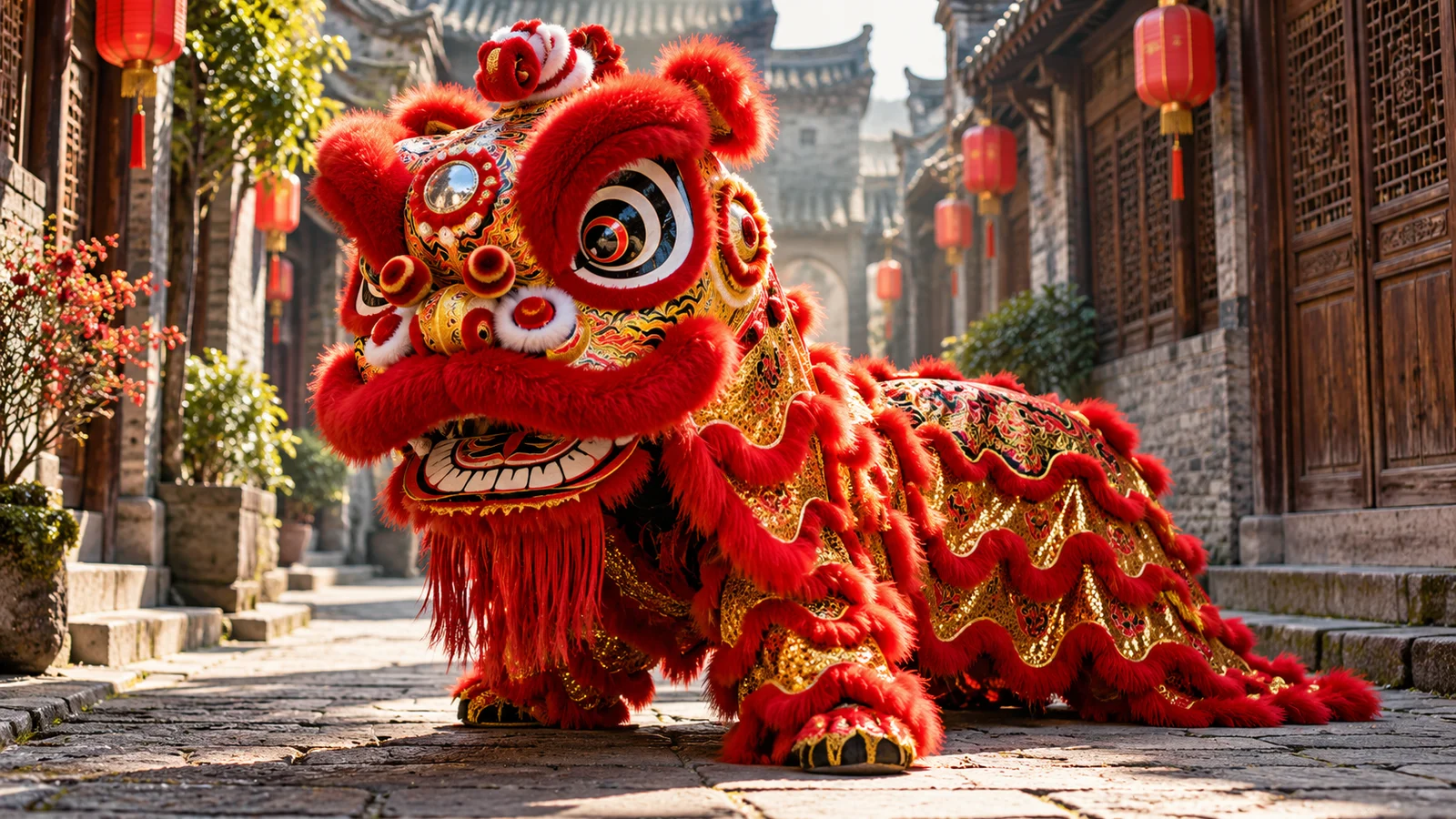
Explore visual languages around one subject
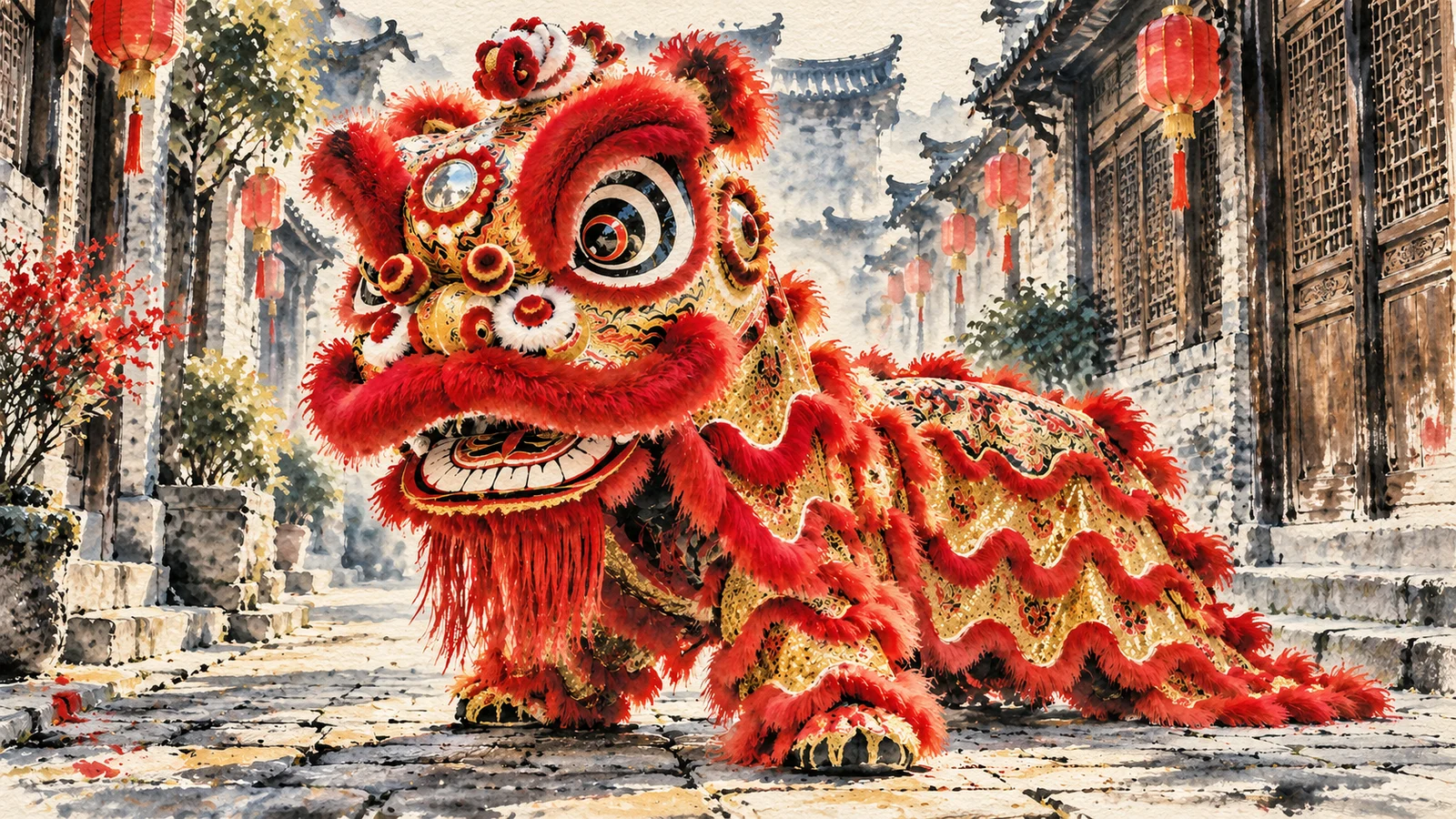
A reference can communicate artistic treatment, color, and atmosphere as well as an object. Style changes offer ways to compare photography, painting, and illustration while retaining the theme's main relationships.
A lion-dance street scene might preserve the position of the lion head and surrounding buildings in an ink-and-color concept. Compare how the treatment serves the subject rather than simply adding decoration.
Start creating ↗
Understand the role of grounded references
Official grounding draws on web information about real things to inform an image. It concerns the objects and material behind a request, rather than only the visual treatment.
Reliable references can help define details for a place, installation, or real-world topic. Availability of related settings on this site depends on the mode; verify factual content, structures, and wording before use.
Start creating ↗Bring FLUX images into creative projects
Develop visuals around a purpose, from layouts with defined placement to projects built through references and revisions.

Brand and product presentation
Explore settings, colors, and visual emphasis for advertising or promotional imagery. Compare compositions around the same item and check its structure, labels, and real appearance.
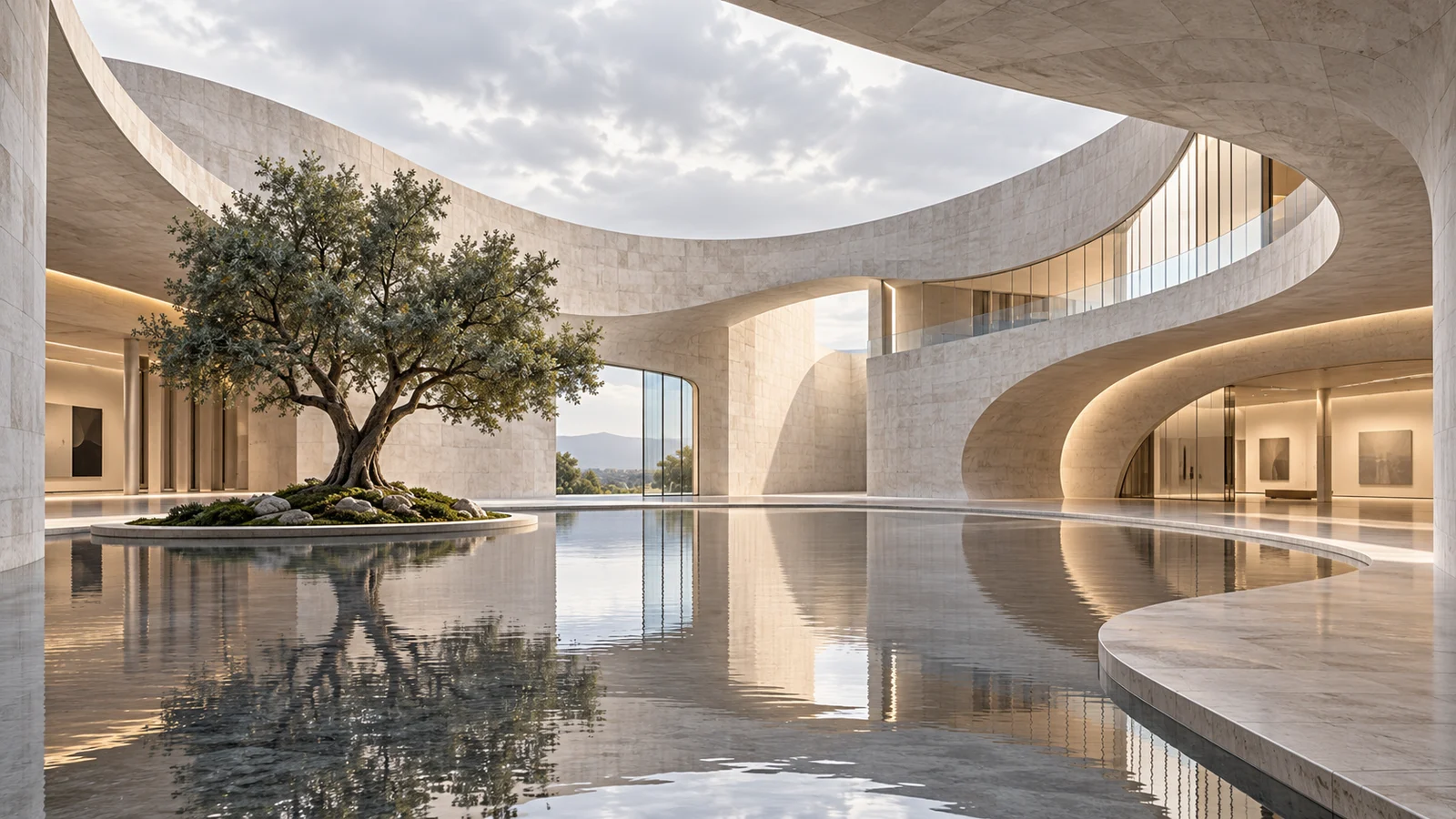
Space and architectural concepts
Organize architectural forms, spatial relationships, and light into an idea people can discuss. Use images to communicate direction; verify dimensions, structure, and construction requirements through professional design work.
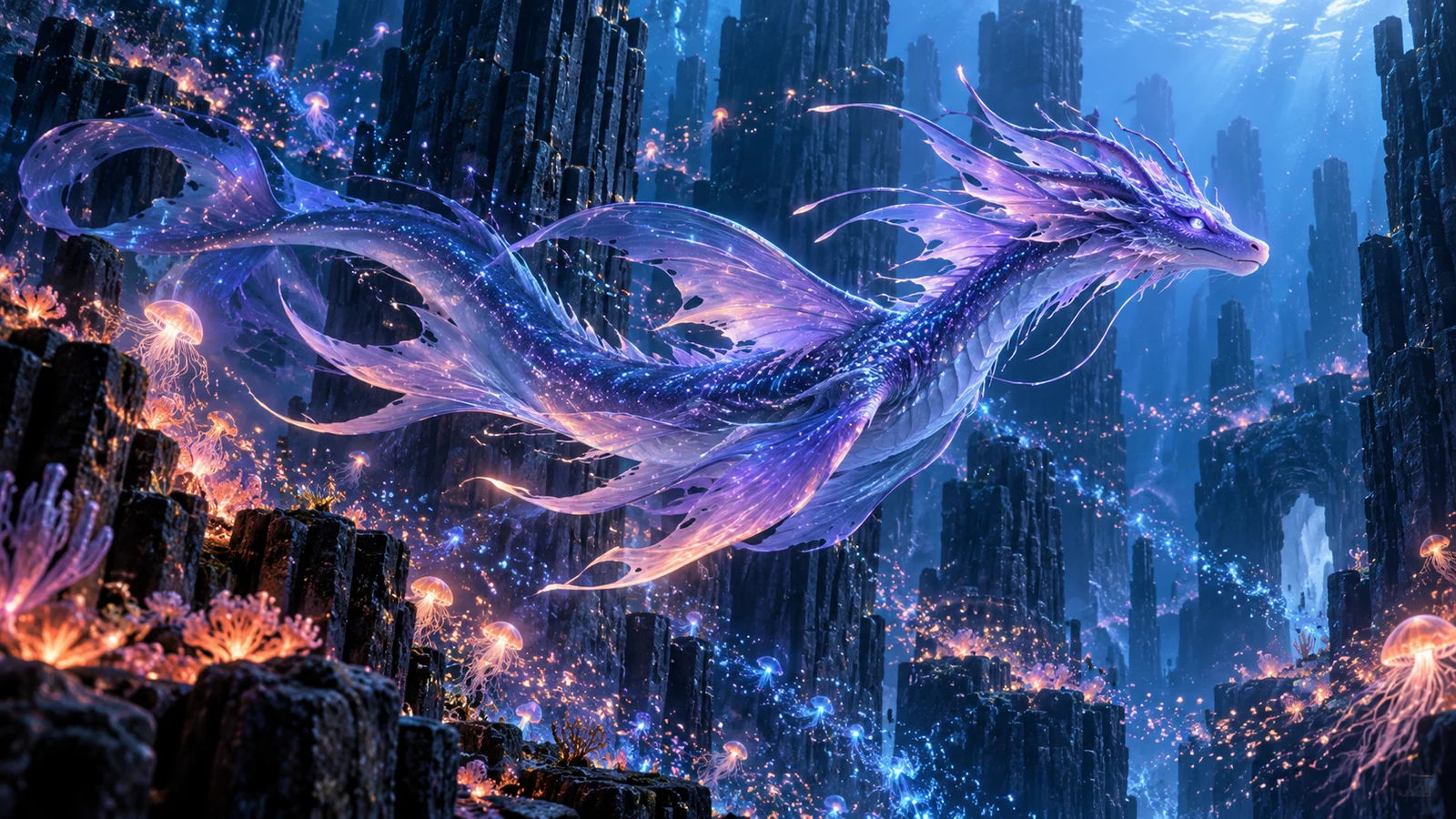
Original stories and worldbuilding
Develop shared colors and atmosphere for original creatures, environments, and props. Extend a world's visual clues across scenes and give written concepts a visible point of discussion.

Covers and editorial visuals
Arrange a subject and title space around an article, event, or creative theme. Consider reading priorities and atmosphere together to develop imagery that fits the content.
FLUX 3 Image and the wider FLUX family
FLUX 3 Image generates and edits still images. The FLUX 3 family also includes video and other products, so confirm the complete model name and output type rather than relying on the generation number alone.
FLUX 3 Image Klein is an open-weights image variant, while FLUX.2 continues to support image generation and editing. Their access methods and settings differ; this page focuses on FLUX 3 Image.
Start a FLUX image
- 01
Describe the idea
Define the subject, composition, and purpose. Prepare permitted references for edits.
- 02
Review the settings
Confirm the full model name, available mode, and estimated credits before generating.
- 03
Compare and refine
Inspect the layout, text, and details, then continue with a clearly defined change.
Frequently asked questions
What is FLUX 3 Image?
It is Black Forest Labs' image generation and editing model, combining text-to-image creation, multiple references, and layout control. This page covers the Image product.
How can I use FLUX image generation online?
Enter a description in this page's generator, confirm FLUX 3 Image and the settings, then follow the sign-in and credit flow. You can also carry your input into this site's image workspace to continue.
Can I edit a specific part of an existing image?
Official capabilities include written edits and region-targeted changes. This site provides the inputs and settings supported by the selected mode. Describe what should change and what you want to retain.
Do I need bounding boxes to generate an image?
No. A written description can start a generation; boxes are an additional official control method. This page's generator does not require a box-drawing tool that it does not provide.
Can I use several reference images?
Official FLUX 3 Image supports up to ten references. The selected mode's actual upload limit is shown in this site's generator; prepare material to that limit.
Can it create designs containing text?
Explore designs with a title or short wording, describing the words and their position relative to the subject. Proofread spelling, numbers, and small text in the output.
Are FLUX 3 Image and Klein the same model?
They are distinct variants. Klein is an open-weights member of the image family. This page focuses on FLUX 3 Image; confirm the full name in the generator.
How many credits does an image cost?
Estimated credits depend on the model, mode, and output settings. Enter a request and choose settings to see the generator's estimate. Visit pricing for plan and credit terms.
Is this Black Forest Labs' official website?
This is bikabika AI, a one-stop AI creation platform, rather than the official Black Forest Labs or FLUX website.
Turn a composition idea into an image you can develop
Begin with words or references and focus the next revision on the change you want to make.