
Suno v6 AI Music GeneratorWith Room to Keep Creating
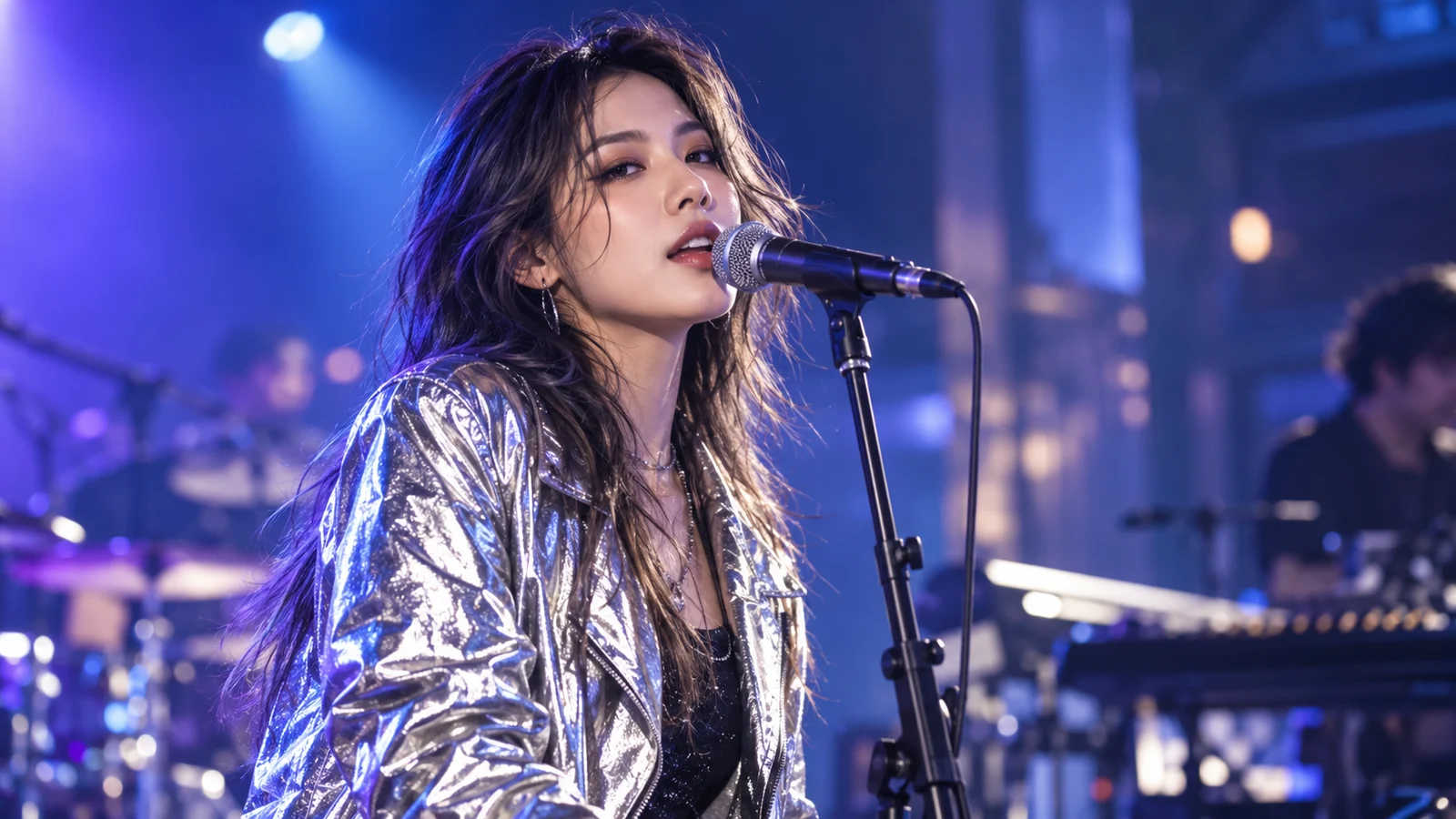
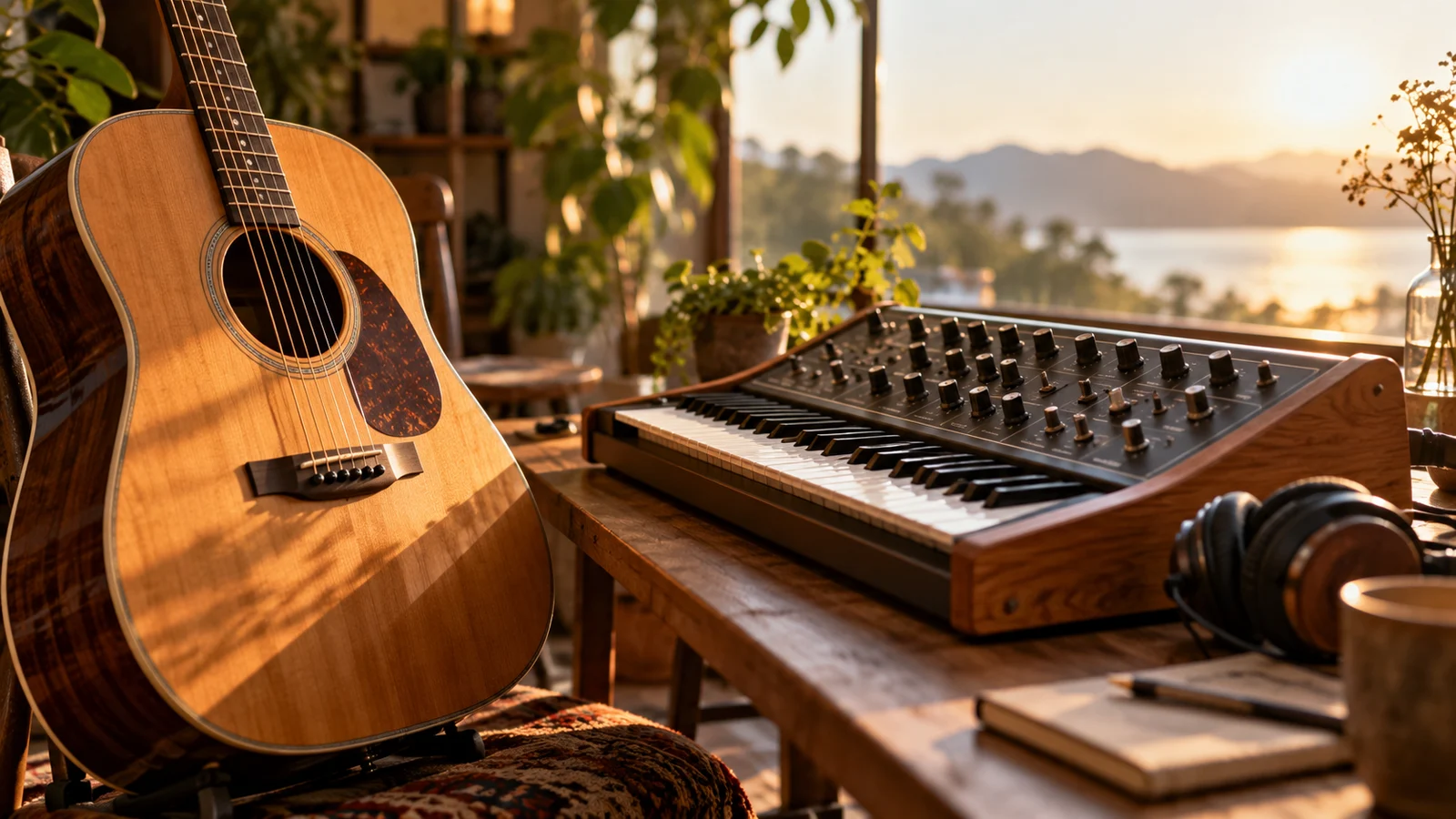
Suno v6 is a generation of music models that combines song creation with finer creative control. Alongside music generation, Suno describes natural-language editing, lyric changes and creative inputs that help you develop an existing song further.
How does Suno v6 create and edit music?
Explore the generation’s creative focus, from a musical direction to a chorus or a single lyric.
Give a musical idea more definition
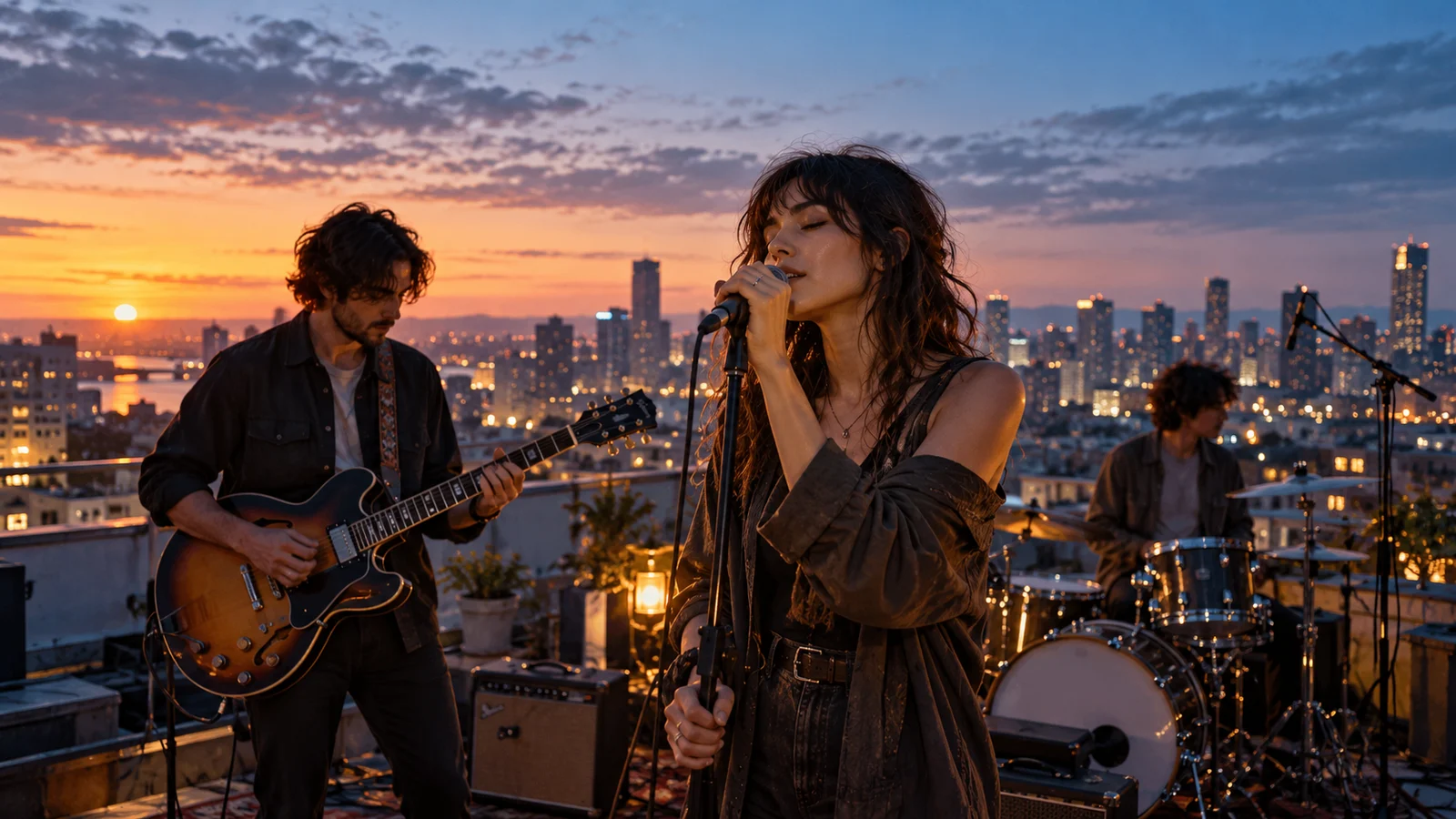
Vocals, instruments, structure, mood and overall feel all contribute to a musical description. v6 emphasizes understanding this musical language so creators can communicate more than a genre name.
Start with the atmosphere of a rooftop at night or a more specific arrangement. Listen to the complete result and compare melody, performance and structure as you develop a direction.
Start creating ↗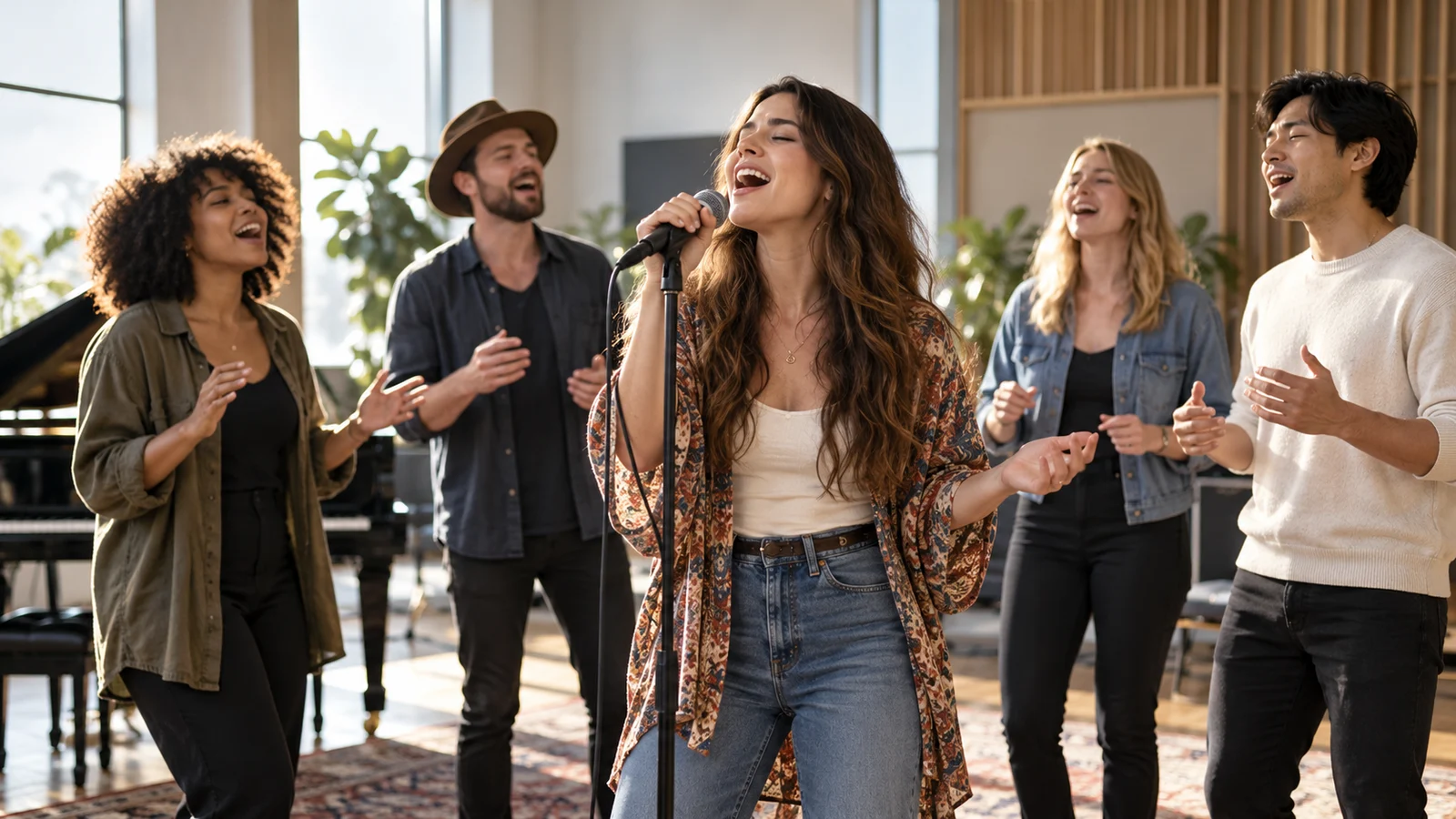
Describe changes to a song section
Suno describes editing a particular part of an existing song in plain language, such as changing the chorus performance while aiming to preserve the rest. Further work can focus on a specific section.
Identify what you want to retain before describing what should change. Listen carefully afterward: preservation is an editing objective, not a guarantee that every result will remain identical elsewhere.
- 01Keep verse
- 02Change chorus
- 03Keep outro
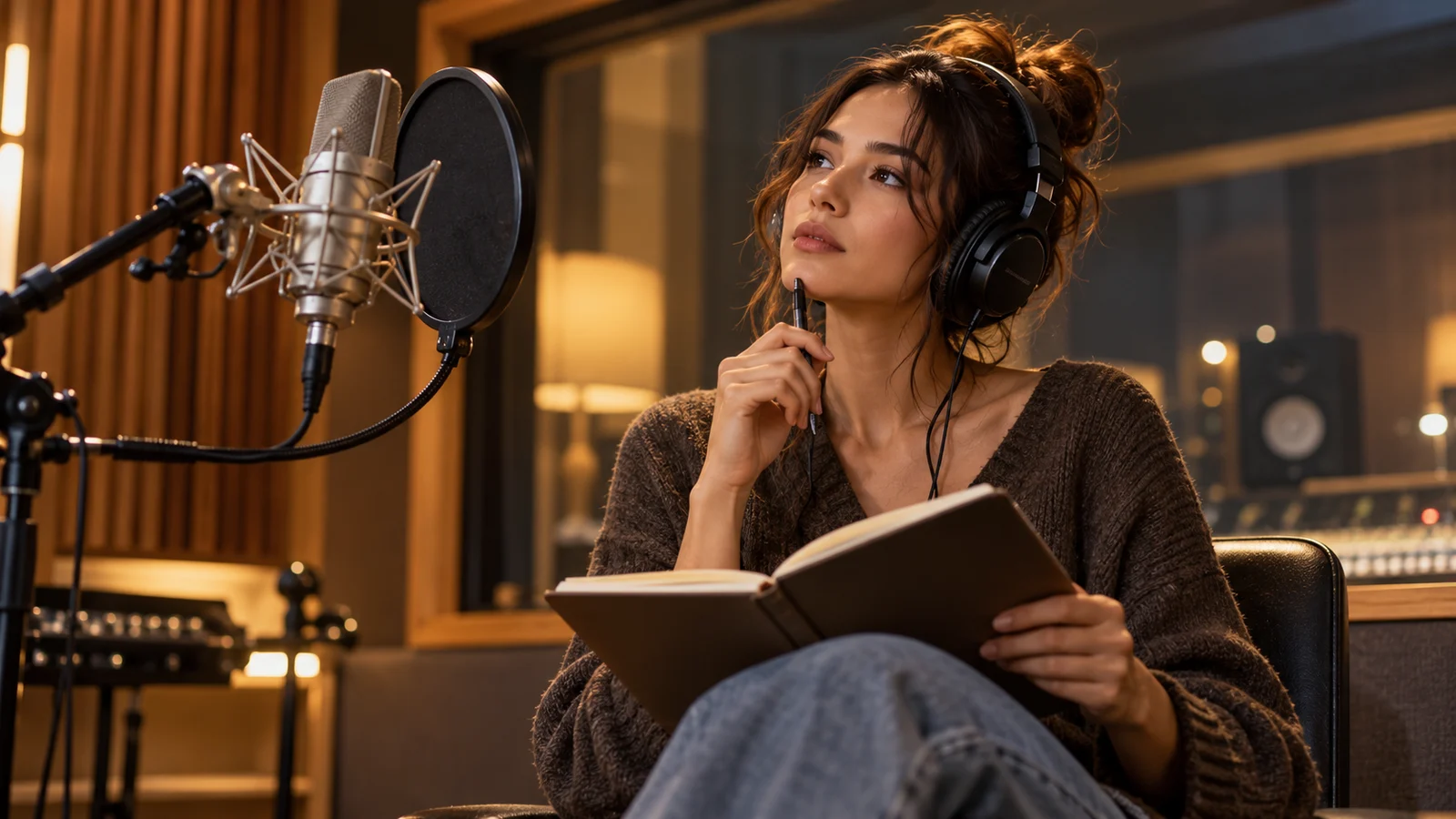
Refine the expression in a single lyric
When the song’s overall feel is close to your goal, changing a word or line can focus the next creative decision without restating the entire musical idea.
Suno describes local lyric changes that aim to retain the rest of the song. Check pronunciation, timing and transitions afterward. The lyric example illustrates an editing intention, rather than a measured output.
NightfallMorning light
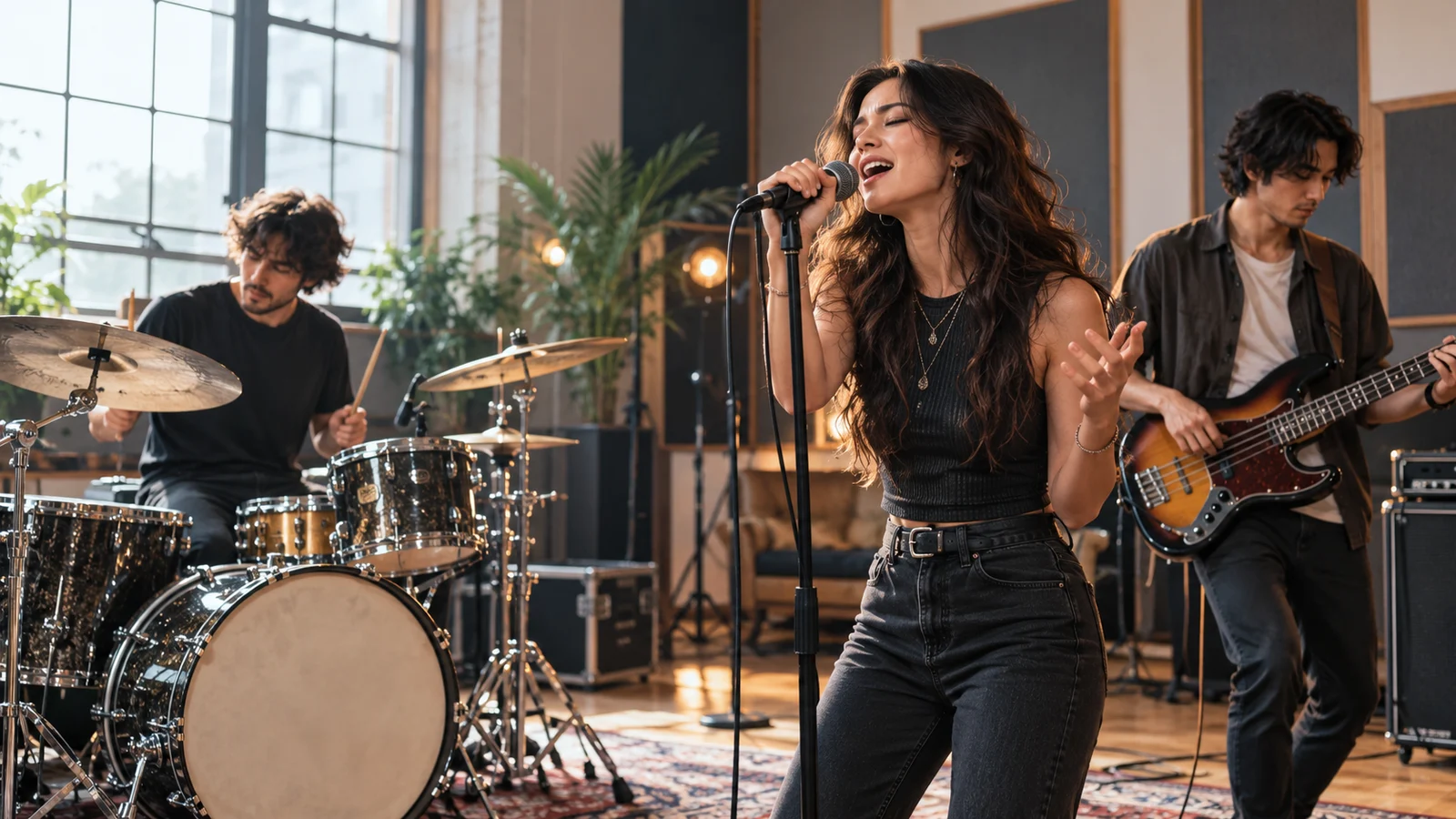
Bring elements from different audio sources together
Suno describes combining musical elements from multiple sources in one request, as well as sampling, isolating instruments and building a new beat.
These tools can develop existing musical material instead of always starting again. Use source audio you have permission to use, and listen closely to judge whether the elements work together.
Start creating ↗
Create from words, sounds and visual inspiration
Suno’s v6 announcement describes text, audio, images and video as creative starting points. A street photograph, voice memo or video can help communicate a musical feeling.
Each input provides different clues; an image does not prescribe a single genre. These are official product capabilities. Check the bikabika AI music workspace for available models, inputs and operations.
Start creating ↗What can you create with Suno v6?
Connect music generation with further refinement for personal songs, content and creative proposals.

Personal songs
Develop experiences and original lyrics into a song, comparing performances and structures to find an expression that fits the theme.
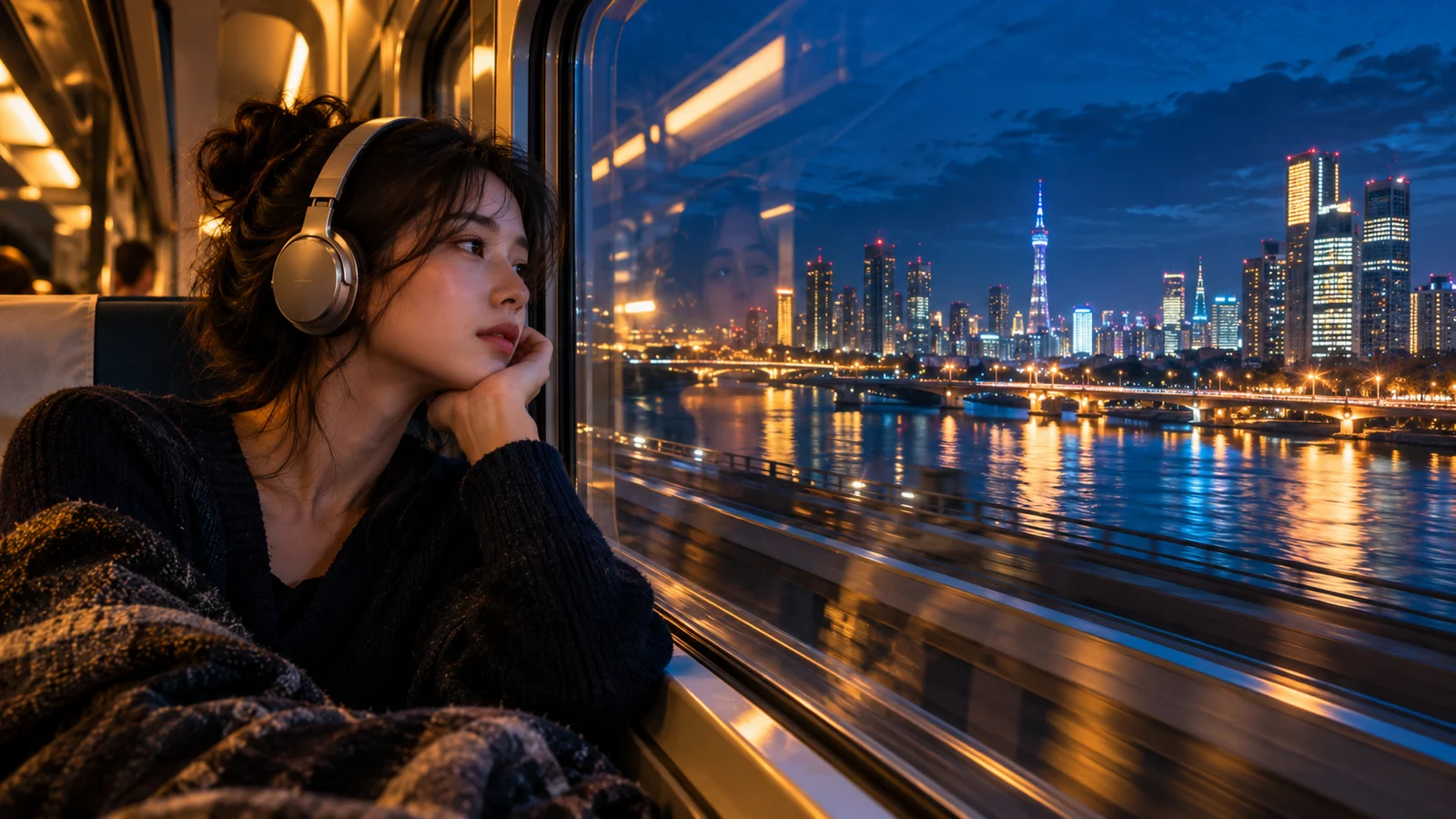
Video and podcast music
Build a musical direction around pacing, narration and imagery. Listen for enough space around speech before choosing how to use it.
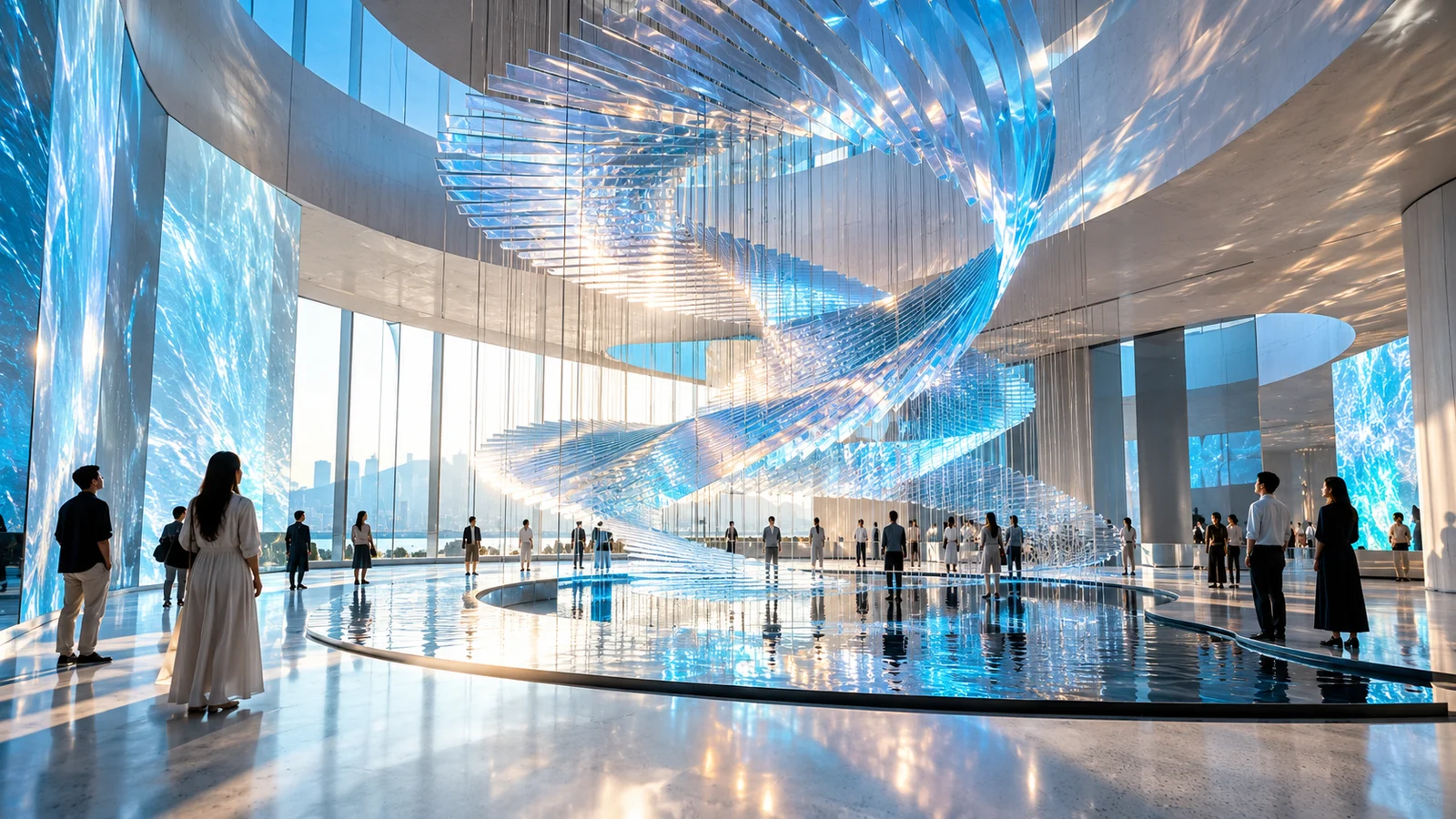
Brand music proposals
Explore musical character for an event, film or space. Confirm licensing and applicable conditions before production use.

Games and story worlds
Develop music ideas for a character, setting or fictional world, comparing moods and instrumentation with your team.
How do v6, v6-wild and v6-mini differ?
The generation offers different creative directions. Choose around the task rather than the name alone.
v6
Focused control and expression when you have a clearer direction and want to refine a song.
v6-wild
Experimental exploration when unexpected ideas are welcome.
v6-mini
Efficient, lighter creation for establishing musical directions to compare.
Access under Suno’s own subscription plans does not define bikabika AI access. Review available models, settings and credits in our workspace.
How do you start creating music?
Save your idea, then review the creation settings in the workspace.
- 01
Describe the direction
Add a theme, genre, vocal or instrument preference.
- 02
Review models and settings
Open the main-site music workspace and check available choices and estimated credits.
- 03
Generate and listen
Submit, review the full result and decide what to develop next.
Frequently asked questions
What is Suno v6?
It is a generation of music models announced by Suno in September 2026, covering music generation and expanded approaches to local song editing and creative inputs. This page focuses on that generation; our Suno page provides the broader product overview.
Can I use Suno v6 online on bikabika AI?
This page opens our main-site music workspace and preserves your description as a draft. Check currently available models there. A capability introduction does not confirm that a specific version or every official tool is available here.
Can Suno v6 edit just a chorus?
Suno describes natural-language changes to a particular section while aiming to retain the rest. Review the edited result carefully. Availability of the corresponding operation on bikabika AI is shown in the workspace.
Can it change one lyric while keeping the rest of the song?
Suno describes changes to a single word or line. This is an editing objective, rather than a guarantee of identical results elsewhere. Check the performance, timing and transitions afterward.
Can Suno v6 create music from images or video?
Its official announcement describes text, audio, images and video as creative inputs. Check our music workspace for the input types and upload options currently available here.
Should I choose v6, v6-wild or v6-mini?
Explore v6 for a clearer direction and further refinement, wild for unexpected ideas, and mini for lighter exploration. Review actual model availability and costs in our workspace.
How much does online Suno music creation cost?
Review the chosen model, settings and estimated credits in the music workspace before submitting. bikabika AI billing is separate from Suno’s own subscription plans.
Can I use the generated music commercially?
This depends on the service used, applicable terms and rights in source material. Successful generation alone does not establish permission for every commercial use. Confirm the relevant conditions before using the music.
Start a new song with a musical idea
Describe the sound you have in mind and continue in the music workspace.