
Midjourney AI Art, with a Visual Language of Your Own
Midjourney is an AI image creation product that develops written ideas and visual references into expressive images. Explore cinematic environments, fashion portraits, illustration and brand imagery through composition, color and atmosphere, making an idea visible before it is fully formed.
Choose a model, enter a prompt and adjust the settings to generate, preview and refine images on this page.
Open full workspaceEstimated cost—pts
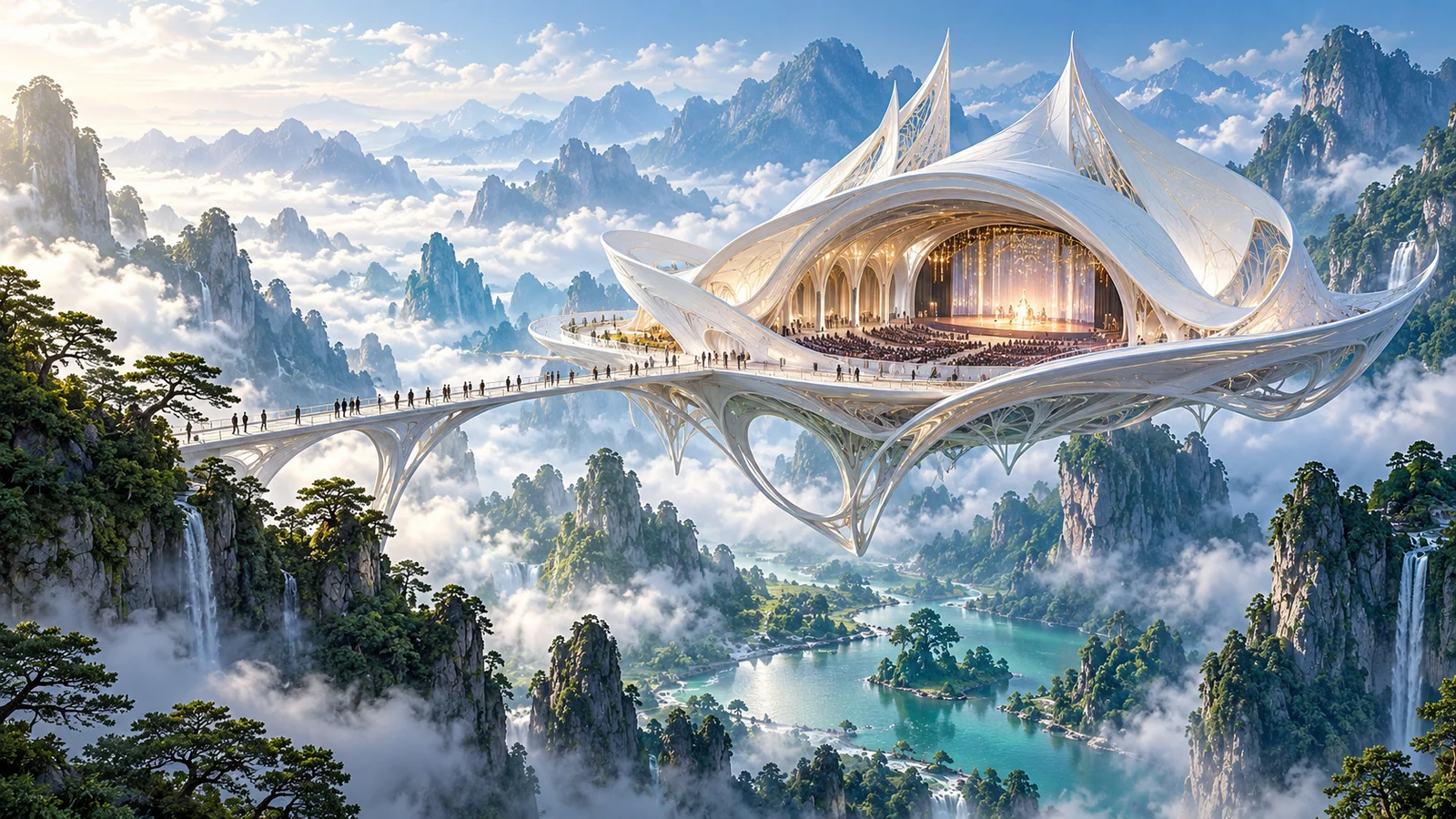
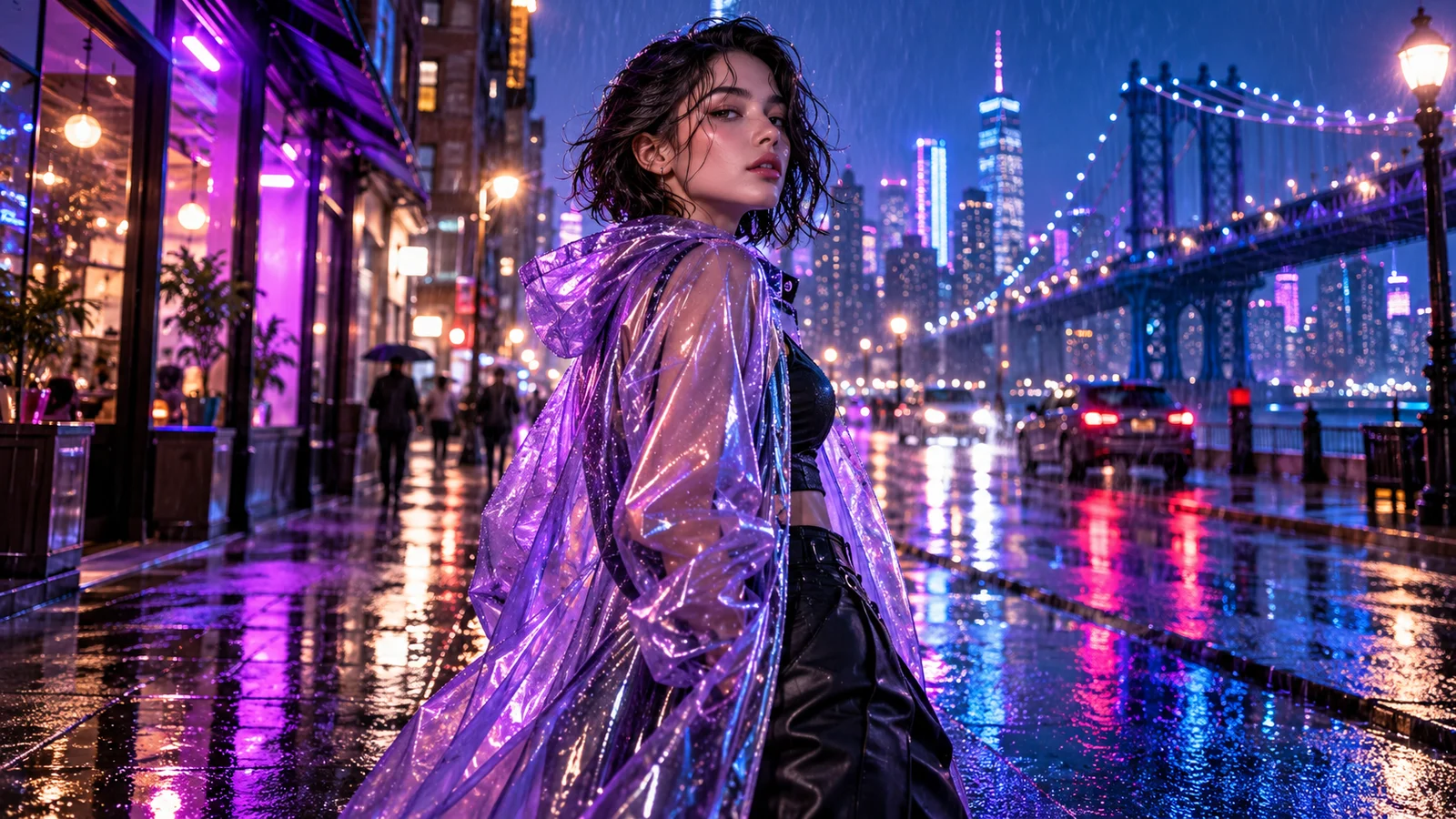
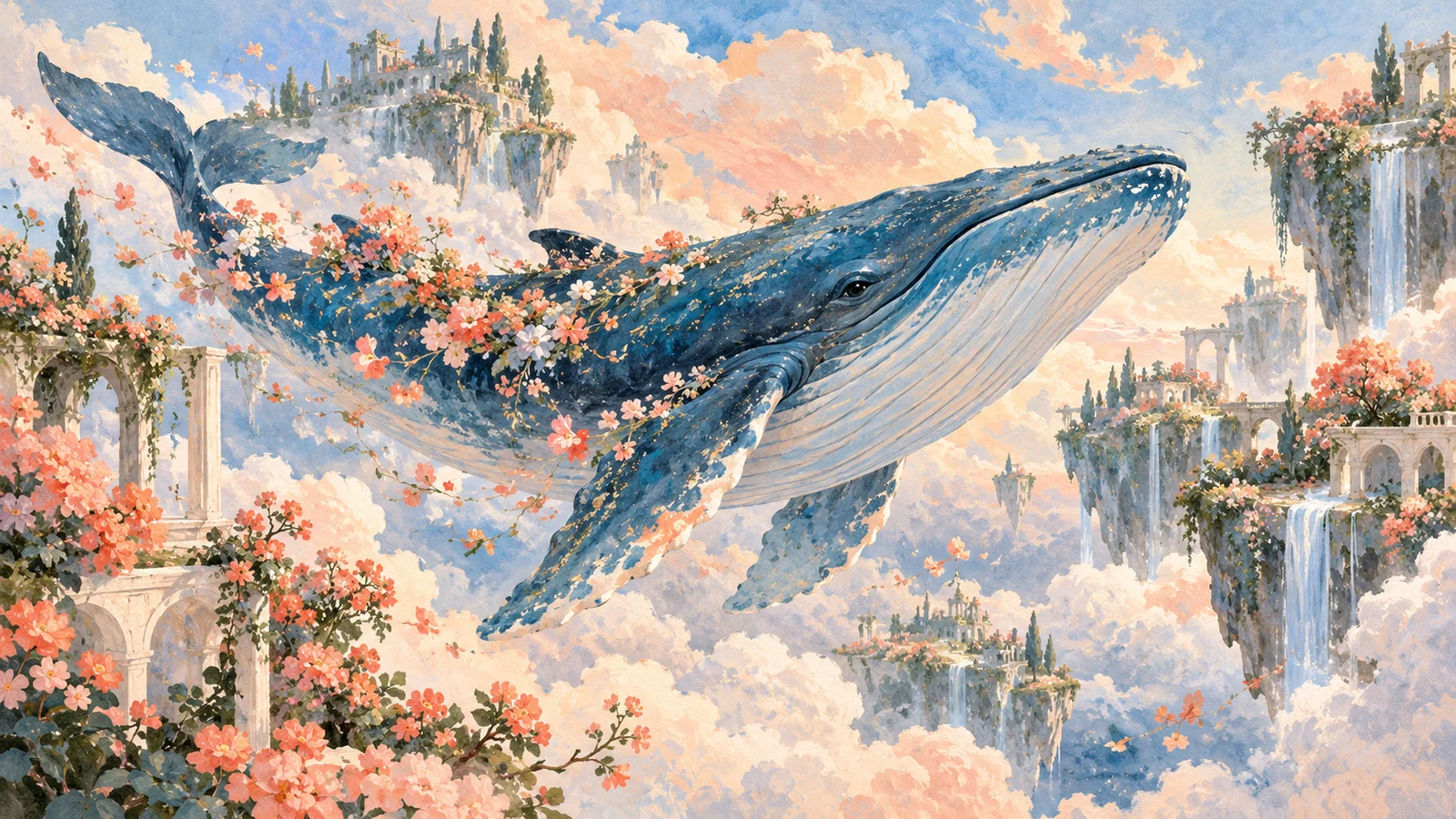
Explore a visual language, not just an image
Midjourney's appeal begins with the image: how composition directs attention, how light establishes mood and how style communicates an idea. Words, references and aesthetic choices help a concept take a clearer visual form.
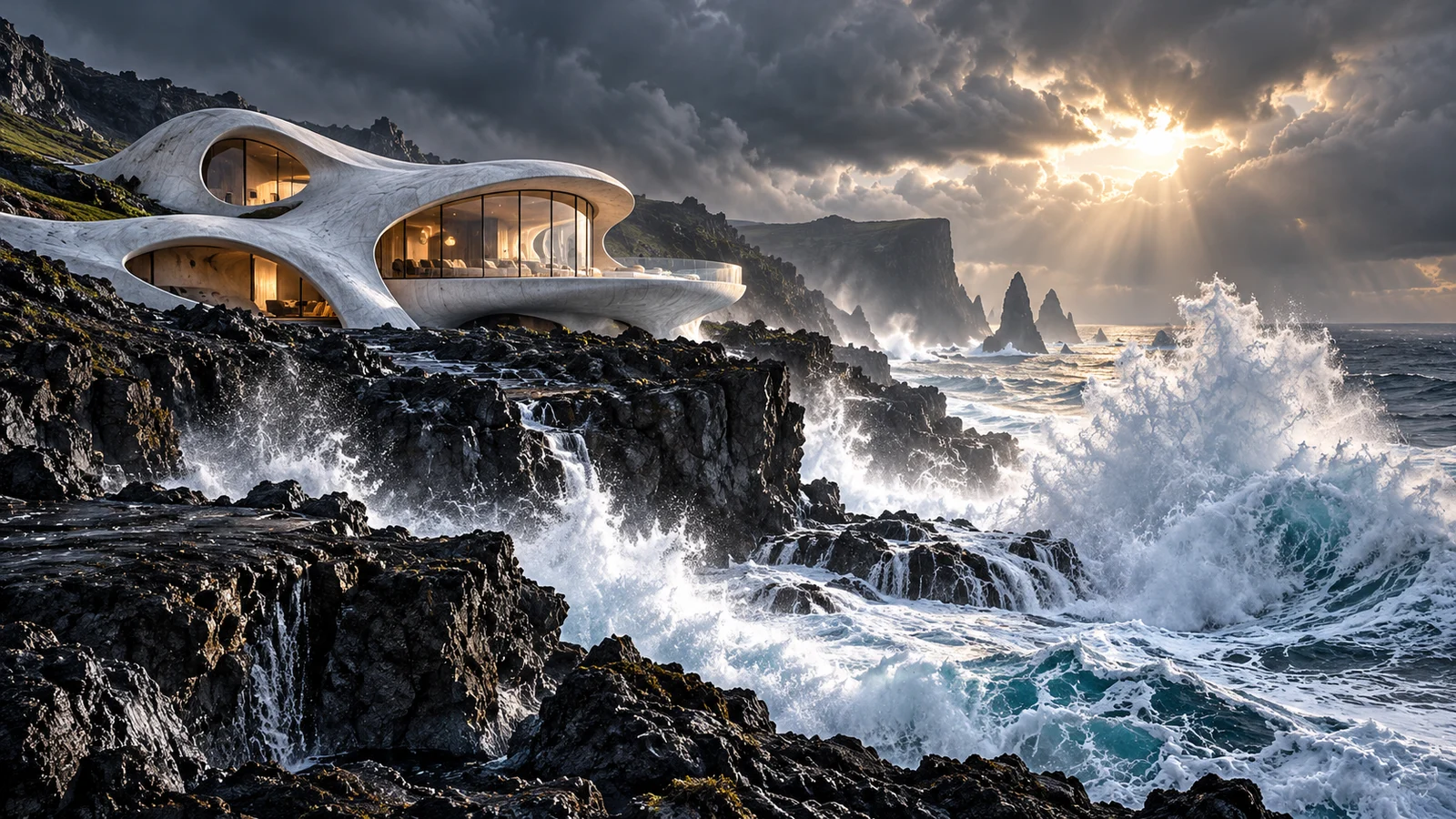
Create impact through composition, color and light
The relationship between a subject and its surroundings often gives an image its appeal. Midjourney offers a way to explore expressive visuals in which space, lighting and materials work together to establish a mood.
From restrained photography to bold surreal compositions, a subject can take on different interpretations. Explore a campaign visual, cover or personal artwork and discover a direction with a stronger sense of expression.
Start creating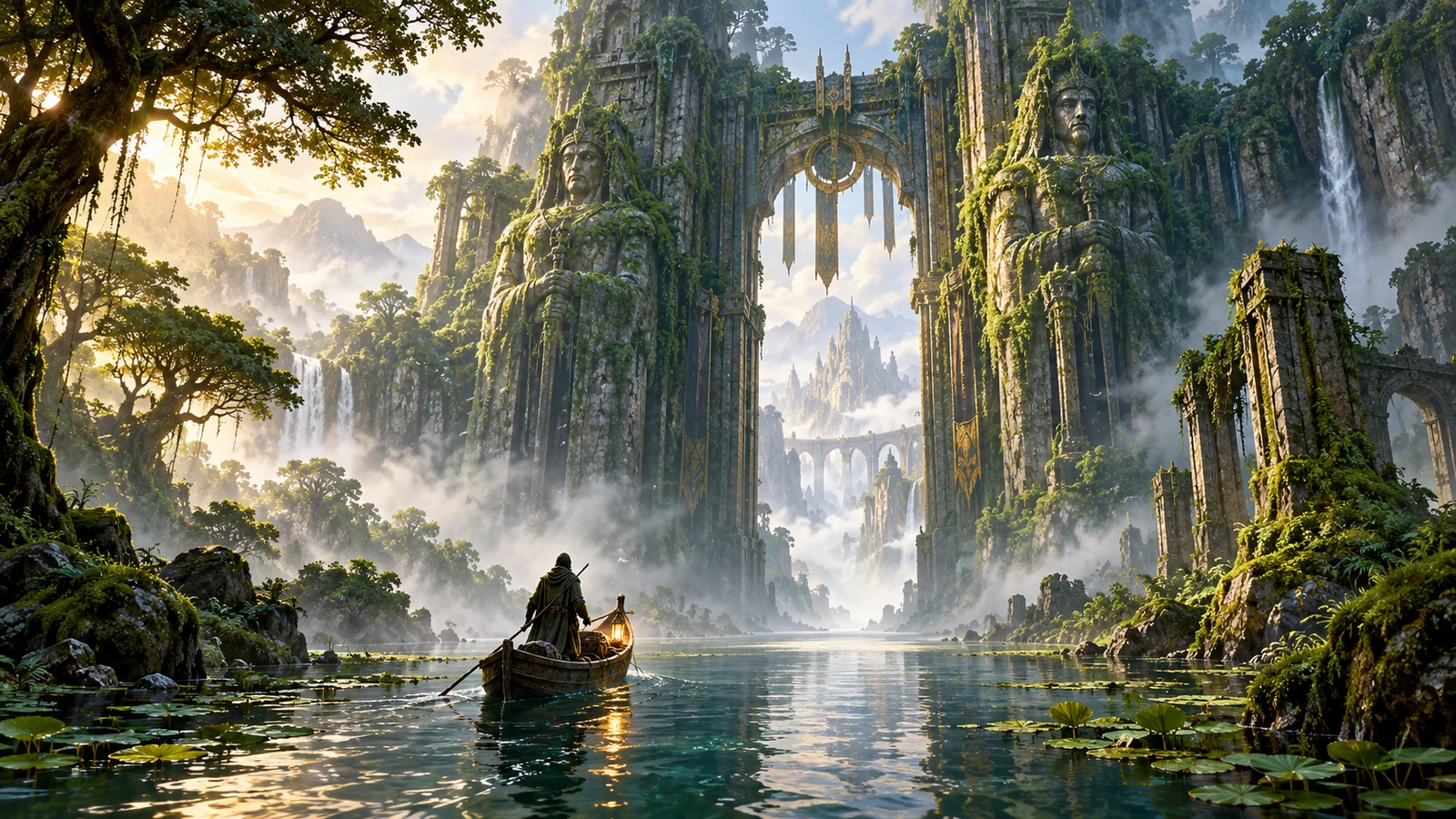
Make the world of a story visible
A written city, landscape or building can become the starting point for visual development. Explore a setting's scale, space and atmosphere before the world is filmed or built.
A distant gate in a fantasy story or an everyday moment in a future city can help a team discuss where the story happens, what the audience notices first and why the place feels convincing.
Start creating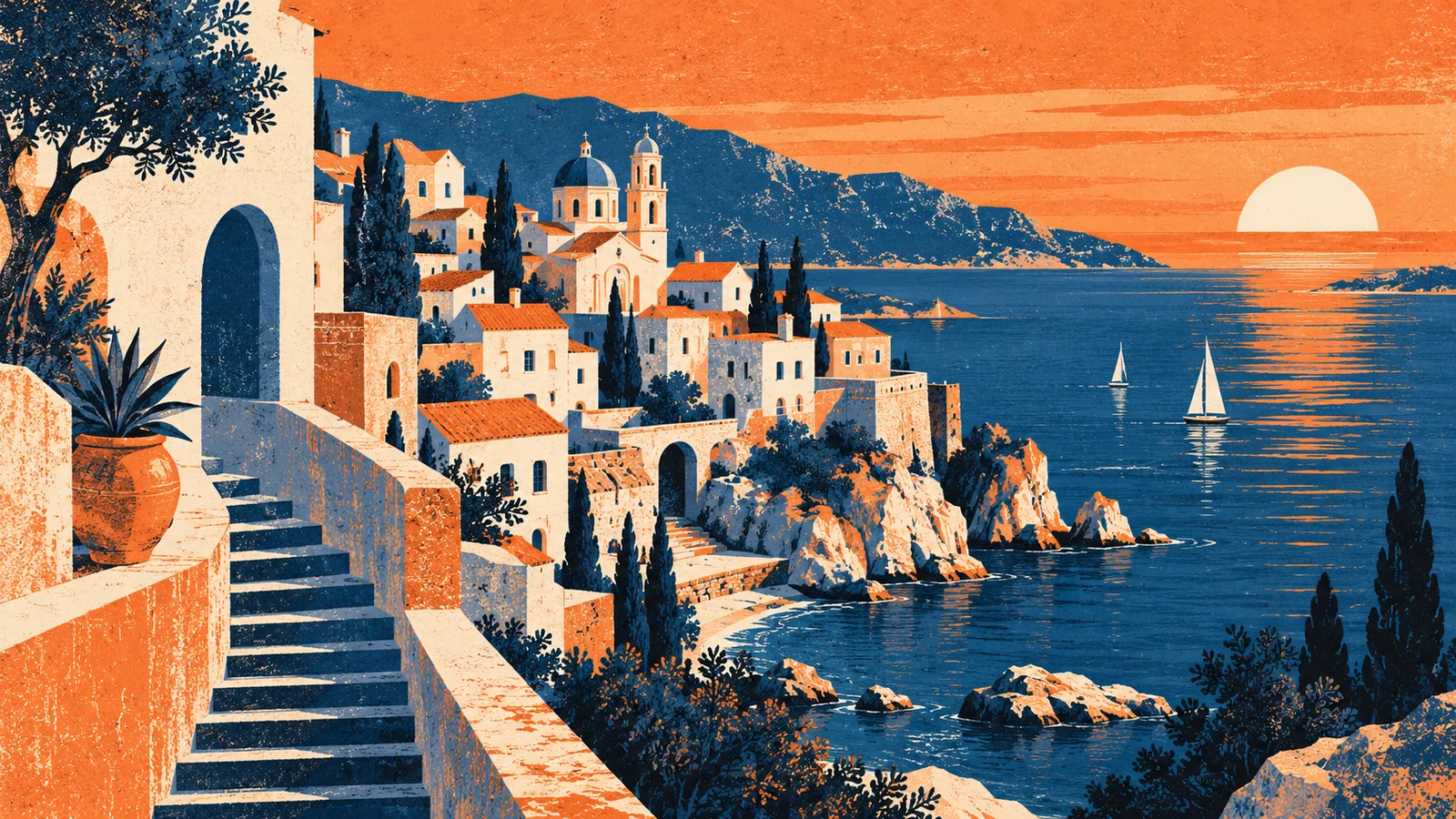
Carry a visual mood into a new subject with Style Reference
Style Reference concerns color, medium, texture and lighting rather than copying the people or objects in an image. It gives a new creation a visual direction to develop.
For related content or a collection of artwork, a reference can offer a more direct starting point for a shared aesthetic than repeatedly adding style words to a prompt.
Start creating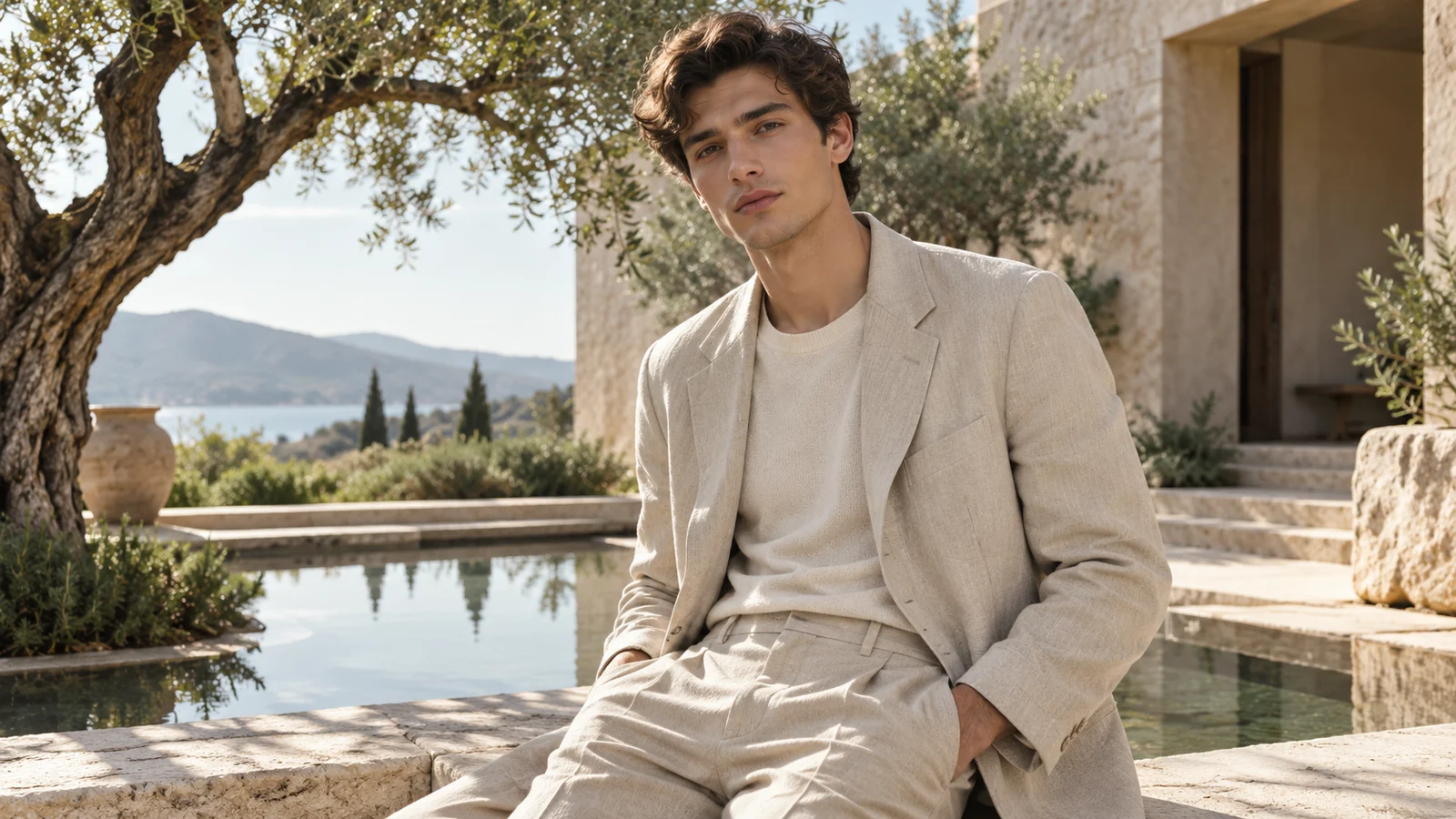
Balance interpretation and direction with Raw
Standard Midjourney creation adds its own visual interpretation. Raw reduces automatic styling, leaving more room for the specific direction in a description.
Raw offers another approach for photographic ideas, clothing details or a defined composition, giving specific descriptions a more direct role in the image.
Start creating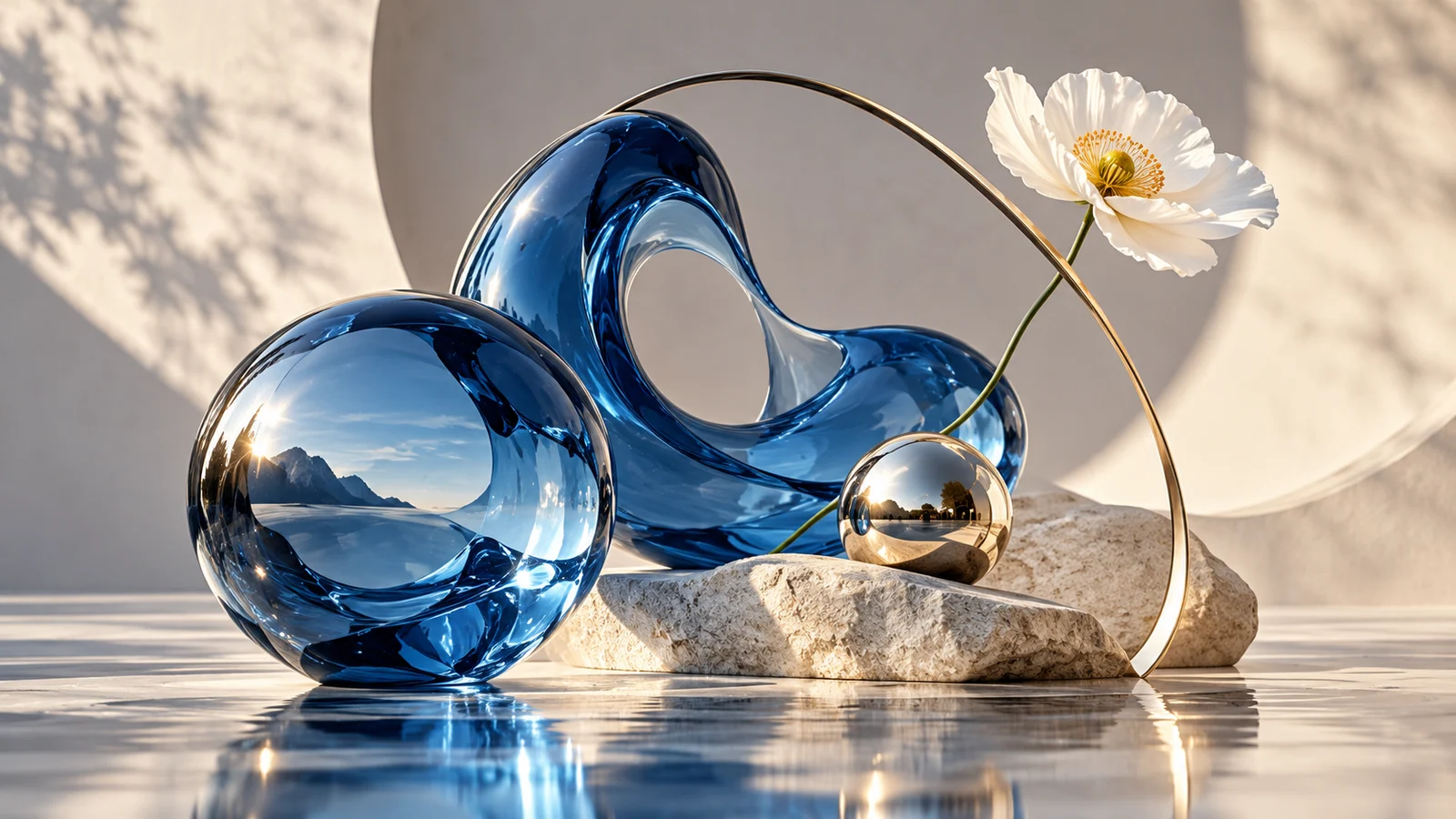
Let aesthetic preferences inform the work with Personalization
Personalization uses aesthetic selections to help Midjourney learn the kinds of visuals a creator prefers. Unlike a single task reference, it concerns an ongoing sense of taste.
For creators developing a recognizable body of work, the question becomes not only what to depict, but what kind of image feels right. Personal taste and a project's needs can both inform that decision.
Start creating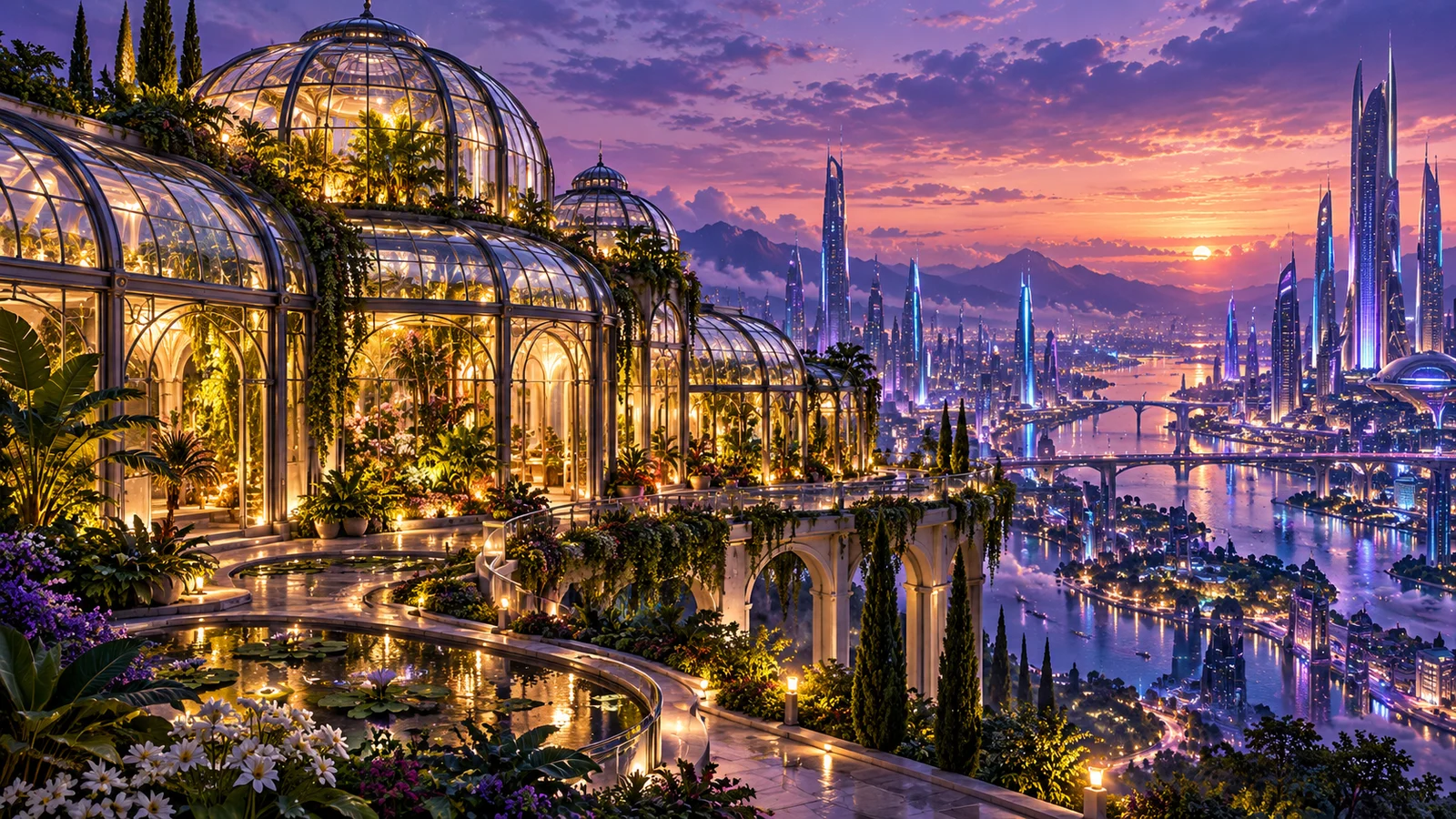
Continue an idea through references and editing
The official V8.2 Edit Model, now in public testing, introduces instruction-based changes, reference-led creation and local editing into a new editing direction. An existing visual can become a basis for further work.
Changes to a background, canvas or part of a scene open another possibility for the idea. Understand the capability, then choose among the options available in the current creation interface.
Start creatingUnderstand the current model and the other directions
Midjourney versions and branches have different priorities. This overview helps with creative choices; it does not mean every official setting is available on this site.
V8.2
The current official default, focused on aesthetics, image quality and Personalization, with new reference and editing workflows through Edit Model.
Explore Midjourney V8.2 ↗V8.1
An earlier V8 model with more direct prompt response and native HD image options.
Niji 7
An anime-focused branch developed with Spellbrush, for creative exploration centered on Japanese-style illustration and characters.
Explore Niji 7 ↗Check the generator for versions, reference modes and settings currently available here. V8.0 is no longer offered for use by Midjourney.
Bring artistic direction into a creative project
Develop a visual exploration into a direction worth taking further.
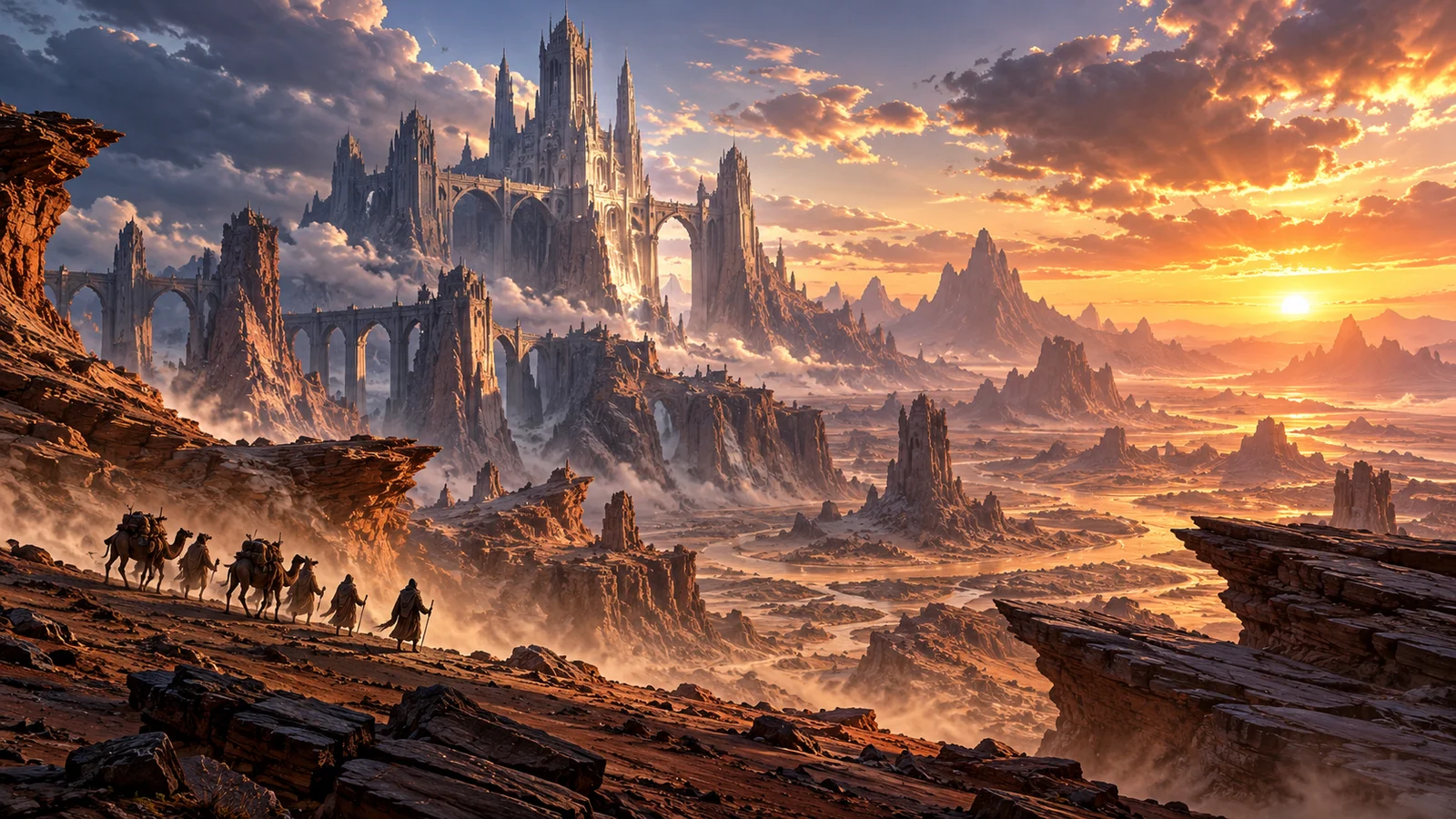
Games and film concepts
Use an environment to discuss architecture, landscapes and narrative mood, giving a team a shared view of a setting before production.
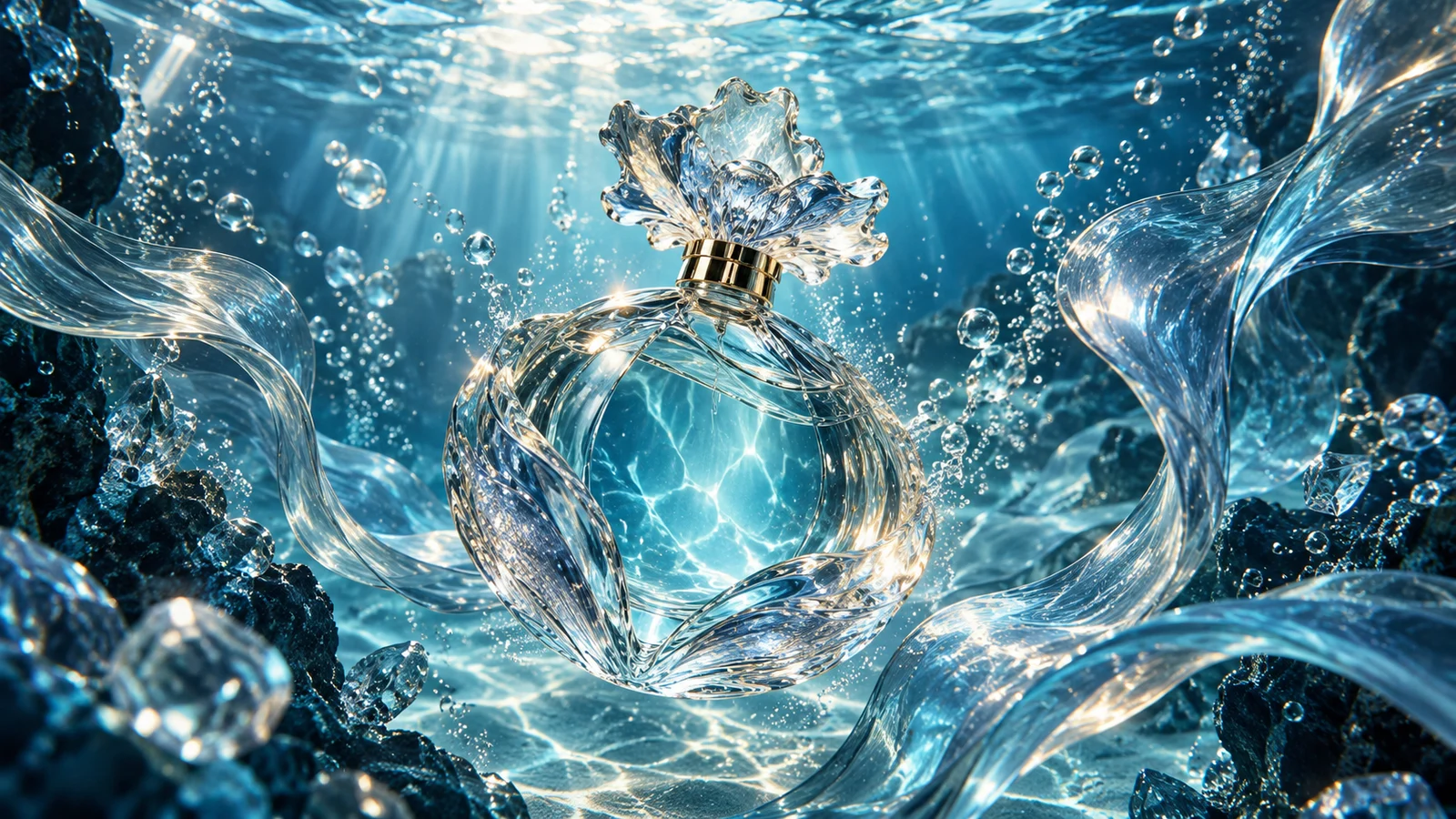
Brands and campaigns
Find a distinctive visual direction through materials, color and a clear theme, creating a starting point for proposals, campaigns and content covers.
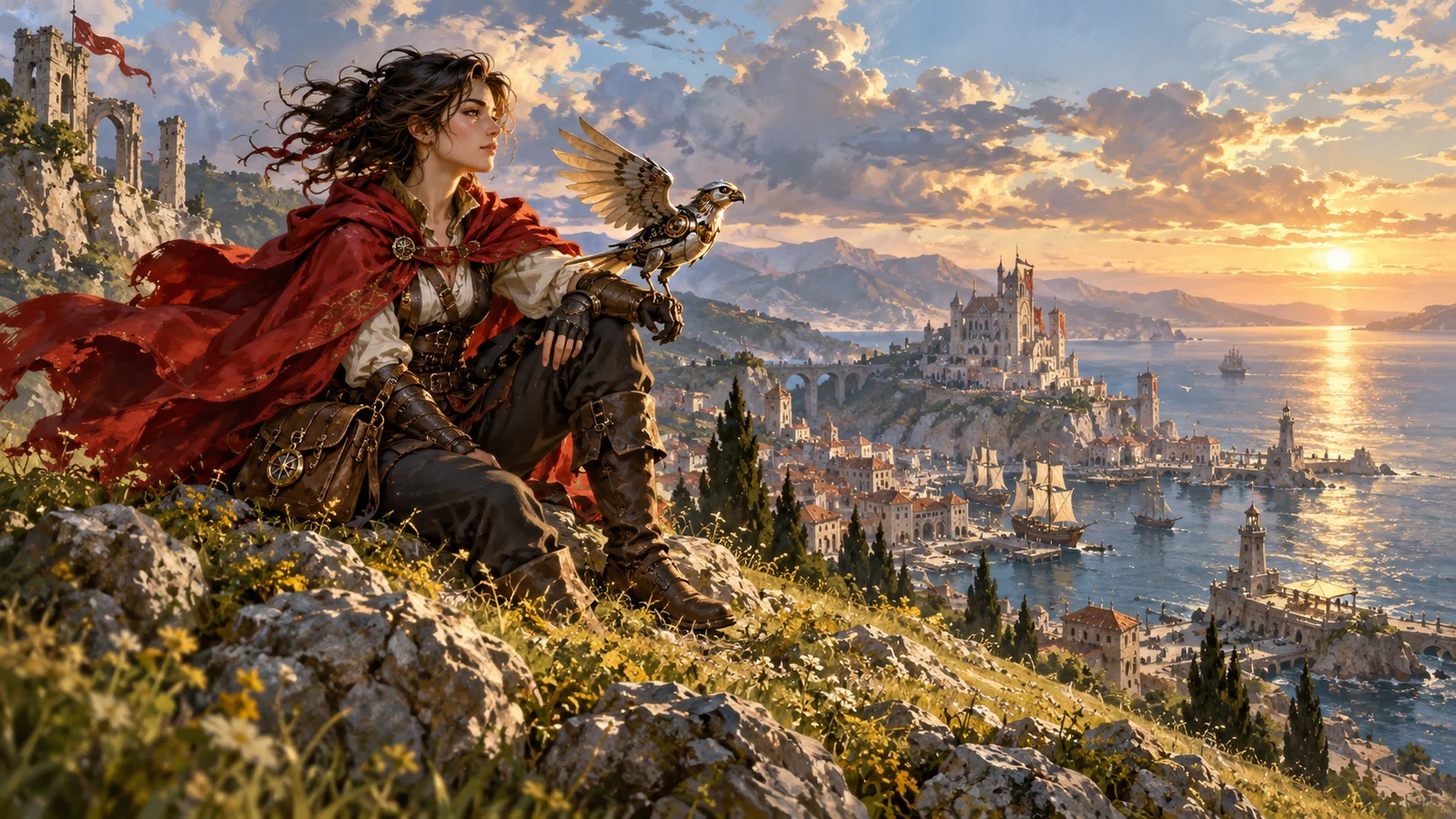
Characters and editorial illustration
Explore appearance, clothing and a visual medium that connects a character to a story, providing inspiration for covers, illustrations and personal work.
Start a Midjourney creation with one idea
Put the scene into words, then choose a way to develop it.
Describe the scene and add a reference
Describe the subject, setting and atmosphere, adding a reference image if needed.
Choose settings and generate
Configure the task with available options and review estimated credits before submitting.
Select an image and develop it
Preview the results, download your selection or explore another direction.
Frequently asked questions
What is Midjourney?
Midjourney is an AI image creation product that develops images from words and visual references. Creative directions include photography, illustration, concept design and artistic expression. bikabika AI provides the creation experience on this site.
How can I use Midjourney online here?
Enter an idea in the page generator, add a reference if needed and choose available settings. Review estimated credits before submitting. If sign-in is required, follow the interface instructions and continue creating.
What is the current default Midjourney version?
As of October 24, 2026, Midjourney’s official default was V8.2. Models and features available here may differ from Midjourney’s platform. Check the current generator; the family name does not identify a specific version by itself.
How is a style reference different from a subject reference?
Style Reference primarily guides visual style rather than copying the person or object in a reference. Subject references and edits depend on the model and workflow; a reference is not a guarantee of identical details.
Can I use Raw and Personalization here?
The capability sections describe Midjourney's official features. Check the current generator for options available on this site. An official parameter name does not imply that the corresponding control or service is enabled here.
Can Midjourney produce accurate Chinese text and complex typography?
Inspect generated text, especially Chinese characters, longer passages and complex layouts. Check dates, prices, trademarks and final copy, and complete typography in a design tool when needed.
How is Midjourney creation billed here?
This site uses bikabika AI credits. Estimates vary with the current mode and settings; the task record shows the actual charge. A site purchase does not include a Midjourney subscription or GPU time.
Is this the official Midjourney website?
No. This is bikabika AI, a platform for AI creation. Follow applicable terms and confirm relevant rights when using generated images and reference materials.
Give the next idea a visual language of its own
Start with words or a visual reference and develop your Midjourney idea on bikabika AI.