
Kling 4.0AI Video Generator
Kling 4.0 is a video generation model from Kuaishou, focused on motion, reference control and continuous storytelling. It brings text, images and creative material into the development of characters, action and shots.
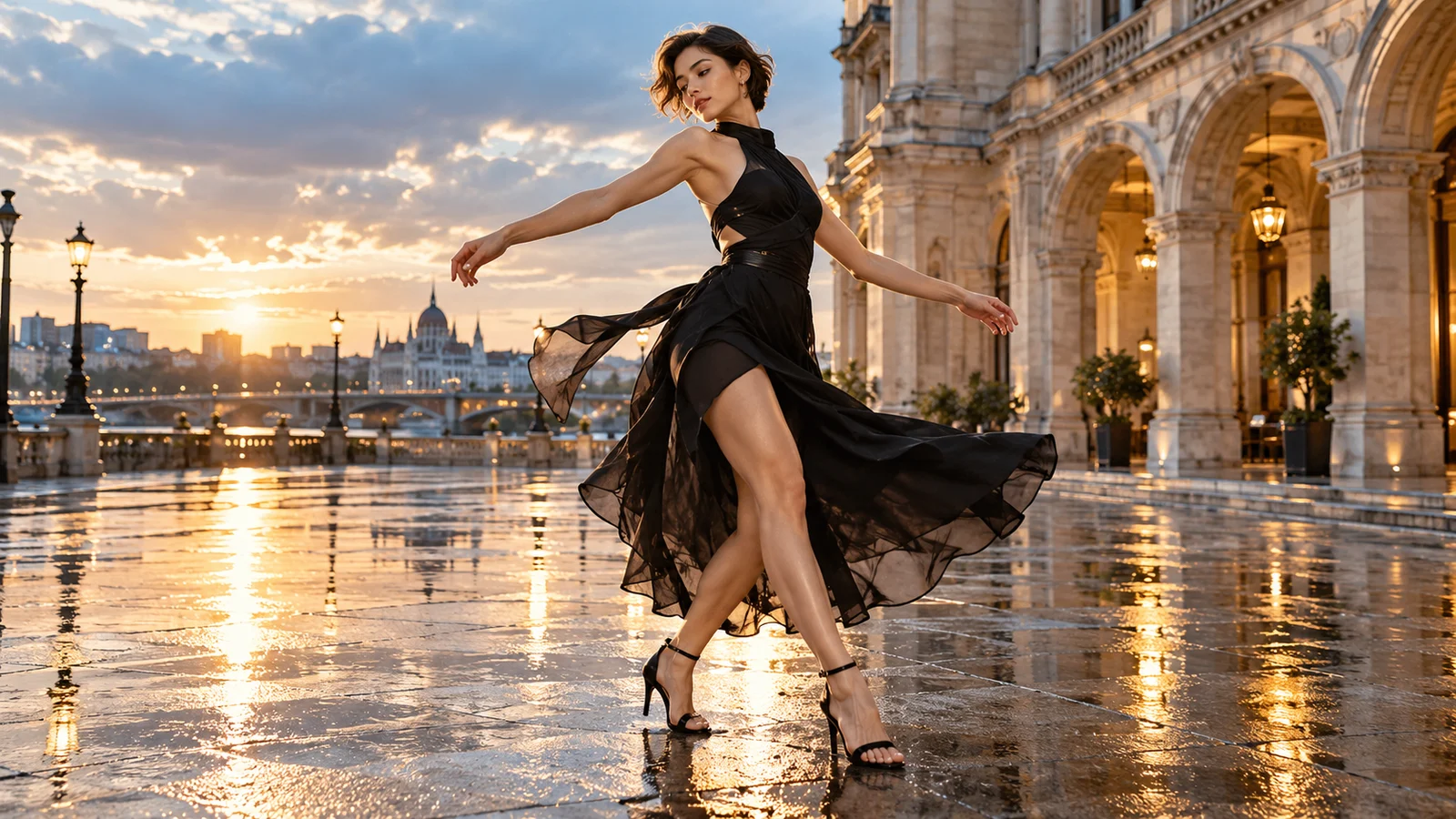

What does Kling 4.0 bring to video creation?
Explore its creative focus across motion, keyframes, reference material and further editing.

Develop action and camera movement together
Complex movement is a focus of this generation. Subject action and camera perspective work together to shape how a shot feels.
Review anatomy, object structure and spatial relationships throughout the result. Improved stability does not guarantee that every generation will be error-free.
Start creating video ↗


Describe important story moments with keyframes
Multiple keyframes communicate narrative moments visually instead of defining only a beginning and an ending. Use them to express character states, setting changes and turning points.
The image sequence here illustrates a story concept. Check the selected mode for input requirements and review how the generated transitions develop.
Start creating video ↗

Give reference material a shared creative purpose
Omni Reference brings different creative inputs together to communicate a subject, setting, movement or sound direction more concretely.
Define the role of each source, confirm permission to use it, and review the resulting relationships. Reference guidance is not a guarantee of exact reproduction.
Start creating video ↗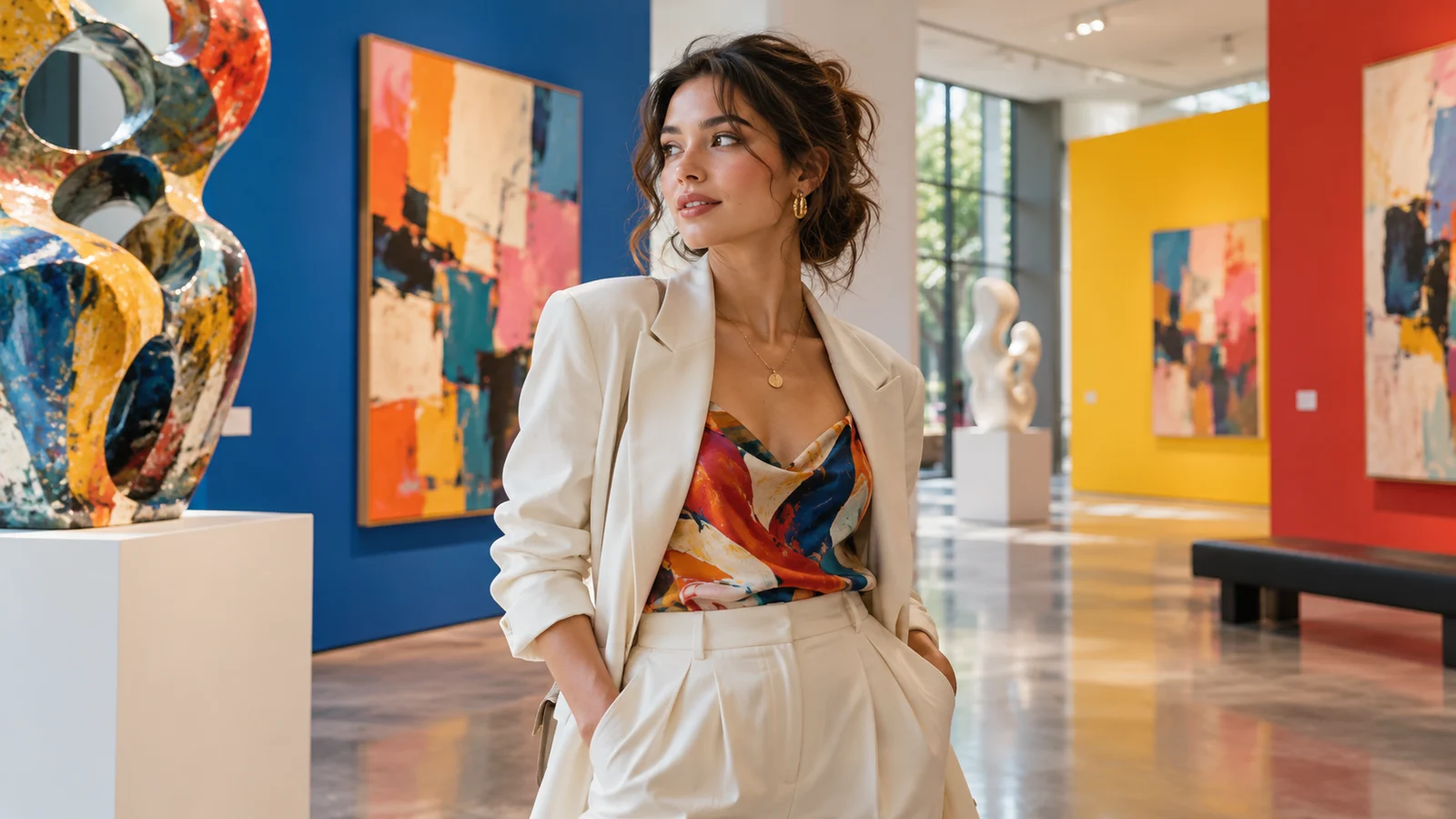
Develop targeted changes to an existing clip
Official editing directions include performance, camera, style and setting, allowing further work to focus on what needs to change.
Separate the intended changes from what should remain, then review the result. An official tool description does not mean every corresponding operation is available on bikabika AI.
Start creating video ↗
Connect performance and sound
Audio-visual expression extends the idea beyond appearance. Dialogue, performance and surrounding sound contribute to emotion and pacing.
Watch and listen to the complete result. Check timing and the relationship between sound and picture, then consider further editing or post-production.
Start creating video ↗
Give a continuous action more room
Kling describes single-pass generation of up to 30 seconds, providing room for action and emotional development. More time does not automatically make a story complete.
Check the selected mode for duration and output options. Announced extension capabilities should not be treated as already available through every creation entry point.
Start creating video ↗What can you explore with Kling 4.0?
Connect reference and narrative control with a concrete content goal, starting with a clip you can develop.
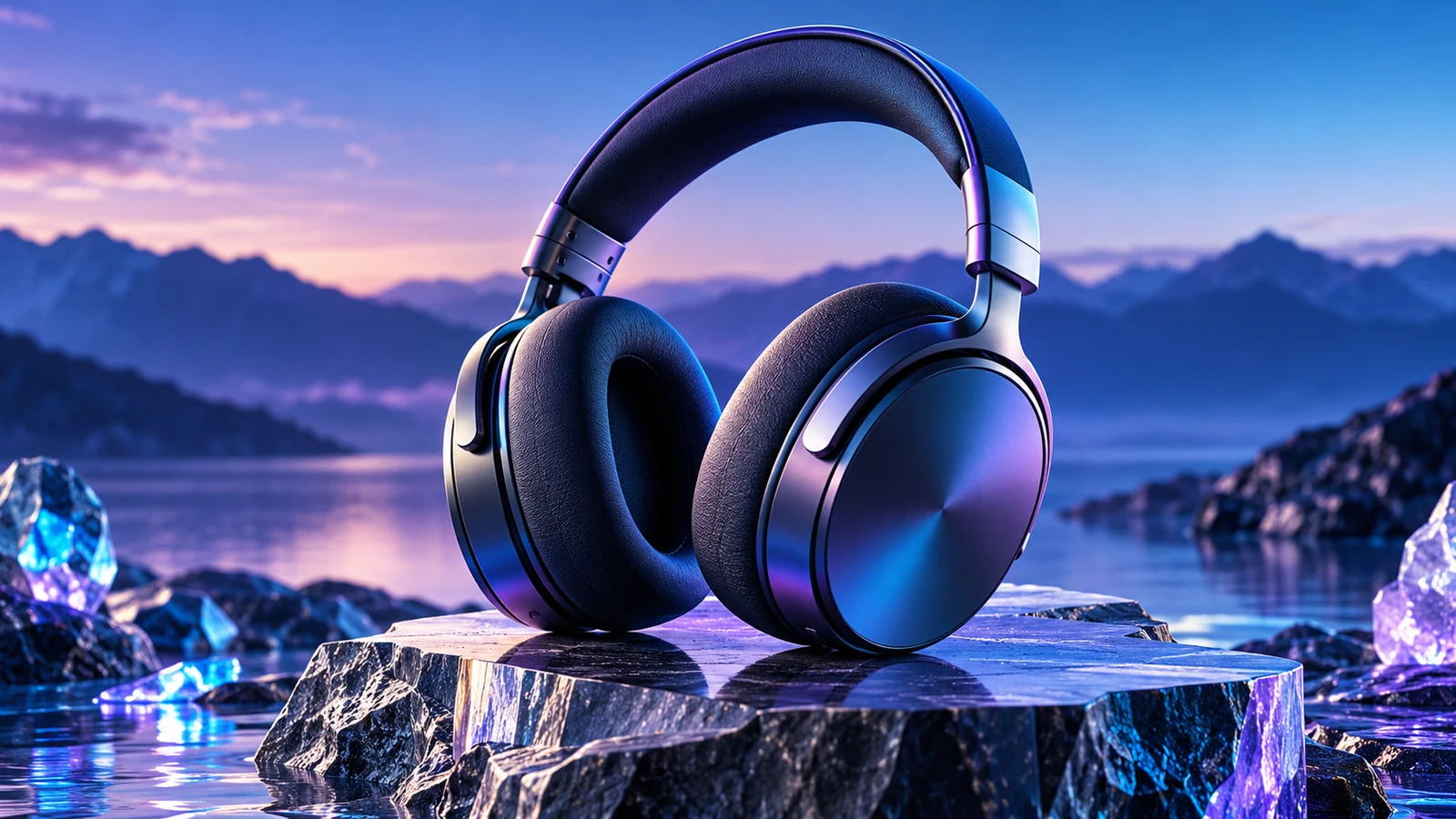
Product advertising
Explore material, setting and action around a product. Compare visual directions with your team before moving into production.

Story shorts
Develop emotion through character action and environmental change, considering how an opening, turn and ending relate.
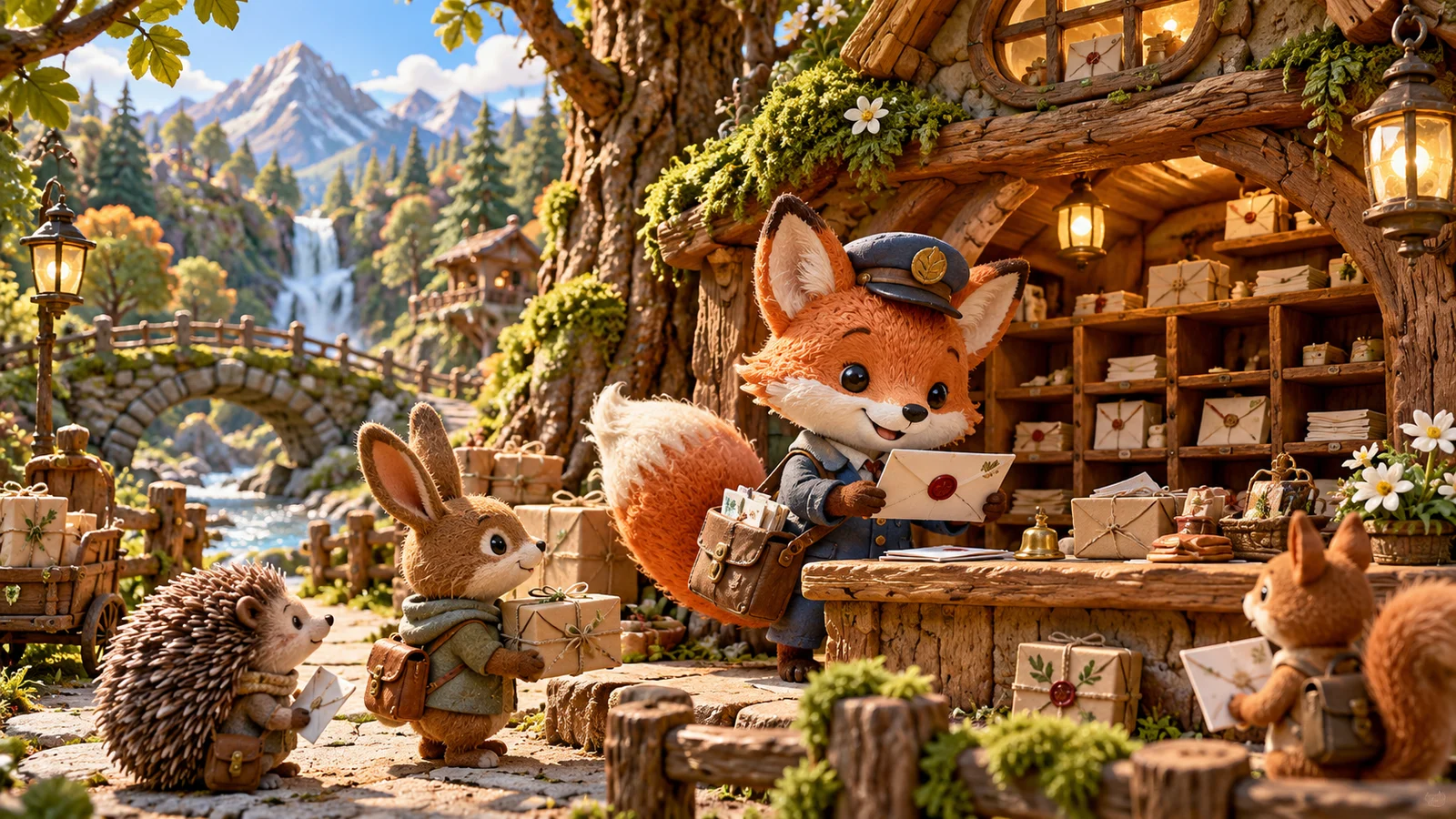
Character animation
Establish action and settings for an original character, checking that appearance and behavior serve the same story.

Fashion and social content
Build a concept around clothing, performance and a clear visual focus, comparing shots and pacing.
Which Kling version fits your creative goal?
Explore each version’s focus against what you want to create.
Kling 4.0
Focuses on complex motion, multiple references and continuous storytelling for projects that need richer camera control.
Kling 4.0 Flash
Focuses on generation efficiency for trying ideas frequently and comparing visual directions.
Kling 3.0 Omni
Combines multimodal references, video generation and editing for developing and adjusting clips from existing material.
Review available versions, features and estimated credits in our video workspace.
How do you start creating Kling video?
Save the concept, then confirm the creation settings in the workspace.
- 01
Describe the idea
Include a character, action, setting and camera direction.
- 02
Review your choices
Open our main-site video workspace, choose an available Kling model, add supported material and review estimated credits.
- 03
Generate and review
Watch and listen before deciding how to refine the idea, add material or edit the result.
Frequently asked questions
What is Kling 4.0?
It is a video generation model from Kuaishou, focused on motion, reference control and continuous storytelling. This page introduces official capabilities and provides a bikabika AI video creation entry point.
Can I use Kling 4.0 online here?
Save a video description here and continue to our main-site Kling workspace. Check available models there. This introduction does not confirm that 4.0 or every official capability is available on our service.
Does Kling 4.0 support text-to-video and image-to-video?
Official capabilities include text- and image-driven video. Check the selected mode’s input requirements and review the subject, movement and setting afterward.
How do multiple keyframes differ from first and last frames?
Multiple keyframes describe additional moments between the endpoints. They do not guarantee every transition will match your intention, so review the complete clip.
Does Omni Reference guarantee consistent characters?
No. It guides creation with multiple sources, but appearance, movement and details may vary. Confirm rights in your inputs and review each part of the result.
Can Kling 4.0 generate 30-second or longer videos?
Kling describes up to 30 seconds in a single generation, subject to the chosen mode. Longer extension features carry upcoming status and should not be assumed available through every current entry point.
How much does Kling video creation cost?
Review estimated credits for the selected model and settings in our workspace before submitting. bikabika AI billing is separate from Kling’s own subscriptions, with no fixed price or free generation promised here.
Is this the official Kling website?
No. This is bikabika AI’s model introduction and creation entry point. Kling is developed by Kuaishou; bikabika AI provides an independent AI creation service.
Bring characters, action and camera ideas into creation
Describe a video concept and develop it in our main-site Kling workspace.