bikabika AI
AI Anime Generator
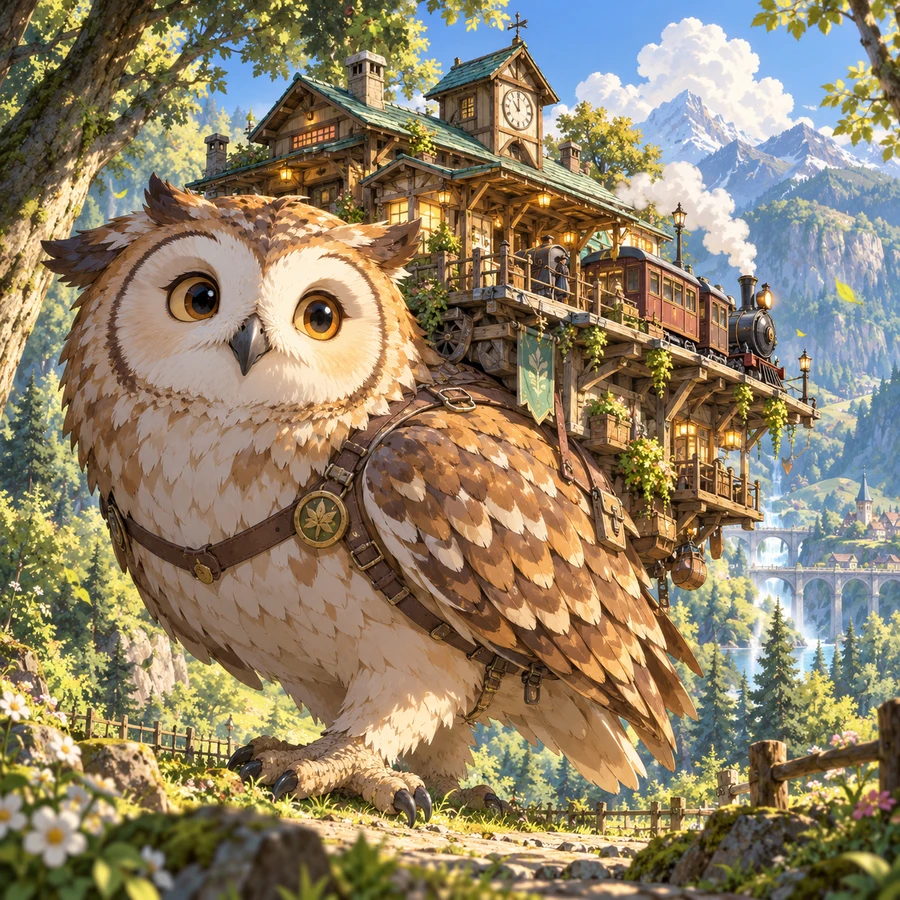
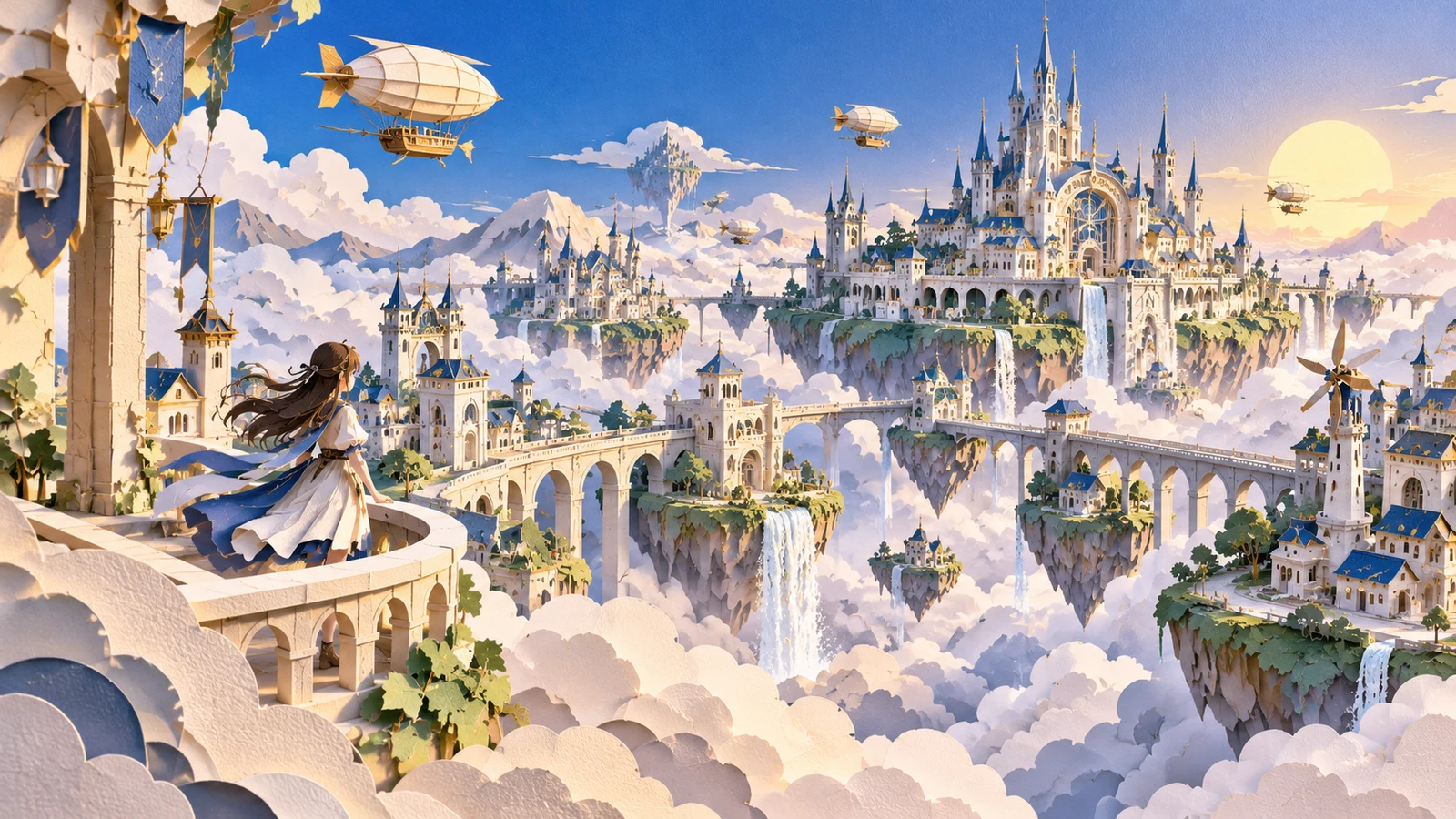
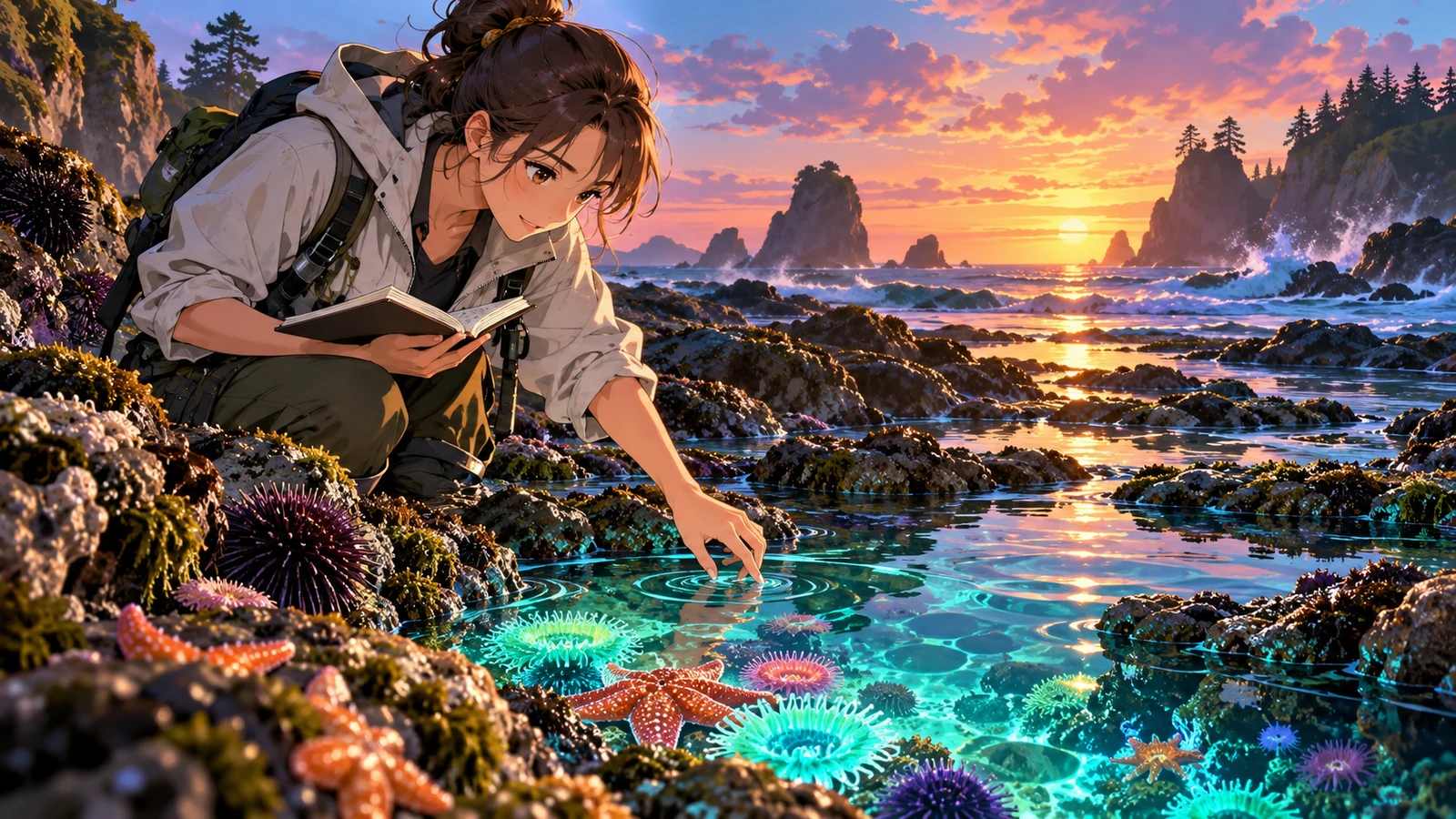
Online text-to-anime for characters, scenes, and posters—describe a look once, then iterate cel shading, painterly, or cyber styles without leaving an anime-first lane.
- Text to anime online
- Multiple anime styles
- HD-ready output
- Anime-first workflow
📖 Intro
What is an AI anime generator?
An AI anime generator is an image tool built for anime and Japanese illustration. Enter a prompt and the model can create characters, backgrounds, expression sheets, or poster-ready visuals—cutting the time from idea to image.
Unlike traditional drawing, AI anime generation is iterative: try different hair, outfits, lighting, and framing, then refine the best results. Doujin creators, short-video editors, and product teams can all use it as a creative accelerator.
On bikabika AI, we gather popular image models such as Midjourney, GPT Image 2, and Nano Banana so you can compare strengths and jump into online creation. If you also need photoreal product shots or general posters, explore the AI Image Generator as well.
Explore AI Image Generator Model guides: Midjourney GPT Image 2
💡 Why us
Why creatives choose bikabika AI anime generator
Most tools promise speed. Speed without style control only creates more cleanup. bikabika AI anime generator is built for creators who care about anime craft and efficiency—aggregating leading models and high-frequency character workflows in one place.
From character sheet to portrait, in one flow
Move from text-to-anime and reference-guided iterations into multi-expression sets without jumping between apps—so OC ideas become publish-ready art faster.
Diverse anime styles with polish
From cel shading and painterly looks to cyber anime and mood scenes—switch styles and models by task for doujin, covers, and concept boards.
Stronger character consistency
Lock hair, eyes, and outfit markers, then reuse across poses—fewer face-drift reworks for expression sheets and long-running character content.
Multi-model hub for real creators
Compare Midjourney, GPT Image, Nano Banana, and more for anime tasks, then jump into the model that fits—instead of being locked into one generator.
✨ Features
AI anime generator core features
Covers high-frequency workflows—text-to-anime, image-to-image, editing, and character consistency—so you move from character sheet to finished art more smoothly.
01
Text to anime
Generate character portraits, scenes, and anime posters from prompts—the core entry point for any AI anime generator workflow.
02
Image to image
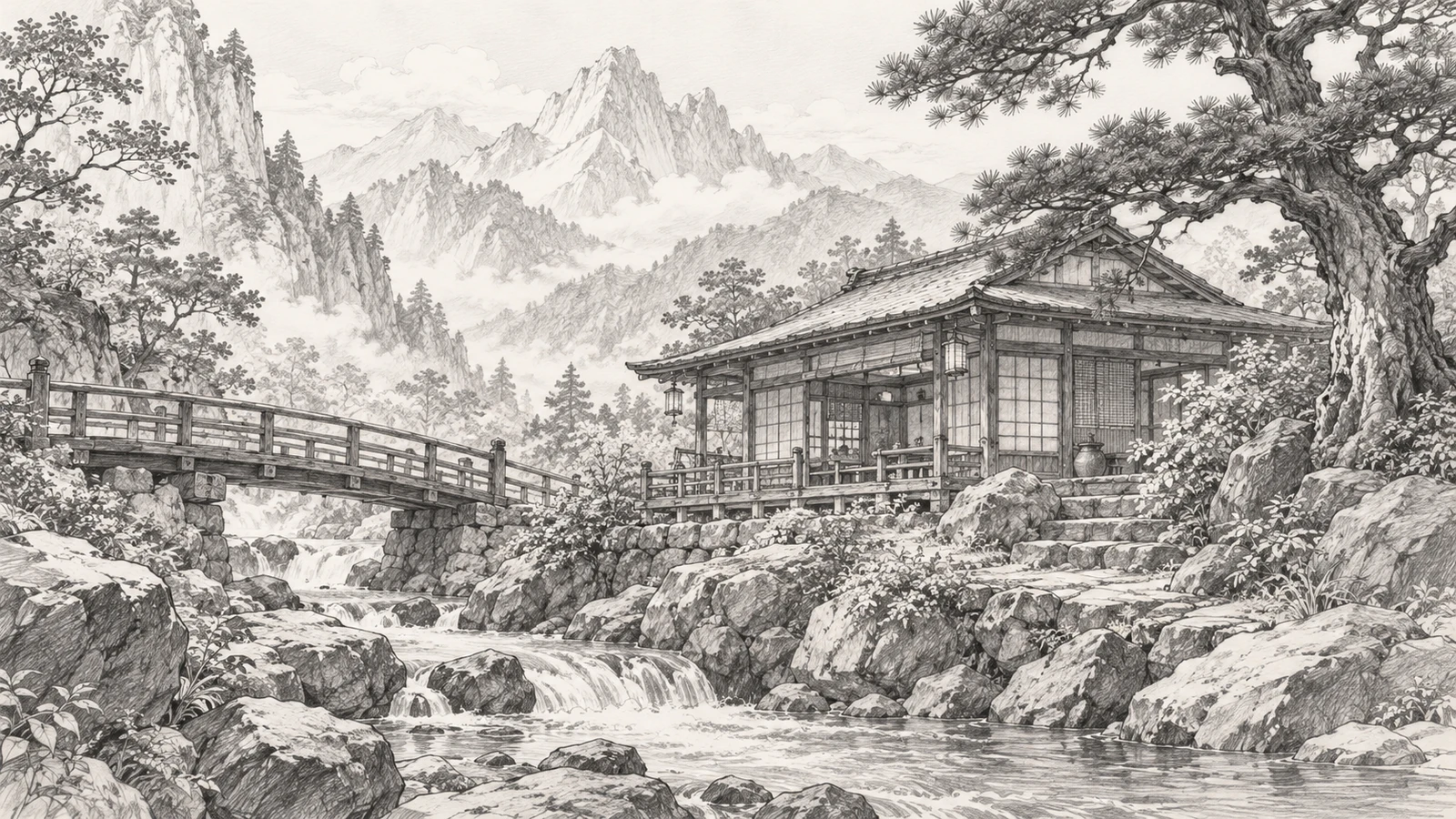
Upload sketches, line art, or reference sheets—keep structure while changing style and materials for series extensions.
03
Image editing
Inpaint hair, outfits, and details on existing results instead of starting from scratch every time.
04
Character consistency
Lock hair, eyes, and outfit markers, then reuse across poses and scenes—fewer face-drift reworks in serialized content.
05
HD output & multi-style
Mainstream models support higher resolutions and directions from cel shading to painterly and cyber anime—suited for covers and doujin assets.
06
Multi-model hub
Compare Midjourney, GPT Image, and others side by side, then pick the anime model that fits each task.
🧭 Guide
How to use an AI anime generator
Four steps from prompt to finished image.
- EP.01
Choose an image model
Prefer Midjourney for artistic anime mood; choose GPT Image 2 for stronger instruction following and text-in-image needs.
- EP.02
Write a clear prompt
Include subject, appearance, outfit, style words (anime, cel shading), lighting/camera, and quality terms. Try English, Chinese, or a mix.
- EP.03
Generate and shortlist
Create multiple candidates, compare composition, faces, and style stability, then keep the closest match.
- EP.04
Iterate or polish
Add missing details, adjust emphasis, or continue with references until the result is publish-ready.
🖼 Cases
AI anime generation examples
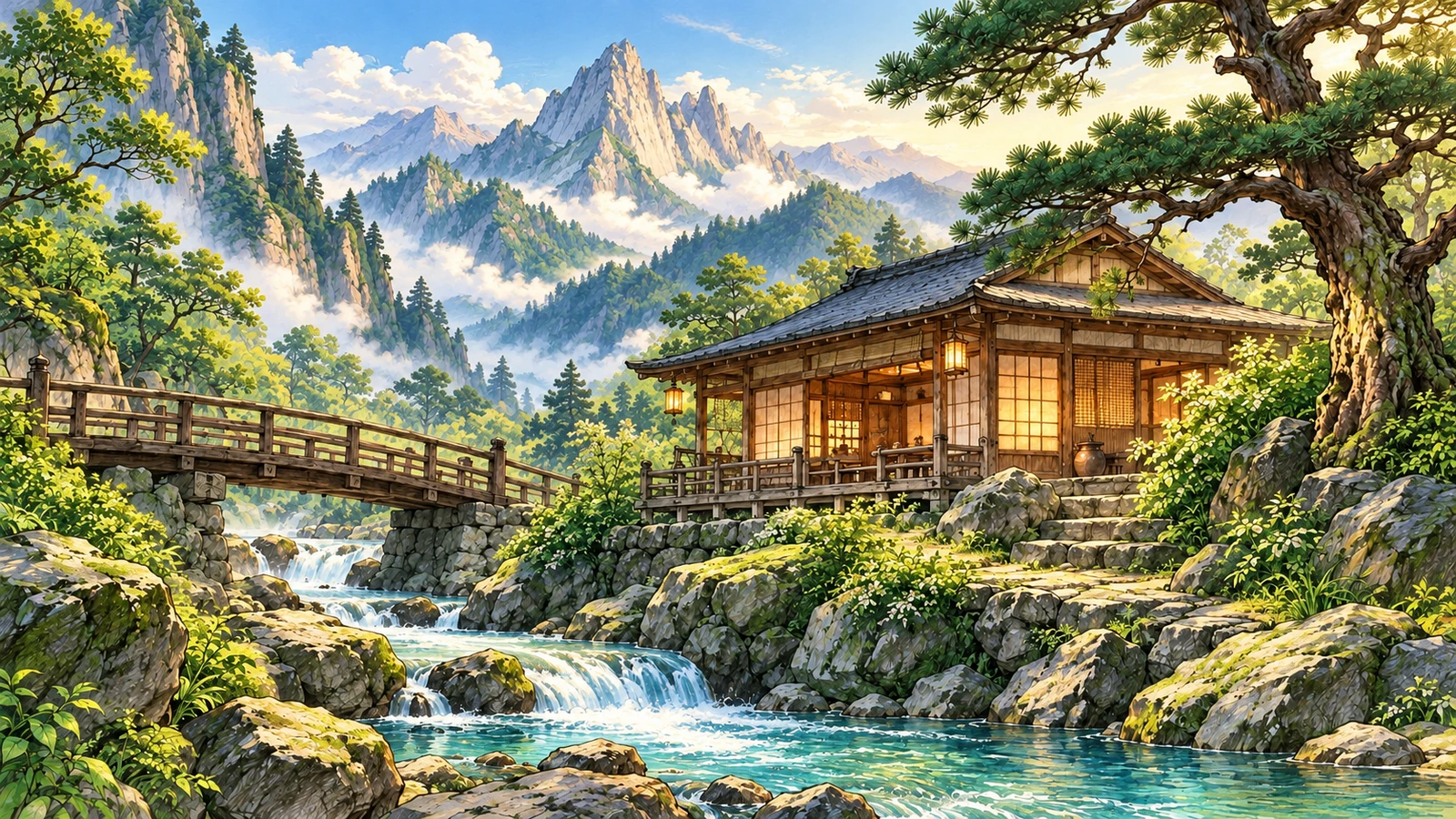
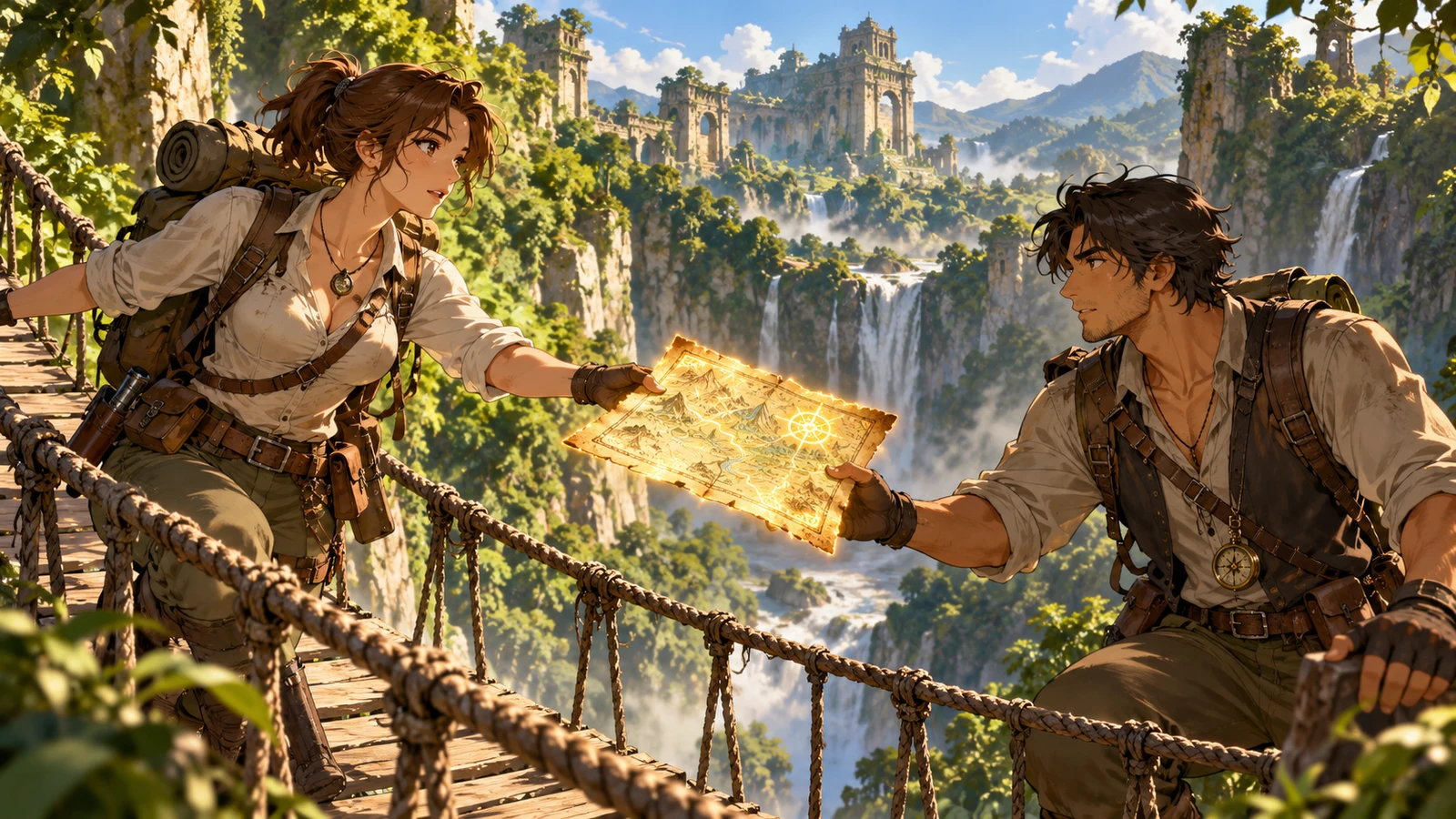
From character portraits and mood scenes to posters and painterly styles—see how prompts become publish-ready art.


Character portrait
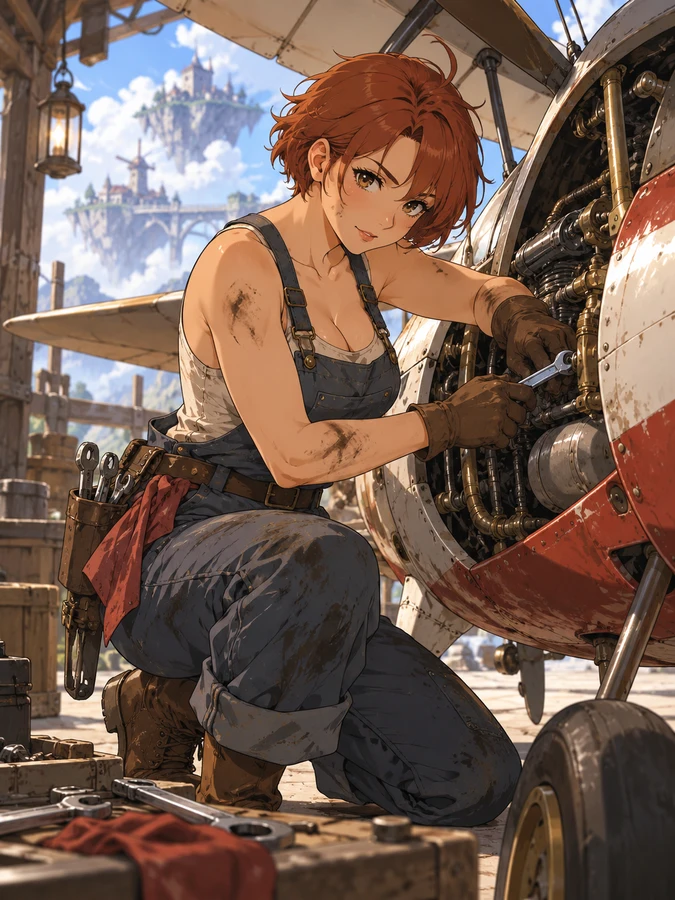
Cel-shaded multi-character portraits
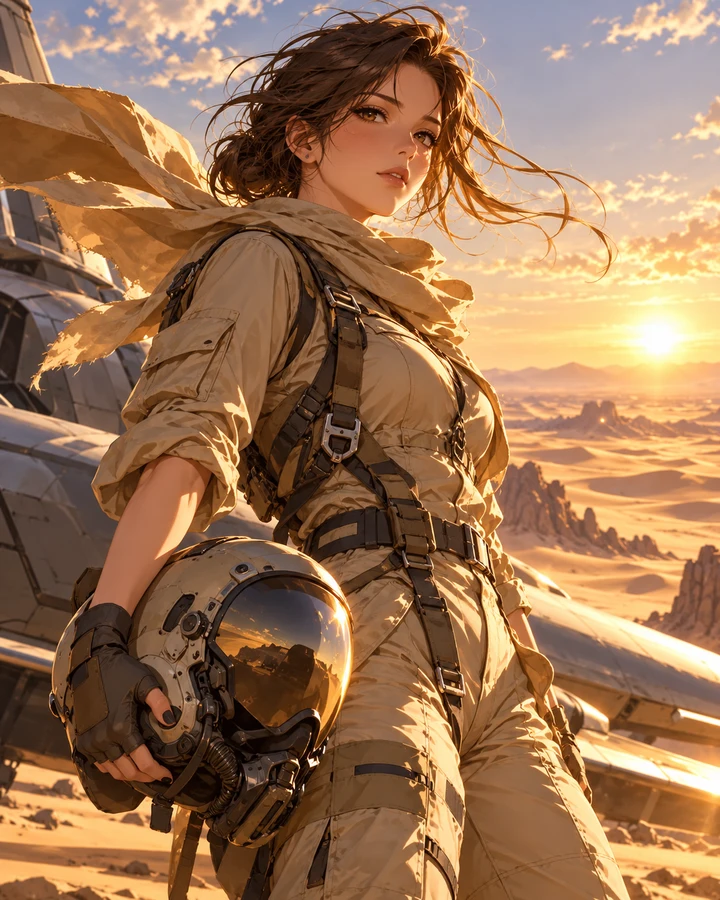
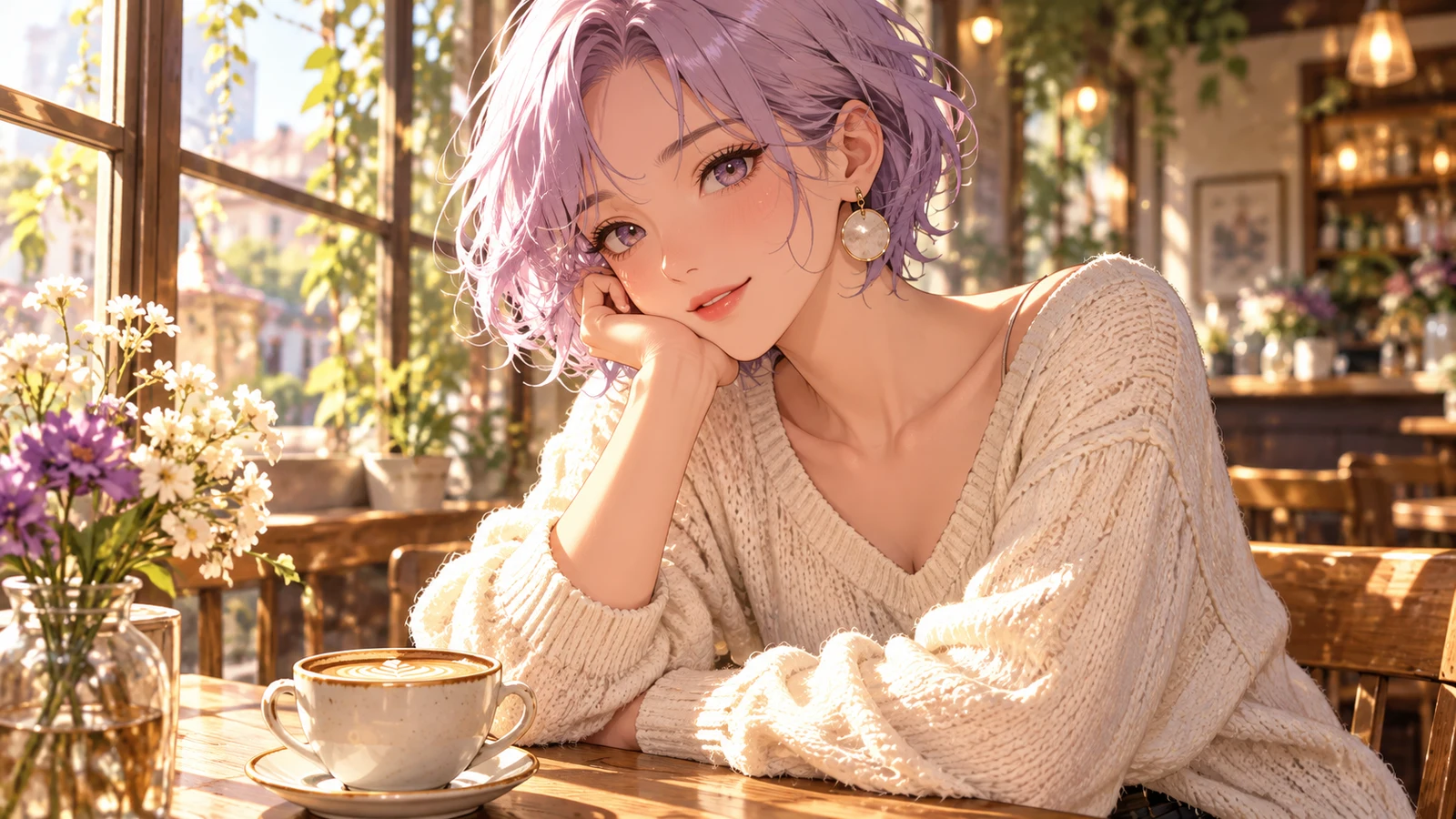
Turn different character sheets into reusable portraits: lock hair, eyes, and outfit markers with cel shading and clean backgrounds, then iterate expressions and angles.
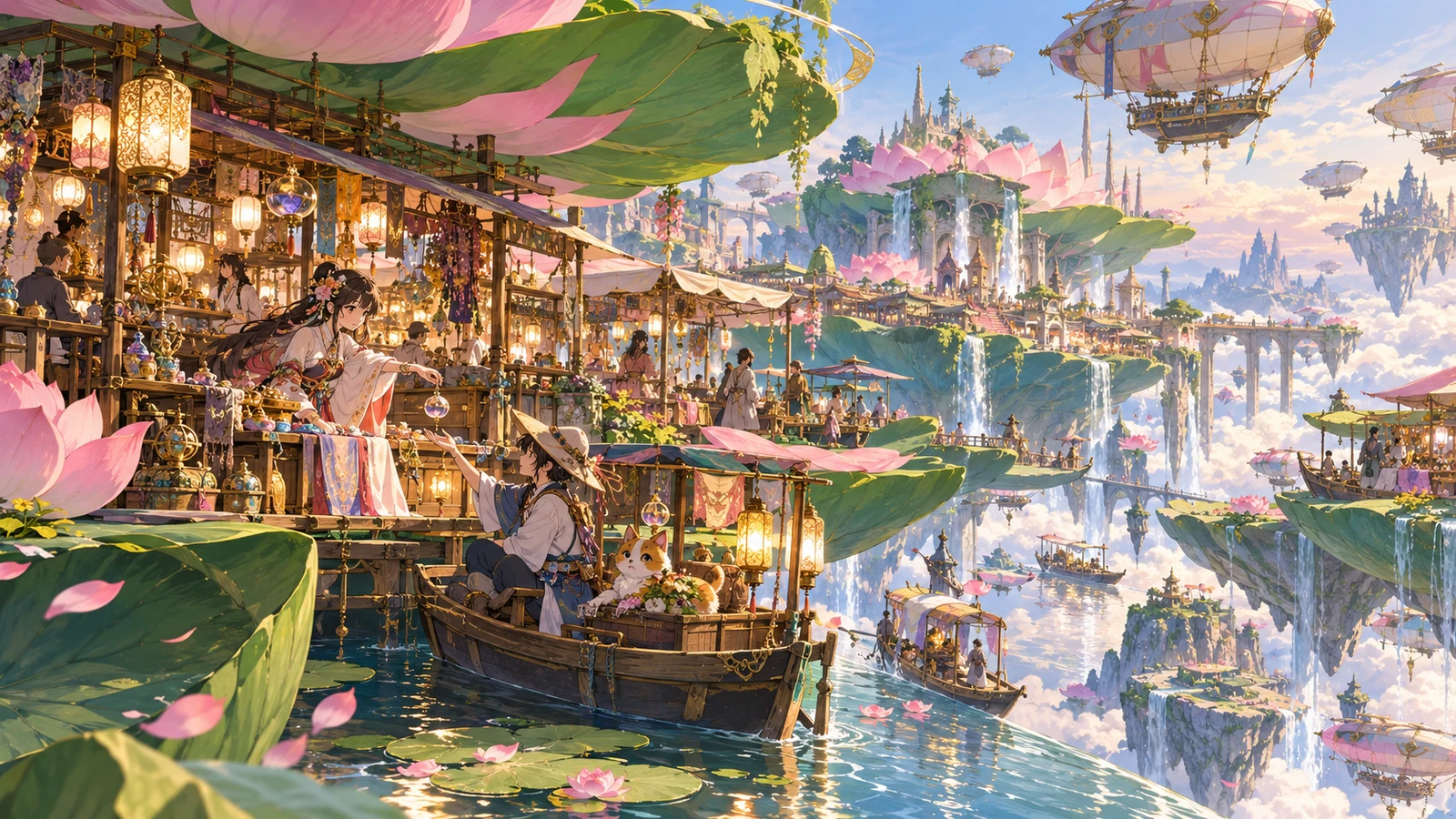
Scene mood
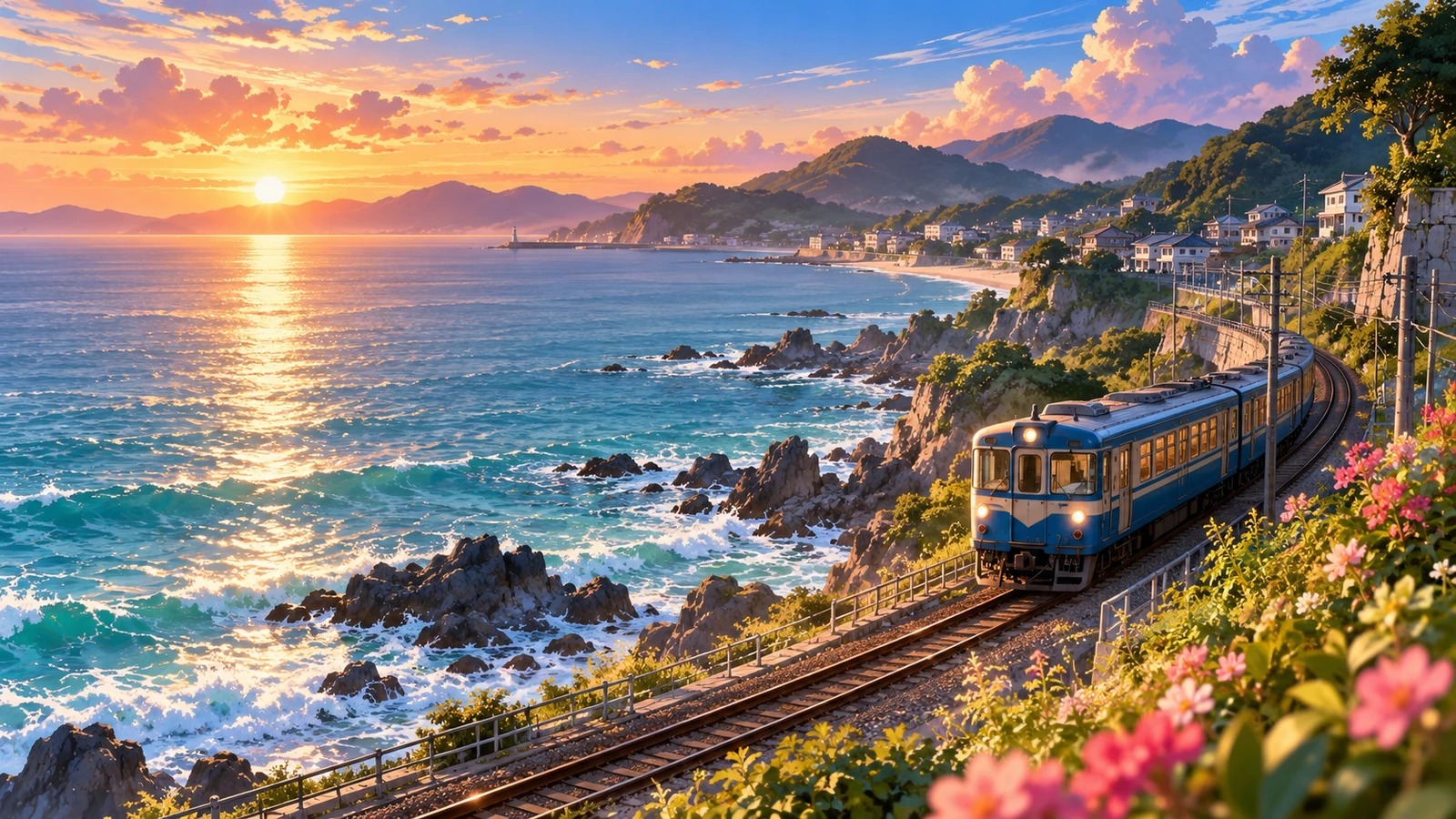
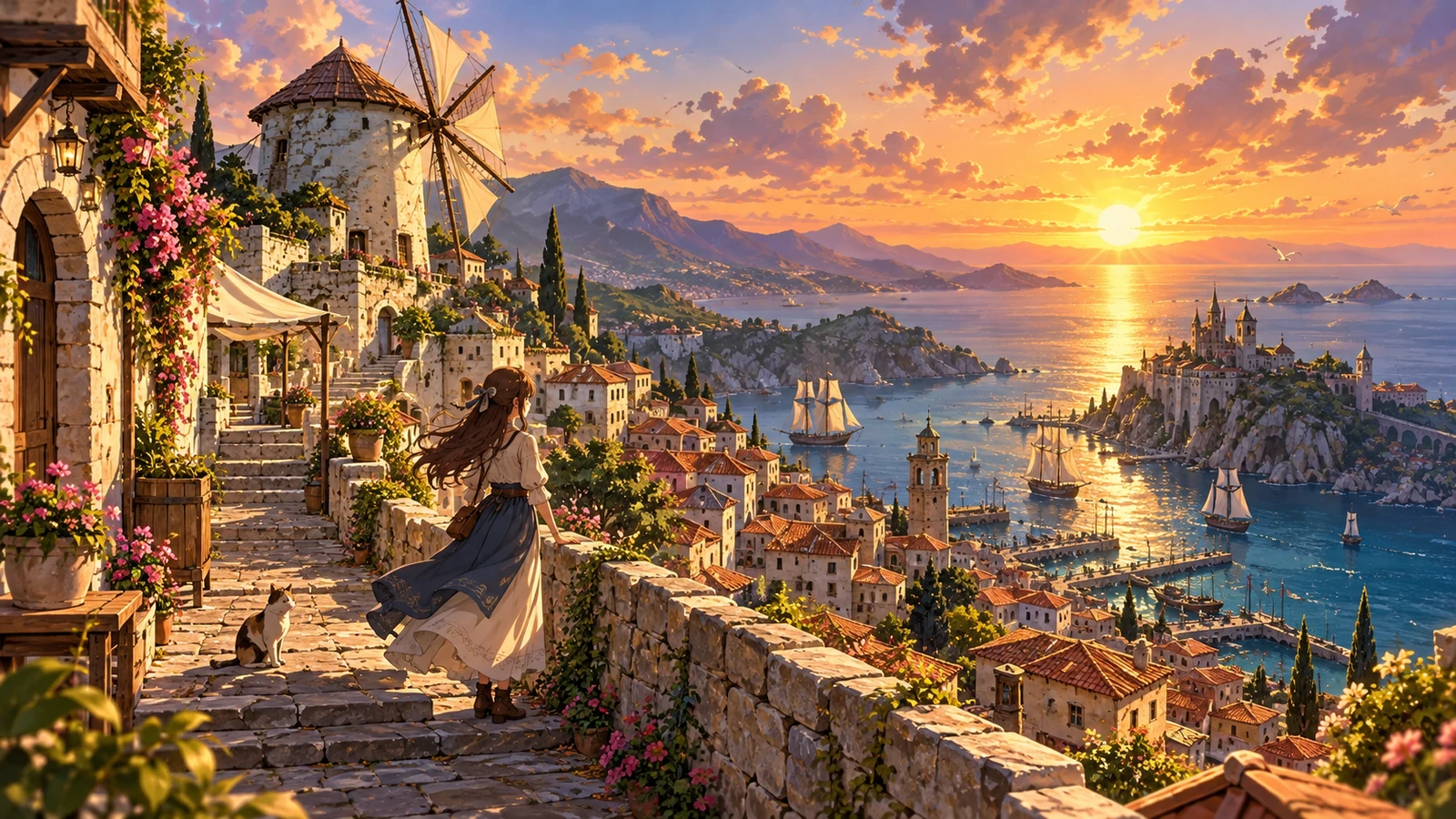
Japanese dusk town atmosphere art
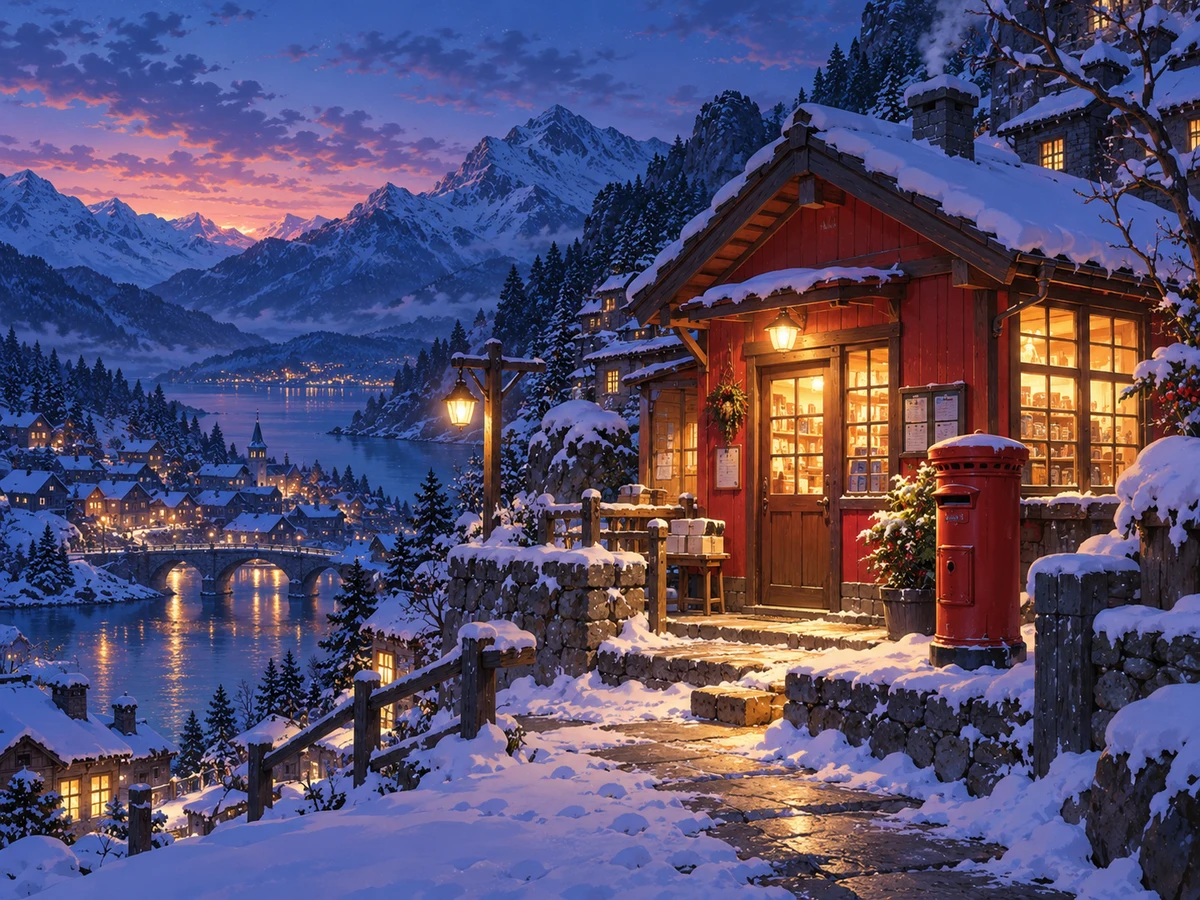
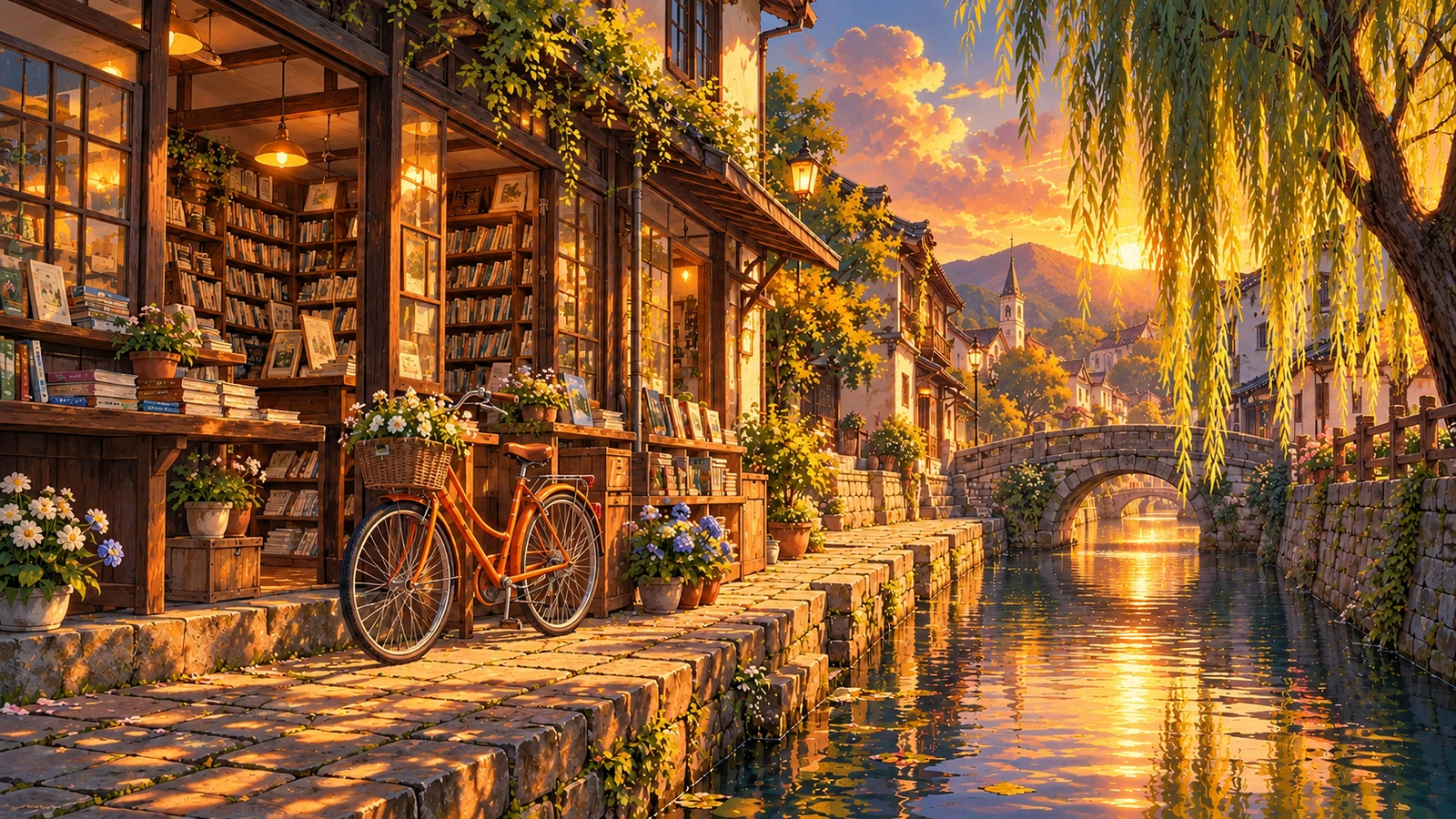
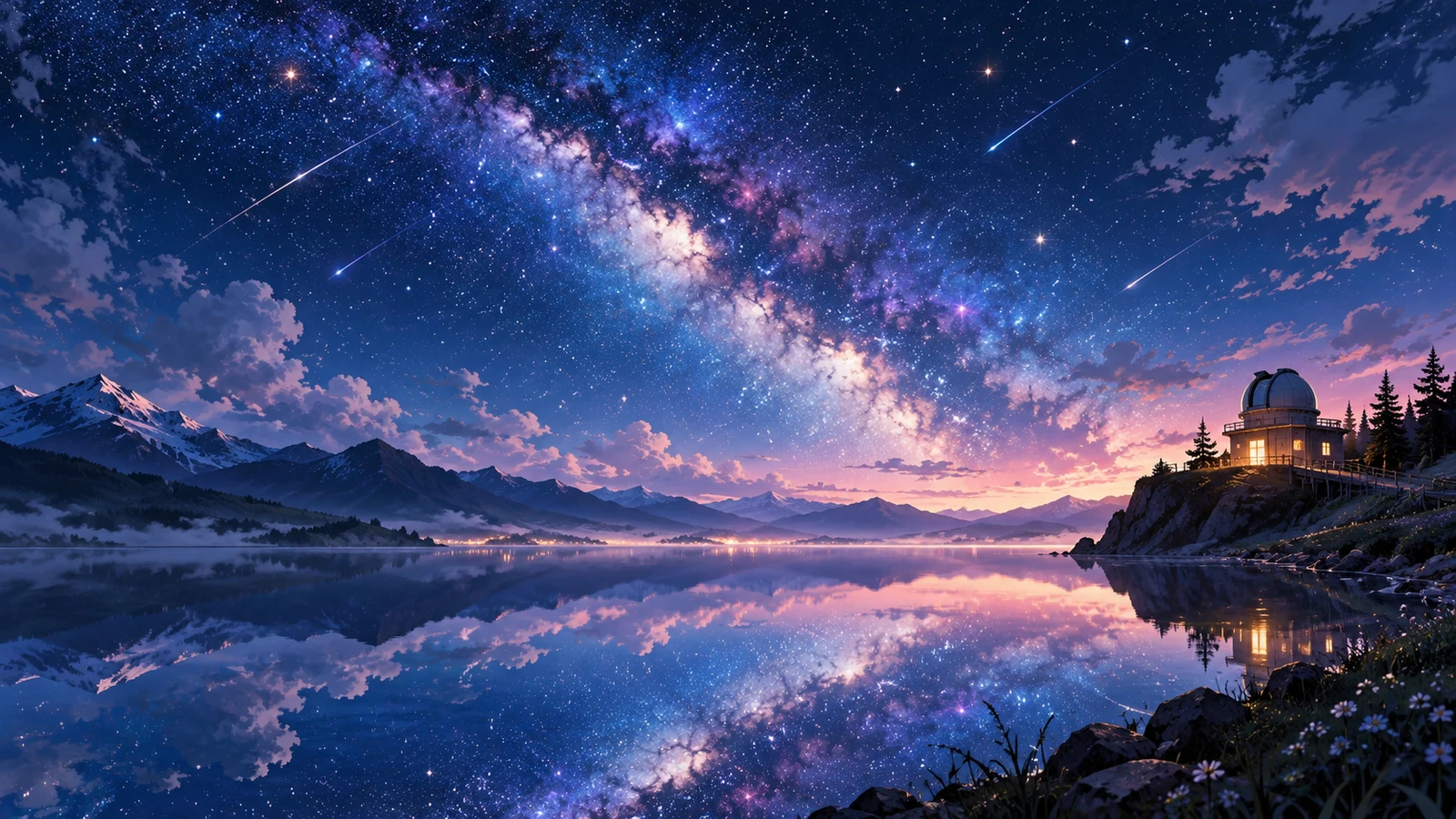
Mood words drive emotion. Dusk light, lanterns, and sakura raise narrative feel; silhouettes keep focus on the environment—great for covers and channel visuals.
Dynamic poster
Rainy-night mage anime poster
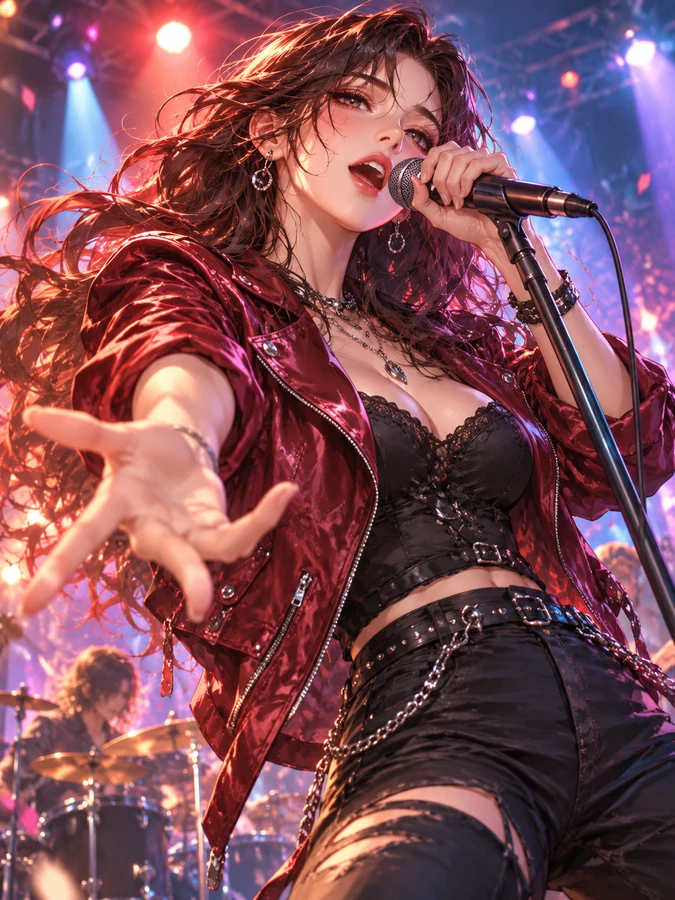
For promo KVs and covers, high-contrast lighting and VFX framing grab attention faster than static busts—suited for campaign art and video intros.


Thick paint
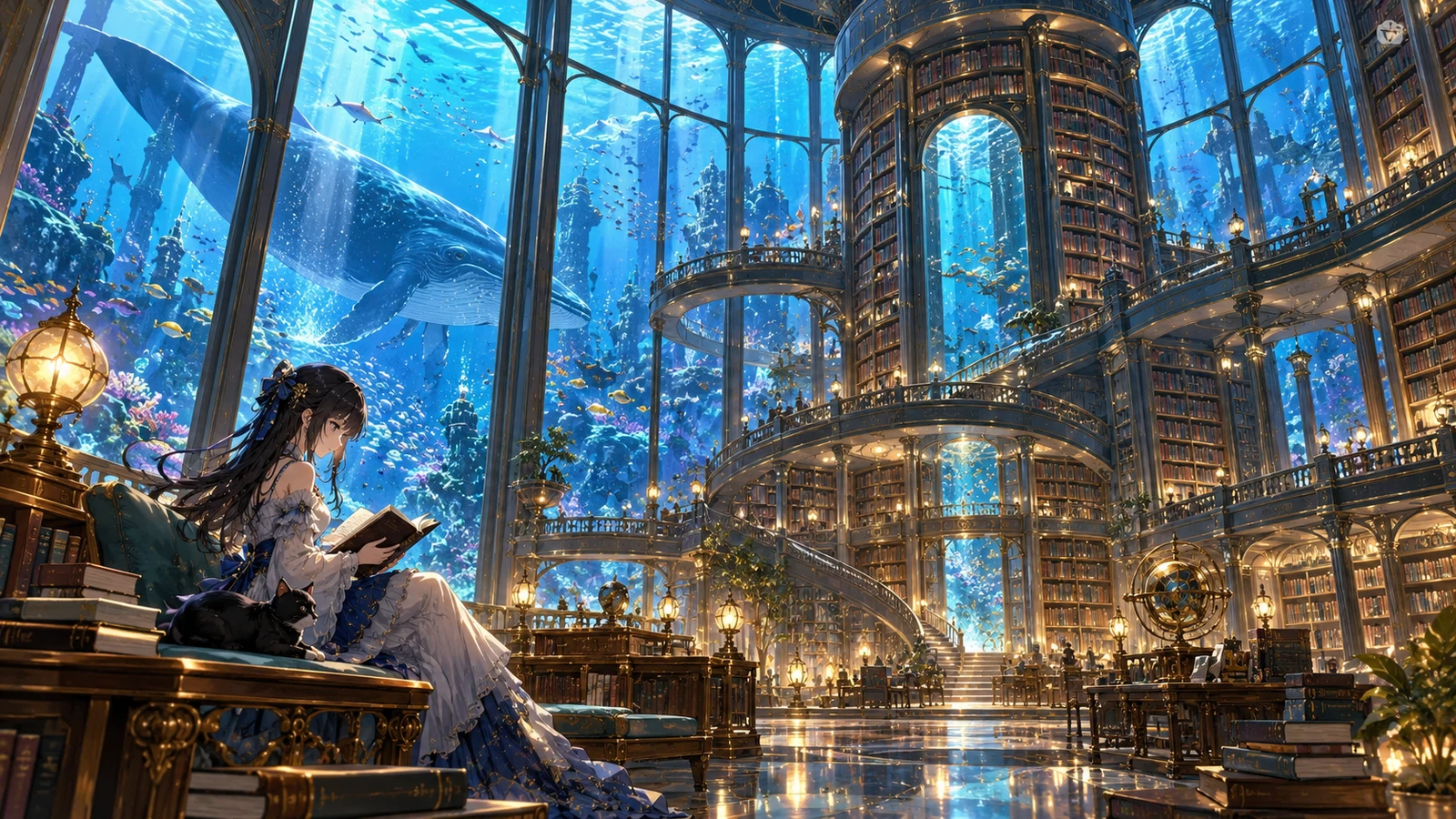
Painterly multi-character set
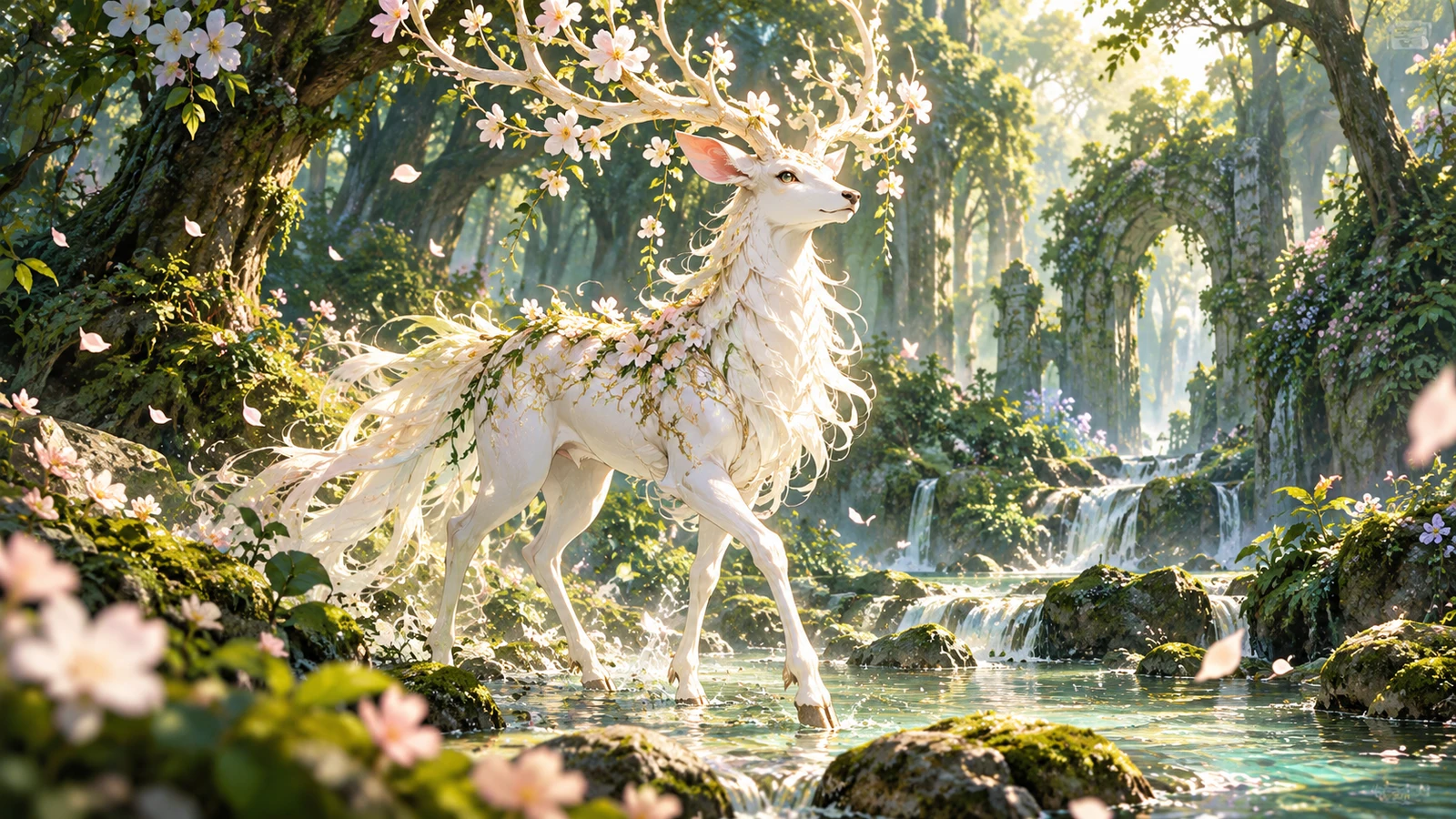
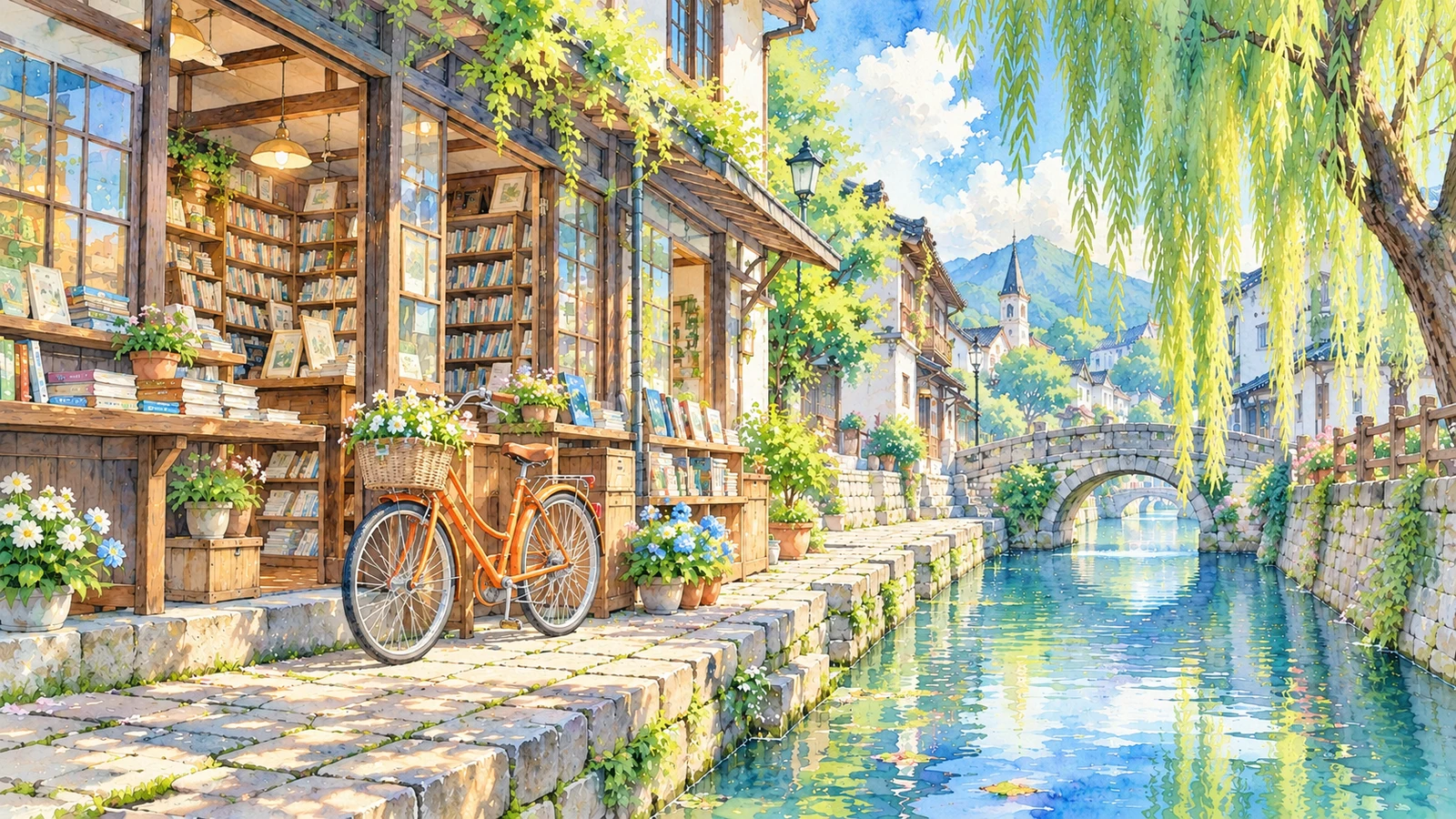
Beyond flat cel shading, push thick-paint and painterly looks with brushwork cues—clear contrast with cel-shaded portraits for flexible style switching.
-
Portraits & expression sheets
Lock appearance markers first, then iterate angles and expressions for OC cards and character sheets.
-
Scene mood & covers
Control emotion with light, weather, and framing to draft video covers and novel art faster.
-
Posters & style switching
Move between cel shading and painterly looks to validate campaign KV contrast and polish.
👥 Audiences
Who is an AI anime generator for?
From doujin sheets and short-video covers to game concepts and campaign visuals—match your role and drop anime generation into a real workflow.
Character First
Doujin creators & illustrators
Visualize character drafts fast instead of staring at a blank canvas.
Start with text-to-anime for hair, outfits, and vibe, then use references or local edits to stabilize faces and colors. Build expression sheets and multi-angle portraits for doujin plans or commission briefs.
- Character sheet visualization
- Expression & angle iteration
- Style trials before polish
Cover Ready
Short-video & channel ops
Prepare dedicated anime covers and intro art for every episode.
When trends move fast, you need art quickly. Draft covers in one sentence, then lock recurring style words and colors so your channel looks consistent on video platforms.
- Vertical covers & intro art
- Fast channel visual refresh
- Style words for brand recognition
Always-on Posts
Social media creators
Keep posting cadence without relying only on stock or freelancers.
Seasonal themes and character dailies need high volume. Test compositions with prompts, then crop for each platform so anime accounts stay on schedule.
- Seasonal post visuals
- Bulk character daily trials
- Multi-platform sizes
Concept First
Game & app concepts
Align art direction with visuals—not only documents.
Character, skill, and scene concepts speed up alignment. Pull multiple vibes and designs first, then decide what enters detailed illustration or 3D.
- Character & scene exploration
- Multi-version vibe tests
- Faster kickoff alignment
Campaign Visuals
Commerce & campaign visuals
Align banners and merch previews with low-cost drafts first.
Virtual-idol merch and festive anime landing pages need speed. Generate hero drafts, then swap colors and props before committing budget.
- Campaign banner drafts
- Merch & asset previews
- Colorway comparisons
Start Simple
Beginners & hobby creators
No drawing skills required—start from one sentence.
Describe subject and style first, then add light, camera, and outfit details. With model entry points side by side, practice gets instant feedback.
- Natural language to start
- Short prompts first, then refine
- Learn style words by doing
💡 Tips
AI anime prompt writing tips
- Lead with the subject: start with “1 girl / young swordsman”, then add details.
- Be specific with style words: anime style, cel shading, line art, or a clear art direction.
- Add camera and light: close-up, full body, soft lighting, neon lights can change the result a lot.
- Avoid stacking conflicting style terms that make faces and materials unstable.
- For a fixed character, repeat key traits (hair color, eye color, signature outfit).
🎨 Models
Recommended models for AI anime generation
Different models shine in different directions—pick by anime task, or open model pages for details.
Midjourney V8.1
Strong artistic expression for anime mood, poster framing, and stylized illustration.
View details →
GPT Image 2
Built-in reasoning and planning with steadier instruction following for complex setups and text posters.
View details →
Nano Banana
Cost-efficient near-real-time generation for bulk prompt testing and quick drafts.
View details →
❓ FAQ
AI anime generator FAQ
Long-tail questions about text-to-anime, styles, consistency, rights, and where to go next.
What is an AI anime generator?
It is an image tool for anime and Japanese-style illustration: describe character, style, and scene, then get portraits, posters, or expression sheets. bikabika AI gathers mainstream model entry points so you can start online creation faster.
What is the best AI anime generator for characters in 2026?
There is no single forever winner. Midjourney often wins for mood and cover energy; GPT Image 2 for hard constraints and identity control; Nano Banana for fast draft loops. If anime is the weekly deliverable, start in this AI Anime Generator online, then compare models on the same brief.
How do I turn text into anime art (text to anime)?
Lead with subject and style (anime, cel shading, clean line art), then add hair, eyes, outfit, light, and framing. Generate a few candidates, change one layer per retry, and shortlist with reject notes. Keep photography terms in English when the model responds better that way.
How do I make results look more anime / cel-shaded?
Add style cues such as anime, manga, cel shading, or painterly looks, plus hair, eyes, outfit, and framing. Quality terms like clean line art help; iterate for stability. Avoid mixing photoreal skin cues with anime style in the same prompt.
How do I keep the same anime character across poses?
Lock hair color, eye color, and outfit markers, then reuse that recipe. For series sheets, lock identity in the AI Character Generator first, then polish 2D finish in the AI Anime Generator.
Studio Ghibli style, manga, fan art, or doujinshi—where should I start?
Use this anime-first tool for delivery, then read the matching English guides: Best AI anime generators 2026, Create 2D anime with AI Anime Generator, anime art & manga illustrations, Studio Ghibli style, and fan art & doujinshi. Links sit in the Related anime guides section above this FAQ.
Can I use the images commercially?
Commercial rights depend on each provider’s license and your plan. Read Midjourney, OpenAI, and other official terms before commercial use, and avoid generating copyrighted famous characters.
How is this different from general AI art?
Both generate images, but this page focuses on anime aesthetics and character workflows. A general AI image generator covers broader needs like photorealism, ecommerce, and design.
Will it create copyrighted famous characters?
Avoid requesting protected names or trademarked looks. Describe original appearance and outfits to build your own character IP.
Should prompts be in English or another language?
Either works. Many models respond strongly to English style terms; other languages can help with story and emotion. Mixing languages is common—then refine from results.
ANIME CREATE
Ready to create your first AI anime image?
Pick a model, describe your character and style, and start creating.