
Nano Banana ProAI Image Generation & Visual Design
Nano Banana Pro is Google's Gemini 3 Pro-based model for image generation and editing, with a focus on text-rich designs, product visuals and complex compositions. It brings image creation together with finer creative control, helping you consider imagery, information and brand expression as one design.
Confirm the selected model, supported inputs and available settings before submitting. Official capabilities described here do not mean that every tool is available on this site.
Choose a model, enter a prompt and adjust the settings to generate, preview and refine images on this page.
Open full workspaceEstimated cost—pts
What Can Nano Banana Pro Bring to Visual Design?
Explore text layouts, multilingual designs, reference compositions and creative control as parts of a more specific image generation or editing brief.
Design Text as Part of the Image
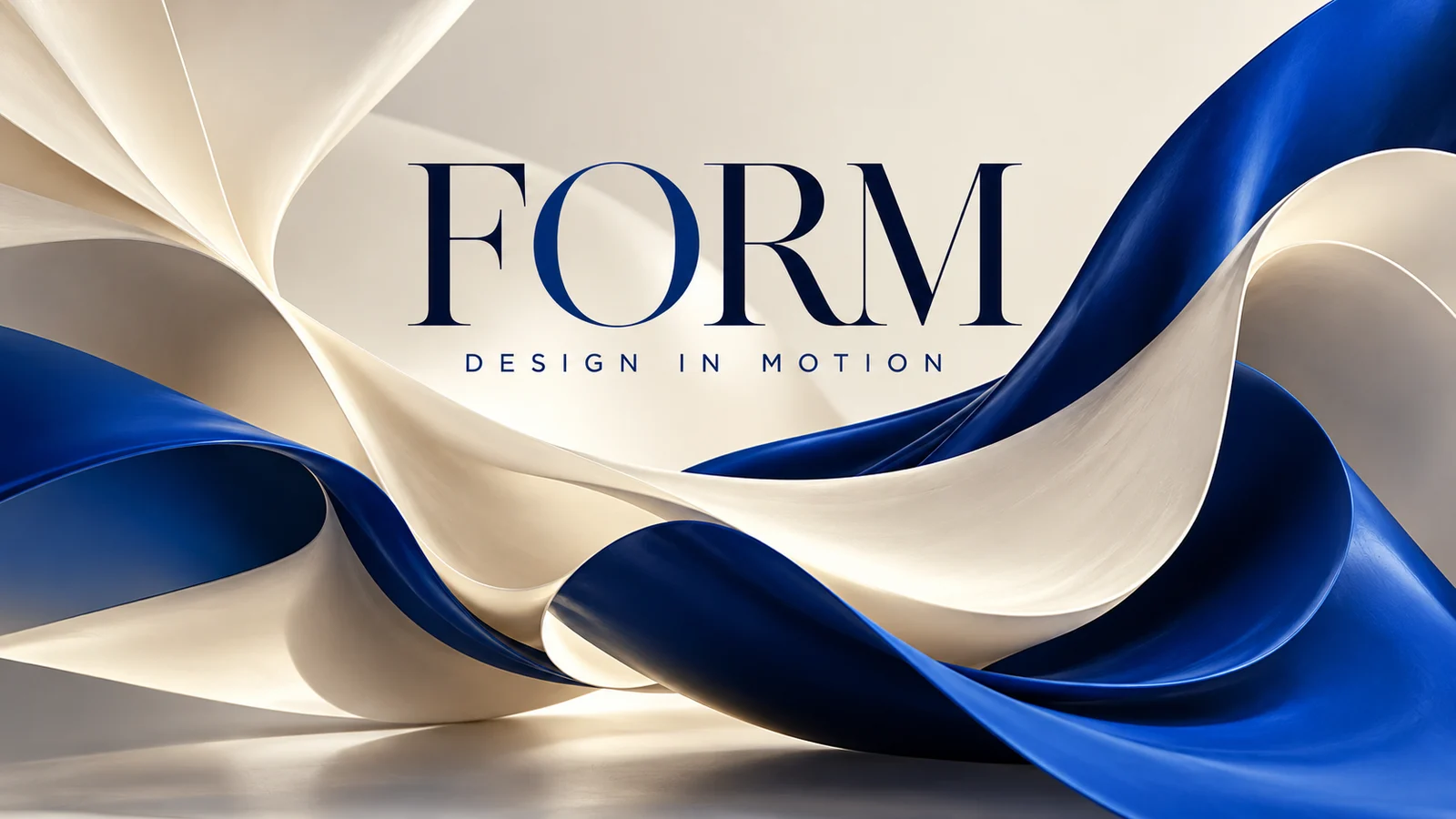
Consider headlines, labels and supporting copy while developing a poster, packaging concept or other text-rich visual.
Describe the character of the typography, its material and its hierarchy. Proofread spelling and layout before publishing, completing exact longer copy during final design when necessary.
Start creating ↗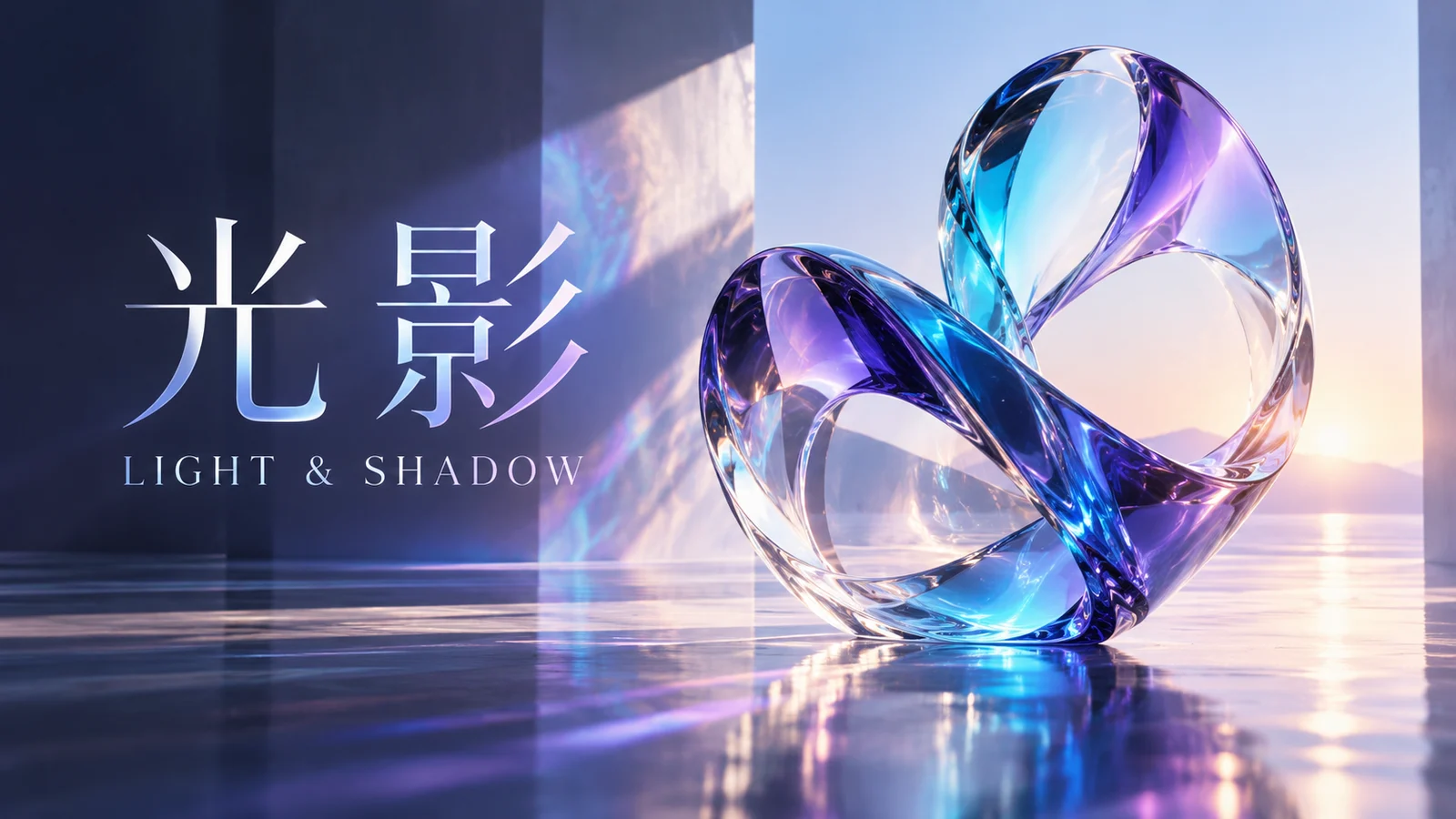
Explore Designs for Different Languages
Official multilingual and localization capabilities provide ways to explore how a visual theme could work across languages and audiences.
Account for text length, reading conventions and available space. Review names, cultural meaning and grammar rather than treating generated text as a finished translation.
Start creating ↗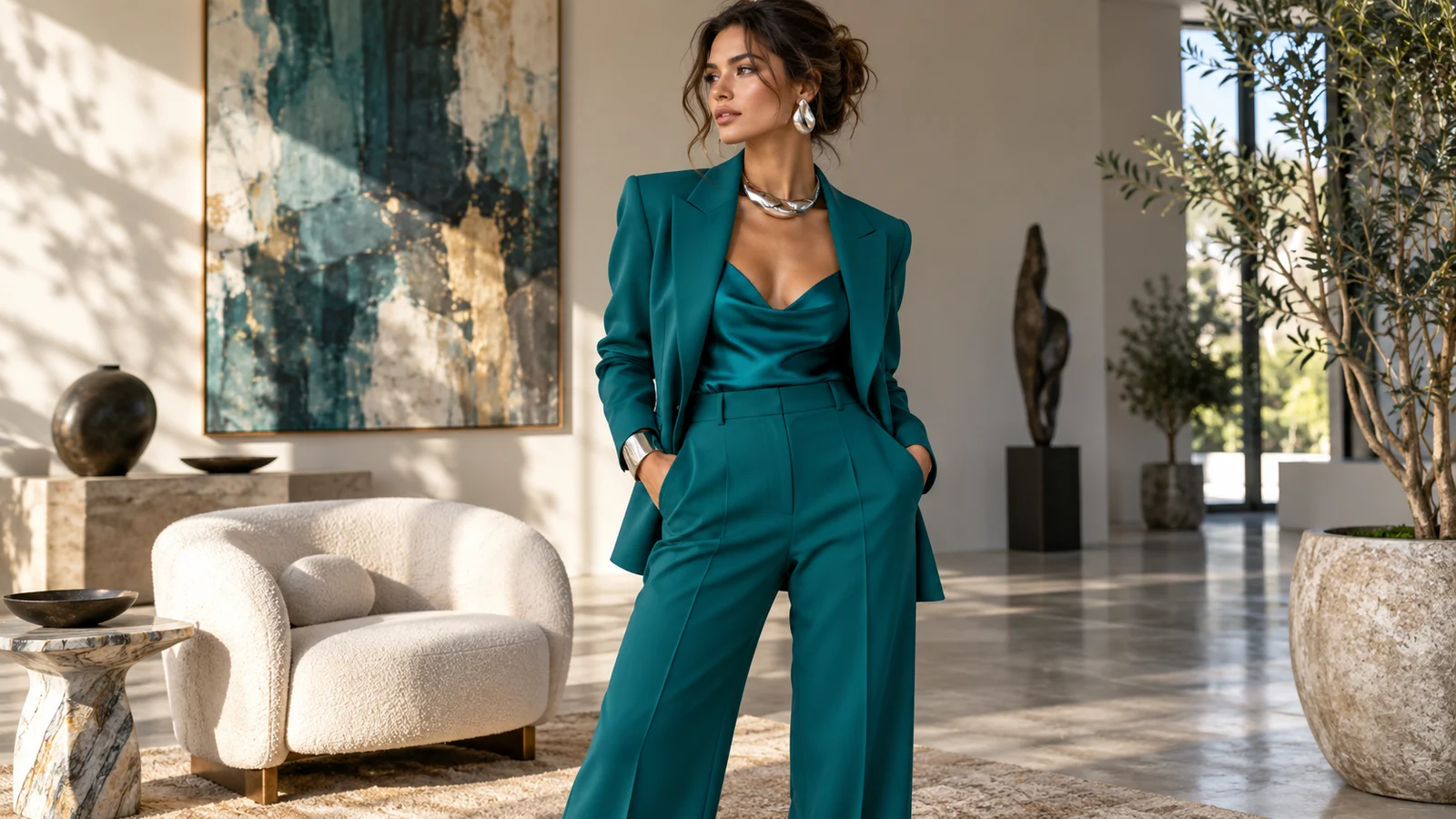
Compose More Complex Scenes from References
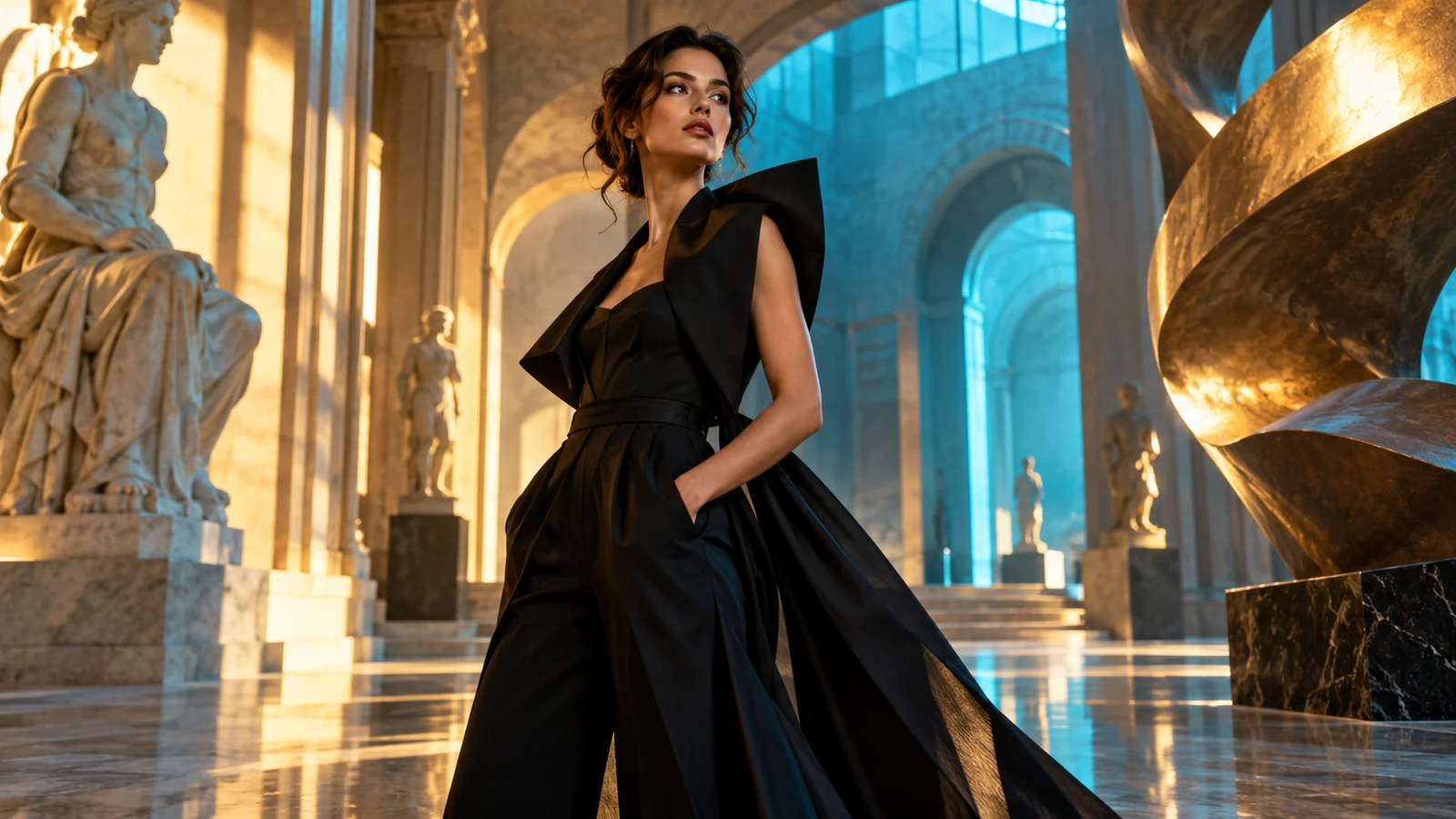
People, products, clothing and environments can provide visual context for a new composition, connecting existing material with a creative goal.
Describe what should stay recognizable and what may change. Assess whether complex combinations look natural, and check faces, objects and brand details individually.
Start creating ↗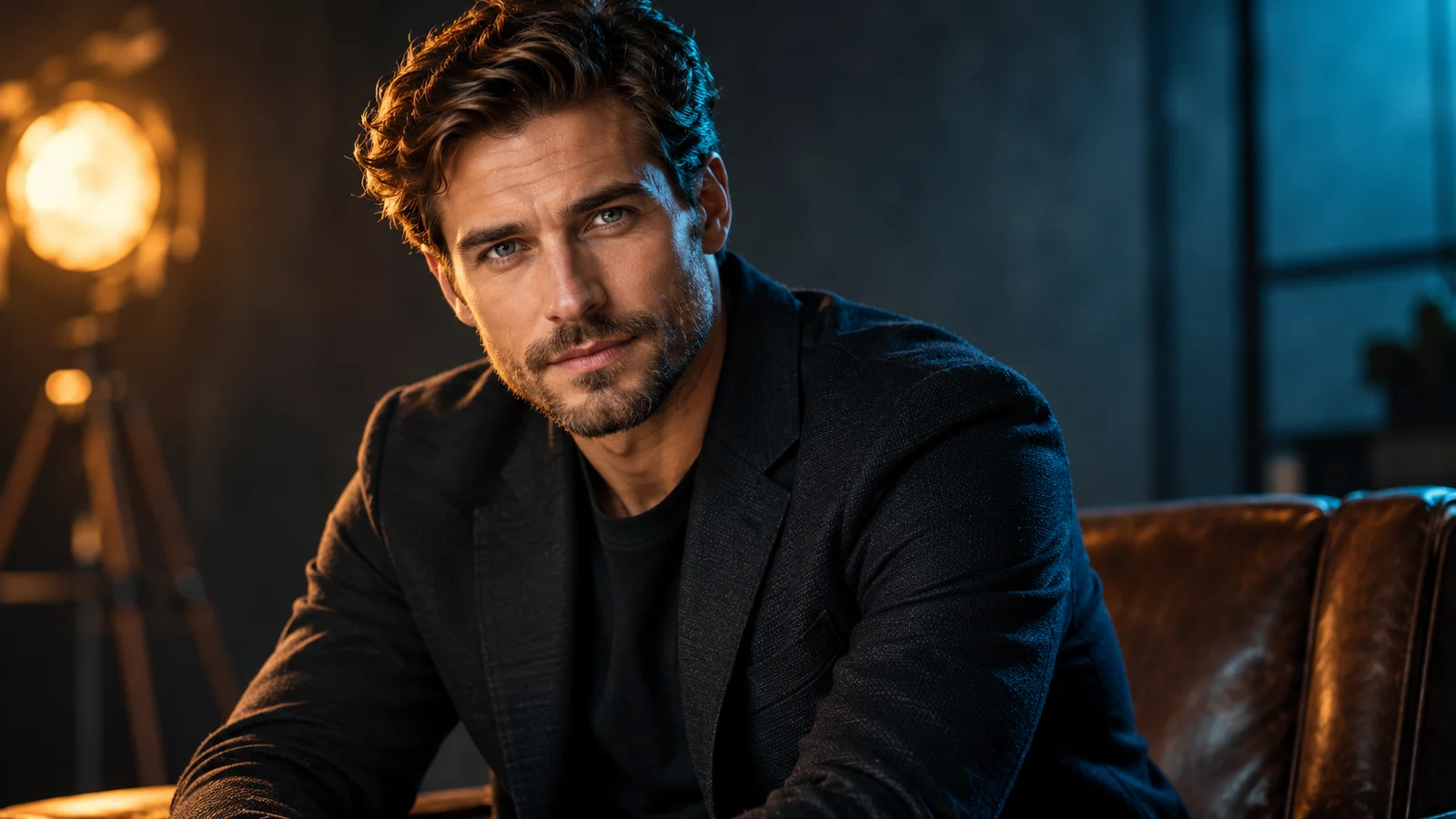
Refine Lighting, Focus and Local Details
Official creative controls include localized changes and adjustments to viewpoint, focus and lighting, supporting more specific editing goals.
When a composition is close to the brief, explore softer light, a clearer focal point or another color mood. Available interactions on this site depend on its current features.
Start creating ↗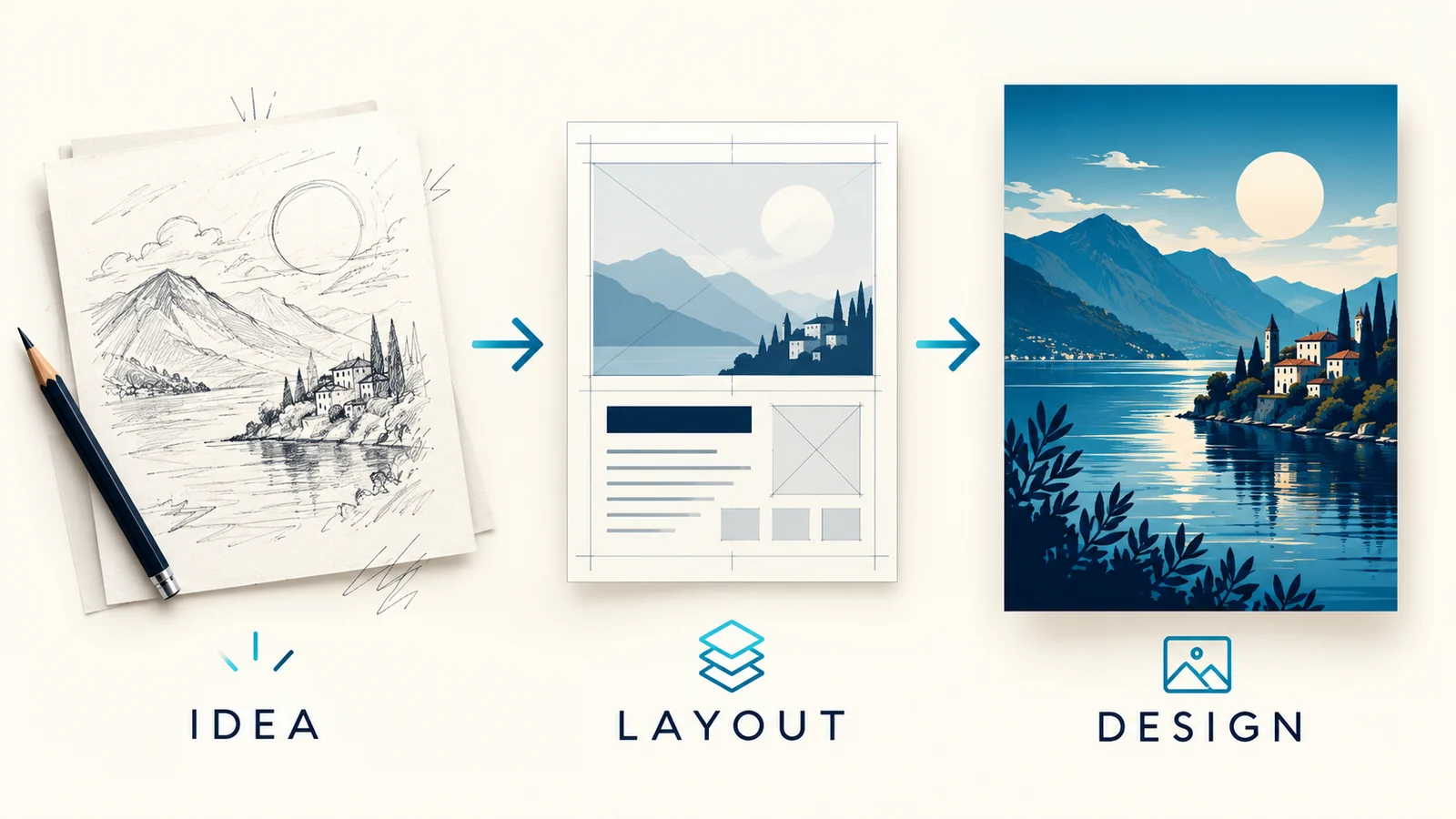
Turn Information into Visual Explanations
Use written material and world knowledge as context for infographics, diagrams and explanatory images. Officially supported search tools can provide another information source.
Define the idea, source material and reading order first, then check relationships, labels and facts. Reasoning and search do not guarantee accuracy or confirm that this site enables the same tools.
Start creating ↗
Choose Output Settings for the Channel
Official options include 1K, 2K and 4K resolutions and multiple aspect ratios, supporting different directions for the same creative idea.
Choose dimensions for a banner, cover or design asset's intended use. Higher resolution does not automatically meet print-production requirements or guarantee correct details. Check the site's current settings and estimated credits.
Start creating ↗What Can You Design with Nano Banana Pro?
Connect image generation and editing with branding, products, communication and visual explanations.
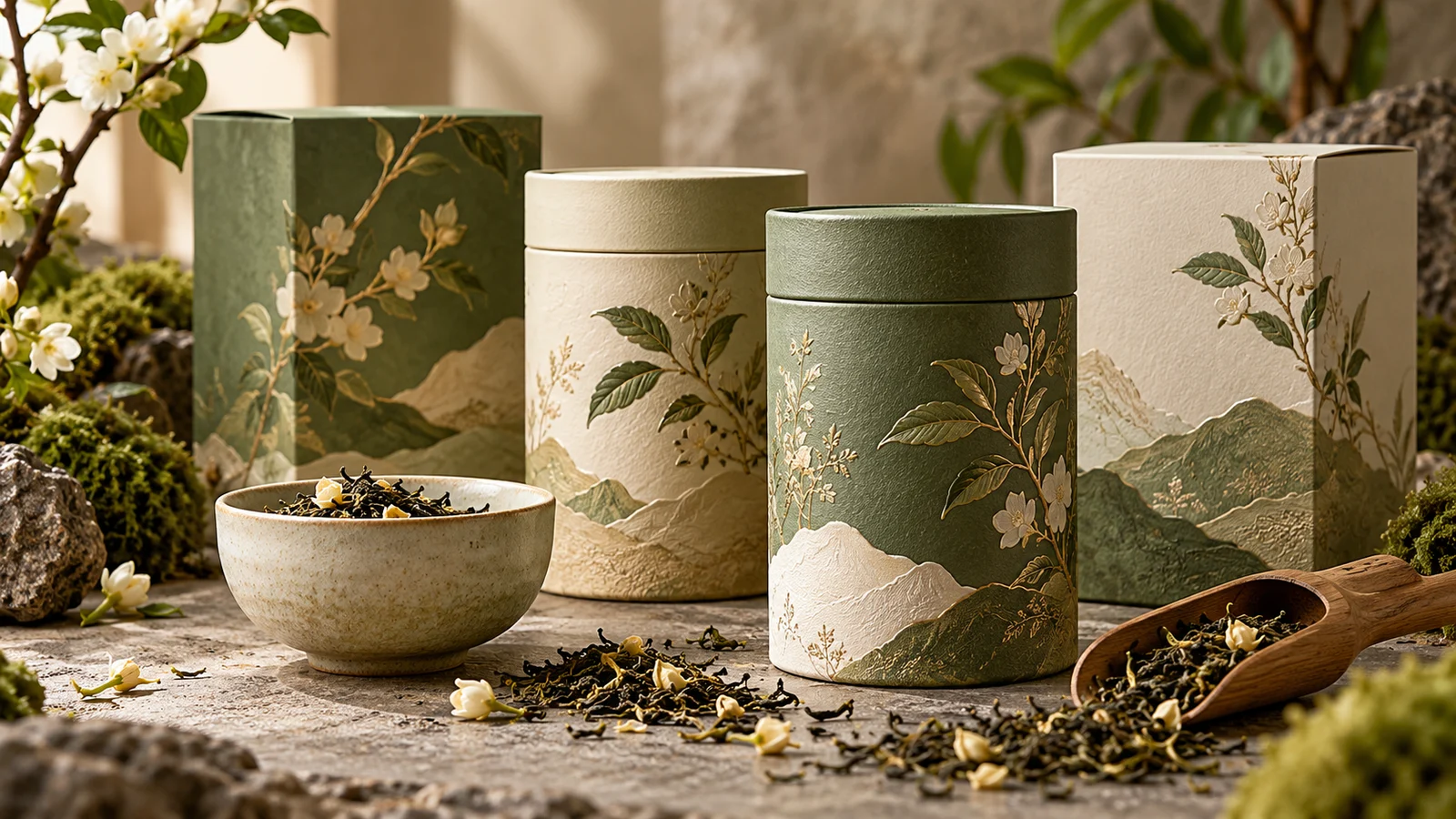
Packaging & Product Concepts
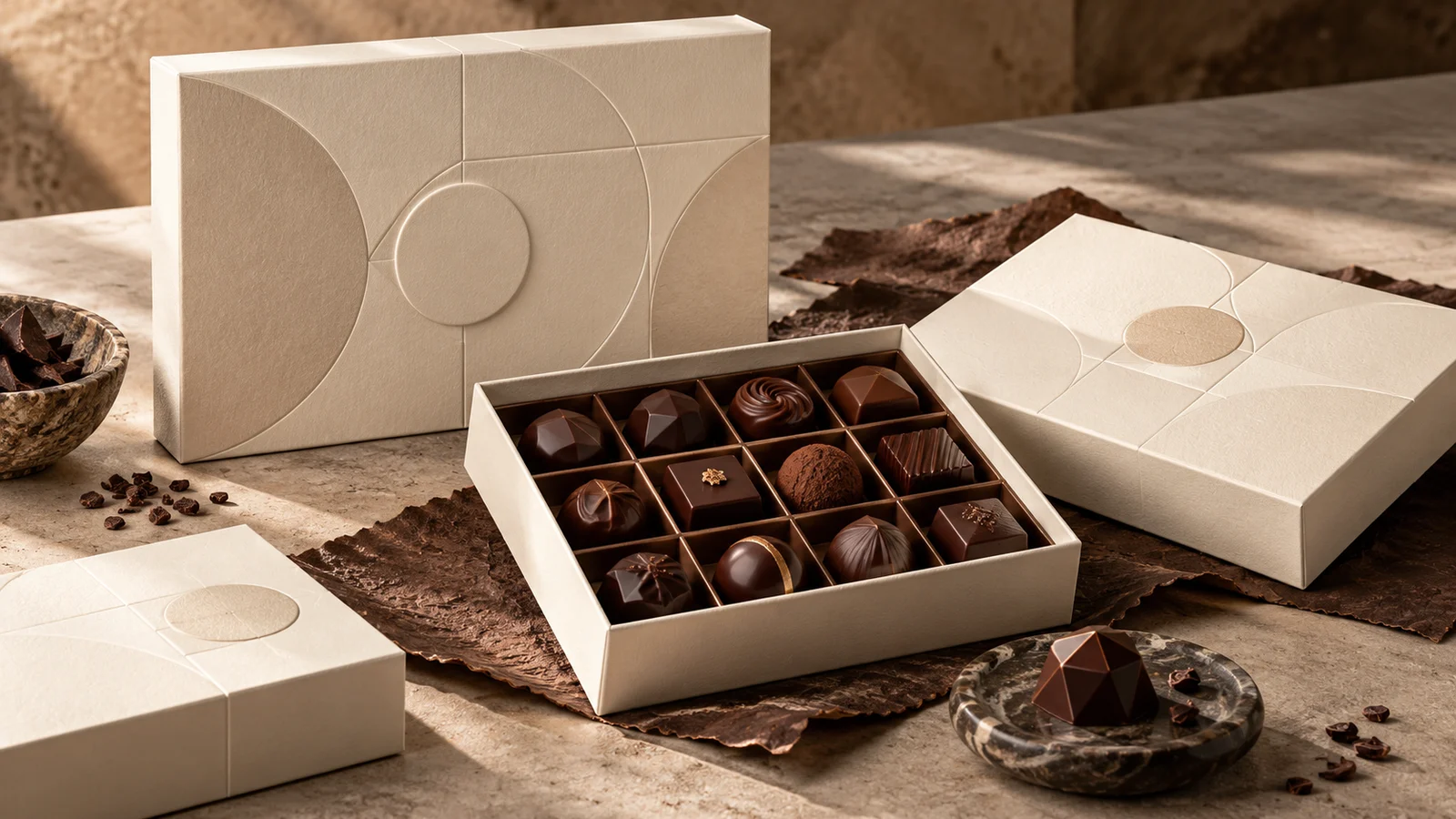
Explore packaging appearance, materials, labels and presentation settings, developing visual options for a product idea.
Use images for proposals and design discussions. Verify dimensions, packaging structure, ingredient information and branding separately; a concept image is not a production file.
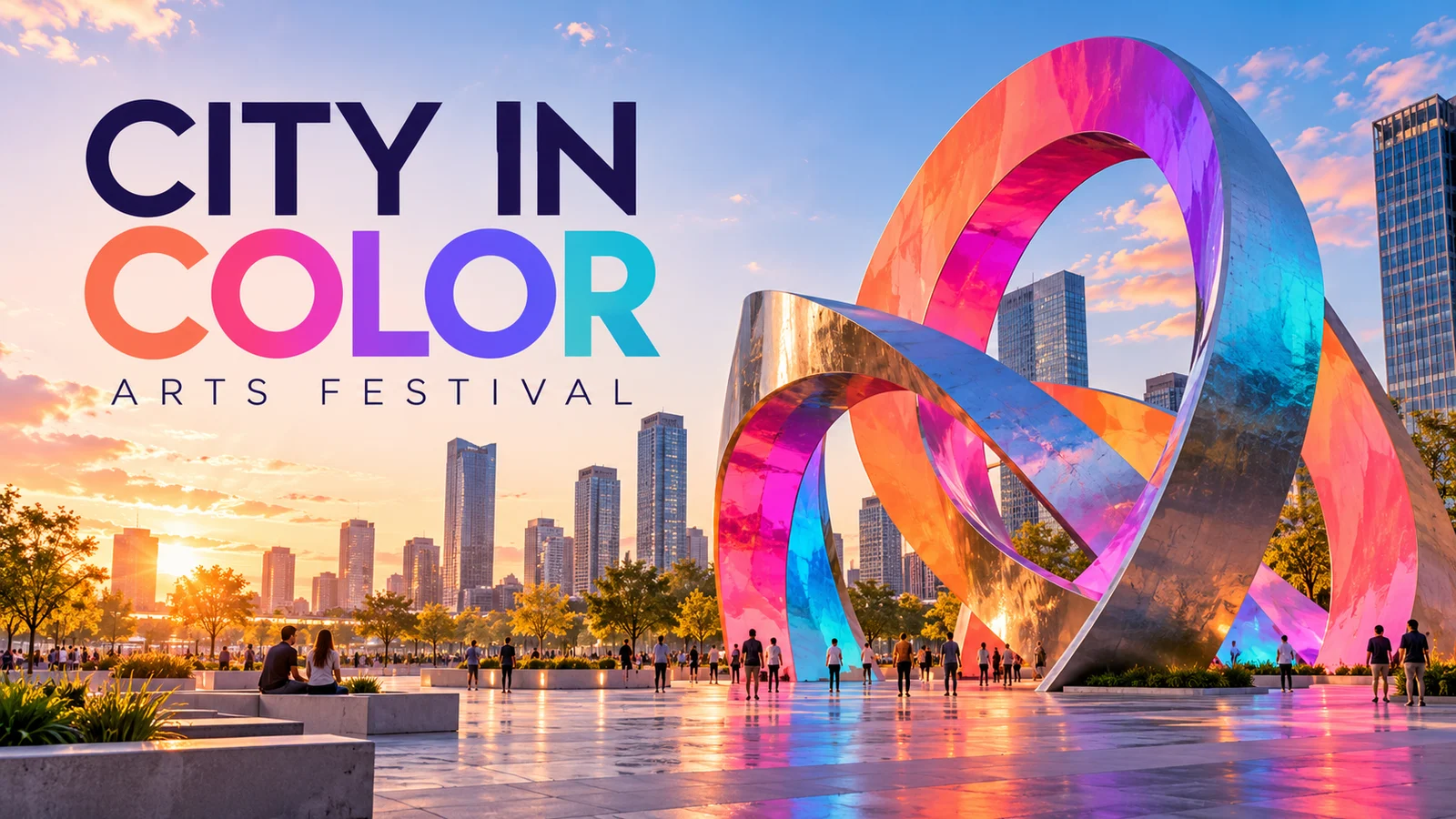
Multilingual Campaigns & Event Posters
Bring a message, headline and central visual together for campaign imagery, event posters and localized content.
Compare composition and hierarchy, then refine the work around accurate copy and audience needs. Review each language separately rather than assuming one image proves every translation or layout.

Ecommerce & Brand Photography
Develop a visual identity around products, people and environments for listing imagery, branded content and fashion proposals.
References and lighting changes can inform the brief. Check product structure, color and character details, keeping actual product information separate from visual invention.
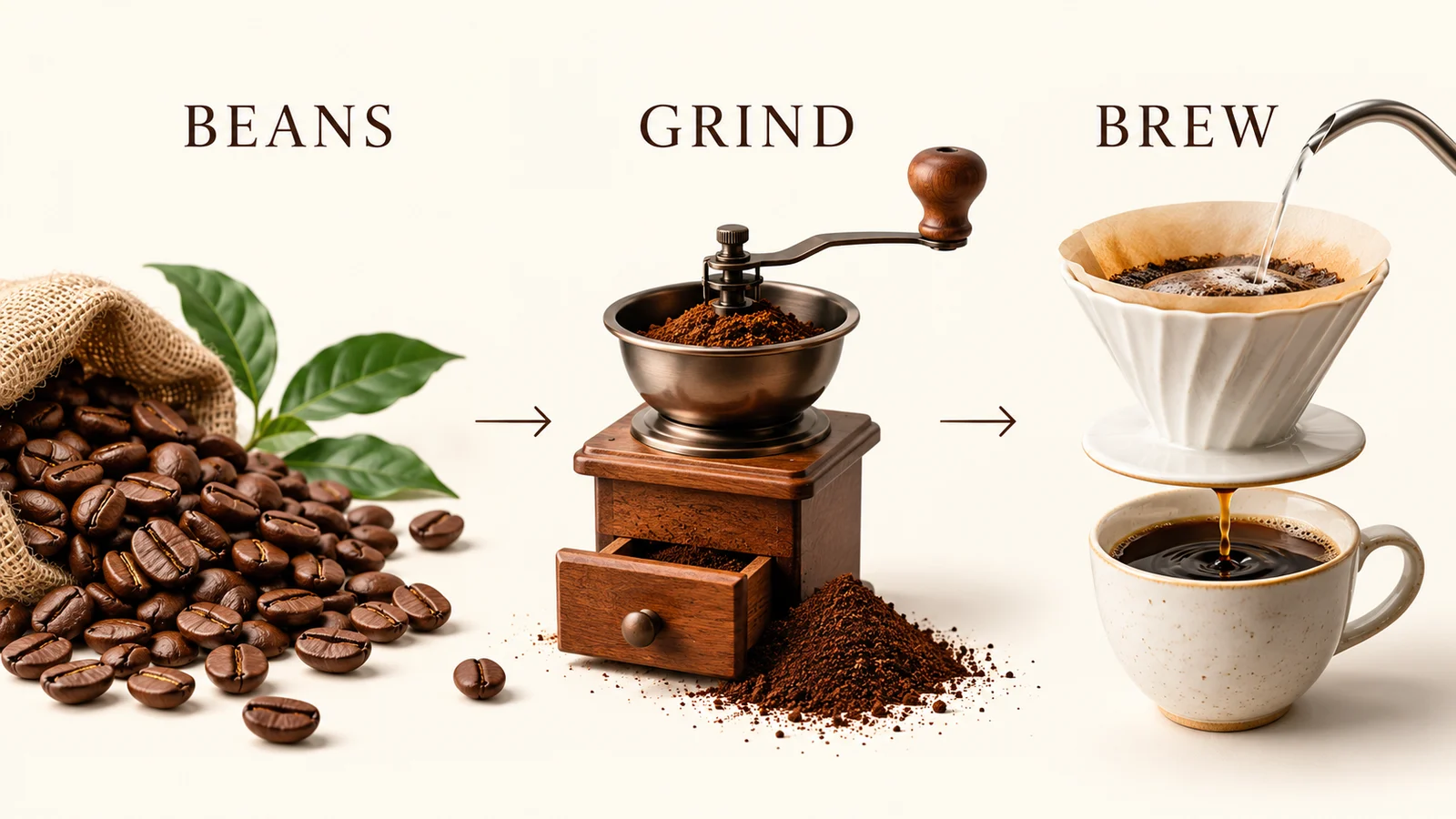
Infographics & Presentation Visuals
Organize product information, processes and key ideas into images for presentations, training and communication.
Begin with reliable material, then review generated text, data and relationships. Prioritize understanding over decoration, and do not use the generated image itself as a factual source.
When Should You Consider Pro or Explore 2.1?
Pro
Consider its professional-design positioning when typography, complex compositions and finer creative control are central to the task.
2.1
Explore the successor's image quality, text and iterative-editing updates when efficient creation is also important.
Consider Pro when typography, complex compositions and finer control are central. Explore 2.1 for the successor’s updates to visual quality, prompt understanding and iterative editing. Check the generator for available settings and estimated credits.
Create with Nano Banana Pro
Describe the design brief
Include the subject, purpose, copy and intended changes, adding references through supported inputs.
Confirm the model and output
Review the actual Pro selection, aspect ratio, resolution and estimated credits.
Generate and develop
Preview, inspect text and details, then download or continue refining the visual direction.
Frequently asked questions
What is Nano Banana Pro?
It is Google's Gemini 3 Pro-based image generation and editing model, focused on professional visual design and creative control.
How does it differ from Nano Banana 2.1?
Pro focuses on complex design, text and finer control. 2.1 updates visual quality, prompt understanding and iterative editing. Compare them against the design brief and review current settings and costs in the generator.
Can it create images with Chinese or English text?
Official capabilities include multilingual text imagery, but spelling, grammar and layout may still need correction.
Does it support references and character consistency?
Official capabilities include multi-reference creation, but identity, product appearance and complex compositions are not guaranteed to stay exact.
Can it change lighting or local content?
Official features include these creative controls. Interactions and settings on this site depend on the current service.
Does it support 4K?
Official options include 4K. Confirm this site's available dimensions and credits before submitting; 4K is not exclusive to Pro.
Are site credits a Google subscription?
No. This site has its own credits and plans, with estimates and task records showing platform usage.
Is this the official Nano Banana Pro website?
No. bikabika AI is an independent AI creation platform. Nano Banana is developed by Google.
Start Your Nano Banana Pro Visual Project
Begin with a product, copy or reference material. Confirm the current model and settings, then turn an idea into an image you can develop further.