
Nano Banana 2AI Image Generation & Editing
Nano Banana 2 is Google's image generation and editing model, also known as Gemini 3.1 Flash Image. Combine a written idea, reference material and follow-up edits to explore a composition, refine details and develop a visual direction.
Review the selected model, available settings and estimated credits before submitting.
Choose a model, enter a prompt and adjust the settings to generate, preview and refine images on this page.
Open full workspaceEstimated cost—pts

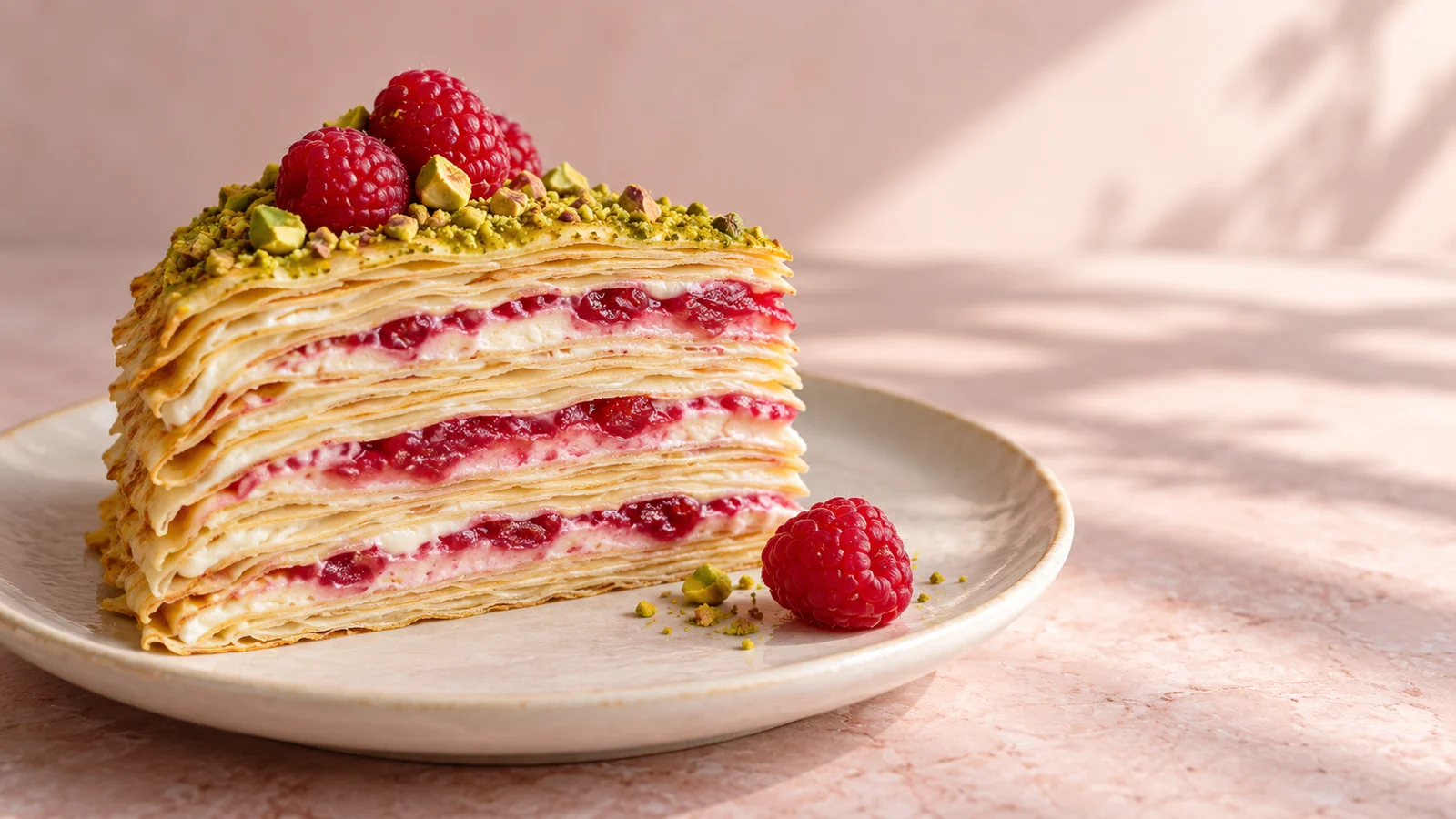
What Can You Create and Edit with Nano Banana 2?
Explore how descriptions, references and targeted changes contribute to developing an image.
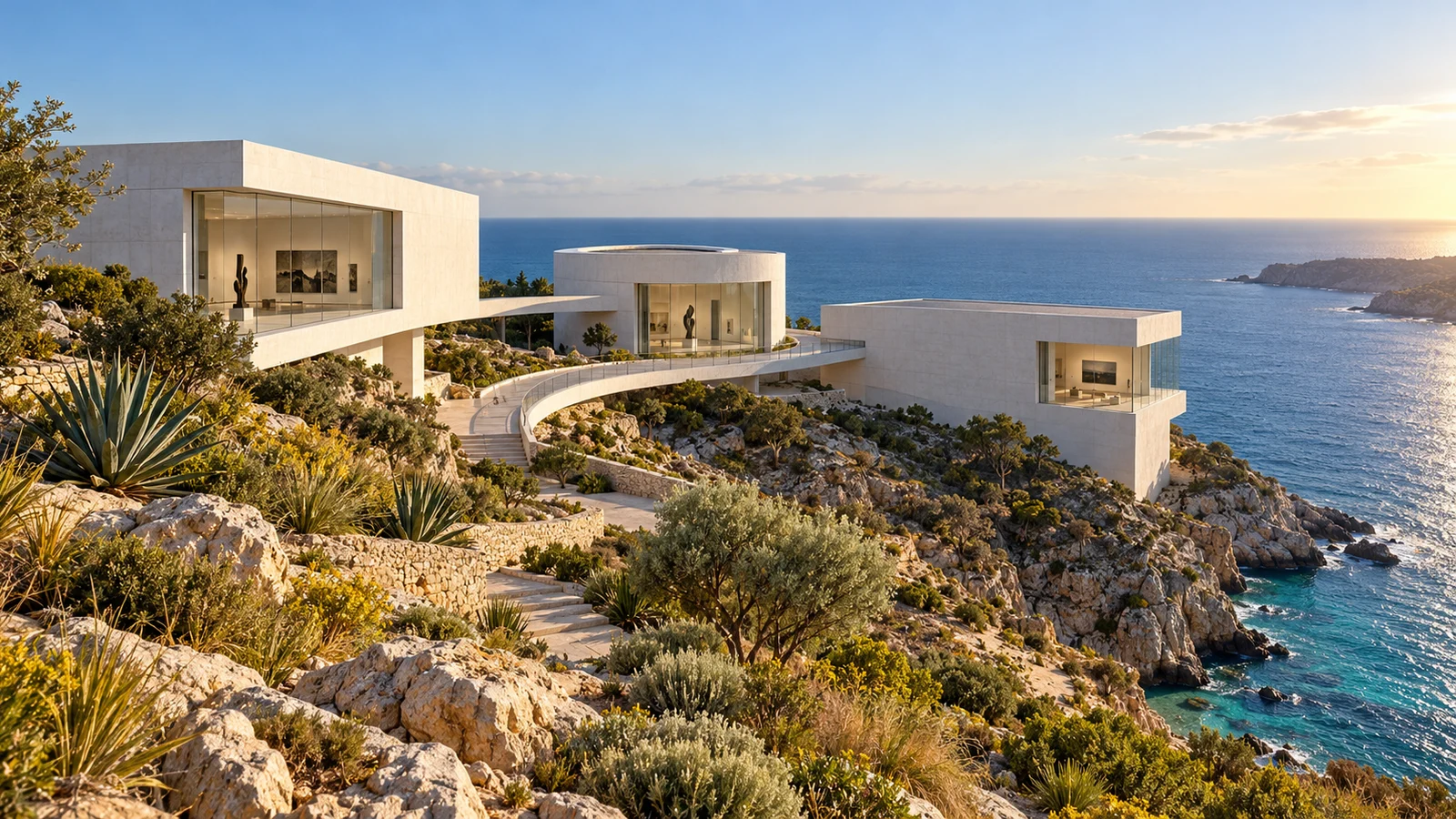
Build a Scene from a Description
Describe the subject, setting, action and visual style. Explore photography, illustration or concept imagery, then develop the result for its intended purpose.
Start creating ↗

Develop an Idea through Follow-up Edits
Request changes to the background, colors or composition rather than stopping at the first result. Explain what should stay recognizable while comparing new directions.
Start creating ↗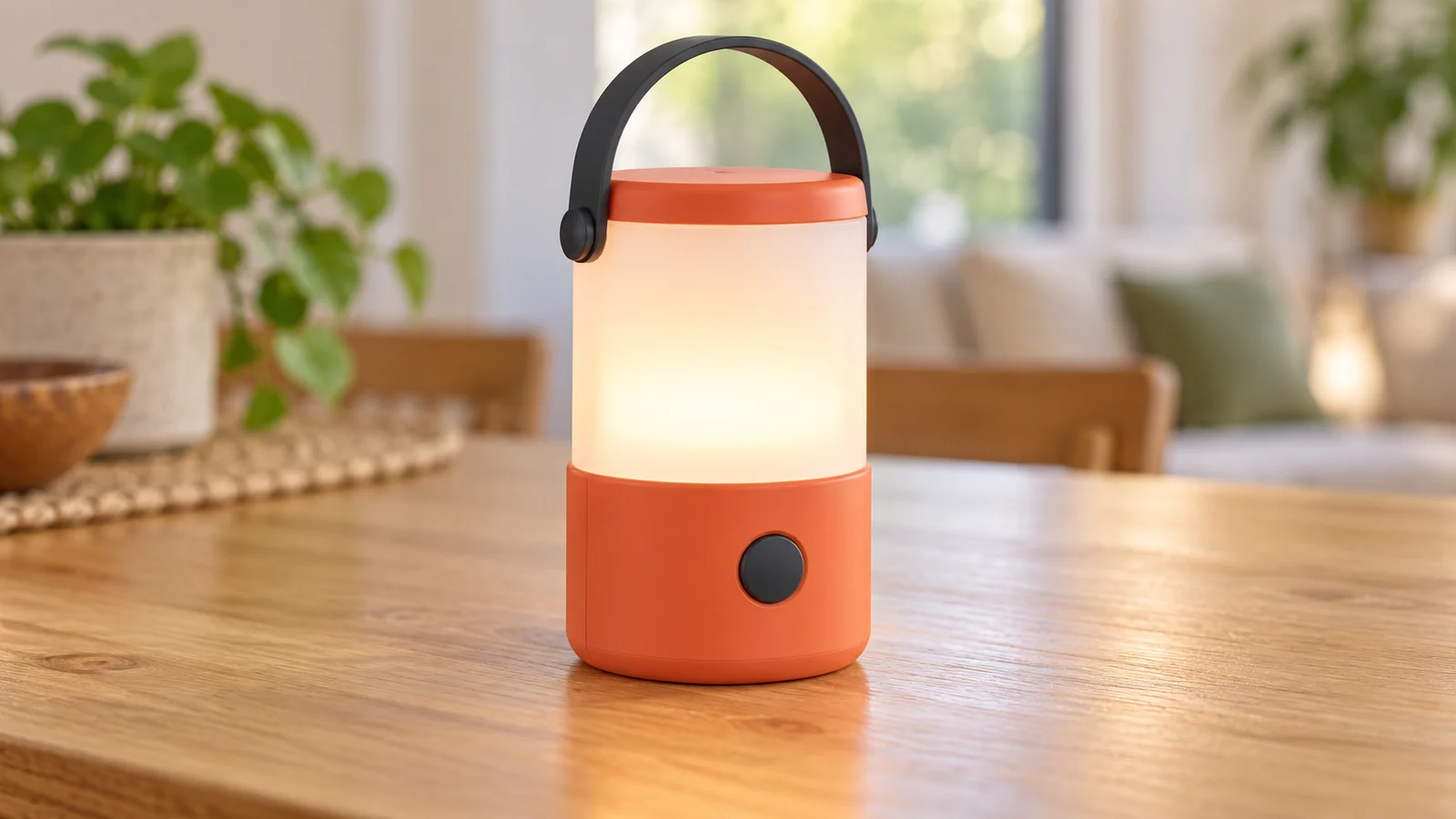
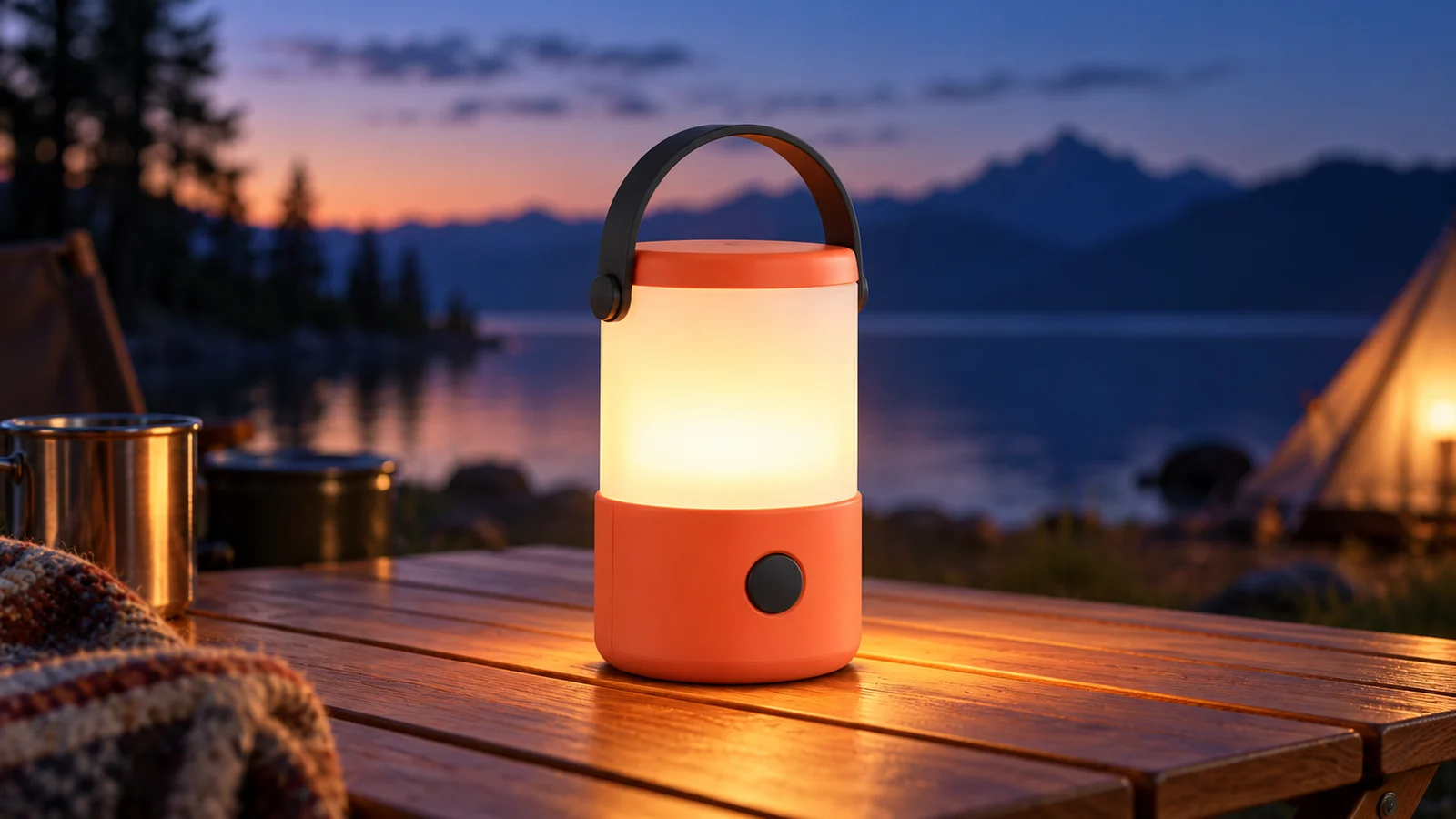
Bring Reference Subjects into New Settings
Use people or objects as visual context for another scene. Check faces, product structure and small markings individually; references do not guarantee exact reproduction.
Start creating ↗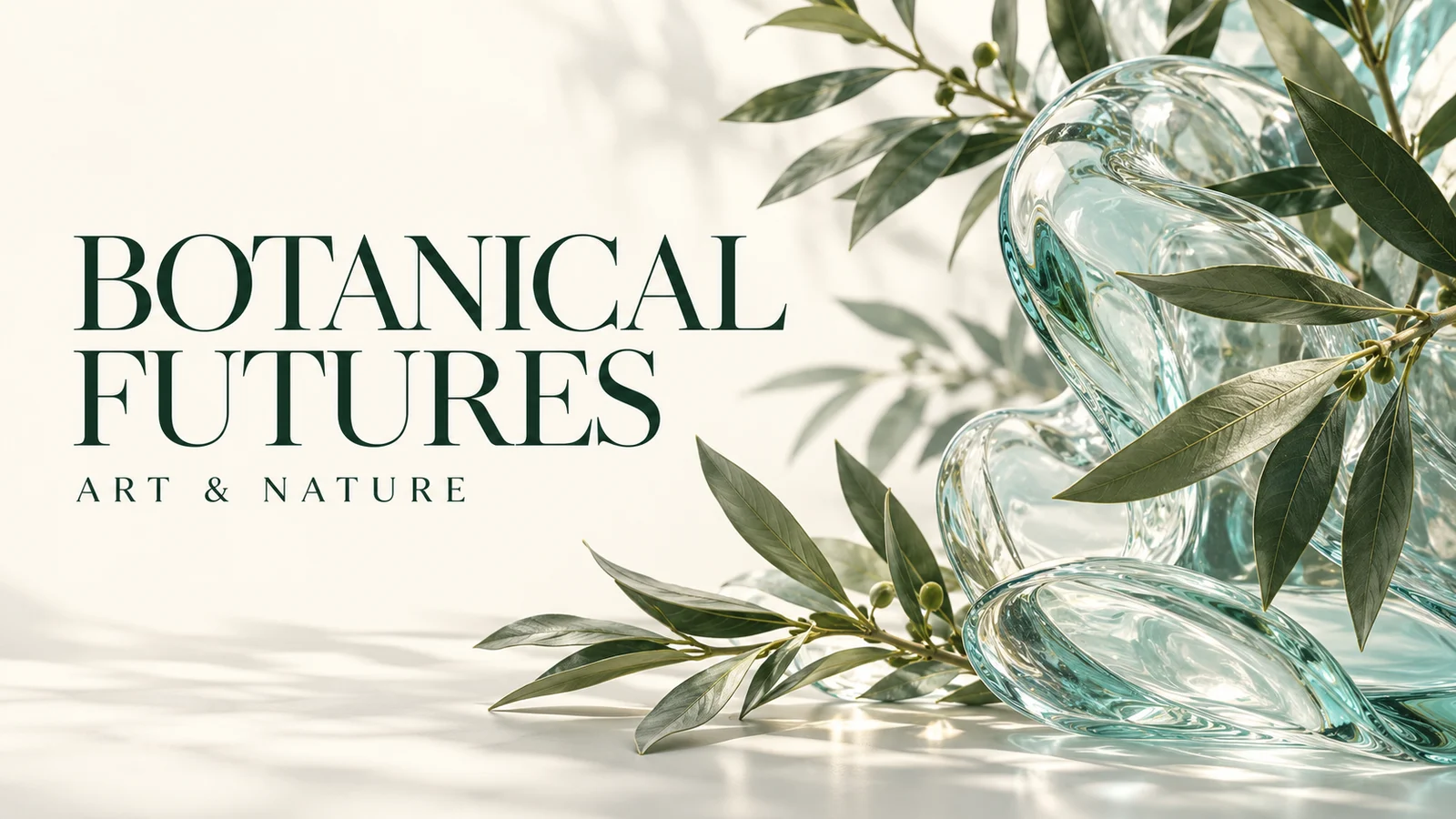
Combine Imagery with Text and Information
Explore headlines and hierarchy for posters, cards or explanatory images. Review generated copy, relationships and facts, completing precise typography in a design tool where needed.
Start creating ↗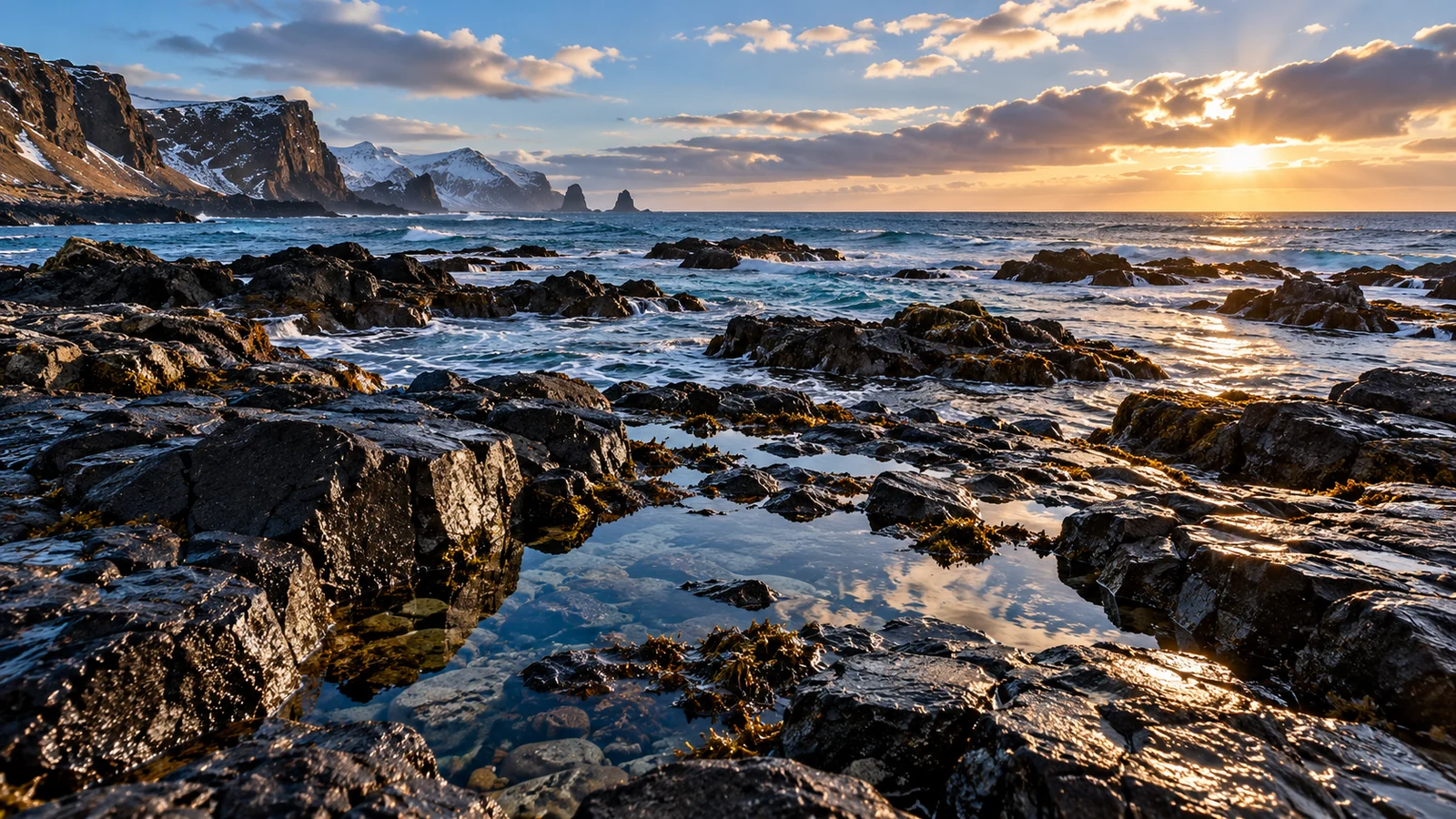
Plan Output for Its Intended Use
Covers, banners and social content need different framing. Choose from currently available settings for the channel; higher resolution alone does not guarantee accurate details or print readiness.
Start creating ↗Where Can Nano Banana 2 Fit into Your Projects?
Connect generation and editing with a specific visual goal, from content imagery to product presentation.
Brand & Social Content
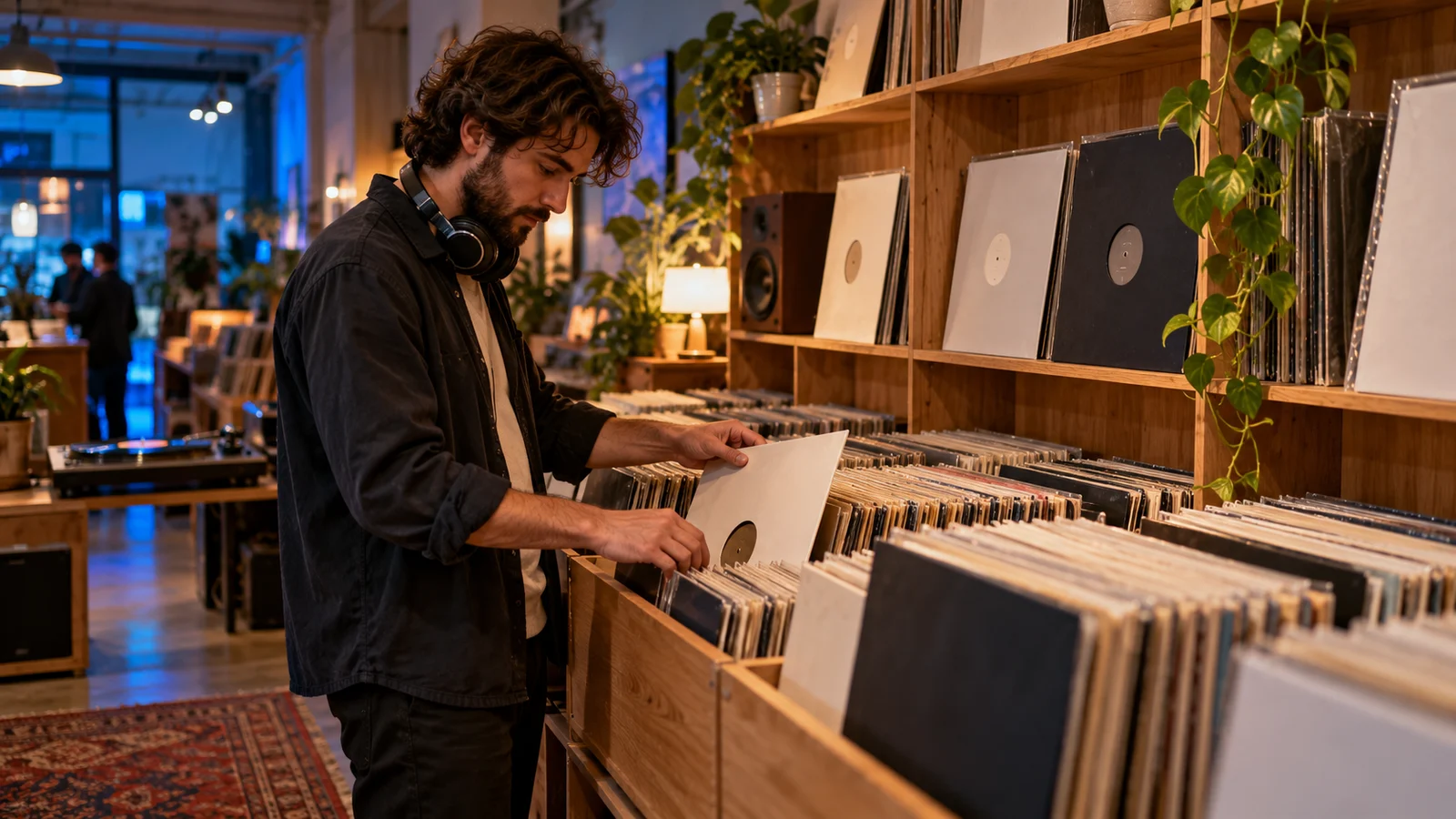
Explore visual directions for campaigns, topics and everyday publishing. Refine the imagery around brand tone and accurate final copy.
Product Scenes & Ecommerce
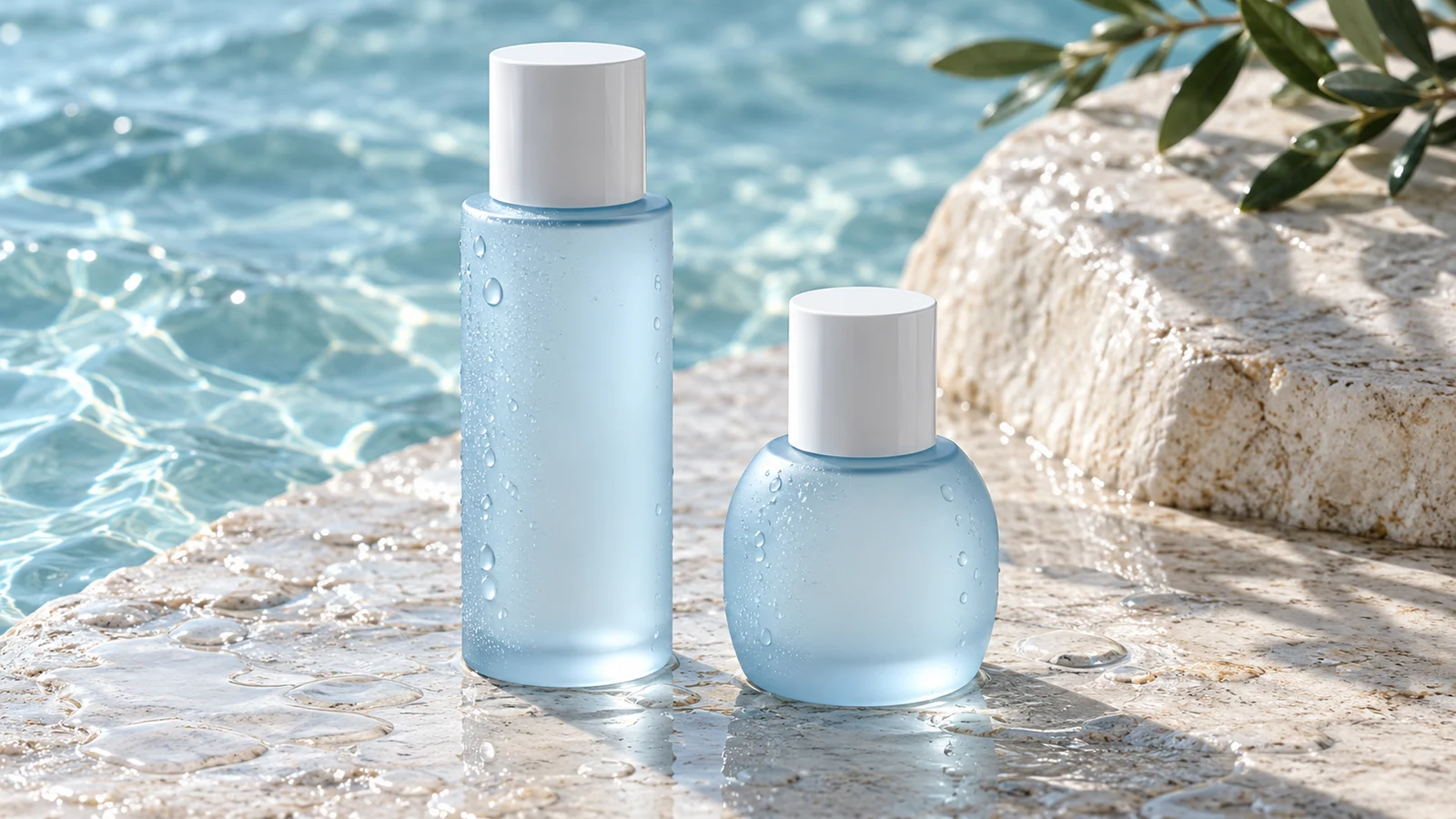
Try new settings, lighting and arrangements for a product concept. Verify that the final presentation matches the real item.

People & Fashion Concepts
Explore styling, environments and photographic language for proposals or creative content. Use reference material with appropriate permissions.
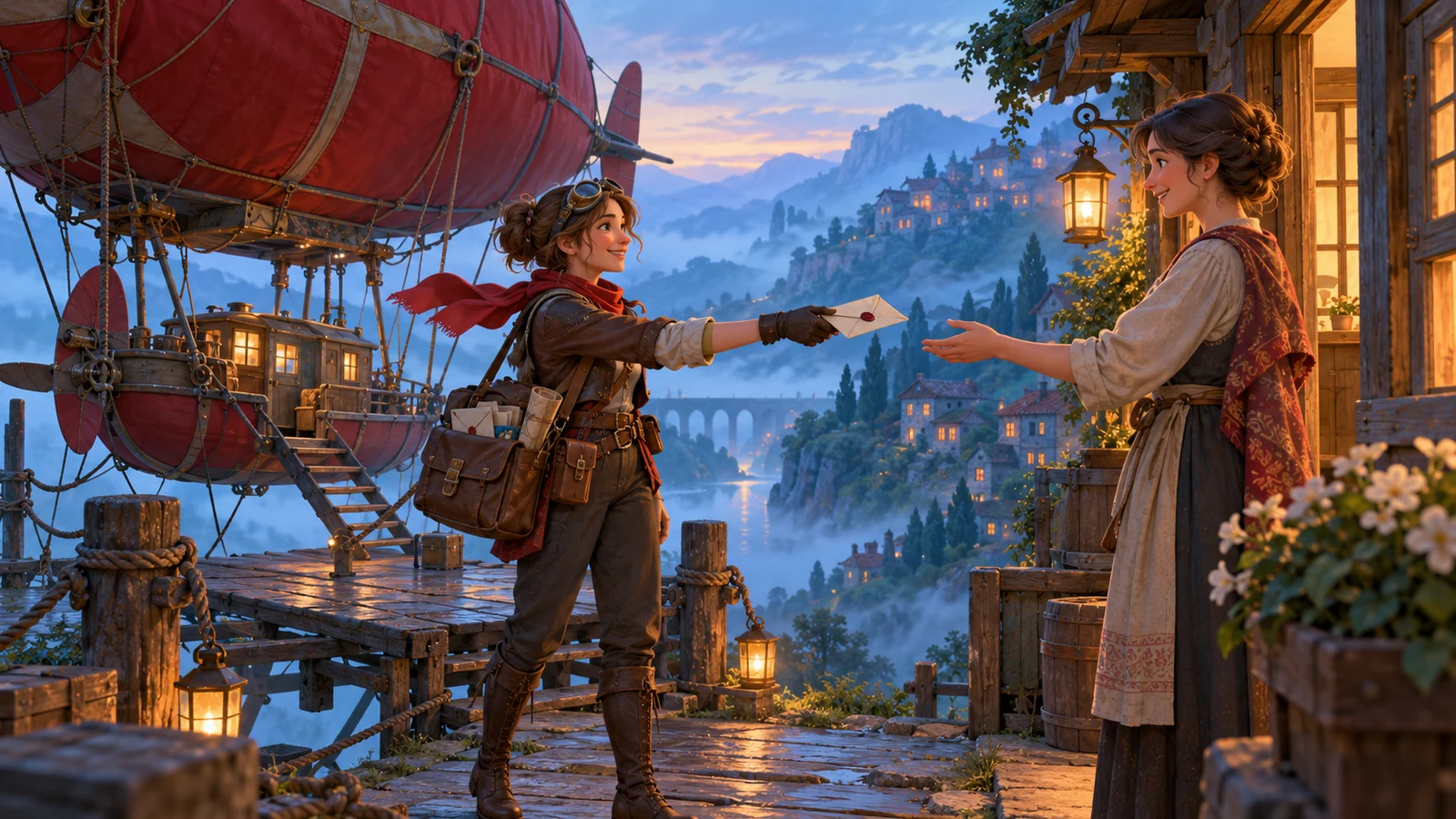
Stories & Illustration
Develop characters and settings for covers, illustrations or storyboard ideas. Review continuity between separate images.
Choose for the Task
Nano Banana 2 combines image generation and editing. 2.1 updates areas such as visual quality, prompt understanding and iterative changes, while Pro focuses on text-rich design, complex compositions and finer creative control. Choose around the task, available settings and estimated credits.
Start in Three Steps
Describe
Include the subject, purpose and intended changes; add references through supported inputs.
Review
Confirm the actual model, aspect ratio and estimated credits.
Develop
Generate, inspect the result, then download or continue editing.
Frequently asked questions
What is Nano Banana 2, and how does it relate to Gemini 3.1 Flash Image?
Nano Banana 2 is Google's image generation and editing model, officially named Gemini 3.1 Flash Image. Develop a visual from a written description or use reference images to request changes, exploring photography, illustration, product scenes and text-rich imagery. Before creating on this site, confirm that Nano Banana 2 is selected in the generator.
What is the difference between Nano Banana 2 and Nano Banana 2.1?
Nano Banana 2.1 is a successor to Nano Banana 2, rather than another name for the same model. Google's stated updates focus on visual quality, prompt adherence, character consistency across edits and text rendering. Explore the 2.1 page if your brief involves iterative changes, text-rich designs or complex references. For an existing Nano Banana 2 project, compare results and estimated credits using the same brief across both versions.
Should I choose Nano Banana 2 or Nano Banana Pro?
Nano Banana 2 combines image generation and iterative changes for everyday imagery, scene concepts and content creation. Pro focuses on text-rich design, complex compositions and finer creative control. Choose around the design brief, available settings and estimated credits.
Can I upload reference images and edit them with Nano Banana 2?
Image editing is an official model capability. Explain which subjects should stay recognizable and which background, colors or other elements should change. On this site, use the generator's Add references control and follow the currently supported submission flow. For a further edit, confirm that the relevant image and instructions are included in the current task; writing “edit the previous image” does not by itself attach that image.
Can Nano Banana 2 create posters and images containing Chinese or English text?
Explore posters, greeting cards and other visuals containing short Chinese or English copy. State the exact wording and explain how the headline, supporting text and subject should relate. Generated text can still contain spelling errors, omissions or placement problems, particularly with longer passages and complex layouts. Proofread before publishing, completing exact long-form copy and final typography in a design tool where needed.
Can people and products stay consistent across generations or edits?
References can help carry visual characteristics into another image, but exact consistency is not guaranteed. Provide a clear reference and identify which features of a person, outfit or product should remain unchanged. Review faces, accessories, product structure, colors and markings as well as the overall resemblance. Brand and ecommerce imagery should also be checked against the real person or item where applicable.
How many credits does Nano Banana 2 cost on bikabika AI?
Use the generator's current estimate for the selected model and settings rather than a fixed per-image price on this page. Review the estimate again after changing models, resolution or other billable options. Visit this site's credits and plans page for purchase and usage rules. Site credits and Google subscriptions are separate services; purchasing one does not grant membership benefits in the other.
Is bikabika AI an official Google service?
bikabika AI is an independent AI creation platform. This page introduces Nano Banana 2 and provides a creation entry point on this site; it is not Google's official website. Google develops the model, while accounts, credits and the creation interface here follow this site's terms. Visit Google's official channels for its own products, developer documentation or subscription information.
Turn Your Next Idea into an Image
Describe what you want to see, review the model and settings, then generate and refine.