
Seedream 5.0 Lite: an AI image generator for ideas and references
Seedream 5.0 Lite is ByteDance Seed's image creation model, focused on understanding instructions, references, and visual relationships. Develop an idea from a description or image through generation, style exploration, and editing.
Choose a model, enter a prompt and adjust the settings to generate, preview and refine images on this page.
Open full workspaceEstimated cost—pts


Creative illustrations
Connect descriptions, references, and visual relationships
A creative request includes more than objects: it also defines how they relate, what should remain, and what needs to change.
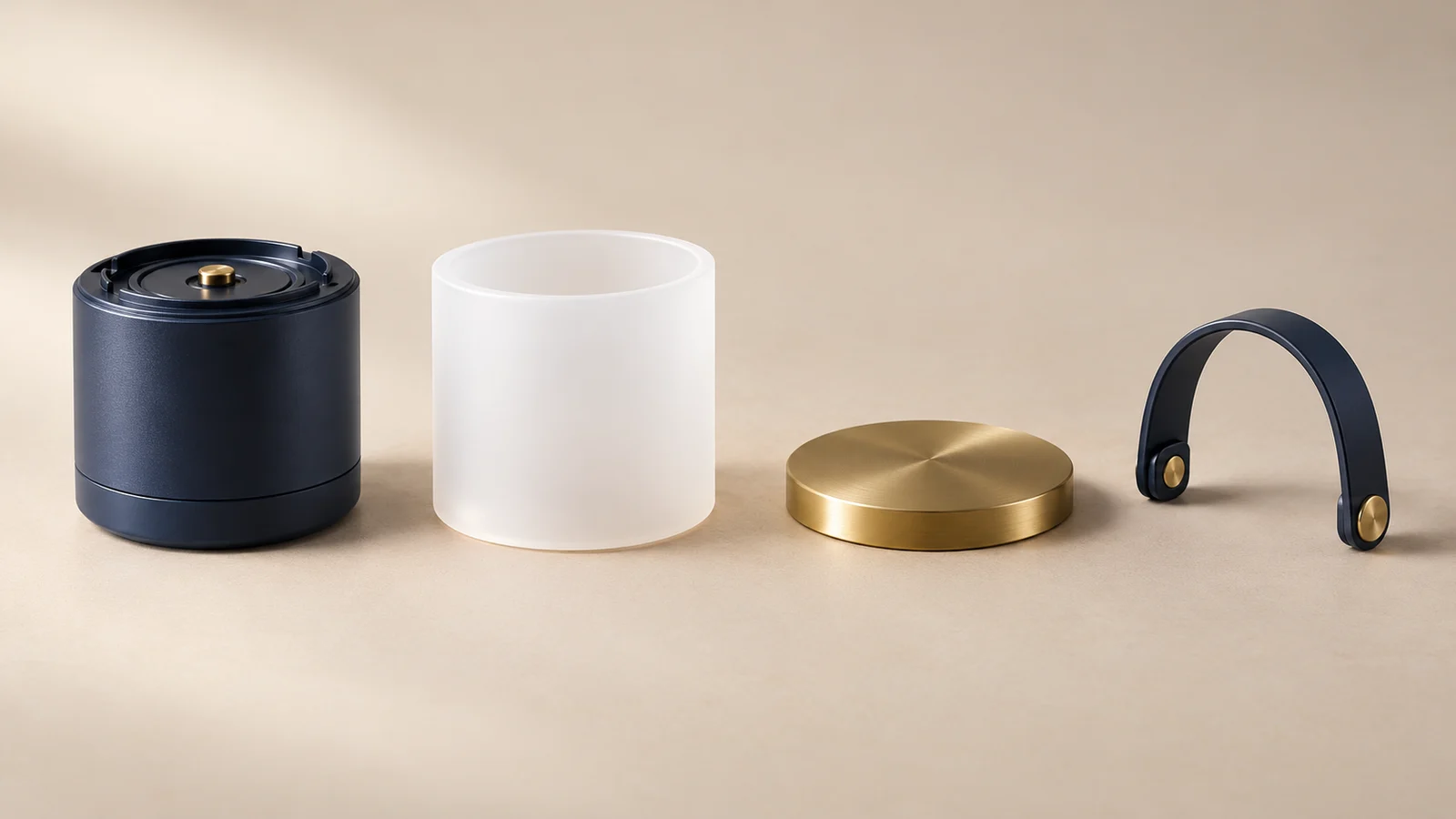
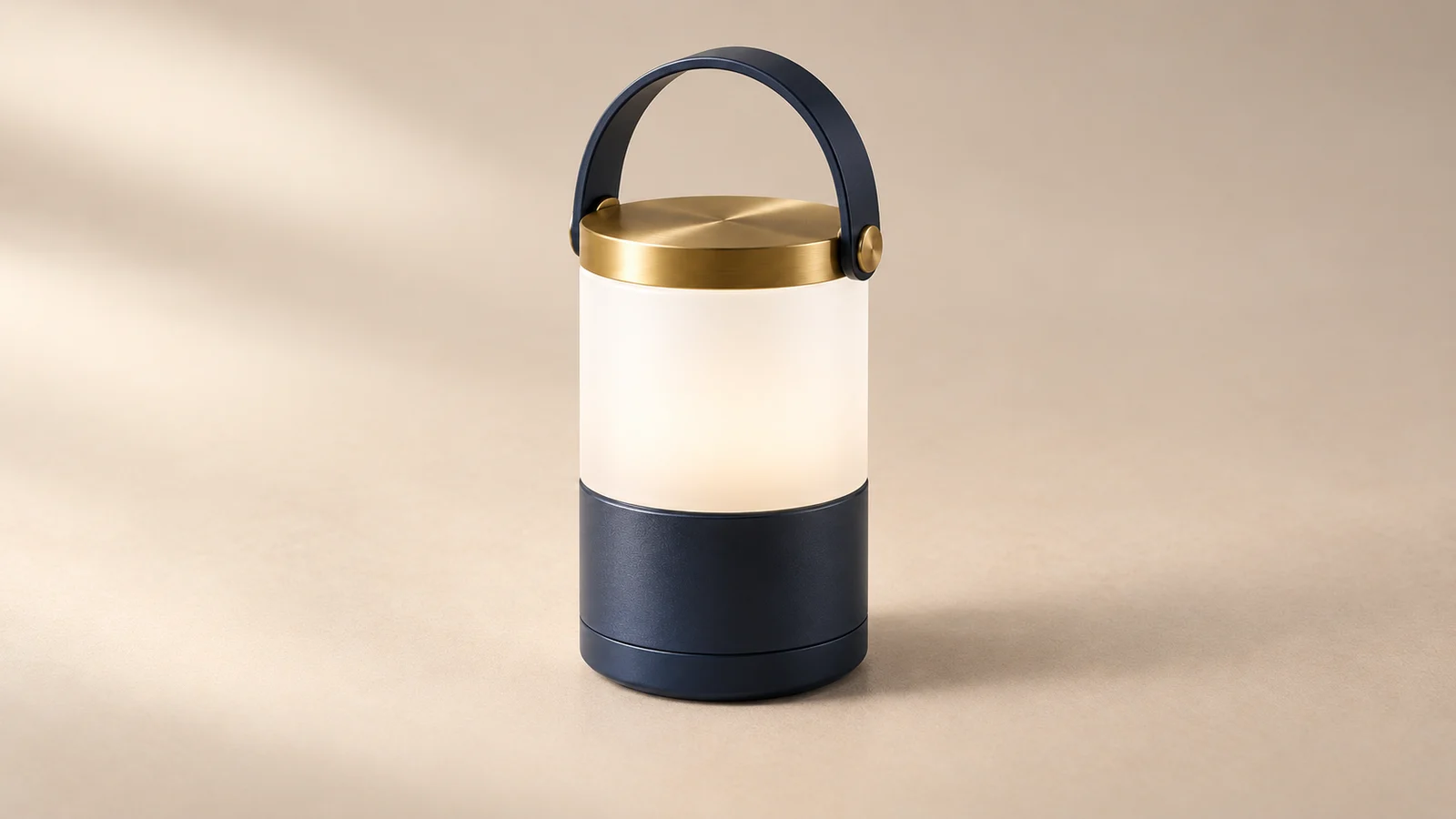
Understand objects and relationships in a brief
A scene with several conditions needs to coordinate subjects, positions, and purpose. Lite's visual understanding and reasoning direction lets a request describe relationships rather than just names.
An original camping lamp, for example, can become a visual study of parts and the assembled object. Check technical or educational content against reliable references.
Start creating ↗

Develop a style from a reference
A reference can communicate color, brushwork, and light that are difficult to capture briefly in words. Lite's style-transfer direction helps bring those qualities into a new visual idea.
A picnic scene might become a photographic or screen-printed treatment. Compare whether the subject remains clear and the palette supports the theme, as well as the decorative effect.
Start creating ↗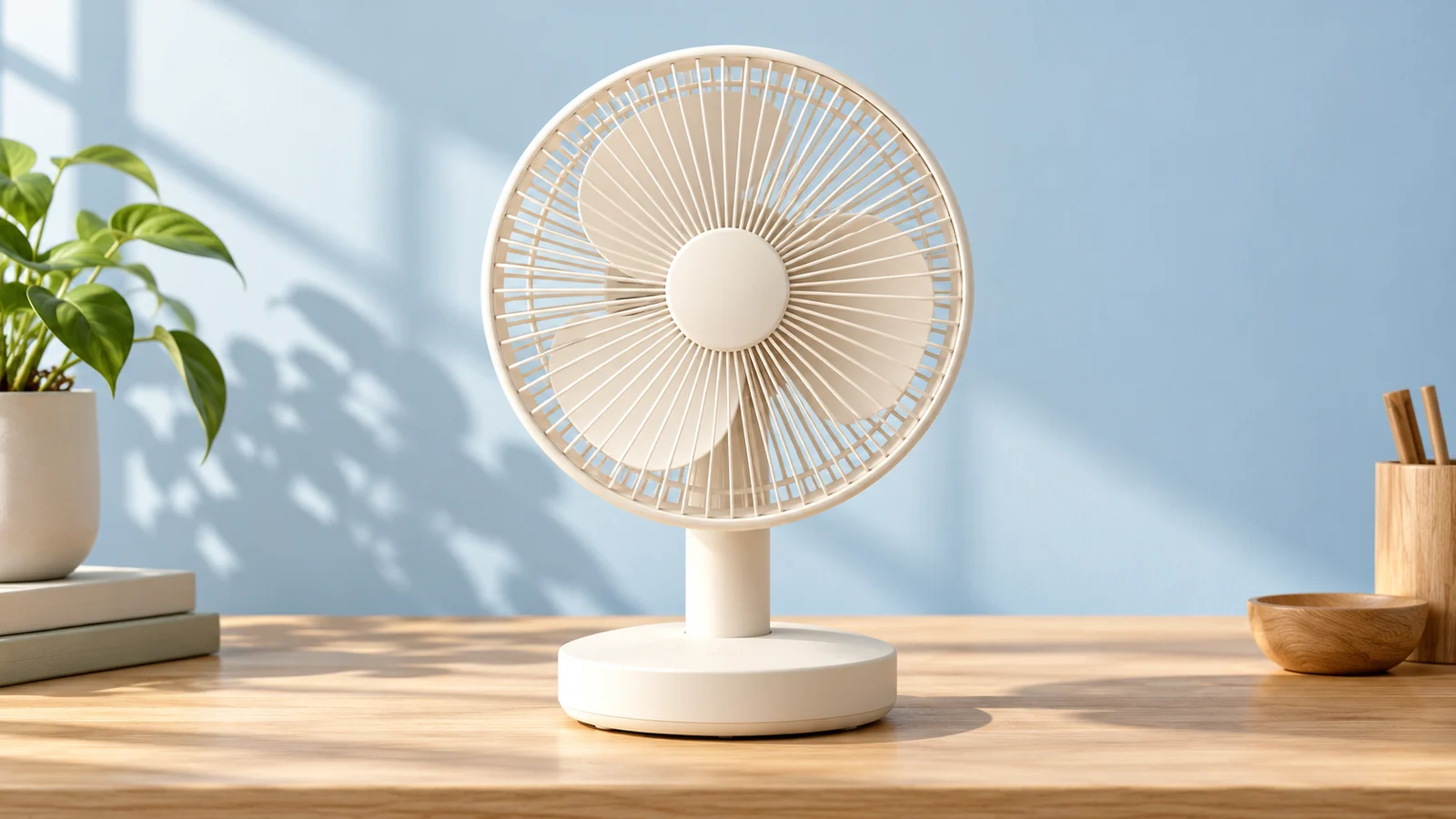

Continue editing around a specific change
Use an existing image as the starting point for a revision. A request about color, appearance, or visual emphasis gives the iteration a defined purpose.
Explore another casing color for a fan while retaining the composition. Review edges, occlusion, and lighting before developing that direction further.
Start creating ↗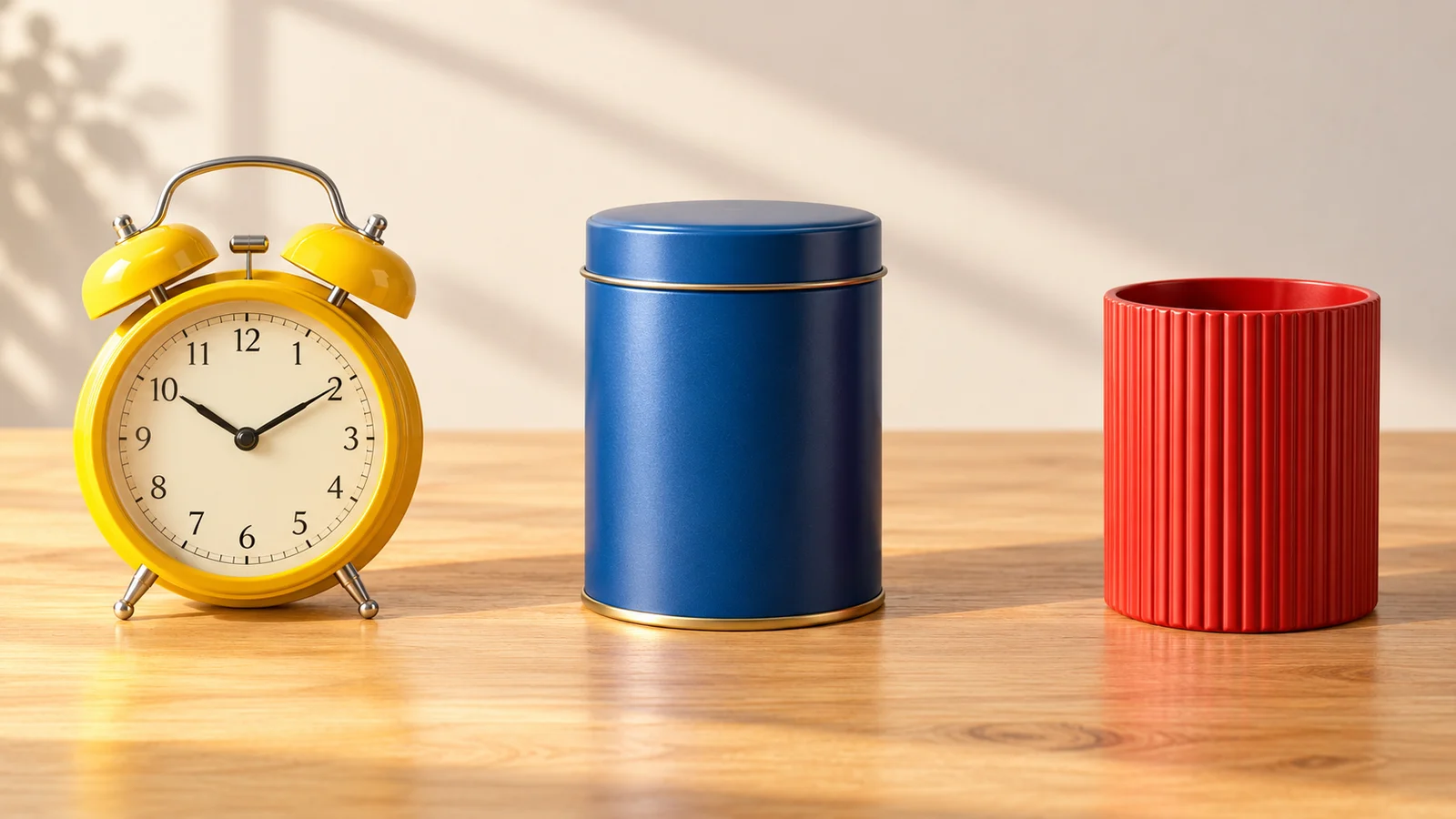
Coordinate several subjects and attributes
Multi-subject imagery needs to handle object colors, counts, and positions together. Lite's instruction-understanding focus makes this a relevant creative direction to explore.
Define each subject's role and location, then compare the result with the brief. Product groups, teaching visuals, and design drafts benefit from that clarity.
Start creating ↗
Explore the role of search enhancement
The official search-enhancement capability adds timely information as a source for relevant creative work. It is a model capability direction rather than a visual style.
For current events, places, or reference material, establish reliable information before developing the image. Search settings on this site depend on the available mode; verify factual content in the output.
Start creating ↗Where can Lite support image creation?
Give each image a communication task, from explaining an idea to revising its visual treatment.
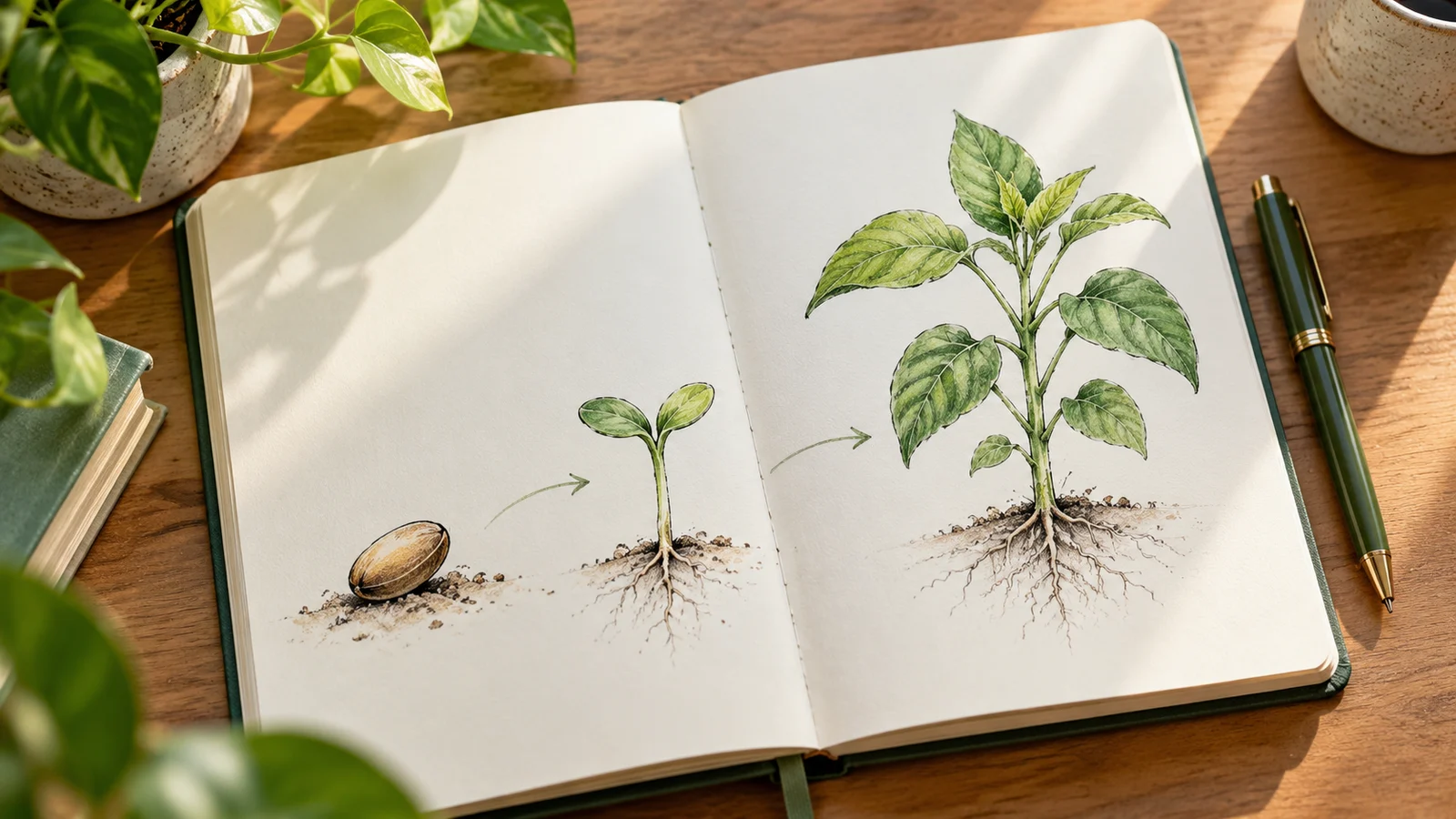
Learning and explanatory visuals
Explore diagrams around concepts, relationships, or steps. Verify factual and mathematical content separately.

Marketing and content drafts
Combine a product, theme, and visual conditions into an advertising or event concept. Compare directions before final copy and layout.

Visual style development
Use color or artistic references to develop directions for murals, decoration, or brand concepts that people can discuss.

Original story illustration
Arrange settings and objects around an original character. Develop mood and narrative detail as the visual identity takes shape.
Understanding Lite, Pro, and the Seedream family
The official 5.0 Lite positioning emphasizes understanding, reasoning, and reference expression. Its name alone does not establish a price or speed on this site; consider the material and creative goal.
The 5.0 Pro page explores complex information layouts, detailed editing, and professional visuals. Visit the Seedream family page if you are still choosing a version.
Begin with a defined creative intention
- 01
Describe the goal
Define the subjects, relationships, style, and purpose. Prepare permitted references when needed.
- 02
Confirm the model
Check Lite and the available settings, then review estimated credits before submitting.
- 03
Review and revise
Inspect objects, text, and factual content. Retain a useful direction and refine it.
Frequently asked questions
What is Seedream 5.0 Lite?
It is ByteDance Seed's image creation model, with official focus on understanding, reasoning, reference styles, and editing.
Is Lite only for simple or low-quality images?
That does not follow from its name. Its official introduction emphasizes image understanding and creation; assess suitability against your project and results.
Can I use references and edit existing images?
Official capabilities include reference creation and editing. Use the inputs and settings supported by the selected mode on this site.
Can it address several objects, colors, and positions?
Complex multi-subject imagery and instruction understanding are official capability directions. Define the objects and relationships, then check counts, colors, and positions in the output.
Does search enhancement mean this site always generates with web access?
No. The official model describes search enhancement, while availability here depends on the mode. Do not assume web access when the interface does not provide it.
How does it differ from Seedream 5.0 Pro?
Lite emphasizes understanding and reasoning. The Pro page develops complex information design and detailed editing. Confirm actual settings and credits in the generator.
How do I use it here and check the cost?
Choose Lite, enter a description, and add supported references. Follow the current sign-in and credit flow, reviewing estimated credits and plan terms before submission.
Is this ByteDance's or Doubao's official website?
This is bikabika AI, rather than ByteDance's official Seedream or Doubao website.
Keep turning creative intentions into images
Start with words or references and give the next revision a clear direction.