
Veo 3.1Google’s AI Video Generator
Veo 3.1 is a video generation model from Google DeepMind. It develops text and images into moving scenes and supports native audio, bringing shots, action and sound into the same creative direction.
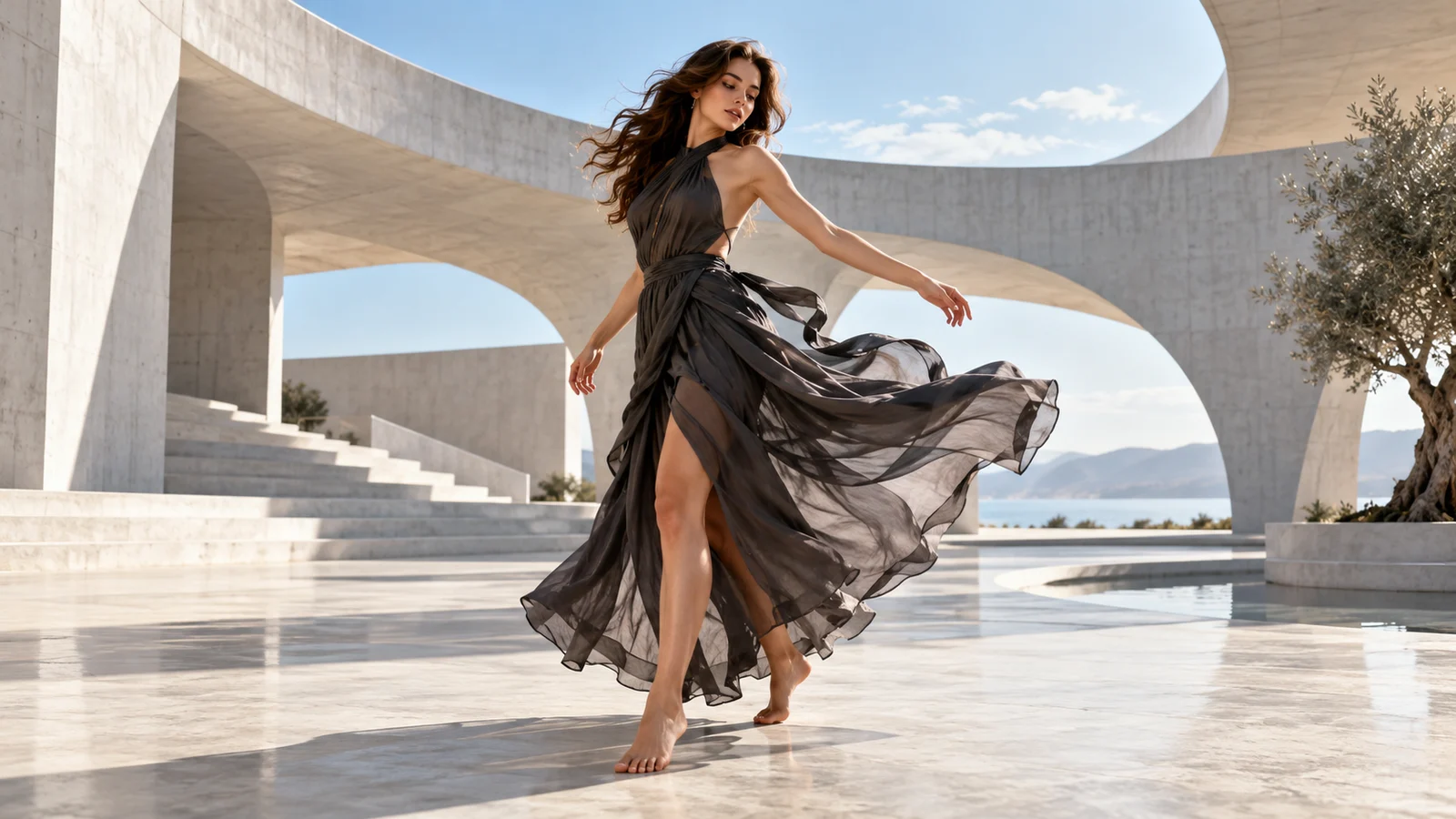
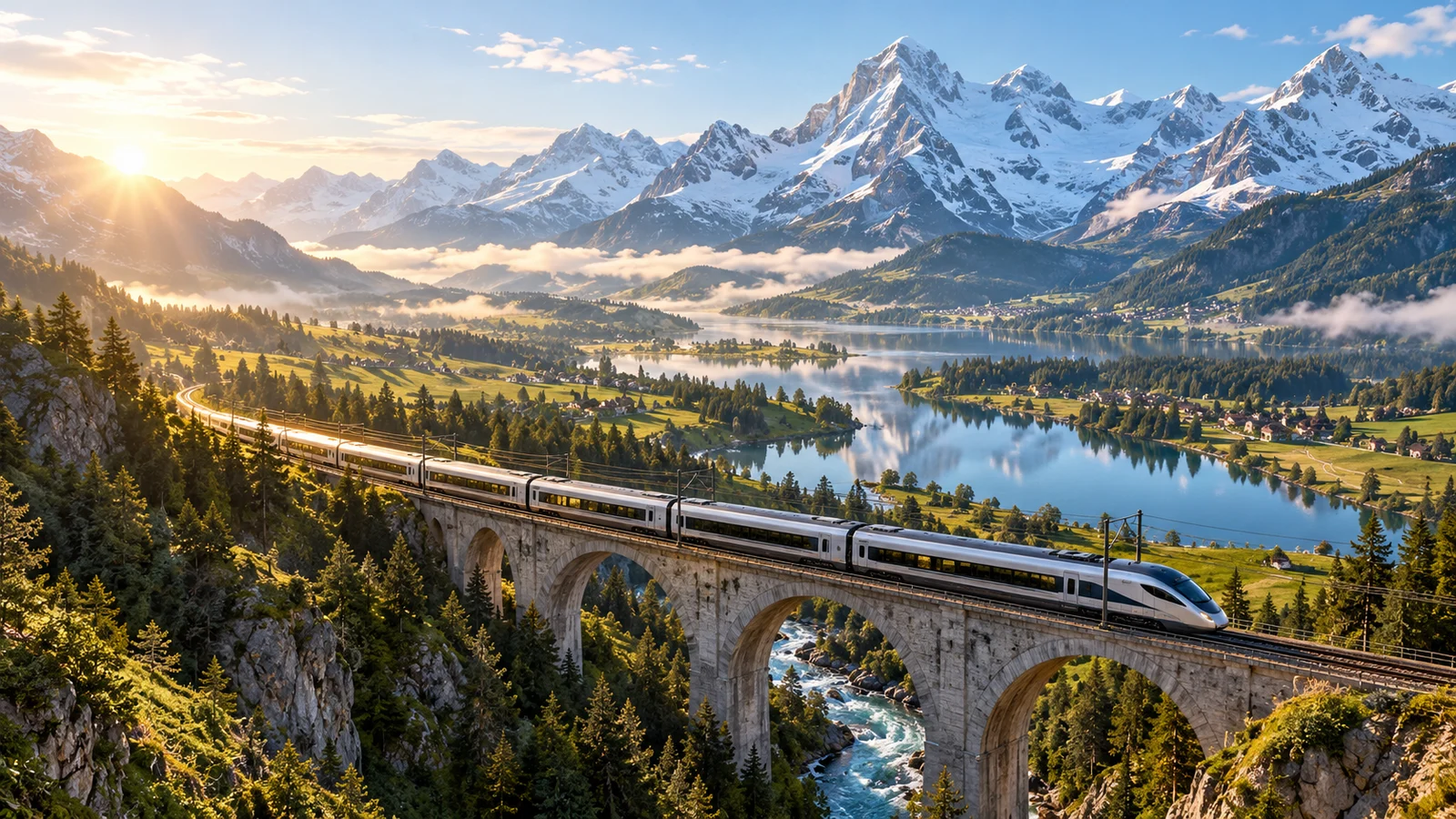
What does Veo 3.1 bring to video creation?
Explore how text, images, references and native audio contribute to a video idea.

Develop a written idea into a moving shot
Describe a subject, action and setting to give a visual idea a sense of time. Explain what happens and how the camera observes it, rather than relying on “cinematic” alone.
Review movement, spatial relationships and visual details before developing the clip further or using it in an edit.
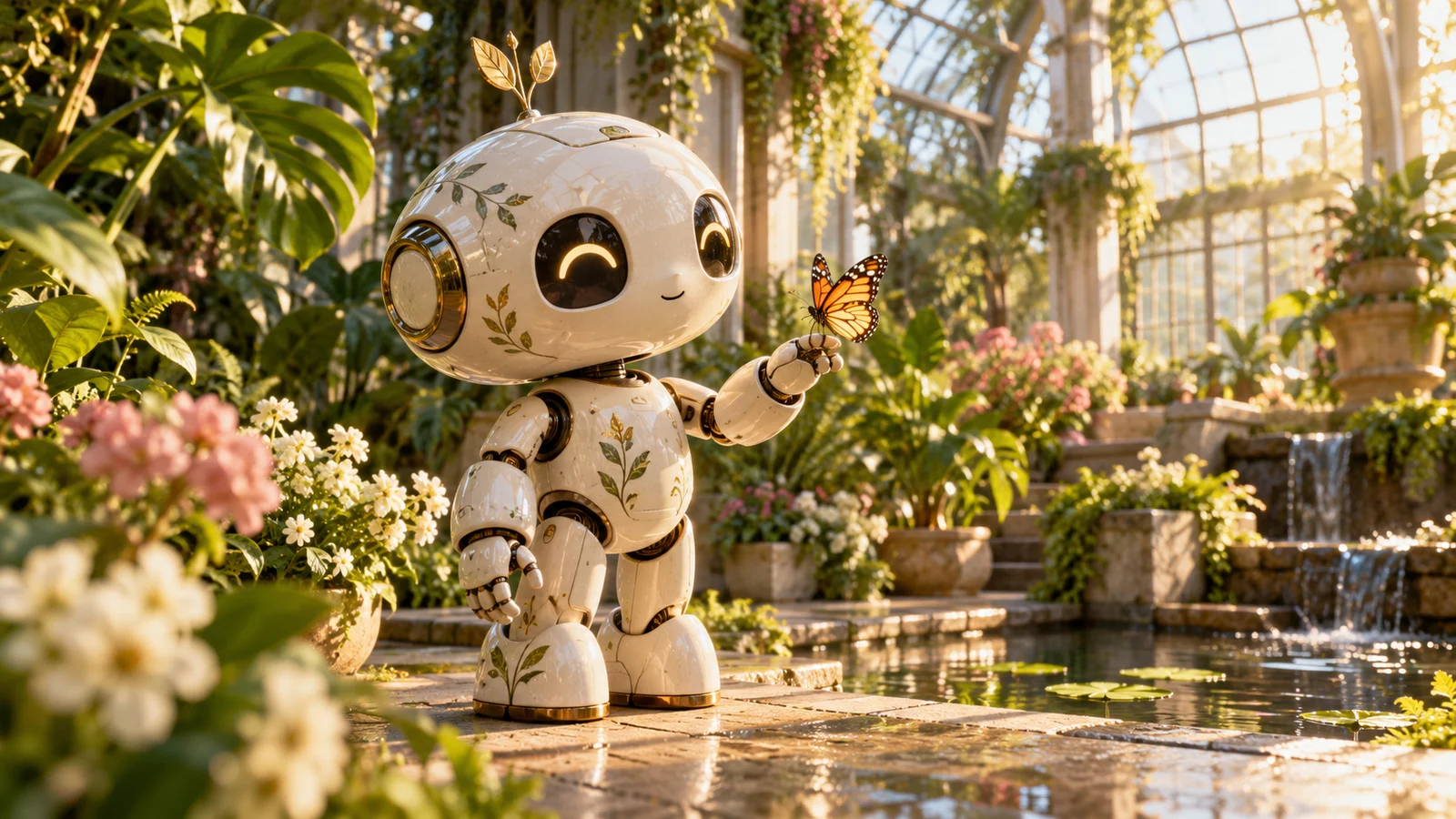
Develop a scene from an image
An image can provide a visual starting point. Describe movement and environmental changes around an existing subject to explore how a still composition might become a shot.
Appearance and details can change as movement develops. Check the subject, edges and background, rather than comparing the first frame alone.
Start creating video ↗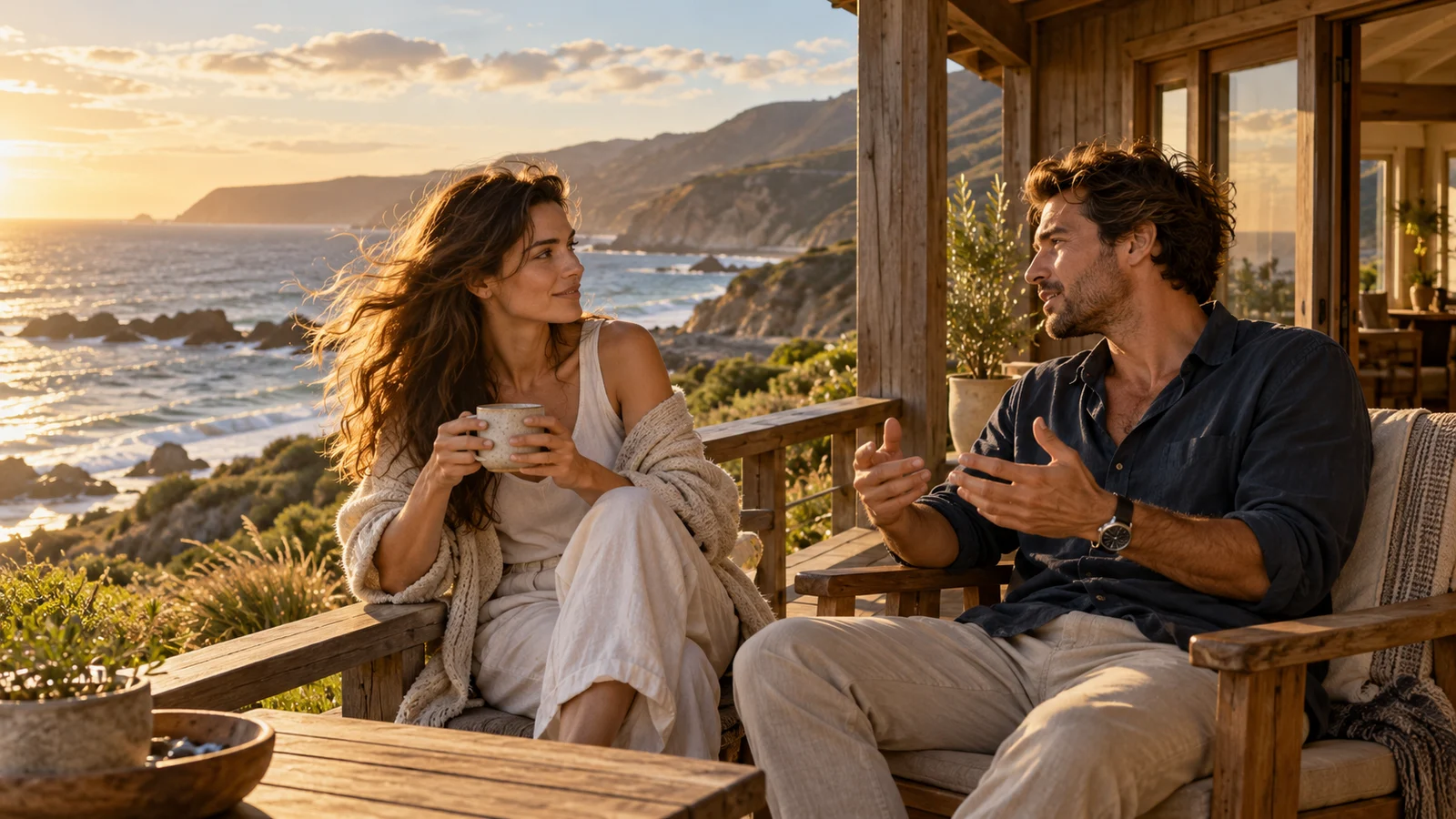
Include sound in the visual idea
Native audio makes sound part of the video concept. Consider dialogue, atmosphere and effects alongside what is happening on screen.
Listen for how sound relates to action, emotion and pacing. The visuals alone cannot establish whether the complete result fits your intended use.
Start creating video ↗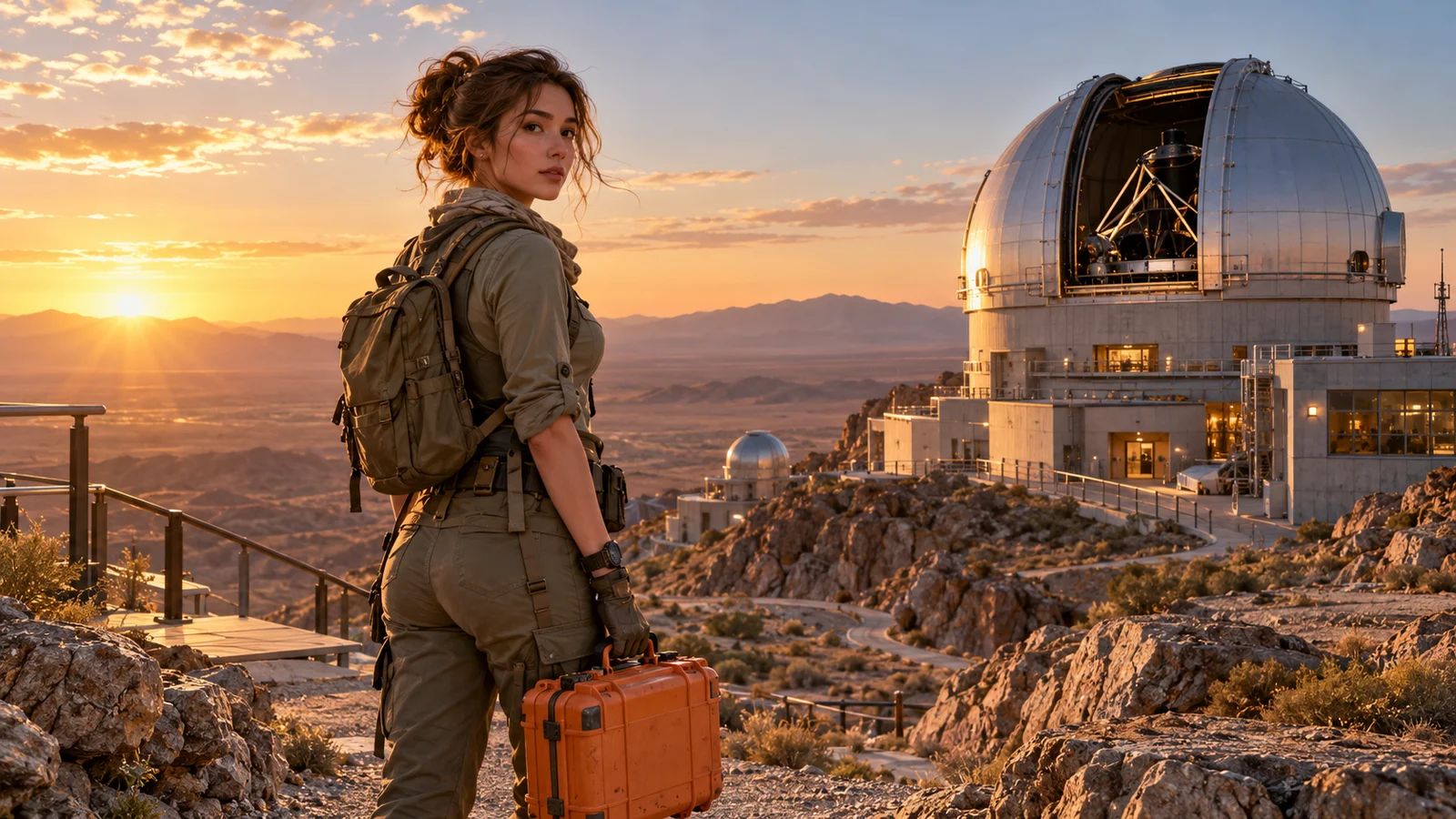
Communicate a visual direction with references
Reference images can communicate requirements for a person, object or setting. Concrete material can make a visual direction easier to discuss than abstract adjectives alone.
References do not guarantee identical details in every frame. Use material you have permission to use, review identity and scene details, and check supported modes in the workspace.
Start creating video ↗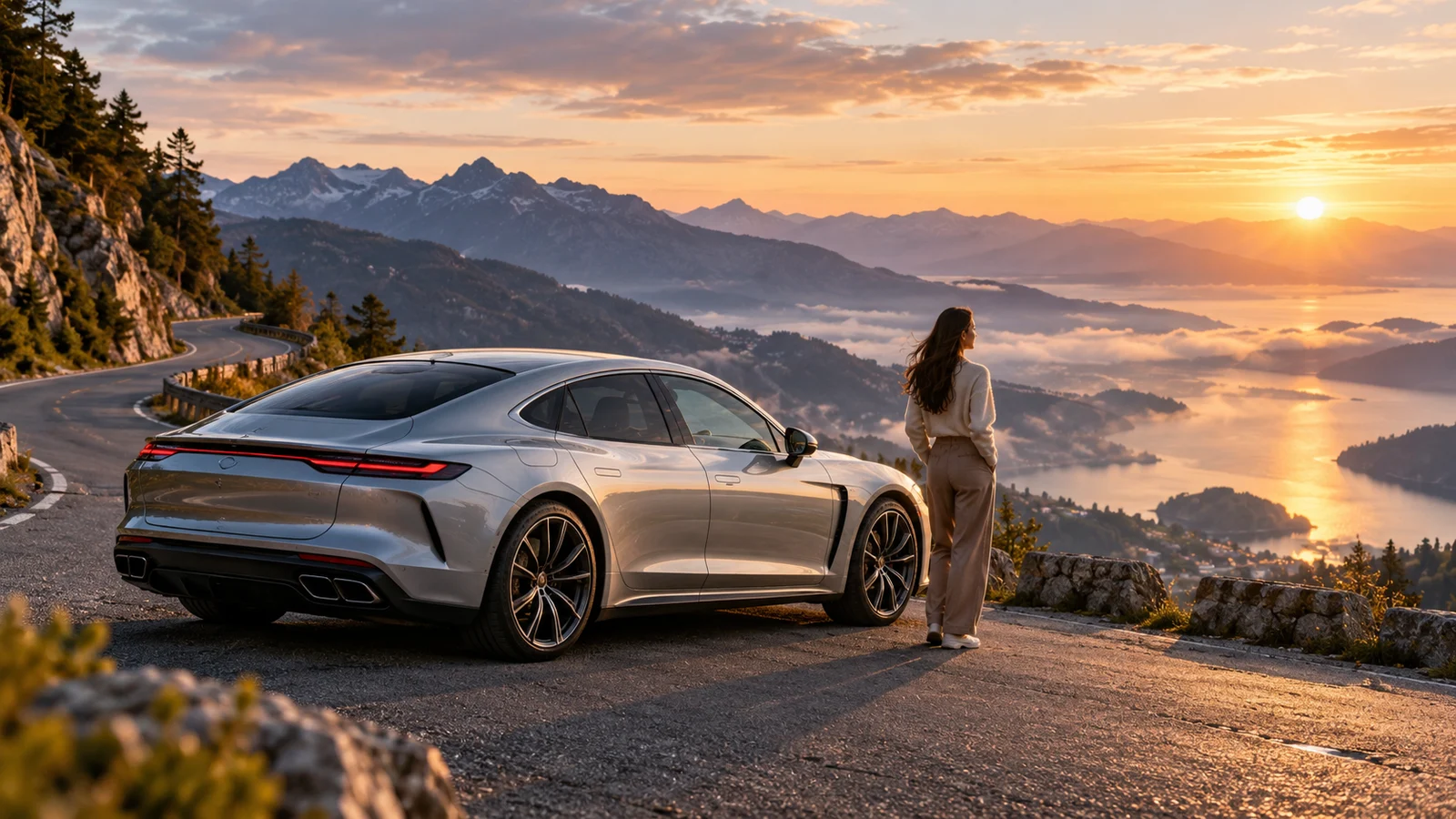
Shape a shot with framing and camera movement
Distance, viewpoint and camera movement change how a scene feels. Build a clip around a clear follow, approach or reveal instead of asking every element to change at once.
Official output options serve different formats and delivery needs. Resolution, duration and valid combinations vary by model and mode; review the selected settings.
Start creating video ↗What can you explore with Veo 3.1?
Connect capabilities with a concrete creative goal, starting with a clip you can discuss and develop.
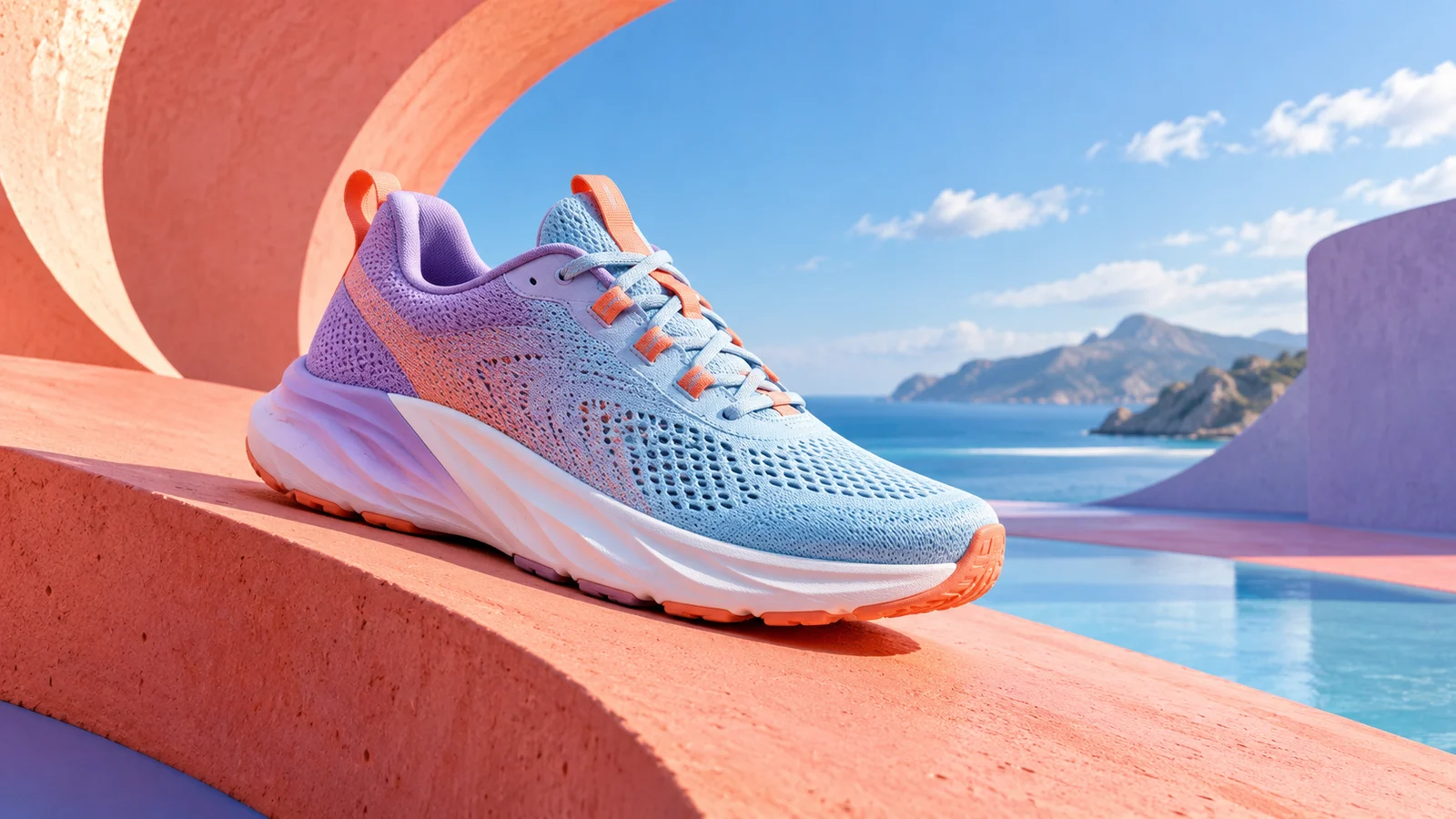
Brand and product video
Explore an advertising direction through material, light and action. Compare visual approaches before developing the full piece.
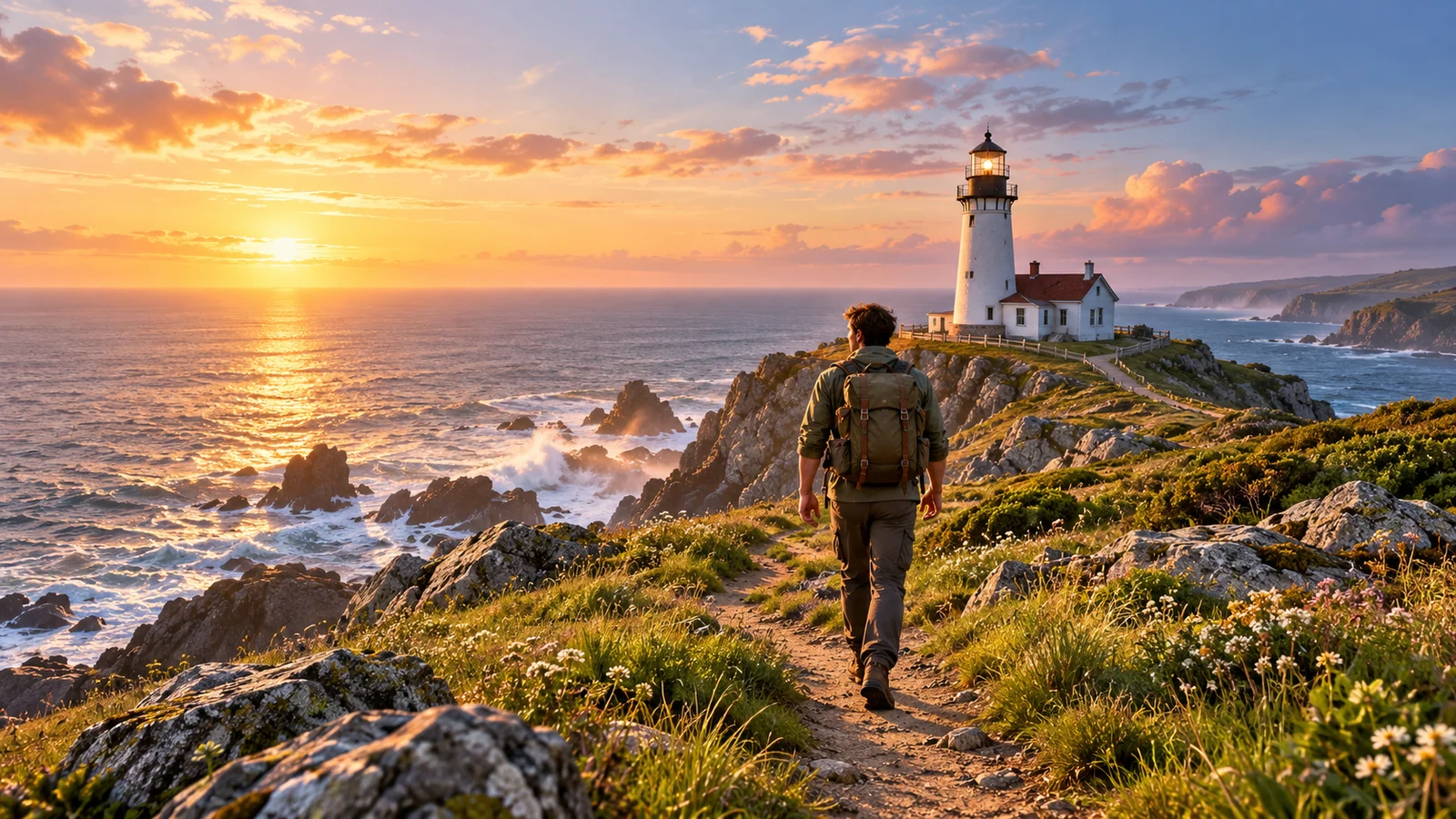
Stories and characters
Use character action and environmental details to explore atmosphere and relationships between shots.
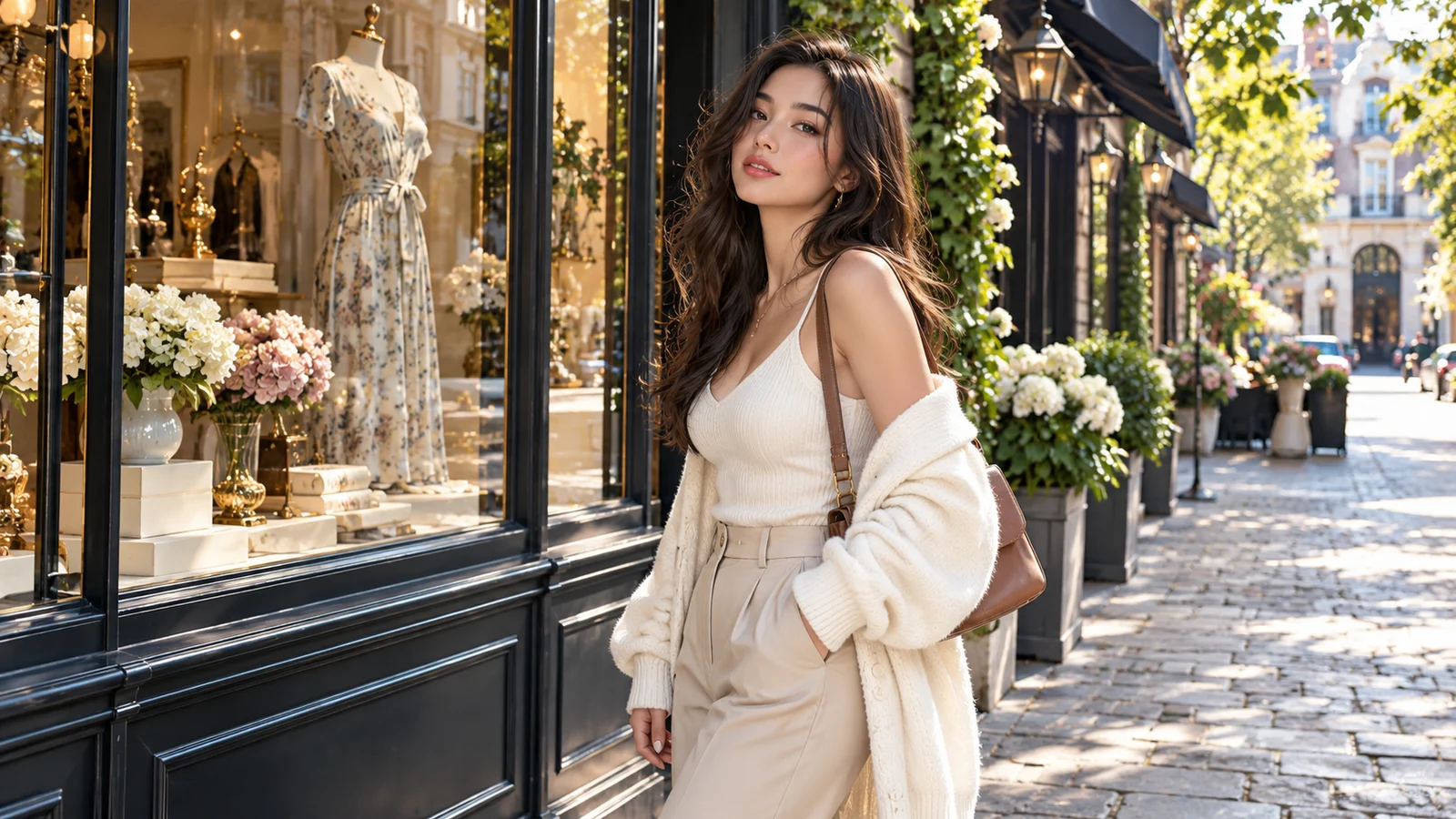
Social content
Build a short concept around a clear opening action and visual focus. Check how well the subject and information read in the intended format.
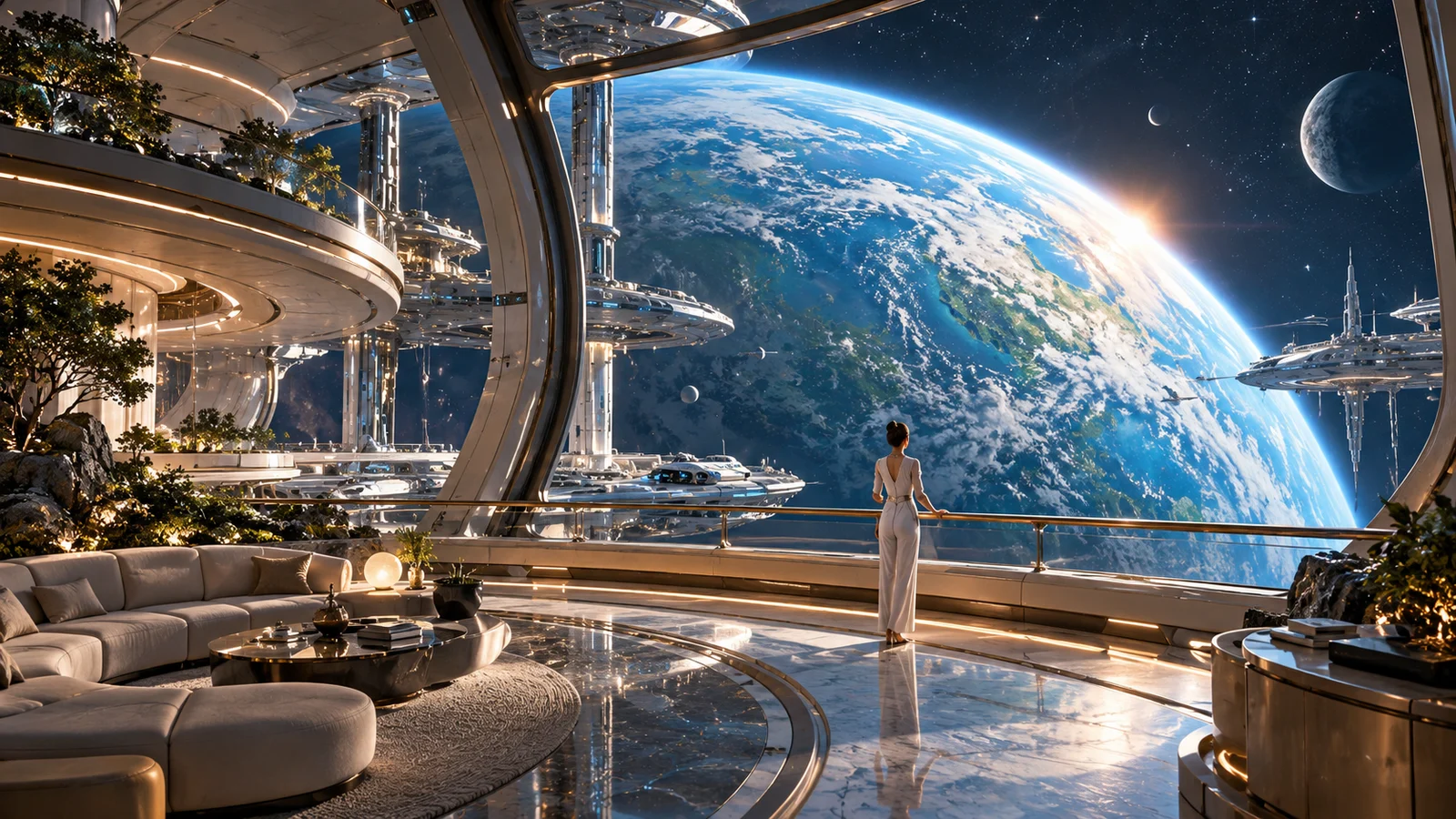
Previsualization and concepts
Develop a setting into a visual direction for discussion. Compare worlds, framing and pacing without replacing production and editorial judgment.
How should you understand Veo 3.1, Fast and Lite?
Model variants differ in positioning and available capabilities. Similar names do not imply identical features.
Veo 3.1
Explore the generation’s video capabilities and decide around the selected creation mode.
Fast
Consider it when iteration efficiency matters. Actual waiting time and cost depend on the service and task.
Lite
A lighter creation direction with differences from the standard variant. Do not copy another model’s parameters without checking.
Endpoint status differs across Google products. Check our video workspace for available models and settings.
How do you start creating Veo video?
Save the idea first, then review the creation settings.
- 01
Describe the clip
Include a subject, action, setting and intended sound.
- 02
Review settings
Open our main-site video workspace, choose an available model, add supported material if needed and check estimated credits.
- 03
Generate and review
Watch and listen to the complete result before deciding how to refine or edit it.
Frequently asked questions
What is Veo 3.1?
It is a video generation model developed by Google DeepMind, supporting text- and image-driven video and native audio. This page introduces the model and provides a bikabika AI video creation entry point.
Can I use Veo 3.1 online here?
Start creating video to open our main-site workspace. Your description is preserved as a draft. Check the available versions, modes and settings there; this page does not confirm that every official capability is available here.
Can Veo 3.1 turn an image into video?
It supports image-driven video creation. Check the selected mode’s input requirements and review the resulting subject, motion and background against your goal.
Can the generated video include sound?
Veo 3.1 has native audio capabilities. Availability and settings depend on the selected model and mode. Listen to the audio as part of reviewing the result.
Do references guarantee consistent characters every time?
No. References guide the visual direction, but identity, clothing and details may still change. Review each clip rather than treating references as a consistency guarantee.
Can I generate 4K video?
Official high-resolution options differ across models and modes and may involve enhancement. Check the available settings. A 4K option does not mean every task supports it by default or that every detail will be correct.
How much does Veo video creation cost?
Choose a model and settings in the video workspace and review estimated credits before submitting. bikabika AI billing is separate from Google pricing; no fixed cost or free generation is promised here.
Is this the official Google Veo website?
No. This is bikabika AI’s model introduction and creation entry point. Veo is developed by Google DeepMind; bikabika AI provides an independent AI creation service.
Bring your next video idea into creation
Start with a scene, action or sound and continue in the video workspace.