
Suno AI Music GeneratorTurn Ideas into Songs
Suno is an AI creation platform that develops descriptions, lyrics and musical ideas into songs. Explore vocals or instrumentals and build a direction around style, mood and arrangement. This page introduces official Suno capabilities and the v6 family, with an entry point to music creation on bikabika AI.


How Does Suno Turn Words and Lyrics into Music?
Explore its role in song ideas, vocals, arrangement and further refinement.
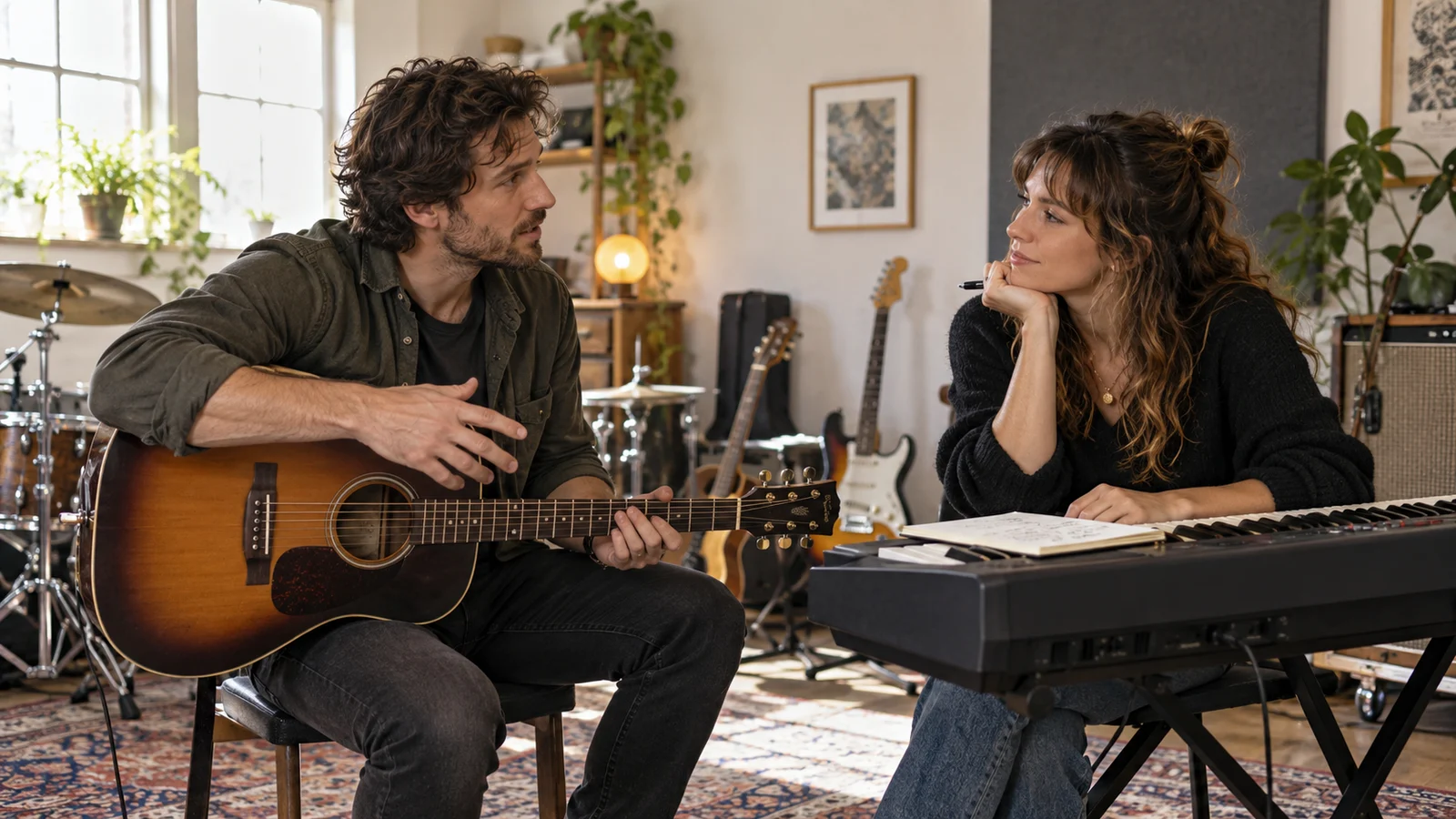
Build a Song Direction from an Idea
Describe the style, mood, instrumentation and overall feeling you want to hear. Suno is built around making songs rather than simply attaching background sound to text.
You do not need a complete score to begin, but listening is essential to judging melody, structure and expression. Timing, results and readiness vary; a first generation is not guaranteed to be a finished release.
Start creating ↗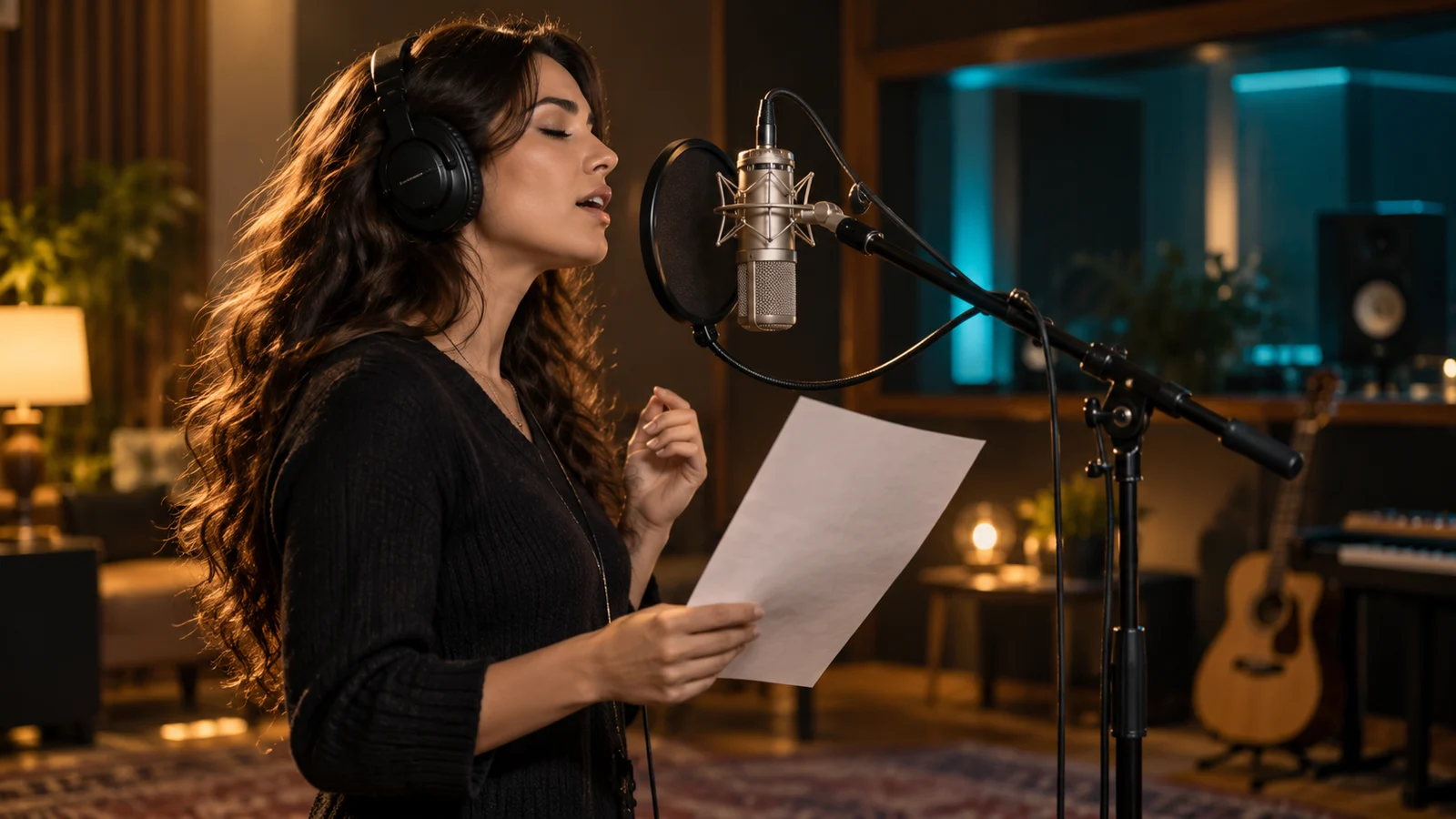
Bring Your Own Lyrics into a Song
Connect written lyrics with a vocal and stylistic direction. Review the actual pronunciation and delivery of Chinese, English or other-language lyrics section by section.
Accurate written copy does not guarantee accurate singing. Listen for omissions, repetition, stress and emotion, and use lyrics and references you are entitled to provide.
City lights begin to glow
I sing my thoughts into the wind
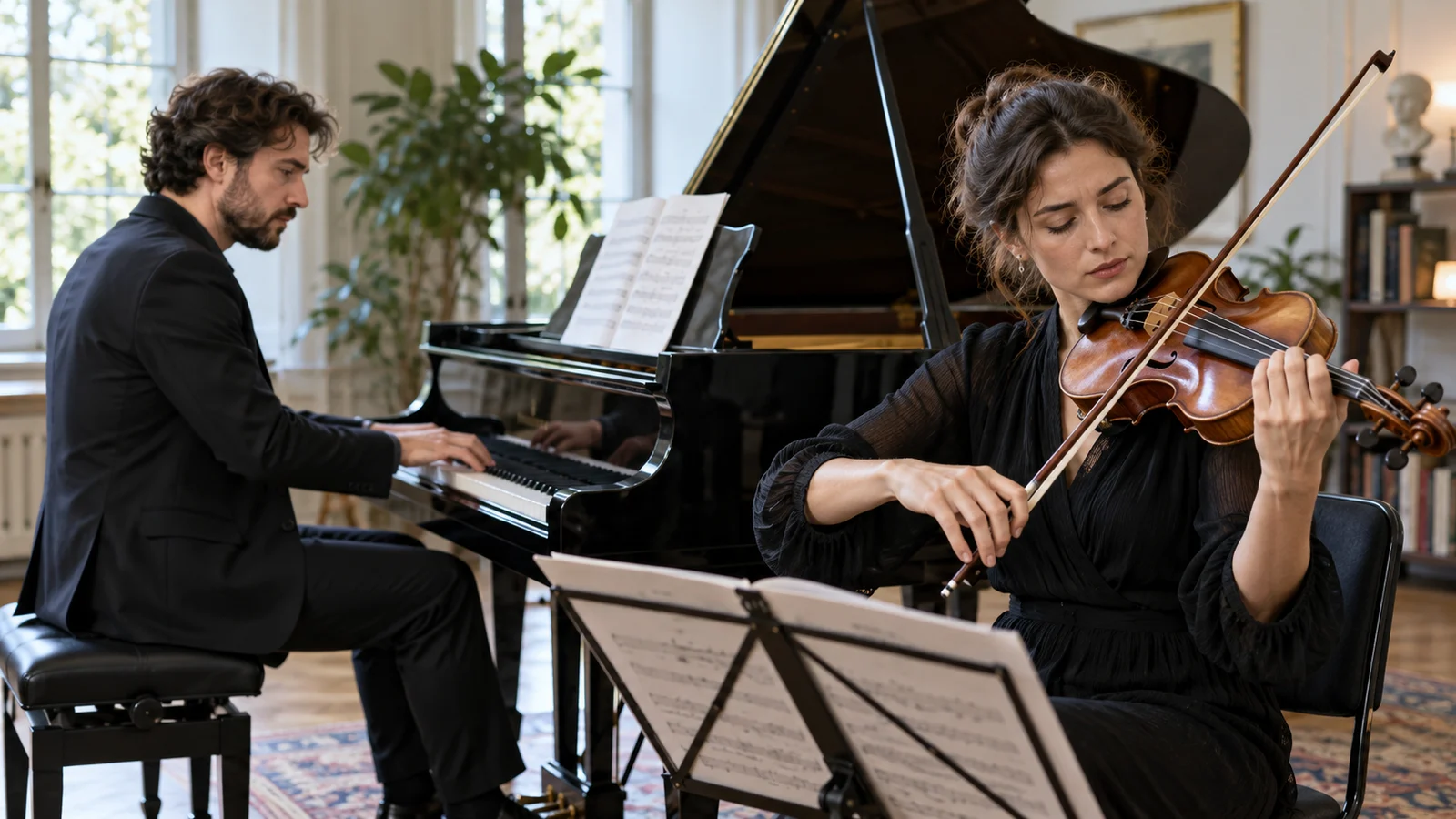
Choose Vocals or an Instrumental Direction
Vocals can carry a story or lyrical theme, while instrumental ideas can develop through rhythm, instruments and atmosphere.
Choose for the purpose. For voice-led video, consider musical density and dynamics; for a song, compare the relationship between vocals and arrangement rather than judging only the opening seconds.
Start creating ↗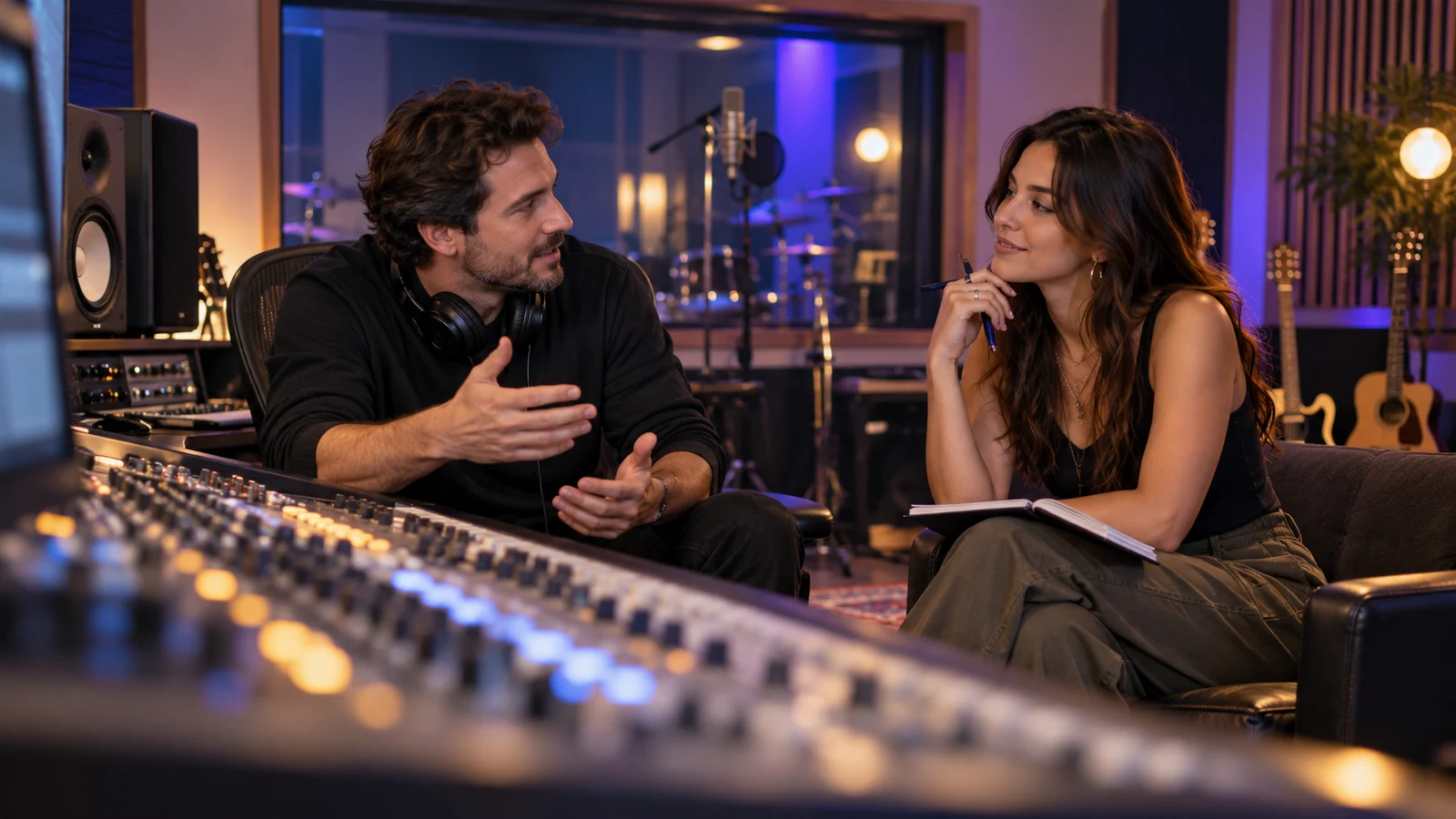
Refine Sections and Details
Official tools include extension, covers and section replacement. The v6 generation develops further natural-language and fine-grained creative controls for more specific refinements.
Decide which melody, lyrics or mood should remain before choosing the scope of a change. Official tools described here do not mean every equivalent operation is available in this site's workspace.
- 01Verse
- 02Chorus
- 03Outro

Explore a Musical Identity
Genre, groove, instruments, vocals and mood shape how a song feels. Compare combinations around a clear expressive goal rather than relying on a vague request for a good song.
Exploration is not a promise to copy a particular singer or existing track. Describe musical characteristics, assess the original expression and review the intended use before further production.
Start creating ↗Choosing v6, v6-wild or v6-mini
The official v6 family offers three creative directions. Review this site's actual model choices and credits separately.
v6 ↗
General creation with a more defined sense of control, for developing an established musical brief.
v6-wild
A more experimental direction for unexpected ideas, rather than strict reproduction of every instruction.
v6-mini
A lighter way to explore a song concept before deciding where to invest further effort.
These are official product positions, not this site's speed or price ranking. Older model descriptions are not current service promises; check how existing work and editing options are handled by the relevant service.
Where Can Suno Fit into Your Music Projects?
Connect a specific listening goal with the needs of a song or content project.

Personal Songs & Lyrics
Develop a memory, theme or original lyrics into a musical direction. Compare delivery and style, then refine pronunciation, sections and expression.
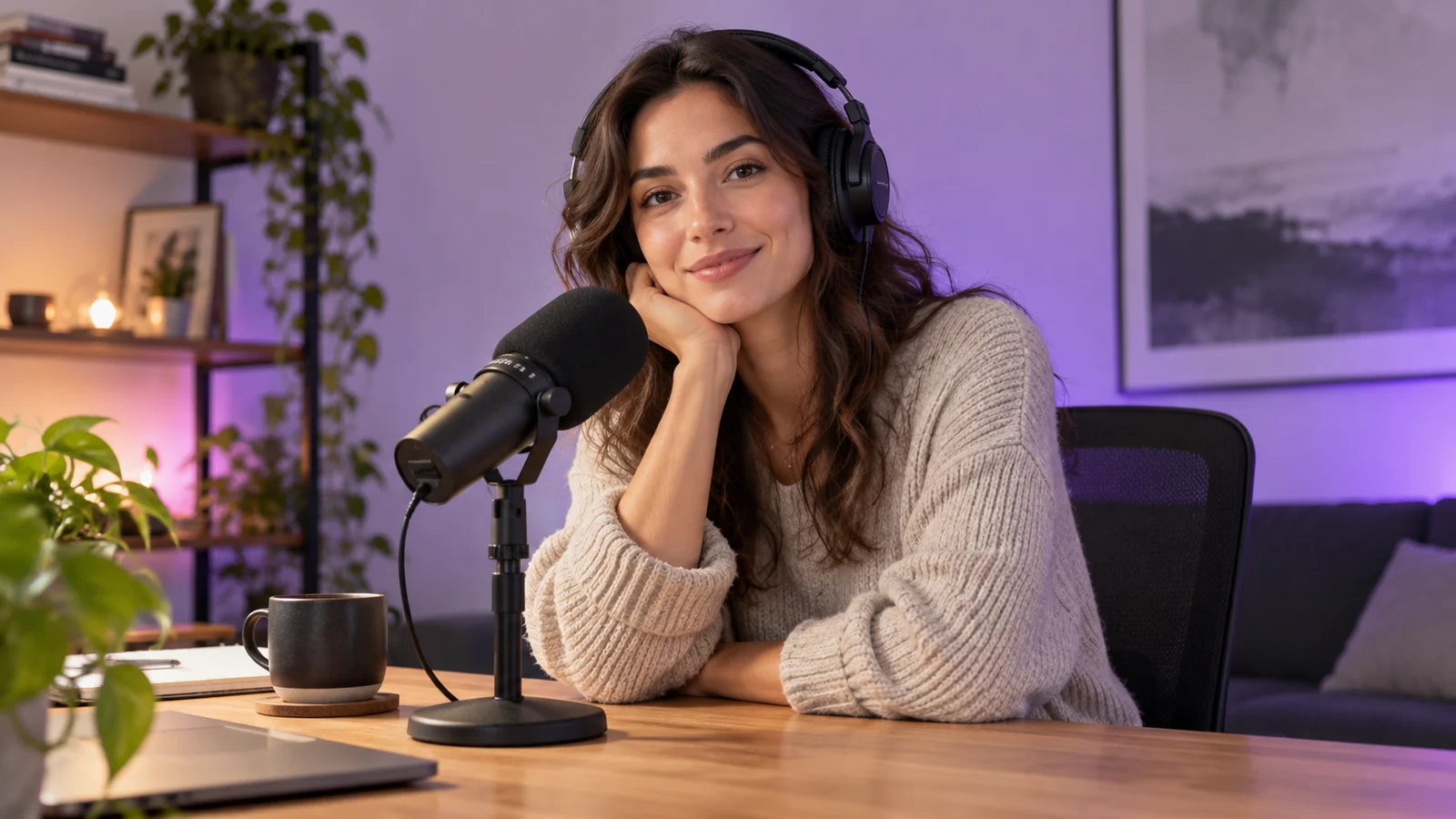
Video & Podcast Music Concepts
Explore instrumentals for introductions, transitions or emotional moments, listening alongside the visuals or narration. Review timing, levels and applicable permissions before use.

Brand & Event Proposals
Develop a musical direction around an identity, theme or campaign rhythm. Use it for discussion and proposals, checking authorization, wording and production requirements before release.

Game & Story Atmospheres
Explore music for a setting, character or narrative moment. Review transitions and looping needs; a generated song is not automatically a seamless game-audio loop.
Start Creating in Three Steps
- 01
Describe
Include the theme, genre, mood and instruments, adding lyrics through a supported mode where appropriate.
- 02
Review
Enter the main-site music workspace, select an available model and settings, and check estimated credits.
- 03
Listen
Review vocals, lyrics and sections, then develop or download through the available options.
Frequently asked questions
What is Suno, and what can I create with it?
Suno is an AI music platform that develops descriptions or lyrics into songs and supports instrumental exploration. Consider it for song ideas, content music and proposals. Listen and select carefully: a completed generation does not mean every publication requirement has been met.
Which Suno versions are current, and can I use v6 here?
Official sources describe v6, v6-wild and v6-mini. This page explains their positions, while the music workspace shows which models this site actually offers. Opening this page or choosing Start creating does not automatically select v6.
Can I turn my own Chinese lyrics into a song?
Provide original lyrics through a mode that supports them and describe the musical direction. Listen for pronunciation, omissions, repetition and meaning, refining phrasing or structure where needed. Exact word-for-word singing is not guaranteed.
Can Suno make instrumental music without vocals?
Instrumental creation is an official capability and can support atmosphere and soundtrack ideas. Select an available corresponding mode on this site and listen to confirm the result; writing instrumental in a description does not replace checking settings and output.
Can I extend a song, replace a section or change lyrics?
These are official refinement directions whose tools vary by version and product. This page does not promise all corresponding operations are integrated here. To refine an existing track, check supported actions and references rather than assuming a new task automatically includes the previous song.
How many credits does Suno cost on this site?
Review the selected model, settings, estimate and plan rules in this site's music workspace. Suno subscriptions and bikabika AI credits are separate services. Official free allowances, membership prices and download rules do not automatically apply here.
Can I use the music in commercial projects?
Do not infer permission from this product page alone. Check the applicable service rules, source material and permissions for the intended use. Purchasing site credits is not purchasing a Suno subscription and does not by itself establish permission for every use.
Is this the official Suno website?
This is bikabika AI's Suno introduction and main-site creation entry point, not Suno's official website. Suno develops its music products, while accounts, credits and the creation experience here are provided independently. Visit Suno for its own products and subscriptions.
Start Making the Music You Want to Hear
Begin with a description or your lyrics, choose an available option and listen for a direction worth developing.