
Kling 3.0 Omni: carry characters and stories across shots
Kling 3.0 Omni is Kuaishou's multimodal AI video model. It combines reference elements with storyboard control to develop subjects and narratives across shots, with character voice references adding another dimension to dialogue-led ideas.


Creative illustrations
Connect characters, shots, and sound
Develop a reusable subject into a scene with a clear progression, putting visual references to work for the story.

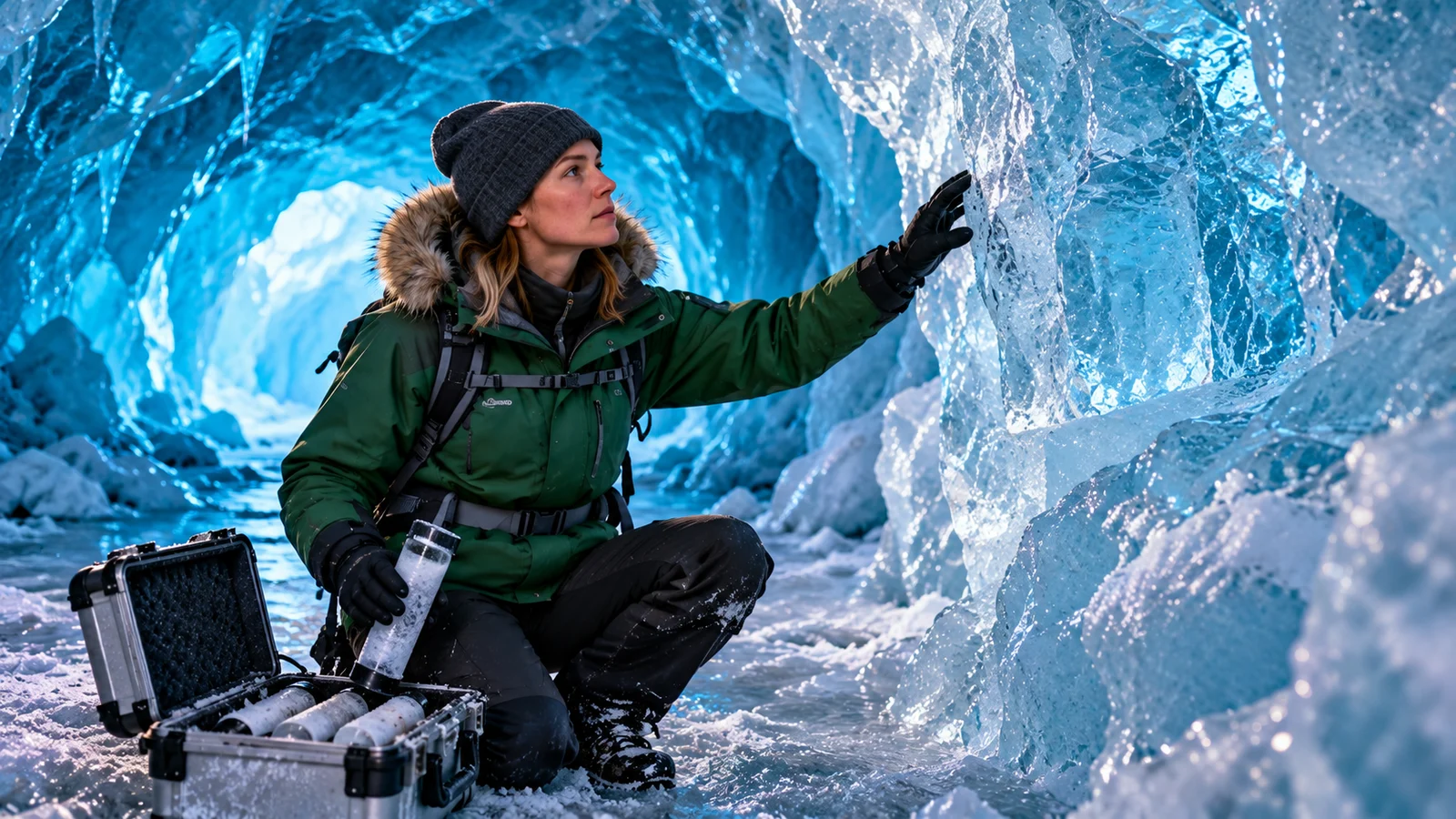

Build a scene from connected shots
A scene can unfold through an establishing view, an action, and a revealing detail. Choosing that progression gives the audience a clearer path through an event than treating each image in isolation.
Omni's storyboard controls address shot duration, framing, perspective, narrative content, and camera movement. They help make a concept concrete enough to discuss during a short-film review or an advertising pitch.
Start creating ↗


Take a reference subject into different settings
Element references provide a visual starting point when a person or object needs to recur. Develop a new environment or action around that subject rather than describing its identity from scratch in every shot.
An original exploration robot might travel from a laboratory to volcanic rock and a salt lake. Review its silhouette, details, and relationship to the setting to decide whether the images belong in the same sequence.
Start creating ↗
Consider a character's appearance and voice together
Voice shapes how a character is perceived as much as appearance does. Omni's character references address both visual and voice information, giving dialogue and narration another creative anchor.
Plan what the character says, how it is delivered, and how the scene responds. Obtain appropriate permission when working with a real person's likeness or voice.
Start creating ↗
Develop a visual idea through generation and revision
Different references serve different purposes: text sets the intention, images clarify an appearance, and video supplies a motion reference. Choose a generation or revision direction that fits the material you have.
A project may need an entirely new scene or a visual change around an existing clip. Identifying what should remain and what should change gives the next iteration a more useful goal.
Start creating ↗Where can Omni support your video ideas?
Combine subject references and shot design when a project depends on continuity and scene development.

Short dramas and story previews
Plan an entrance, an action, and a detail around the same character. Use the sequence to discuss pacing and story emphasis before further production.
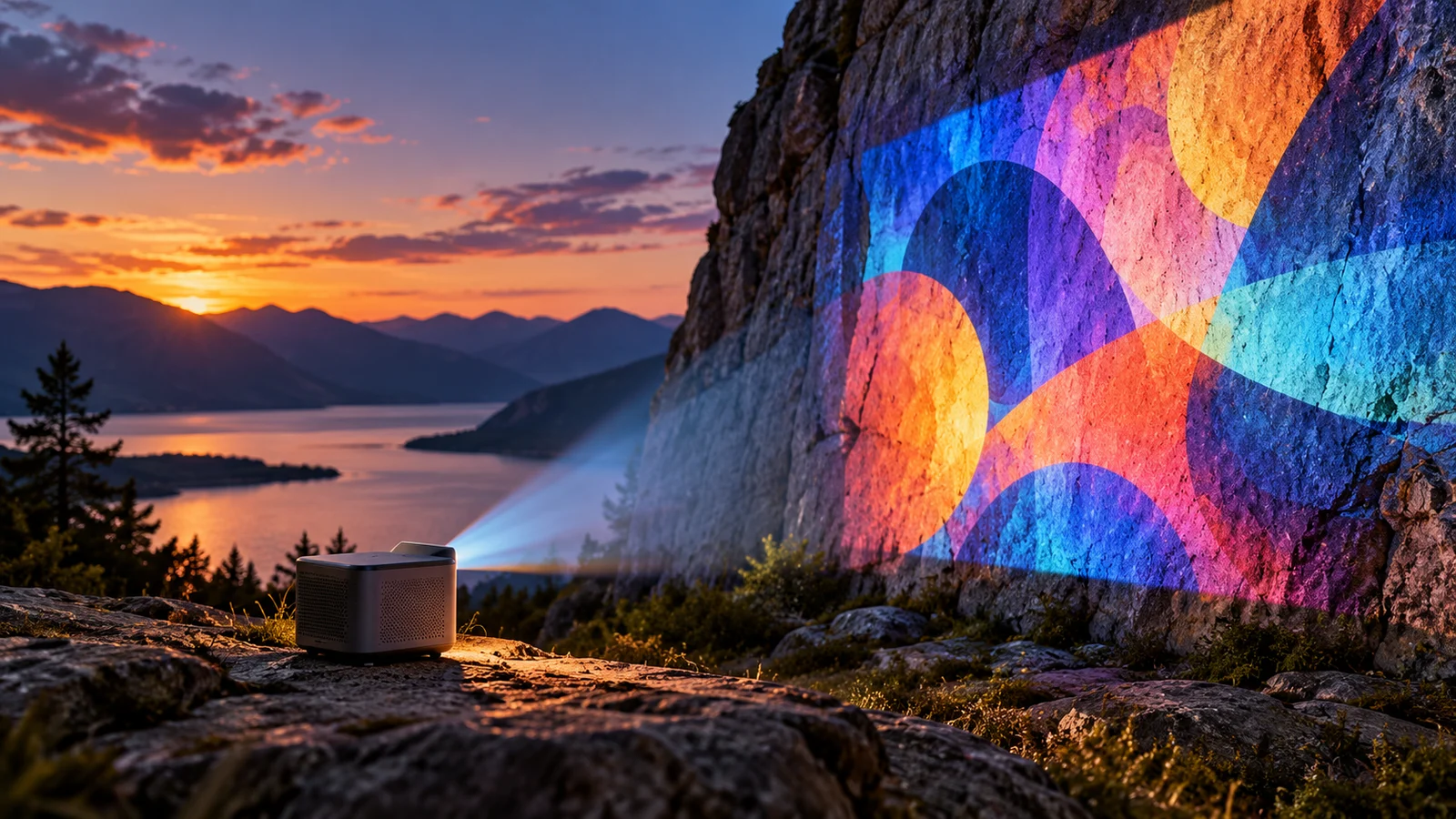
Brand and product advertising
Develop recognizable product imagery across settings. Use different shots to explore context, material, and the creative theme of a campaign.

Documentary and educational storytelling
Move from an environment to an observation and a specific detail. In factual content, verify the information separately from the generated imagery.
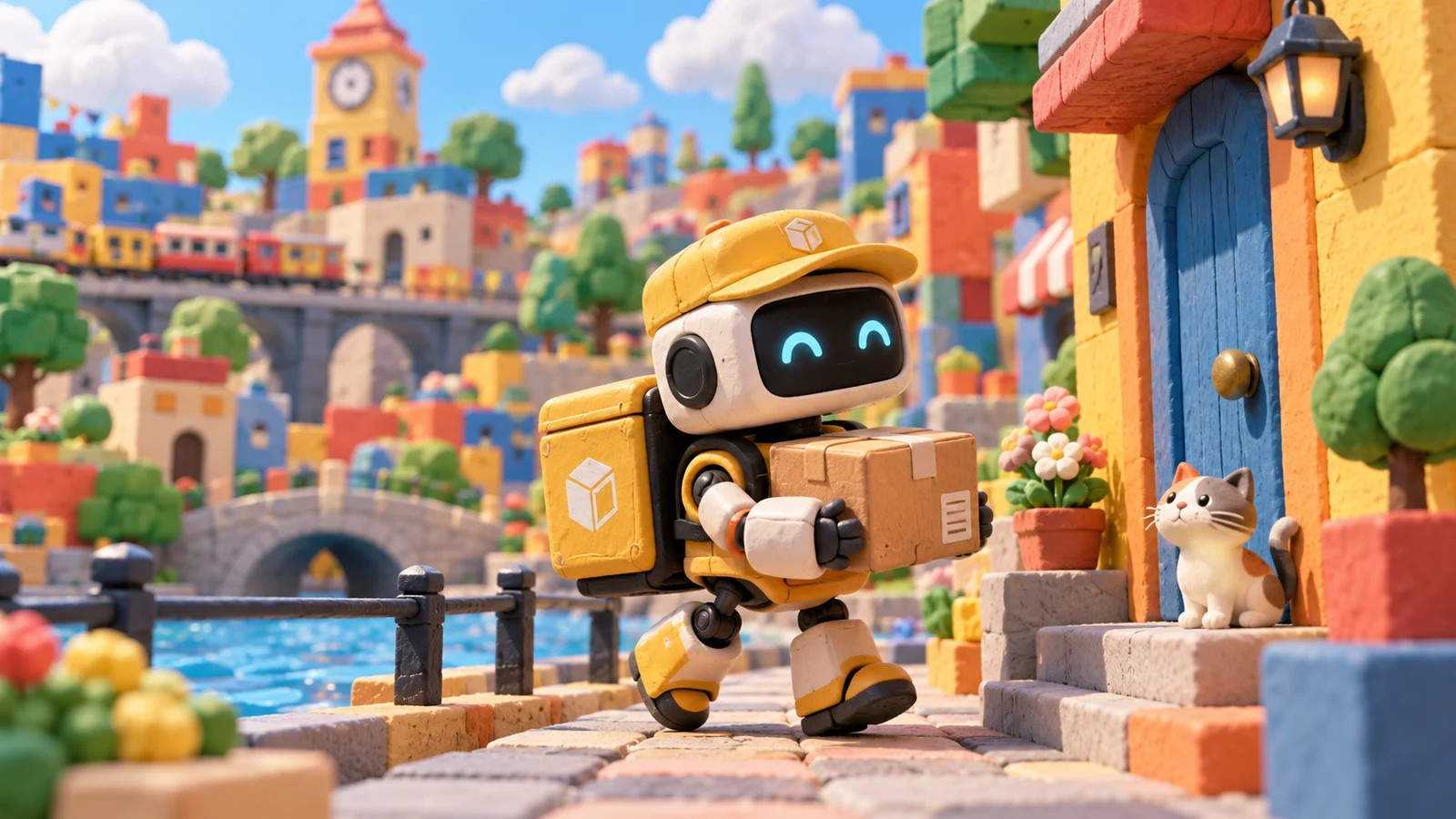
Original characters and animation
Explore locations, actions, and vocal expression around an original character. Let visual development and narrative ideas inform each other.
Understanding Kling 3.0 Omni, 3.0, and 4.0
3.0 Omni centers on reference elements and custom storyboarding, making it relevant to projects organized around a recurring character, voice, and sequence of shots.
3.0 is another video product line from the same generation. It should not be treated as interchangeable with Omni or a platform's Turbo label. Explore 4.0 separately for the later version's capabilities and creative directions.
Bring a story idea into video creation
- 01
Describe the scene
Define the characters, event, and shot priorities. Prepare references you have permission to use.
- 02
Choose a mode
Open the site's video workspace and check the available model and supported material settings.
- 03
Review and iterate
Check estimated credits before submission, then review continuity, subject details, and sound before refining the result.
Frequently asked questions
What is Kling 3.0 Omni?
It is Kuaishou's multimodal video model, with reference elements and storyboard controls as important parts of its creative approach.
Is Kling 3.0 Omni the same as standard 3.0?
No. They belong to the same generation but have distinct product identities. A platform's Turbo label should not automatically be interpreted as Omni.
Can Kling 3.0 Omni create multi-shot video?
The official model supports custom storyboarding with shot duration, framing, perspective, narrative content, and camera movement. Use a mode that exposes the controls you need.
Can I use the same character in different scenes?
Character or element references can guide recurring subject traits. Review appearance, clothing, and action details in the result against your creative requirements.
Can a character reference include a voice?
The official model supports voice information in character references. Obtain permission for real people and voices, and check the relevant mode's supported combinations.
Does it support image and video references?
The official guide describes image, video, and element references. Input combinations have different limits; not every reference and audio option can be enabled together.
How do I start using Kling video models online here?
Enter a request and select Start creating to open the main-site video workspace. Check the available model and mode, add supported materials, and submit when ready.
Is this the official Kling website, and where can I check costs?
This is bikabika AI, a one-stop creation platform, rather than Kuaishou's official Kling website. Review the site's credit estimate and applicable plan before submitting.
Take your character into the next shot
Begin with a scene and keep developing a story of your own.