
Wan 2.7: generate a shot and keep creating
Wan 2.7 is Alibaba's Tongyi Wan AI video family, covering text generation, image-driven video, reference creation, and editing. Start with an idea, a still, or existing footage, then develop its action, shots, and sound.
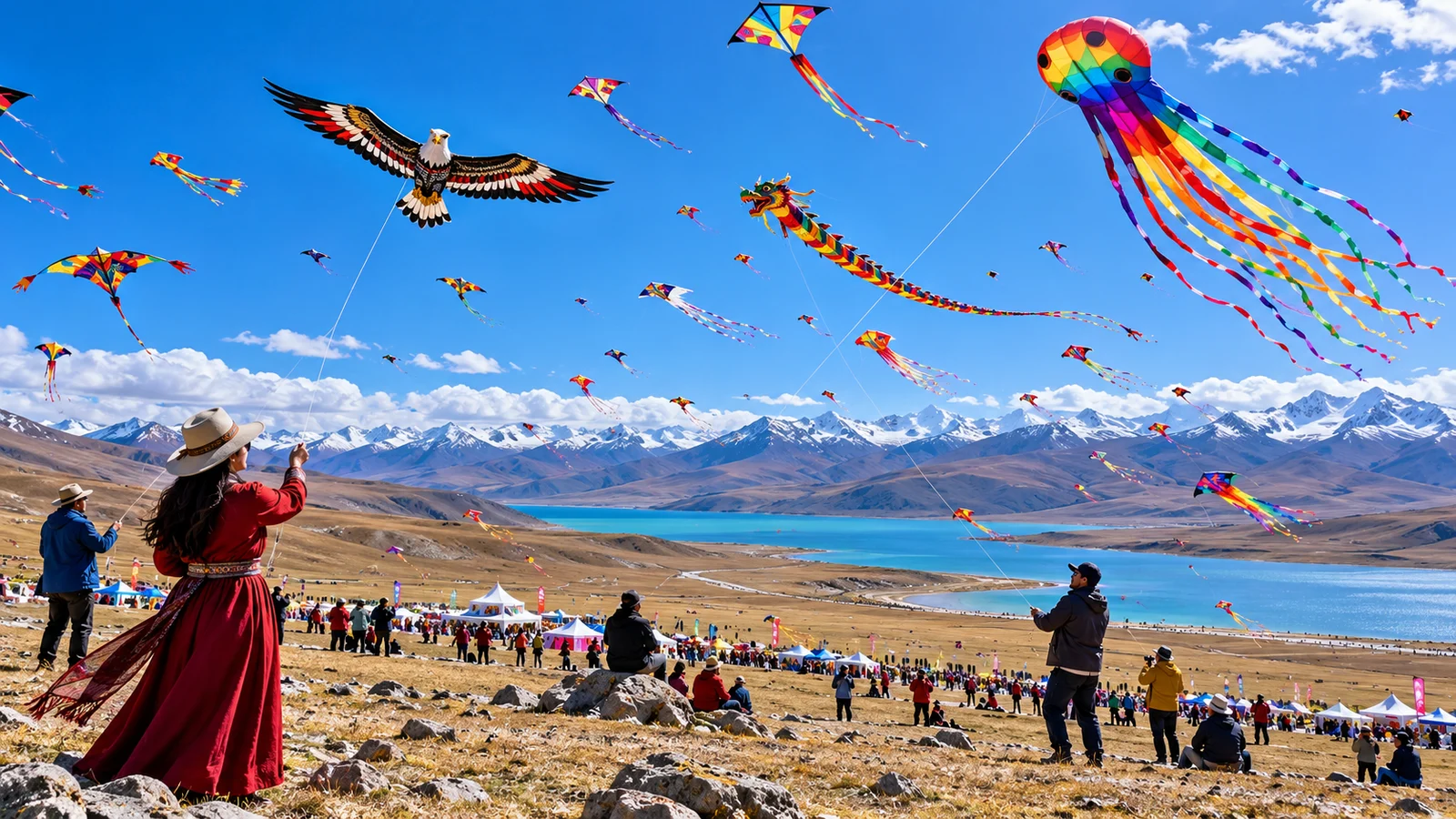
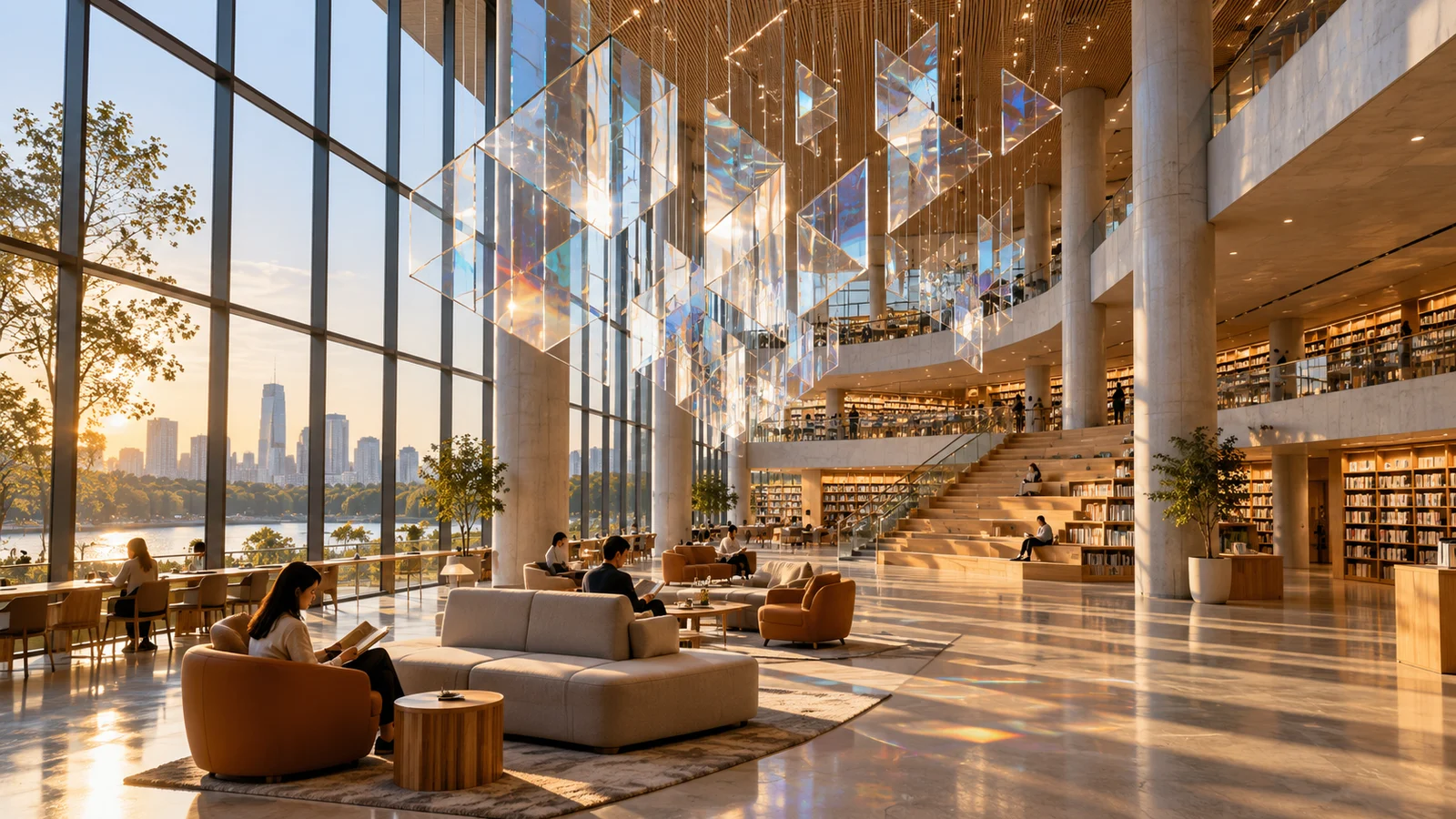
Creative illustrations
What can Wan 2.7 bring to video creation?
Different task models work with new scenes, still images, and existing footage, giving each kind of material a useful role.
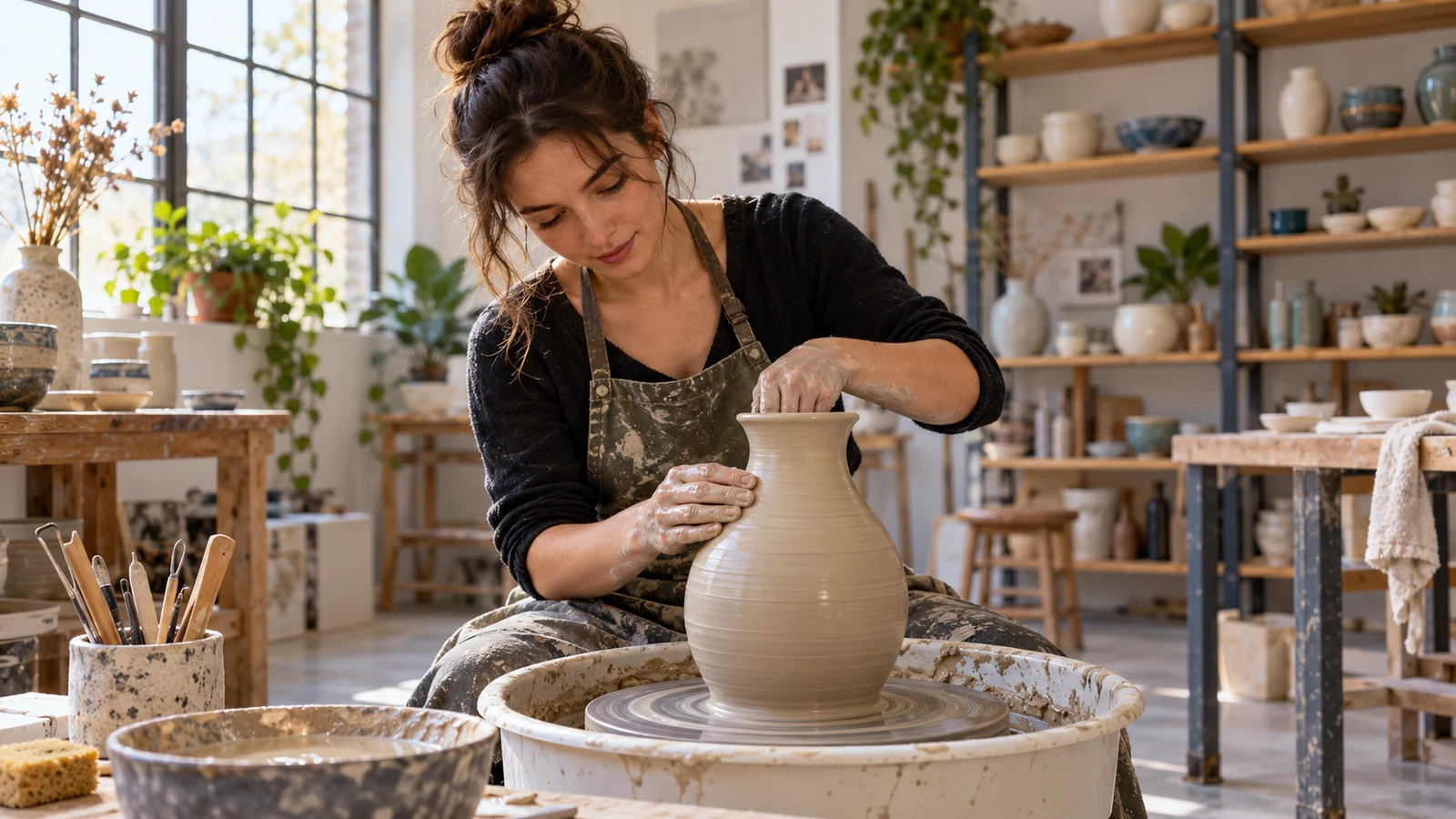
Develop a written idea into a shot
Text-to-video organizes subjects, settings, and actions from a description. It gives an unfilmed idea a viewable form for comparing atmosphere and narrative emphasis early in a project.
A multi-shot idea can describe how the scene progresses: show a person's working environment, then move closer to an important action. Arrange the shots around what the audience needs to understand.
Start creating ↗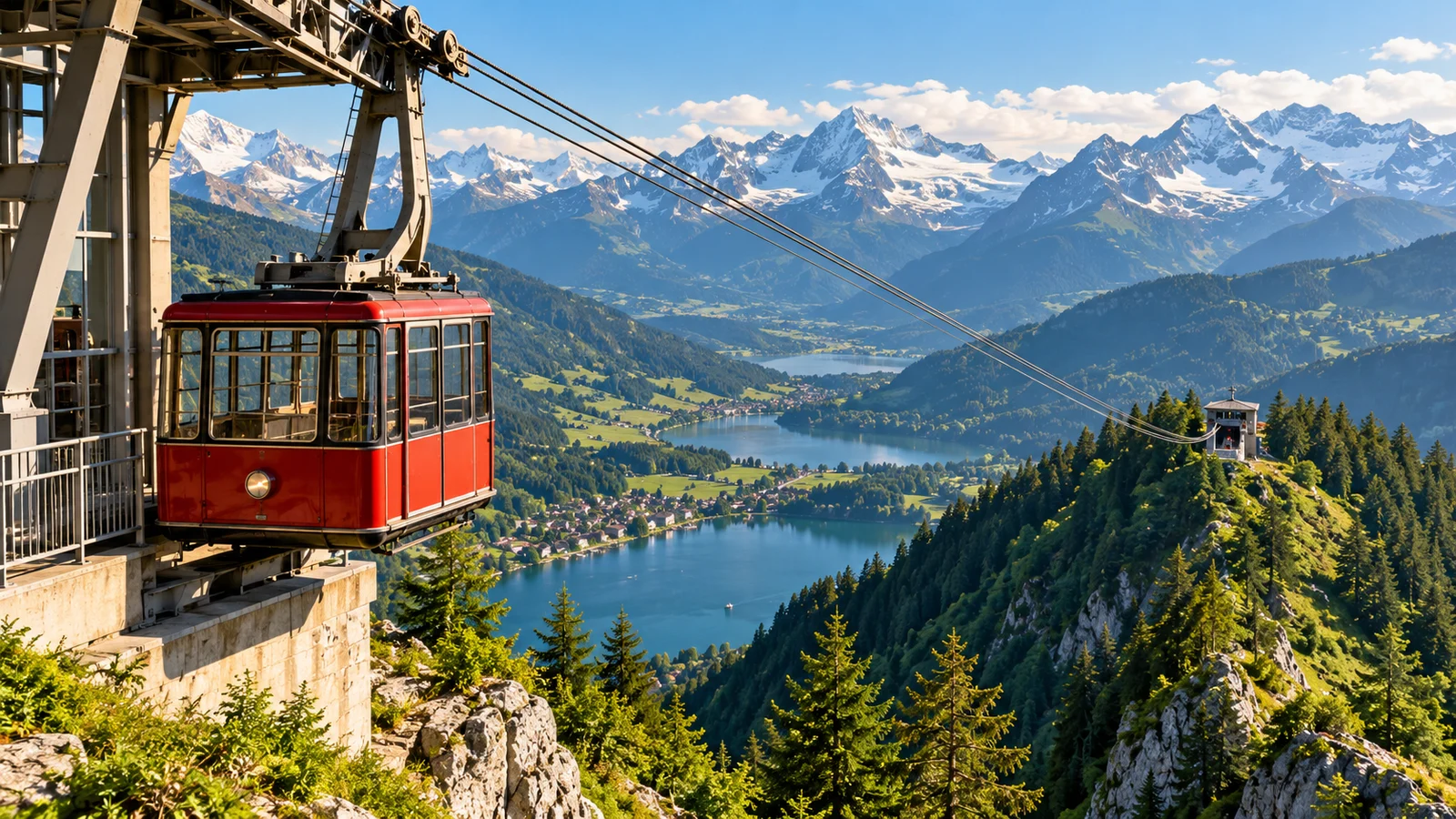
Plan where an image begins and ends
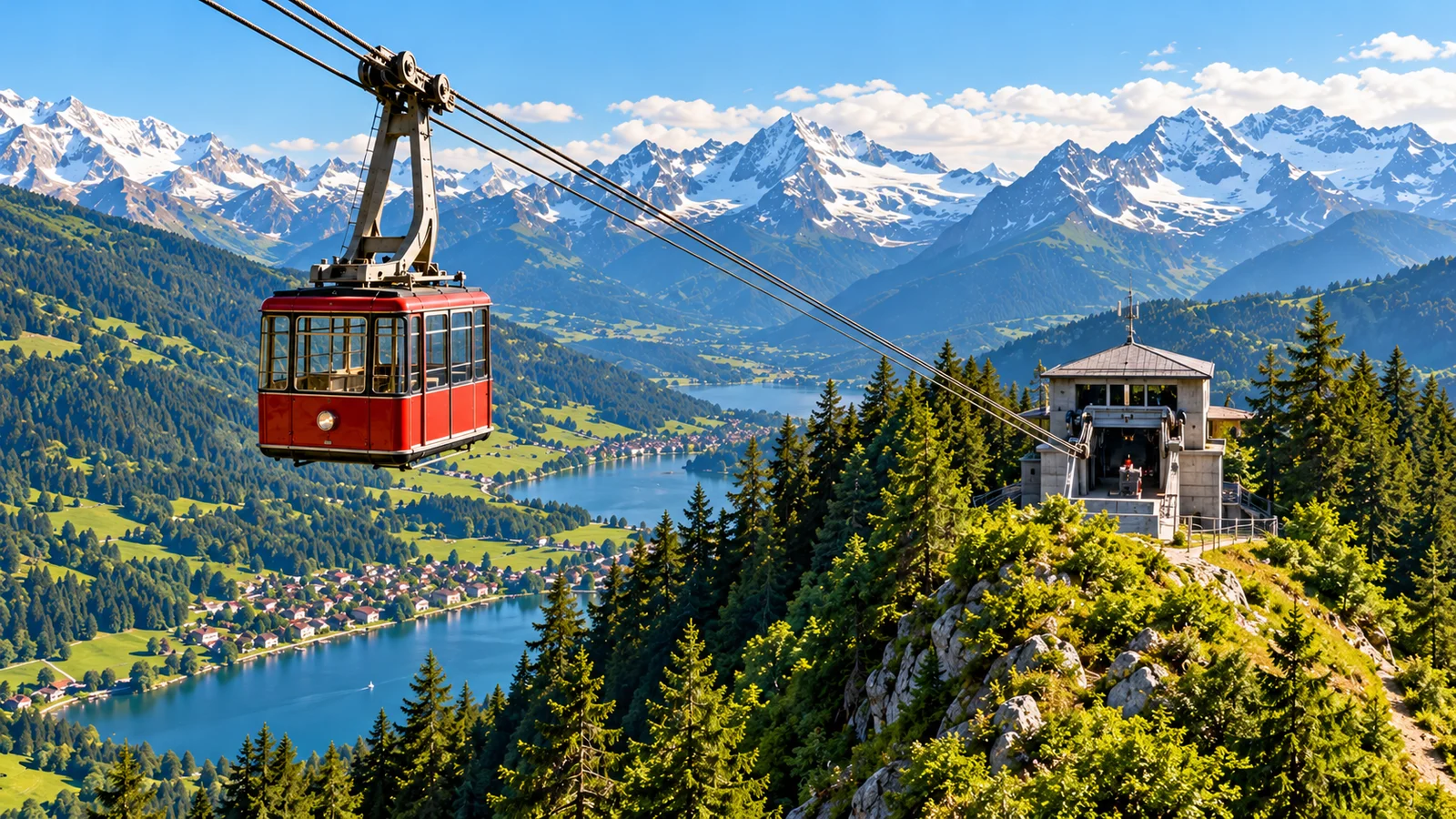
Image-to-video starts from a still and develops action or camera movement around it. When the composition or visual direction is already established, it becomes a basis for exploring motion.
First-and-last-frame input adds a target image to the starting point. Compatible subjects and spatial relationships give the transition a clearer direction.
Start creating ↗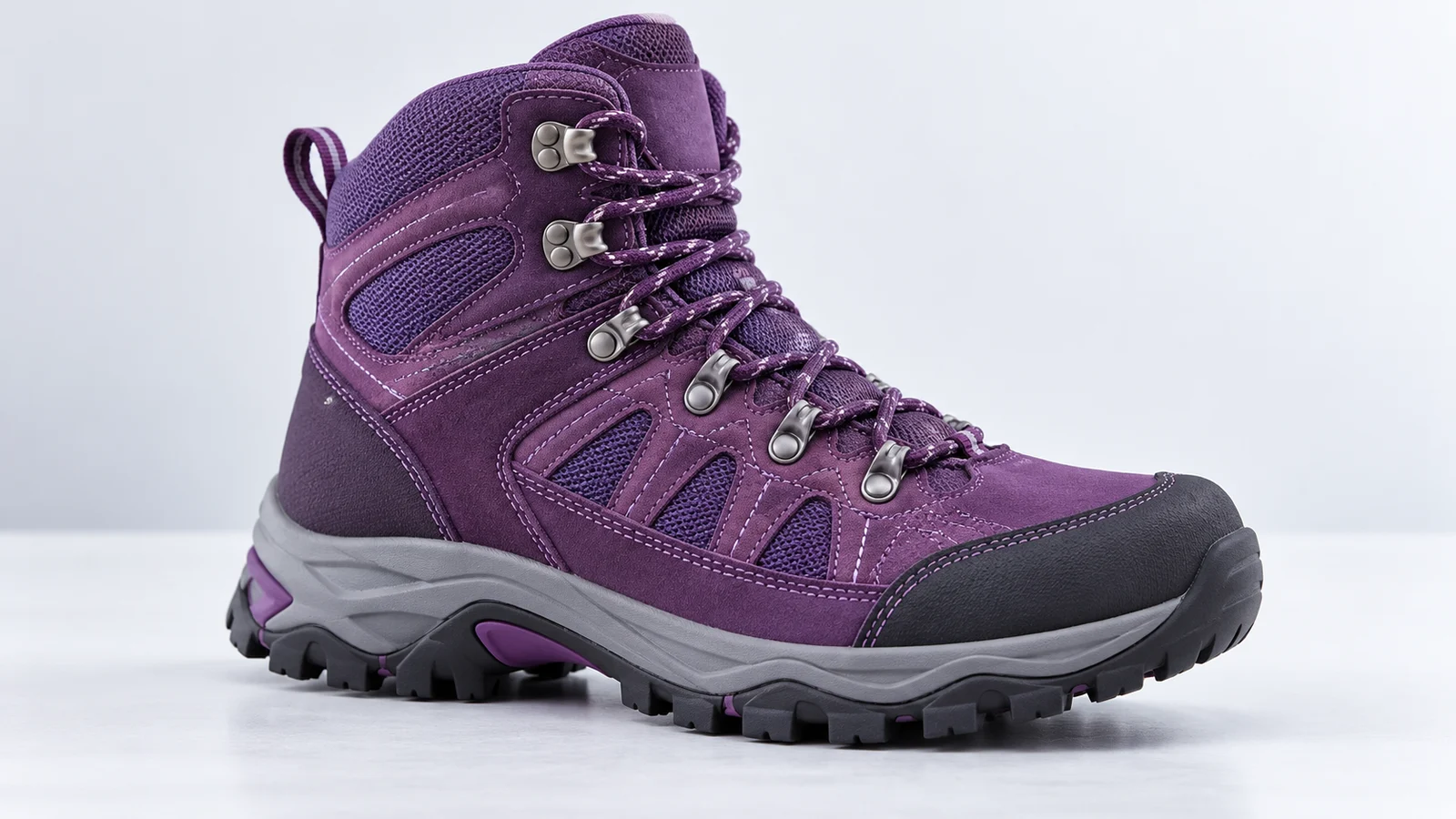


Communicate subjects and settings through references
References can contribute people, objects, environments, and sound to a creative request. Each material can explain a different part of the intended scene.
A product reference might define appearance while an environment reference establishes the location. Clear subjects and defined roles communicate an idea more usefully than a collection of unrelated images.
Start creating ↗
Continue an existing scene
Video continuation uses an existing clip as a starting point for what happens next. It suits a scene that needs to move forward without rebuilding its entire opening.
Describe the next action, camera direction, or emotional change. Review movement and spatial continuity around the join before deciding on further revisions.
Start creating ↗
Bring sound into the visual idea
Sound contributes relationships, atmosphere, and rhythm. Relevant Wan 2.7 generation models support audiovisual creation for ideas involving dialogue, music, or environmental sound.
When a project already has audio, consider how it relates to the visual action. Obtain permission for real voices and music, and choose a mode that supports the material.
Start creating ↗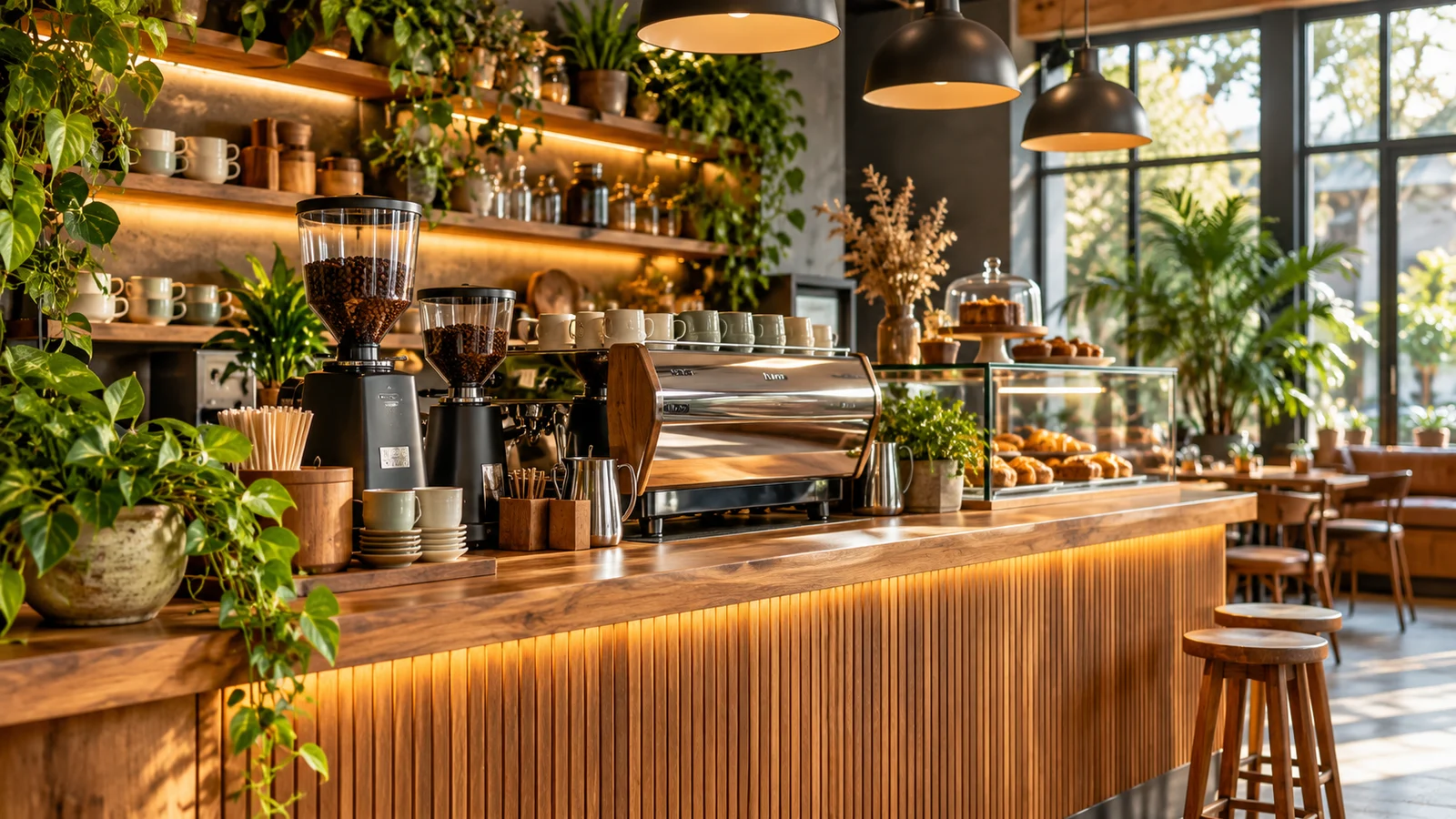
Revise existing footage with instructions
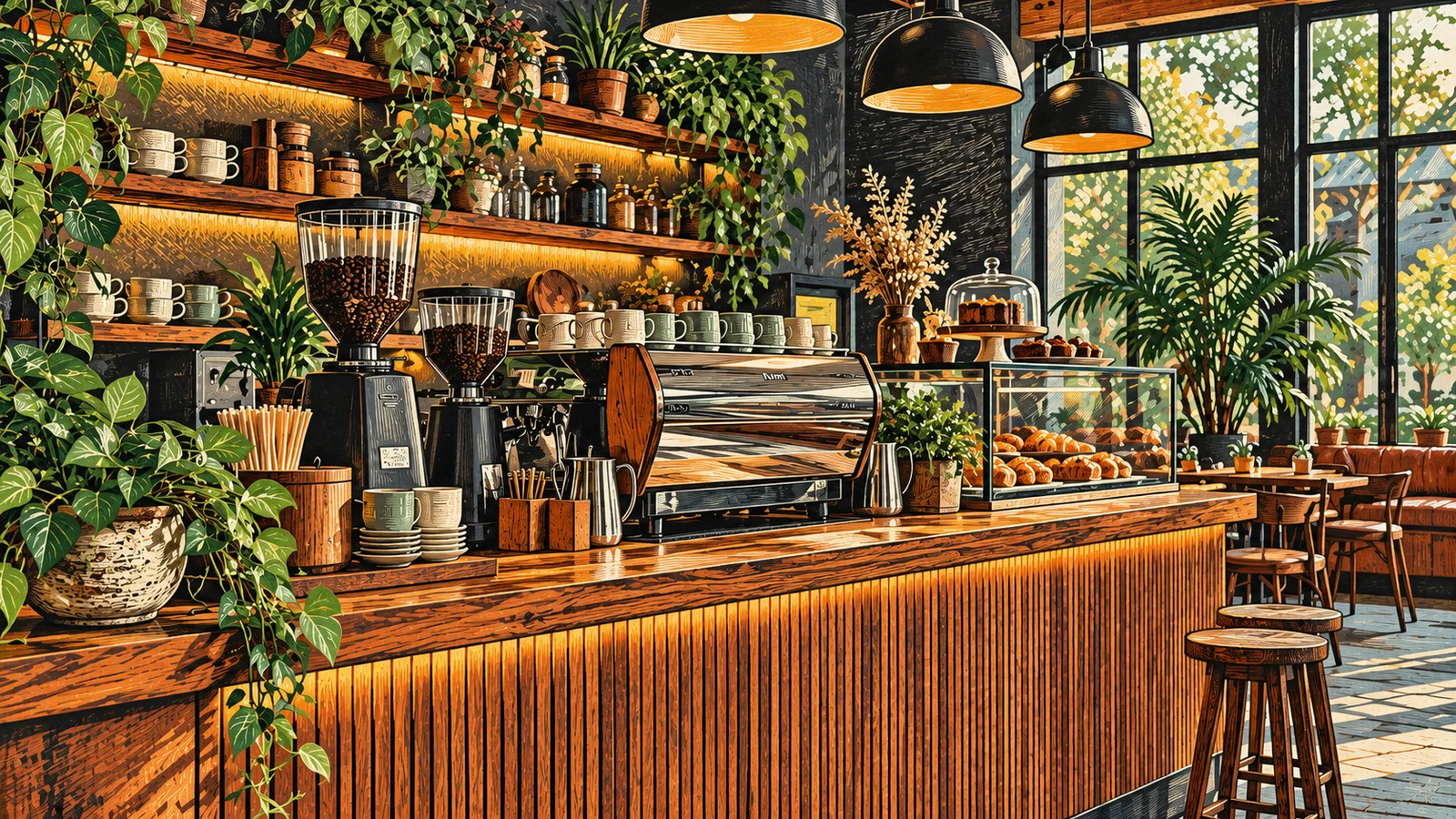
The separate Wan 2.7 editing model works with existing clips for instruction-led changes and style transfer. Revising footage and generating a new scene serve different starting points.
Explain the new visual direction and the subjects or scene relationships to preserve. Inspect local details and consecutive frames before continuing the refinement.
Start creating ↗Where can Wan 2.7 support your project?
Choose a starting point that fits the ideas, stills, or footage you already have.
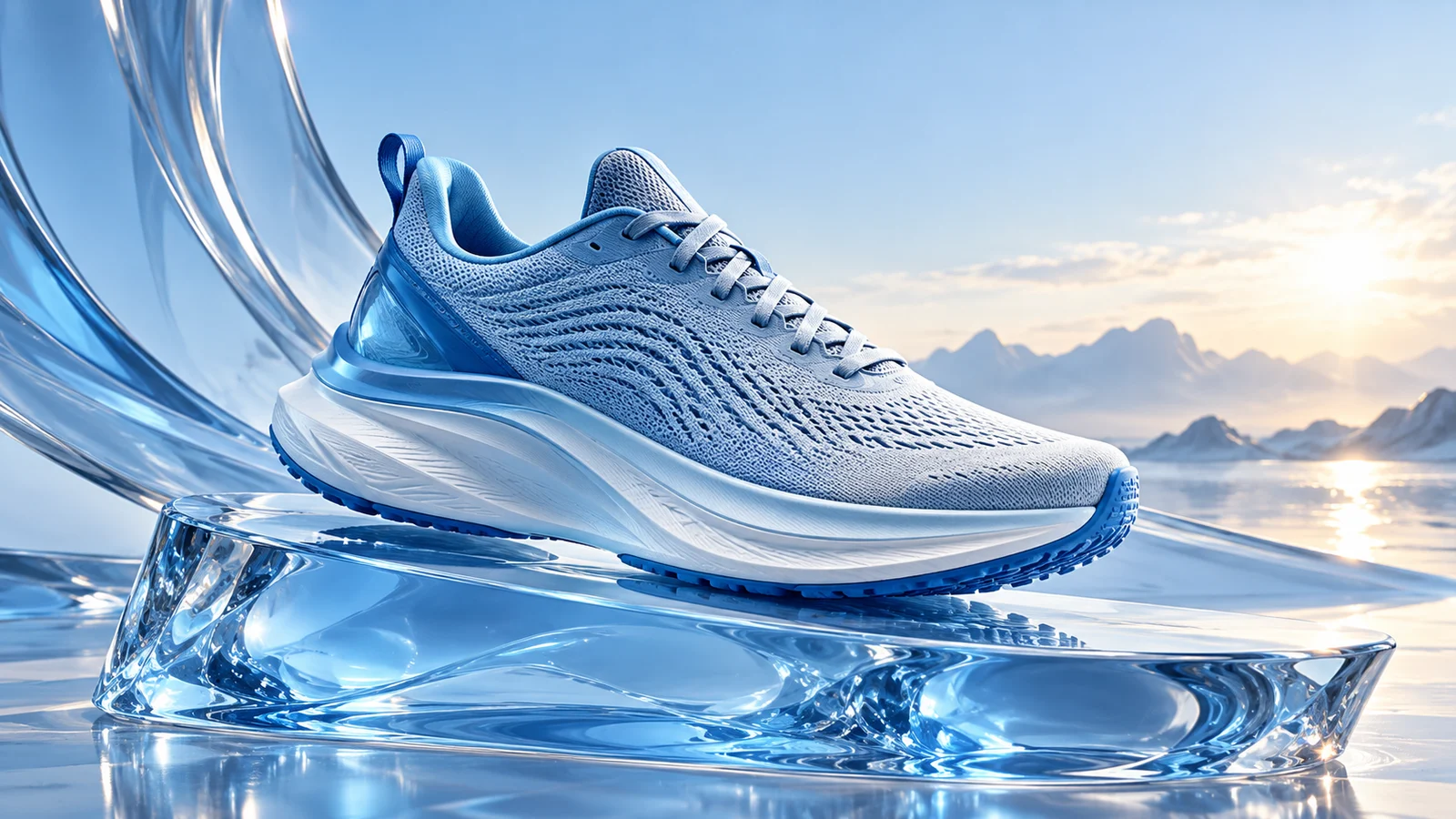
Product and ecommerce visuals
Develop a product image into a motion concept. Explore material, usage context, and visual emphasis for advertising pitches and content production.
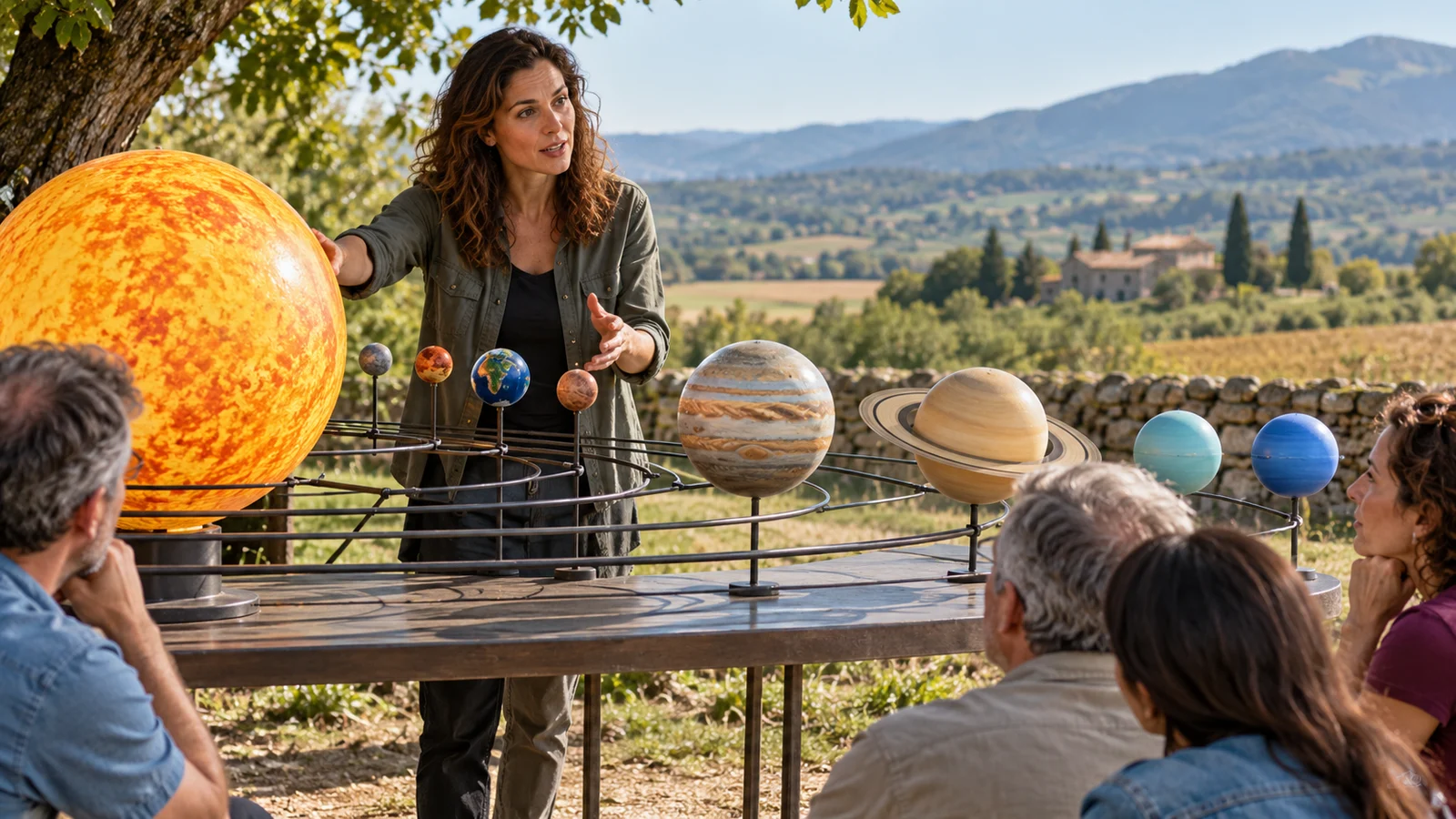
Educational explanations
Turn a description into settings and actions that help organize a demonstration. Verify scientific or historical information separately from the visual result.
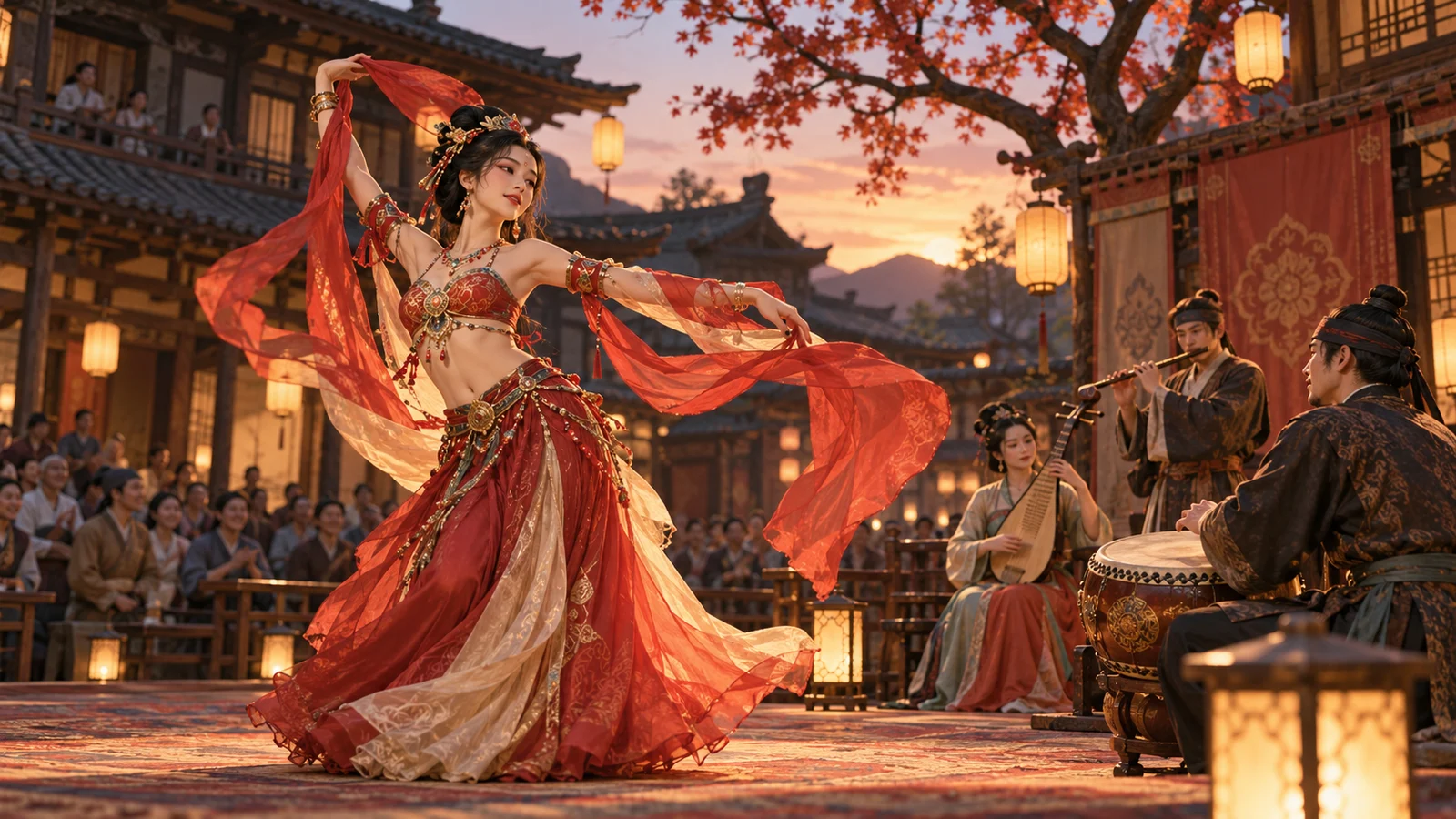
Drama and scene previews
Discuss shot order around characters and events. Use references and continuation to develop viewable material for team conversations before production.
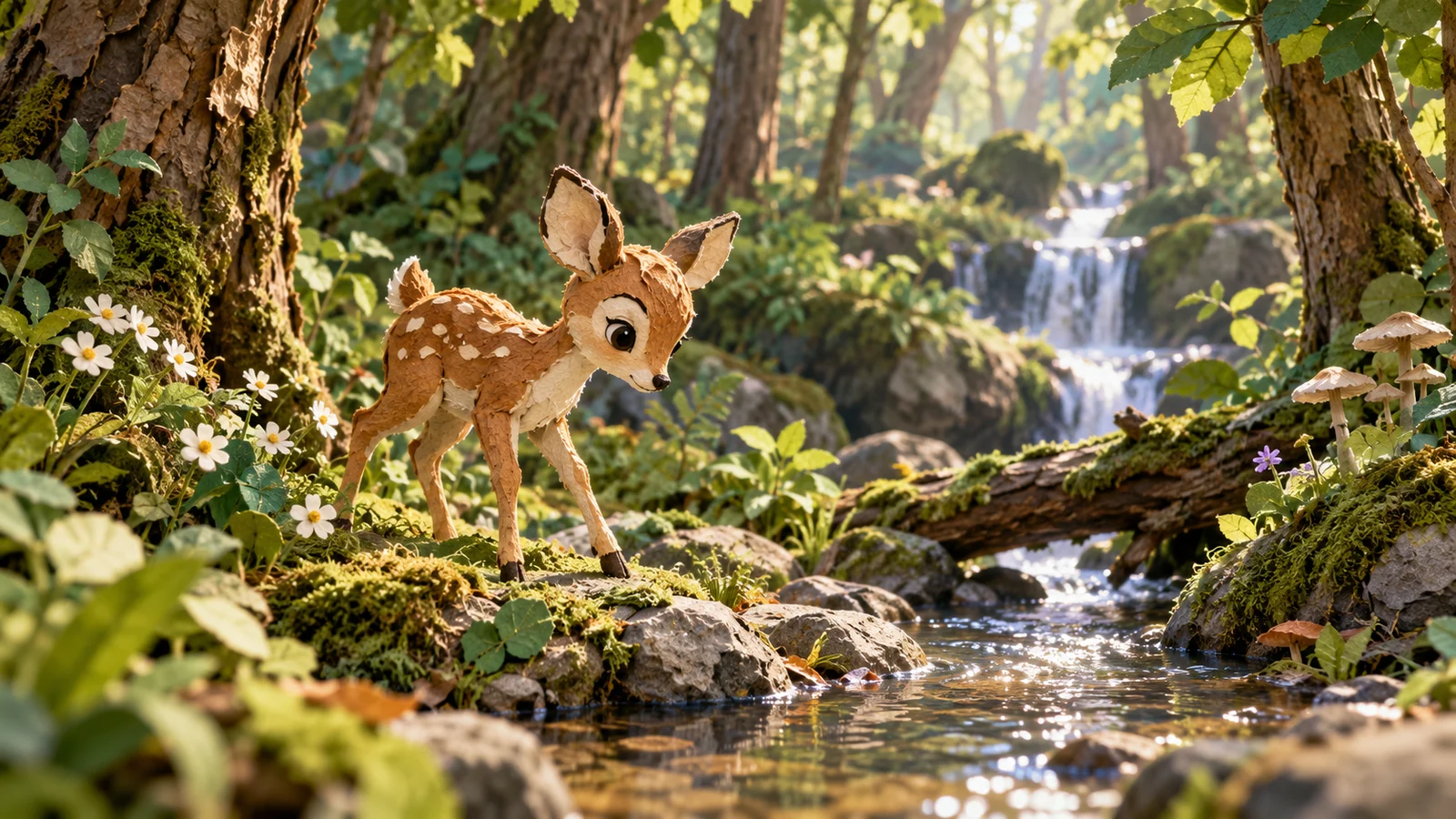
Original animation development
Develop action around an original character or art direction. Compare scene and style treatments as a design becomes a watchable story fragment.
Wan 2.7 and Wan 3.0: where do you want to begin?
Wan 2.7 includes separate text, image, reference, and editing task models. For existing stills or footage, explore the relevant frame-control, continuation, and editing capabilities.
Wan 3.0 is a later version with its own multimodal and reference capabilities. Visit its dedicated page when that is the version you want, and check the specific mode and input requirements.
Start with your own material
- 01
Describe the idea
Define the subject, action, and setting. Prepare material you have permission to use.
- 02
Choose a mode
Open the main-site video workspace, confirm the model and its input settings, and add supported materials.
- 03
Review the result
Check estimated credits before submission, then inspect visuals, sound, and transitions before refining the clip.
Frequently asked questions
What is Wan 2.7?
It is Alibaba's Tongyi Wan video family, with separate task models for text generation, image-driven video, reference creation, and editing.
Can Wan 2.7 generate video from text and images?
Yes. The official family has distinct text-to-video and image-to-video models. One begins with a description; the other uses a still image as a visual starting point.
What is the difference between first-frame and first-and-last-frame input?
First-frame input sets the opening image. First-and-last-frame input also supplies the target, with compatible subjects and spatial relationships helping the transition.
Does Wan 2.7 support video continuation?
The official image-to-video family supports continuing an existing clip, including a task with last-frame control. Choose inputs according to the relevant mode.
Can I reference people, objects, and sound?
The official reference family accepts multimodal materials to communicate subjects and performance goals. Input counts and audio combinations have different limits across modes.
Can Wan 2.7 edit existing footage?
There is a separate official editing model for instruction-led changes and style transfer. Use a supporting editing mode rather than treating video as an input for every generation mode.
How do I start online and check the cost?
Enter a description and select Start creating. Confirm the available model and material settings in the main-site workspace, then review estimated credits and plan terms before submitting.
Is this the official Wan website?
This is bikabika AI, a one-stop creation platform, rather than Alibaba's official Wan website. Explore different models and use the creation features available on this site.
Keep developing your next video
Start with words, an image, or footage, and take the idea further.