
Nano Banana 2 LiteAI Image Generator
Nano Banana 2 Lite is Google's lightweight model for efficient image creation, officially named Gemini 3.1 Flash-Lite Image. Turn descriptions into visual ideas for content, scenes and styles, giving an early concept an image you can evaluate and develop.
Choose an available model and review settings and estimated credits before submitting. The official efficiency positioning does not guarantee a fixed generation time.
Choose a model, enter a prompt and adjust the settings to generate, preview and refine images on this page.
Open full workspaceEstimated cost—pts


What Can Nano Banana 2 Lite Bring to Image Creation?
Explore lightweight generation, visual directions, reference-led concepts and text-rich imagery, with a clear view of their role in a creative project.

Explore a Visual Direction from a Description
Describe the subject, setting, lighting and style. Lite's efficiency-focused positioning makes it relevant to exploring ideas before a complete design brief is ready.
Begin with content imagery, a product concept or an illustrated scene, then assess the direction. Detailed corrections and final production still need review; task conditions affect generation time on this site.
Start creating ↗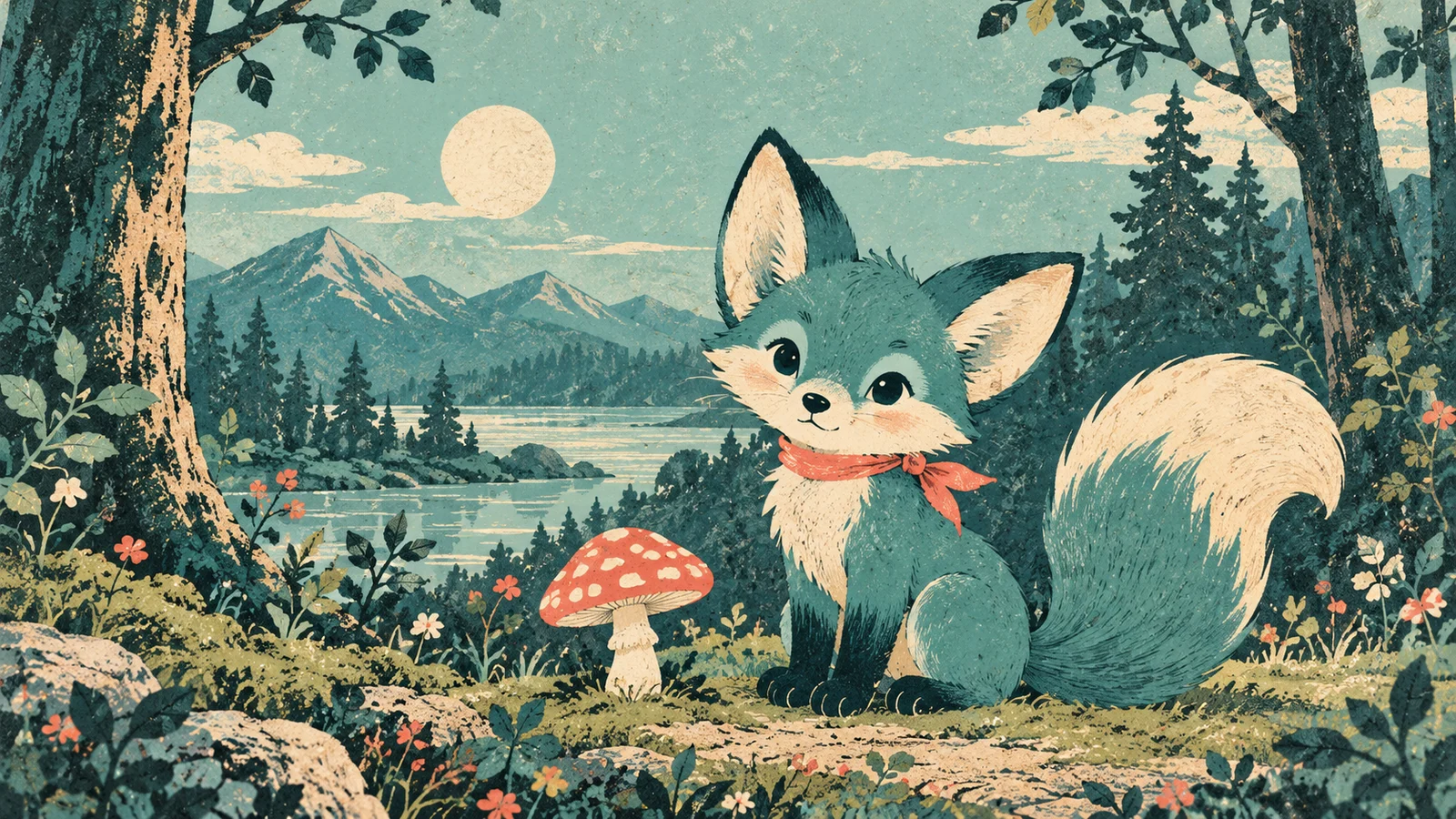
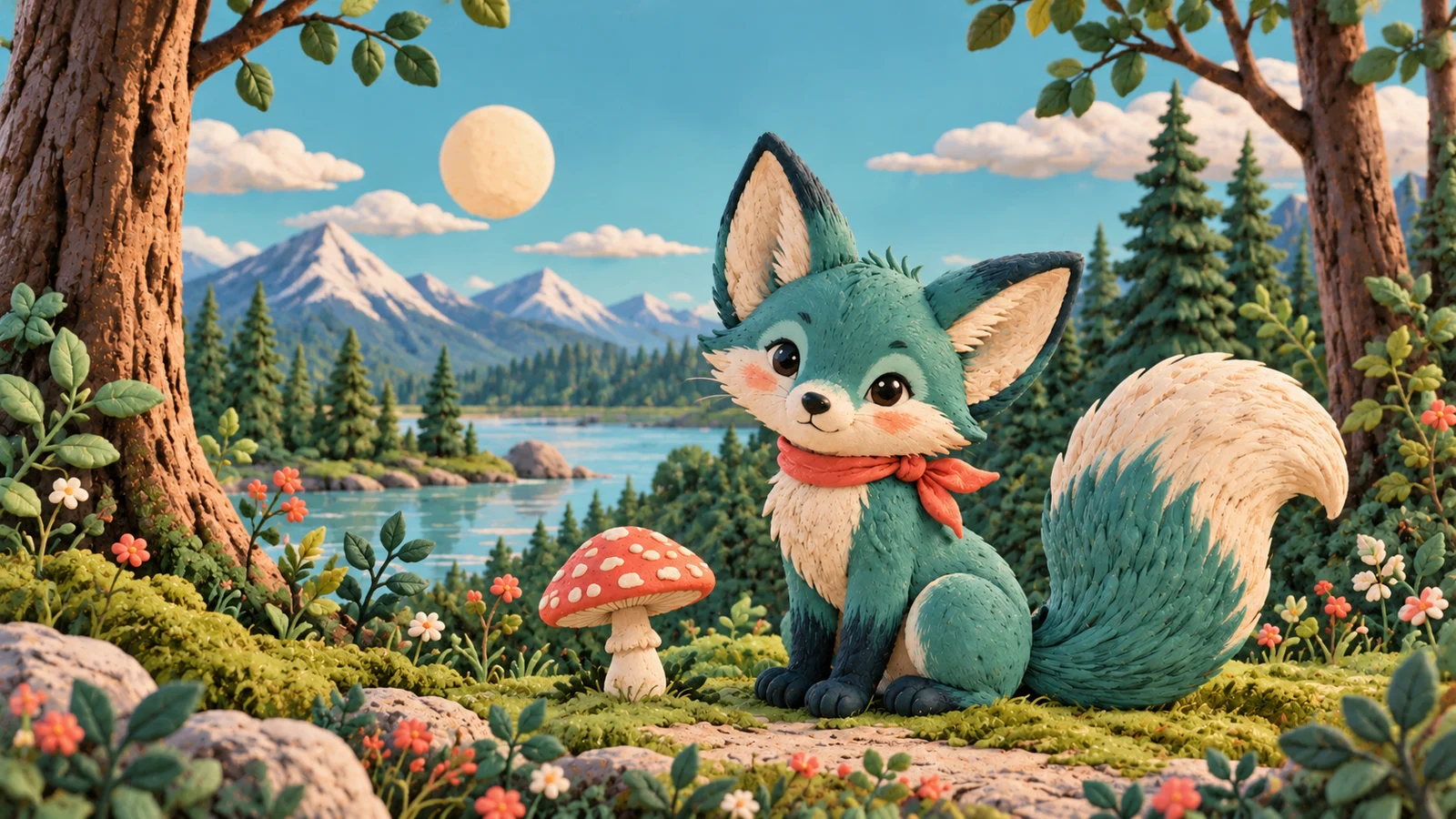
Compare Different Expressions of One Idea
Explore changes in color, composition or visual treatment around the same theme. Distinguish each direction clearly in the description so that the images support an actual decision.
Use this approach for early proposals and content concepts. Multiple images do not automatically preserve every detail. Explore 2, 2.1 or Pro when complex sequential editing or strict continuity matters.
Start creating ↗
Use References as Creative Context
Reference images can communicate visual characteristics of people, objects or settings that are difficult to describe in words.
Identify what should stay recognizable and what may change, then review the relationship between the reference and the result. Lite should not be treated as an equivalent replacement for complex iterative editing. Inputs and interactions depend on the site's current interface.
Start creating ↗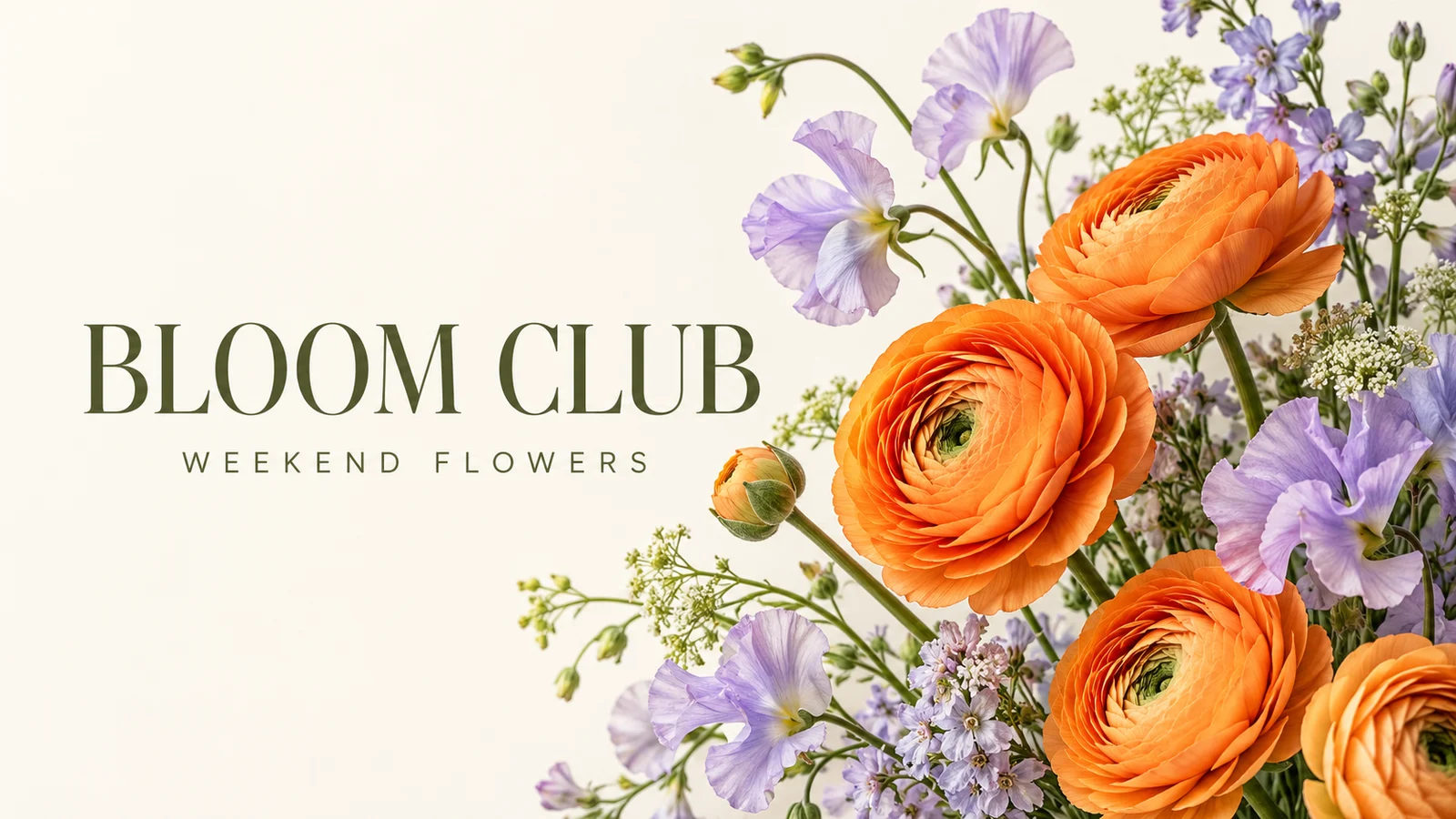
Connect Short Copy with a Visual Theme
Explore a headline or short message alongside its subject for cards, themed imagery and simple communication concepts.
Generated text is not a finished typography deliverable. Check spelling, missing words and placement before publishing, completing long passages, exact brand marks and complex layouts in final design.
Start creating ↗Which Projects Can Start with Lite?
Use images to explain an early idea, compare directions and decide what to develop next.
Content Covers & Everyday Imagery
Explore a subject and mood for articles, topics and social publishing. Add accurate final copy and branding through the intended layout rather than treating generated typography as final.
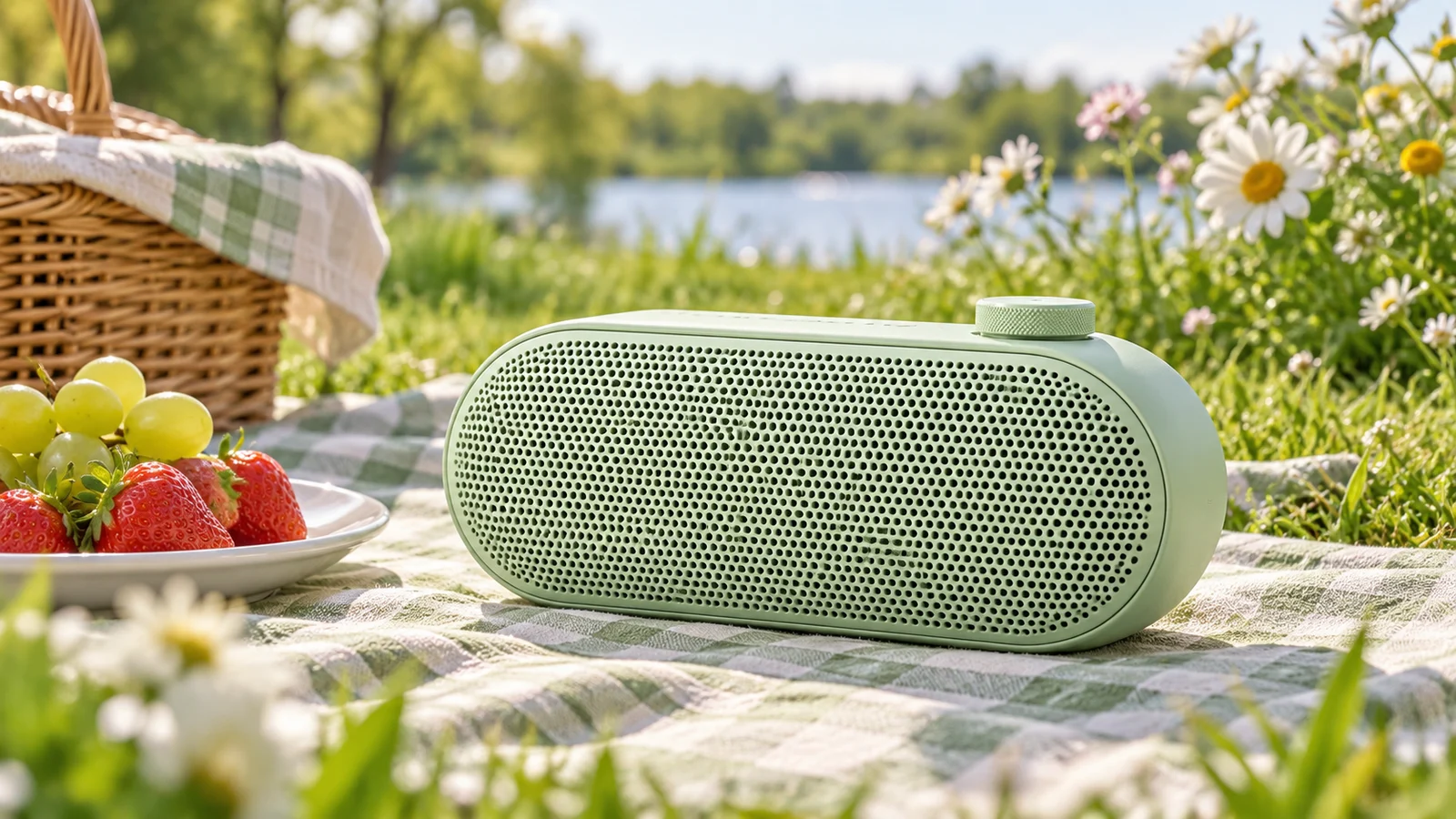
Product Concepts & Proposals
Explore colors, presentation settings and visual identity before detailed design or photography. Verify structure, dimensions, materials and claims against the real product.
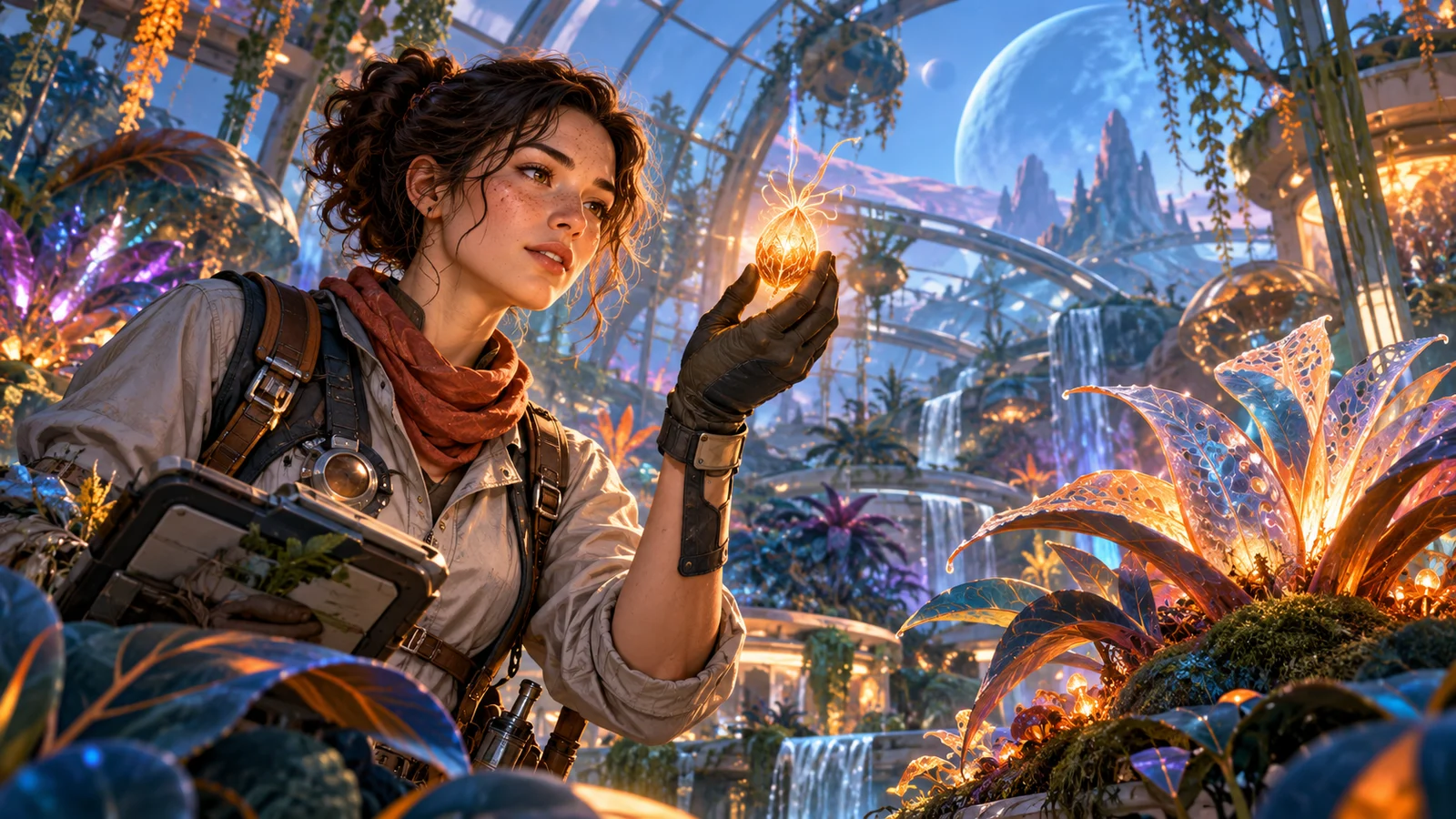
Characters & Story Ideas
Develop visual approaches to original characters and story moments. Review appearance across separate concepts rather than assuming an automatically consistent story sequence.

Spaces & Lifestyle Concepts
Explore a coffee corner, workspace or home arrangement through furniture, color and lighting. Treat imagery as a concept rather than a measured plan or structural recommendation.
When Should You Explore 2, 2.1 or Pro?
Lite suits early visual exploration. Explore 2, 2.1 or Pro for iterative changes, complex references or finer design control. Check the generator for available settings and estimated credits.
Start Creating in Three Steps
Describe
Include the subject, purpose and style, adding references through supported inputs.
Review
Confirm the actual model, settings and estimated credits before submitting.
Develop
Evaluate the result, keep a useful direction and inspect details before downloading or continuing.
Frequently asked questions
What is Nano Banana 2 Lite, and how does it relate to Gemini 3.1 Flash-Lite Image?
They refer to the same Google image model: Nano Banana 2 Lite is the product name and Gemini 3.1 Flash-Lite Image is its official model name. It focuses on efficient generation for drafts and visual exploration; capabilities are not identical across the whole family.
How does Nano Banana 2 Lite differ from Nano Banana 2 and 2.1?
Lite emphasizes lightweight efficiency, 2 has a distinct generation and editing positioning, and 2.1 succeeds 2. Compare the relevant model for sequential edits, complex references or higher output specifications. Lite is not an abbreviation for 2.1.
Is Lite always faster and cheaper than other models?
Google emphasizes speed and cost efficiency, but that does not guarantee this site's completion time or credit cost for every task. Review the current estimate; queue conditions, inputs and settings affect the experience.
Can I use reference images and edit images with Nano Banana 2 Lite?
Official image capabilities include reference-led creation and editing directions. A clear change request can support exploration, but editing support does not make every version equivalent for complex, repeated refinements. Check the generator for currently supported inputs and interactions.
Can Nano Banana 2 Lite generate 4K images?
Lite focuses on 1K image creation. For higher-resolution work, compare 2, 2.1 or Pro and check the settings and estimated credits currently available here. Higher resolution does not guarantee correct details.
Can it create images containing Chinese or English text?
Explore short copy within visual designs, specifying the wording and reviewing spelling, omissions and placement. For exact longer text or formal brand work, treat the generated image as one part of design and complete proofreading and typography separately.
How are credits calculated for Lite on bikabika AI?
Use the estimate for the currently selected model and settings together with this site's plan rules. Google's API pricing is not this site's credit price. Site credits and Google subscriptions are separate purchases and do not include each other's benefits.
Is this the official Nano Banana 2 Lite website?
This is bikabika AI's model introduction and creation entry point, not Google's official website. Google develops the model; accounts, credits and the creation experience here are provided independently. Visit Google for its own products and subscriptions.
Give Your Idea an Image to Start From
Describe the subject and setting, review the model and estimated credits, then explore a direction worth developing.