
Nano Banana 2.1AI Image Generator & Editor
Nano Banana 2.1 is Google's image generation and conversational editing model, succeeding Nano Banana 2. It brings together visual quality, prompt understanding, text rendering and iterative creation, helping you develop an image or design from a specific idea.
Confirm the selected model, available settings and estimated credits before submitting. Official capabilities described here do not mean that every feature is available on this site.
Choose a model, enter a prompt and adjust the settings to generate, preview and refine images on this page.
Open full workspaceEstimated cost—pts
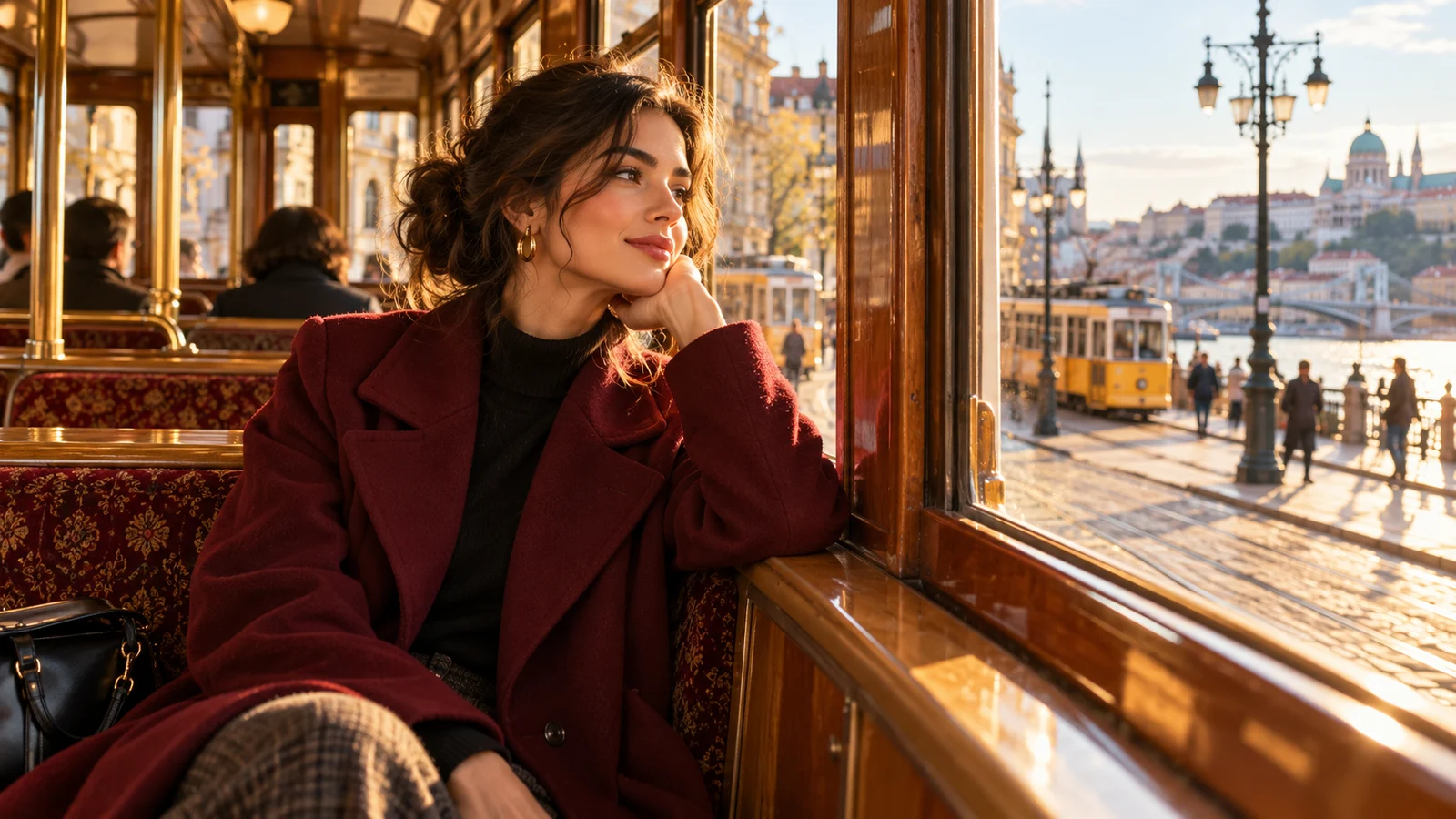
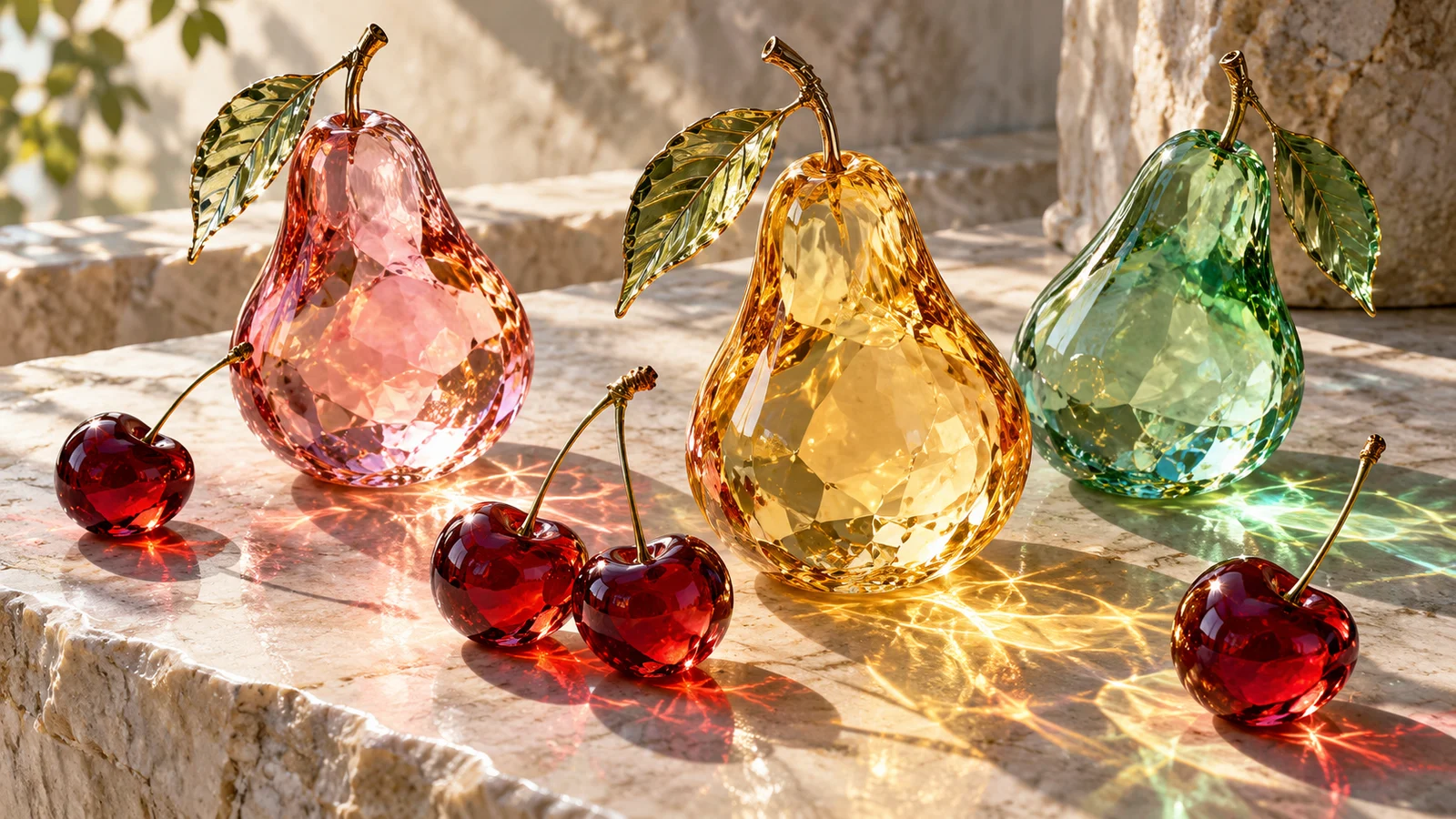
What Does Nano Banana 2.1 Offer for Generation and Editing?
Explore five areas—visual detail, iterative edits, reference composition, text-rich design and output choices—to decide whether this model fits your project.
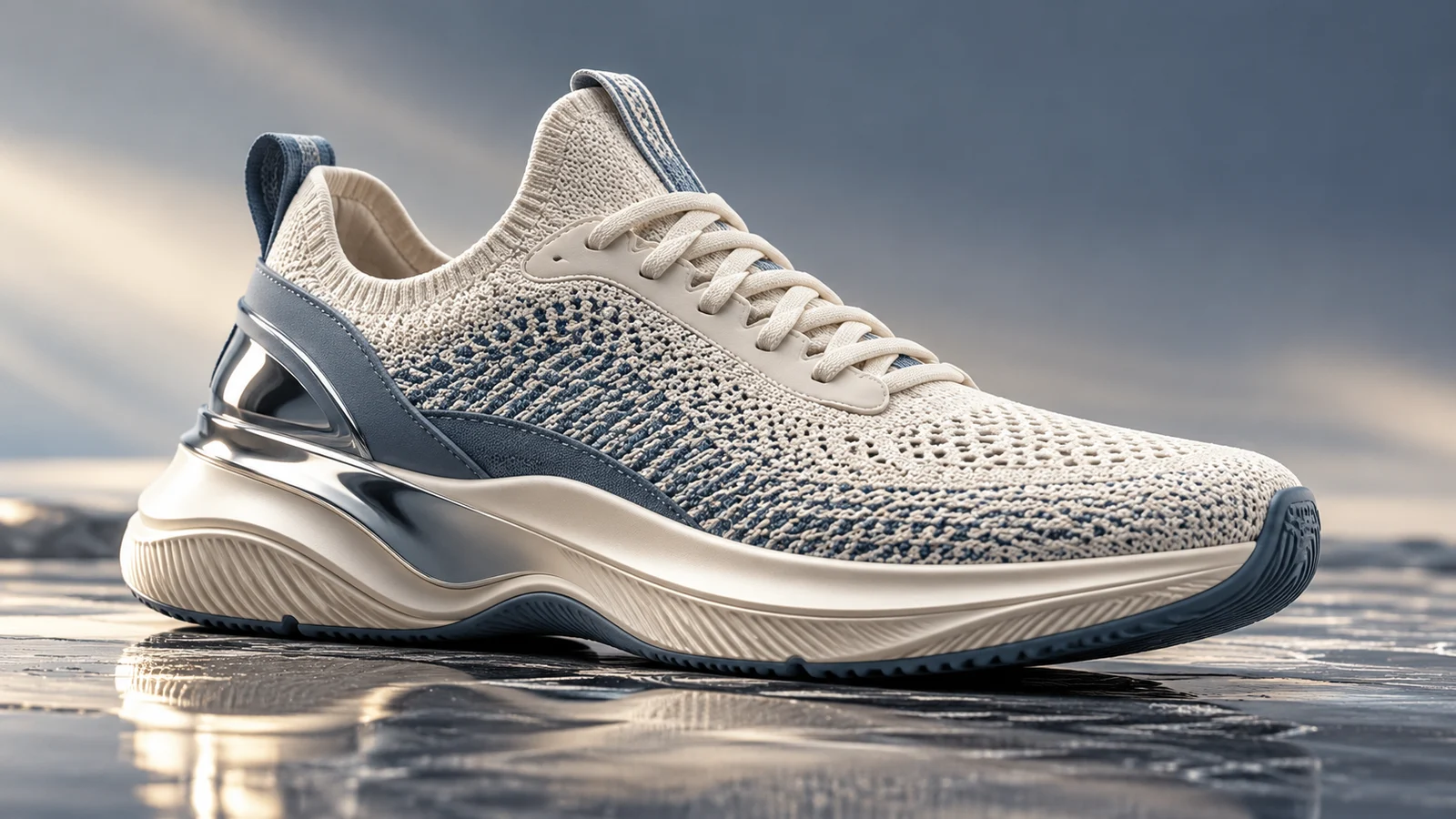
Describe Subjects, Materials and Light in More Detail
The update includes improvements to image quality and prompt understanding. Describe how people, objects and settings relate to establish a concrete visual direction.
For products, environments and creative photography, develop a focus through materials, lighting and composition. Assess each result against the brief rather than assuming every image must outperform an older version.
Start creating ↗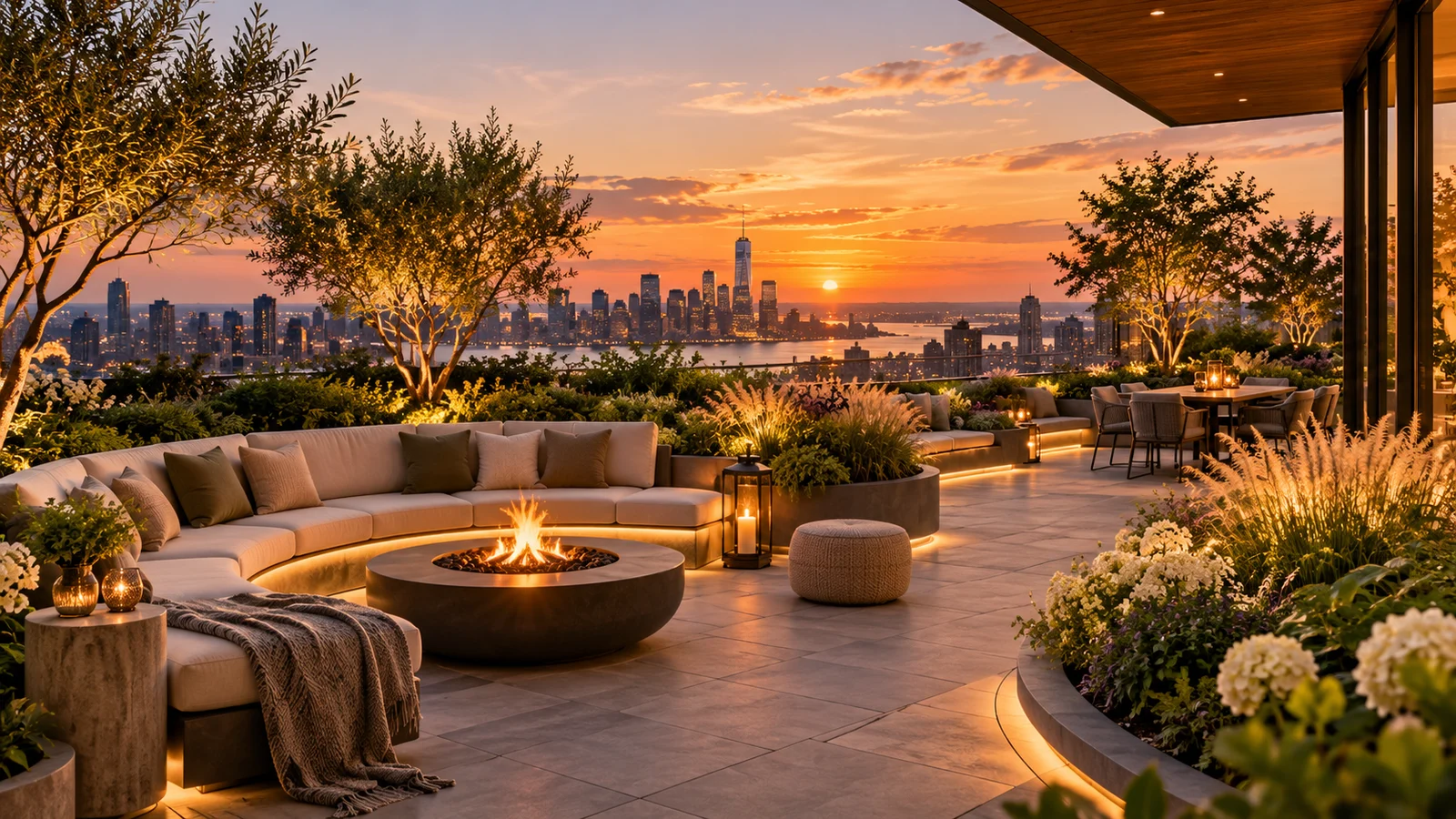
Keep Developing an Image through Edits
Conversational editing supports follow-up changes to an existing image without rebuilding the entire scene description each time.
When an idea is close to the goal, explore another setting, color or visual emphasis. Check the subject and important details after each iteration; consistency is not an absolute guarantee.
Start creating ↗AI Photo Editor ↗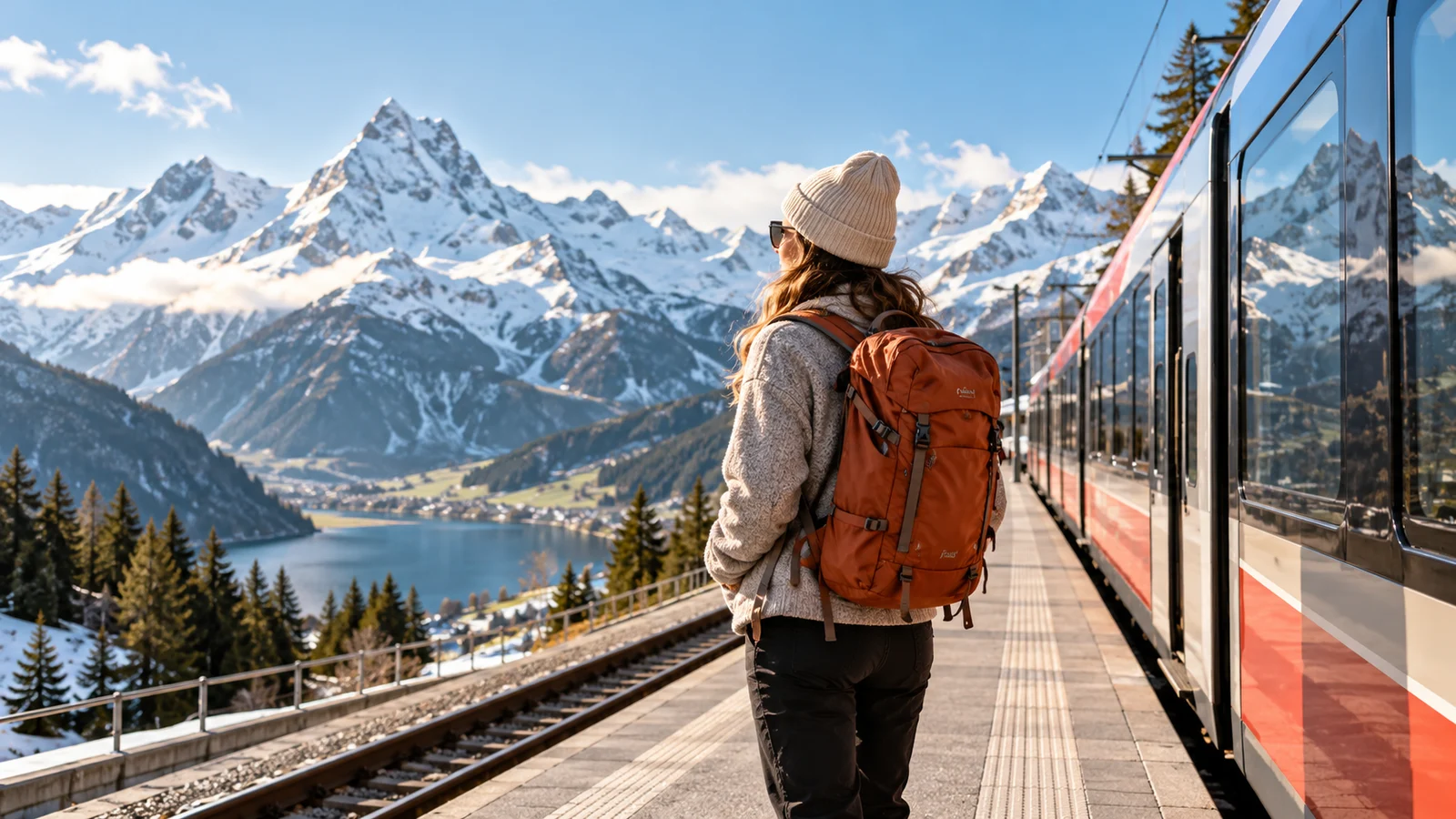
Compose a Scene from Reference Material
Multiple references can bring people, products and environments into the same creative brief, making the desired composition more concrete.
Explore product arrangements or character scenes. Official tools can also incorporate search information under supported conditions, but this does not confirm search access on this site or replace checks on identity, structure and facts.
Start creating ↗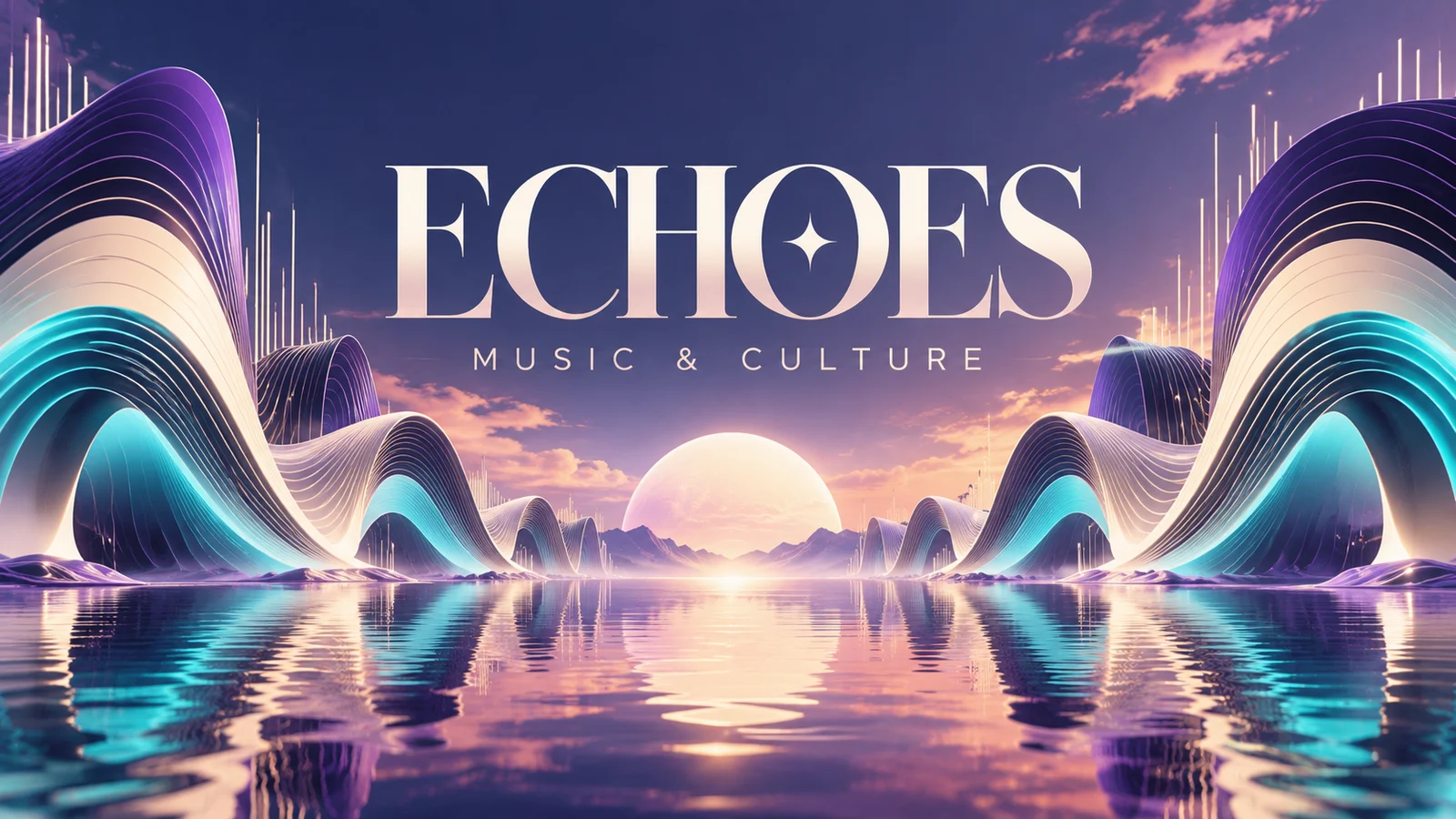
Bring Headlines and Images into One Design
Text rendering and infographic layouts are areas of improvement in 2.1. Consider the subject and reading hierarchy together for posters, covers and explanatory images.
Provide the intended copy, then describe placement, style and reading order. Proofread names, numbers and layout before publication, completing exact typography in a design tool when needed.
Start creating ↗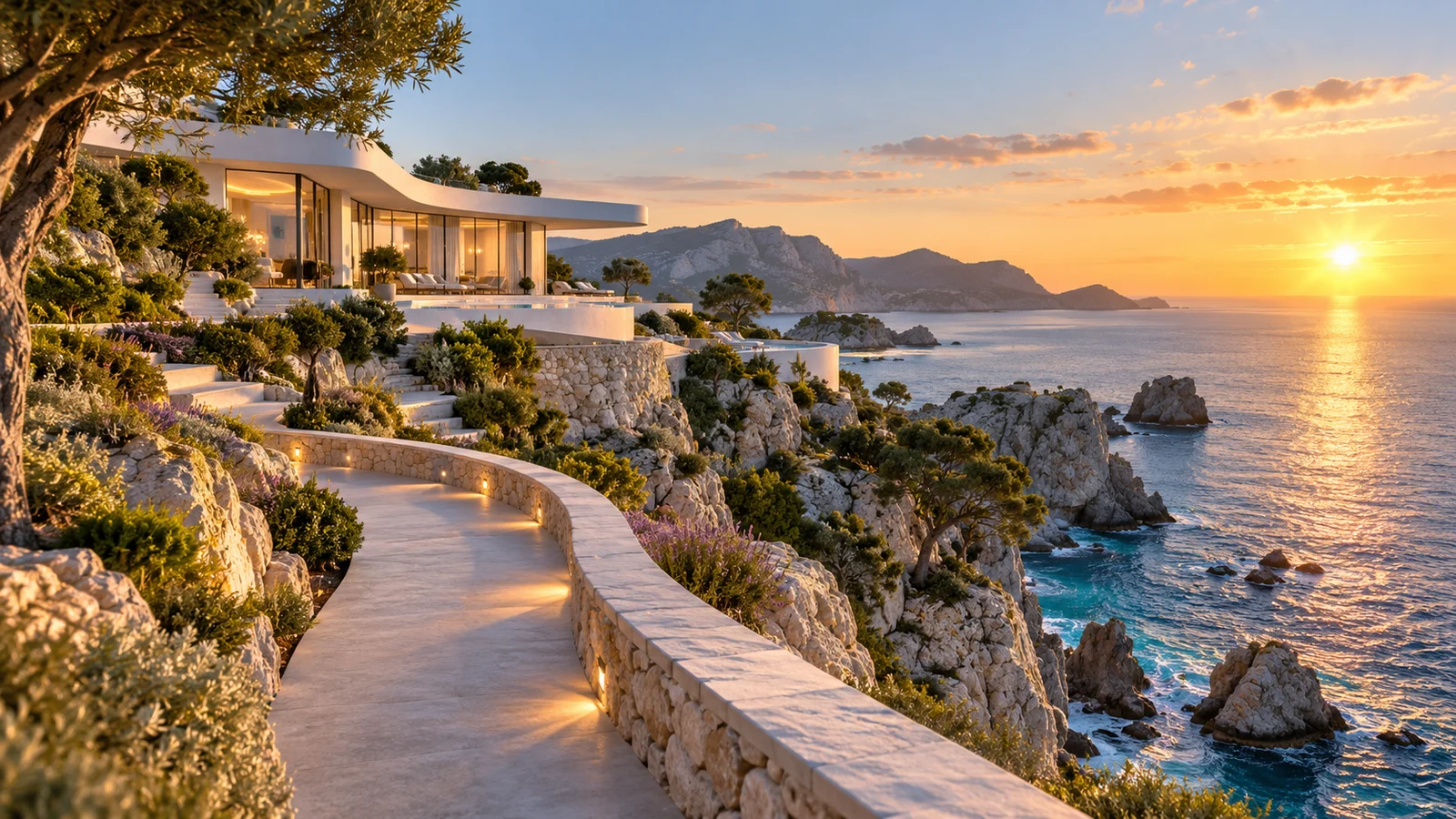
Choose an Output for a Larger Composition
Official options include 1K, 2K and 4K output, with fixes for tiling issues in certain wide compositions. Resolution and aspect ratio provide more choices for banners and environmental visuals.
Choose for the intended display area. More pixels do not guarantee correct details; review this site's available dimensions, resolution and estimated consumption.
Start creating ↗How Do 2.1, 2 and Pro Differ?
Nano Banana 2.1
Consider the successor when the updated generation, typography and iterative editing approach matters to the project.
Nano Banana 2
Confirm the actual model when you specifically need the earlier version; 2 and 2.1 are distinct names.
Nano Banana Pro
Focused on text-rich design, complex compositions and finer visual control for work centered on layout and design details.
Explore Lite for quick visual exploration, or visit the Nano Banana family overview for the broader model lineup. Check the generator for current settings and estimated credits.
Visual Projects to Explore with Nano Banana 2.1
Connect generation and editing with product concepts, text-rich design, story scenes and spatial imagery.
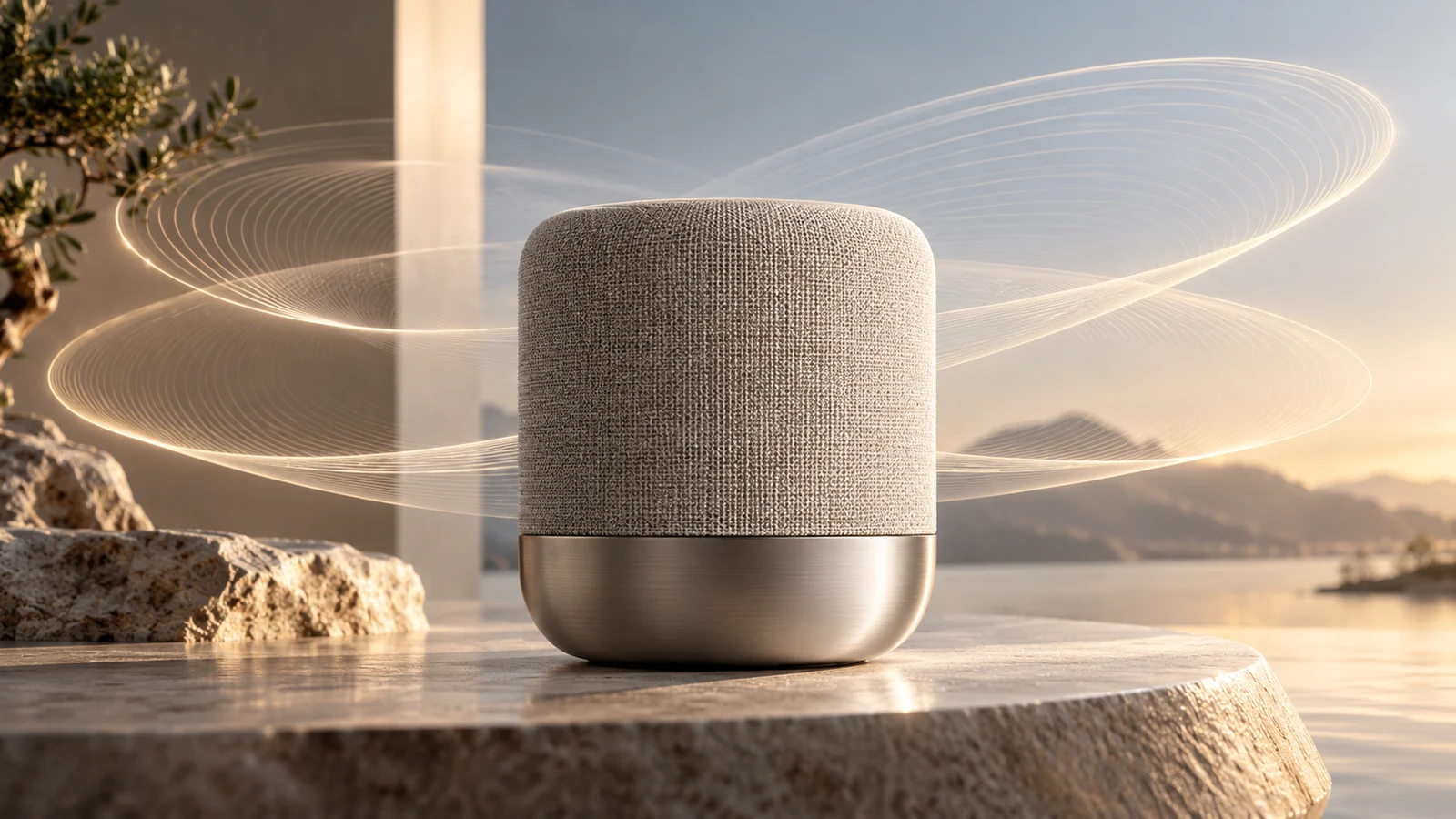
Product Concepts & Advertising Pitches
Explore appearance, settings and photographic approaches for a product idea, turning an abstract message into a visible proposal.
Compare compositions and lighting, then develop a selected direction through edits. Review actual product structure, branding and specifications separately.
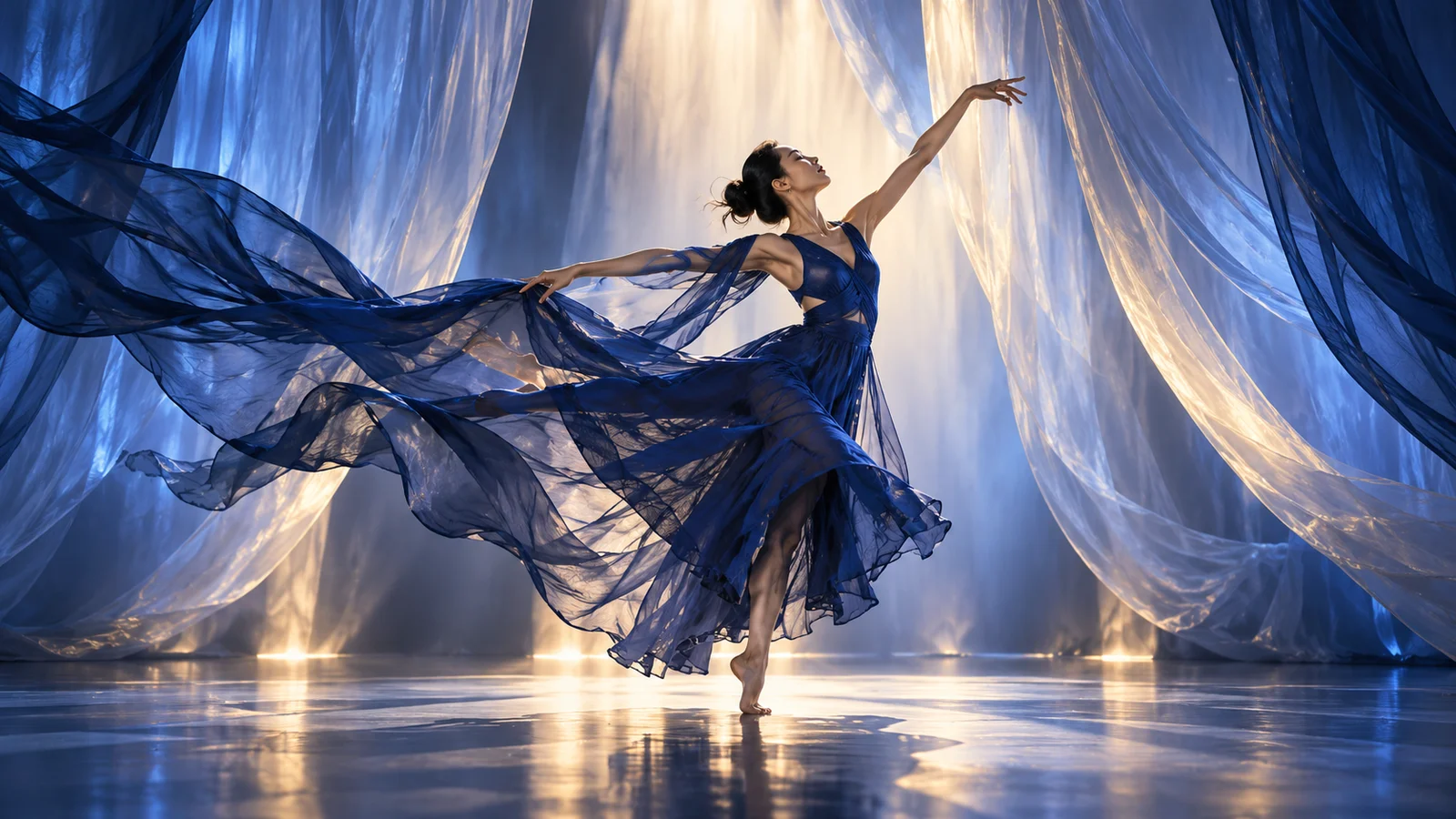
Posters & Campaign Design
Bring an event theme, short headline and central visual into one concept, exploring focus and reading hierarchy.
Develop advertising ideas, content covers and campaign proposals, then check information, brand guidelines and layout before publishing.
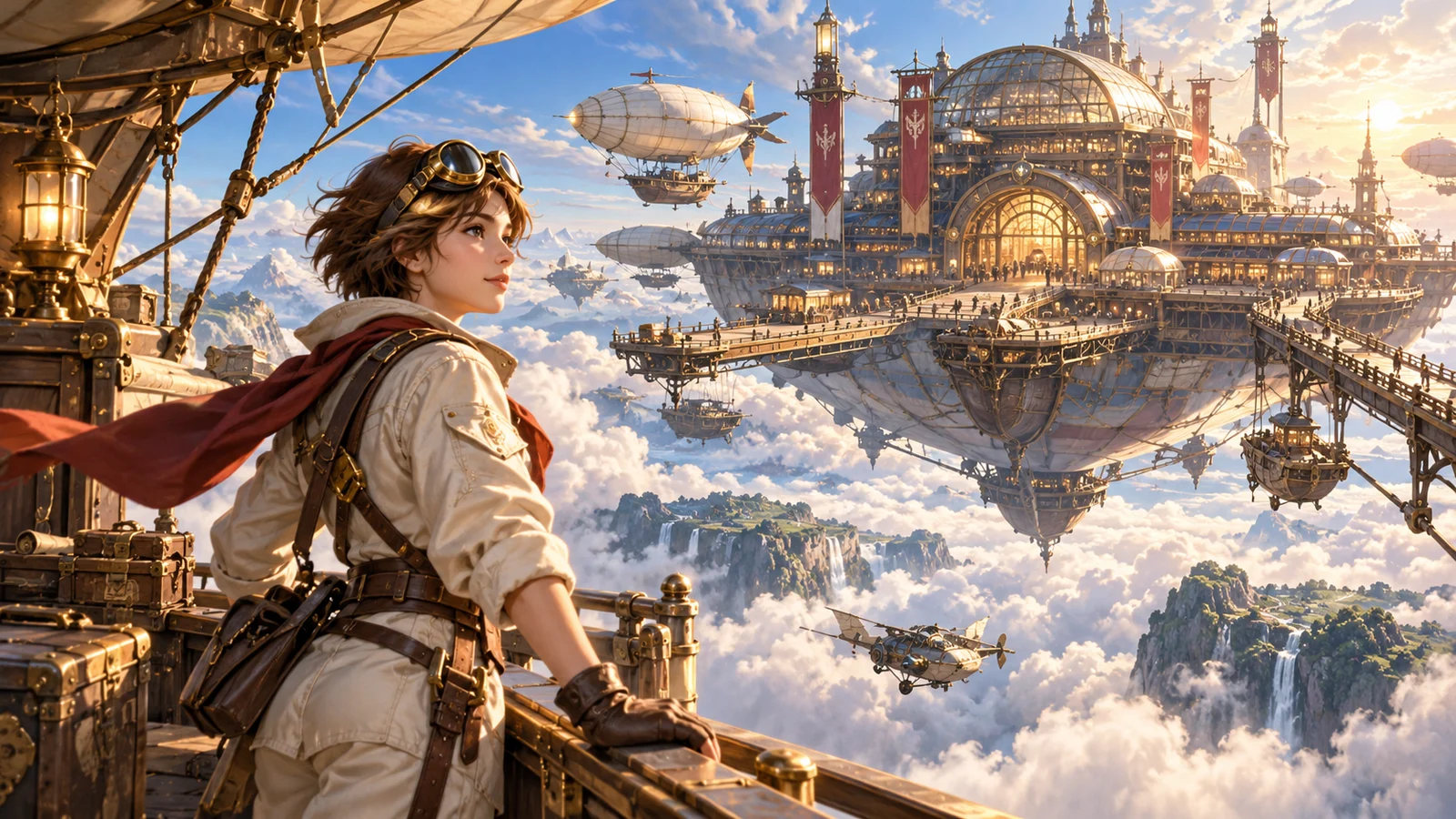
Story Scenes & Character Concepts
Explore characters, actions and settings for important story moments, helping a team discuss framing and narrative mood.
References and follow-up changes can support the process, but review character appearance across images. A generated scene is not a completed animation or video.
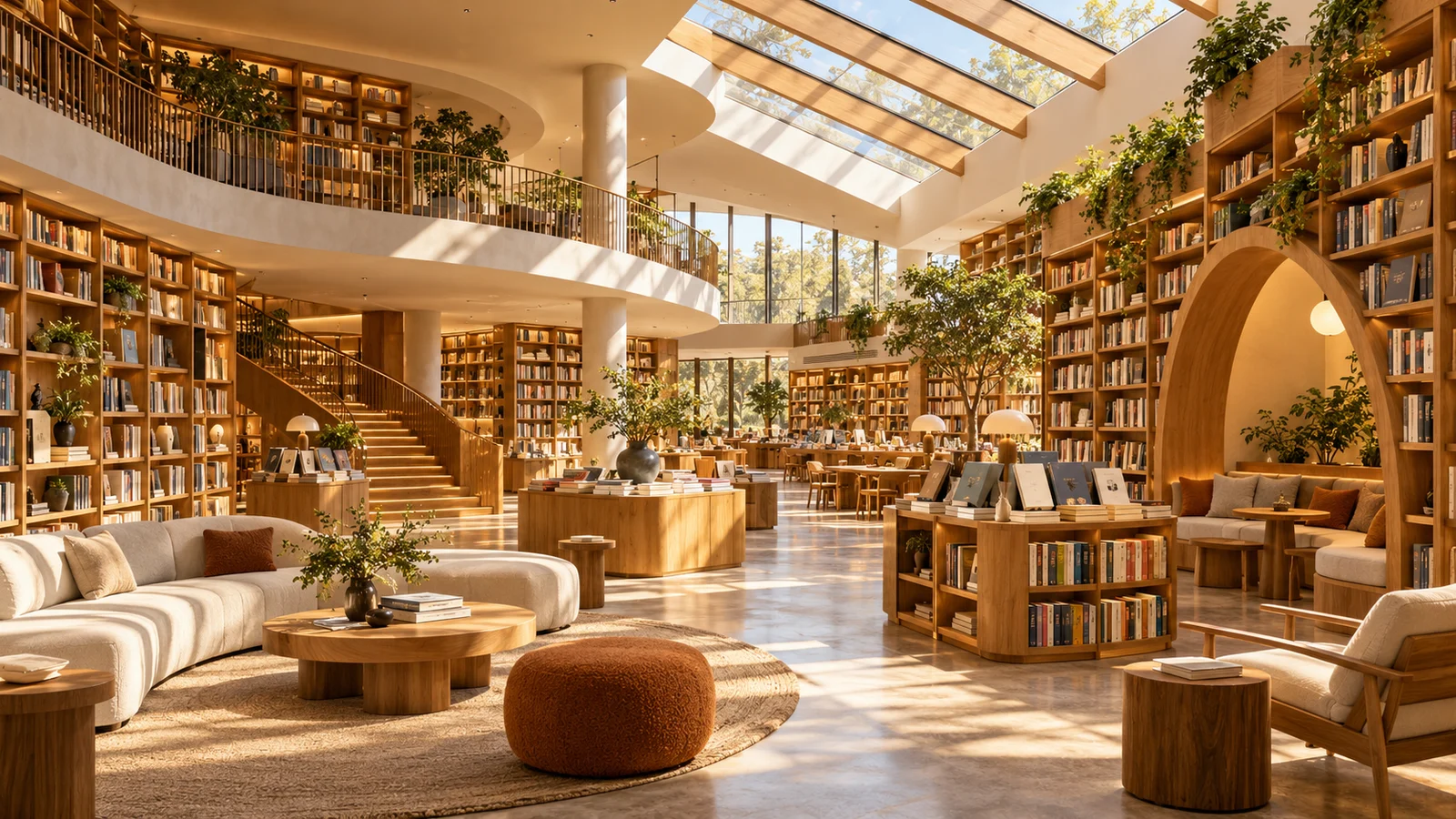
Interiors & Website Banners
Explore spatial arrangements, materials and natural light for interior concepts, environment pitches and website imagery.
Choose a composition for its display area, retaining the subject and useful negative space. Treat interior images as visual references rather than dimensionally accurate construction plans.
Create with Nano Banana 2.1
Describe a brief or add references
Include the subject, composition, text and intended changes.
Confirm the model and settings
Review the actual version, aspect ratio, resolution and estimated credits.
Generate, review and develop
Preview the result, inspect details and download it, or plan another change.
Frequently asked questions
What is Nano Banana 2.1?
It is Google's image generation and conversational editing model, succeeding Nano Banana 2.
What changed from Nano Banana 2?
Official updates focus on image quality, prompt understanding, typography and multi-turn consistency. Results still depend on the task and settings.
Can it edit an existing image?
Official capabilities include image editing and iterative changes. Supported inputs and interactions on this site depend on the current service.
Does it support 4K and wide images?
Official options include 1K, 2K, 4K and multiple aspect ratios. Confirm this site's available settings and estimated credits before submitting.
Do references guarantee identical characters?
No. References and edits can communicate the brief, but faces, hands and object structure still need review.
Is generated text always accurate?
No. Proofread headlines, numbers, names and longer copy, completing exact typography separately when necessary.
Are site credits a Google subscription?
No. This site uses its own credits and plans. Check estimates in the generator and actual usage in task records.
Is this the official Nano Banana 2.1 website?
No. bikabika AI is an independent creation platform. Nano Banana is developed by Google.
Start Creating Images with Nano Banana 2.1
Bring an idea, references or an image to change. Confirm the current model and settings, then keep developing your visual project.