
Nano Banana AI Image Generation & Editing
Nano Banana is Google's Gemini-based family of image generation and editing models. Start with a description or reference image to explore photography, illustration, product visuals and text-rich designs, with models offering different approaches to efficiency, quality and creative control.
Use the Nano Banana models currently offered on this site below. Available features, settings and credits are shown in the generator.
Choose a model, enter a prompt and adjust the settings to generate, preview and refine images on this page.
Open full workspaceEstimated cost—pts

Generate Images, Edit Photos and Develop Visual Designs
From describing a new scene to refining existing material, explore the family's main capabilities in generation, reference-guided creation, text and output selection.

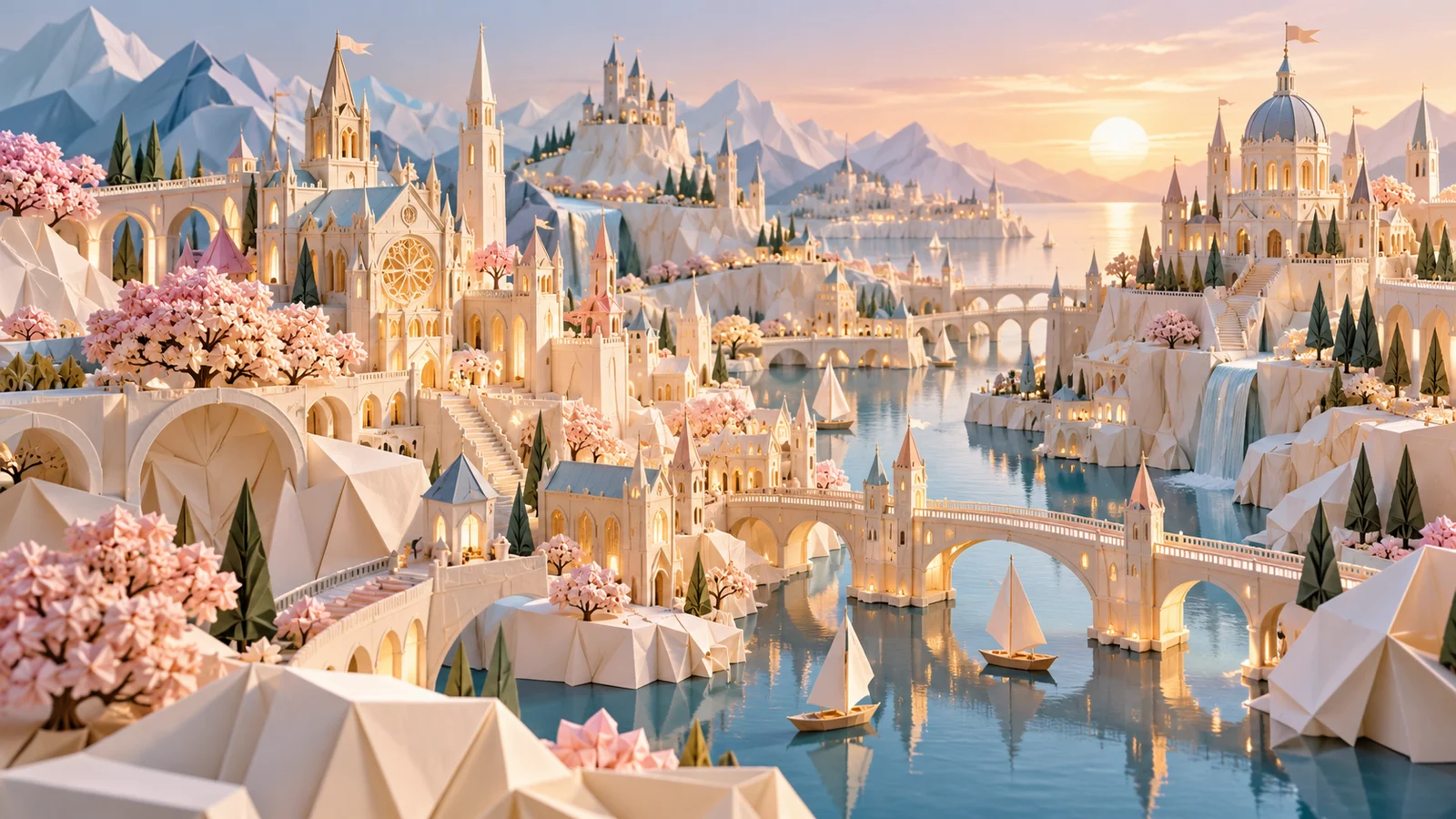
Turn a Description into an Image
Describe the subject, setting, light and composition to explore photographic, illustrative or imaginative approaches. A product, a space or an invented scene can become the starting point.
Compare directions for the same brief and select a result to develop further. Judge the details against the image's intended use.
Start creating ↗
Keep Developing an Existing Image
Image editing offers a way to work from existing material, whether changing a background, exploring lighting or adjusting content within a scene.
Choose the model to suit the task. Lite prioritizes fast exploration rather than complex sequential edits. Check that important elements remain accurate after each change.
Start creating ↗
Bring Reference Material into a Scene
References make a visual brief more concrete, helping a product, person or accessory participate in a new setting.
Reference support varies by model and service. Review faces, object structure and brand details instead of assuming that every result preserves them exactly.
Start creating ↗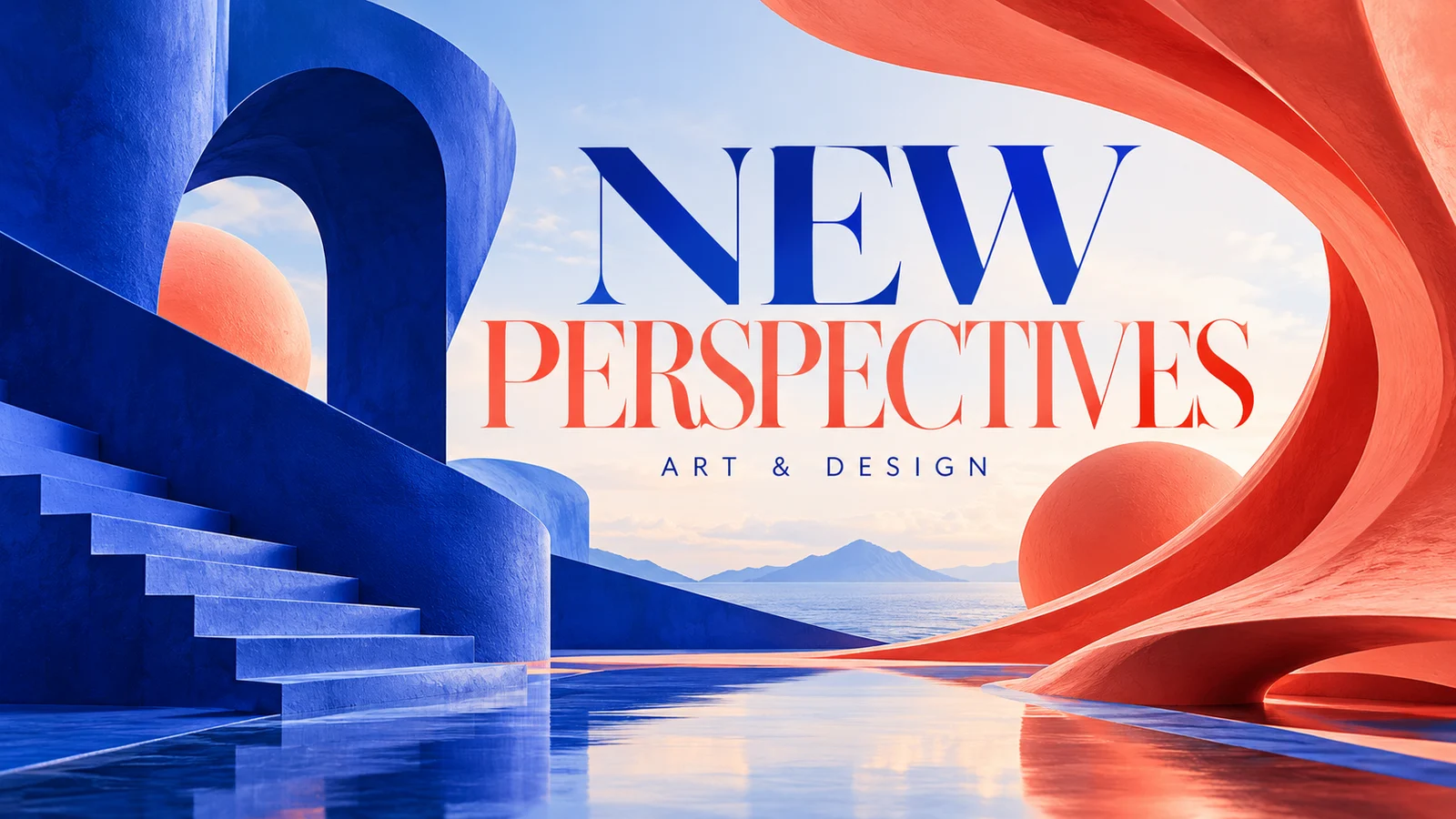
Combine Text with Visual Design
Posters, menus and infographics need both images and a readable hierarchy. Supported models can explore the relationship between a headline, visual theme and supporting content.
Begin with concise, accurate copy, then consider its position in the design. Check spelling, numbers and layout before publication, finishing exact typography in a design tool when needed.
Start creating ↗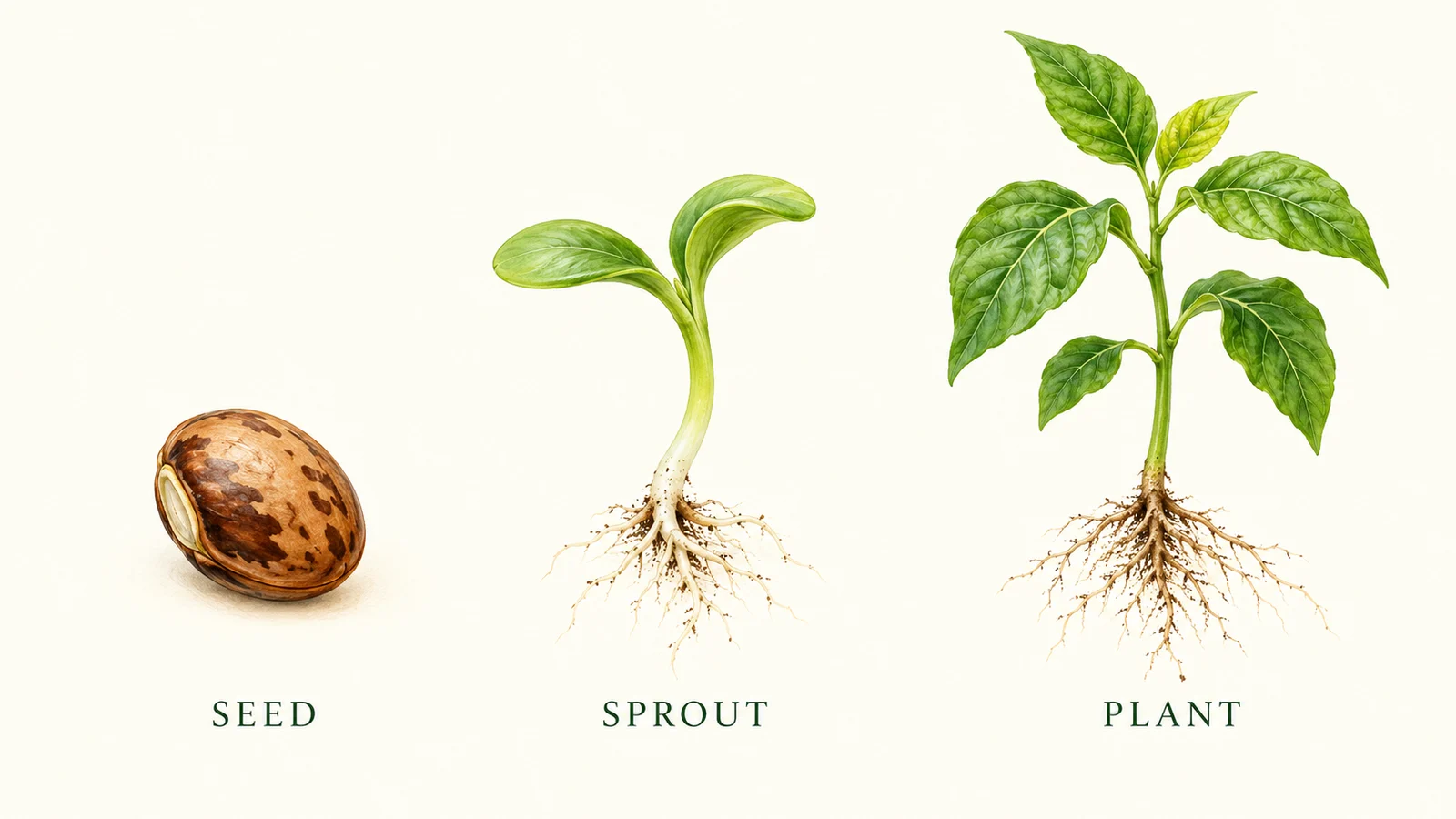
Explain Ideas with Images
Explore visual ways to present concepts, instructions and product information for presentations, educational content and communication materials.
Officially supported models and tools can also incorporate search information. Search does not guarantee accuracy or mean that this site's generator enables the same tool; review facts and labels yourself.
Start creating ↗
Choose an Output for the Project
Social images, web assets and higher-resolution designs need different output choices. Consider aspect ratio, resolution and task complexity alongside the model.
Official 2.1, 2 and Pro models offer high-resolution options, while Lite focuses on 1K creation. 4K is not exclusive to Pro and does not guarantee correct details. Check this site's current options.
Start creating ↗Nano Banana 2.1, 2, 2 Lite or Pro?
The family includes both version updates and different creative priorities. Decide whether everyday generation, quick drafts or complex design control matters most for the task.
Nano Banana 2.1
An official update to Nano Banana 2 for efficient image generation and conversational editing, with improvements to visual quality, text and iterative creation.
Explore Nano Banana 2.1 ↗Nano Banana 2
Gemini 3.1 Flash Image balances generation, editing and higher-resolution output. Confirm the model when this specific version matters.
Explore Nano Banana 2 ↗Nano Banana 2 Lite
Gemini 3.1 Flash-Lite Image prioritizes speed and cost-sensitive exploration. Official output is 1K, and complex sequential editing is not its focus.
Explore Nano Banana 2 Lite ↗Nano Banana Pro
Gemini 3 Pro Image focuses on demanding visual tasks, design control and professional asset creation. It is not automatically the right choice for every brief.
Explore Nano Banana Pro ↗Original Nano Banana
Gemini 2.5 Flash Image is an earlier model in the Nano Banana family. Confirm the specific model rather than assuming that features of later versions are available in the original.
Official capabilities explain model positioning. This site's actual options are shown in the generator. Google subscriptions and API prices are separate from site plans.
What Can You Create with Nano Banana?
Connect image generation and editing with product displays, brand communication, portraits and educational visuals.
Ecommerce & Product Imagery
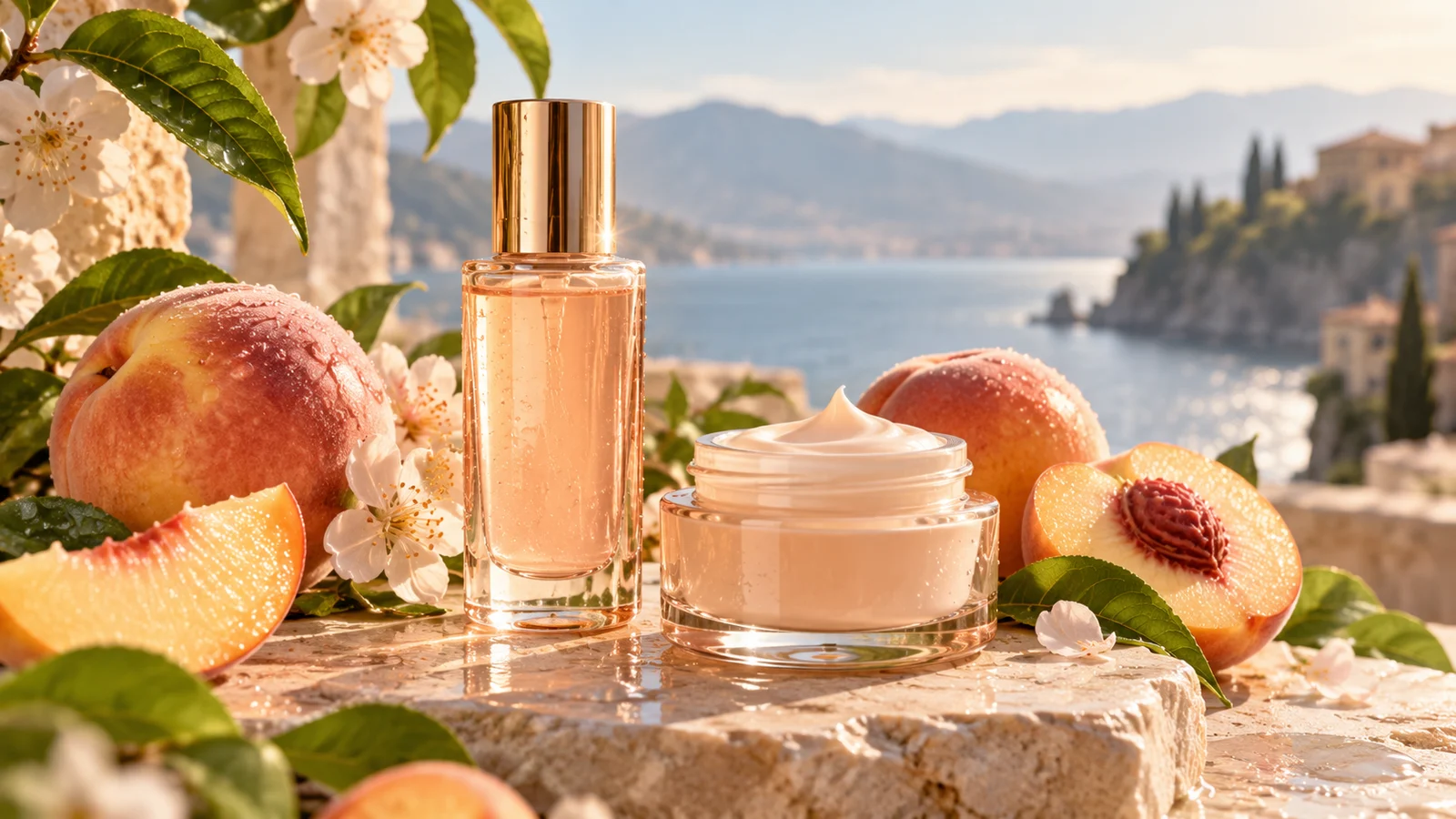
Explore backgrounds, lighting and compositions for product concepts, listing imagery and content ideas.
Use references to develop a product scene when appropriate. Verify shapes, colors, logos and specifications before publication; an imaginative image should not replace accurate product information.
Advertising & Social Content
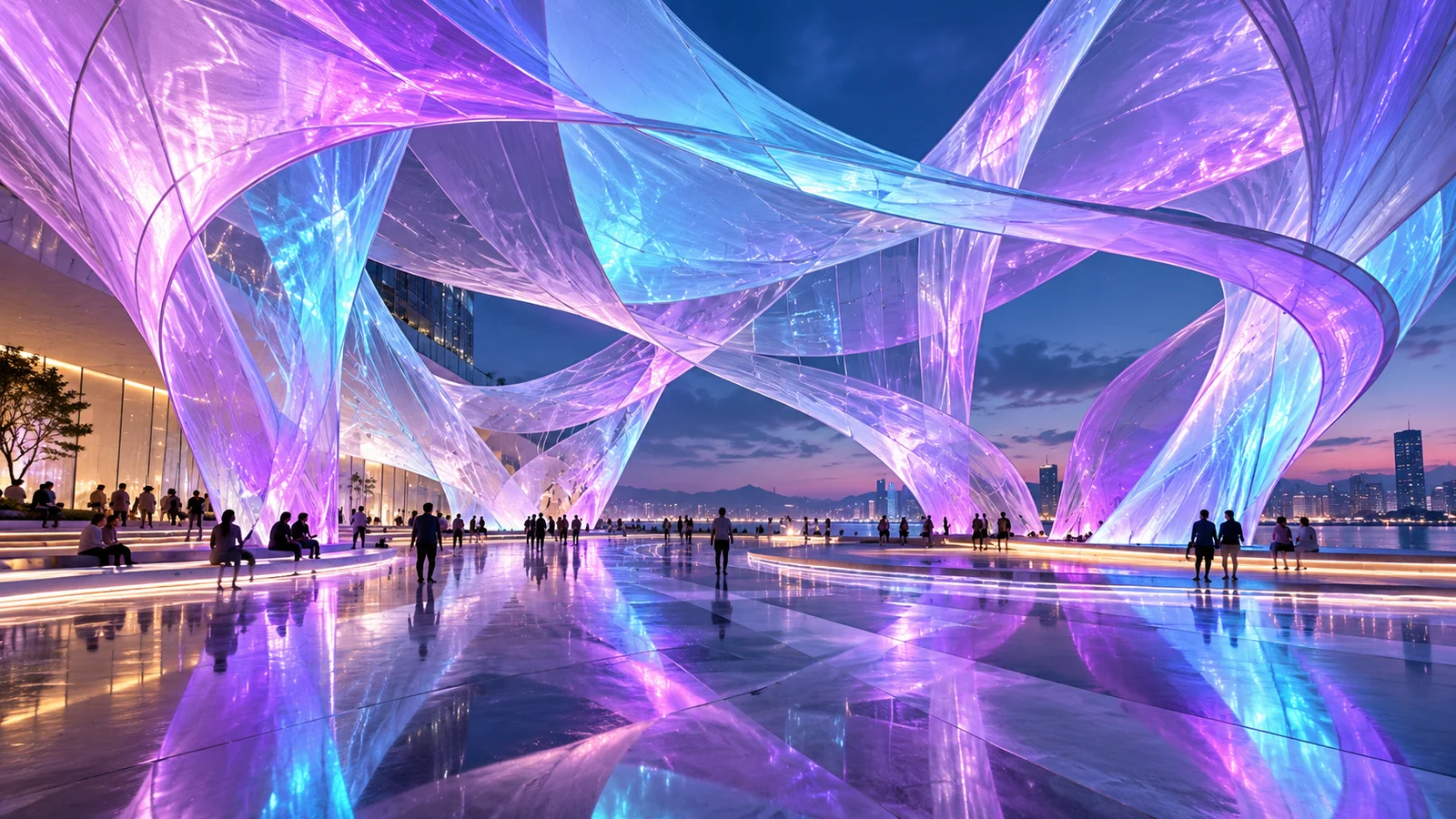
Develop visual directions for a campaign, product or editorial theme, bringing images and text together to communicate the main idea.
Compare concepts, colors and layouts, then complete the work with brand guidelines, accurate copy and the intended publishing dimensions.

Portraits & Lifestyle Visuals
Explore styling, settings and light for fashion portraits, lifestyle images and content covers, informing a photographic or visual brief.
When using a person's reference, review facial features, hands and clothing. Consistency is a result to assess, rather than a guarantee across every generation.
Infographics & Educational Images
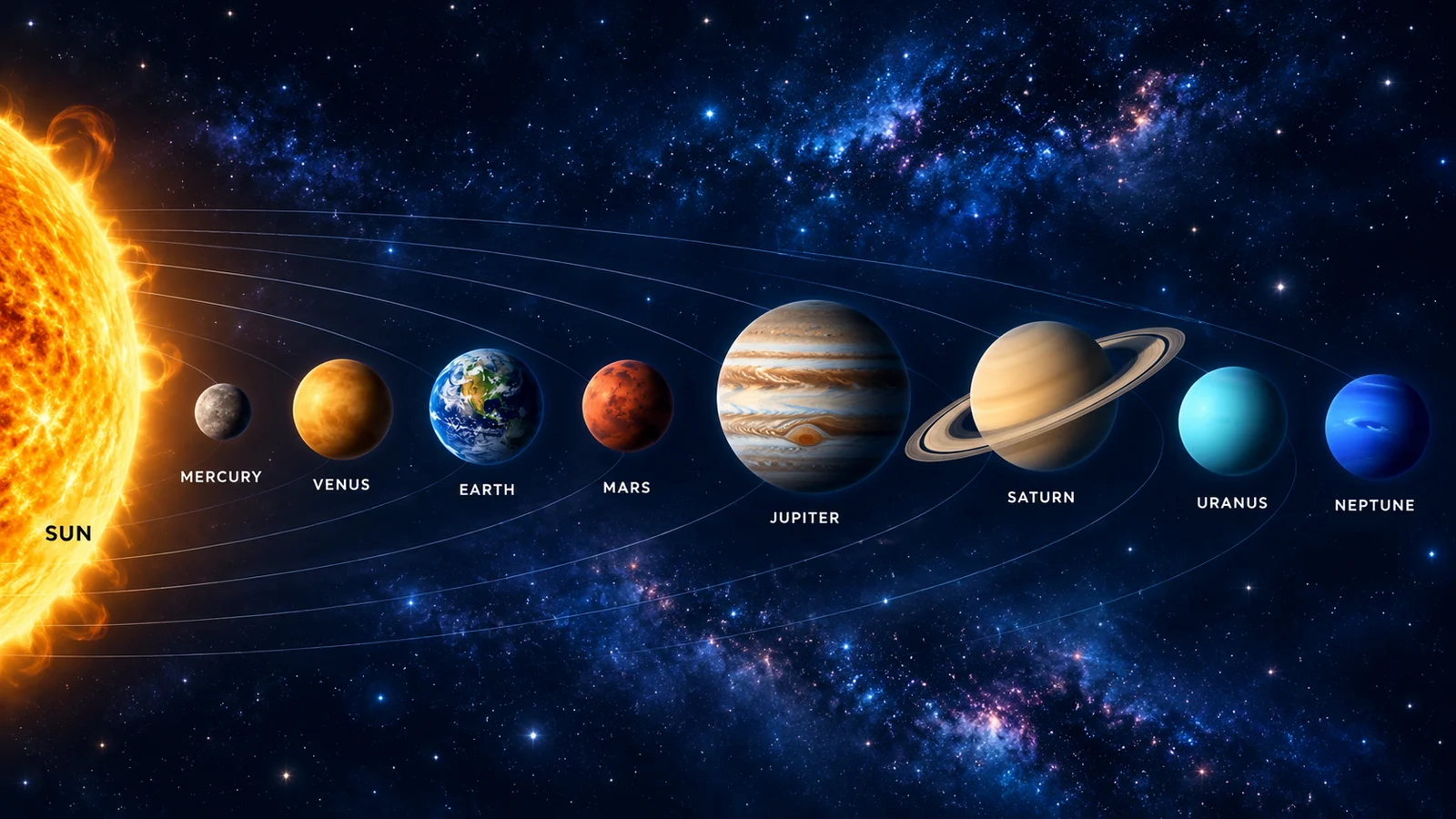
Explore graphics, concise labels and visual hierarchy for explanations, process guides and presentations.
Organize accurate information first and review the generated text and structure. Prioritize clarity over decoration, and verify facts and numbers independently.
Create with Nano Banana
Describe an image or add a reference
Explain the subject, intended use and changes you want, adding material through supported inputs.
Choose the model and settings
Review available models, aspect ratio, resolution and estimated credits.
Generate and review
Preview the image, inspect details and download it, or explore another direction.
Frequently asked questions
What is Nano Banana?
It is Google's Gemini-based family of image generation and editing models, with different creative priorities.
Can Nano Banana edit an existing image?
Supported models offer image-based editing and reference-guided creation. Editing methods and multi-turn support depend on the model and service.
How do 2.1, 2, Lite and Pro differ?
2.1 updates 2; 2 balances generation and editing; Lite prioritizes efficiency; Pro focuses on demanding visual control. Choose for the actual task.
Does every model support 4K?
No. Official 2.1, 2 and Pro models offer high-resolution options, while Lite supports 1K. Check this site's current generator for available output settings.
Do references guarantee identical people or products?
No. They help communicate a subject, but faces, structure, colors and branding still need review.
Will Chinese and English text always be accurate?
No. Proofread headlines, numbers, names and longer copy, and finish precise typography in a design tool when necessary.
How is this site billed?
bikabika AI uses its own credits and plans. Estimated consumption depends on the model and settings; review it before submission and check task records. This is separate from a Google subscription.
Is this the official Nano Banana website?
No. bikabika AI is an independent AI creation platform. Nano Banana is developed by Google.
Start Creating Images with Nano Banana
Begin with a description or reference, choose an available model for the task and explore your next image.