
Midjourney vs GPT Image 2 vs Nano Banana: A Task-Based Comparison Guide
Compare Midjourney, GPT Image 2 and available Nano Banana variants on one task. Use three test prompts and a scorecard for composition, text, reference fidelity and actual credits.
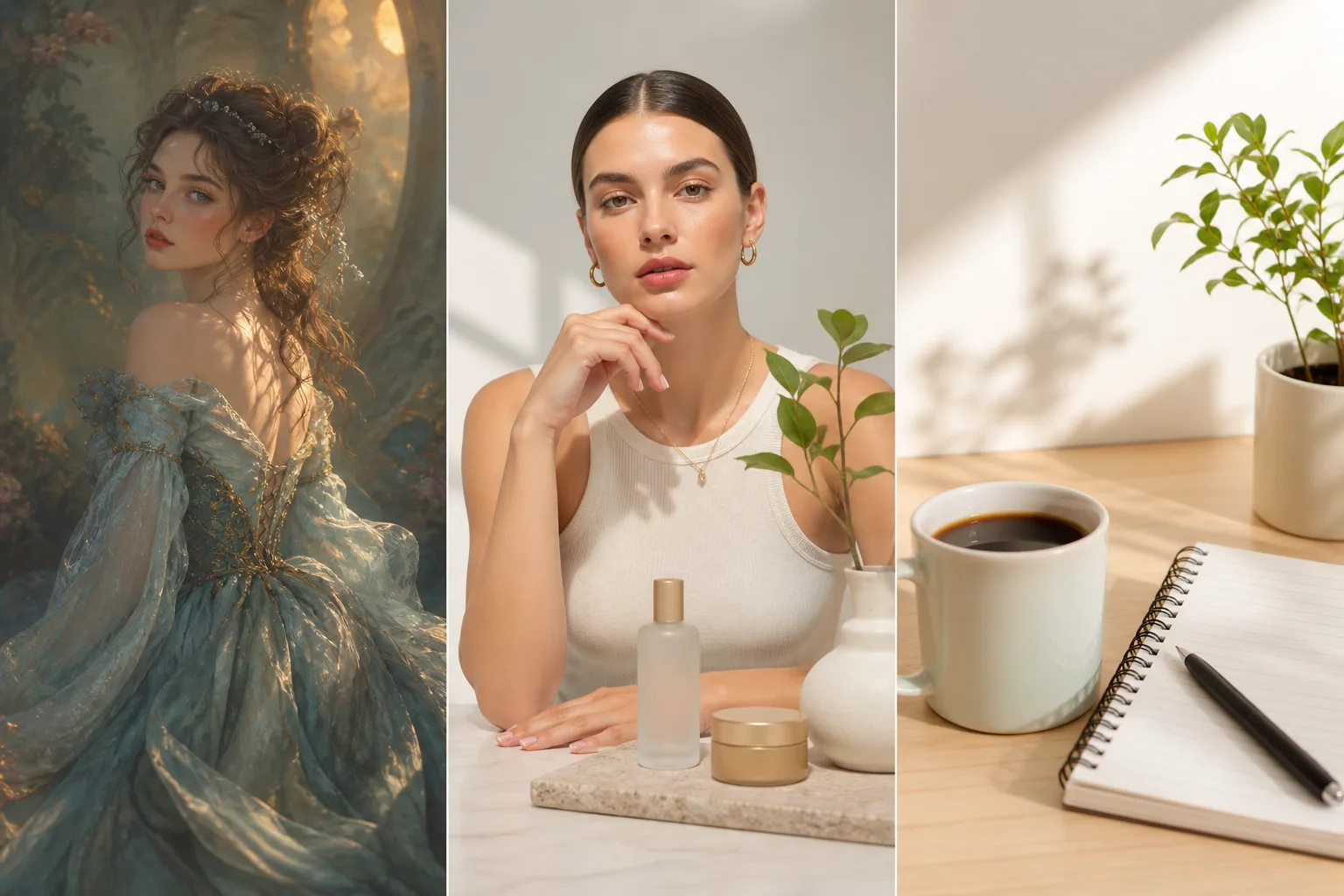
Start an image-model comparison with a specific question: where will the image be used, which conditions must it meet, and how many credits are you willing to spend? A model can produce an attractive image without completing your task.
This guide offers a method for comparing Midjourney, GPT Image 2 and available Nano Banana variants, with test prompts and a scorecard. It is not a ranking based on tests performed on this site, and it promises no fixed completion time.
Write three acceptance criteria first
For a plant-market poster, you might require enough headline space, a composition that works in portrait format, and an accurately spelled event name. Treat preferred colors as a separate preference so they do not override requirements.
Identify the version and mode being compared
| Entry | Confirm before starting | A useful task to inspect |
|---|---|---|
| Midjourney | The site uses a general catalog name; the page path alone does not establish the backend version. Review the displayed modes and settings. | Subject placement, lighting and mood in one scene. |
| GPT Image 2 | Confirm that 2, rather than 2.5, is selected. Current site quality is auto; do not look for medium/high from an older guide. | Spatial relationships, short text and reference-guided changes. |
| Nano Banana variants | The original entry has been retired. Record the full selected variant name rather than combining versions into one result. | Composition, reference details and actual credits under the same acceptance criteria. |
These are testing starting points, not claims of a winner. Review the site pages for Midjourney, GPT Image 2 and Nano Banana. If considering GPT Image 2.5, record it as a separate candidate.
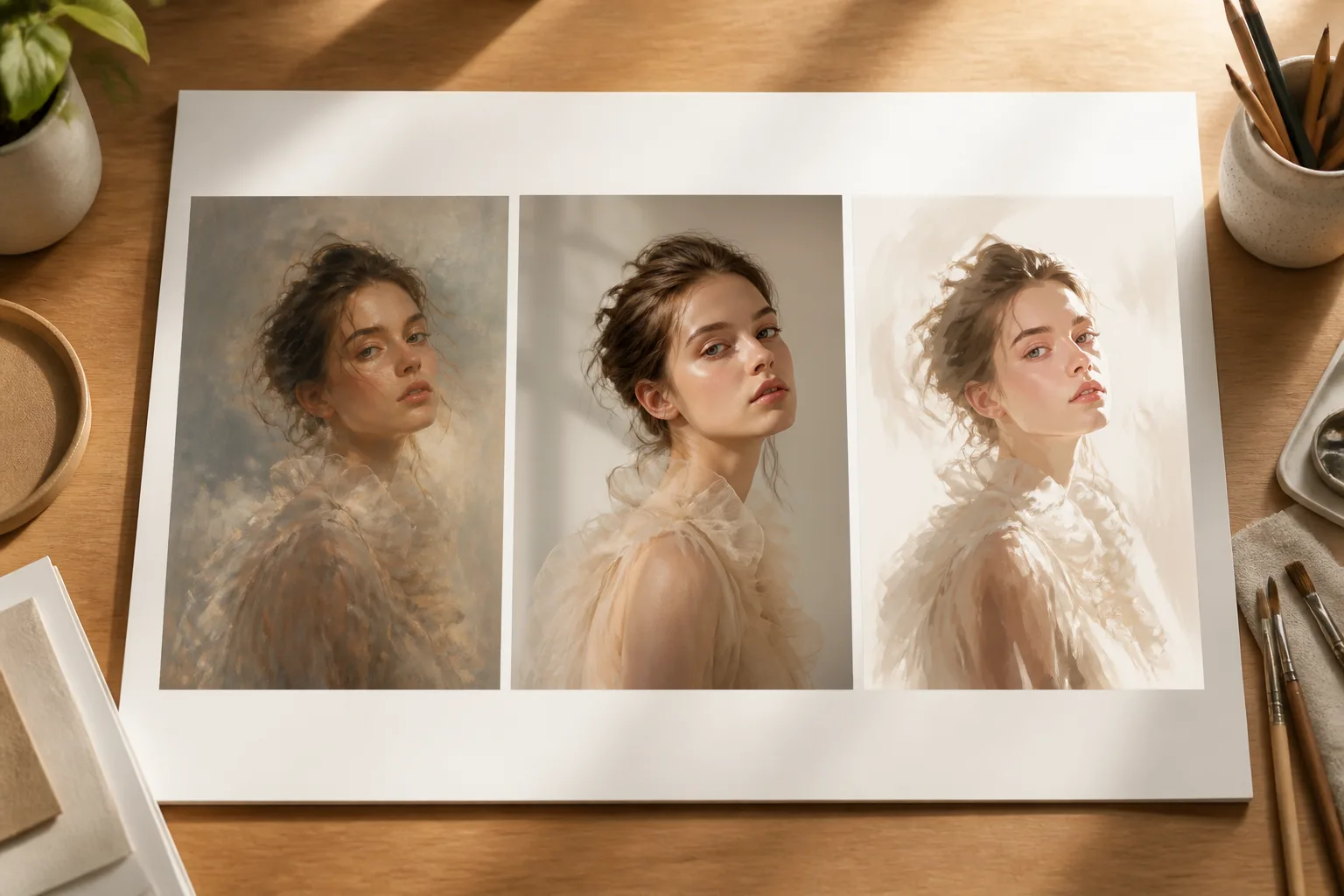
Selection illustration, not a controlled model test with matching prompts and settings.
Keep the brief consistent and explain differences
Keep the intended use, subject, aspect ratio and acceptance criteria consistent, and record the settings actually used. Where models lack matching parameters, use supported options and note the difference rather than claiming identical conditions. Official commands do not automatically correspond to site fields.
Give each candidate the same attempt allowance or credit budget. One result describes one task; it cannot establish that a model is always faster, cheaper or more reliable.
Three prompts to try
Composition test
A landscape-format background for a travel magazine, a small coastal town at dawn, a backpacker on the left, clean sky on the right for a headline added later, warm sunlight, soft blue-gray palette, no text.
Check the backpacker’s placement, the negative space on the right and whether cropping keeps the subject intact.
Short-text test
A square poster draft for a fictional plant market, pale beige background, three potted plants below, only the headline “Plant Weekend” above in clear dark green lettering, no other text or logos.
Check every letter, unwanted characters and overlaps. Add precise dates, prices and branding during editing when needed.
Reference-change test
Retain the subject’s approximate shape and main colors from the reference, change the background to a clean light-gray studio with soft side lighting, remove background clutter, and add no text or logos.
Check the defining shape, the changed background and any added or missing details. Upload only images you have permission to use and follow the current mode’s input requirements.
Record results, not just attractive images
| Full candidate name | Mode, ratio and settings | Requirements passed | Changes still needed | Actual credits | Observed wait |
|---|---|---|---|---|---|
| Candidate A | Record displayed settings | Passed / total | Specific issue | Check task record | Record this attempt |
| Candidate B | Record displayed settings | Passed / total | Specific issue | Check task record | Record this attempt |
| Candidate C | Record displayed settings | Passed / total | Specific issue | Check task record | Record this attempt |
Filter for requirements before comparing preferences. If an image needs substantial correction, the price of one generation alone does not establish value: include discarded attempts and rework in your project cost. Mark failed or pending tasks separately instead of treating them as poor-quality output samples.
Choose a direction and make one purposeful change
Pick an image that meets the requirements and change only the lighting, background or crop. Check whether the original requirements still hold. This helps you decide whether the direction is worth developing instead of judging everything from a first image.
If the desired version is absent or a task fails, review its record and status before retrying. Avoid repeated submissions. Leave untested variants blank rather than changing the brief just to include three brands.
Common questions
Which model is best? There is no task-independent answer established here. Define requirements, record the complete model name and settings, and compare actual results.
Is Nano Banana Lite always cheaper and faster? This guide makes no such guarantee. Review current estimates, actual charges and observed task behavior rather than inferring price or latency from a family name.
Can I compare them on this site? Select available entries in the workspace, generate sequentially and compare results yourself. This guide does not promise automatic synchronized testing or permanent availability of every version.
Is correct text enough to publish? Also inspect people, products, input rights and other publication requirements. Check applicable terms for commercial use rather than treating correct spelling as clearance.
What to do next
Choose one real task and write three acceptance criteria. Open the image workspace, select available candidates and review estimated credits before submitting. Record passed requirements and changes still needed afterward.
Continue with the GPT Image 2 prompt guide for prompt structure, or the AI image-model selection guide for a broader framework.