
How to Choose an AI Image Model: Purpose, Constraints and Budget
Define the purpose, requirements and credit budget before shortlisting available AI image models. Use a brief template, entry guide and publication checklist to decide when comparison is useful.
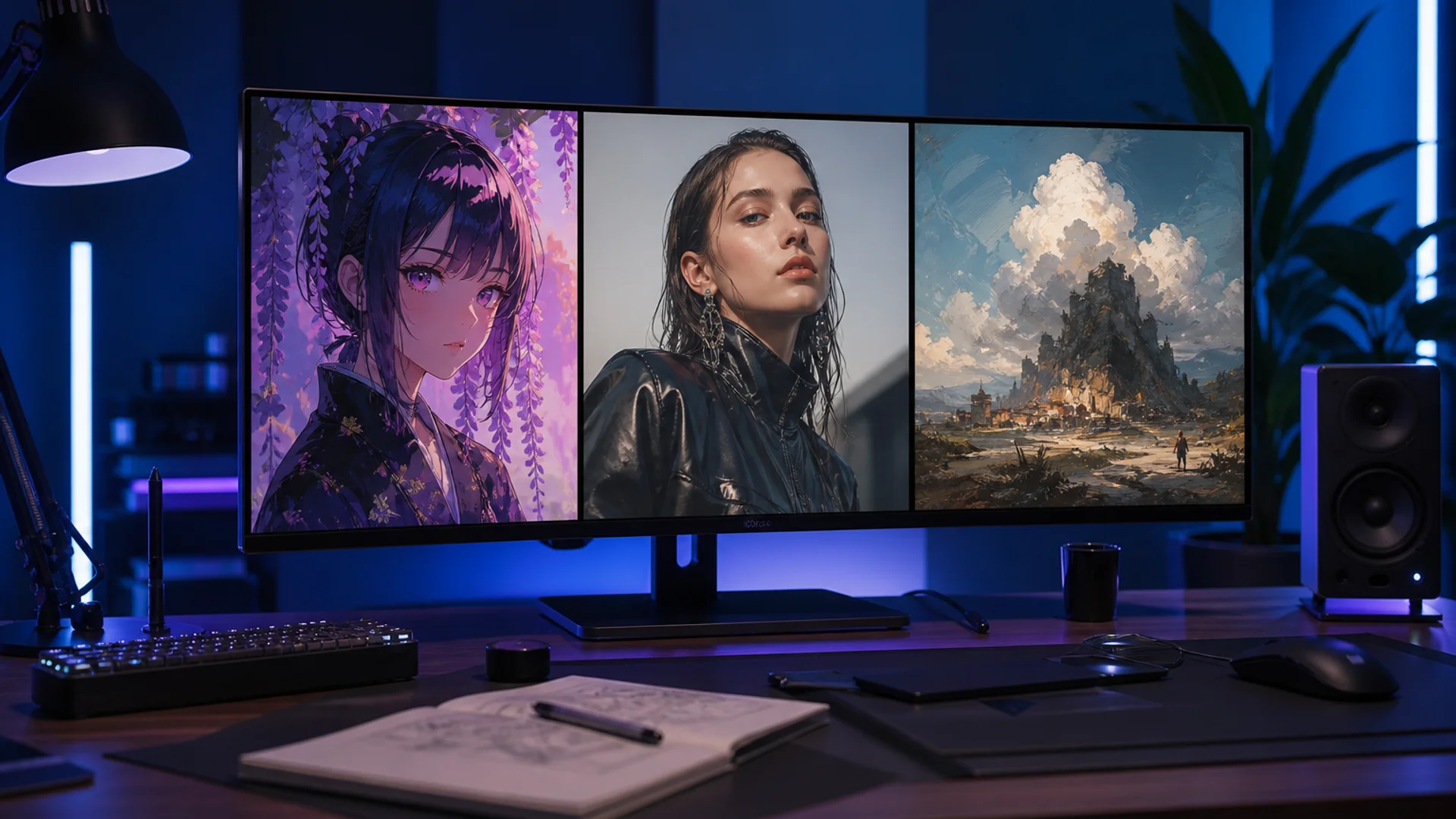
Do not start an AI image-model choice with a leaderboard. Define the image’s purpose, requirements and budget first. Sometimes one available model is enough; a multi-model workflow is not a reason to generate more images.
This guide helps you shortlist candidates rather than offering an unmeasured ranking. When you already have two or three candidates, use the task-based comparison guide to plan a test.
Write a brief
| Item | Question | Example |
|---|---|---|
| Purpose | Where will the image appear? | A portrait-format social cover for a coffee event |
| Requirements | What would make it unusable? | Headline space above, a complete cup, no incorrect logos |
| References | Which images can you use? | A product photo you have permission to upload |
| Output | What format and editing are needed? | Portrait format, with date and venue added later |
| Budget and time | What is the limit and stopping point? | Set a credit allowance and stop expanding once a usable candidate exists |
Separate requirements from preferences. Brand colors might be required while a lighting style is optional. An attractive image is not useful if it cannot be cropped or contains incorrect information.

Illustrative visual directions, not measured comparisons of model quality or efficiency.
Choose the task entry before the model name
Start general scenes, poster backgrounds and product visuals in the image workspace. For portraits, characters or anime, you can first read the headshot, character or anime page to understand controls and limits. A specialized entry provides task guidance, not an automatic guarantee of identity preservation, official ID-photo compliance or commercial clearance.
For an existing image, confirm that the selected variant offers image-to-image or reference input and review upload requirements. Remove candidates without a suitable input mode rather than choosing a name for its popularity.
Apply three filters
- Capability fit: Can the current mode, aspect ratio and inputs express the brief? Official capabilities and site controls may differ; check the interface.
- Acceptable budget: Review estimated credits and include drafts and rework in the plan. Check task records for actual charges.
- Checkable results: Define text, composition, subject-detail or cropping criteria. A vague request for a premium look rarely tells you when to stop.
Review the site pages for Midjourney, GPT Image 2, GPT Image 2.5 and Nano Banana. Record the full model name; a family name does not establish equal prices, speed or capabilities across variants.
Decide when to compare and when to stop
If a result meets the requirements and only needs typography or a small crop, finish the editing before trying more models. If one requirement repeatedly fails or two candidates both fit the task, consider a comparison with a defined budget.
Keep the brief consistent and record differences in supported settings. The comparison guide supplies test prompts and a scorecard; this article does not duplicate that testing workflow.
Avoid conflicting instructions
Describe the subject, action or state, setting, lighting and composition. For references, separate retained elements from intended changes. Use a language in which you can explain the task clearly rather than mixing languages for terminology alone. Specify any short text exactly and proofread it afterward.
For example: “A portrait-format background for a fictional spring coffee event, a latte in the lower half, clean negative space above, soft window light, no text.” This defines purpose and placement, leaving the precise date and venue for editing. See the image prompt guide for more writing approaches and verify model-specific controls in the current interface.
Check four things before publishing
- Preview the real aspect ratio for cropped subjects or text.
- Inspect faces, hands, packaging, logos and any generated wording.
- Confirm input rights, applicable terms and other commercial publication requirements.
- Save useful prompts, full model names and key settings so you can reuse what worked.
Common questions
Must I use several models? No. Start with a candidate that meets input and output requirements; add models for a defined comparison purpose.
Is the lowest price the best value? Not necessarily. Consider actual charges, discarded attempts, rework and usable results rather than inferring cost from a brand or family name.
Can I judge quality from model-page images? Illustrations can explain creative directions, but they do not replace testing your task or guarantee a fixed result.
What next?
Complete the brief, open the image workspace and review available variants and estimated credits. Check and edit a suitable result before deciding whether more candidates are needed.