
Midjourney V8.2, for Images That Can Keep Evolving
Midjourney V8.2 is an image generation model focused on aesthetics, image quality and Personalization. Alongside image creation and style exploration, the Edit Model in public testing brings references, instruction-based changes and canvas development into another stage of the creative process.
This page describes official V8.2 capabilities. The generator below provides this site's Midjourney family service and does not confirm access to V8.2.
Choose a model, enter a prompt and adjust the settings to generate, preview and refine images on this page.
Open full workspaceEstimated cost—pts
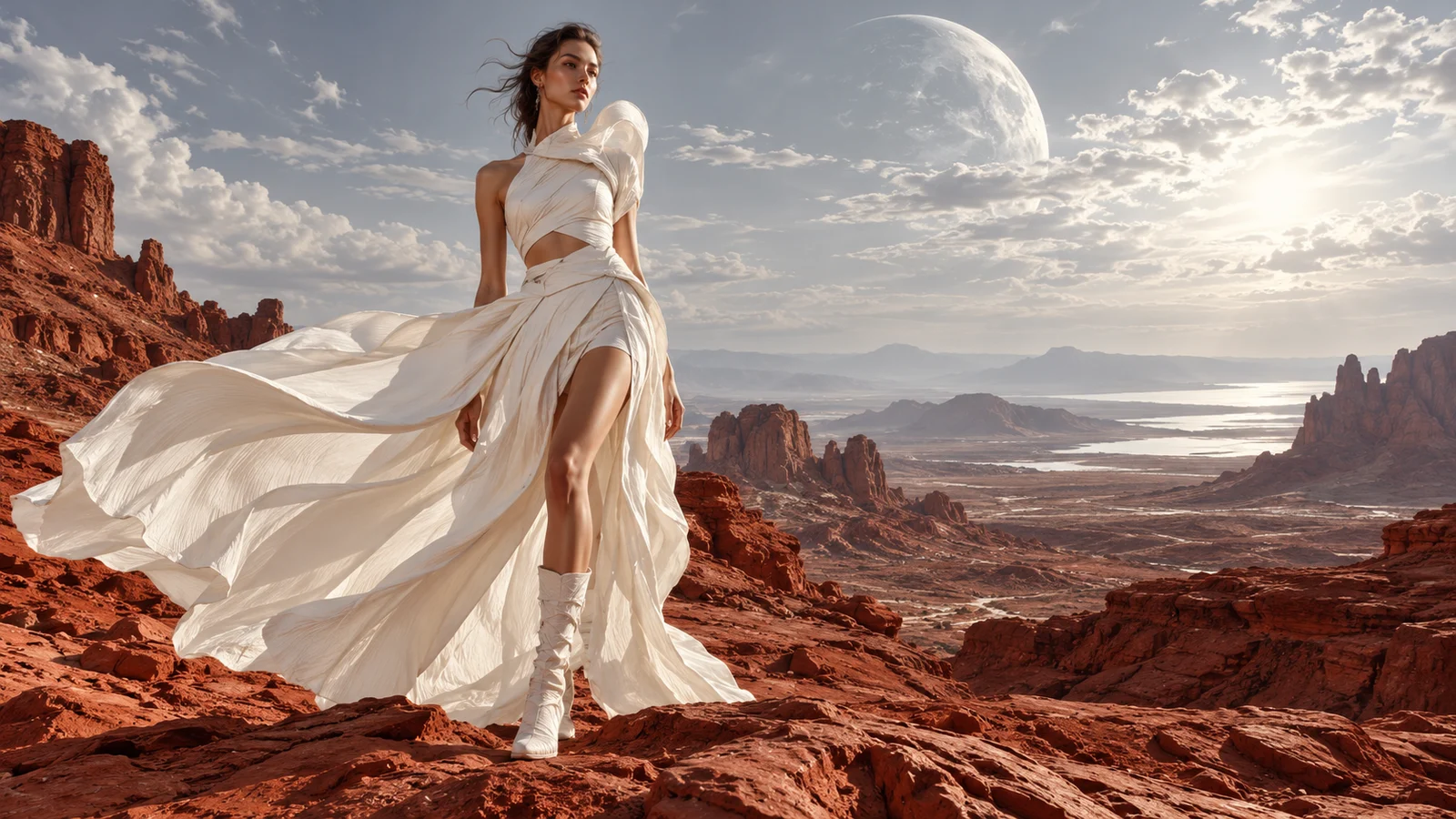
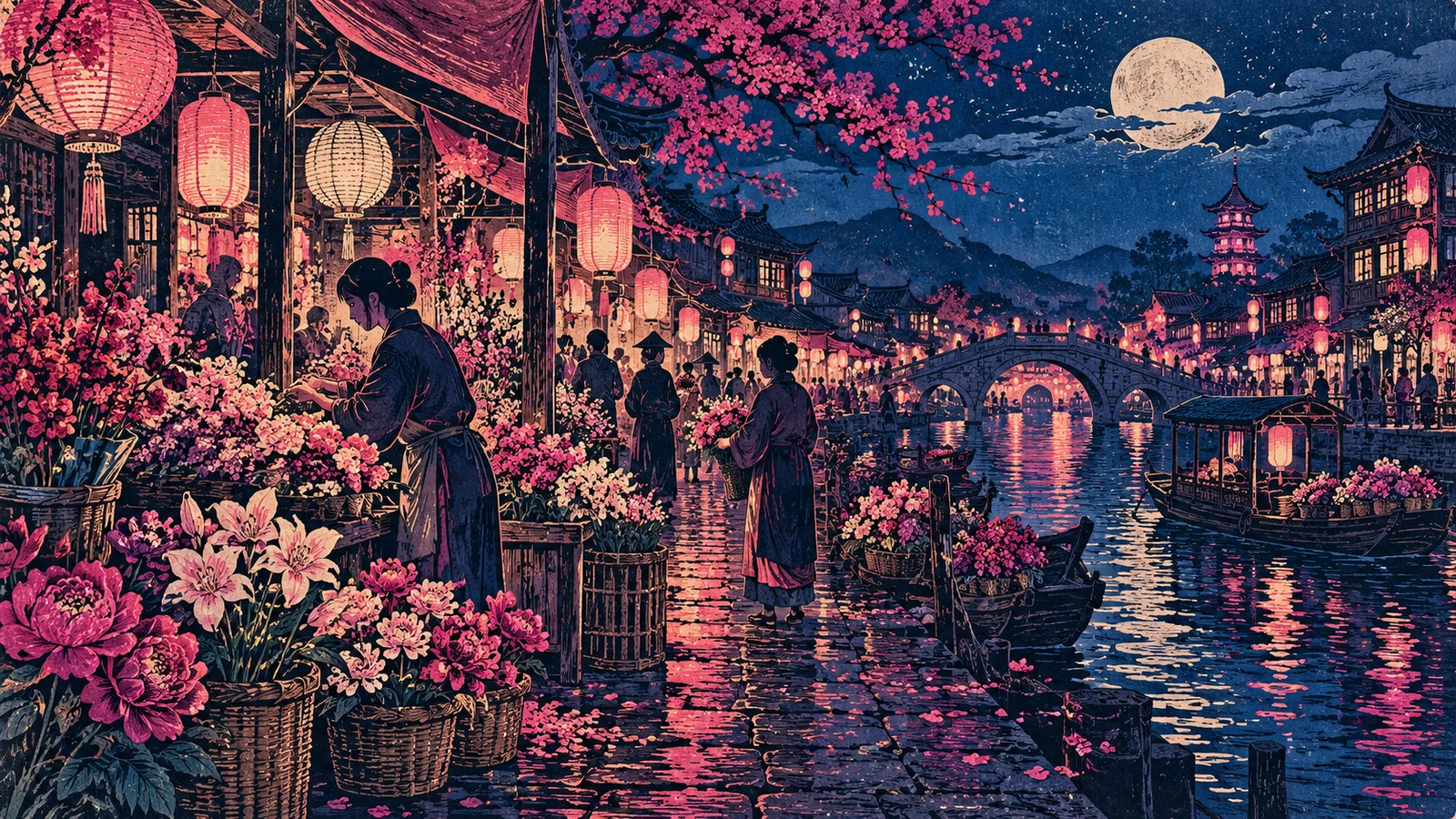
From expressive images to ideas worth developing
V8.2 is about more than producing a new image. Its focus on aesthetic choices and a new editing direction gives creators another way to consider a work's character and where it could go next.
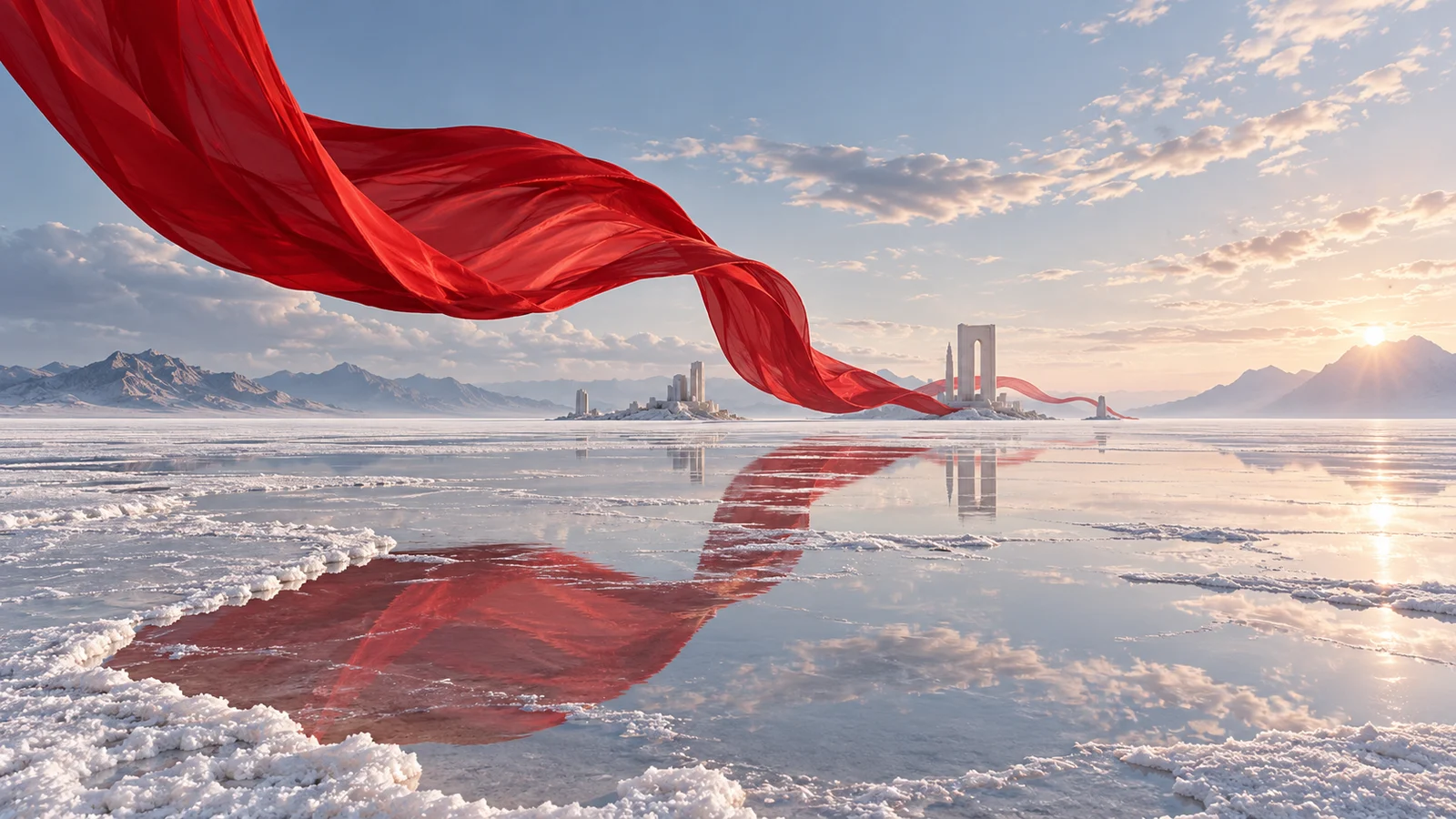
Explore a more expressive visual direction
The official V8.2 update focuses on image aesthetics and quality, emphasizing bolder, more refined expression. For a creator, the opportunity is to explore the visual tension in a work, rather than simply changing a subject's backdrop.
Color relationships, the balance of a subject and negative space, and the meeting of light and materials can each become the image's organizing idea. Develop that expression before taking it into a fashion concept or surreal composition.
Start creating with Midjourney ↗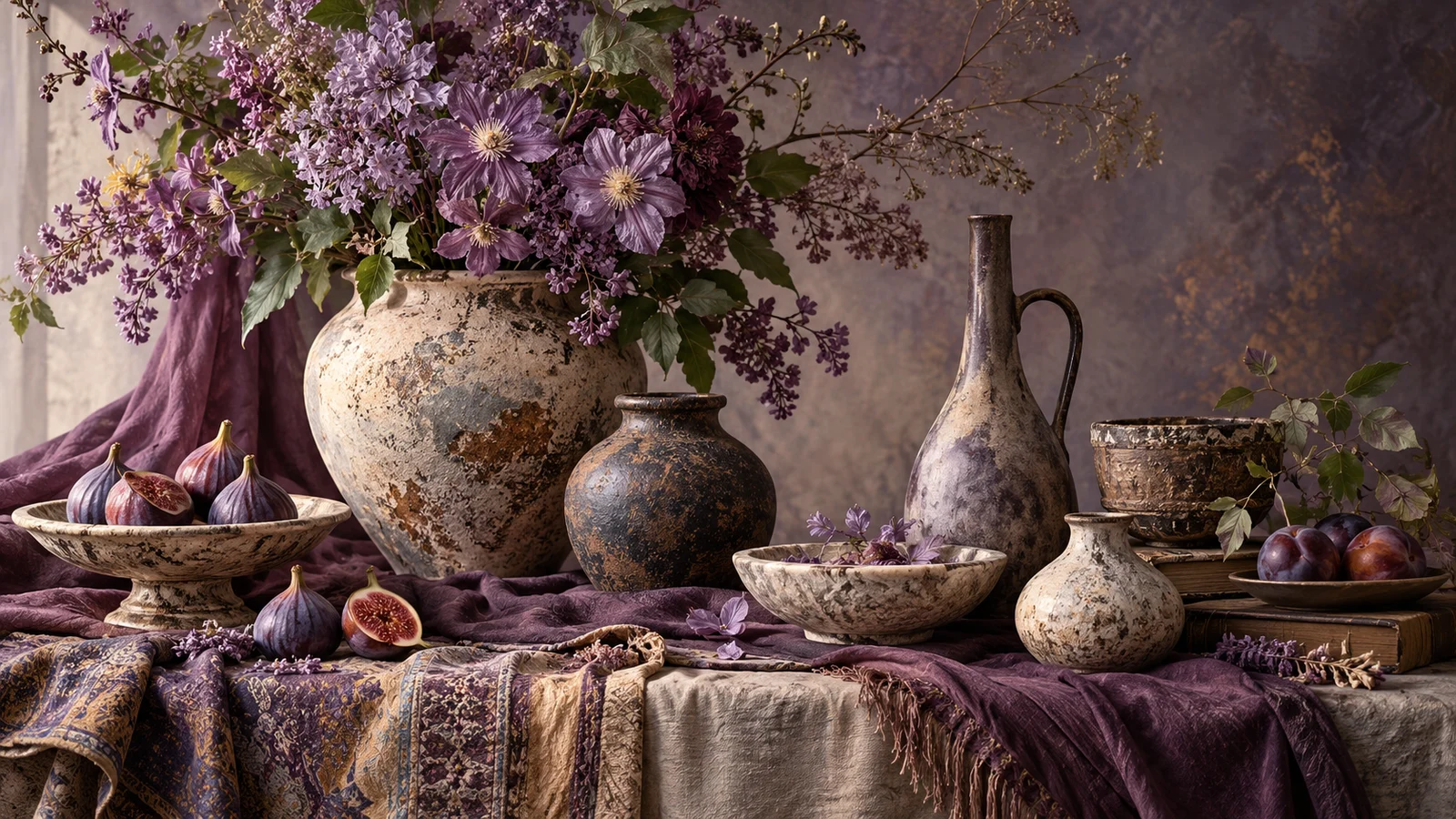
Bring personal taste into the work
Personalization is one of the priorities of V8.2. It uses aesthetic preferences to help the model understand a creator's visual taste instead of treating every creation as an isolated collection of style words.
For someone developing a body of work, the relationship between color, texture and atmosphere matters too. Personalization offers a direction for that ongoing exploration while individual works can still explore different subjects.
Start creating with Midjourney ↗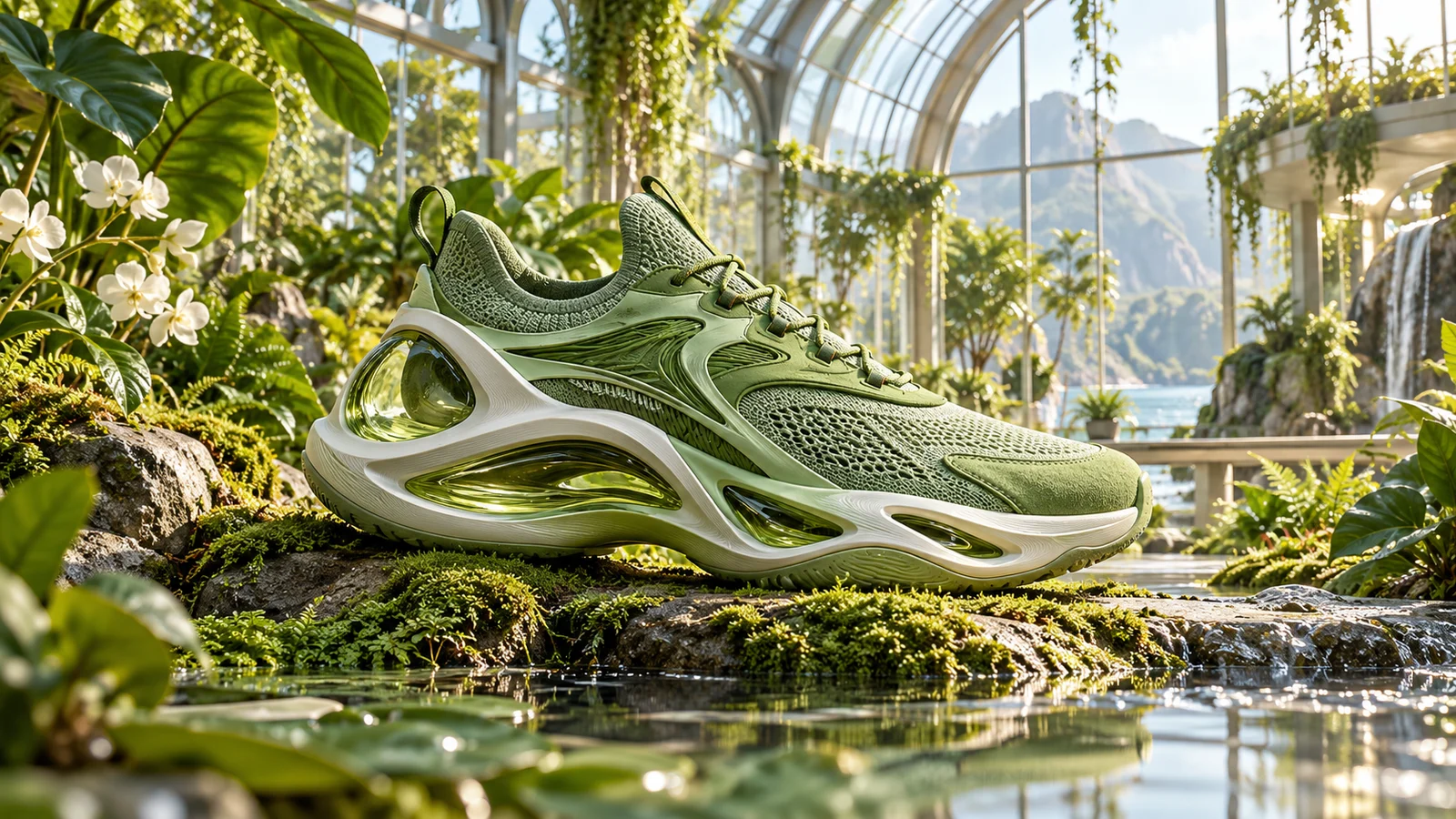
Build another image around a reference
The Edit Model in public testing supports reference-led creation, bringing an existing subject or visual information into the development of another image. A photograph, design asset or selected work can become the basis for the next idea.
Explore another product presentation, a different setting for a character or an extension of an existing design. A reference makes the discussion more concrete and helps frame the choice of what should remain and what should change.
Start creating with Midjourney ↗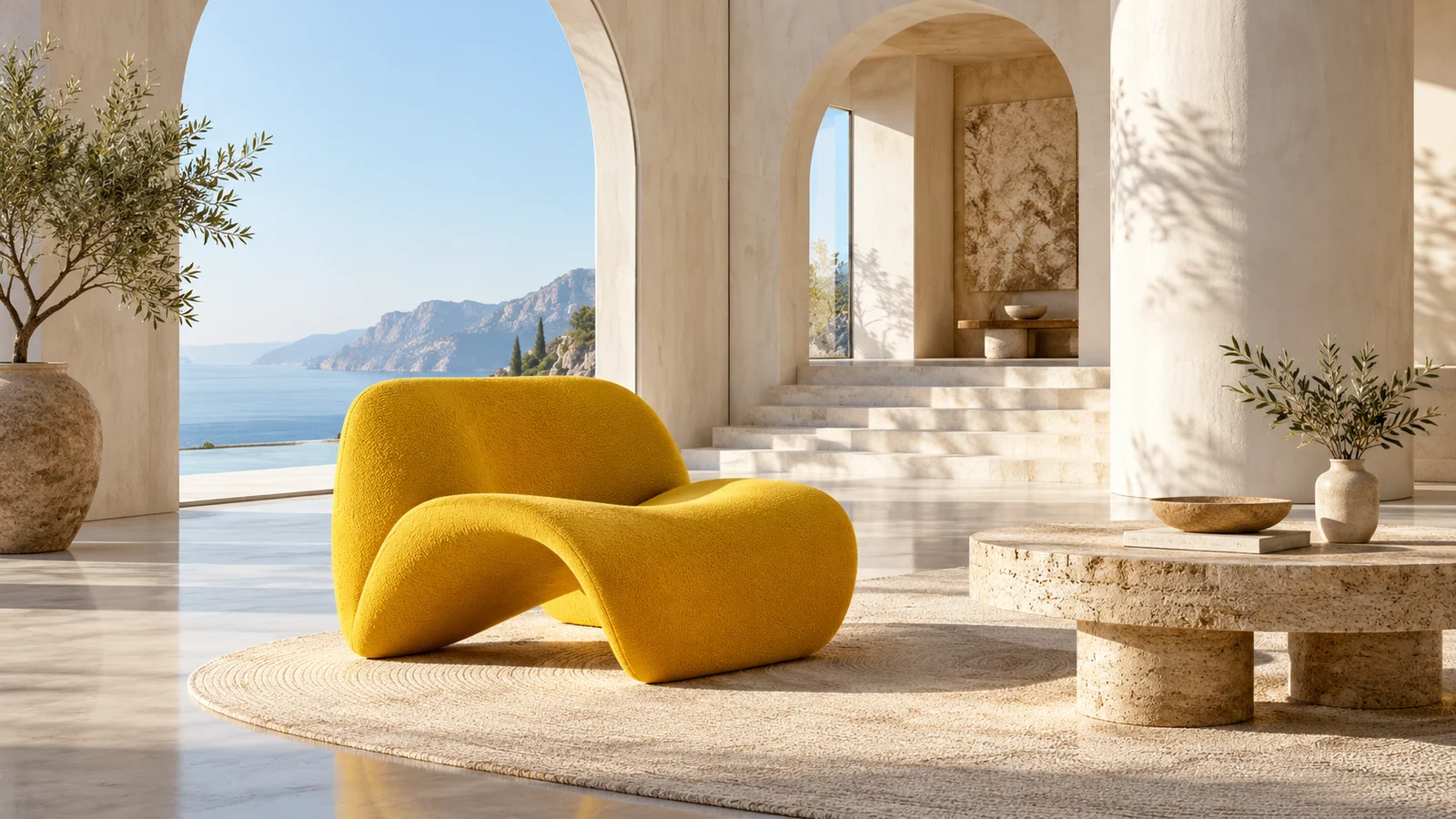
Develop an existing idea with editing instructions
Edit Model also supports asking for changes to an image. An existing composition can become the basis for further work on its setting, color or content rather than starting again each time.
When a proposal is close to its goal, another edit can explore a detail, atmosphere or visual focus. The first version becomes part of a longer creative decision.
Start creating with Midjourney ↗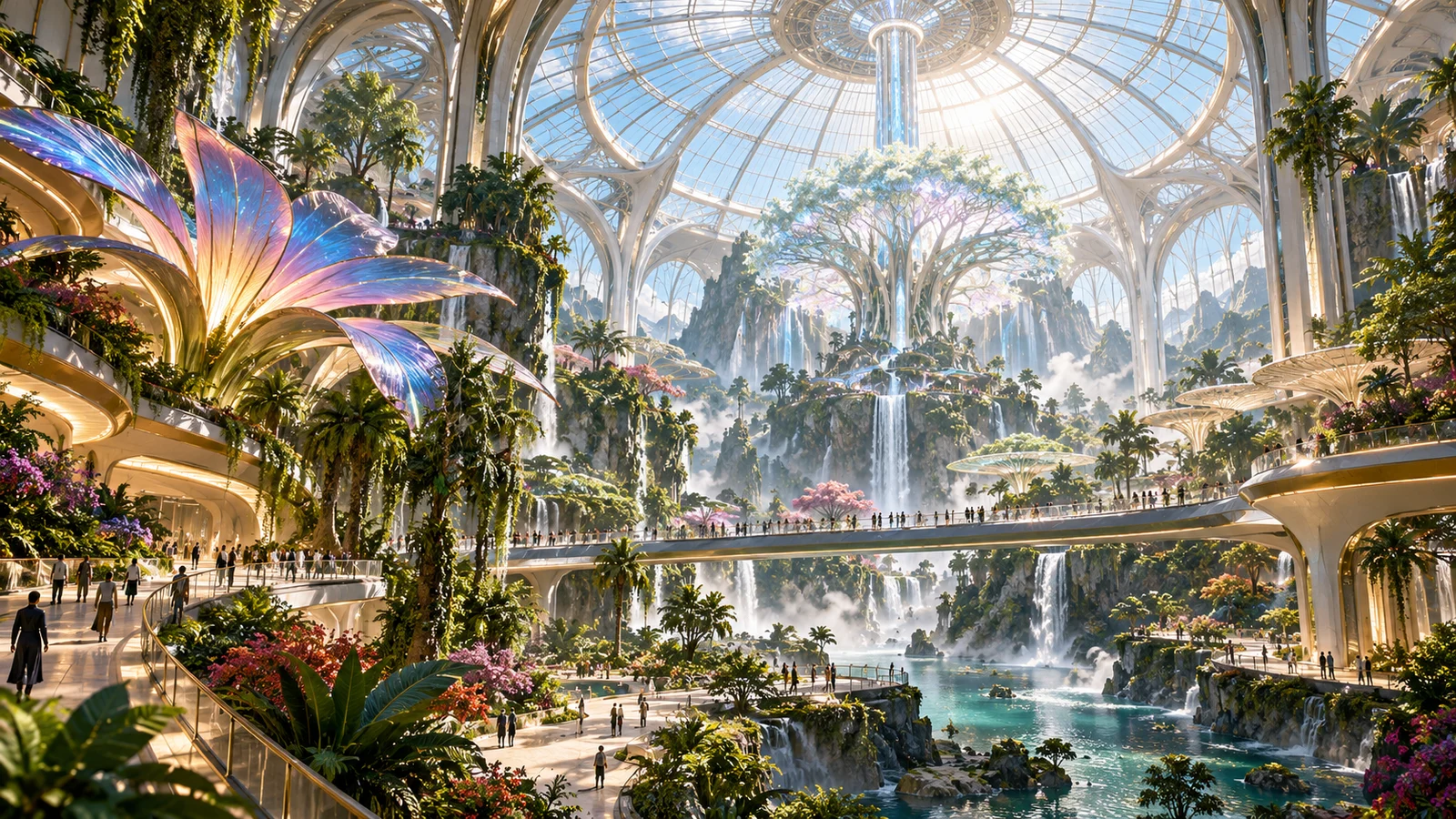
Look beyond a detail or an image boundary
The official editing model includes local changes and canvas expansion. These concern a selected part of an image and the space beyond its existing edges, allowing the subject and environment to develop further.
For a scene, cover or creative proposal, this opens another way to consider composition: a focal point can remain while its surroundings grow. The result and appropriate workflow still depend on the individual work.
Start creating with Midjourney ↗Explore Visual Ideas Across Creative Fields with Midjourney V8.2
From brand imagery and imagined worlds to fashion visuals and story illustrations, turn creative directions into images that can inspire the next stage of design and production.
Brand & Advertising Concepts
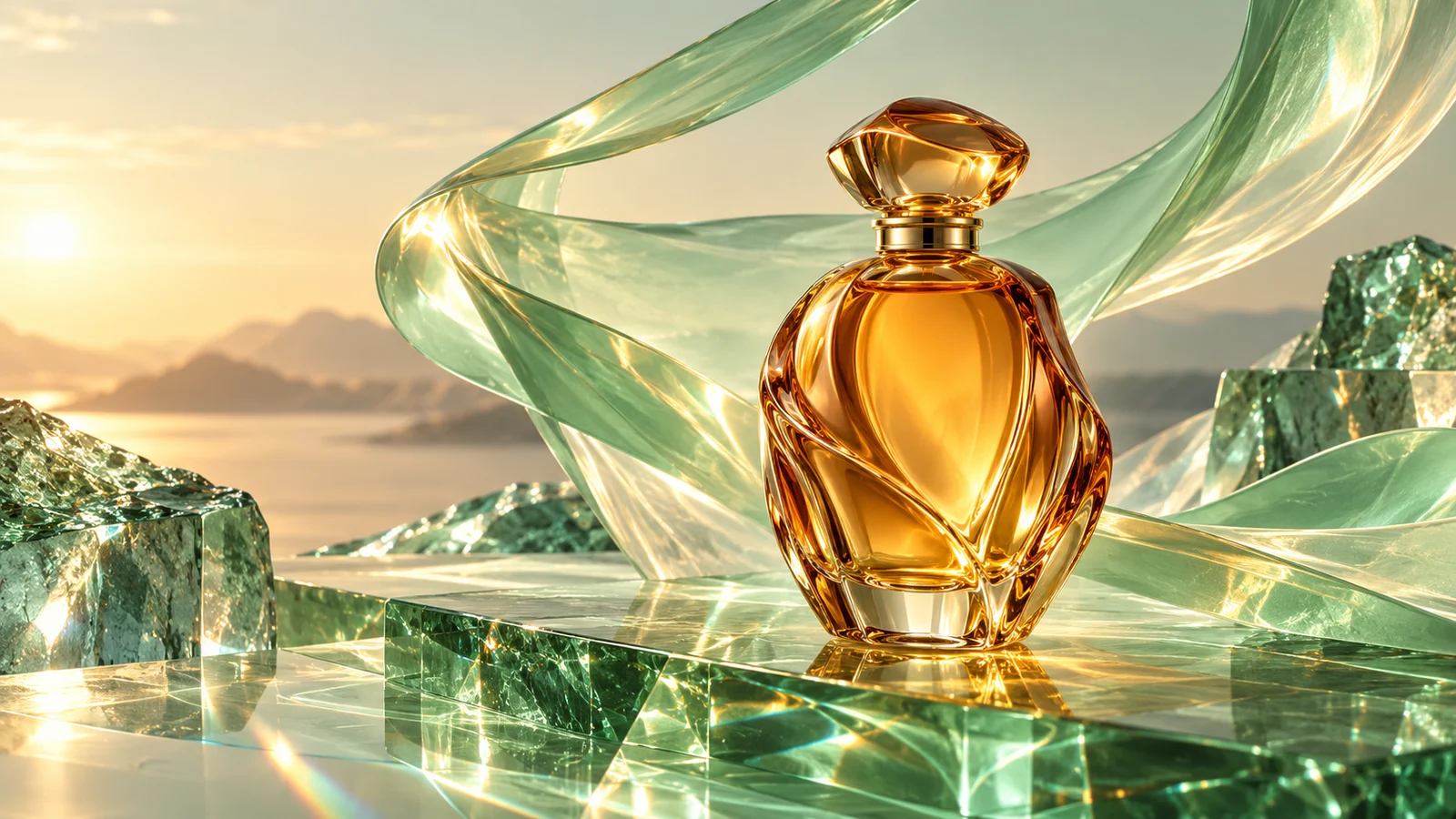
Explore visual directions for product concepts, campaign imagery and advertising pitches. Build a scene around materials, color and light, giving an idea a concrete form that a team can discuss and compare with other approaches.
Use these images to establish a visual direction early in the process, then develop the work with brand guidelines, accurate copy and considered graphic design.
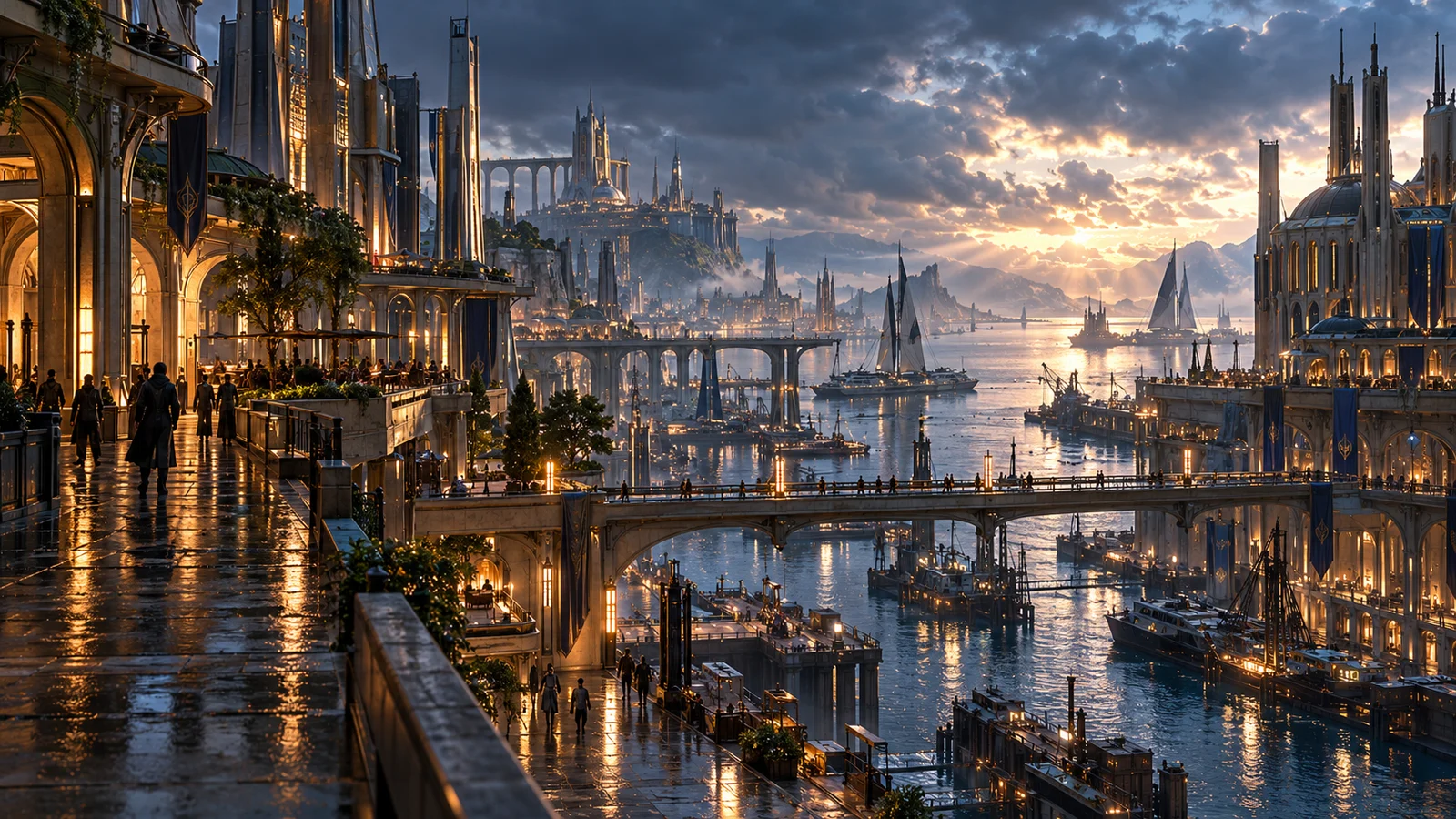
Game & Film Concept Art
Give an imagined world a visible starting point. Future cities, fantasy architecture and natural environments can use space, weather and lighting to establish atmosphere and inform worldbuilding and art direction.
Explore different compositions and visual styles, from broad environments to smaller scene details, creating reference material for storyboards, art discussions and production planning.
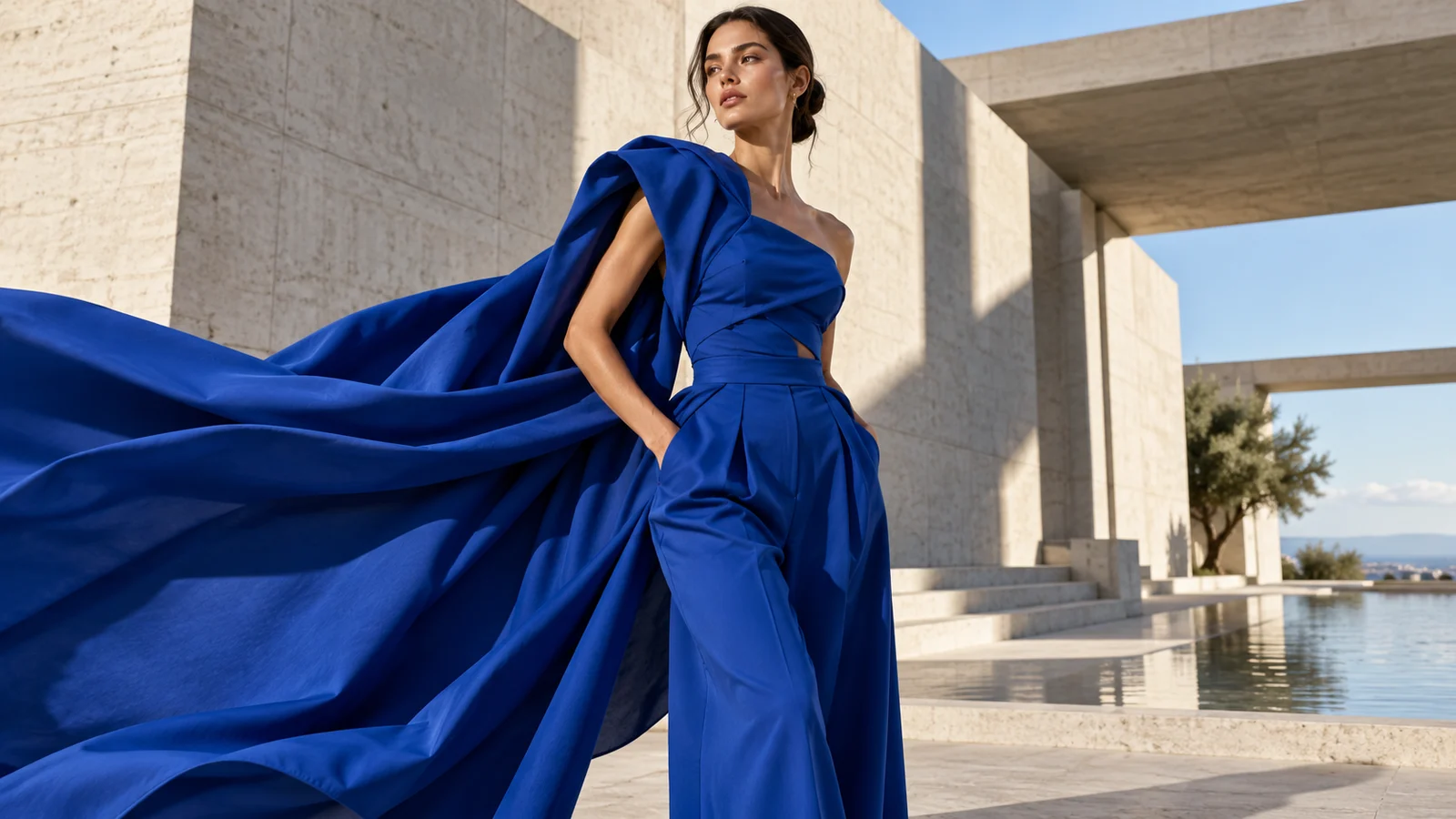
Fashion & Editorial Visuals
Explore fashion portraits and editorial imagery through silhouettes, fabric textures, styling and settings. Let color and composition express a theme, providing direction for styling proposals, visual features and creative mood boards.
From restrained studio scenes to dramatic locations, try different visual narratives to help a team establish a clearer aesthetic before a shoot or design project.
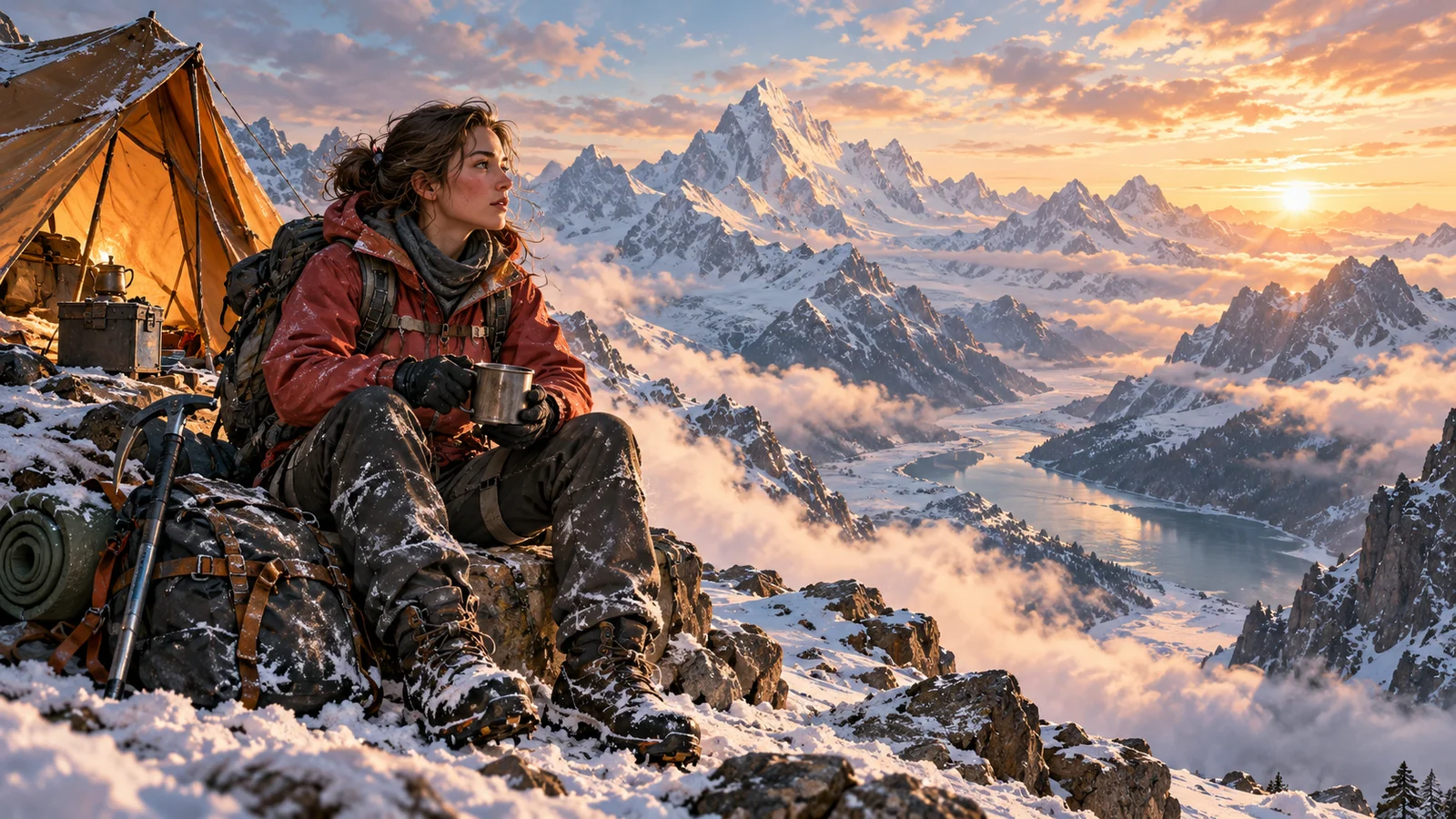
Characters & Publishing Illustration
Bring characters, costumes, props and settings together to tell a story. Explore identities and visual moods for character concepts, story illustrations and book covers, giving viewers a sense of a character's situation and the surrounding world.
Find an approach across realistic, painterly and stylized imagery. For a book cover, combine the artwork with title, author name and layout design in the next stage.
Looking for V8.2 or the wider Midjourney family?
V8.2 focuses on aesthetics, image quality and Personalization, alongside an editing model in public testing. Visit the Midjourney family page for Raw, style references and an overview of other versions. For creation on this site, choose the model and settings currently offered in the generator.
Explore the Midjourney family ↗Start a Midjourney creation with an idea
Describe the visual goal, then choose a suitable way to develop it.
Describe the image and reference needs
Set out the subject, style and changes you want, adding a reference image if needed.
Check available models and settings
Review the current options and estimated credits in this site's generator before submitting.
Select a result and keep creating
Preview the work, download a selection or explore another visual direction.
Frequently asked questions
What is Midjourney V8.2?
It is an image generation model from Midjourney, focused on aesthetics, image quality and Personalization. V8.2 was released on July 24, 2026, followed by public testing of a new Edit Model.
Does starting a creation here guarantee V8.2?
No. This page describes official V8.2 capabilities, while this site's Midjourney family entry does not guarantee that version. Check the model and options in the generator before submitting.
Is the V8.2 Edit Model a stable release?
The Edit Model public test supports instruction-based changes, reference-led creation, local editing and canvas expansion. Features and access conditions may change during testing; check current official guidance and the service available here.
Can I use multiple reference images?
The official Edit Model announcement supports up to four references at once. This does not mean this site's uploader always supports four images; follow the requirements shown for the current mode.
Are Personalization and Style Reference the same feature?
No. Personalization concerns a creator's aesthetic preferences, while a style reference concerns an image's overall visual language. Neither should be treated as a guarantee of an identical character appearance.
Can I use V8.2 images in a commercial project?
Suitability depends on applicable terms, asset rights and the content of the work. Review trademarks, likenesses, text and important details before publication; a model name alone does not resolve every right involved.
Do site credits include a Midjourney subscription?
No. This site uses bikabika AI credits. Estimates depend on the current mode and settings, with the actual charge shown in the task record. They are separate from Midjourney subscriptions and GPU time.
Is this the official Midjourney V8.2 website?
No. This is bikabika AI, a platform for AI creation. The page introduces Midjourney's product capabilities, while the creation entry provides services currently available on this site.
Take an idea into the next creation
Start from a concept or visual reference with the Midjourney services currently available on bikabika AI.