
AI Music Generator: Give Your Ideas a Melody
Describe a style and mood, or bring lyrics you have written. Start creating songs with vocals, instrumentals, and music for videos or podcasts on bikabika AI.

Music creation imagery
From a Music Description to a Song Direction
Start with a theme, lyrics, a style or an instrument. Describe your idea in musical terms and explore combinations of vocals, melody and arrangement for a song or a piece of content.
Start Composing with a Description
You do not need a score to begin. Describe bright pop, electronic music with a retro feel or a slow piano piece. A theme, mood and choice of instruments can give an abstract idea a clearer direction.
Text-to-music creation is useful for getting started and exploring alternatives. After listening, refine the rhythm, tone or mood in your description for your next version.
Start creating music ↗
Turn Your Own Lyrics into a Song
A chorus, a story or a complete set of lyrics can become a starting point. In a mode that supports lyric input, add your words and describe the style, mood and vocal direction.
Organise verses, choruses and a bridge into sections to express the song’s structure. Listen for clear delivery, phrasing and the relationship between sections afterwards.
Start creating music ↗
Create Instrumentals with Space for Your Content
Music without vocals can support narration, pictures or an atmosphere. Start with soft piano, light acoustic guitar, restrained electronic rhythms or a more dramatic orchestral direction.
Choose a mode that supports instrumentals and describe the purpose, mood and pace. For a video or podcast, review the music’s density and dynamics alongside the speech and edit.
Start creating music ↗
Shape the Sound with Style, Instruments and Mood
One theme can take different musical forms. Acoustic guitar and light percussion can feel intimate; synthesisers and drum machines can give it a stronger pulse; strings and piano can develop subtle emotional layers.
Choose a few defining features, then refine them. There is no need to fit every genre into one description. Listen to the results and develop a direction for your song, brand or story.
Start creating music ↗Find a Starting Point for Your Next Track
Choose a direction, then adapt the style, instruments and mood to your idea.

Warm Pop
Piano, a gentle beat and a clear vocal direction for a personal story.

Light Acoustic
Acoustic guitar, a natural sense of space and a soft rhythm for everyday content.

After-Dark Electronic
Synthesisers, a low-end pulse and developing layers for a city-after-dark feel.
Make Music Part of Your Story
Shape a musical direction around its purpose, then listen and refine the melody, rhythm and atmosphere.

Personal Songs and Memories
Turn an experience, a goodbye or something you want to say into a song idea. Start with your own lyrics or describe the feeling you want to express.

Music for Videos and Brands
Explore soundtrack ideas for travel clips, product videos or campaigns. Describe the pace and mood, then review the music alongside the edit, narration and brand expression.
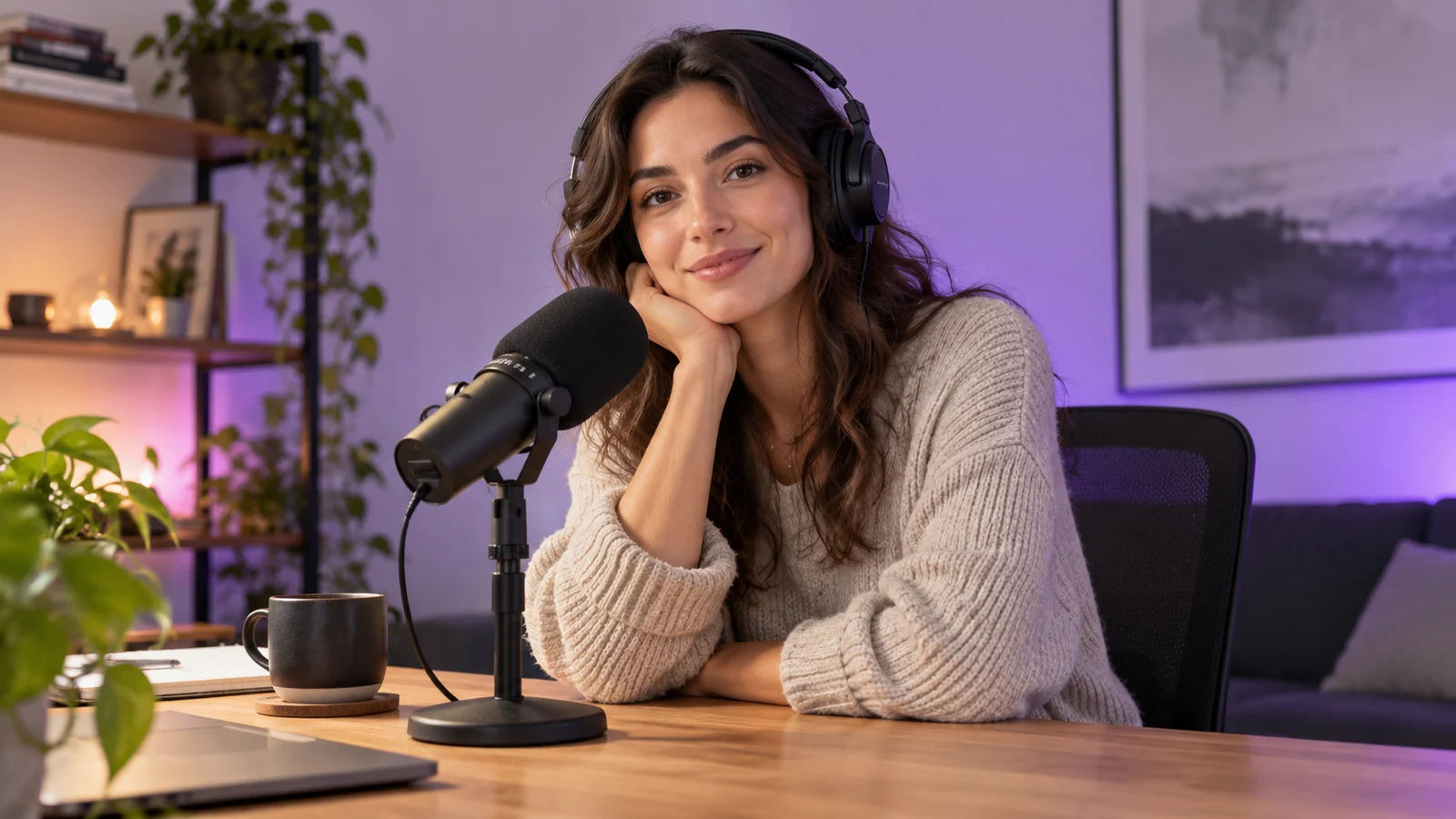
Podcasts and Everyday Content
Develop a musical direction for an opening, transition or background atmosphere. Give the content rhythm and identity while leaving room for speech and important information.
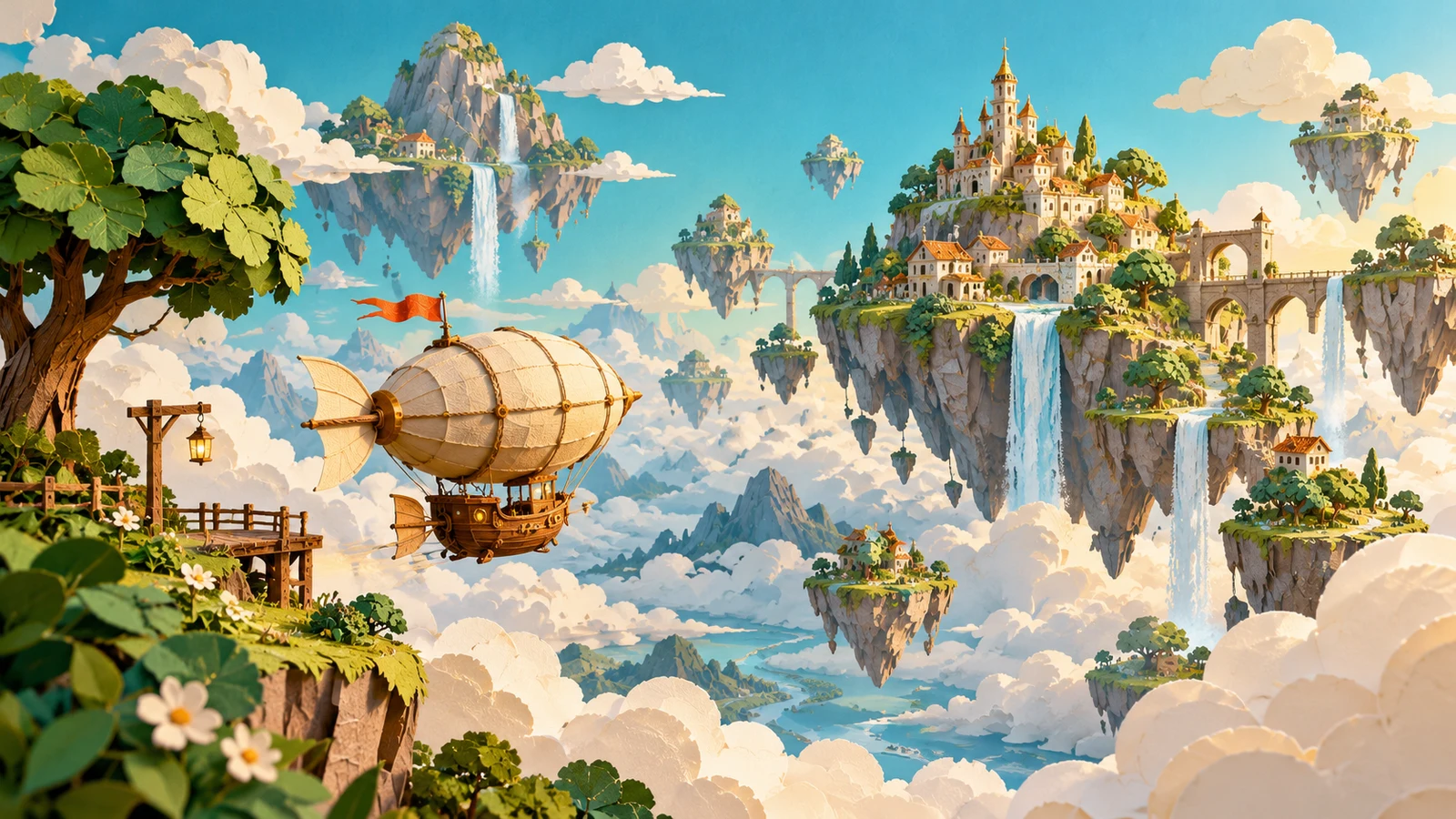
Games and Story Worlds
Find a musical mood for a setting, character or stage of a story. From quiet exploration to tense action, define the music’s role before developing the instruments, rhythm and layers.
Explore Suno for Your Music Ideas
Learn about Suno’s capabilities and versions, then see available models and creation modes in the workspace.
Suno AI Music Generator
Explore creation with music descriptions, lyrics and instrumental ideas.
Explore Suno ↗Suno v6
Explore music generation and further creation with the v6 family.
Explore Suno v6 ↗How to Create AI Music Online
Start with a description or lyrics, then finish the setup in the music workspace.
- 01
Describe your idea
Describe a style, mood, instrument or theme and open music creation.
- 02
Choose a mode and add your input
Choose an available model and mode, add a music description or your own lyrics, and review the settings and estimated credits.
- 03
Generate, listen and refine
Sign in and submit the task, listen to the result, then develop the features you want to keep or change.
AI Music Generator FAQ
What is an AI music generator?
An AI music generator creates music from inputs such as descriptions and lyrics. Describe the style, mood and instruments to explore songs with vocals or instrumentals for a personal project or piece of content.
Can I turn my own lyrics into a song?
Choose a mode that supports lyric input, add your words and describe the music and vocal direction. Make sure you have the right to use the lyrics and review the delivery, phrasing and transitions afterwards.
Can I generate instrumental music?
Choose a mode or option that supports instrumentals and describe the instruments, mood and purpose. Check how the result works with narration, pictures or its intended setting.
Can I use Chinese descriptions or lyrics?
You can start with Chinese descriptions or your own Chinese lyrics, or work in English. Define the theme and sound, add the relevant input for the selected mode, and listen before refining it.
Do I need music theory or an instrument?
You can begin by describing your idea in natural language without writing a score. Understanding rhythm, structure and instruments can help you be more specific, and you can learn through listening and refinement.
Does AI music generation cost credits?
Tasks use credits based on the selected model, mode and settings. Review the estimate before generating and visit the pricing page if you need to purchase credits.
Can I use generated music commercially?
Before commercial use, check the applicable model licence, the site’s terms and your rights to lyrics or reference material. Buying site credits is different from subscribing directly to a model provider and does not, by itself, establish a track’s commercial permissions.
Can I develop the music further?
Refine the description or lyrics after listening and continue creating. Dedicated section editing, extension or other follow-up operations depend on the features available in the selected mode. You can also develop the track in music-production software.
Is this Suno’s official website?
bikabika AI is an AI creation platform separate from Suno’s official website. Explore Suno here and use the site’s music workspace to choose available models and modes.
Turn Your Next Idea into Music
Start with a description or your own lyrics and give your idea a musical form.