
Seedream AI: turn an idea into an image
Seedream is ByteDance Seed's image creation model family, combining language understanding, visual generation, and editing. Start from a description or develop people, objects, and designs around references as an idea takes shape through generation and revision.
Choose a model, enter a prompt and adjust the settings to generate, preview and refine images on this page.
Open full workspaceEstimated cost—pts


Creative illustrations
What can you create with Seedream?
Bring descriptions, references, and revisions together, developing a new image or a set of visual directions.

Establish a subject and atmosphere with words
A description can define people, objects, settings, and light, giving an unfinished idea a viewable form. Explore photography, illustration, graphic design, or an imagined setting.
As the theme becomes clearer, refine composition, color, and detail. A specific goal makes it easier to compare a candidate with the intention behind it.
Start creating ↗


Develop a visual direction from references
A reference communicates qualities that may be difficult to explain briefly, such as a product silhouette, character design, or mood. It gives a design conversation a concrete starting point.
Give each image a role: a subject reference defines traits to retain, while an environment reference suggests space or light. Review how those ideas come together before refining the result.
Start creating ↗

Continue an idea through image editing
When an image has a useful foundation, editing can develop a particular change in style, color, or appearance. Generation and revision become parts of one creative process.
Identify what already works, then describe what should change. Each iteration has a clearer purpose and can retain the direction worth developing.
Start creating ↗
Let words and images communicate together
Posters, covers, and event visuals often need both imagery and text. Relevant Seedream versions address this combination, helping you consider a headline, subject, and information hierarchy within one composition.
Define the most important message and reading order. Check text, dates, and figures in the result before completing the final layout.
Start creating ↗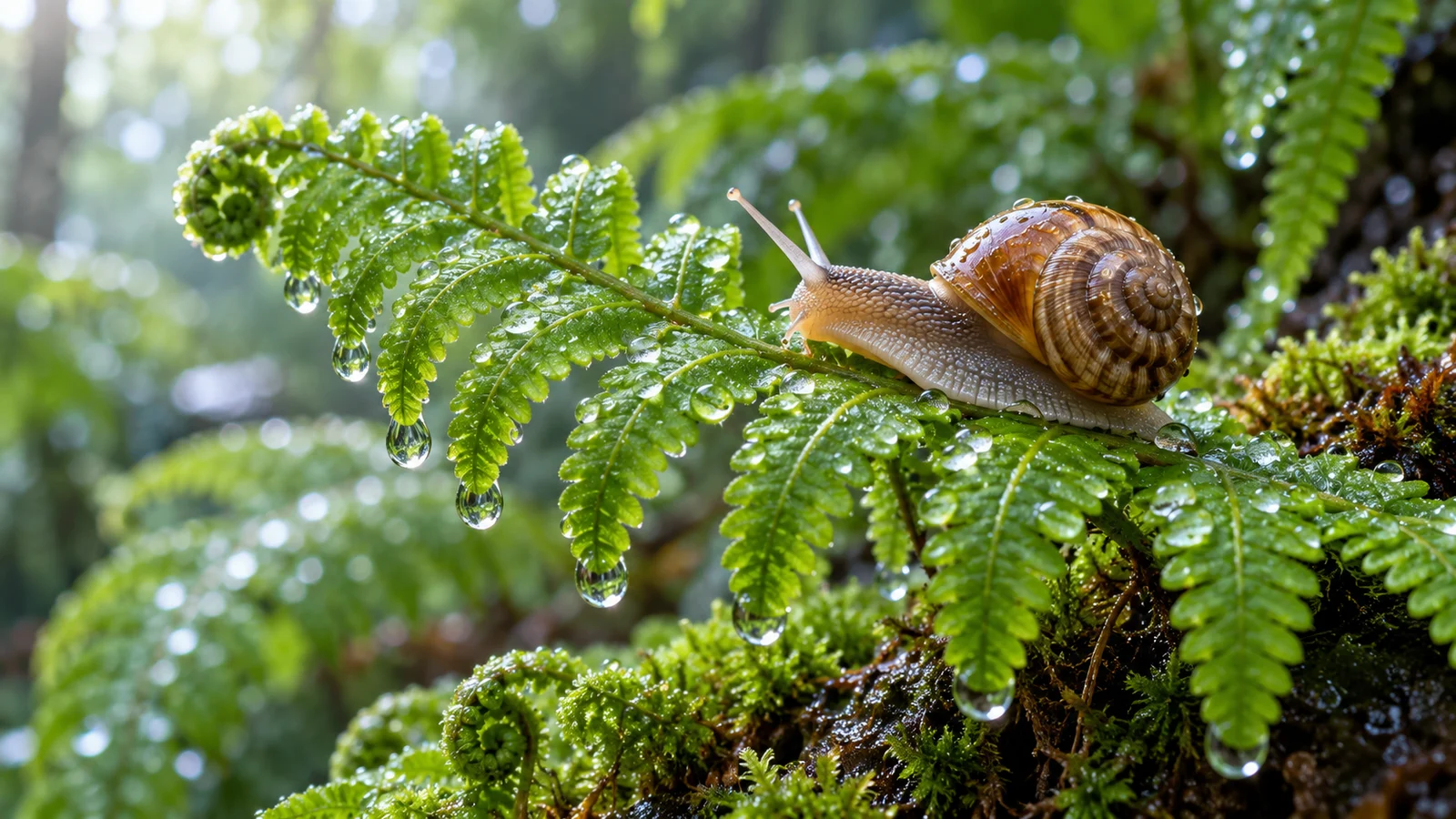
Explore light, material, and style
The same subject can become a photograph, illustration, or crafted visual. Lighting, material, and color shape its first impression.
Compare texture, edges, and spatial depth across candidates. Let the treatment support the intended use rather than simply adding decoration.
Start creating ↗Where can Seedream support your work?
Develop images around a specific communication need, from everyday content to design proposals.

Social content and covers
Explore a cover for a track, article, or event. Consider subject, color, and headline placement together to find the right visual tone.
Brand and product visuals
Develop settings around an original product. Compare material, light, and emphasis for a pitch or further production.
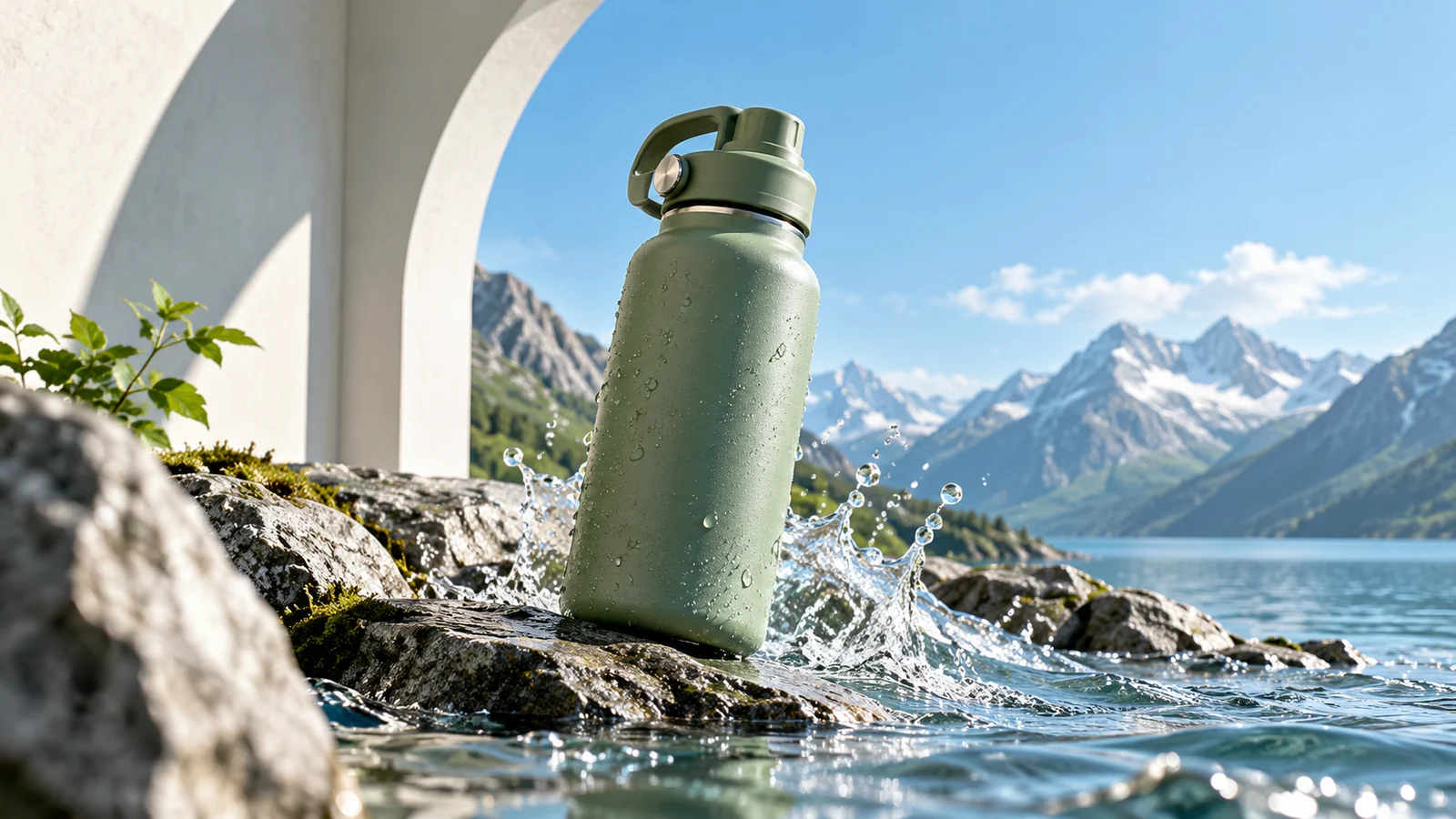
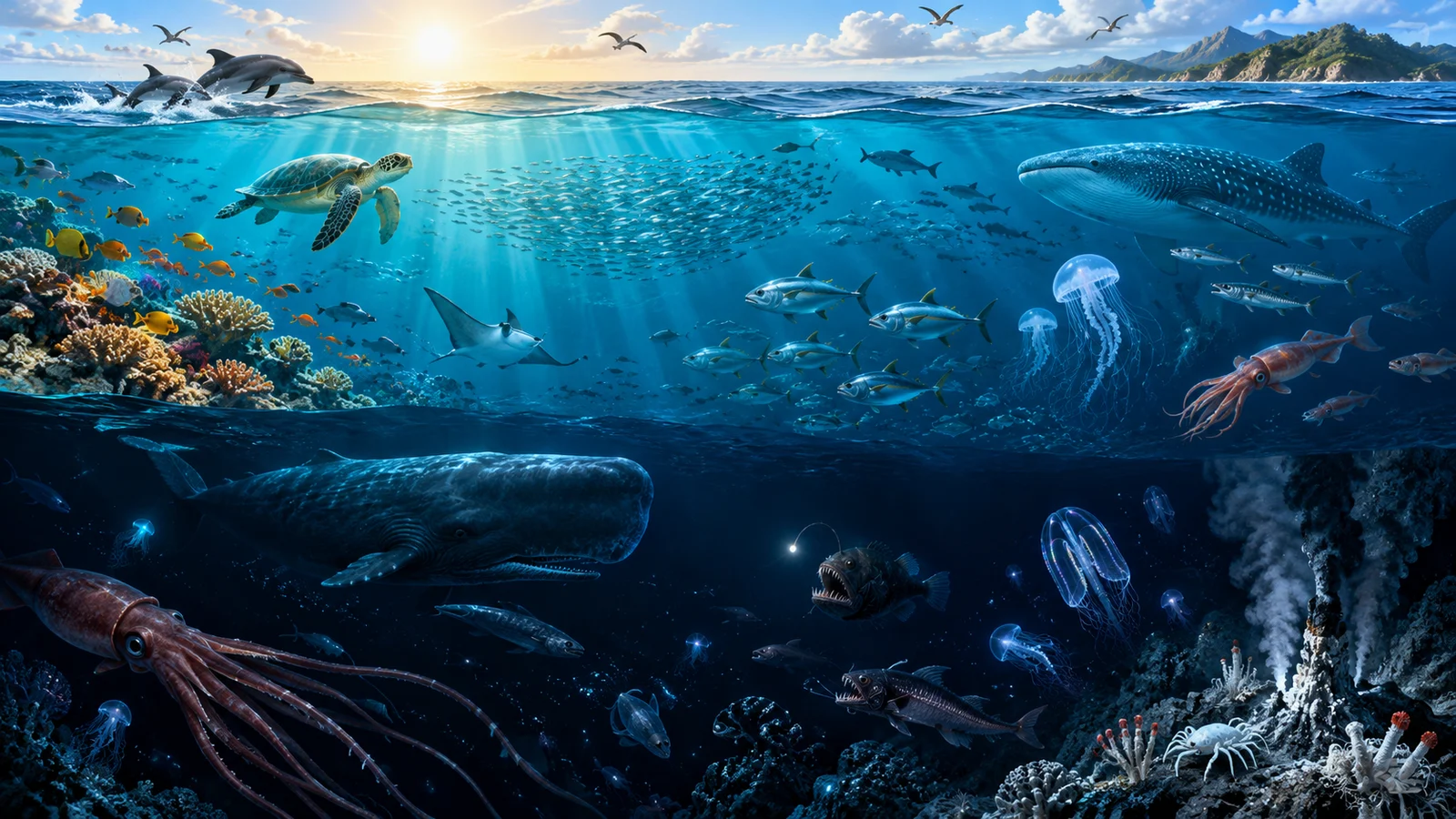
Illustration and visual explanations
Give a story, concept, or structure a more immediate visual form. Check educational content against reliable references.
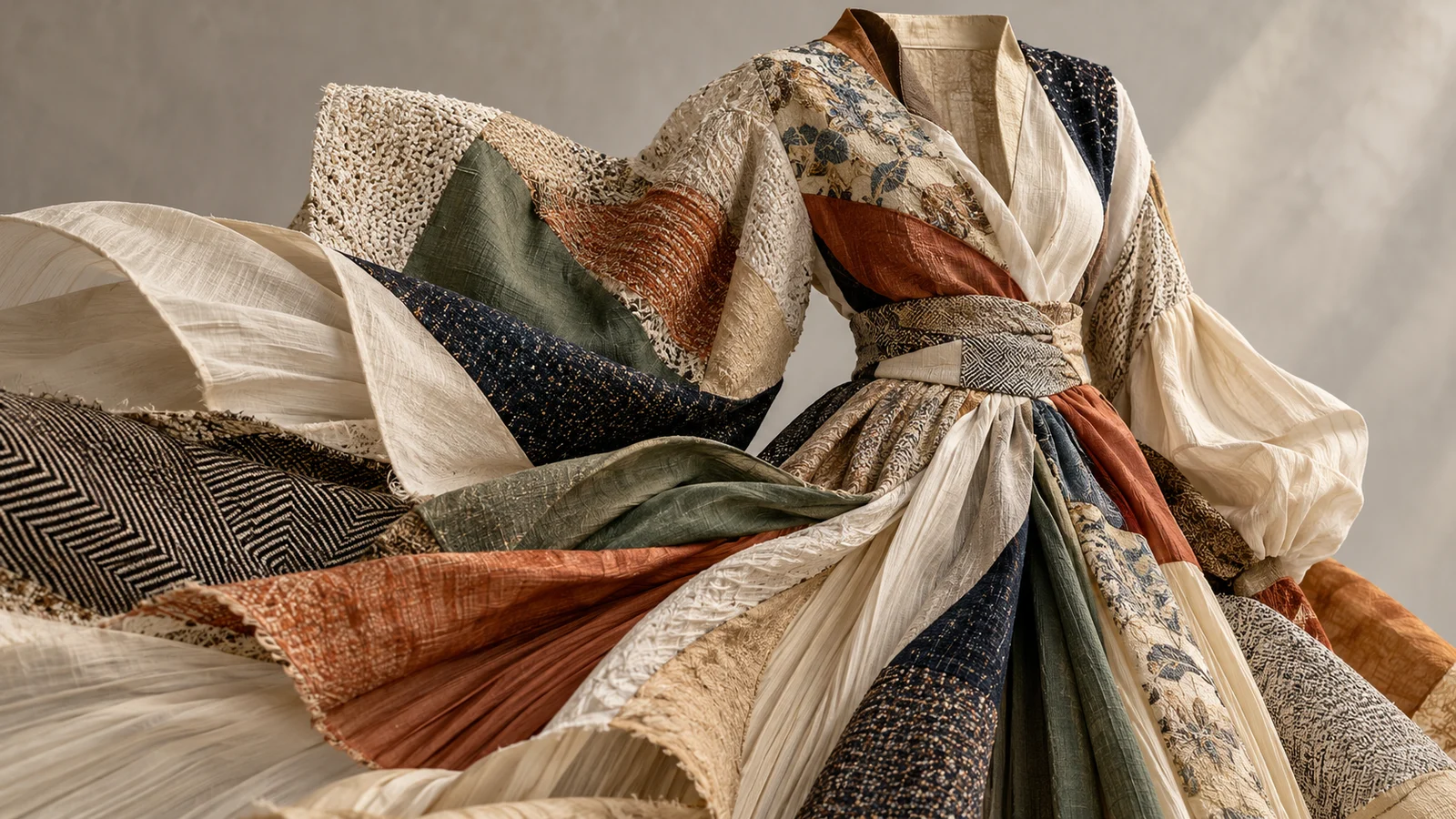
Design and style exploration
Develop directions from fabrics, colors, or graphic concepts, turning an undecided idea into a visual draft people can discuss.
Choosing a Seedream version
5.0 Pro
5.0 Pro focuses on complex information, detailed editing, and professional visual work. Explore its dedicated page for those capabilities.
5.0 Lite
The official 5.0 Lite introduction emphasizes understanding, reasoning, and search enhancement. Its name does not establish a fixed price or speed on this site; check the selected mode.
Other versions
Check available choices for earlier versions such as 4.5. A family name does not make every version's capabilities interchangeable.
Begin with a visual idea
- 01
Describe it
Define the subject, setting, style, and purpose. Add references you have permission to use when needed.
- 02
Confirm settings
Review the actual model, parameters, and estimated credits before submitting.
- 03
Refine the direction
Inspect details, text, and composition, then retain and develop the most useful result.
Frequently asked questions
What is Seedream?
It is ByteDance Seed's image model family for generation and editing. Individual versions have their own focus and capability scope.
How is Seedream related to Doubao?
Seedream belongs to ByteDance's image model ecosystem and is often discussed alongside Doubao image creation. The model, Doubao application, and this platform are separate products or service entry points.
Does Seedream support image generation and editing?
The family covers both. Select the relevant model and mode, then use its available description and material controls.
Can I create with reference images?
References can communicate appearance or style. Supported counts and input methods depend on the selected model and mode.
Is Seedream suitable for images containing text?
Relevant versions address image-text composition for posters, covers, and infographics. Proofread text, dates, and data in the output.
How do Pro and Lite differ?
Pro focuses on complex visual content and professional editing. Lite's official introduction emphasizes understanding and reasoning. Explore the specific task rather than assuming the name guarantees a price or speed.
How do I use it online, and does it cost credits?
Confirm the model, prompt, and parameters in the generator, then follow its current sign-in and credit flow. Review estimated credits and plan terms before submitting.
Is this the official Seedream or Doubao website?
This is bikabika AI, a one-stop creation platform, rather than ByteDance's official Seedream or Doubao website.
Make an image from your next idea
Begin with a description or reference and keep exploring your visual expression.