
Nano Banana 2 Lite Prompts: Guide and 8 Examples
Write Nano Banana 2 Lite prompts for portraits, products, anime and more. Explore eight editable examples, reference-image instructions and ways to refine your next image.
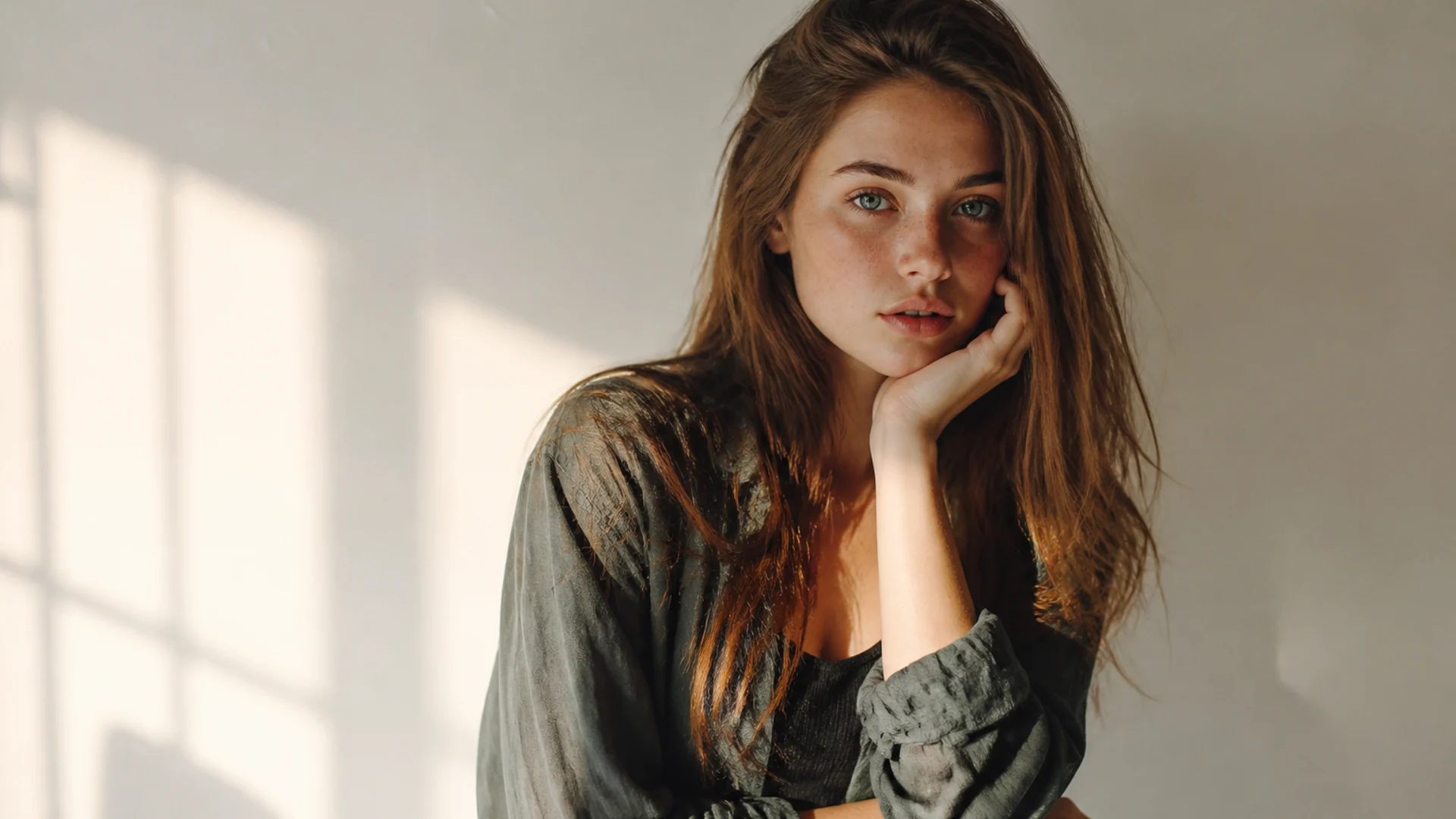
To create an image with Nano Banana 2 Lite, describe what should appear, where it belongs, how it is framed and which details matter. Use the following structure and eight original examples as starting points; replace the subject, palette and intended use with your own.
Open the Nano Banana 2 Lite model page or AI Image Generator, then review the model, settings and estimated credits before submitting.
Describe four things first
- Subject: count, appearance and action.
- Setting: place, time, lighting and materials.
- Composition: distance, placement and open space.
- Priorities: two or three important requirements, such as a silhouette, headline spelling or clothing color.
Reusable structure: Create a [medium/style] image for [purpose]. Show [subject and action] in [setting], with [light and palette]. Use [composition] and preserve [important details].
Start in a language you can express clearly. Resolve vague or conflicting instructions rather than adding a string of quality terms. Select aspect ratio and resolution through the available model settings; “landscape composition” describes framing, not a guaranteed file size.
Eight Nano Banana 2 Lite prompt examples
1. Daylight fashion portrait
Create a half-body fashion photograph of an adult woman wearing a pale blue shirt beside a light beige wall. Her body is slightly turned and her expression is relaxed. Soft window light comes from the left. Show natural skin texture and the shirt fabric. Place her on the right, leaving open space on the left for a headline.
Adapt the shirt color, background or placement. Check the face, fingers and collar; a texture instruction does not guarantee identity preservation.
2. Unbranded product still life
A matte dark green insulated cup on a pale stone plinth, with the complete lid visible and one ginkgo leaf beside it. Soft side lighting reveals the matte finish. Pale gray background, product slightly left of center, open space on the right, clean commercial still-life photograph, no brand marks.
Adapt the object, material and palette. Check the rim, lid and silhouette.
3. Single-headline event poster
Design a landscape poster for a baking workshop. On the right, a ceramic plate holds fresh croissants with a little flour on the table, lit by warm daylight. On the left, show only the headline “BAKE TOGETHER” in clear bold dark brown type. Add no other text. Keep the composition warm and simple.
Adapt the exact headline and visual. Proofread every character; finish precise typography in a design tool when needed.
4. Everyday anime illustration
An adult short-haired illustrator drawing in a rooftop garden beside an orange cat. Distant city buildings under an orange evening sky contrast with teal plants. Everyday anime illustration with clear lines, both character and surroundings visible, and an uncluttered composition.
Adapt the profession, companion and time of day. Check hands and drawing-board relationships. Explore more controls in the AI Anime Generator.
5. Science-fiction environment
A small research station in a glacial canyon. Transparent corridors connect three low buildings, with a rover in the distance. Cool dawn light outside and warm interior lights, wide establishing view, clear building proportions and believable relationships between structures and terrain, science-fiction concept illustration.
Adapt the terrain and station purpose. Check connections, perspective and vehicle scale.
6. Food and lifestyle
A bowl of strawberry yogurt on white linen, topped with a little granola and mint, with a small spoon and half a glass of water nearby. Angled morning light, soft shadows, overhead composition, red, white and green palette, fresh lifestyle photograph, no text.
Adapt the ingredients and tableware. Check food texture, spoon shape and shadows.
7. Original character concept
Design an adult desert courier with short curly hair, a sand-colored travel coat, dark blue scarf and a metal message tube at the waist. Full-body standing pose against a clean pale background, clear clothing layers, naturally positioned hands and both feet visible, original game-character concept art.
Adapt the occupation, equipment and palette. Check gear placement, anatomy and clothing. Continue in the AI Character Generator.
8. Reference-led background change
Use the uploaded image as the subject reference. Preserve the main silhouette, colors and orientation. Change only the background to a pale studio with soft window light, coordinating contact shadows with the new setting. Do not add text or decorative objects.
Upload your image before entering the request. Check for unintended subject changes; use the AI Photo Editor for additional editing controls.
Explain what a reference contributes
Identify whether the reference supplies the subject, clothing, layout or palette. When goals conflict, state the priority for this revision. “Preserve the silhouette; adjust only the background lighting” gives you a specific change to inspect.
Generative editing can still alter lettering, product structure or identity features. Compare with the original and return to it, or an earlier version, when necessary.
Revise according to the problem
| Problem | Possible next instruction |
|---|---|
| Subject too small | Let the subject occupy the main image area; reduce distant scenery |
| Cluttered scene | Keep only the subject and one accessory against a simple background |
| Harsh lighting | Use soft window light with gradual shadow edges |
| Incorrect text | Shorten the copy, specify exact spelling and proofread before layout |
| Reference subject changed | Reduce simultaneous changes and identify the silhouette and colors to preserve |
Choose one issue that most affects the intended use rather than carrying every problem into the next prompt.
Frequently asked questions
Are longer prompts better?
Not necessarily. Include relevant information and remove repetition or conflicting requirements. Length is not a quality measure.
Must I use English?
Start in a language you can use precisely. Specify text, framing and revision goals without assuming one language always performs better.
Can I use Midjourney commands such as —ar?
Do not treat another product’s commands as universal parameters. Use the settings offered by the current creation interface.
Will these prompts reproduce an exact image?
No. They are original, editable input examples. Outputs still require inspection and selection.
How long does generation take and what does it cost?
Waiting time varies with the task and service conditions. Review estimated credits for the selected model and settings before submission instead of substituting a fixed dollar price for site charges.
Start with a specific image
Choose an example, replace its subject and purpose, and open the AI Image Generator. For the stages from draft to revision and delivery, read the AI art workflow guide.