
AI Art Workflow: Generate, Edit and Prepare Images
Build a practical multi-model AI art workflow, from a creative brief and image generation to reference-led editing and delivery. Explore task-specific tools and a publication checklist.
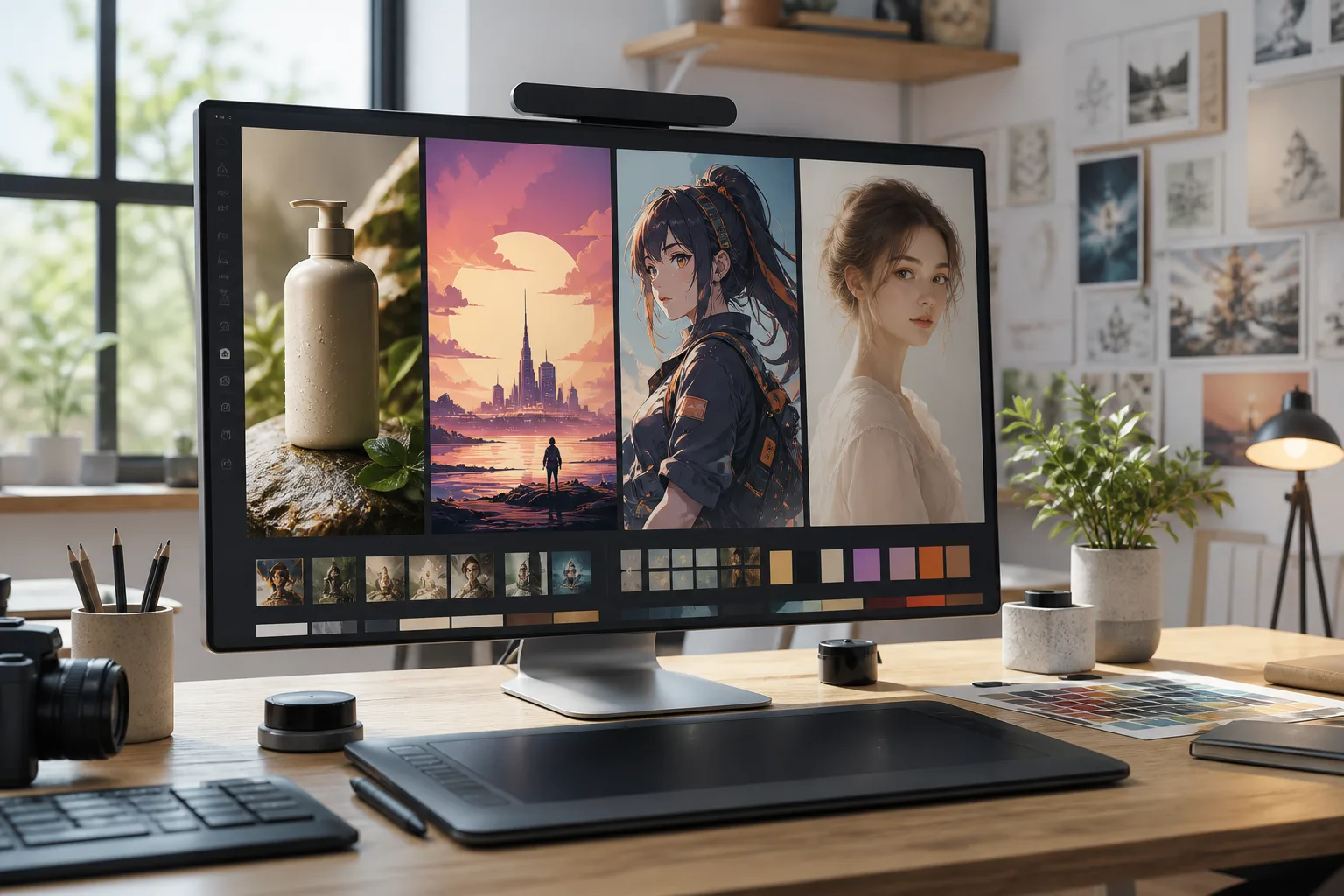
An attractive generated image is not always the image a project needs. A social cover may need room for a headline, a product image needs recognizable shape and materials, anime art needs a coherent scene, and a professional portrait needs suitable clothing and framing.
A useful AI art workflow connects those tasks. Use the stages you need—brief, generation, selection, editing and delivery—without assuming every image requires several models.
Define the deliverable first
Write down the intended use, subject, details to preserve and image format. Add one main acceptance criterion, such as a readable expression at avatar size or enough open space for a headline.
Prioritizing one condition makes it easier to decide whether to edit the image, clarify the prompt or try another available model.
Choose the entry for the task
| Task | Entry | Prepare |
|---|---|---|
| Explore a new image from text | AI Image Generator | Subject, setting, lighting and composition |
| Modify an existing image | AI Photo Editor | Original, preservation requirements and requested changes |
| Improve a photo’s appearance | AI Photo Enhancer | Photo and the lighting, color or detail to adjust |
| Create a white, solid or scene background | AI Background Tool | Subject image and background direction |
| Design an original character | AI Character Generator | Identity, appearance and style |
| Create anime illustrations or wallpapers | AI Anime Generator | Subject, anime style and composition |
| Explore a professional portrait from a photo | AI Headshot Generator | A clear solo photo, clothing direction and intended use |
These entries offer different controls, not guaranteed outcomes. Background work here means white, solid or scene replacement. A generated white background is not a transparent cutout file.
Generate a first draft with observable instructions
Describe the subject, environment, light and composition rather than stacking incompatible style terms. If you have a reference you are entitled to use, explain whether it supplies the subject, layout or visual direction.
For example: an unbranded ivory ceramic cup on a pale wooden table, soft window light, subject on the right, open space on the left for a campaign headline, landscape composition.
Review the available model, settings and estimated credits before creating. If you compare models, keep the brief consistent and record setting differences. See the model-selection guide and three-model comparison guide for that process.
Select a direction and record the problem
Inspect the full image and a thumbnail at its intended display size. Check the subject, edges, spatial relationships, text and character details.
Save a useful observation alongside the image: “The composition works, but the cup handle needs correction.” That observation gives the next revision a purpose.
Edit one main change at a time
Bring the selected result into reference-led creation or the photo editor. State what stays and what changes: “Keep the cup shape and tabletop composition. Replace the background with warm light gray and remove distractions outside the window.”
Generative editing can alter product structure, lettering or identity. Compare every revision with the original, especially for commercial assets and photographs of people.
Use the background tool for a different setting, the photo enhancer to explore lighting, color and detail, and the character or anime generator for their respective creative controls.
Check six things before delivery
- Subject: are shape, count and distinctive features correct?
- People: do faces, limbs, clothing and identity details look natural?
- Text: have spelling, numbers and layout been checked individually?
- Composition: does the intended crop preserve the subject and required space?
- File: are dimensions, format and background suitable for the destination?
- Use: have you reviewed permissions for references, photographs and the intended publication?
Download the approved version and keep the brief, model, settings and revision notes. If a video is the next step, take a suitable still to the AI Video Generator and review its available input modes.
Frequently asked questions
Do I need several models for every image?
No. Continue with one when it meets the requirements. A multi-model workflow provides alternatives rather than extra switching for its own sake.
What is the best AI art generator?
Start with the task. A new image, an existing-image edit, an original character and a headshot require different inputs and controls. Select an entry, then review the results.
Can I copy the same parameters to every model?
Reuse the brief, but review dimensions, references and other settings for each model. Product-specific parameters are not universal prompt syntax.
Does photo enhancement recover true details?
Generative processing may change textures or identity features. Compare material that requires fidelity with the original; newly generated details are not proof of factual recovery.
How can I avoid aimless retries?
Choose one main acceptance criterion, record the failure and change one main factor. Review estimated credits before submitting.
Start with a clear image goal
Write the purpose, subject, preservation requirements and format. Explore a first draft in the AI Image Generator, or start with the AI Photo Editor when you already have an image.