
bikabika AI
AI इमेज जेनरेटर
एक वाक्य में दृश्य बताएं और प्रोडक्ट शॉट, पोस्टर, इलस्ट्रेशन और concept art बनाएं—मार्केटिंग, ई-कॉमर्स, डिज़ाइन और कंटेंट क्रिएशन के लिए आदर्श।
- टेक्स्ट टू इमेज
- मल्टी-स्टाइल HD आउटपुट
- ऑनलाइन बनाएं
- लोकप्रिय मॉडल एक जगह
📖 Intro
AI इमेज जेनरेटर क्या है?
AI इमेज जेनरेटर (AI Image Generator) वह टूल है जो टेक्स्ट प्रॉम्प्ट से इमेज बनाता है। विषय, स्टाइल, कंपोजिशन और लाइटिंग बताएं—मॉडल मार्केटिंग, ई-कॉमर्स, डिज़ाइन ड्राफ्ट और पब्लिश कंटेंट के लिए विज़ुअल देता है।
पारंपरिक फोटोग्राफी या हाथ से ड्रॉइंग के विपरीत, AI इमेज जनरेशन तेज़ इटरेशन के लिए बनी है: मिनटों में कई कंपोजिशन और स्टाइल आज़माएं, सबसे अच्छा चुनें, फिर रिफाइन या प्रोडक्शन में जाएं—समय और लागत कम।
bikabika AI पर हम Midjourney, GPT Image 2 और Nano Banana जैसे मुख्यधारा मॉडल एकत्र करते हैं, ताकि आप ताकतों की तुलना करें और एक क्लिक में ऑनलाइन क्रिएशन शुरू करें।
💡 क्यों चुनें
क्रिएटिव bikabika AI Image Generator क्यों चुनते हैं
अधिकांश AI टूल गति का वादा करते हैं। गुणवत्ता के बिना गति से सिर्फ़ सफ़ाई का अतिरिक्त काम बढ़ता है। bikabika AI Image Generator उन क्रिएटर्स के लिए बनाया गया है जो कलात्मक गुणवत्ता और दक्षता की परवाह करते हैं—अग्रणी मॉडल और high-frequency वर्कफ़्लो एक ही जगह समेटता है।
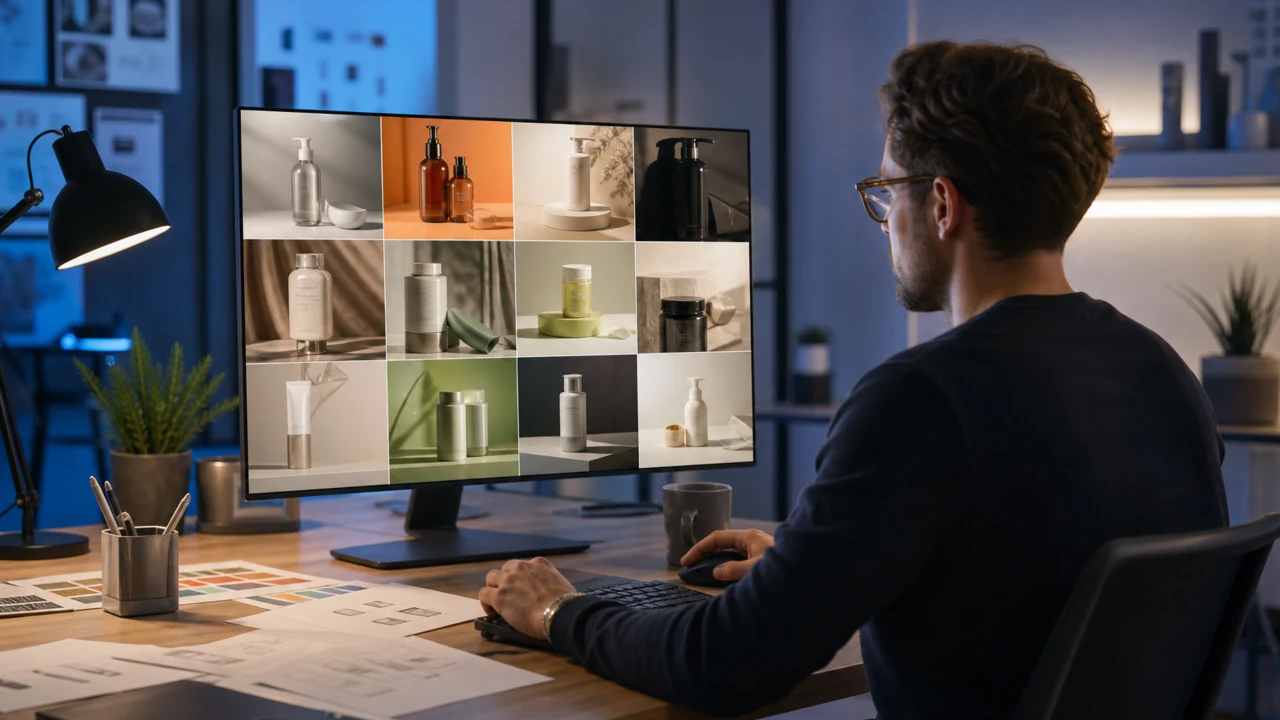
आइडिया से फाइनल इमेज तक, एक ही फ़्लो में
Text to Image और Image to Image से लक्षित सुधार तक, ऐप्स के बीच कूदे बिना—ताकि कॉन्सेpt जल्दी प्रकाशन-योग्य visuals बनें।
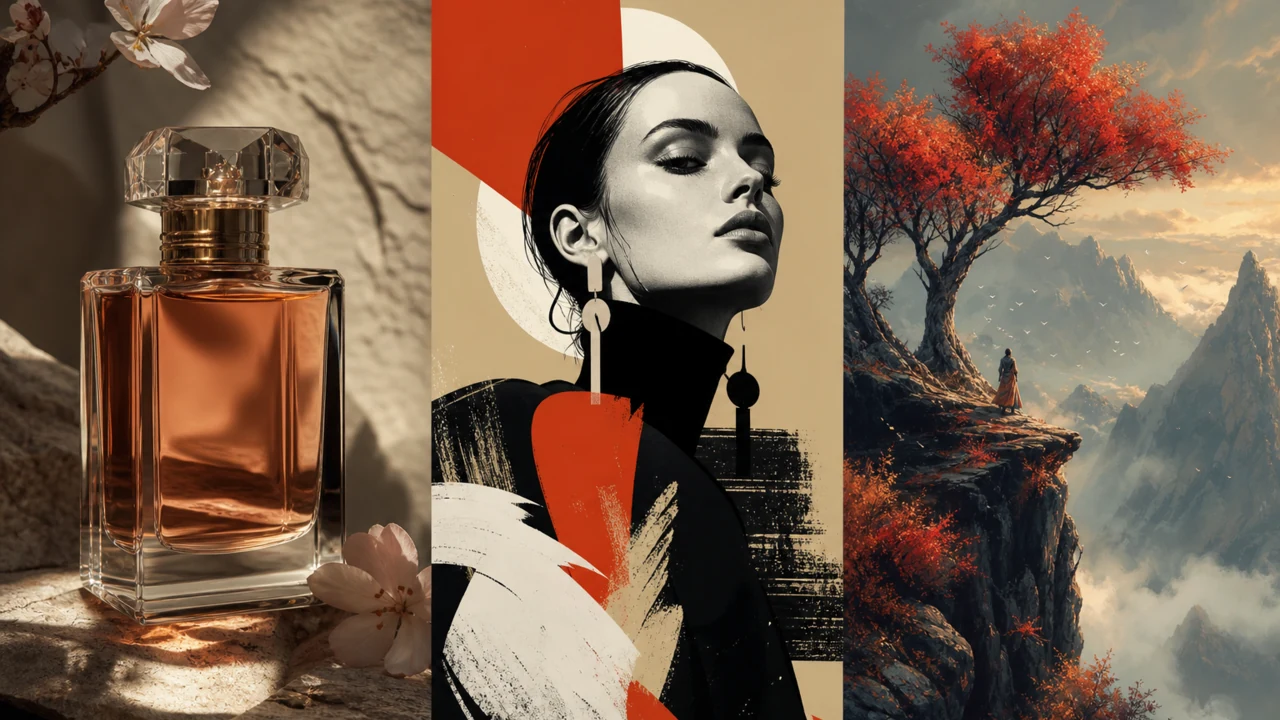
विविध स्टाइल, पेशेवर फ़िनिश के साथ
प्रोडक्ट फ़ोटोग्राफी realism से poster, illustration और concept art तक। creative dead end के बिना prototype, pitch या publish करें।
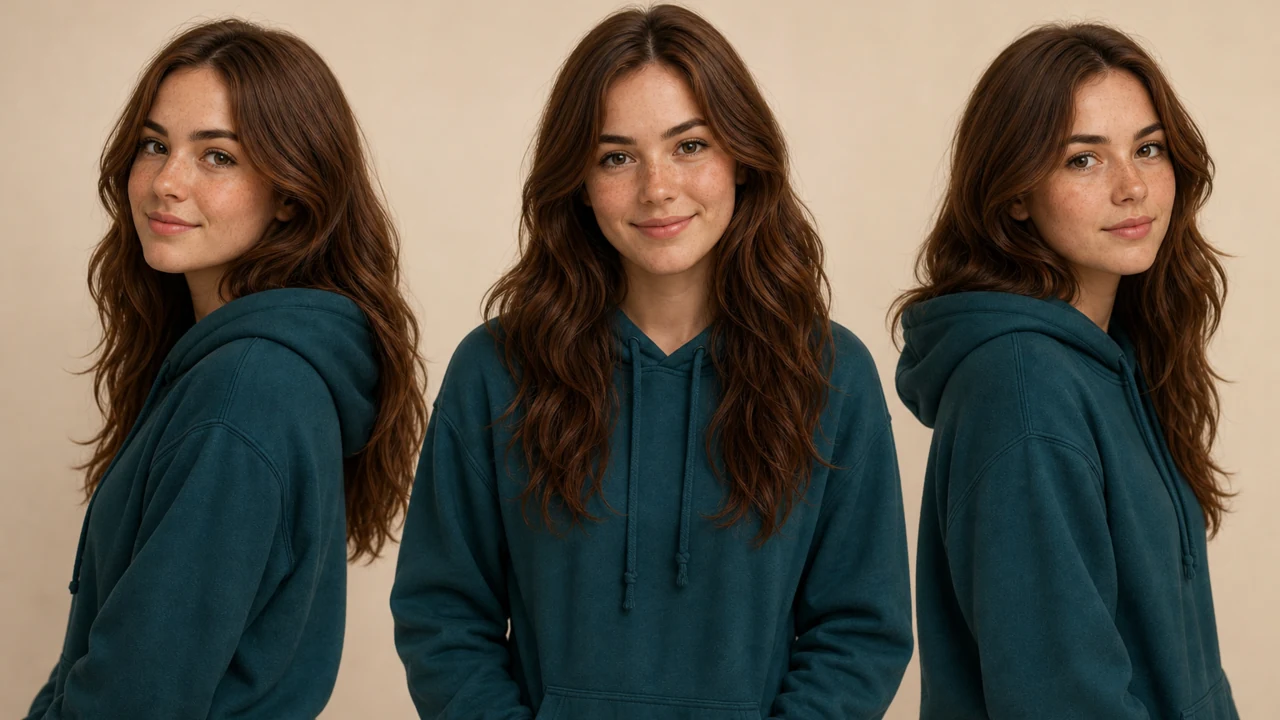
Consistency और नियंत्रण
Character consistency, reference guidance और iterative prompting marketing, e-commerce और ongoing content के लिए सीरीज़ वर्क में लोगों, स्टाइल और brand cues को aligned रखने में मदद करते हैं।
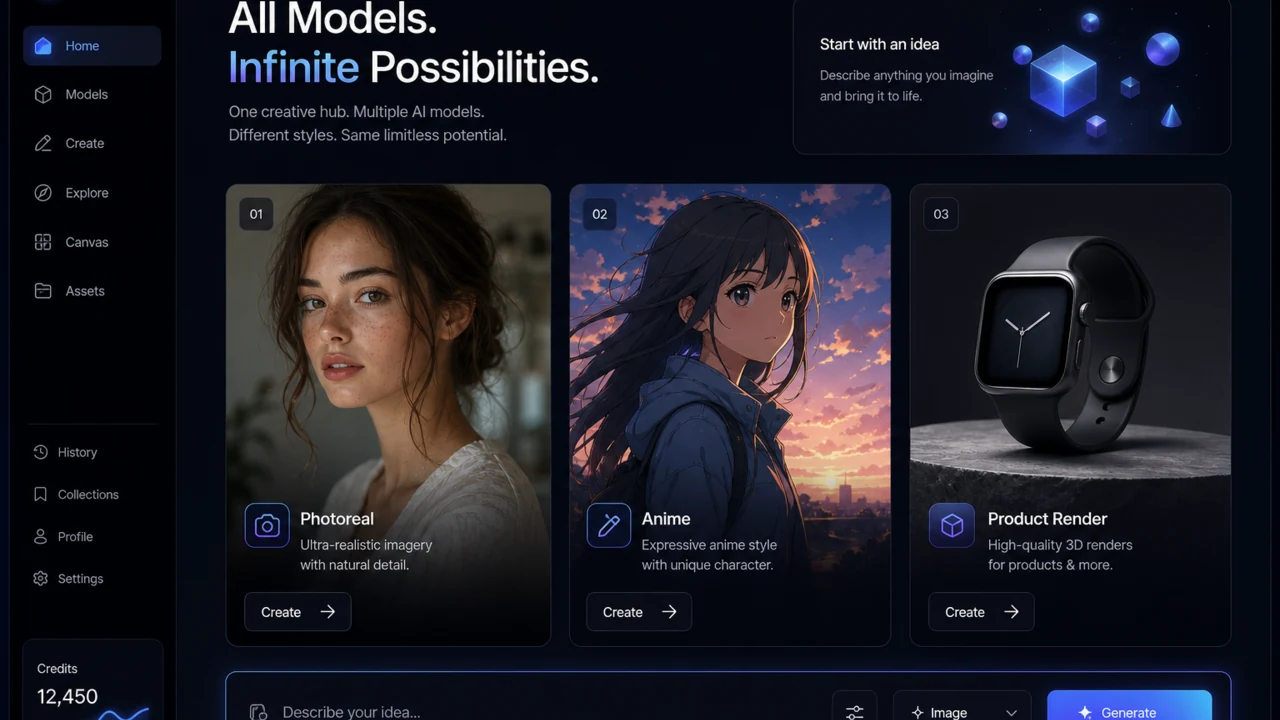
असली क्रिएटिव्स की multi-model ज़रूरतों के लिए
Midjourney, GPT Image, Nano Banana और अन्य को side by side compare करें, फिर काम के अनुकूल model में jump करें—एक generator में locked रहने के बजाय।
✨ Features
AI इमेज जेनरेटर की मुख्य सुविधाएँ
उच्च-आवृत्ति वर्कफ़्लो—Text to Image, Image to Image, इमेज एडिटिंग और कैरेक्टर कंसिस्टेंसी—कवर करता है, ताकि आइडिया से फाइनल इमेज तक स्मूदली पहुंचें।
01
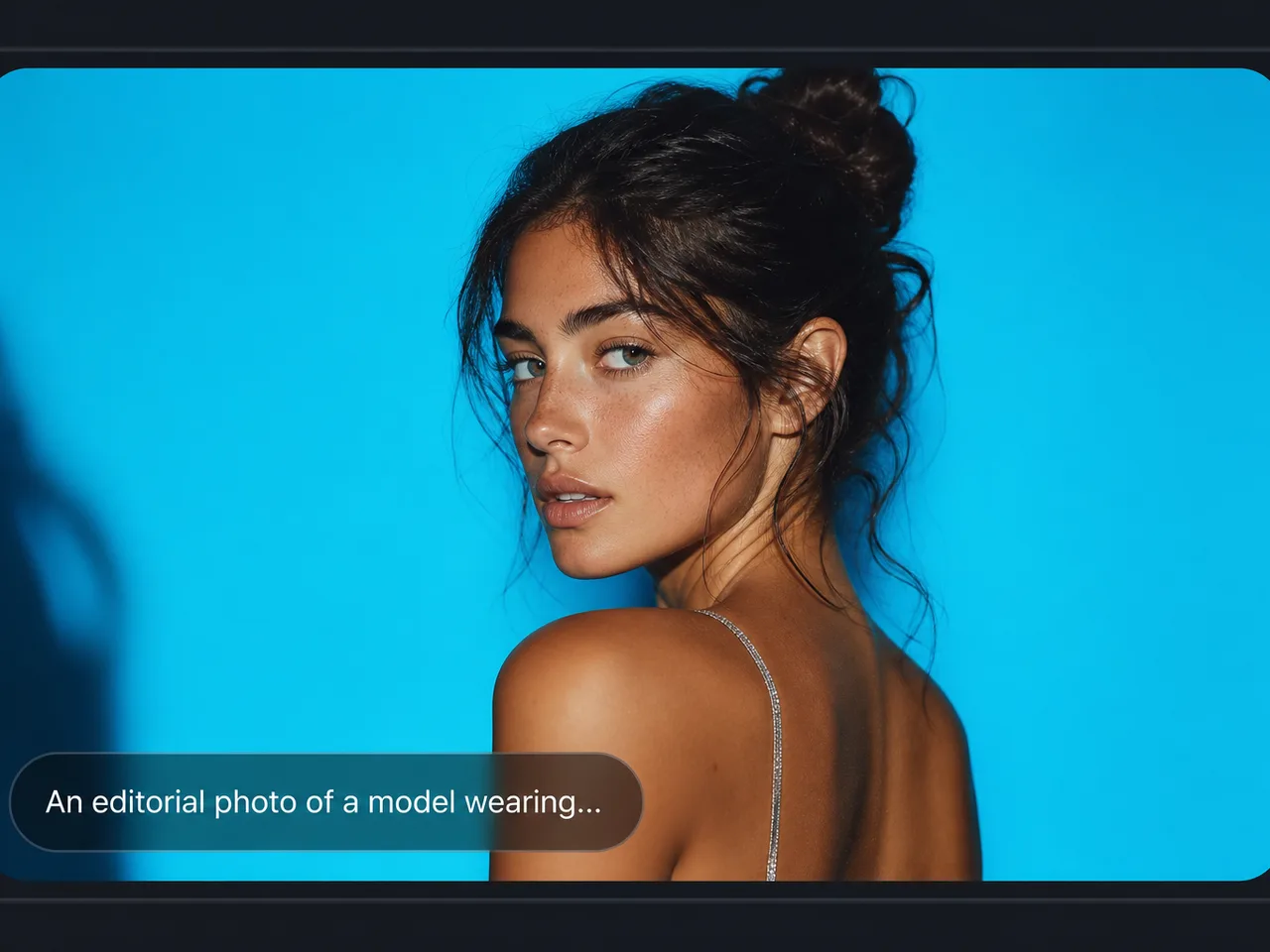
Text to Image
प्रॉम्प्ट से प्रोडक्ट शॉट, पोस्टर, इलस्ट्रेशन और concept art जेनरेट करें—किसी भी AI Image Generator वर्कफ़्लो का मुख्य प्रवेश बिंदु।
02
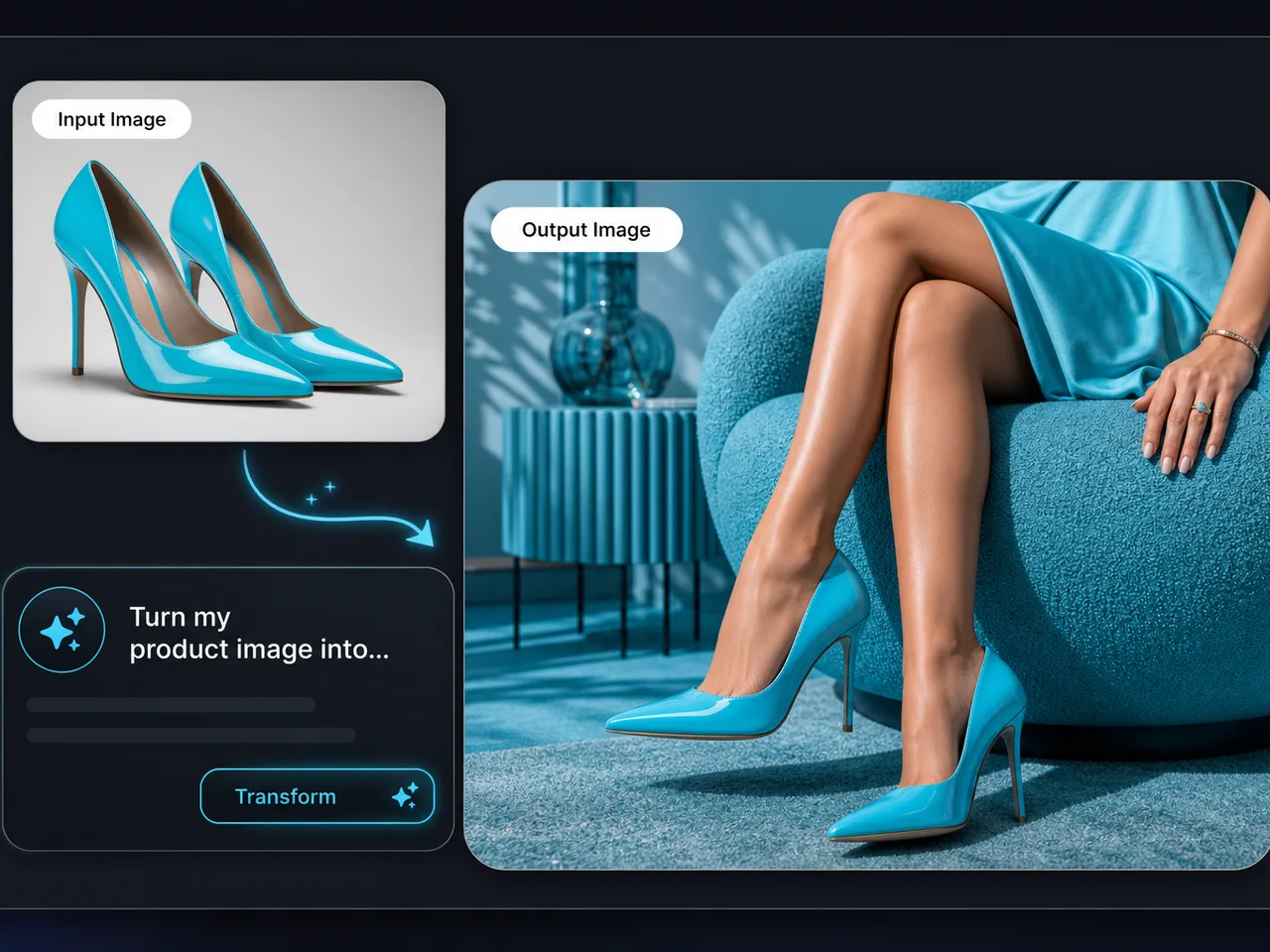
Image to Image
स्केच, फोटो या स्टोरीबोर्ड रेफरेंस के रूप में अपलोड करें—संरचना रखते हुए स्टाइल और मटीरियल बदलें, सीरीज़ एक्सटेंशन के लिए।
03
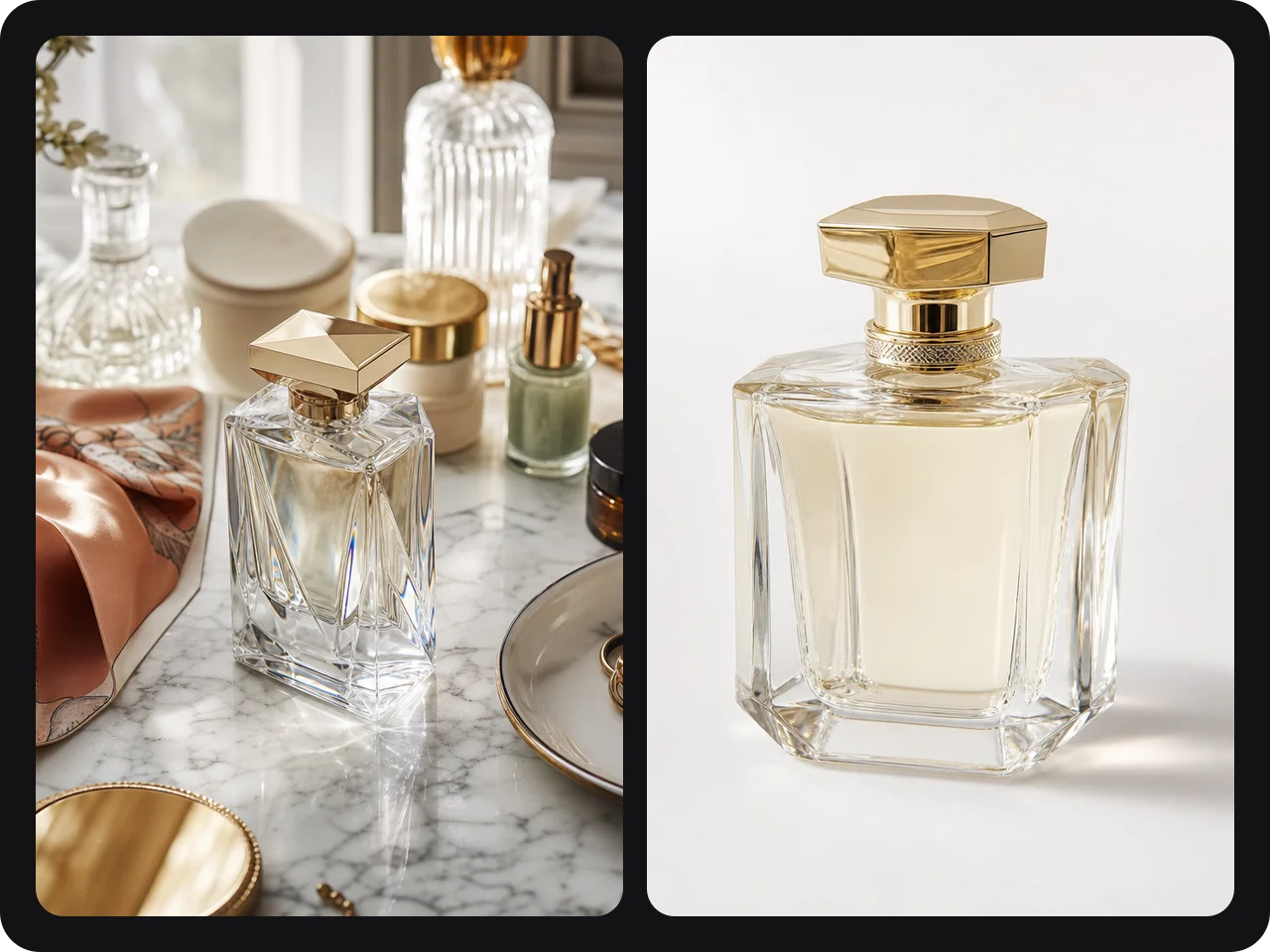
Image Editing
Inpaint, outpaint, बैकग्राउंड बदलें और मौजूदा परिणाम पर विवरण बढ़ाएं—हर बार शुरू से नहीं।
04
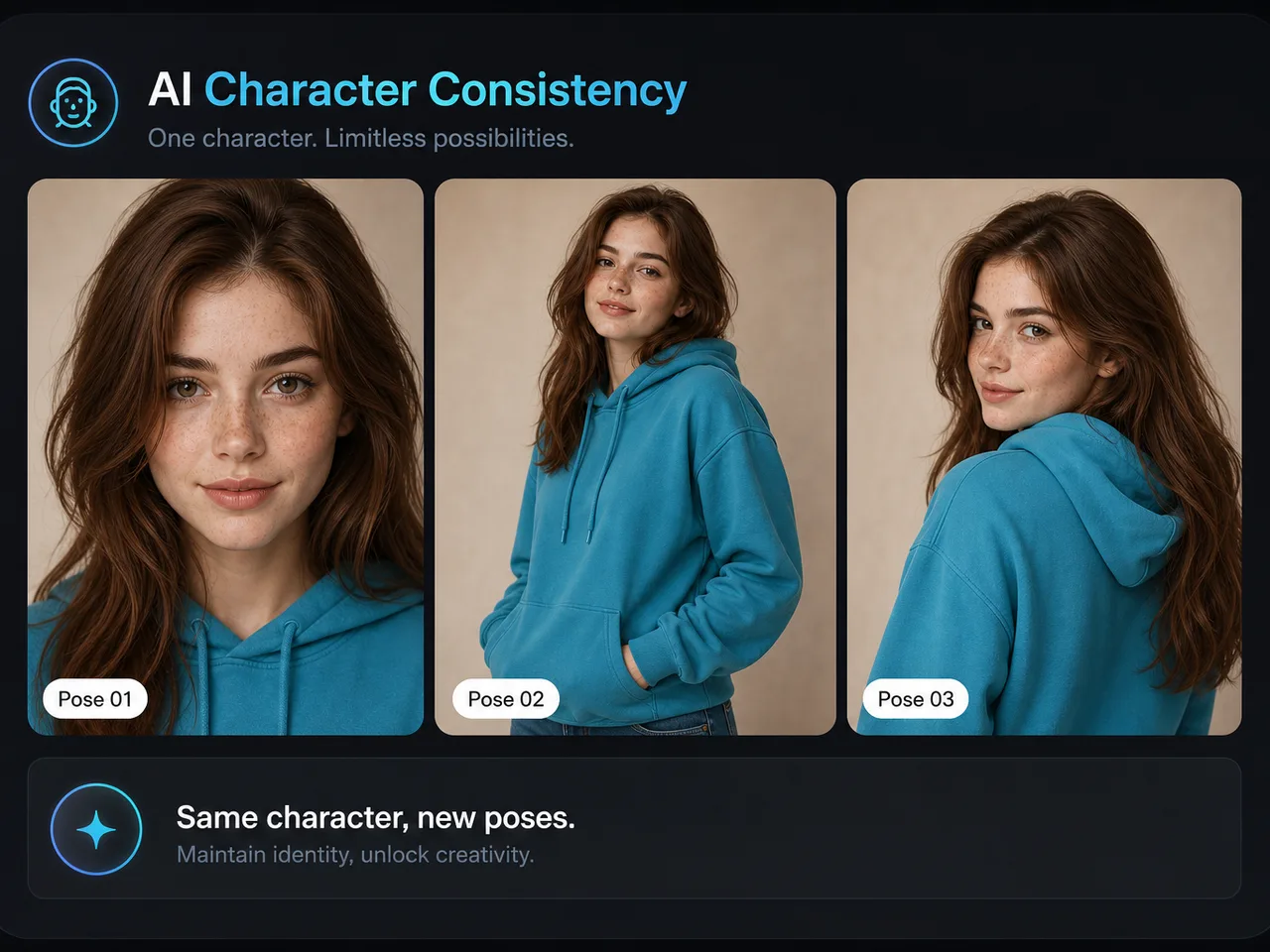
Character Consistency
कैरेक्टर लक्षण लॉक करें और पोज़ व सीन में दोबारा उपयोग करें—सीरियल कंटेंट में “face drift” रीवर्क कम।
05
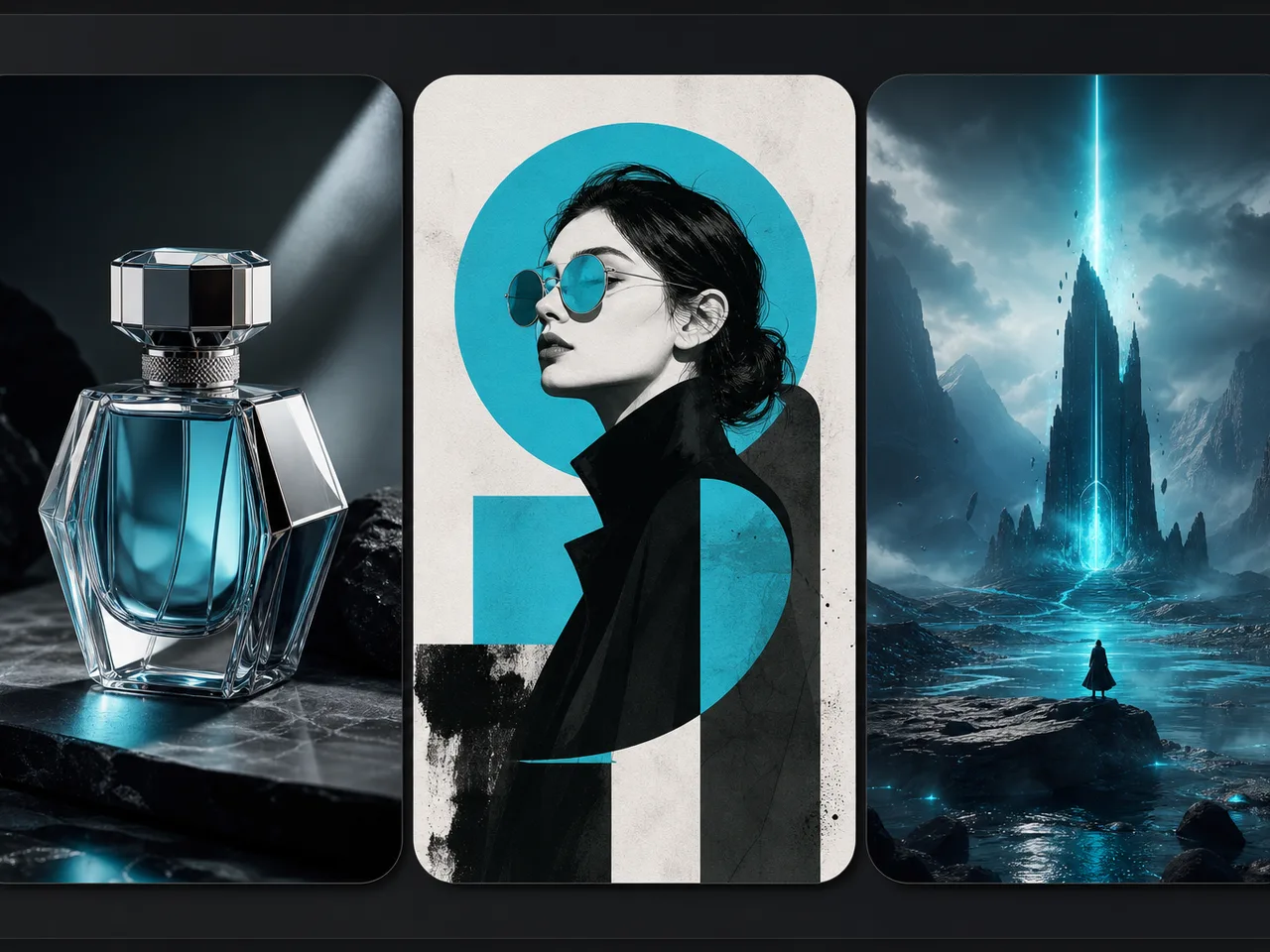
HD आउटपुट और मल्टी-स्टाइल
मुख्यधारा मॉडल उच्च रेज़ोल्यूशन और फोटोरियलिज़्म से इलस्ट्रेशन तक दिशाएं सपोर्ट करते हैं—कवर और ऐड एसेट के लिए उपयुक्त।
06
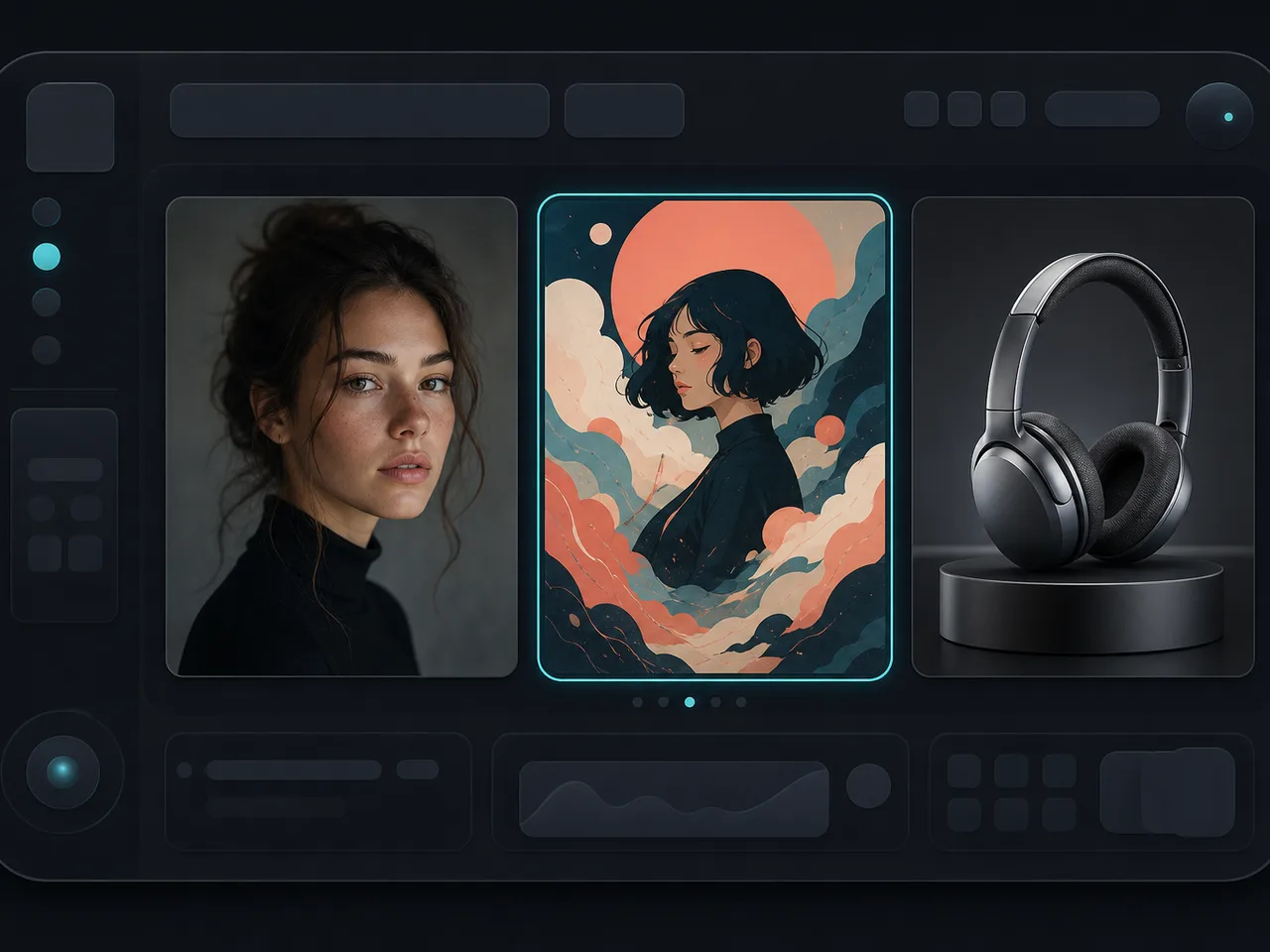
मल्टी-मॉडल हब
Midjourney, GPT Image और अन्य को साथ-साथ तुलना करें, फिर हर टास्क के लिए सही AI Image Generator मॉडल चुनें।
🧭 Guide
AI इमेज जेनरेटर कैसे उपयोग करें
प्रॉम्प्ट से फाइनल इमेज तक चार कदम।
- EP.01
इमेज मॉडल चुनें
कलात्मक mood के लिए Midjourney; जब मजबूत instruction following और text-in-image लेआउट चाहिए तो GPT Image 2 चुनें।
- EP.02
स्पष्ट प्रॉम्प्ट लिखें
विषय, मटीरियल/रूप, सीन, लाइटिंग, कैमरा और क्वालिटी शब्द शामिल करें। अंग्रेज़ी, चीनी या मिश्रित प्रॉम्प्ट सभी काम करते हैं।
- EP.03
जेनरेट करें और शॉर्टलिस्ट
कई उम्मीदवार बनाएं, कंपोजिशन, विवरण और स्टाइल स्थिरता तुलना करें, फिर सबसे करीबी रखें।
- EP.04
इटरेट या पॉलिश
कमी विवरण जोड़ें, कीवर्ड समायोजित करें, या रेफरेंस इमेज से जारी रखें जब तक परिणाम पब्लिश-रेडी न हो।
🖼 चुनिंदा
AI इमेज जेनरेटर के चुनिंदा केस
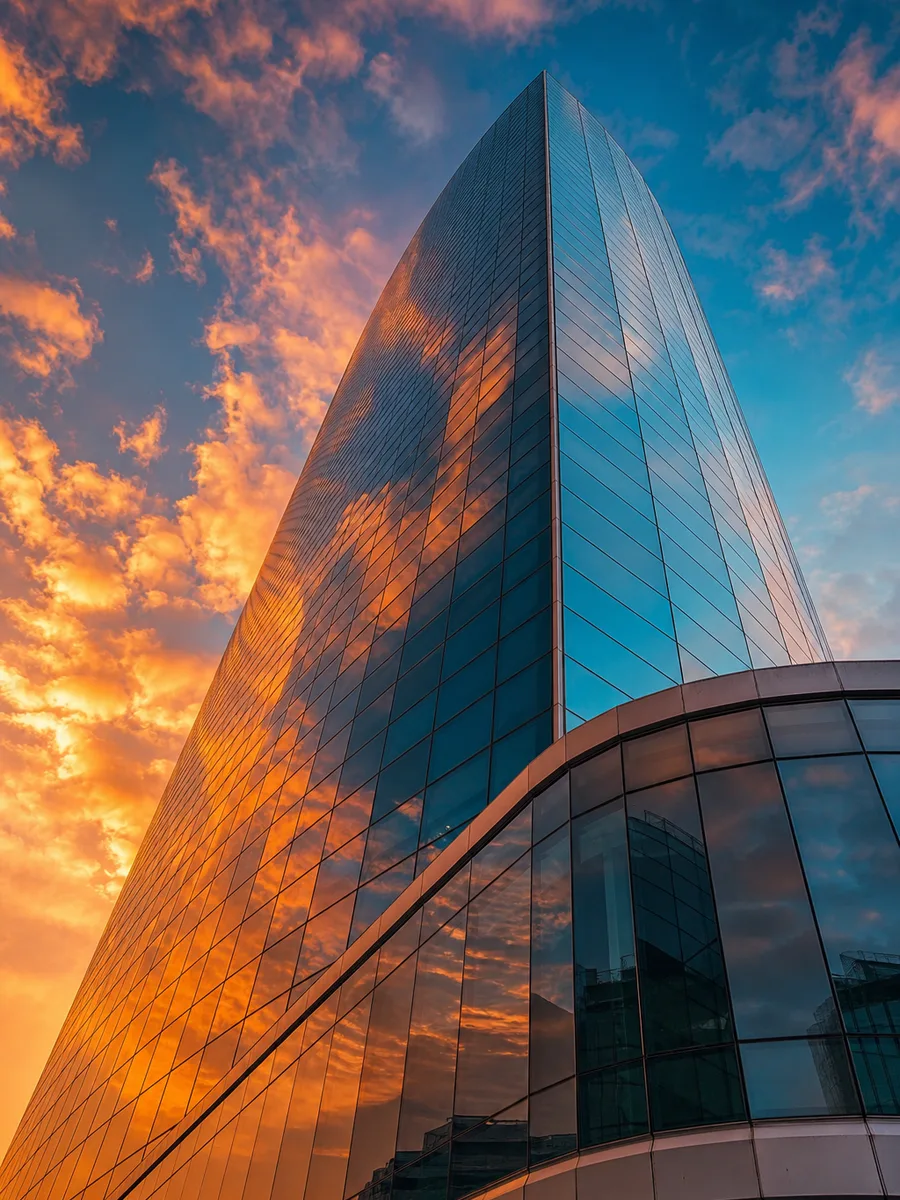
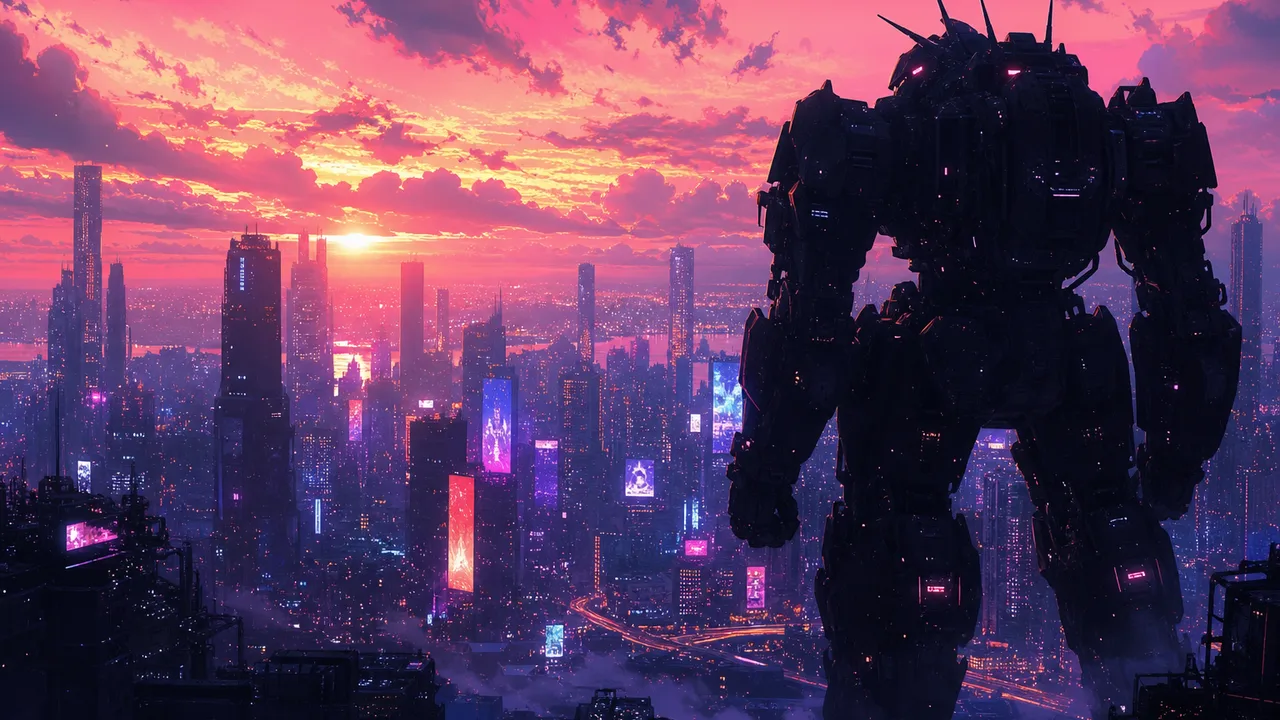
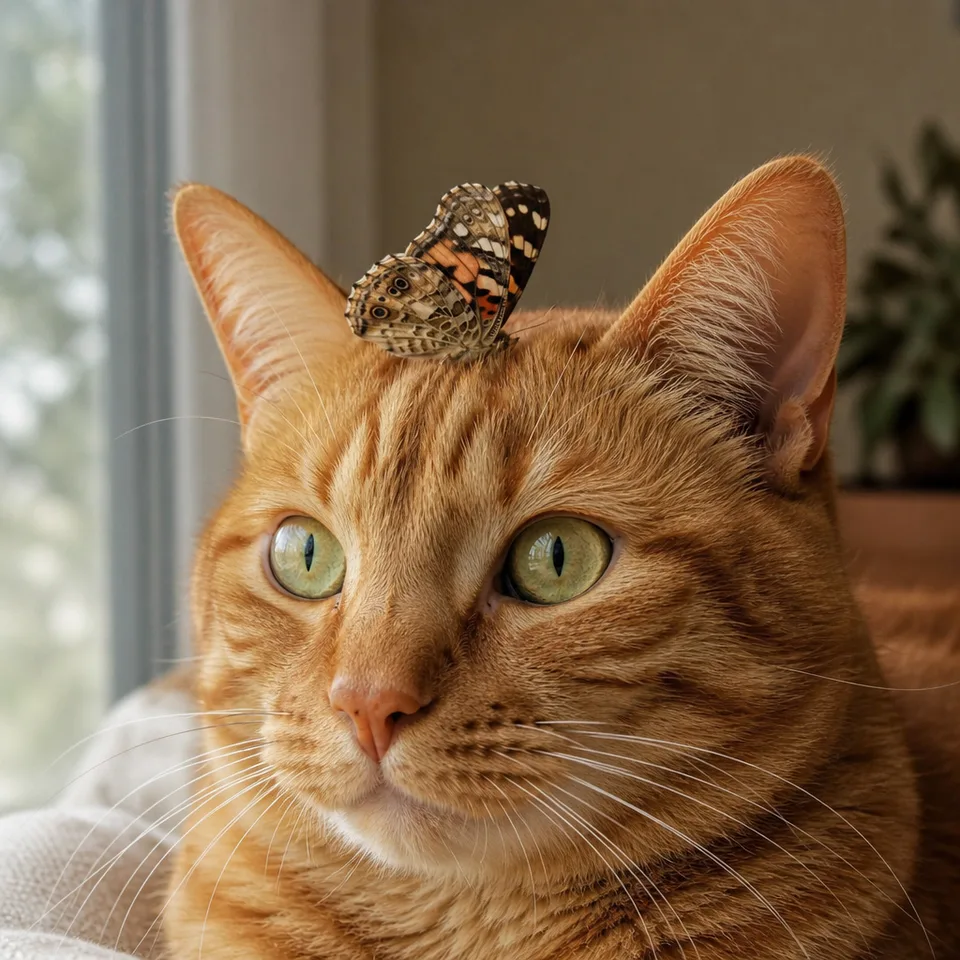
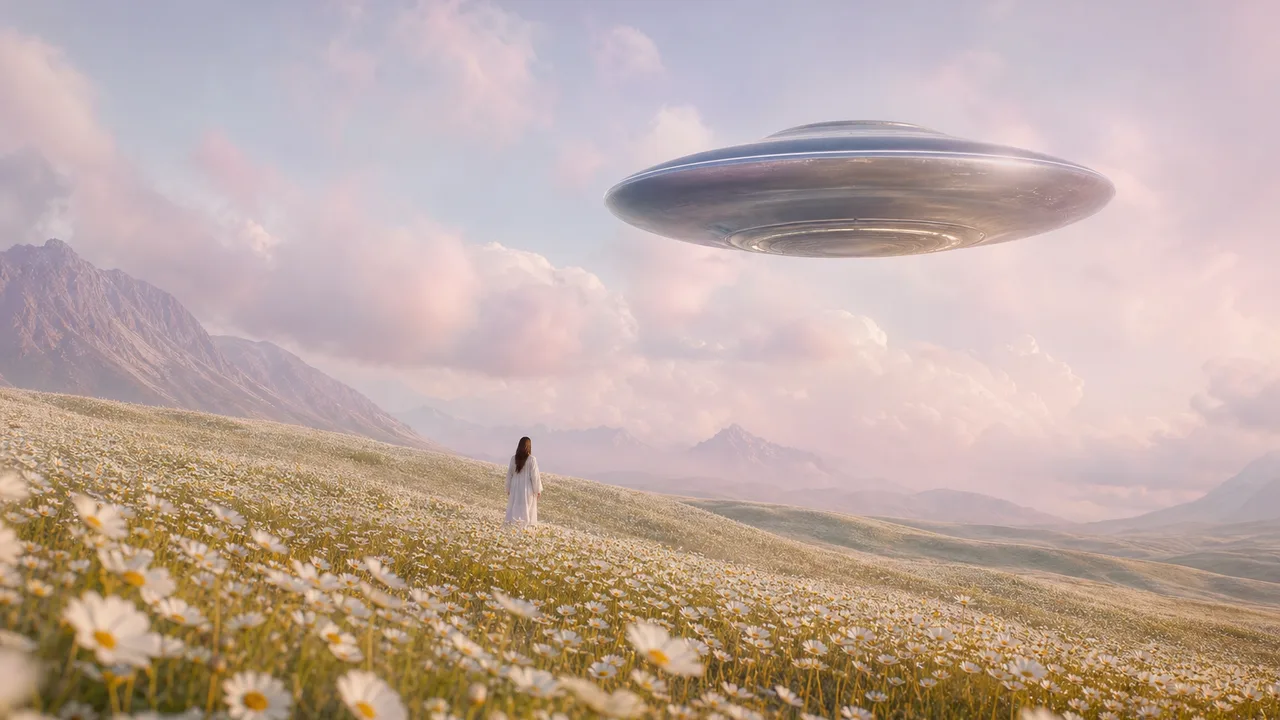
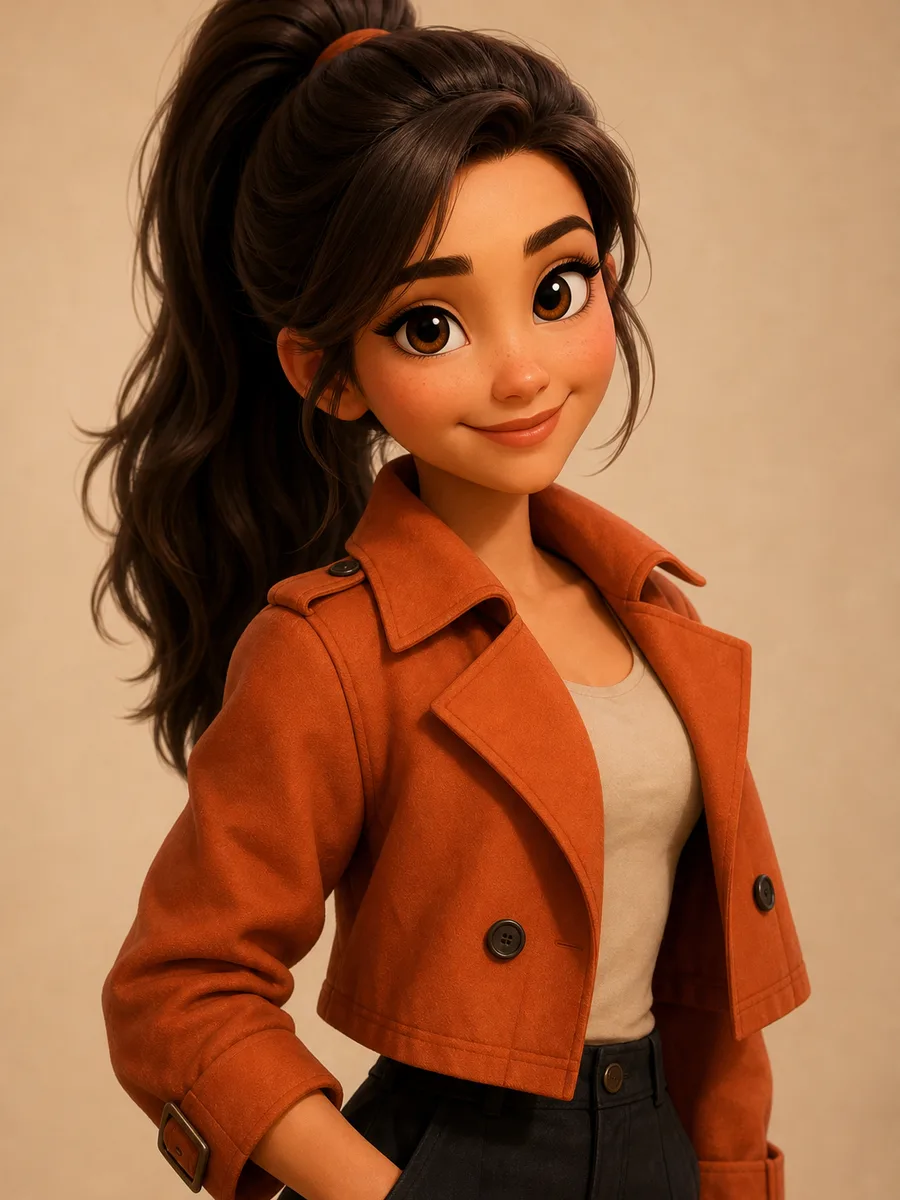
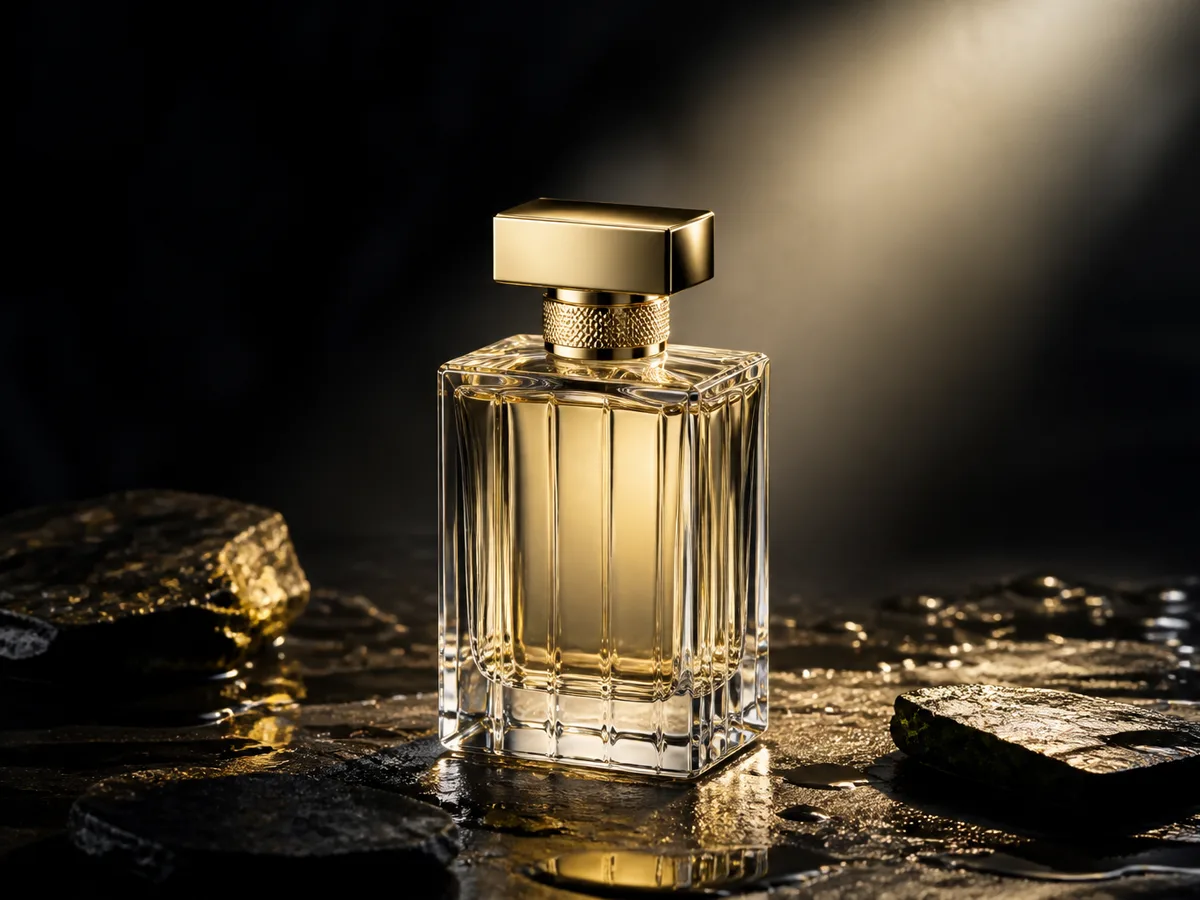
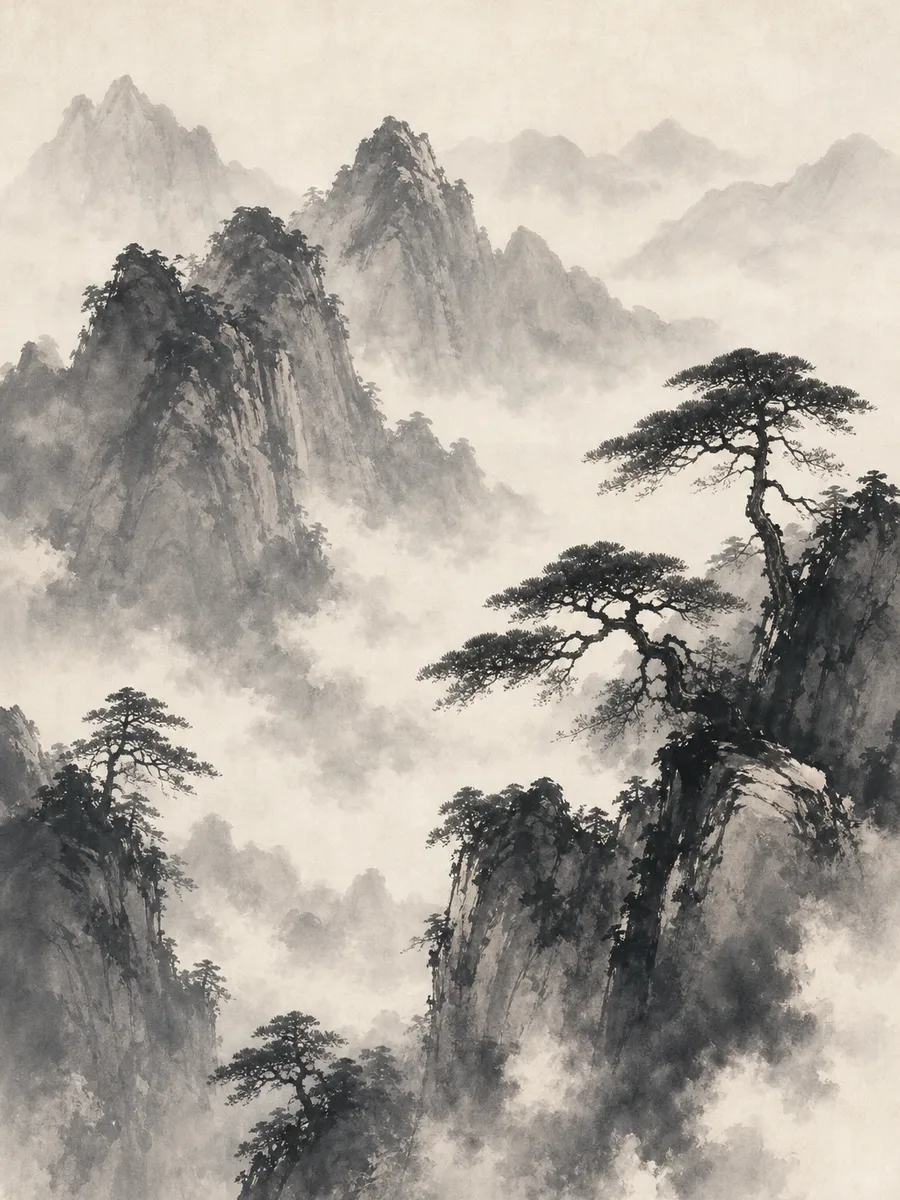
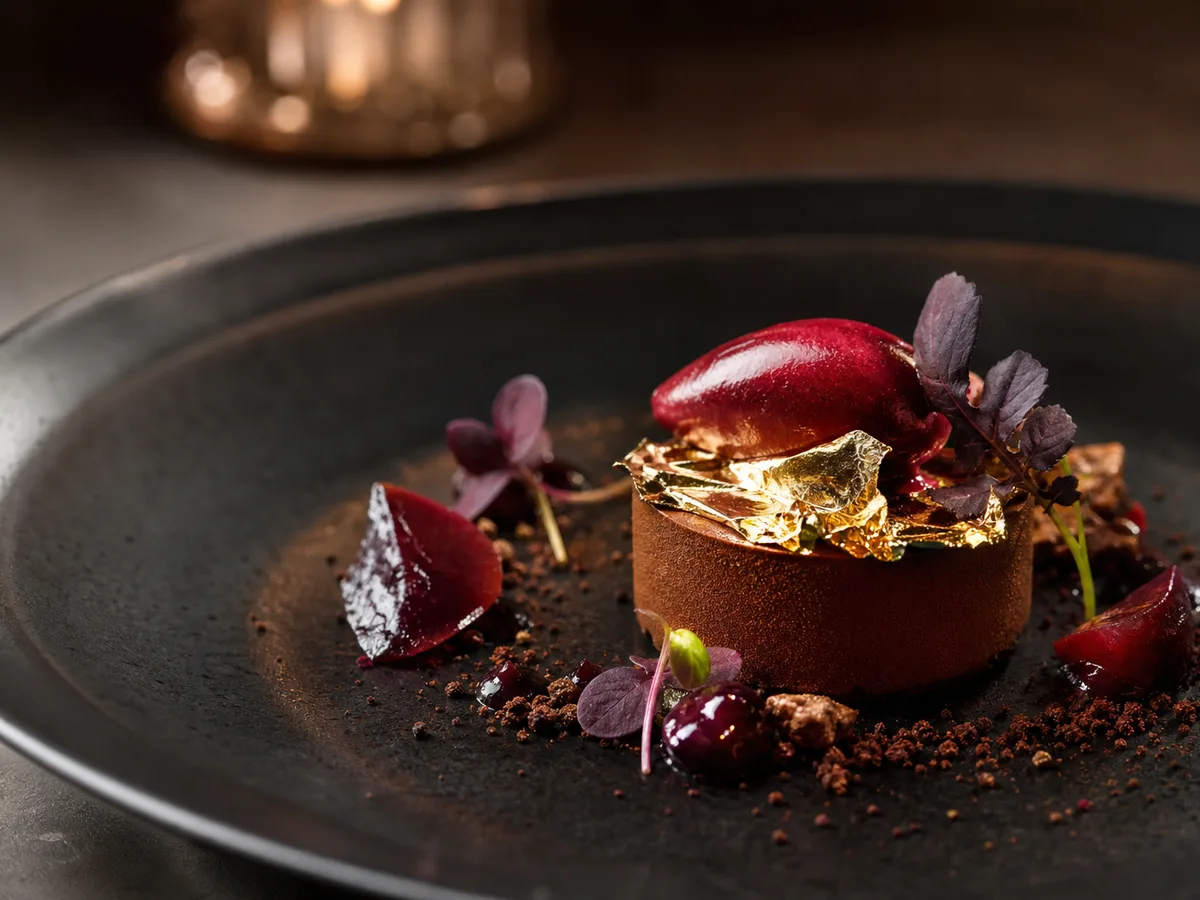
फोटोरियल, ऐनिमे, कॉन्सेप्ट, प्रोडक्ट, आर्किटेक्चर, ऐब्स्ट्रैक्ट और भी—चुनिंदा जनरेशन देखें और अपनी विज़ुअल दिशा चुनें।
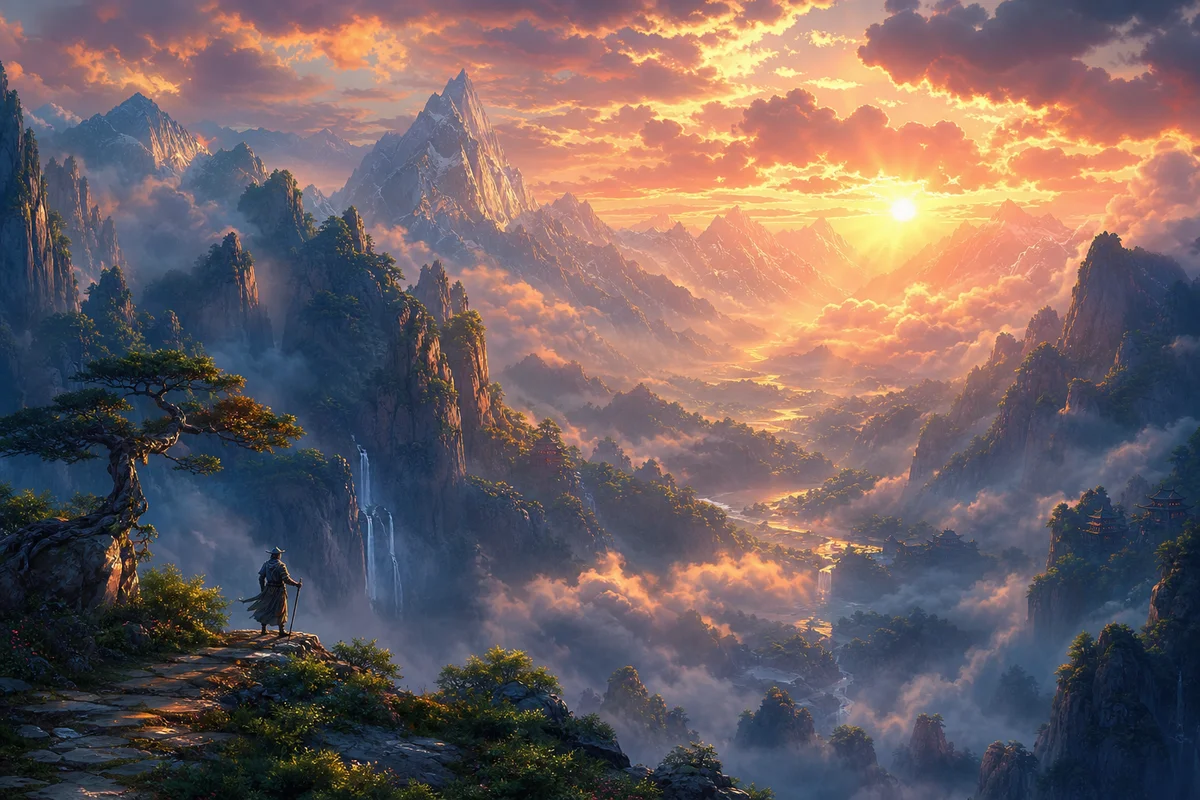
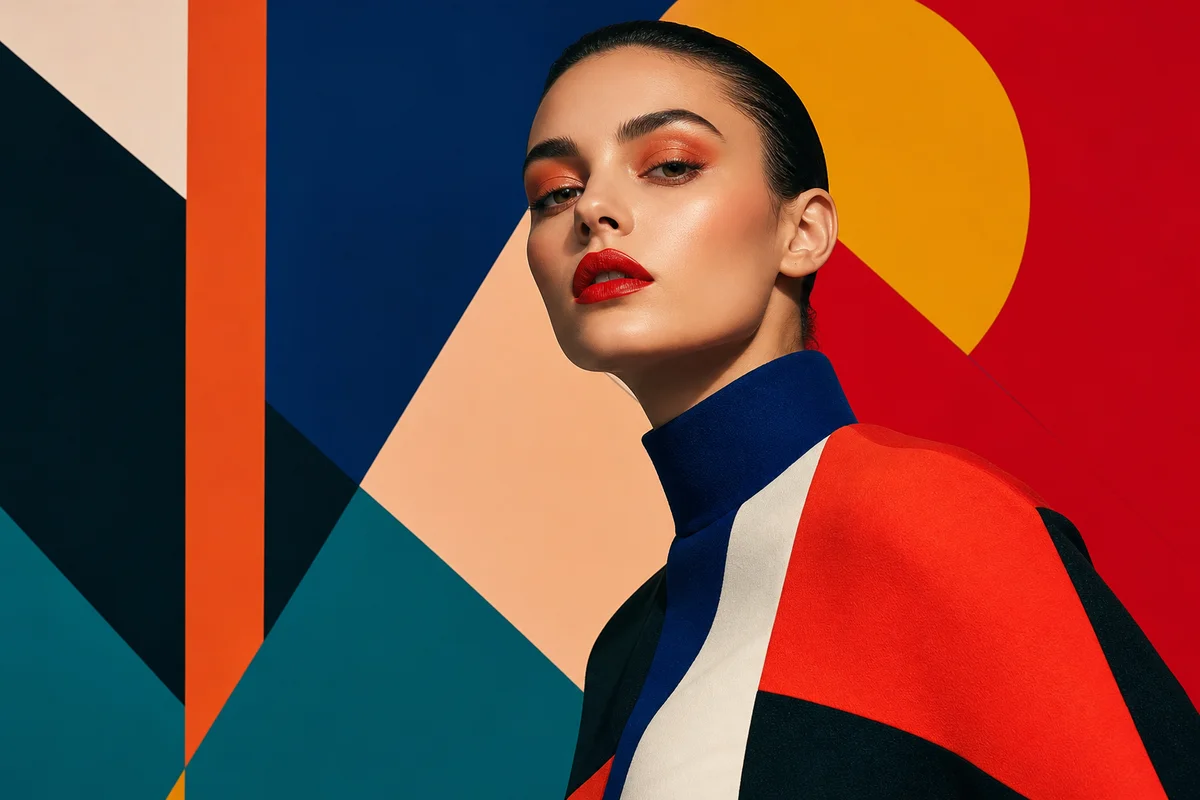
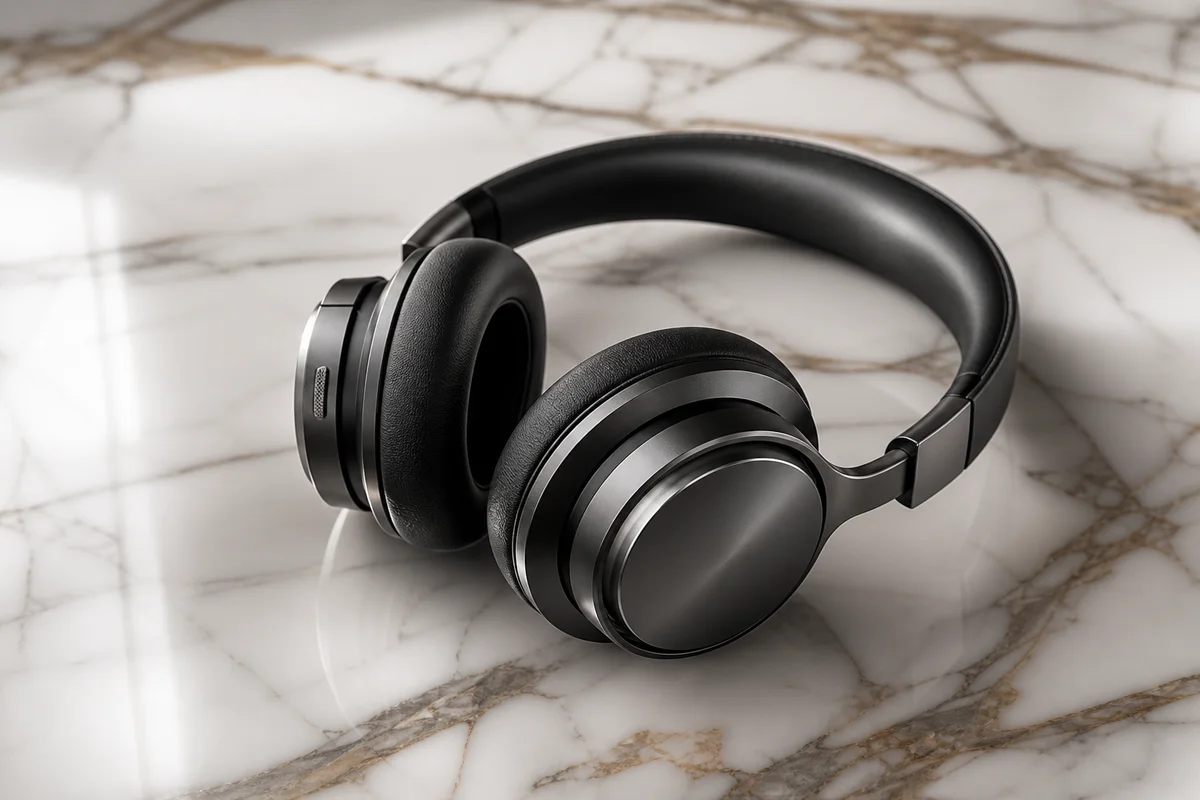
-
Ecommerce product heroes
Draft product atmosphere and hero directions with text to image, then swap backgrounds and refine details to shorten launch visual cycles.
-
Campaign posters & brand KV
Generate multiple poster layouts and palettes for a campaign theme—pre-test creative directions before full design or photography.
-
Concept art & character sheets
Explore scene mood and character looks, then use character consistency to keep identity stable across poses and environments.
👥 Audiences
AI इमेज जेनरेटर किसके लिए है?
ईकॉमर्स लॉन्च और पेड कैंपेन से लेकर डिज़ाइन पिच और कॉन्सेप्ट आर्ट तक—दृश्य भूमिकाओं में समेटे गए हैं ताकि आप अपना फिट पा सकें।
Creative Workflow
डिज़ाइनर और इलस्ट्रेटर
AI जनरेशन को असली क्रिएटिव पाइपलाइन में जोड़ें—सिर्फ “एक बार में फाइनल आर्ट” नहीं।
Text to Image से कंपोज़िशन खोजें, Image to Image से स्केच को रेंडर-रेडी फ्रेम की ओर धकेलें। एक ही ब्रीफ पर मॉडल स्वभाव तुलना करें, दिशा चुनें, फिर अपने डिज़ाइन स्टैक में पॉलिश करें—ब्रांड और डिज़ाइन प्रस्तावों में विज़ुअल अलाइनमेंट के लिए भी उपयुक्त।
- कॉन्सेप्ट खोज और लेआउट परीक्षण
- नियंत्रित स्केच→रेंडर विस्तार
- पिच में विज़ुअल अलाइनमेंट
Always-on Content
क्रिएटर और सोशल मैनेजर
हर पोस्ट के लिए खास विज़ुअल—स्टॉक और फ्रीलांसर पर कम निर्भरता।
कवर, थंबनेल और कैंपेन आर्ट ट्रेंड का पीछा करते हैं। AI इमेज जनरेटर एक वाक्य को उपयोगी आर्ट बनाता है; पैलेट और स्टाइल शब्द लॉक कर ऐसे एसेट बनाएँ जो आपके ब्रांड जैसे लगें—पोस्ट, शॉर्ट कवर और चैनल पहचान की स्थिर आपूर्ति।
- शॉर्ट कवर और पोस्ट आर्ट
- तेज़ कैंपेन विज़ुअल रिफ्रेश
- चैनल पहचान बनाने वाले स्टाइल शब्द
Campaign Ready
मार्केटिंग और विज्ञापन टीमें
शूट या डिज़ाइन स्प्रिंट से पहले सस्ते विज़ुअल से अलाइन और टेस्ट करें।
पेड मीडिया को कई क्रिएटिव दिशाएँ चाहिए। पहले कैंपेन KV, विज्ञापन ड्राफ्ट और मल्टी-साइज़ बनाएँ, फिर जीतने वाले रूट पर बजट लगाएँ—पिच से लैंडिंग एसेट तक छोटा रास्ता।
- A/B क्रिएटिव पूर्व-विज़ुअलाइज़ेशन
- कैंपेन KV और पोस्टर ड्राफ्ट
- पिच में विज़ुअल अलाइनमेंट
Launch Faster
ईकॉमर्स और प्रोडक्ट विज़ुअल
हीरो और लाइफ़स्टाइल समानांतर दें—विज़ुअल डिलीवरी चक्र छोटा करें।
लॉन्च में अक्सर हीरो, सीन और प्रोमो एक साथ चाहिए। टेक्स्ट या रेफ़रेंस से प्रोडक्ट माहौल बनाएँ, बैकग्राउंड बदलें और डिटेल सुधारें ताकि फोटो और रिटच का दबाव बाद में रहे।
- समानांतर हीरो और सीन उत्पादन
- छोटे लॉन्च विज़ुअल चक्र
- बैकग्राउंड स्वैप और डिटेल पॉलिश
Concept First
गेम और फ़िल्म कॉन्सेप्ट
आर्ट डायरेक्शन को विज़ुअल ड्राफ्ट से मिलाएँ—सिर्फ वर्ल्डबिल्डिंग डॉक्स से नहीं।
सीन, कैरेक्टर और प्रॉप कॉन्सेप्ट बोर्ड ग्रीनलाइट बातचीत तेज़ करते हैं। पहले AI से मूड और डिज़ाइन वैरिएंट निकालें, फिर तय करें क्या फाइन इलस्ट्रेशन या 3D में जाए।
- सीन और कैरेक्टर कॉन्सेप्ट खोज
- प्रॉप और मूड वैरिएंट परीक्षण
- तेज़ आर्ट-डायरेक्शन अलाइनमेंट
Start Simple
शुरुआती और शौकिया क्रिएटर
ड्रॉइंग स्किल या जटिल सेटिंग नहीं—एक वाक्य से शुरू करें और प्रॉम्प्ट अभ्यास से सीखें।
अगर आप बता सकते हैं क्या देखना चाहते हैं—विषय, मूड, मोटा स्टाइल—तो शुरू कर सकते हैं। पहली इमेज के लिए छोटा प्रॉम्प्ट, फिर लाइट, कैमरा और मैटीरियल। आम मॉडल एंट्री साथ होने से प्रॉम्प्ट अभ्यास दिन एक से ही फलदायी लगता है।
- प्राकृतिक भाषा काफी है
- पहले छोटा प्रॉम्प्ट, बाद में सुधार
- करके प्रॉम्प्ट क्राफ्ट सीखें
💡 Tips
प्रॉम्प्ट लिखने के टिप्स
- विषय से शुरू: “a perfume bottle / city nightscape” से, फिर विवरण।
- style words specific रखें: product photography, cinematic lighting, editorial poster।
- camera और light जोड़ें: close-up, wide shot, softbox, golden hour परिणाम बहुत बदल सकते हैं।
- conflicting styles stack न करें, materials और perspective unstable हो जाते हैं।
- brand consistency के लिए key colors, materials और composition constraints दोहराएं।
🎨 Models
अनुशंसित AI इमेज मॉडल
अलग मॉडल अलग दिशाओं में shine—अपने क्रिएटिव लक्ष्य के अनुसार चुनें।
Midjourney V8.1
mood posters, concept art और stylized illustration के लिए मजबूत artistic expression।
विवरण देखें →
GPT Image 2
built-in reasoning और planning, complex setups और text posters के लिए steadier instruction following।
विवरण देखें →
Nano Banana
bulk prompt testing और quick drafts के लिए cost-efficient near-real-time generation।
विवरण देखें →
❓ FAQ
FAQ
AI इमेज जेनरेटर उपयोग—अधिकार, गुणवत्ता और workflow—के सामान्य प्रश्न।
What is an AI Image Generator?
An AI Image Generator creates images from text prompts: describe subject, style, and scene to get product shots, posters, or illustrations. bikabika AI gathers mainstream models and entry points so you can start generating online faster.
What is the difference between Text to Image and Image to Image?
Text to Image builds a scene from a prompt alone. Image to Image uses your uploaded sketch, photo, or storyboard as structure, then changes style or content while keeping composition. Start from an idea with Text to Image; extend an existing layout with Image to Image.
Can I use generated images commercially?
Commercial rights depend on each provider's license and your plan tier. Read official terms from Midjourney, OpenAI, and others before commercial use, and avoid infringing third-party copyrights and trademarks.
How do I get results closer to what I want?
Spell out subject, materials, lighting, camera, and quality—and reduce conflicting style words. Generating several candidates and shortlisting is usually more efficient than one overstuffed prompt.
How is this different from traditional retouching software?
AI image generation excels at creating scenes from scratch; traditional retouching excels at polishing existing assets. Most teams combine both: draft with AI, then refine in Photoshop or design tools.
Should prompts be in English or another language?
Either works. Many models respond strongly to English photography and design terms; other languages can help with business context and emotion. Mix languages in practice, then adjust based on results.
Do I need to know how to draw?
No. You only need to describe the target scene in words. Taste and prompt skill improve with practice, but the entry barrier is low.
AI IMAGE
अपनी पहली AI इमेज बनाने के लिए तैयार?
मॉडल चुनें, सीन बताएं, text-to-image generation शुरू करें।