
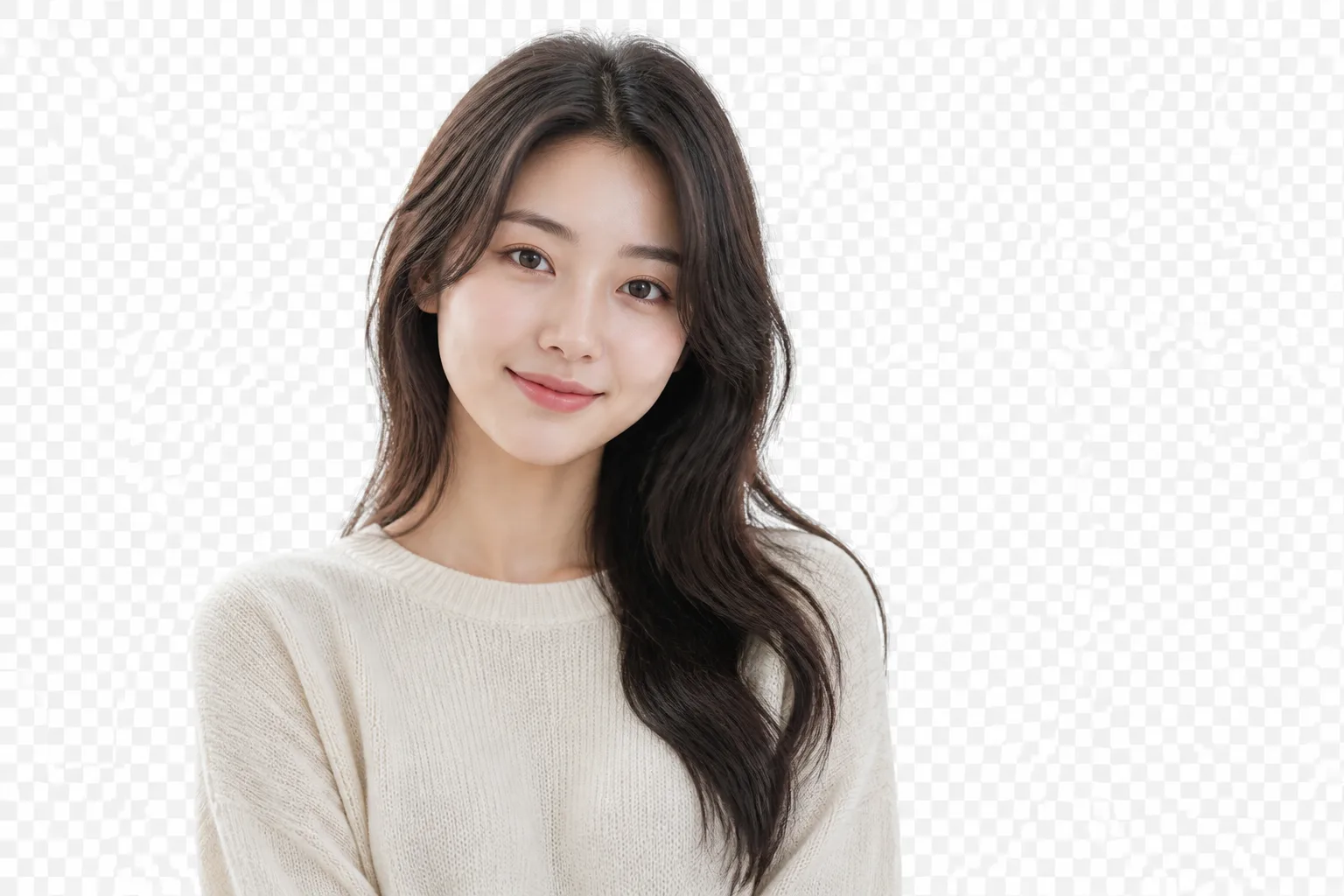
bikabika AI
AI Background Remover
फोटो अपलोड करके एक क्लिक में बैकग्राउंड हटाएं—transparent PNG या white ई-कॉमर्स बैकग्राउंड export करें, hair-edge detail और background replace के साथ। प्रोडक्ट heroes, पोर्ट्रेट, listings और design composites के लिए आदर्श।
- एक-क्लिक हटाएं
- Transparent PNG
- Hair-edge detail
- लोकप्रिय मॉडल एक जगह
📖 परिचय
AI Background Remover क्या है?
AI Background Remover आपकी मौजूदा फोटो पर काम करता है। ओरिजिनल अपलोड करें—मॉडल विषय को अलग करता है, बैकग्राउंड हटाता है, और transparent PNG, साफ white backdrop, या बदला हुआ दृश्य export कर सकता है—ताकि प्रोडक्ट शॉट, पोर्ट्रेट और assets डिज़ाइन व listing workflows में तेज़ी से जाएँ।
टेक्स्ट-टू-इमेज जनरेशन के विपरीत, background removal वास्तविक विषय बनाए रखने पर केंद्रित है। लक्ष्य usable cutouts हैं, बिना पहचान या प्रोडक्ट दिखावट बदले—ई-कॉमर्स heroes, ID/प्रोफ़ाइल फोटो, पोस्टर composites और सोशल covers के लिए बढ़िया।
bikabika AI पर हम Midjourney, GPT Image 2 और Nano Banana जैसे मुख्य मॉडल entry points इकट्ठा करते हैं ताकि cutout, white-BG, या scene-replace tasks के हिसाब से चुनें और ऑनलाइन workflow में कूद सकें।
💡 क्यों हम
क्रिएटिव्स bikabika AI Background Remover क्यों चुनते हैं
ज़्यादातर टूल one-tap «clean cutout» का वादा करते हैं। डिलीवरी के लिए मायने रखता है कि edges टिकें, विषय पूरा रहे, और white-BG / replace workflows तेज़ रहें। bikabika AI अग्रणी मॉडल और हाई-फ़्रिक्वेंसी remove-BG paths एक जगह जोड़ता है।
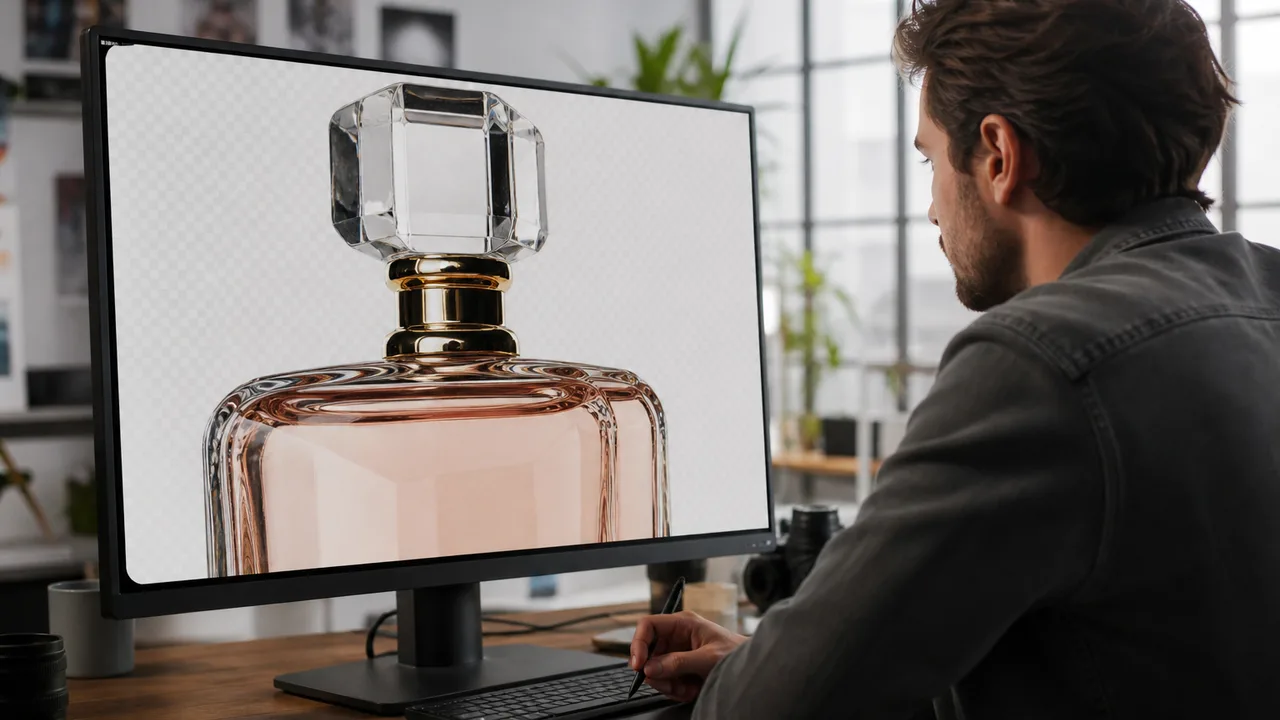
वास्तविक डिलीवरी में टिकने वाले edges
heroes, catalogs और posters के लिए edge readability ऑप्टिमाइज़ करें—परिणाम छोटे thumbnail preview से आगे काम करें।
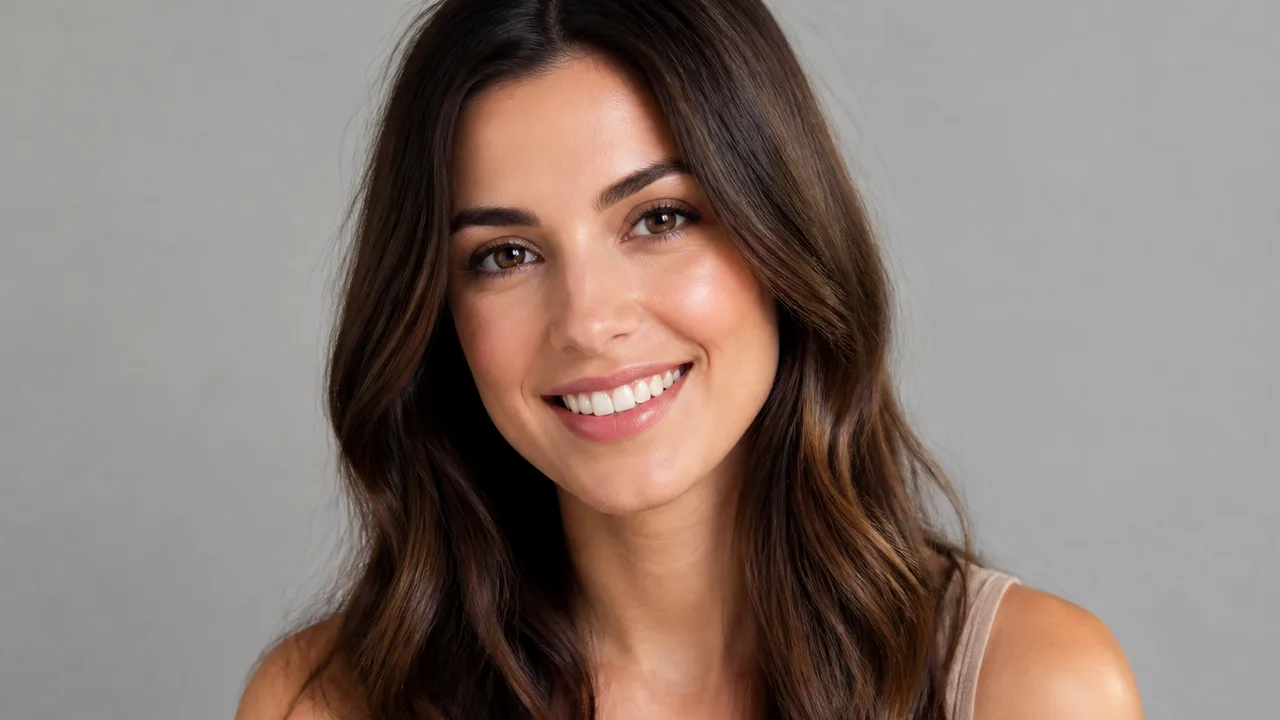
विषय रखें, पहचान सुरक्षित
चेहरे की विशेषताएँ, प्रोडक्ट silhouette और material detail को प्राथमिकता—accessories, logos या key outlines की गलती से deletion कम करें।
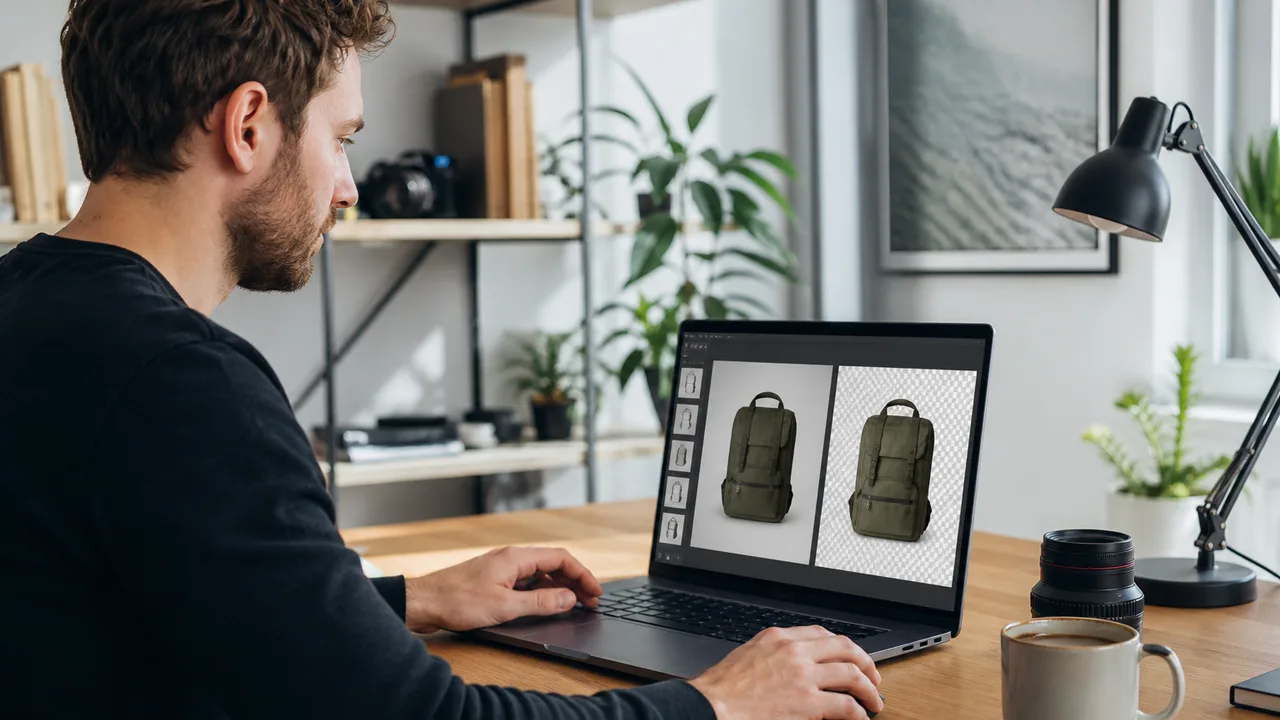
अपलोड से usable asset तेज़
फ़ोन snaps, studio shots और event captures तेज़ remove-BG pass से गुज़र सकते हैं—«फोटो है» से «composite या list करने को तैयार» की प्रतीक्षा घटती है।
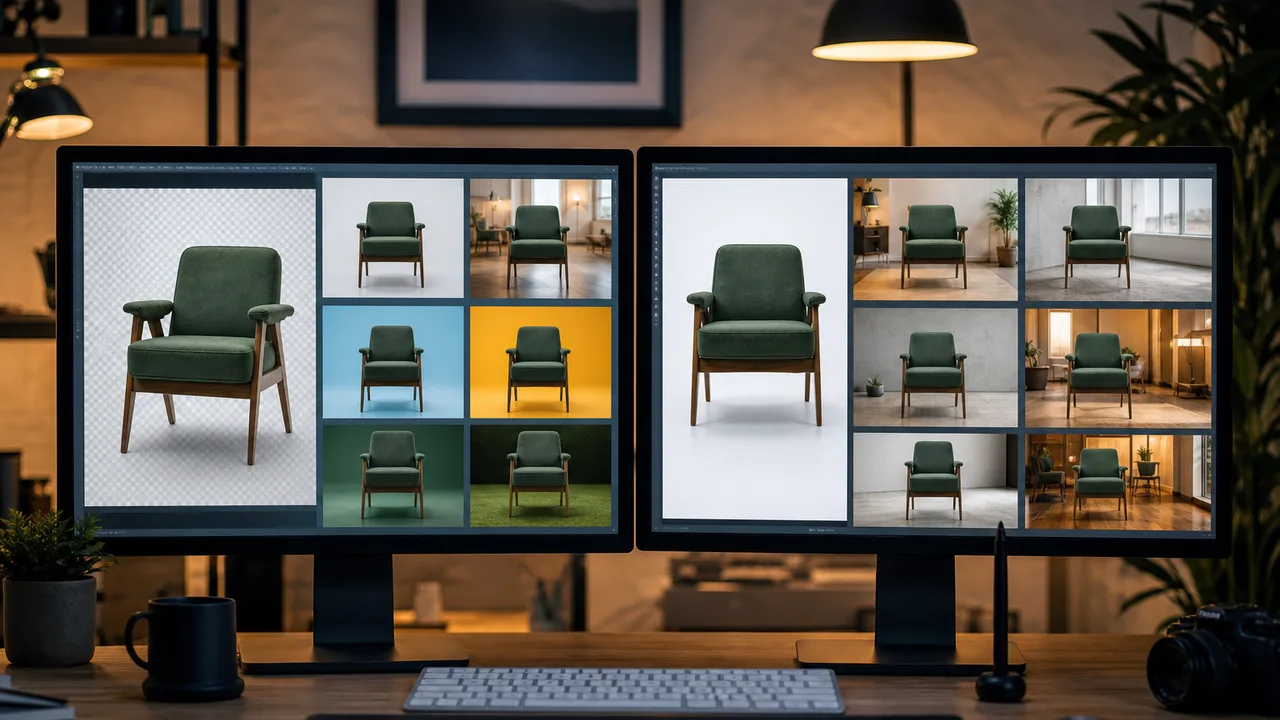
टास्क के हिसाब से multi-model entry
Midjourney, GPT Image, Nano Banana और अन्य जोड़ें—hair-edge portraits, product white BG, या scene replace के हिसाब से switch करें, एक locked look नहीं।
✨ सुविधाएँ
AI Background Remover की मुख्य सुविधाएँ
हाई-फ़्रिक्वेंसी काम—auto cutout, transparent export, hair edges, white ई-कॉमर्स backgrounds, background replace, और batch assist—कवर करता है ताकि ओरिजिनल से reusable assets तक सुचारु रूप से पहुँचें।
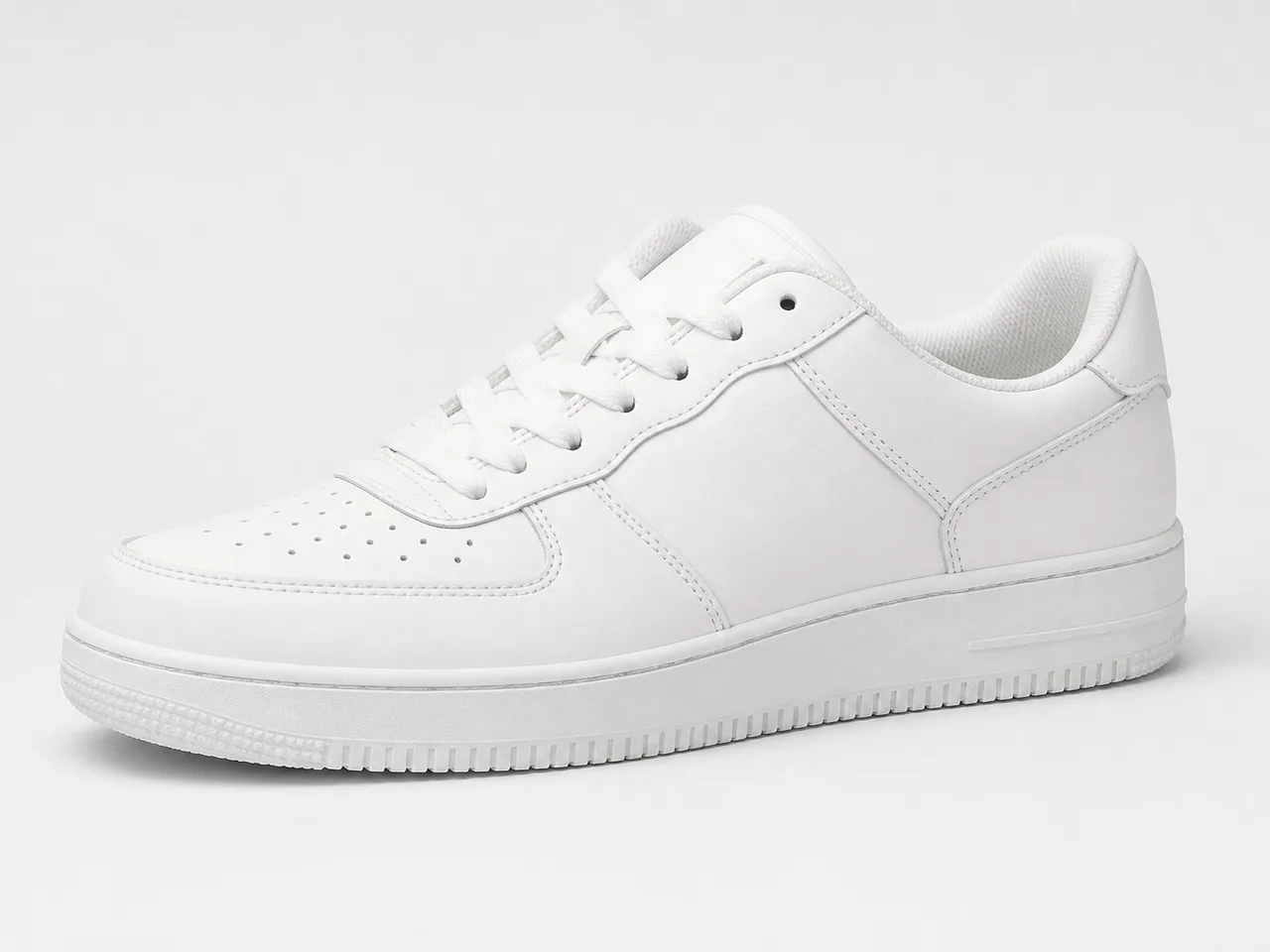
01
एक-क्लिक Auto Cutout
लोग, प्रोडक्ट और वस्तुओं को ऑटो-डिटेक्ट करके व्यस्त बैकग्राउंड हटाएं—कम मैनुअल brushing और selection।
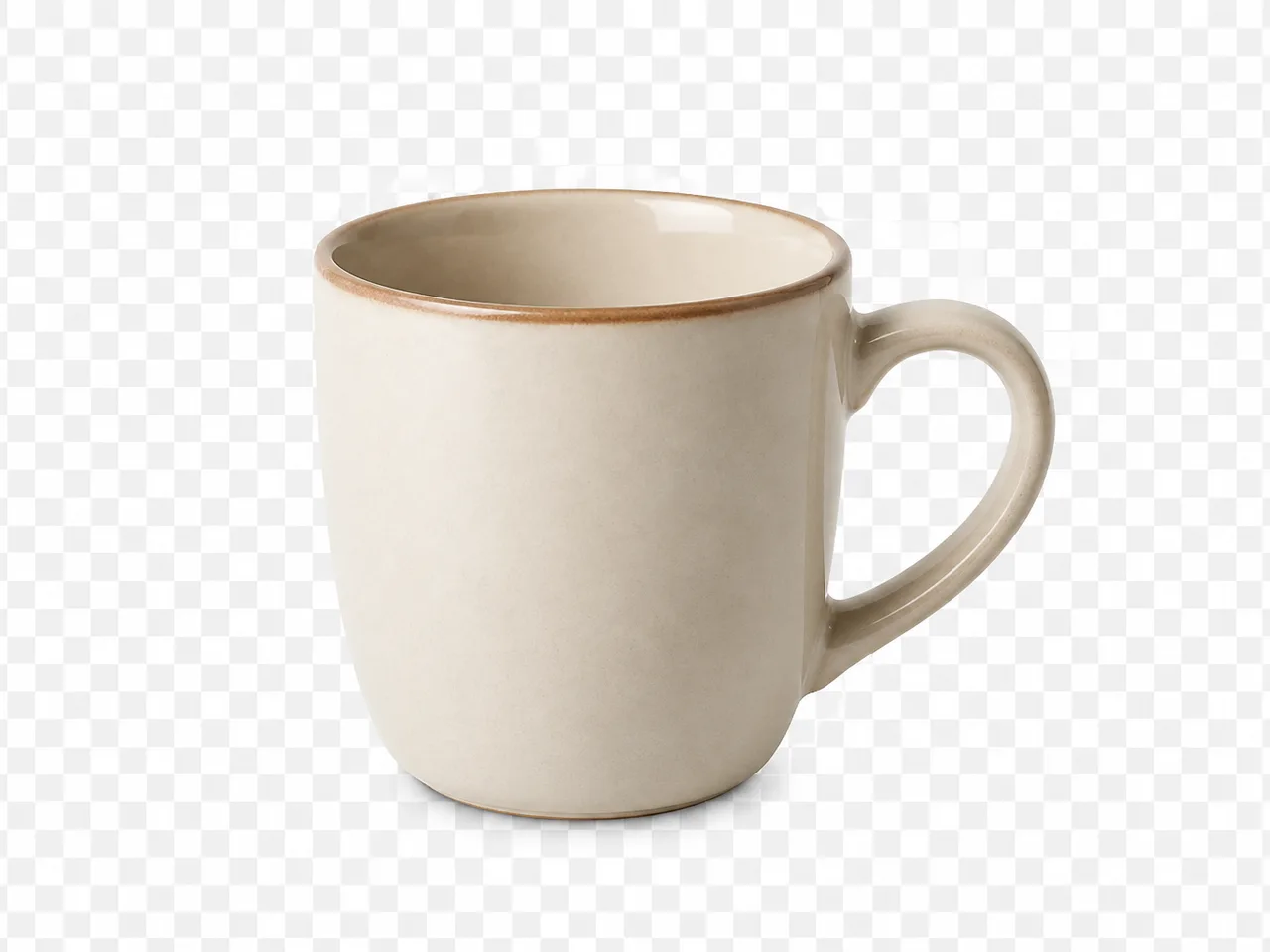
02
Transparent PNG export
Alpha-channel transparent assets export करें, पोस्टर, detail pages और brand templates पर सीधे रखने के लिए तैयार।
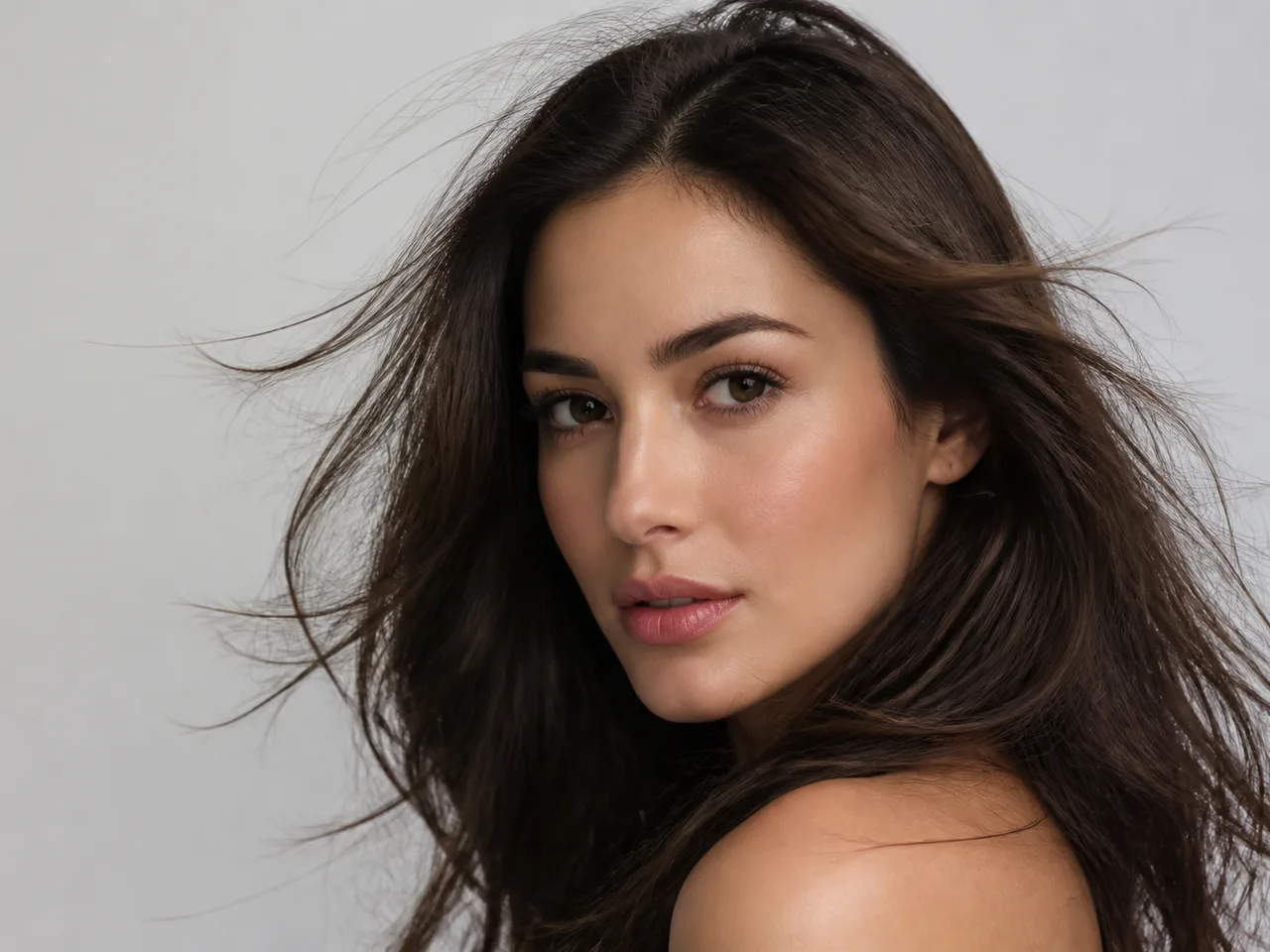
03
Hair और fur edge detail
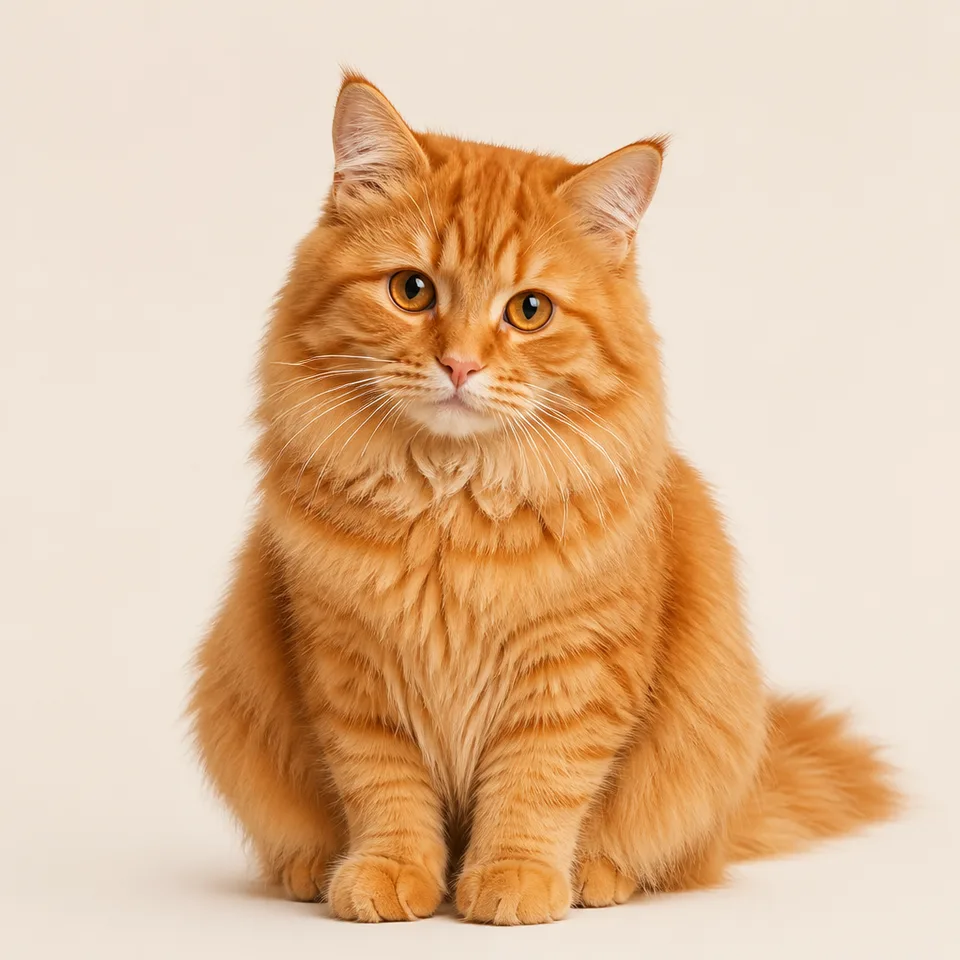
बारीक बाल, fluff और semi-transparent edges बनाए रखें—पोर्ट्रेट और pets पर hard cuts और jagged fringing कम करें।
04
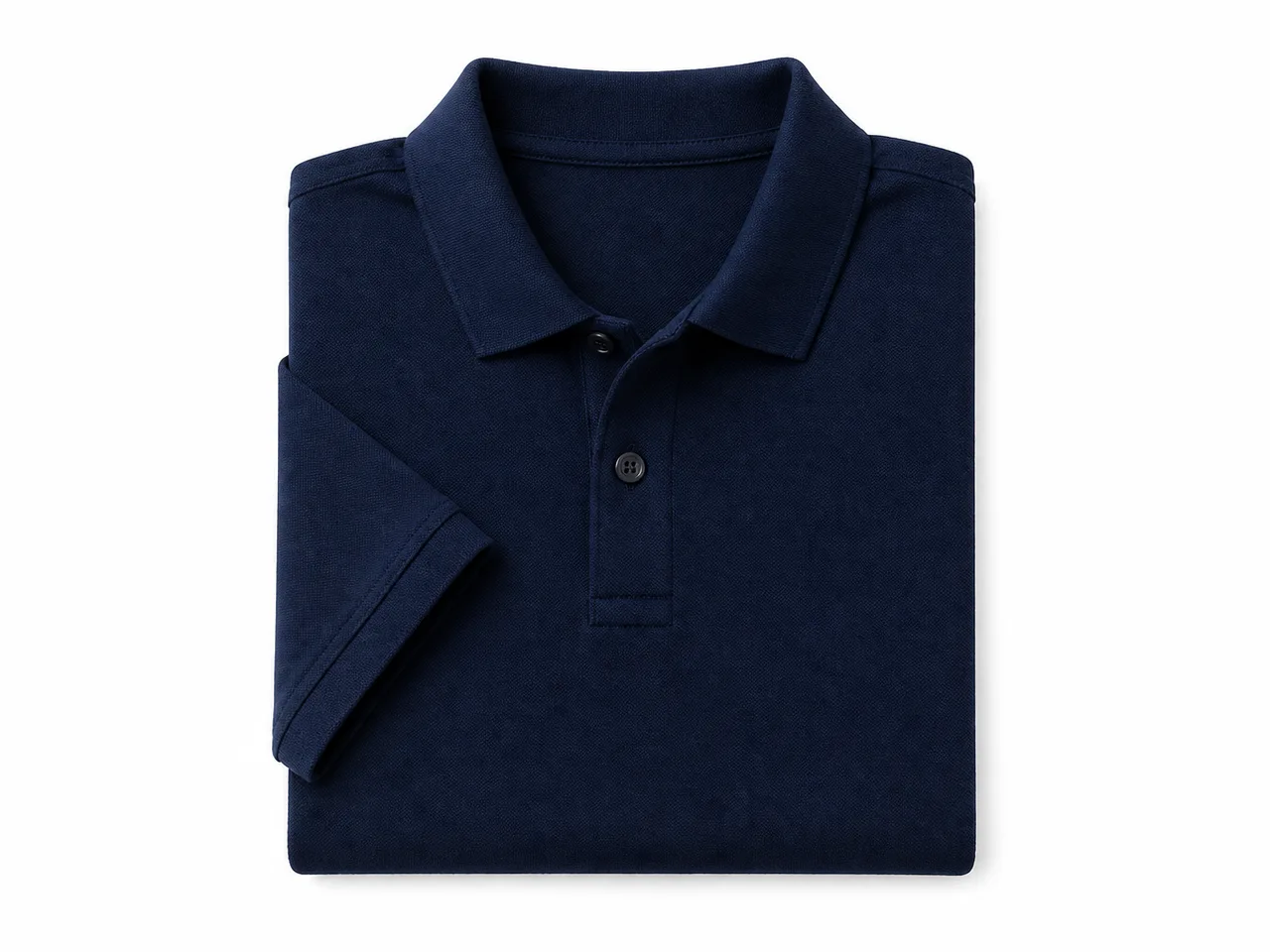
ई-कॉमर्स white background
साफ white या soft studio backdrops बनाएं जो common marketplace hero और catalog requirements से मेल खाएँ।
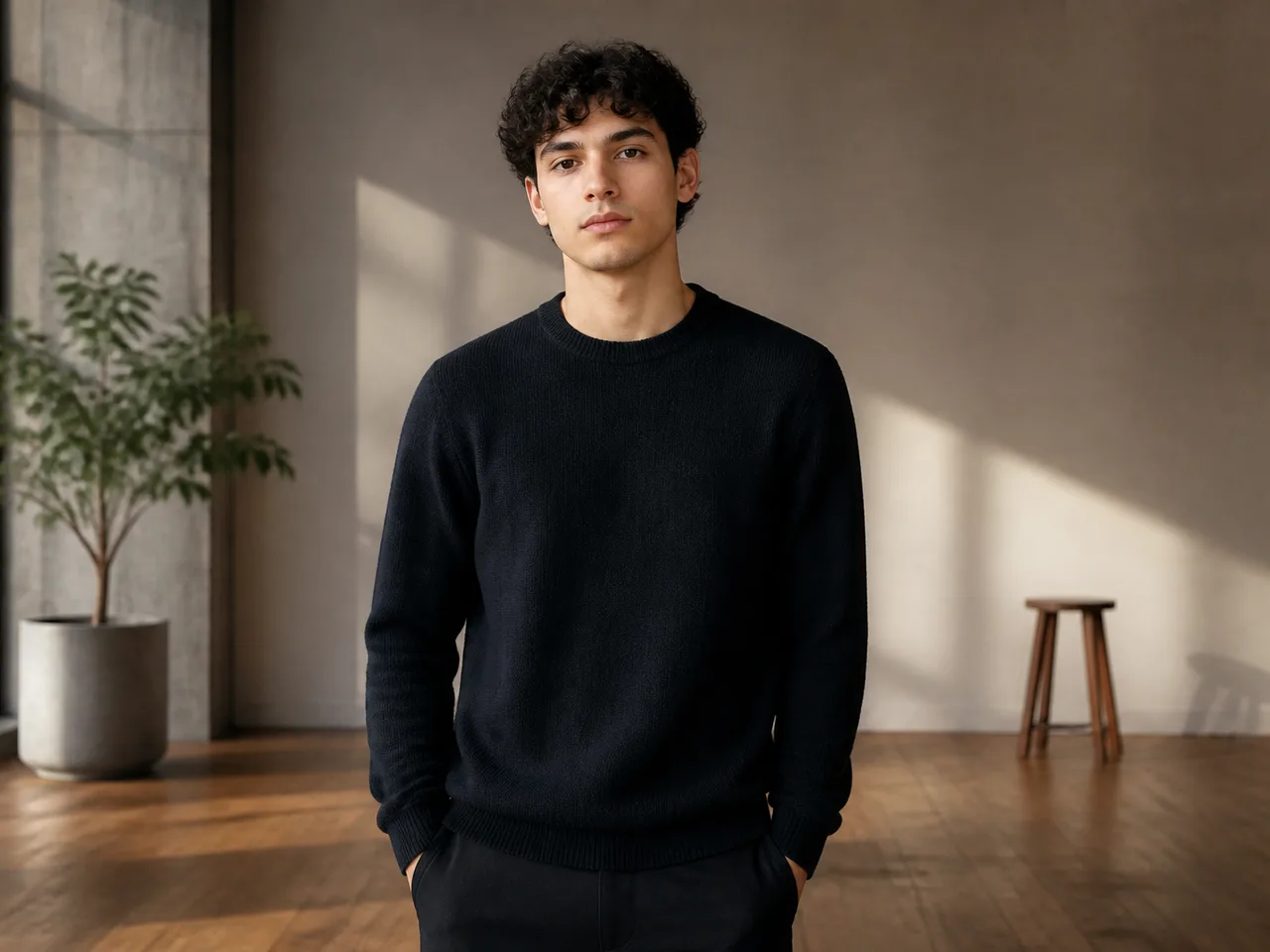
05
Background Replace
Cutout के बाद studio, lifestyle, या brand-mood scenes में बदलें—composite और revision cycles छोटे करें।
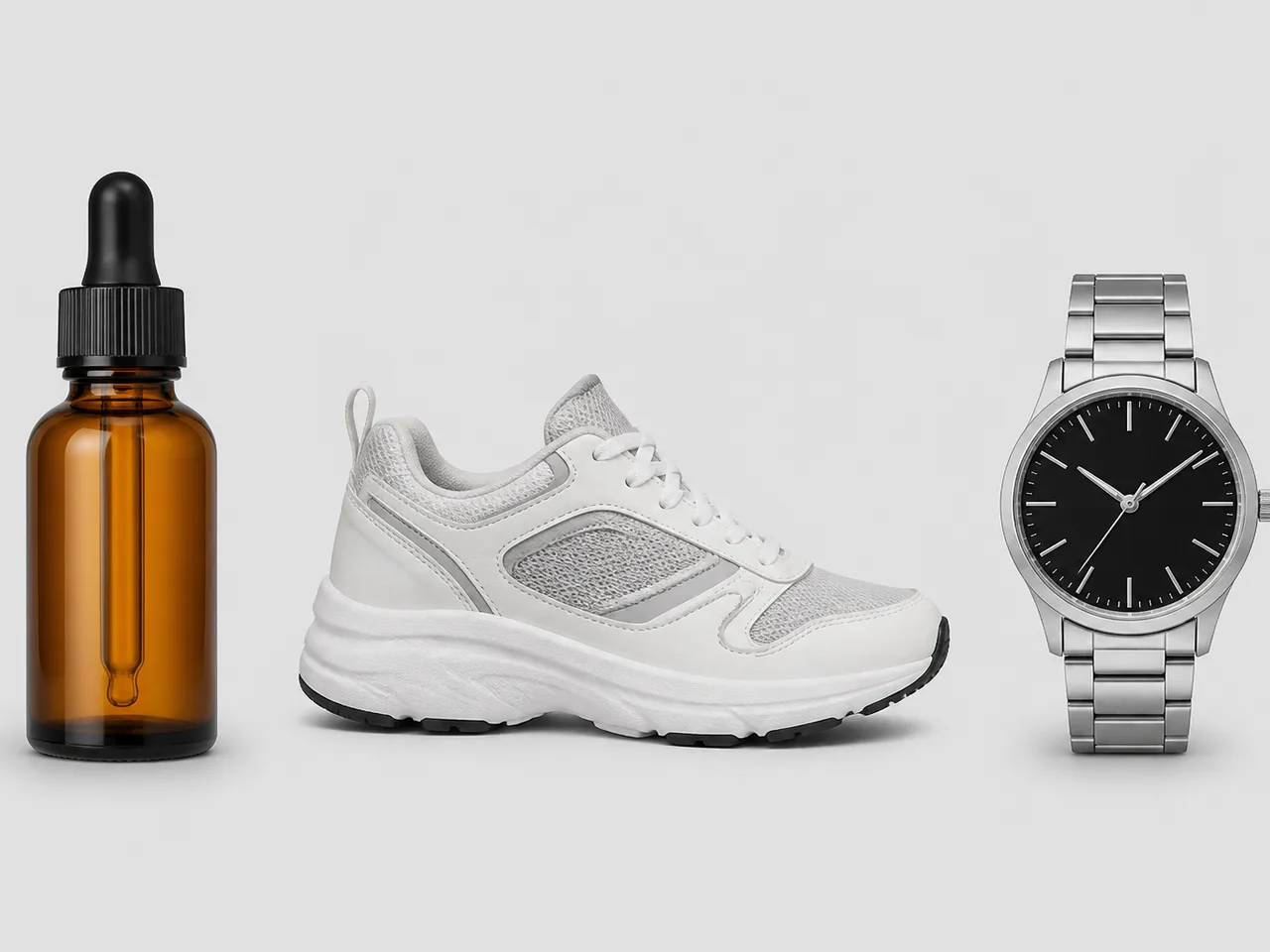
06
Batch और multi-subject assist
listing batches और multi-SKU shoots के लिए उपयोगी—cutout standards सुसंगत रखें और per-image manual cost कम करें।
🧭 कैसे
AI Background Remover कैसे उपयोग करें
ओरिजिनल फोटो से साफ cutout asset तक चार कदम।
- EP.01
cutout के लिए फोटो अपलोड करें
पोर्ट्रेट, प्रोडक्ट, pets और still life के लिए काम करता है। पूर्ण विषय, स्पष्ट contrast और हल्की compression वाले originals पसंद करें।
- EP.02
output goal चुनें
पहले transparent PNG, ई-कॉमर्स white BG, या नया scene तय करें—एक pass में conflicting composite goals न जोड़ें।
- EP.03
जनरेट करें और edges inspect करें
बाल, fur, semi-transparent edges और छोटे accessories पर focus करके candidates की तुलना करें।
- EP.04
listing या design के लिए export
विषय पूरा होने पर PNG/white-BG export करें और detail pages, posters, या background-replace composite में रखें।
🖼 केस
AI Background Remover चुनिंदा केस
प्रोडक्ट white BG, पोर्ट्रेट cutouts, pet fur, fashion catalogs और background replace दिशाएँ देखें।
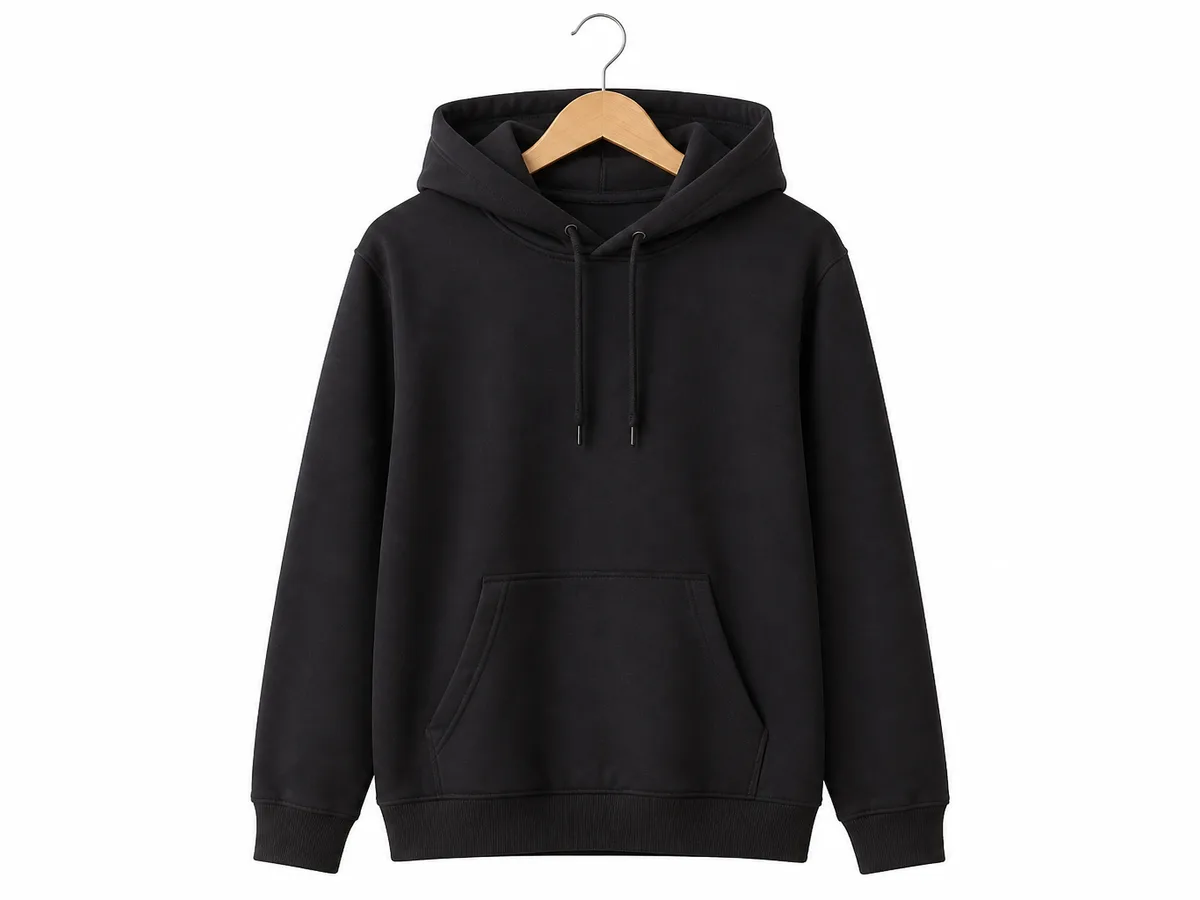

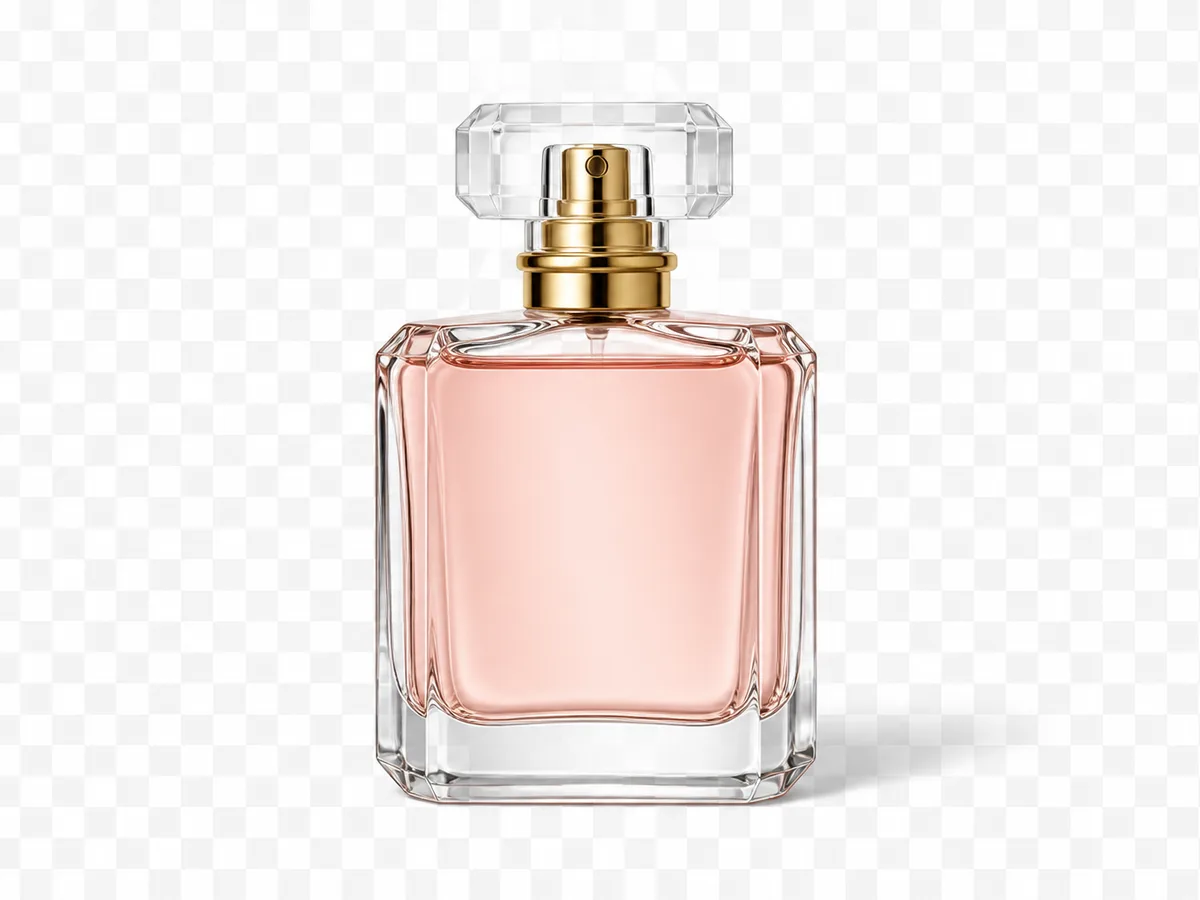
-
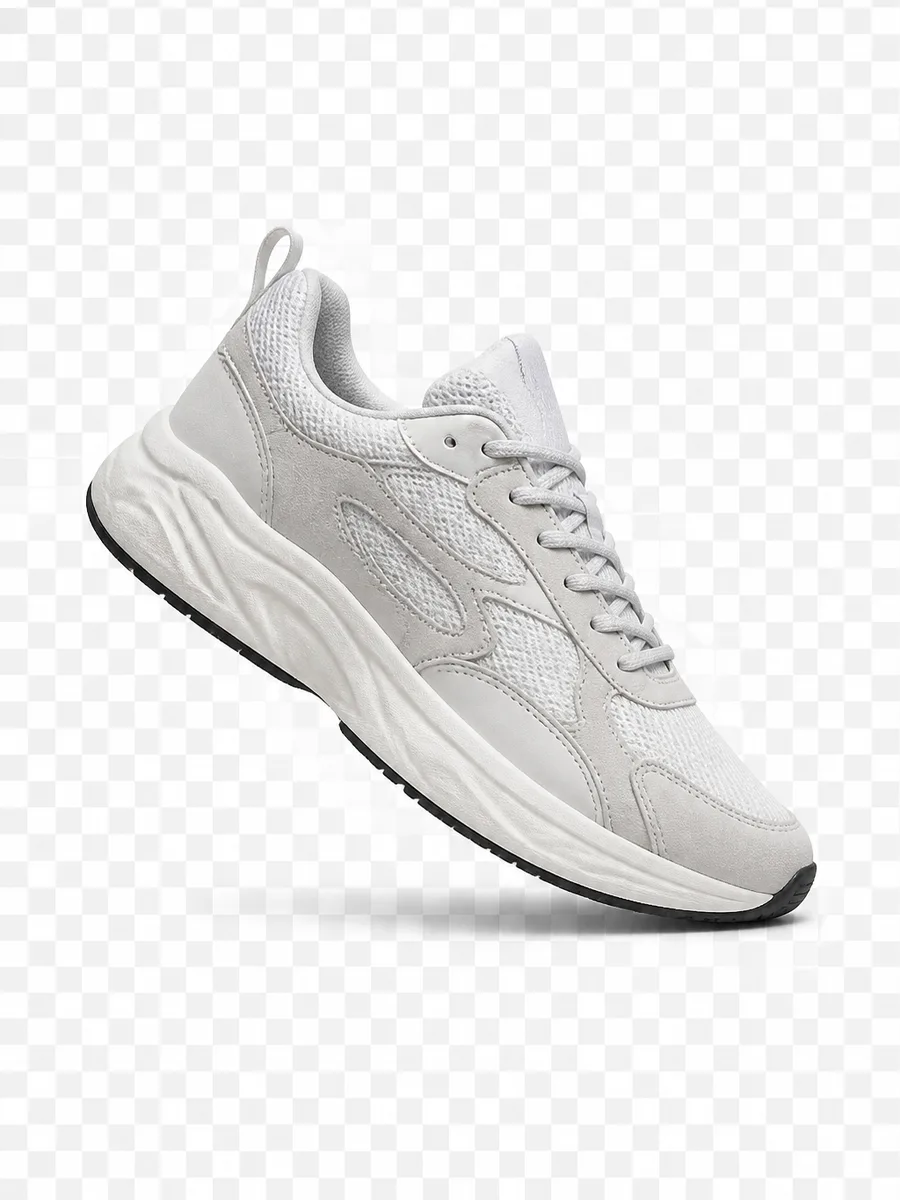
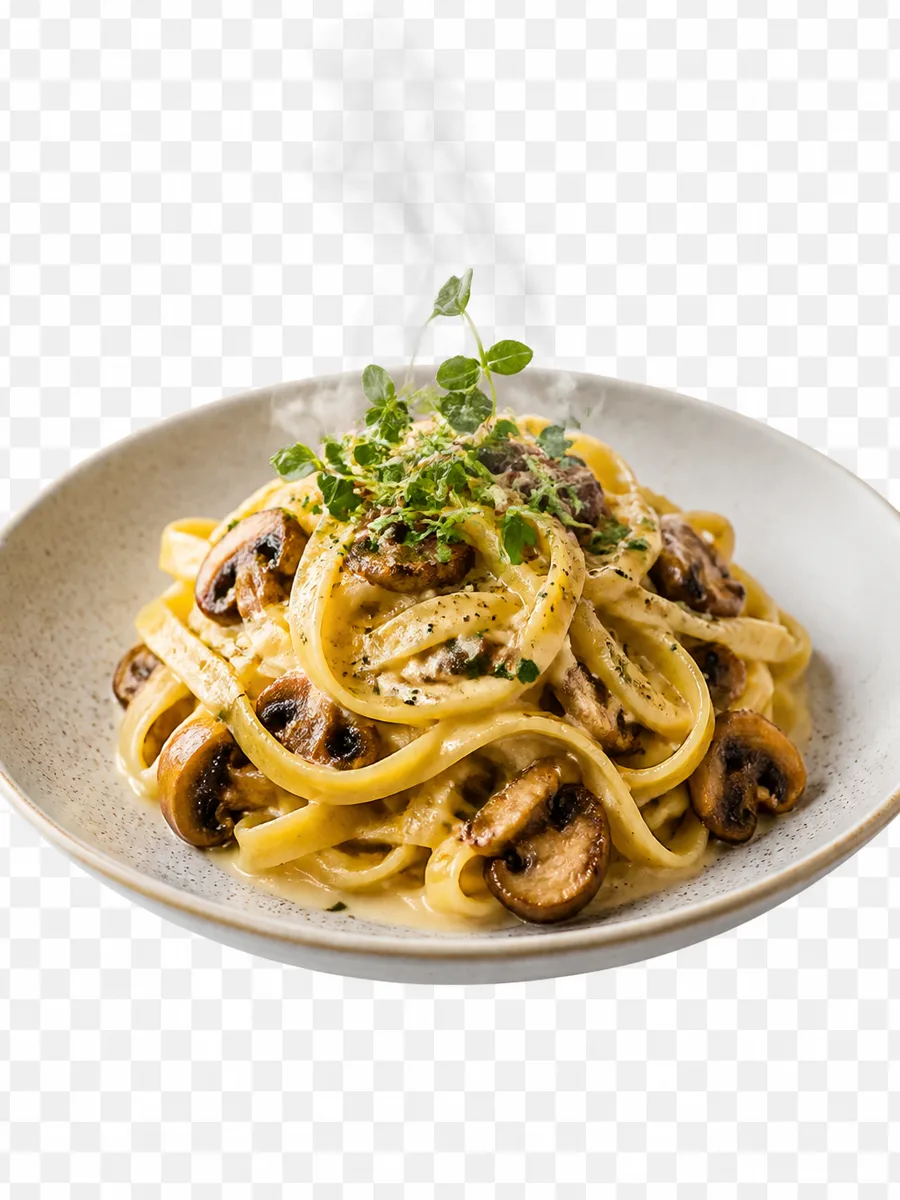
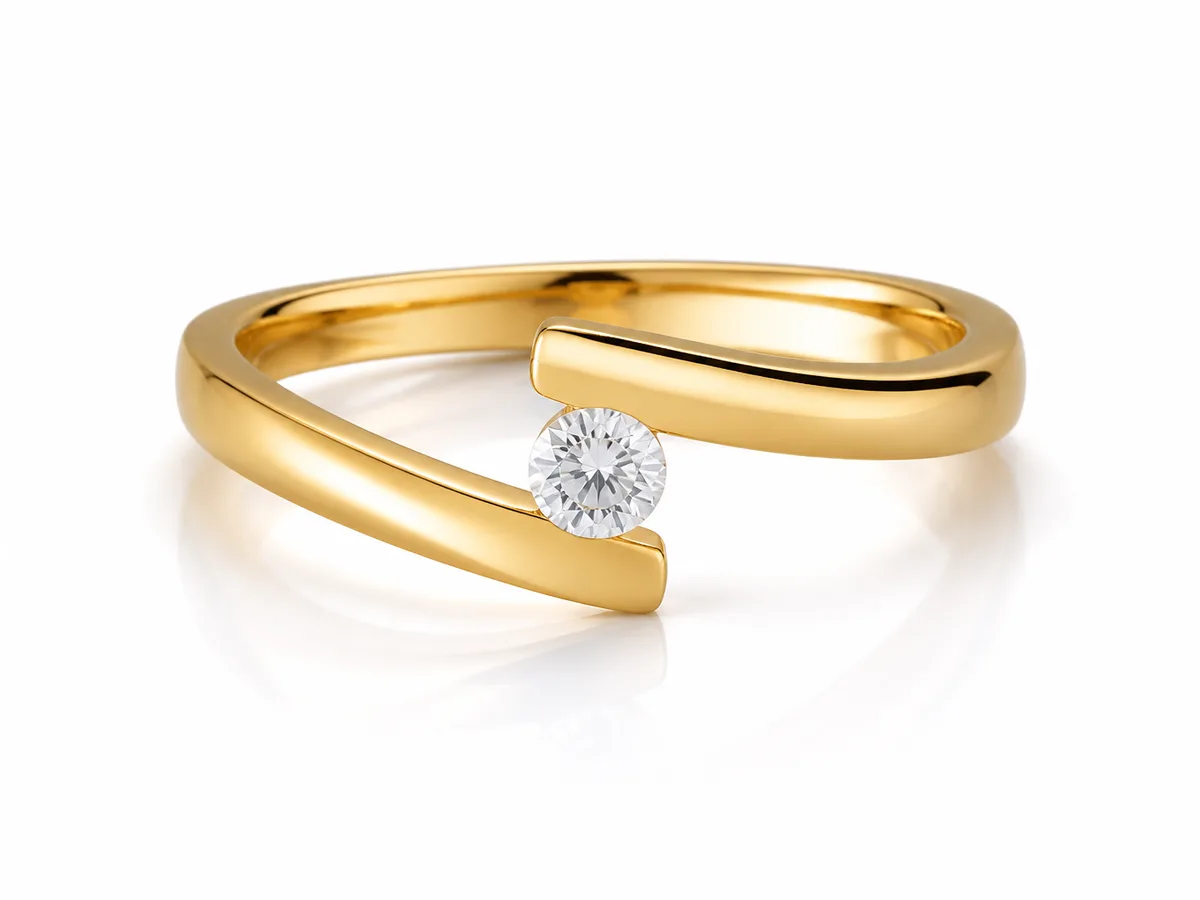
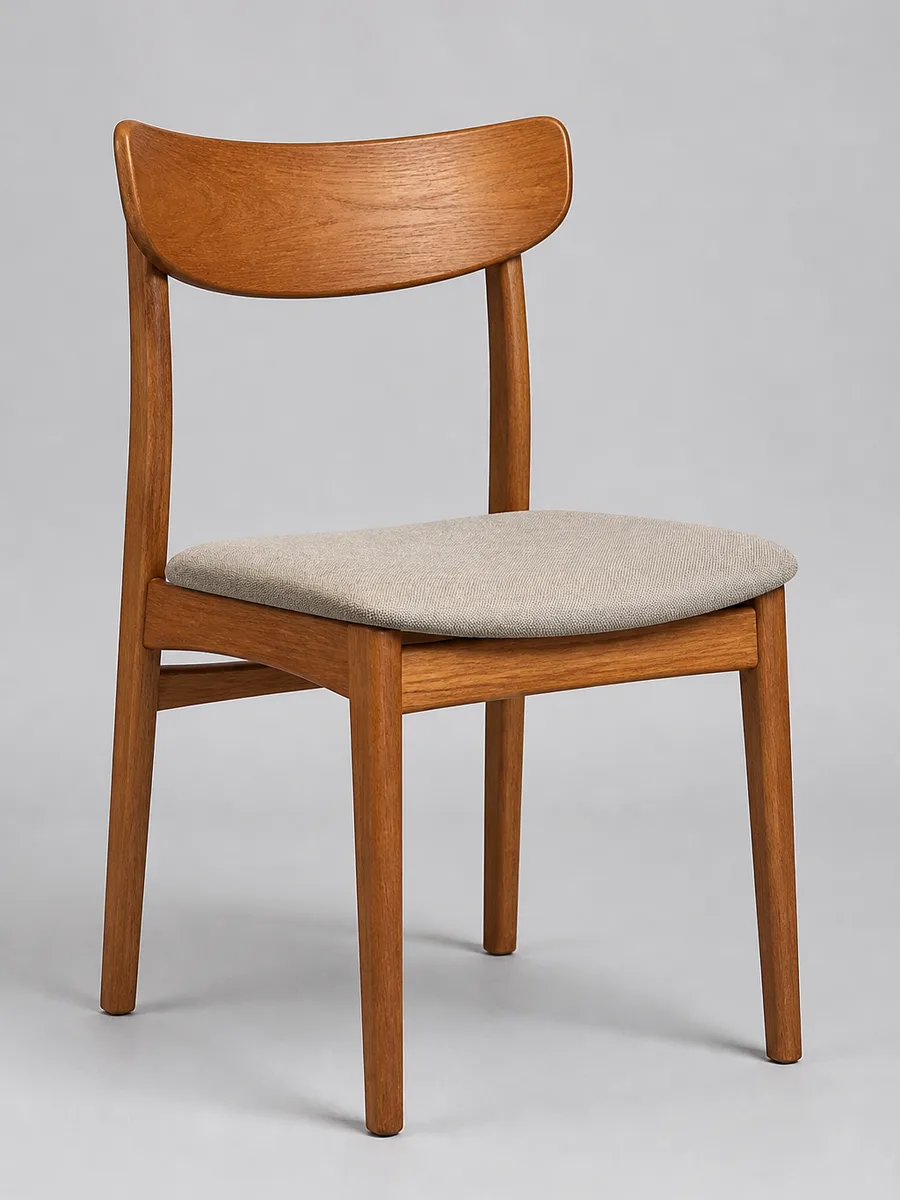
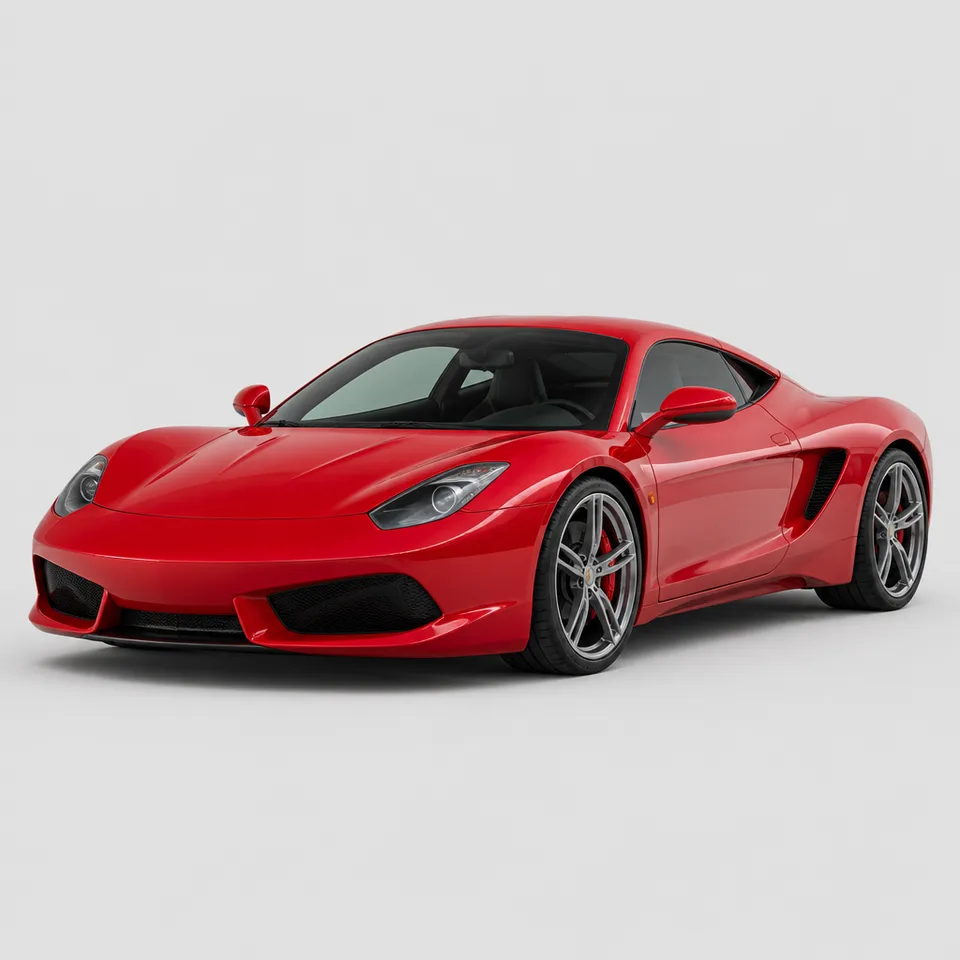
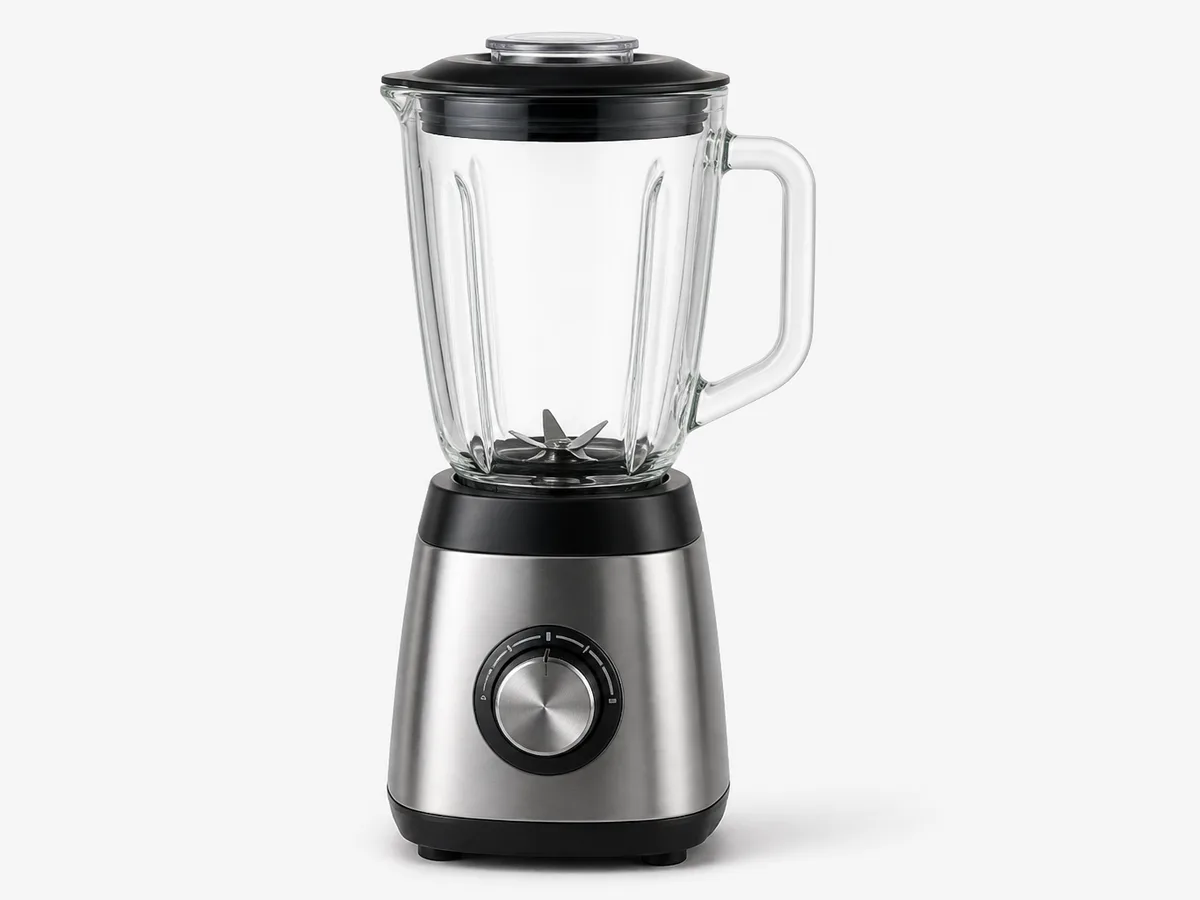
ई-कॉमर्स white BG और catalog
अव्यवस्थित shelf या desk scenes को white backgrounds में बदलें ताकि प्रोडक्ट edges तेज़ दिखें और listing polish cycles छोटे हों।
-
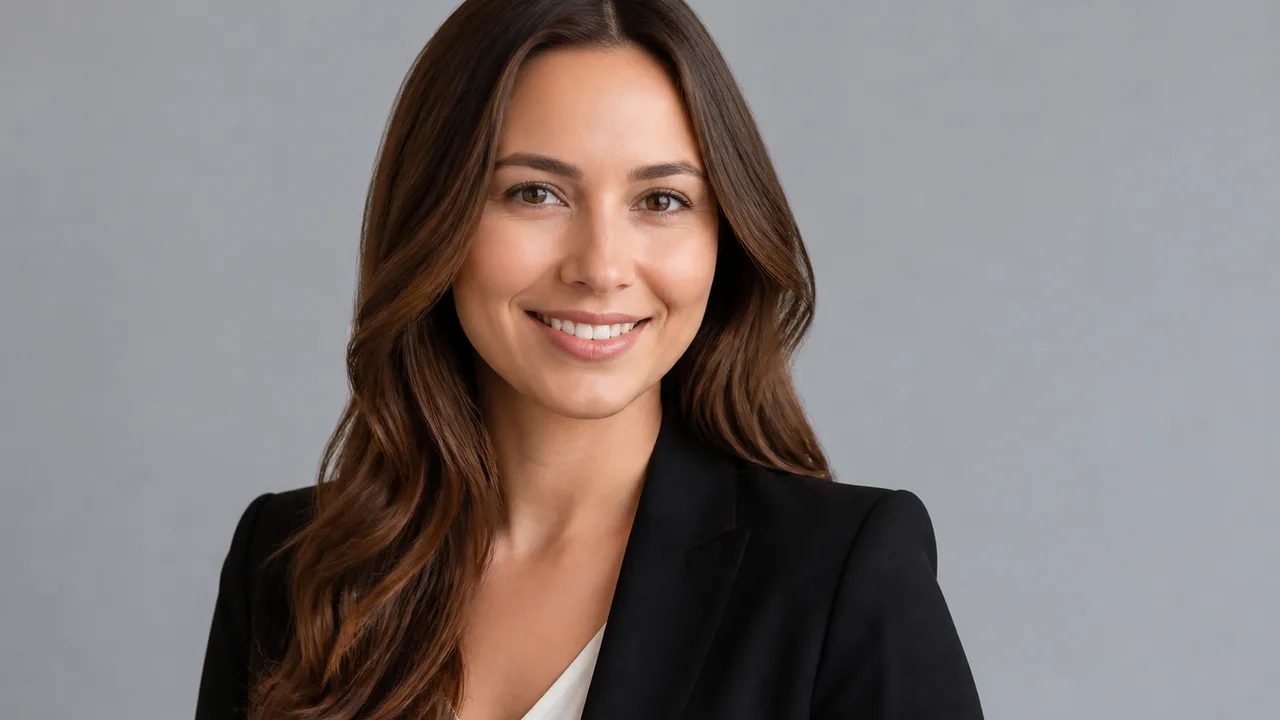
पोर्ट्रेट और profile cutouts
transparent या solid backdrops के लिए hair strands और silhouettes रखें—avatars, badges और campaign creatives के लिए आदर्श।
-
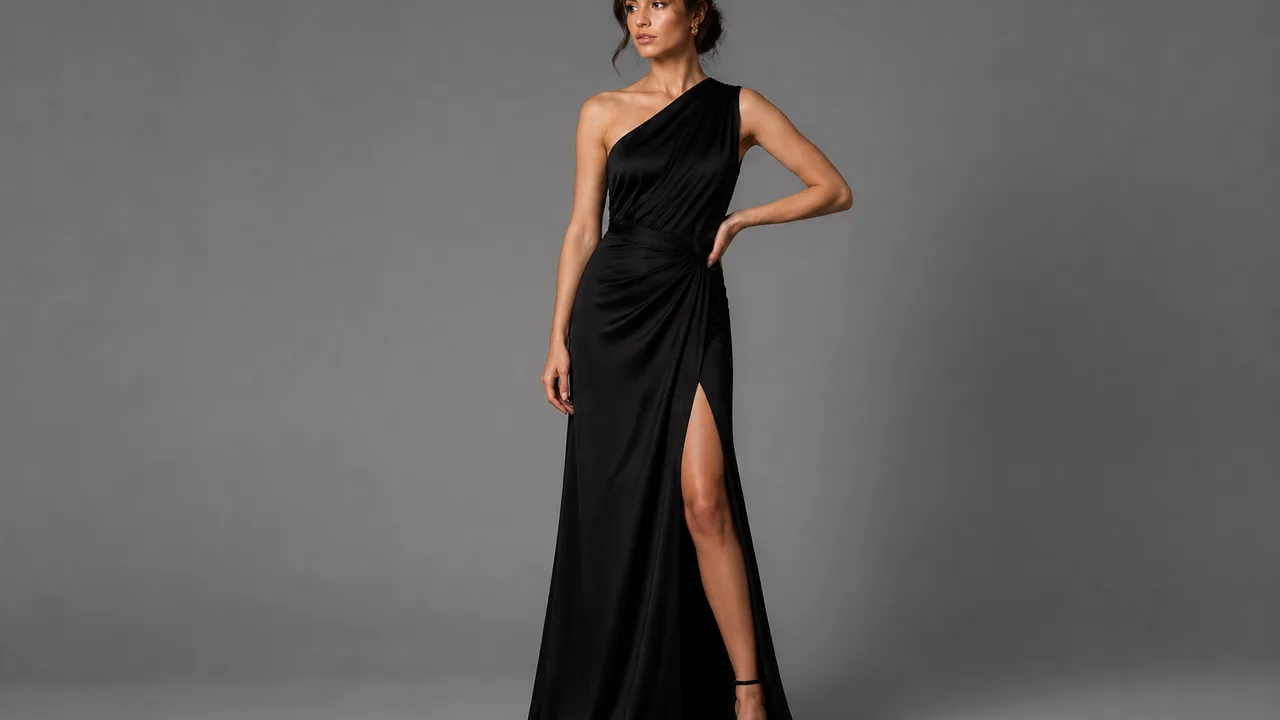
क्रिएटिव background replace
पहले cutout, फिर studio या lifestyle scenes में swap—posters, covers और event visuals तेज़ी से refresh करें।
👥 दर्शक
AI Background Remover किसके लिए है?
ई-कॉमर्स listings और design composites से लेकर social ops और रोज़मर्रा ID-style photos—अपनी भूमिका से मेल खाएँ।
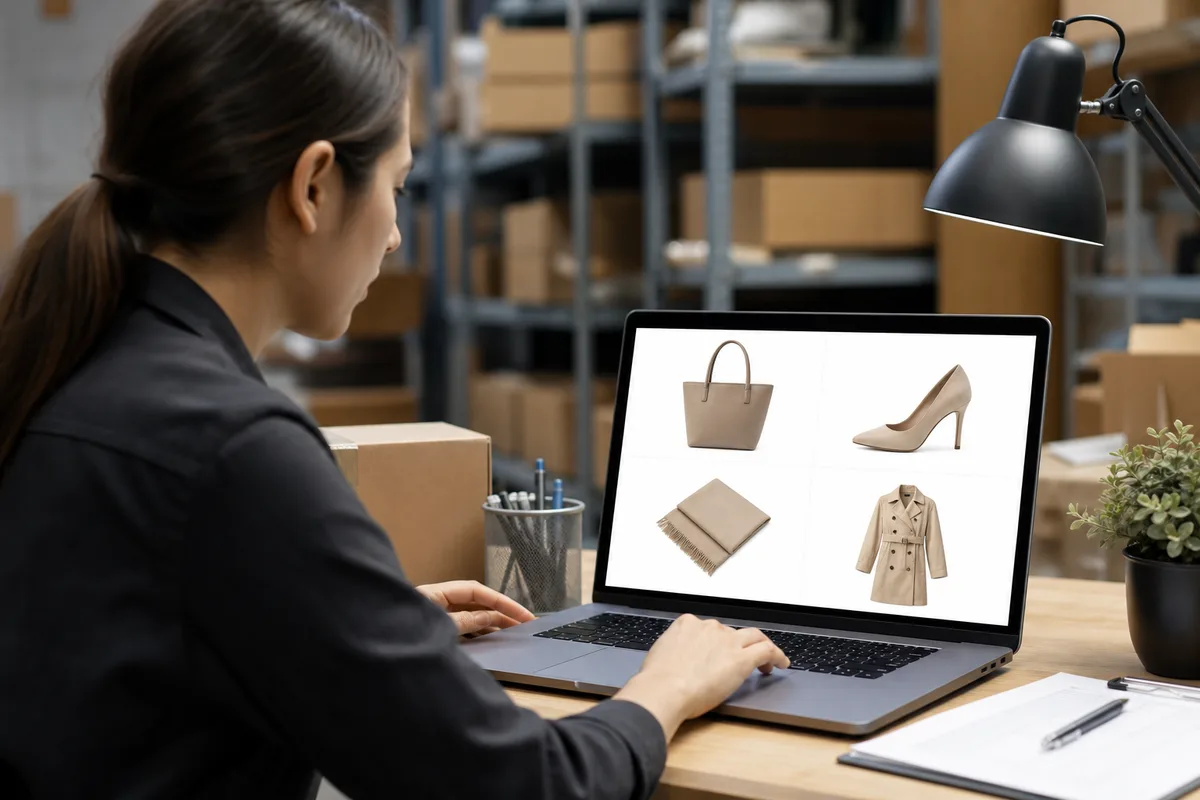
Listing Ready
ई-कॉमर्स और प्रोडक्ट visuals
Listing heroes को साफ white BG और crisp outlines चाहिए।
प्रोडक्ट फोटो अक्सर shoot space से सीमित होते हैं। बैकग्राउंड हटाएँ, फिर white BG और shadow style unify करें—CTR बढ़ाएँ और rework कम करें।
- White-BG listing specs
- साफ़ edges
- तेज़ launch polish
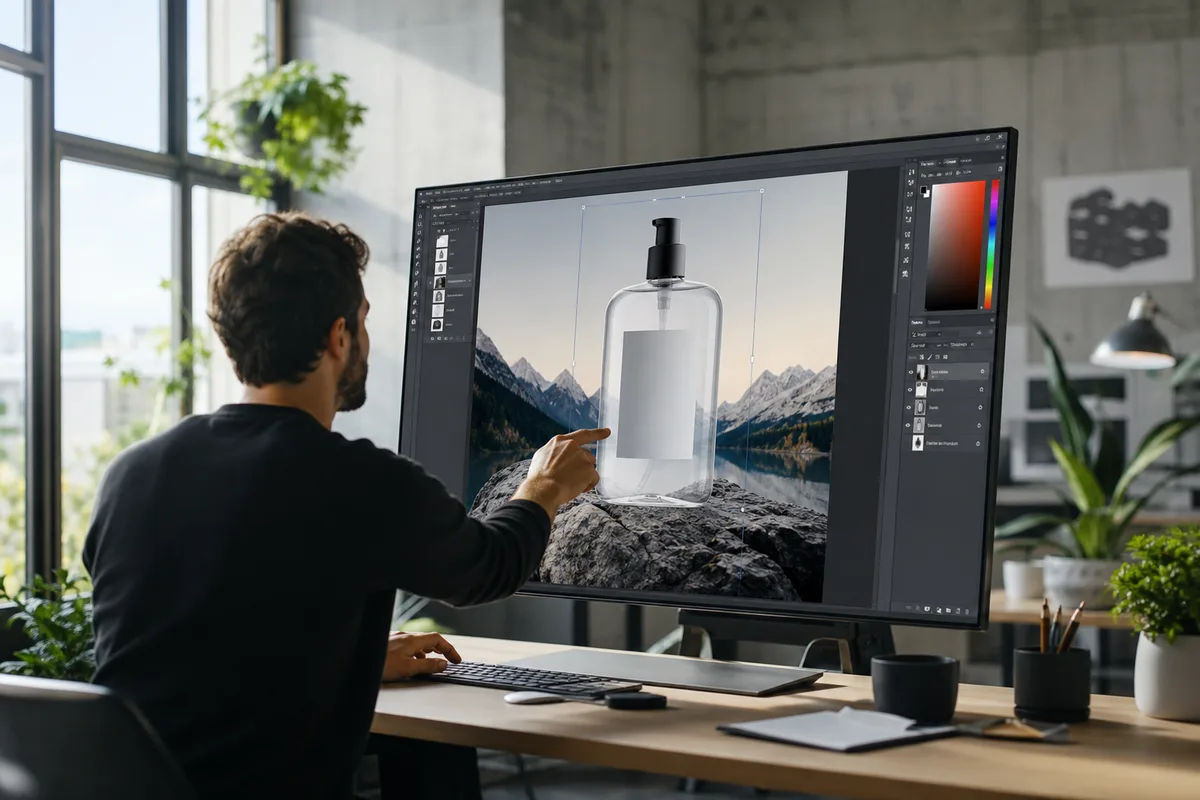
Design Ready
डिज़ाइनर्स और visual teams
Layout और ideas पर समय—manual brushing पर नहीं।
Posters, PDPs और brand kits को reusable transparent subjects चाहिए। AI remove-BG जल्दी Alpha-ready assets देता है templates के लिए।
- Transparent asset library
- तेज़ layout start
- कम manual masking
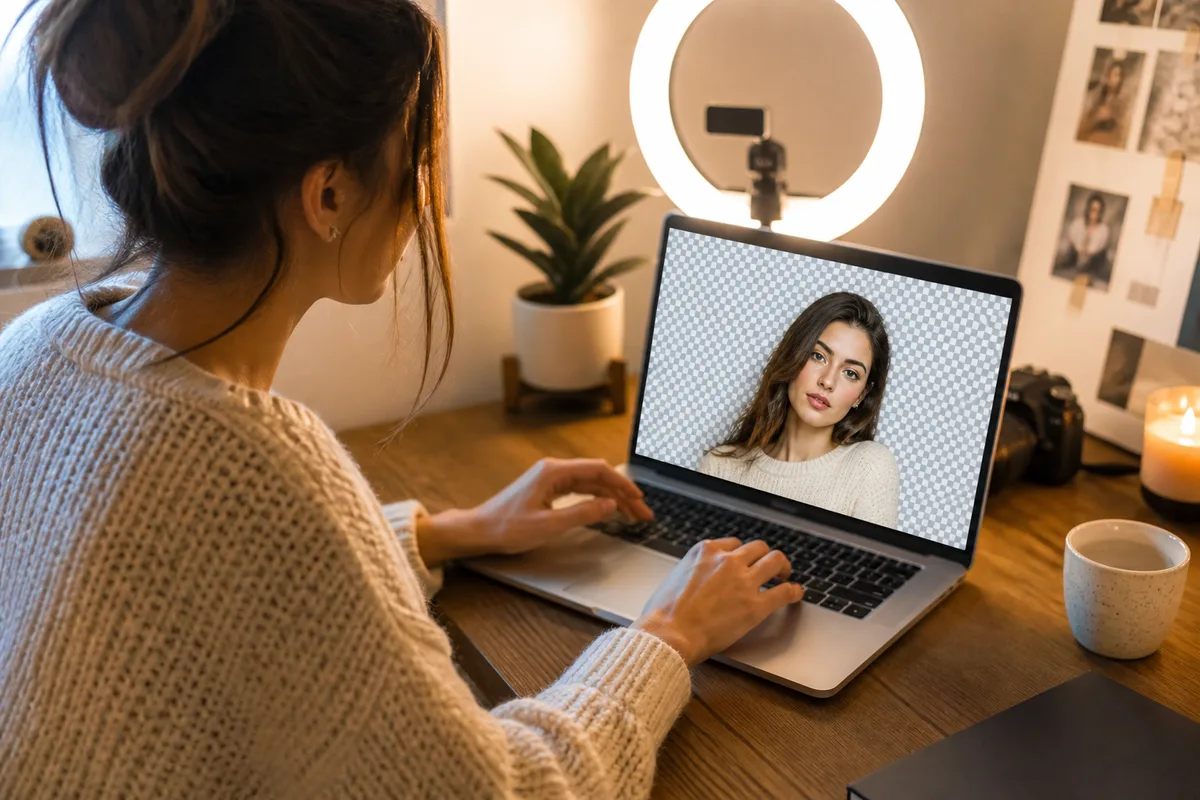
Post Faster
क्रिएटर्स और social ops
वास्तविक फोटो को cover-ready composite elements में तेज़ बदलें।
ट्रेंड content में गति मायने रखती है। पहले cutout, फिर type और scenes stack—व्यस्त backgrounds से swipe-away घटाएँ और series visuals सुसंगत रखें।
- मज़बूत cover subjects
- Sticker/emoji assets
- Unified channel look
Retouch Assist
फोटोग्राफ़र और retouchers
बेसिक cutouts AI को दें; light और finish के लिए समय रखें।
Commercial और event shoots में अक्सर कई scene swaps चाहिए। AI Background Remover से subject separation, फिर locally refine करें।
- Batch subject isolation
- Hair-edge precheck
- Polish के लिए अधिक समय
Campaign Assets
मार्केटिंग और brand ops
Subjects reuse; channels में backgrounds refresh।
वही प्रोडक्ट या talent कई creatives में फिट होना चाहिए। साफ cutouts bank करें, फिर channel और size के हिसाब से backgrounds swap—reshoot cost कम।
- Multi-channel subject reuse
- तेज़ scene refresh
- कम reshoots
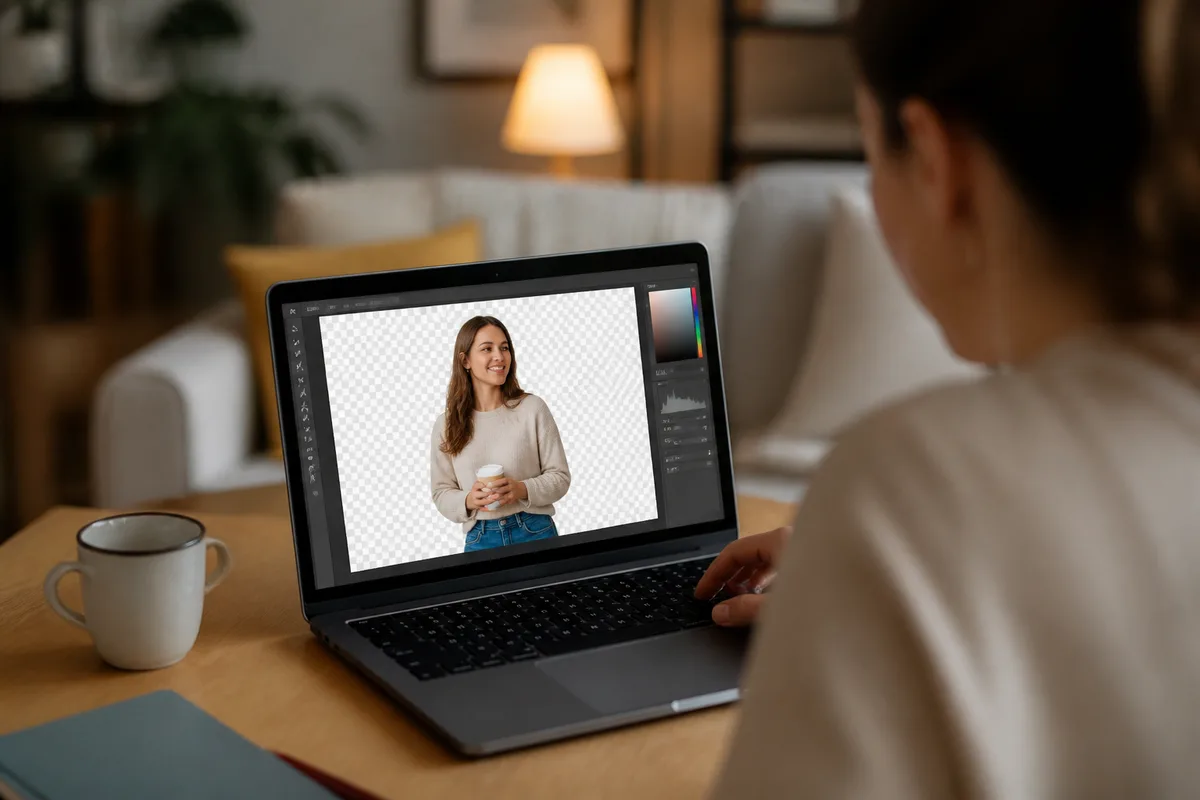
One Upload
शुरुआती और रोज़मर्रा users
जटिल selections नहीं—फिर भी transparent या white BG।
अपलोड करें, transparent या white BG चुनें, candidates compare करें। पहले «clean background» हल करें, फिर finer composite taste सीखें।
- Upload and go
- कम parameters
- IDs और avatars के लिए बढ़िया
💡 टिप्स
Background removal के व्यावहारिक टिप्स
- स्पष्ट विषय और strong background contrast वाले originals पसंद करें; समान subject/background colors edges sticky बनाते हैं।
- प्रति pass एक primary goal: पहले transparent, फिर white BG, या cutout से पहले replace—परिणाम judge करना आसान।
- पोर्ट्रेट पर hair, glasses frames और shoulder lines zoom करें; pets पर fur और whiskers accidental deletion check करें।
- ई-कॉमर्स के लिए accessories, tags और logos पूरे हैं verify करें—clean का मतलब missing parts नहीं।
- export से पहले dark और light backdrops पर preview करें—semi-transparent edges पर dirty fringing या color spill पकड़ें।
🎨 मॉडल
सुझाए गए AI image models
Cutout और scene-replace jobs model strengths के हिसाब से भी चुन सकते हैं—edges और replacements models में अलग behave करते हैं।
Midjourney V8.1
मज़बूत stylistic range—mood-driven background replace और artistic composites के लिए बढ़िया।
गाइड देखें →
GPT Image 2
Steadier instruction following—constrained edge fixes, white-BG specs और text-heavy scenes के लिए उपयुक्त।
गाइड देखें →
Nano Banana
Cost-efficient speed—batch cutout trials और draft filtering के लिए आदर्श।
गाइड देखें →
❓ FAQ
अक्सर पूछे जाने वाले प्रश्न
प्रभाव, commercial use, और AI Background Remover real workflows में कैसे फिट होता है—common questions के जवाब।
AI Background Remover क्या है?
AI Background Remover मौजूदा फोटो के लिए intelligent tool है: विषय detect करता है, background हटाता है, transparent PNGs, white backgrounds export कर सकता है, या scene replace में आगे बढ़ सकता है। bikabika AI mainstream models और entry points इकट्ठा करता है ताकि ऑनलाइन cutouts तेज़ शुरू कर सकें।
कौन से photo types सबसे अच्छे काम करते हैं?
Products, portraits, pets, fashion, still life और ज़्यादातर ecommerce heroes common हैं। पूर्ण subjects और clear background contrast usually best; heavy occlusion या near-matching colors को अधिक comparisons या local edge fixes चाहिए।
क्या results commercially use कर सकते हैं?
Commercial rights आपके original photo rights और प्रत्येक model provider की terms पर निर्भर। source image usage rights सुनिश्चित करें और Midjourney, OpenAI आदि official licenses पढ़कर commercial use करें।
क्या hair और fur edges hard-cut दिखेंगे?
Quality remove-BG को semi-transparent strands और fluff रखना चाहिए। versions compare करें और zoom in; hard cuts दिखें तो steadier model switch करें या strength कम करके rerun करें।
क्या transparent PNG directly export कर सकते हैं?
हाँ। Transparent PNGs posters और PDP templates पर cleanly drop होते हैं। platform white-BG JPG माँगे तो cutout के बाद white backdrop generate करके वह version export करें।
Photoshop masking से क्या संबंध है?
AI remove-BG fast subject isolation में excel करता है; Photoshop ultra-fine local edges और complex composites में shine करता है। practice में teams अक्सर पहले AI-cut, फिर software में finish करती हैं।
क्या complex scenes या multi-subjects अभी भी cleanly cut हो सकते हैं?
अक्सर हाँ, लेकिन heavy occlusion, glass reflections, या overlapping subjects difficulty बढ़ाते हैं। सबसे clear subject frame पसंद करें; ज़रूरत हो तो subjects split करें या steadier model switch करें।
AI BG REMOVE
अपना अगला clean asset cutout करने को तैयार?
ओरिजिनल अपलोड करें, transparent, white BG, या replace चुनें—व्यस्त scenes को listing-ready और design-ready assets में बदलें।