
Best AI Image Generators for Realistic Photos in 2026
How to get photoreal AI photos that survive a 100% zoom in 2026—judge skin, light, and composition, then pick Midjourney, GPT Image, Nano Banana, or a headshot tool by job.
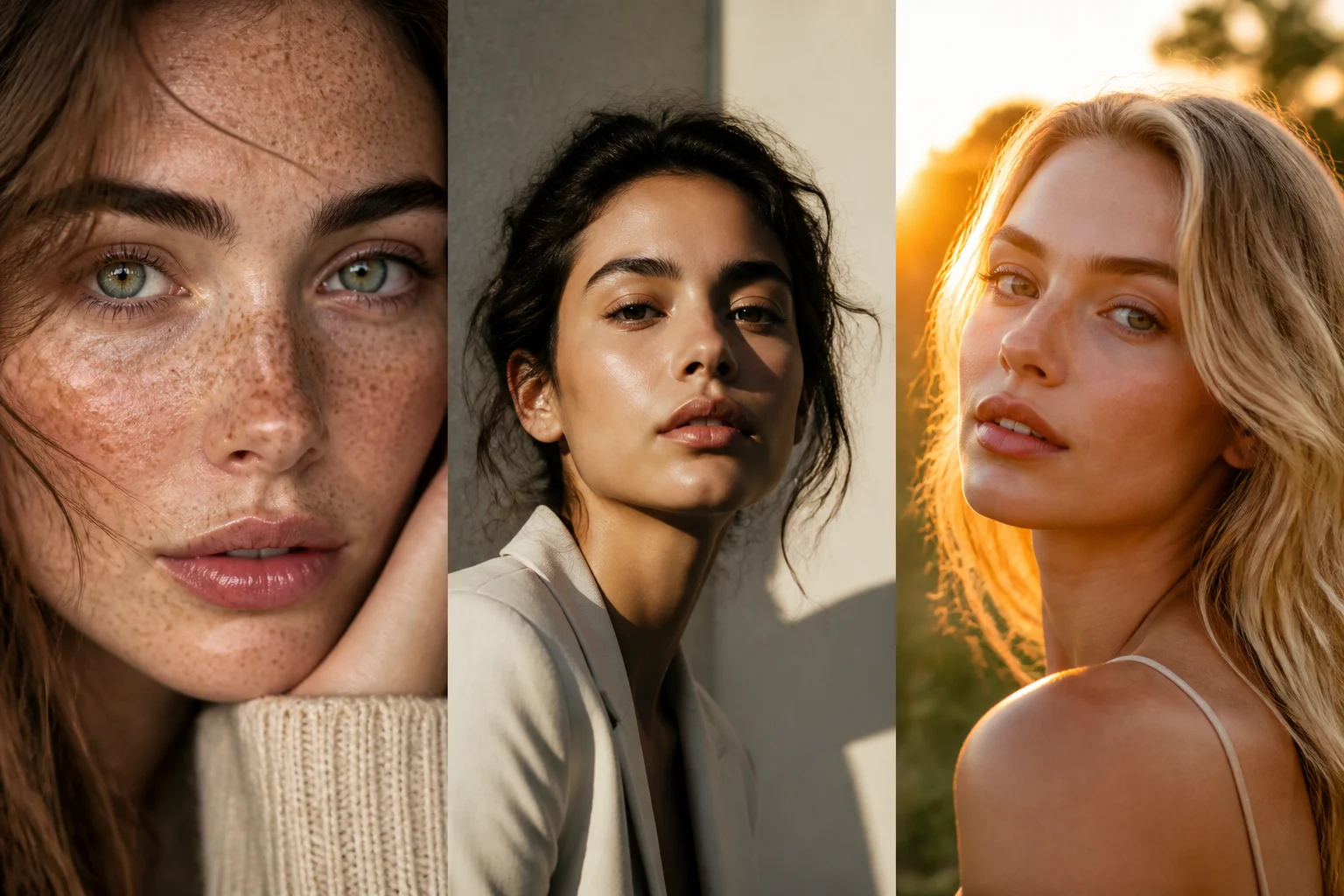
Realism is the hardest quality to lock with an AI image generator. Plenty of tools look strong at a glance; far fewer survive a 100% zoom. Plastic skin, sticker-like light, and stiff centered framing still give the generate away.
If you need publishable photoreal frames—profile and social portraits, product stills, street-style people shots, photography-led commercial visuals—what matters is where realism usually fails, how the main options divide the work, and how to shortlist with one prompt framework.
Key takeaways
- Realism usually breaks in three places: skin, lighting, and composition
- There is no universal #1—micro-detail portraits, commercial control, cinematic mood, and strict instructions each favor different paths
- Plastic skin is the biggest tell; always run a texture and detail pass before you ship
- Use vertical tools when the job is specialized: portraits via the AI Headshot Generator, broader photographic exploration via the AI Image Generator
- Run the same prompt through at least two models, then preview the platform crop—faster than grinding one model twenty times
What actually makes an AI photo look real
Most fakes fail in the same three ways. Spot them early and the rest of this comparison reads cleaner.
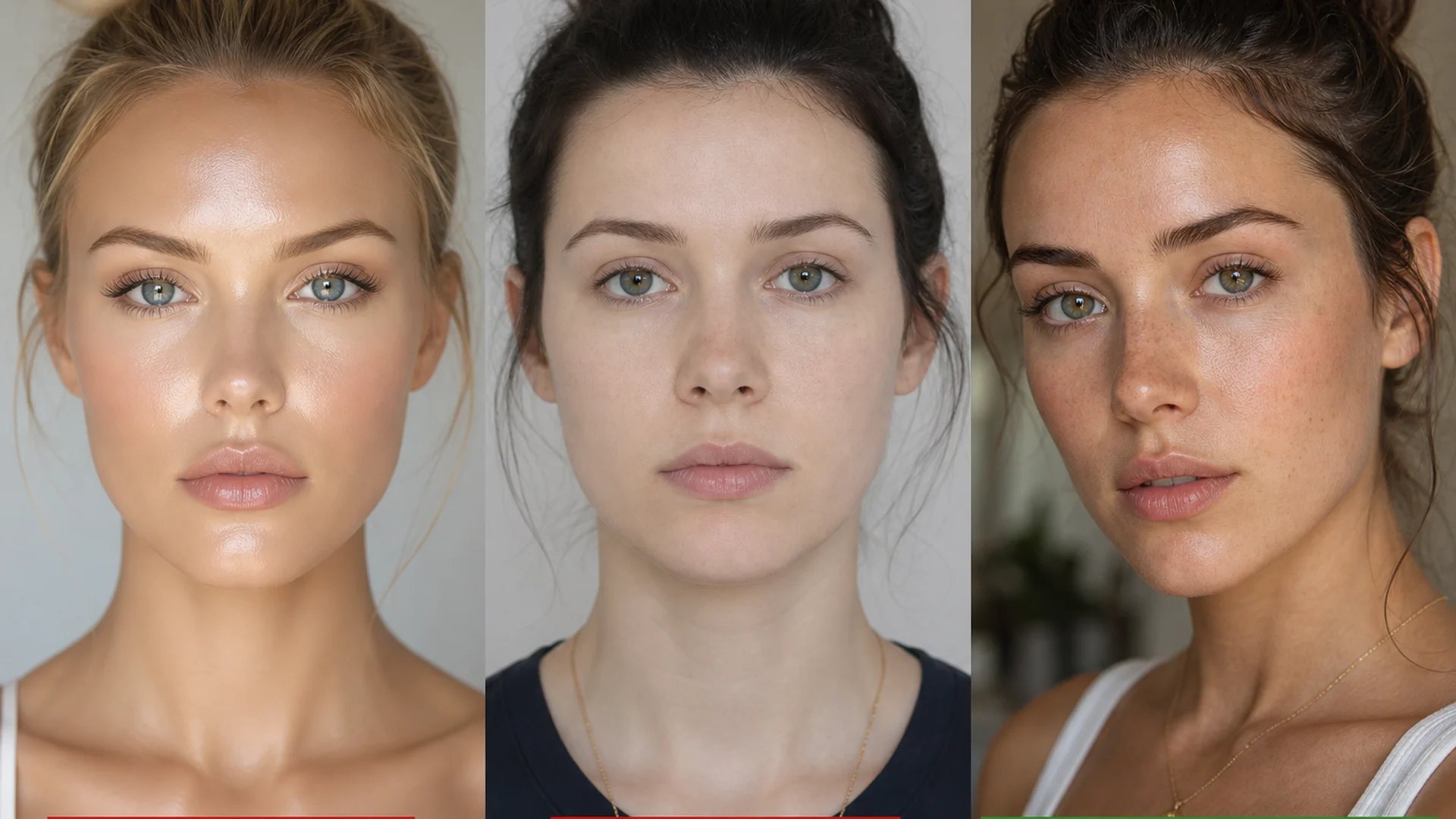
Skin: too smooth, too even, no pores or micro color break—faces read as plastic within a second. Real skin carries local highlights, tiny imperfections, and uneven subsurface scatter.
Lighting: real cameras usually show direction—one side brighter, clear shadow falloff, occasional clipped highlights. AI defaults often look flatly lit from everywhere, with no primary key light.
Composition: generators love perfectly centered, symmetrical subjects. Real photography more often uses slight offset, depth layering, and lens compression.
When a generator gets all three right, the frame earns a second look at full zoom.
Realistic AI photo options at a glance
| Option | Best for | Realism strength |
|---|---|---|
| Midjourney | Cinematic and editorial people shots | Mood, material presence, “shot not generated” energy |
| GPT Image | Complex briefs and everyday all-round realism | Stabler anatomy, conversational edits, stronger backdrop control |
| Nano Banana family | Portrait micro-detail and fast drafts | Pores, catchlights, hair strands that hold up close |
| Multi-model workspace (on-site image entry) | Draft-to-final comparison in one flow | Same prompt across models without hopping official sites |
| Headshot vertical tools | Resume / social / ID-style portraits | Clean backdrops, head-and-shoulders safe zones, publish-ready crops |
The sections below split by the frame you need, not by raw parameter sheets.
1. Midjourney — choose it for cinematic photographic mood
Midjourney still excels at frames that feel like stills from a set: dramatic light, solid materials, complete atmosphere. Use it for editorial portraits, brand exploration, street mood, and filmic realism.
Watch the trade-off: beauty and style can override strict instructions. If wardrobe, seamless backdrops, or product angles must match exactly, send the same prompt through GPT Image for a control pass.
2. GPT Image — choose it when the brief is dense
When your brief reads like a shot list—“soft window light from front-left, 85mm, shallow depth, beige wall, hands in pockets, no beauty retouch”—GPT Image usually follows the checklist. Conversational iteration also helps near-miss portraits: keep the crop, change only light or expression.
It may not always win a pore-level shootout against micro-detail specialists, but it is a reliable default realism engine for product explainers, event creatives, and commercial frames that need layout or text constraints.
3. Nano Banana family — choose it for close-up skin and hair
Close-ups live or die on pores, eye catchlights, and individual hair strands. If you need beauty close-ups, skin-forward portraits, or frames that must survive zoom, shortlist here first.
Speed also helps batching: find skin and light with Nano Banana, then migrate winners to Midjourney for mood, or into a headshot tool for the publish crop.
4. On-site image entry — keep comparison in one workflow
Realism rarely ships on the first roll. The practical path is: pick a model → shortlist → check skin/detail → export for the platform. Instead of re-logging into every official site, run Midjourney, GPT Image, Nano Banana, and related entry points from the AI Image Generator with one prompt skeleton.
You keep a reusable trail—prompt, winners, and reject reasons—instead of a messy bookmark pile.
5. Headshot generators — do not force ID portraits through generic text-to-image
Resume photos, LinkedIn portraits, and circular social avatars share hard constraints: clean backdrop, face ratio, head-and-shoulders safe area. A strong photoreal model can still fail after crop.
Open the AI Headshot Generator for those jobs. For character consistency or anime sheets, switch to the AI Character Generator and AI Anime Generator—do not reuse the same acceptance bar across photoreal and stylized lanes.
How to pick a path for realistic photos
Start with the subject:
- Face close-ups → micro-detail-first models (e.g. Nano Banana) plus a skin check
- Product / commercial clarity → controllable instruction paths (often GPT Image vs photographic Midjourney)
- Moody cinematic portraits → Midjourney often leads
- Repeated local edits → GPT Image’s conversational loop saves time
Then check the finish path: a great model without crop preview and skin review still dies as “thumbnail good, zoom bad.”
Finally, prompt like a photographer, not a keyword collector. Name light direction, focal length, aperture feel, and skin texture—more useful than stacking empty ultra realistic, 8k tokens.
Sample skeleton:
Half-body portrait of a young woman, wet hair slicked back, natural freckles and visible pores, no heavy makeup, soft daylight from front-left, gentle shadow under the jaw, off-white wall, face slightly right of center, 85mm, f/2.0 shallow depth of field, no beauty blur, no plastic skin.
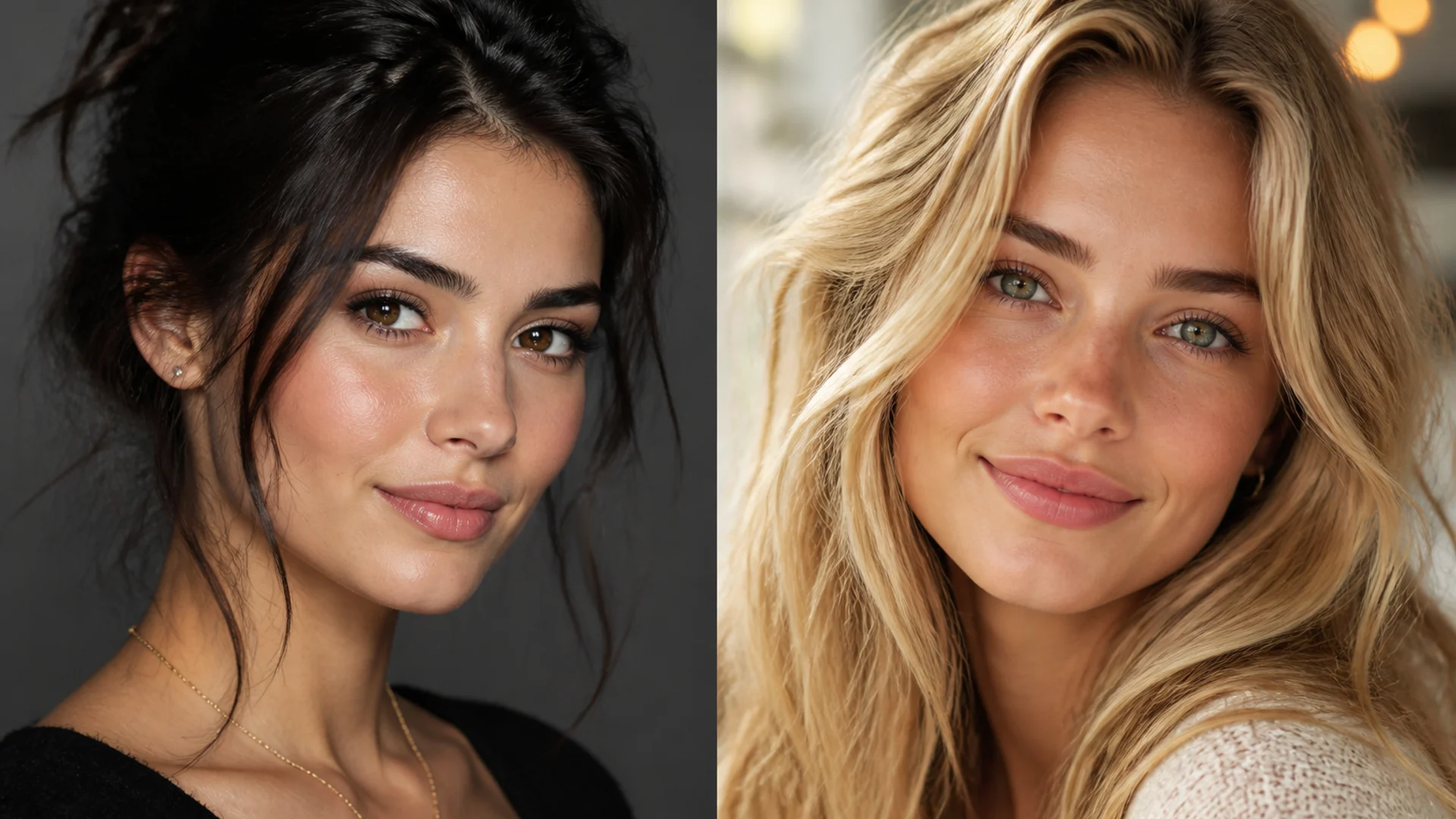
A five-step realism shortlist
- Thumbnail cull: drop bad crops, fake expressions, broken hands
- 100% skin check: plastic, waxy, or over-smoothed skin is out
- Key light check: unified shadows, believable catchlights
- Edges and hair: helmet hair, melted earrings, smeared backdrops are common tells
- Platform preview: square avatar, landscape header, and vertical cover safe zones differ
Next step
Trade “find the single most realistic model” for “pick a path for this photo.” Today, run one prompt through Midjourney and GPT Image (or Nano Banana), save the reusable skeleton, and open the headshot generator when the deliverable is a profile portrait.
After you pick a winner, clean the frame for shipping: remove busy backdrops with the AI Background Remover, then sharpen detail in the AI Photo Enhancer. Profile crops still belong in the AI Headshot Generator.
Open the AI Image Generator for realism comparisons, or start generating online in the multi-model workspace.