
Best AI Image Generator for Cinematic Scenes & Movie Stills
Need mood boards, trailer concepts, or movie-still frames? Judge aspect ratio, key light, grade, and lens language—then split Midjourney, GPT Image, and a multi-model workspace by job.
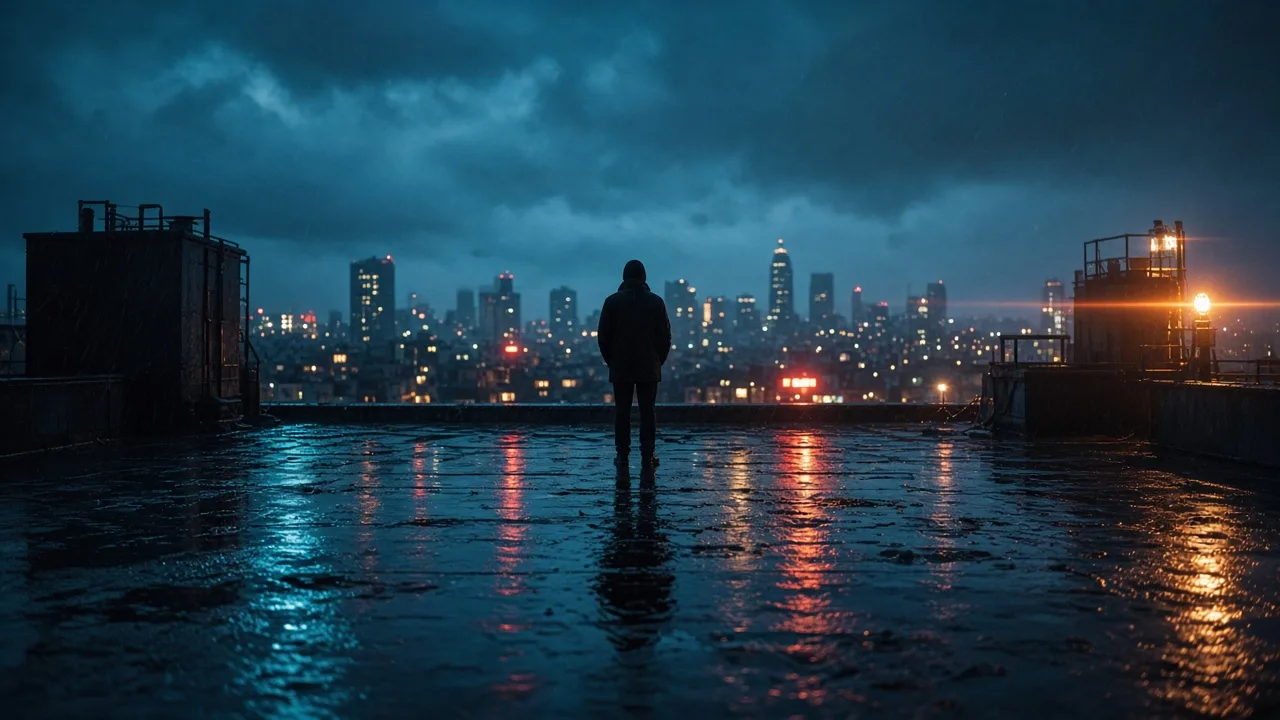
Clients rarely ask for “a pretty picture.” They ask for a frame that feels lifted from a set—widescreen, keyed light, a coherent grade, something you can drop into a mood board or trailer concept without apology.
If you are delivering cinematic scenes or movie-still style frames, stop chasing a single leaderboard winner. Ask whether the image survives a film-look checklist, and whether your prompts and acceptance tests live in one repeatable workflow.
Key takeaways
- A film look usually hangs on four pillars: aspect & framing, key light, color grade consistency, and lens language
- Midjourney often leads on atmosphere; GPT Image is steadier when the shot list is strict
- There is no universal champion—mood boards, locked boards, and character continuity need different bars
- Use the on-site AI Image Generator to A/B models on one prompt instead of hopping official sites
- Write the shot first; empty stacks like
cinematic, 8kwill not fix flat light or ID-photo framing
What counts as a cinematic scene or movie still
Do not treat this as the same problem as pure photoreal portraits. A movie still can be realistic or heavily graded—but it usually needs all of the following:
- Screen-shaped framing — 16:9 or a 2.39:1 feel with intentional negative space, not a square headshot crop
- A clear key light — one side brighter, readable shadow falloff, not soft light from everywhere
- A grade that holds across a set — teal shadows / warm practicals only work if the board stays consistent
- Lens language — focal length, depth of field, mild anamorphic cues beat name-dropping filters
- Workflow fitness — thumbnail charm is not enough; materials, edges, and faces must hold at 100%
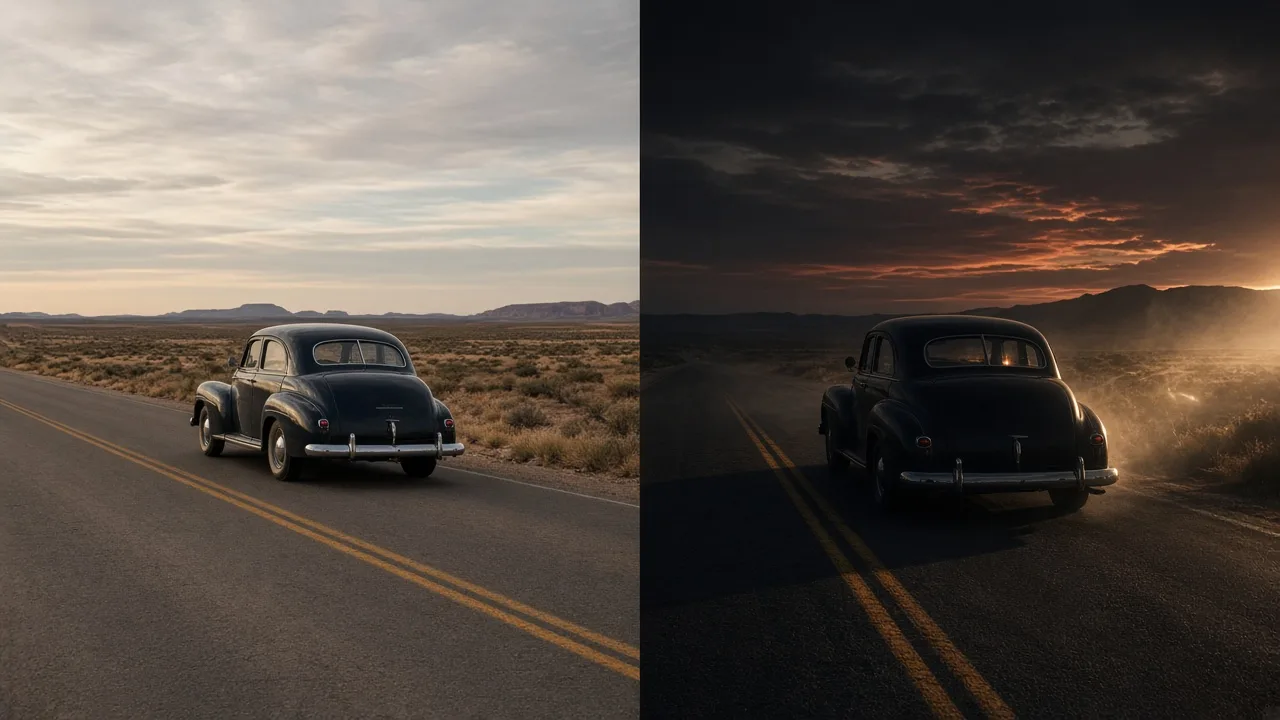
Pick a path by deliverable
| Deliverable | Lean toward | Why |
|---|---|---|
| Mood boards / atmosphere | Midjourney first | Mood, materials, and “shot on set” energy arrive faster |
| Locked boards: wardrobe, props, camera must match | GPT Image control pass | Follows dense shot lists more reliably |
| Same character across poses / angles | Lock identity first | Start in the AI Character Generator, then move to scenes |
| Draft-to-final side-by-side | Multi-model workspace | AI Image Generator / online workspace |
| Cel-shaded / anime theater frames | Do not reuse live-action bars | Switch to the AI Anime Generator |
For skin-and-pore photoreal portraits specifically, see Best AI Image Generators for Realistic Photos in 2026. Movie stills can look photographic, but you grade them for drama, not passport realism.
1. Midjourney — win the first cinematic pass
Rain-soaked rooftops, corridor rim light, dusk highways—Midjourney often lands a set-like frame on roll one: directional light, solid materials, complete atmosphere.
Use it for director mood boards, trailer concepts, brand-film exploration, and filmic people shots.
Trade-off: beauty can quietly rewrite prop placement or wardrobe. When the board is contractual, run the same prompt through GPT Image as a control pass.
Go deeper: Midjourney V8 model page · V8.2 prompt guide
2. GPT Image — turn the shot list into a checklist
When the brief reads like a call sheet—“warm practical from camera left, 2.39:1 feel, 35mm, shallow depth, subject looking frame-right, bokeh corridor lights, no beauty blur”—GPT Image usually obeys. It also shines on near-miss iteration: keep the crop, change only light or expression.
It may not always beat Midjourney on pure vibe, but it is a strong alignment and revision engine, especially when logo safe zones, lower-thirds, or prop lists matter.
Go deeper: GPT Image 2 model page · prompt guide · What is GPT Image 2
3. Nano Banana — close-ups and skin detail
Close-ups live or die on catchlights, pores, and hair strands. For beauty inserts or facial stills, shortlist with Nano Banana, then migrate winners to Midjourney for grade and atmosphere.
Go deeper: Nano Banana model page · Lite prompt guide
4. On-site image entry — keep cinematic A/Bs in one place
Film frames rarely ship on the first try. The practical loop is: lock the shot note → shortlist on two models → check key light and grade → export for the target aspect. Run Midjourney, GPT Image, Nano Banana, and related entries from the AI Image Generator with one skeleton.
Method guides: Midjourney vs GPT Image 2 vs Nano Banana · multi-model workflow
Prompt like a DP, not a keyword collector
Keep six stable layers you can reuse across models:
- Subject and action
- Place and time of day (blue hour, golden hour, rain night)
- Key + practicals (direction, hardness, color)
- Lens (focal length, depth, aspect feel)
- Grade intent (teal-orange, desaturated night, high contrast)
- Negatives (no flat light, no passport framing, no plastic skin)
Sample skeleton:
Rainy city rooftop at blue hour, figure in a trench coat in profile looking toward distant neon; cool ambient key from the left, warm window practicals in the distance; shallow puddle reflections, mild lens flare; 2.39:1 widescreen feel, 35mm medium shot, shallow depth; desaturated teal shadows; no centered ID framing, no even studio light, no illustration look.
Reusable lines: 10 best AI image prompts for 2026 · 50 GPT Image 2 prompts
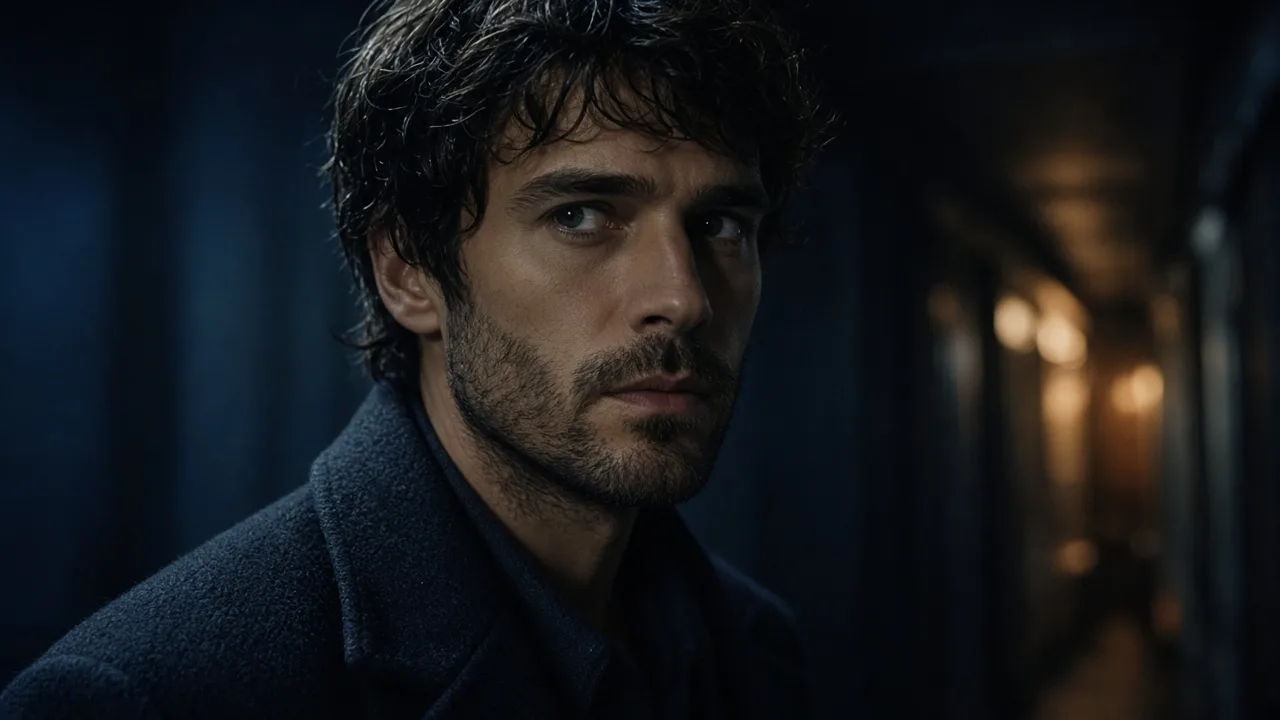
Five checks before you call it a still
- Thumbnail — is there drama and a readable key, or just gray mush?
- Aspect — does a 16:9 / landscape crop still hold the subject?
- 100% zoom — skin, fabric, and edges still believable?
- Grade continuity — do three frames feel like one film?
- Story — eye-line, negative space, and foregrounds serving the beat—not just a pretty pose
Skip cinematic bars for resume portraits—use the AI Headshot Generator. Anime theater looks belong in the anime tool with a different acceptance test.
Failure modes and quick fixes
| Symptom | Likely cause | Try first |
|---|---|---|
| Flashy but poster-illustration | Style tokens overloaded | Cut filter stacks; add focal length + key light |
| Beautiful but wrong for this beat | Constraints rewritten | GPT Image control pass; lock props in text |
| One hero, board falls apart | Grade / time unlocked | Freeze the grade line; only change action |
| Character drifts across angles | Identity unlocked | Character generator reference first |
| Looks dead on mobile vertical | Composed only for landscape | Re-roll for the real publish aspect |
Next step
Do not open one official site and hope for a champion. Run one shot note through Midjourney and GPT Image, keep winners and reject reasons, and open the AI Image Generator or start generating when you need side-by-side comparison.
Trade “best cinematic AI” for “best path for this still”—mood boards move faster when the workflow does.