
Why Every Designer Needs an AI Image Generator Today
Why designers actually need an AI image generator—faster pitches, cheaper revisions, and a practical workflow on bikabika AI.
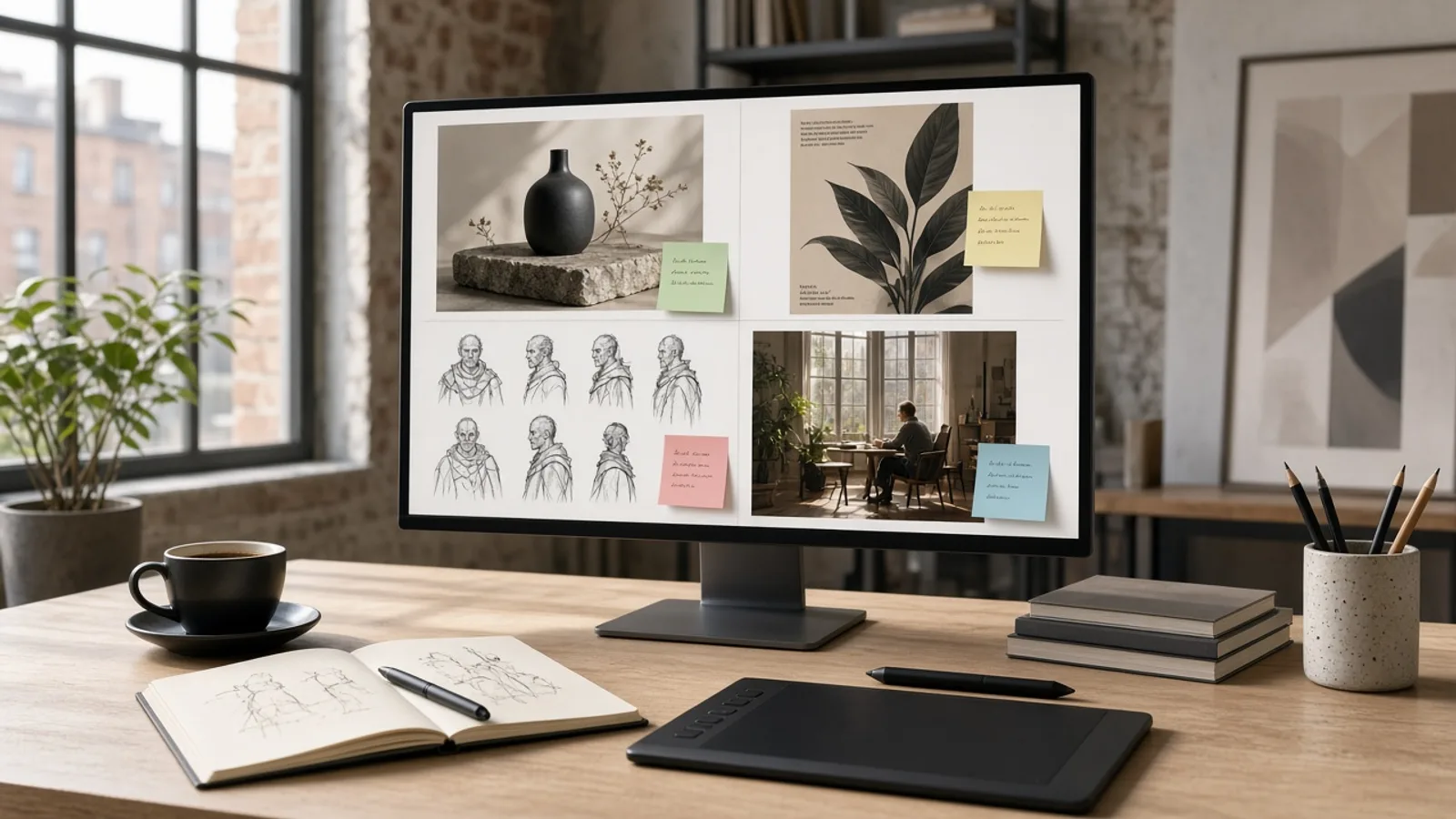
When people ask whether designers still need an AI image generator, the sticking point is rarely drawing skill—it’s the delivery calendar. Three directions by afternoon. “Cleaner background” overnight. Hand redraws eat the week.
A familiar week looks like this: kickoff ends, the brief says “show three styles.” You can draw. You don’t get two quiet days for moodboards. The room needs frames you can kill, keep, or decide on—not “I’m still rendering.”
So the better question is whether you can still carry parallel pitches and revision speed. An AI image generator fits the exploration gap: open options fast, keep judgment and finish work yours. Below—what you’re short on, who needs this most, and how to run it in the bikabika AI Image Generator.
Bottom line: speed up the pitch, don’t autopilot the job
Most designers are short on four things:
- Direction speed — discussable options within hours of kickoff
- Survivable revisions — “cleaner background,” “more corporate” without an all-night redraw
- Cross-format consistency — cover, hero, social crop, character sheet from one brief
- Model switching by job — mood posters, ecommerce stills, and anime sheets are different lanes
Put the AI image generator at the front: text-to-image / image-to-image for candidates, then you shortlist and align to the system. Cutouts, enhance, headshots, and anime belong in dedicated tools afterward—not in one magical frame.
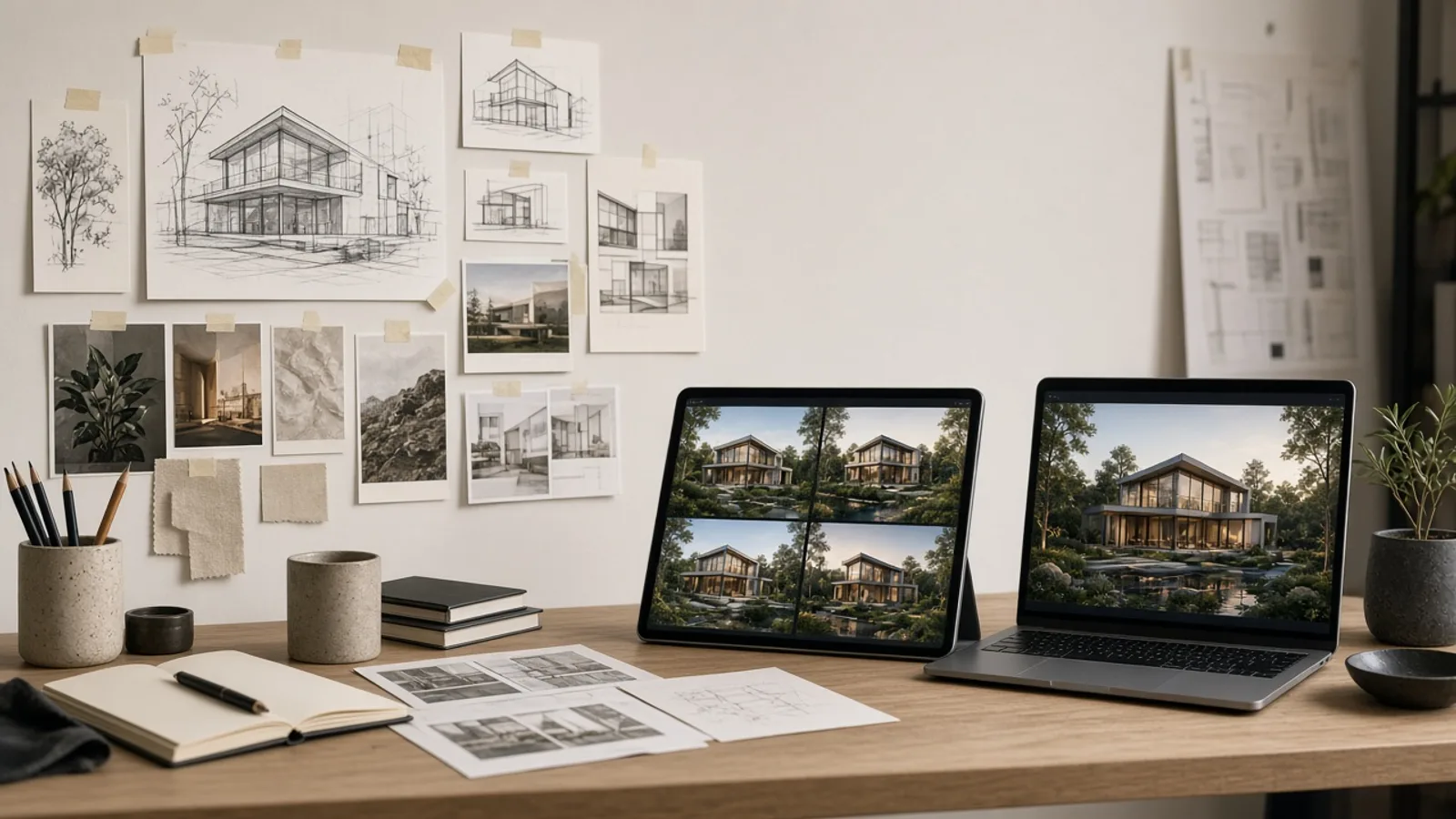
Five practical reasons designers cannot skip AI image generation in 2026
1. Pitch cycles collapsed; hand exploration cannot cover parallel directions
A common brand ask is: “Show three styles before we lock.” That used to mean days of thumbnails or outsourced moodboards. With an AI image generator, you can fan out realistic, poster, and flat-illustration variants from one prompt skeleton and kill directions in the meeting—not after it.
2. Revisions are normal; generators turn “redraw” into “rerun”
“Make the person older,” “packaging text clearer,” “less moody light” are collaboration language, not insults. Online text-to-image workflows let you edit constraints instead of repainting from zero. Your value becomes writing constraints, rejecting weak frames, and promoting keepers into polish.
3. Solo and small teams still cover many visual categories
One week can include ecommerce heroes, campaign KVs, LinkedIn headshots, and anime character sheets. One brush set—or one model—will buckle. A multi-model image generator lets you switch lanes by task instead of pretending to be every specialty illustrator.
4. Style exploration must be reviewable, not a screenshot graveyard
Strong teams log why a frame passed and why another died on crop. Pair the generator with a prompt skeleton and shortlist rules so exploration becomes reusable. Next week’s similar brief starts from proven constraints, not a blank canvas guess.
5. Delivery is modular; generation is only stage one
Mature 2026 pipelines rarely ship the first render. The pattern is: generate → shortlist → background remover / photo enhancer → layout. You need an AI image generator because without candidates, finishing tools have nothing to finish.
Who needs it most (and when you can slow down)
| Role / scenario | Guidance | Why |
|---|---|---|
| Brand / campaign visuals, high-frequency social | Strong need | Parallel directions and revision density peak here |
| Ecommerce heroes and lifestyle stills | Strong need | Angle and backdrop variants are expensive by hand |
| UI exploration, empty-state illustration | Need | Validate style fast, then refine in vector |
| Strict print spot colors, dense infographics | Assist only | Generators excel at mood and stills, not precise data charts |
| Pure handcraft art projects | Optional | Tools serve intent; they should not replace authorship |
Short version: anyone paid for speed and parallel options almost always needs it; projects that sell a unique handmade mark can treat it as reference, not a factory.
How designers should use bikabika AI without wasting credits
Pick the right door
| Need | Entry |
|---|---|
| General text-to-image / multi-model compare | AI Image Generator or start generating online |
| Professional / LinkedIn portraits | AI Headshot Generator |
| Character sheets / OC | AI Character Generator |
| Anime / manga look | AI Anime Generator |
| White-bg / cutout | AI Background Remover |
| Clarity finish | AI Photo Enhancer |
Switch models by job (ignore “one forever winner”)
| Design job | Try first | Why |
|---|---|---|
| Campaign KV, atmospheric posters | Midjourney | Strong light and editorial energy |
| Packaging short copy, hard layout rules | GPT Image 2 | Better instruction stickiness and on-image text |
| Volume drafts, cheap A/B | Nano Banana (Lite) | Fast exploration; promote winners upward |
Go deeper with Midjourney vs GPT Image 2 vs Nano Banana, the multi-model workflow guide, and the AI product photo workflow.
A five-minute designer shortlist (use right after generation)
Keep only frames that pass all of these:
- Survives crop — 1:1, 16:9, and story crops still read
- Constraints stick — brand color, banned elements, character traits survive round two
- Edges and materials hold at 100% — no melted mush
- Ready for the next tool — white-bg need → remover; soft detail → enhancer
- You can state the kill reason — one line now saves next week’s repeat miss
Five traps designers hit with AI image generators
- Treating generation as final art — type hierarchy, brand rules, and layout still close with you
- Novel-length prompts — vague constraints make revisions untraceable; use subject + scene + light + bans
- One model for the whole week — ecommerce stills on a mood model (or the reverse)
- No shortlist rules — folders fill up; meetings still cannot explain the pick
- Skipping finish tools — dirty edges stay in the generator while you “roll again”
FAQ
Will clients think I’m less professional if I use an AI image generator?
Most clients care whether directions land, revisions move, and assets ship on time. Show your selection logic and brand alignment. Professionalism is judgment, not hiding the pipeline.
Will juniors lose drawing fundamentals?
Fundamentals still decide whether you can see good work. AI raises exploration density; people who cannot spot perspective, light, or hierarchy problems only produce bad frames faster. Practice: drawing for judgment, generators for throughput.
What’s the best first-week drill?
Take one live brief, lock a prompt skeleton, run two models × four frames, write kill reasons, then send a keeper to cutout or enhance. That beats a hundred random pretty images. Start in the AI Image Generator.
Do print, UI, and ecommerce designers use it differently?
Yes. Print leans KV and poster mood; UI leans empty-state style tests; ecommerce leans still angles and white-bg finish. Same entry tool, different shortlist standards—do not score a product hero like a festival poster.
Close: keep the decision rights
Skip AI image generation and you rarely lose on craft alone—you lose on parallel pitch speed and revision elasticity. Let the generator open options; keep judgment and brand finish yours.
If you have a live brief, open the AI Image Generator or the online workspace and run one shortlist. That beats another “future of design” essay.