
The Best AI Image Generators for Anime Characters in 2026
Pick AI image tools for anime characters in 2026 by job—Midjourney, GPT Image 2, Nano Banana, and dedicated anime or character entries—plus a reusable prompt workflow on bikabika AI.
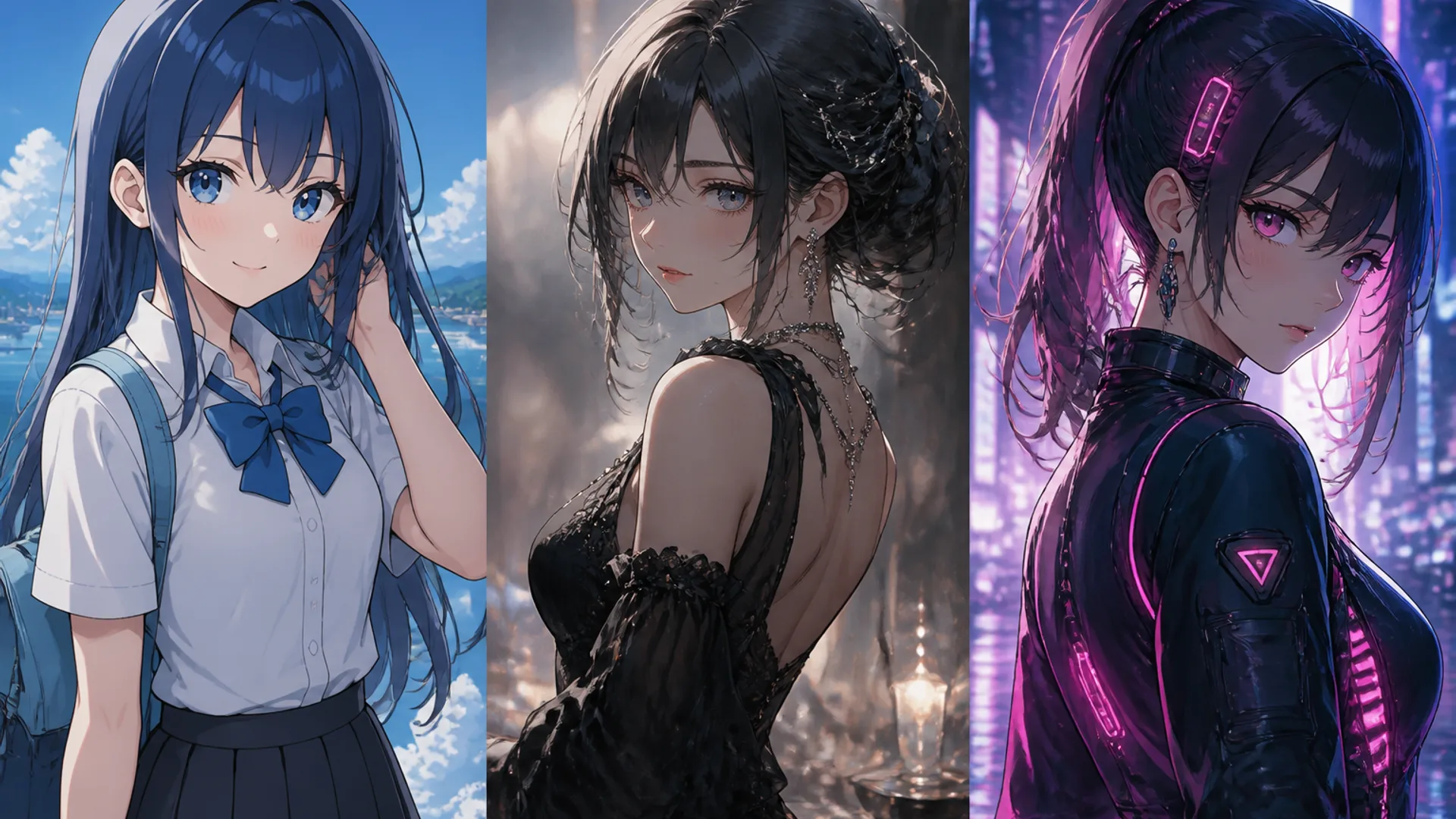
When you’re making anime characters, the bottleneck usually isn’t “which model won last month’s roundup.” It’s that the jobs aren’t the same. An OC sheet wants identity that holds. A music-cover portrait wants cover energy. A costume shortlist wants volume. Drop the same prompt into different tools and the outcomes diverge for a reason.
The faster habit is simpler: match the generator to the character problem in front of you, keep a reusable prompt skeleton, and stop forcing every brief through one favorite model.
Below is a field guide for anime characters—not photoreal headshots, not product stills. You’ll see where Midjourney, GPT Image 2, and the Nano Banana family tend to win, and when it’s smarter to start inside a dedicated AI Anime Generator or jump to the AI Character Generator for consistency.
How to judge “best” for anime characters
Ignore leaderboard screenshots for a moment. Ask whether the output survives real production checks:
- Does the style still read as anime? Cel shading, painterly anime, soft Japanese illustration, cyber neon—without drifting into uncanny photoreal.
- Can you read the character up close? Hair color, eye color, silhouette, and outfit markers should hold when you zoom.
- Will the same OC survive a new pose? One gorgeous first roll means little if expression #3 looks like a cousin.
- Do instructions stick? Crop, wardrobe, negative space, and “don’t do this” lines should survive a second pass.
- How fast can you shortlist? Good tools help you keep winners and discard near-misses without burning the afternoon.
A model that nails one hero frame and collapses on pose changes is a mood toy, not a character pipeline.
Snapshot: where each option fits
| Generator / entry | Where it shines for anime | Friction to expect | Reach for it when… |
|---|---|---|---|
| Midjourney | Mood, fashion-anime polish, poster energy | Identity markers can get “over-directed” | You need cover atmosphere and art direction |
| GPT Image 2 | Tight briefs, constrained edits, short on-image text | Less accidental magic than Midjourney | Outfit, crop, and negatives have to hold |
| Nano Banana family | Fast readable drafts and detail trials | Better as a shortlist engine than a one-shot finale | You need volume before you polish |
| On-site AI Anime Generator | Anime-first workflow with multi-model entry | Still needs a clear character brief | You want to stay in the anime lane |
| AI Character Generator | Cross-frame identity locks | Not built for endless style tourism | The OC must stay stable across shots |
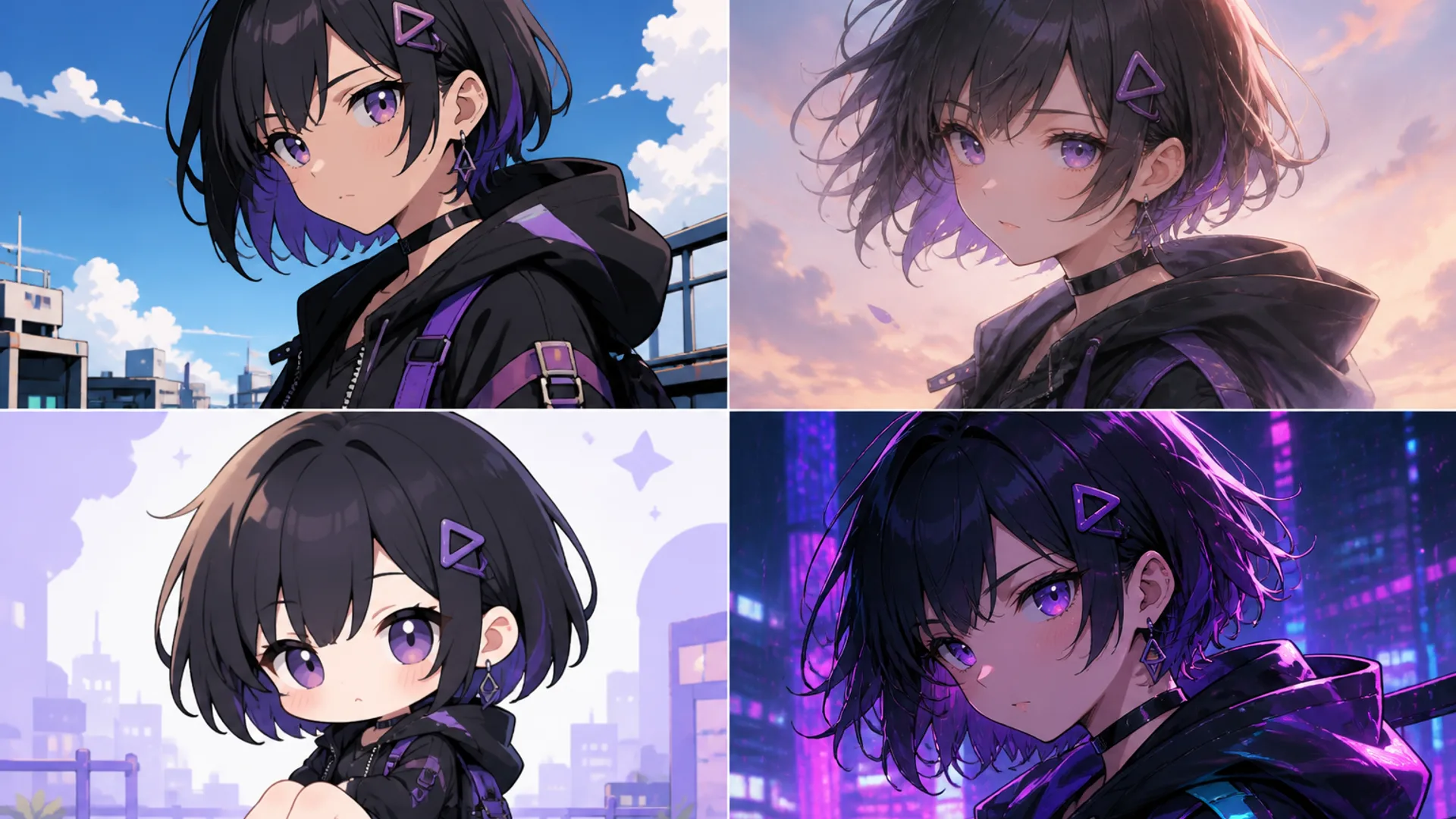
1. Midjourney — when the character needs cover energy
Midjourney is still the model many teams open first when an anime character has to feel published: rim light, fabric that catches the eye, night-city glow, that slightly editorial posture you see on key visuals. If your brief is “make it feel like a cover,” its range often gets you to a shortlist faster than tools built mainly for rigid checklists.
Reach for Midjourney when you need:
- Poster heroes, music covers, or campaign anime portraits
- Lighting and mood to carry as much weight as the design sheet
- A strong first winner you’ll then lock with hair / eye / outfit notes
Think twice when:
- A prop needs exact readable lettering
- Pose and crop must hit a layout grid on attempt one
Prompt habit: pick one art direction (soft cel shading or modern Japanese illustration). Three studio name-drops in one line usually make a mashup, not a character.
2. GPT Image 2 — when the brief is a control list
GPT Image 2 earns its place when your anime job looks like a checklist: half-body crop, silver hair, clean gradient backdrop, readable ribbons, no muddy shadows. It’s often the steadier choice once you start writing hard negatives—no plastic glow, no extra fingers, no accidental photoreal skin.
Reach for GPT Image 2 when you need:
- Wardrobe and “do not” rules that survive several rounds
- A short poster title rendered in-frame
- A cleaner delivery brief after a moody Midjourney winner
Think twice when:
- You want maximum serendipity and almost no structure
Prompt habit: lead with identity that cannot move, then light and style, then delivery constraints. Front-load what you refuse to renegotiate.
3. Nano Banana family — when you need draft volume first
Before you fall in love with one finished render, you often need options: hair lengths, jacket colors, chibi vs. tall proportions, three expression beats. Nano Banana-class tools are useful here because readable drafts arrive quickly, and micro-detail checks (strands, pins, badges) don’t have to wait for a slow “final” pass.
Reach for Nano Banana when you need:
- Silhouette and costume shortlists
- A quick close-up pass on hair and accessories
- Batch trials that respect budget and calendar
Think twice when:
- You’re tempted to publish a draft without a polish pass on another model
Prompt habit: explore variants here, then carry the winning skeleton into Midjourney or GPT Image 2 for finish quality.
4. A dedicated AI Anime Generator — the everyday anime lane
If most of your week is anime anyway, a general photoreal-first box becomes tax. A dedicated anime entry keeps portraits, scenes, expression sheets, and style switches in one lane—and on bikabika AI it also gathers multi-model entry points so you’re not rebuilding a bookmark zoo every month.
Open the AI Anime Generator when anime art is the main deliverable, then compare Midjourney, GPT Image 2, and related options from there.
Reach for it when you need:
- OC work, doujin covers, anime posters, or short-video character stills as the default output
- Multi-model access without hopping official sites
- A clean split from product photography or ID-style headshots
5. AI Character Generator — when sameness is the real product
Style shopping won’t fix “same character, new pose, new face.” If consistency is the job, lock hair color, eye color, and outfit markers in the AI Character Generator, then take the on-model result into an anime or image tool for polish.
Reach for it when you need:
- Expression sheets and turnarounds that stay on-model
- Series posts or episodes that reuse one identity
A one-minute decision tree
- Is the deliverable anime-first? Start in the AI Anime Generator.
- Do constraints outweigh mood? Lean GPT Image 2.
- Do you need cover atmosphere first? Shortlist in Midjourney, then tighten in GPT Image 2 if the layout gets strict.
Non-anime profile crops belong in the AI Headshot Generator. Mixed photoreal and product work can stay in the AI Image Generator.
A prompt skeleton you can actually reuse
Write in this order most of the time:
- Who they are — age feel, hair, eyes, outfit markers
- Framing — half-body, full-body sheet, or close-up
- One anime style direction (only one)
- Light and background — soft studio, night city, simple gradient
- Clarity lines —
clean line art,high clarity,no muddy shadows - Hard negatives —
no photoreal skin,no extra fingers,no watermark
Example prompt: Anime-style half-body illustration of a young woman with silver hair and blue eyes, soft pastel color palette, clean line art, gentle eye highlights, light breeze in hair, simple gradient background, modern Japanese illustration look, high clarity, no muddy shadows, no photoreal skin
Change a single layer each round. If you rewrite hair, light, and style together, you won’t know what helped.
Mistakes that quietly waste anime generations
- Name-dropping three studios until the design sheet turns to mush
- Blending photoreal and anime cues without choosing a lane
- Judging tools only on first-roll beauty, never on pose changes
- Keeping no notes—no winners, no reject reasons
- Sending anime covers through a headshot tool, or ID-style photoreal faces through an anime lane
Map the job to the right on-site entry
| What you’re shipping | Better starting point |
|---|---|
| Anime characters, posters, cel-shaded scenes | AI Anime Generator |
| Broad multi-model image comparison | AI Image Generator |
| OC consistency across frames | AI Character Generator |
| Photoreal profile portraits | AI Headshot Generator |
Next step
Take one OC and run a small bake-off today: Midjourney for mood, GPT Image 2 for control, plus one fast draft pass for variants. Save the skeleton that wins and the reasons the others lost. If the work stays anime-first, open the AI Anime Generator and finish the comparisons without leaving that lane—or start generating online in the workspace.
Related anime guides on bikabika AI
- Create 2D anime with the AI Anime Generator — practice loop and style lock
- Best AI image generator for anime art & manga — illustration and cover pipelines
- Studio Ghibli style guide — pastoral / hand-painted mood
- Anime fan art & doujinshi guide — covers, badges, series pages