
Seedance vs Kling vs Veo: Which AI Video Model to Choose?
Compare Seedance 2.5, Kling 4.0 and Veo 3.1 by references, movement, audio and editing needs. Explore official capabilities, a practical comparison method and online video creation.
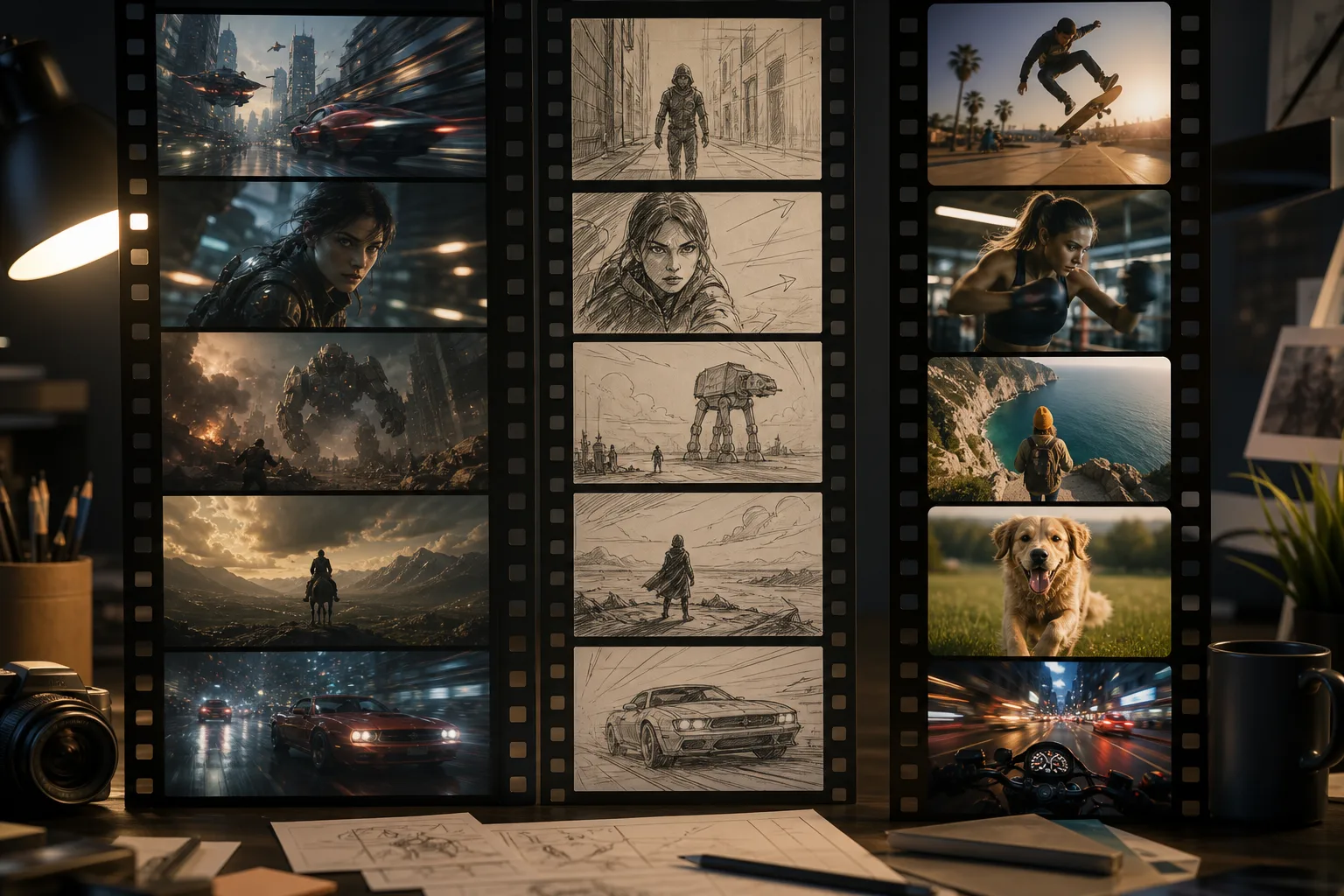
Choosing an AI video model starts with your inputs and the job the clip must do. A text-only idea, a product reference, a recurring character and a scene that depends on dialogue each call for different checks.
This guide uses the official descriptions of Seedance 2.5, Kling 4.0 and Veo 3.1 to help you shortlist options. It is not a bikabika AI benchmark. In the video workspace, review the available model, input mode, settings and estimated credits before submitting.
What are the three models?
Seedance 2.5: reference-led audiovisual creation and editing
Seedance is ByteDance’s video-model family. The 2.5 overview emphasizes joint audio-video generation, longer storytelling, reference interpretation and editing. Consider it when you have source material and want to develop a scene further. Explore Seedance.
Kling 4.0: motion and multi-asset control
Kling is Kuaishou’s video-model family. Its 4.0 update emphasizes larger movements, complex camera work and Omni Reference. Evaluate it against the characters, actions and visual milestones your project needs. Explore Kling 4.0.
Veo 3.1: composing sound and visuals together
Veo is Google DeepMind’s video model. Its 3.1 capability overview includes audio generation and controls involving reference ingredients, first and last frames, and scene extension. Include it when the relationship between atmosphere, sound and imagery matters. Explore Veo 3.1.
Compare production requirements, not brand labels
| Your starting point | What to check |
|---|---|
| Text only | Whether the subject, action, setting and camera follow the brief |
| A subject image | Preservation of distinctive features and plausible changes to the surroundings |
| A defined beginning and ending | Whether the selected mode accepts the materials and connects the action |
| Dialogue or ambient sound | Audio availability, intelligibility, timing and agreement with the image |
| A revision request | Whether you can state the change clearly and preserve the useful parts |
Capabilities overlap. These are evaluation criteria, not exclusive brand assignments or a promise that every workspace mode accepts every input.
Four practical starting points
Product footage: Begin with a clear subject reference and one action, such as a slow turn or camera approach. Check shape, distinctive details and contact with the environment before judging the lighting. The AI Photo Editor can help prepare an existing image.
Character scenes: Specify the person, action, location and camera. Describe an observable sequence, such as walking to a window and turning back. Check the order of actions and character features. Plan separate beats before deciding whether several shots belong in one generation.
Scenes with sound: Describe visible action and intended audio separately. Make dialogue explicit and listen for unwanted sounds, unclear speech or mismatched timing. Audio support still requires reviewing the result.
Revising footage: List what should stay and what should change. Avoid changing the background, wardrobe, motion and sound all at once. One main change makes the outcome easier to evaluate.
Run one comparison on a shared task
- Write a brief covering subject, action, setting, camera, audio, required details and intended use.
- Choose comparable duration, aspect ratio and reference material. Record differences when settings cannot match.
- Record the selected model, mode, settings and estimated credits before submitting. Judge the output rather than treating one attractive clip as a permanent ranking.
- Review subject, motion, camera, audio and revision needs. Choose a useful direction and make one purposeful change.
Keep a small log: model and mode, references, settings, credits, successful details, failure points and the next change. You do not need an invented overall score. Prioritize the conditions that matter to your project.
A brief you can adapt
An adult traveler in a dark-blue jacket enters a station, stops beside a window and looks toward the sea. The camera follows steadily from the side and ends in a medium shot. Use natural morning light. Preserve the jacket color and suitcase shape. The sound direction is quiet footsteps and distant sea wind, with no dialogue.
This is an example of communicating intent. Replace the subject and setting, and remove unnecessary conditions. Supported audio, references and controls depend on the selected mode.
Frequently asked questions
Is Seedance, Kling or Veo the best?
This guide does not establish an overall winner. Shortlist by inputs and delivery requirements, then compare the same task and the work needed to refine it.
Is a newer version always better for my project?
No. Identify the version and mode, then check whether it improves the details you need. Comparing brand names alone is not enough.
Are all official capabilities available here?
This article and model pages describe official capabilities. Creation uses the models and settings currently available in the workspace. Review those before submitting.
Should I create a still image first?
A prepared image can clarify a fixed subject or composition. You can also explore directly from text; an extra step is not mandatory.
How do I start online?
Explore the AI Video Generator or open the video workspace, select an available model, enter your brief and review estimated credits.
Start your next video
Bring one clear scene into the workspace. Confirm the inputs and settings, review the result and refine it. Start creating a video.