
Midjourney V8.2 프롬프트 가이드: 팁과 예시
Midjourney V8.2 실전 프롬프트 가이드: 재사용 골격, Raw / Style Reference / Personalization 팁, 인물·제품·컨셉용 바로 붙여넣기 예시. bikabika AI 지원.
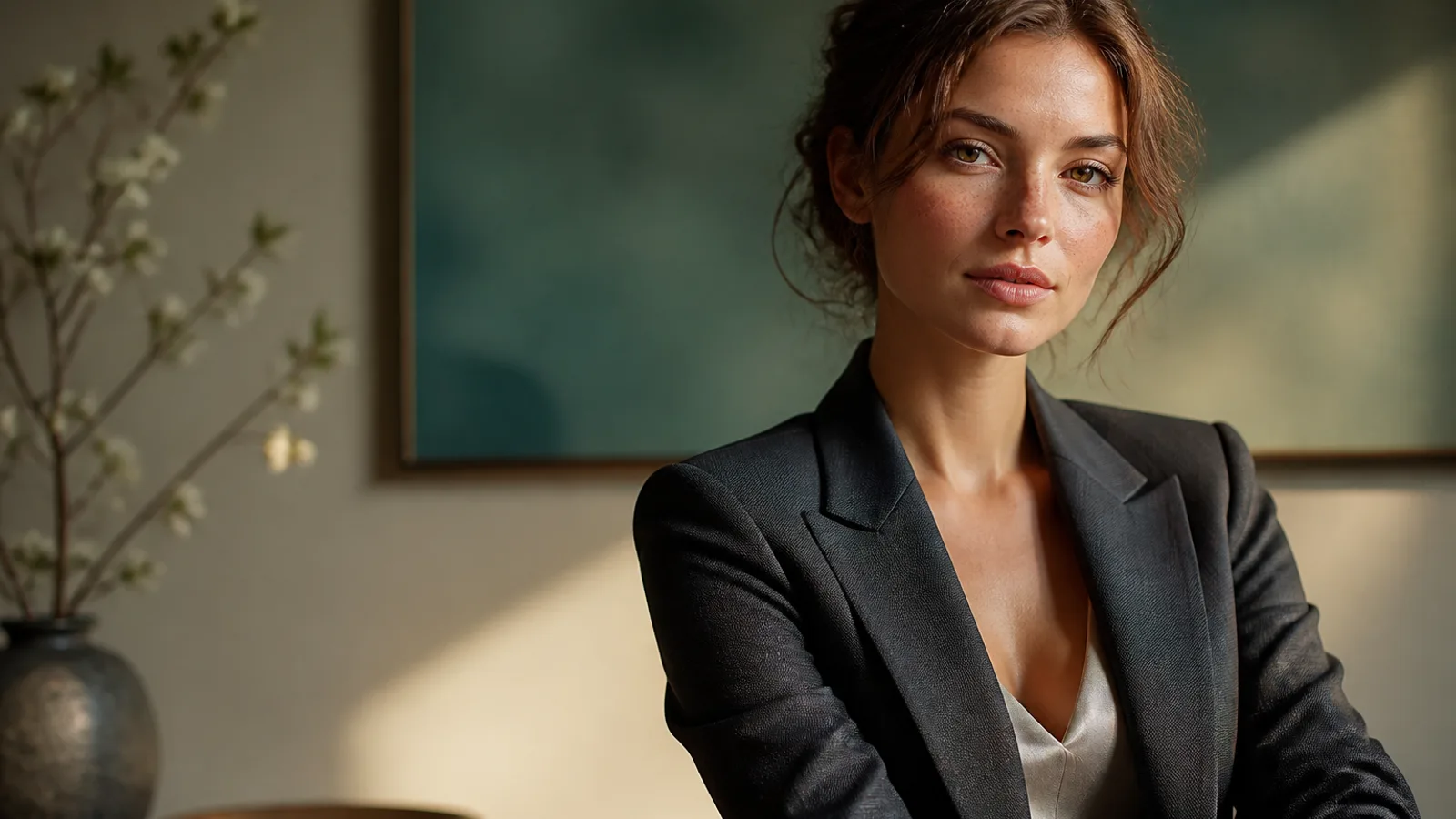
Midjourney V8.2는 미감을 구체적으로 적을수록 안정적입니다. 빈 찬사만 쌓으면 부족합니다. 2026년 7월 24일부터 Midjourney 기본 버전이 된 V8.2는 더 대담하고 세련된 기본 미감을 가지며, “beautiful cinematic” 같은 모호한 표현만으로는 조명과 색을 대신 채워 버립니다.
이 Midjourney 프롬프트 가이드는 재사용 가능한 팁과 바로 붙여넣기 예시에 집중합니다. AI 이미지 생성기의 Midjourney에 붙여 넣고, 한 라운드에 변수는 하나만 바꾸세요. 선정·탈락 이유를 짧게 남기면 학습 루프가 유지됩니다. 모델 소개는 Midjourney V8 개요를 참고하세요.
Midjourney V8.2가 특히 강한 점
- 고미감 방향 탐색 — 패션, 콘셉트 아트, 브랜드 메인 비주얼 초안
- 구조화 프롬프트 — 피사체·매체·환경·빛·구도를 분명히 쓰면 지시 추종이 좋아짐
- Style Reference 연작 —
--sref로 톤을 고정한 뒤 내용만 교체 - Personalization 연속성 — 샘플이 많은 Profile일수록 취향을 잘 읽음
- 네이티브 HD 마감 — 약 2K가 필요하면 HD, 탐색은 SD가 효율적
모든 작업에서 최강은 아닙니다. 긴 이미지 내 문구·엄격한 제품 구조는 다른 모델과 분업하세요. Midjourney AI 아트 방향성과 통제된 반복이 목표라면 V8.2가 현재 기본 선택입니다.
Midjourney V8.2에서 더 안정적인 골격
- 피사체 — 누구/무엇, 식별 포인트
- 매체/스타일 레인 — 사진, 일러스트, 콘셉트, 시네마틱 스틸
- 환경 — 스튜디오, 거리, 실내, 심리스 배경
- 빛 + 렌즈 — 왼쪽 창빛, 소프트박스, 85mm, f/2.0
- 재질과 디테일 — 직물, 피부, 금속 반사
- 구도 + 파라미터 — 크롭, 여백,
--ar, 필요 시--raw/--sref/--no
촬영·재질 용어는 영어를 유지하는 편이 Midjourney에 더 잘 먹힙니다.
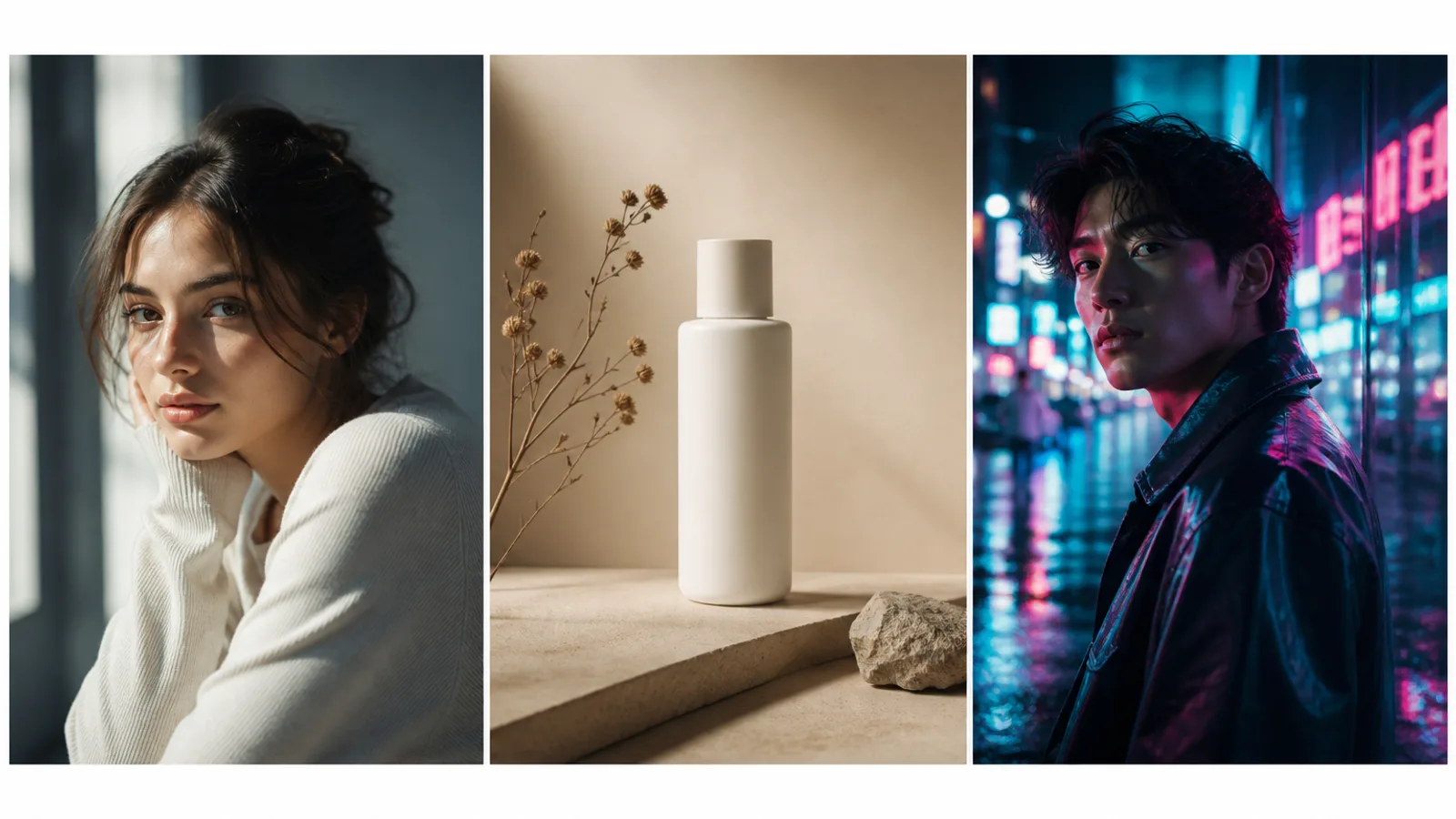
팁 1: 분위기 단어를 실행 가능한 규격으로
약한 예: beautiful cinematic masterpiece, epic mood
강한 예: soft window light from the left, 85mm lens, shallow depth of field, muted teal and cream palette, subtle film grain
빛과 팔레트를 쓰지 않으면 V8.2의 더 강한 기본 미감이 빈칸을 채웁니다.
팁 2: 문자 그대로의 추종이 필요하면 Raw
복잡한 레이아웃·제품 구조·기본 대담함이 과할 때 --raw. 옛 --style raw는 --raw로 옮기세요.
팁 3: 라운드마다 한 층만 바꾸기
- A — 피사체+빛 고정(SD 다장)
- B — 의상만 또는 배경만
- C — 크롭/
--ar/여백만 - D — 선정 후 HD
매번 전체를 다시 쓰면 무엇이 효과인지 알 수 없습니다.
팁 4: 연작은 Style Reference를 먼저 고정
브랜드 KV·캐릭터 시트는 --sref(또는 Moodboard)를 먼저. --sref는 분위기만 옮기고 참조의 인물·소품을 그대로 복제하지 않습니다.
팁 5: 구도 언어 전에 --ar 결정
세로 커버, 가로 광고, 정사각 이커머스는 비율을 먼저. 자주 쓰는 값: --ar 3:4, --ar 16:9, --ar 1:1.
팁 6: 거부는 --no에 구체적으로
예: --no watermark, extra fingers, plastic skin, oversharpened HDR. 막연한 bad anatomy보다 구체 명사가 낫습니다.
팁 7: 목적별 도구 입구
| 목표 | 입구 |
|---|---|
| 일반 Midjourney 결과물 | AI 이미지 생성기 |
| 이력서·프로필 증명사진 | AI 헤드샷 생성기 |
| 캐릭터 일관성 | AI 캐릭터 생성기 |
| 애니메/만화 톤 | AI 애니메 생성기 |
예시 1. 빛을 고정한 사실적 인물
프롬프트: Half-body portrait of a young woman with natural freckles and visible pores, soft daylight from a large window on the left, gentle shadow under the jaw, off-white wall, face slightly right of center, 85mm lens, f/2.0 shallow depth of field, both ears visible, natural skin texture —ar 3:4 —raw —no beauty blur, plastic skin, heavy makeup, watermark
수정 팁: 나이감·헤어만 먼저 바꾸고, 빛과 --raw는 한 라운드 유지.
예시 2. 헤드라인 여백이 있는 제품 정물
프롬프트: Minimal product still life of a matte white skincare bottle on beige seamless backdrop, softbox key from upper left, gentle bounce fill, crisp bottle silhouette, generous negative space on the right for headline layout, commercial photography —ar 4:5 —stylize 100 —no harsh reflections, extra props, watermark, text
예시 3. Style Reference로 잠근 패션 에디토리얼
프롬프트: Editorial fashion portrait of a woman in a tailored black blazer, cinematic rim light from behind, cool teal fill from the front, sharp catchlights, subtle film grain, medium close-up on 50mm, realistic wool fabric texture —ar 3:4 —sref [your style reference] —stylize 150 —no oversaturated glow, melted facial features
예시 4. 대담한 SF 콘셉트 야경
프롬프트: Futuristic canyon city at dusk, neon light strips along cliff roads, volumetric haze, cinematic wide shot, sophisticated sci-fi atmosphere, bold color contrast between amber sky and cyan streets, ultra-detailed architecture silhouettes —ar 16:9 —chaos 10 —stylize 250
예시 5. 실내 라이프스타일
프롬프트: Woman reading by a large window in a quiet apartment, soft morning side light, linen curtains, light oak table, shallow depth of field, calm lifestyle photography, natural color grading, 35mm documentary feel, realistic interior materials —ar 3:2 —raw —no HDR look, staged smile, plastic skin
예시 6. 브랜드 안전 아바타 크롭
프롬프트: Professional head-and-shoulders portrait of a woman, clean light-gray seamless background, even soft studio light, confident calm expression, centered face with safe crop for circular avatar, natural skin texture, business-casual knit top —ar 1:1 —raw —no heavy retouching, harsh shadows, watermark
마감은 AI 헤드샷 생성기로 이어가도 됩니다.
예시 7. 세로 포스터(짧은 헤드라인 가정)
프롬프트: Vertical poster composition of a confident woman on a golden-hour city street, warm backlight, shallow depth of field, clean upper-third negative space reserved for a short headline, high contrast photographic look —ar 2:3 —stylize 120 —no watermark, busy background clutter, extra slogans
예시 8. 네온 야경 인물
프롬프트: Night portrait of a woman under cyan and magenta neon signs, wet street reflections, shallow depth of field, cinematic contrast, rain-damp hair strands, realistic skin under colored light, 50mm lens, moody urban atmosphere —ar 3:4 —raw —no oversaturated glow, melted facial features, plastic skin
흔한 실수
- 분위기 단어만 쌓고 빛·렌즈·팔레트를 쓰지 않음
- 피사체·빛·
--sref를 한 번에 바꿈 --ar를 나중에 정함- 탐색을 전부 HD로 돌림
- HD를 크게 편집한 뒤 다시 업스케일하지 않음
- 애니메와 사실 사진 신호를 섞음 — AI 애니메 생성기로 분리
다음 단계
예시 1 또는 예시 3부터: 골격 복사 → 한 층만 변경 → 탈락 메모. 연작은 --sref, 문자 그대로면 --raw, 방향이 잡히면 HD.
AI 이미지 생성기를 열고 위 프롬프트로 Midjourney 비교 실험을 시작하세요.