
Hướng dẫn prompt Midjourney V8.2: mẹo và ví dụ
Hướng dẫn prompt thực chiến cho Midjourney V8.2: khung tái sử dụng, mẹo Raw / Style Reference / Personalization và ví dụ sẵn để dán trên bikabika AI.
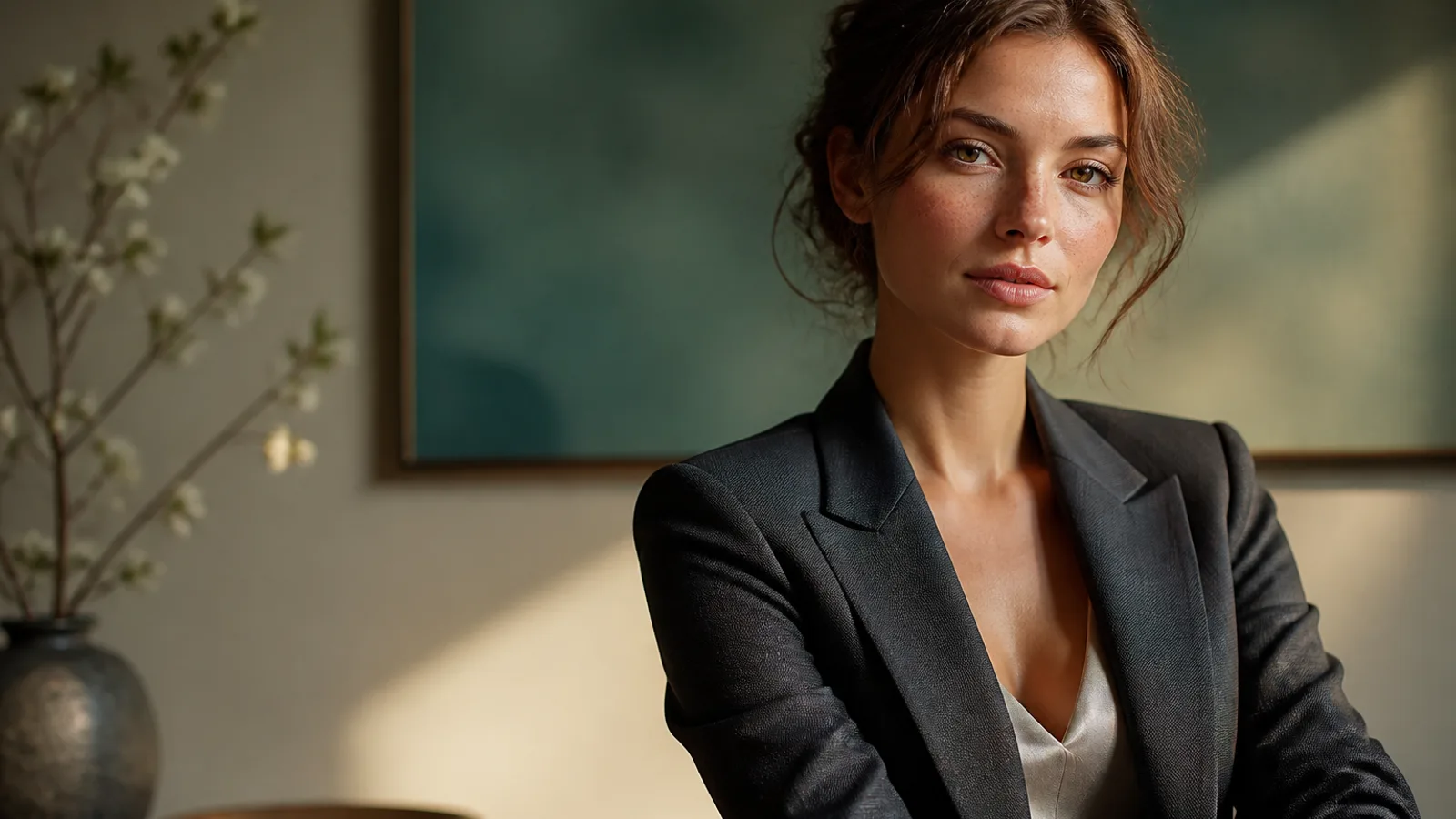
Midjourney V8.2 thưởng cho mô tả rõ ràng, không phải chuỗi tính từ rỗng. Từ 24/7/2026, V8.2 là mô hình mặc định của Midjourney: táo bạo và tinh tế hơn. Nếu vẫn viết «beautiful cinematic» như V7, thẩm mỹ mặc định thường chiếm lấy khung hình.
Hướng dẫn prompt Midjourney này tập trung mẹo tái sử dụng và ví dụ để dán vào Trình tạo ảnh AI. Mỗi vòng chỉ đổi một biến và ghi «ảnh chọn + lý do loại». Tổng quan mô hình: Midjourney V8.
Midjourney V8.2 mạnh ở đâu
- Khám phá thẩm mỹ cao — thời trang, concept, key visual thương hiệu
- Prompt có cấu trúc — chủ thể, chất liệu, môi trường, ánh sáng, bố cục
- Series Style Reference —
--srefkhóa look - Personalization — profile nhiều mẫu đọc gu tốt hơn
- Bản cuối HD gốc — ~2K khi cần; khám phá bằng SD
Khung vững hơn cho Midjourney V8.2
- Chủ thể 2. Chất liệu/phong cách 3. Môi trường 4. Ánh sáng + ống kính 5. Vật liệu 6. Khung hình + tham số (
--ar,--raw,--sref,--no)
Thuật ngữ nhiếp ảnh bằng tiếng Anh thường ổn định hơn.
Mẹo 1: biến từ không khí thành thông số
Yếu: beautiful cinematic masterpiece
Mạnh hơn: soft window light from the left, 85mm lens, muted teal and cream palette
Mẹo 2: dùng Raw khi cần tuân thủ sát nghĩa
Thêm --raw cho bố cục phức tạp hoặc look mặc định quá mạnh. Đổi --style raw sang --raw.
Mẹo 3: mỗi vòng chỉ đổi một lớp
A khóa chủ thể+ánh sáng (SD) → B chỉ trang phục/nền → C chỉ crop/--ar → D HD cho ảnh thắng.
Mẹo 4: khóa Style Reference trước
--sref (hoặc Moodboard) mang look, không photocopy người/đồ từ ảnh tham chiếu.
Mẹo 5: chọn --ar trước khi viết bố cục
Bắt đầu với --ar 3:4, --ar 16:9 hoặc --ar 1:1.
Mẹo 6: ghi loại trừ trong --no
--no watermark, extra fingers, plastic skin, oversharpened HDR.
Mẹo 7: chọn đúng công cụ
| Mục tiêu của bạn | Lối vào phù hợp hơn |
|---|---|
| Ảnh Midjourney chung | Trình tạo ảnh AI |
| Ảnh chân dung hồ sơ | Trình tạo ảnh chân dung AI |
| Nhất quán nhân vật | Trình tạo nhân vật AI |
| Thẩm mỹ anime | Trình tạo anime AI |
Ví dụ 1. Chân dung khóa ánh sáng
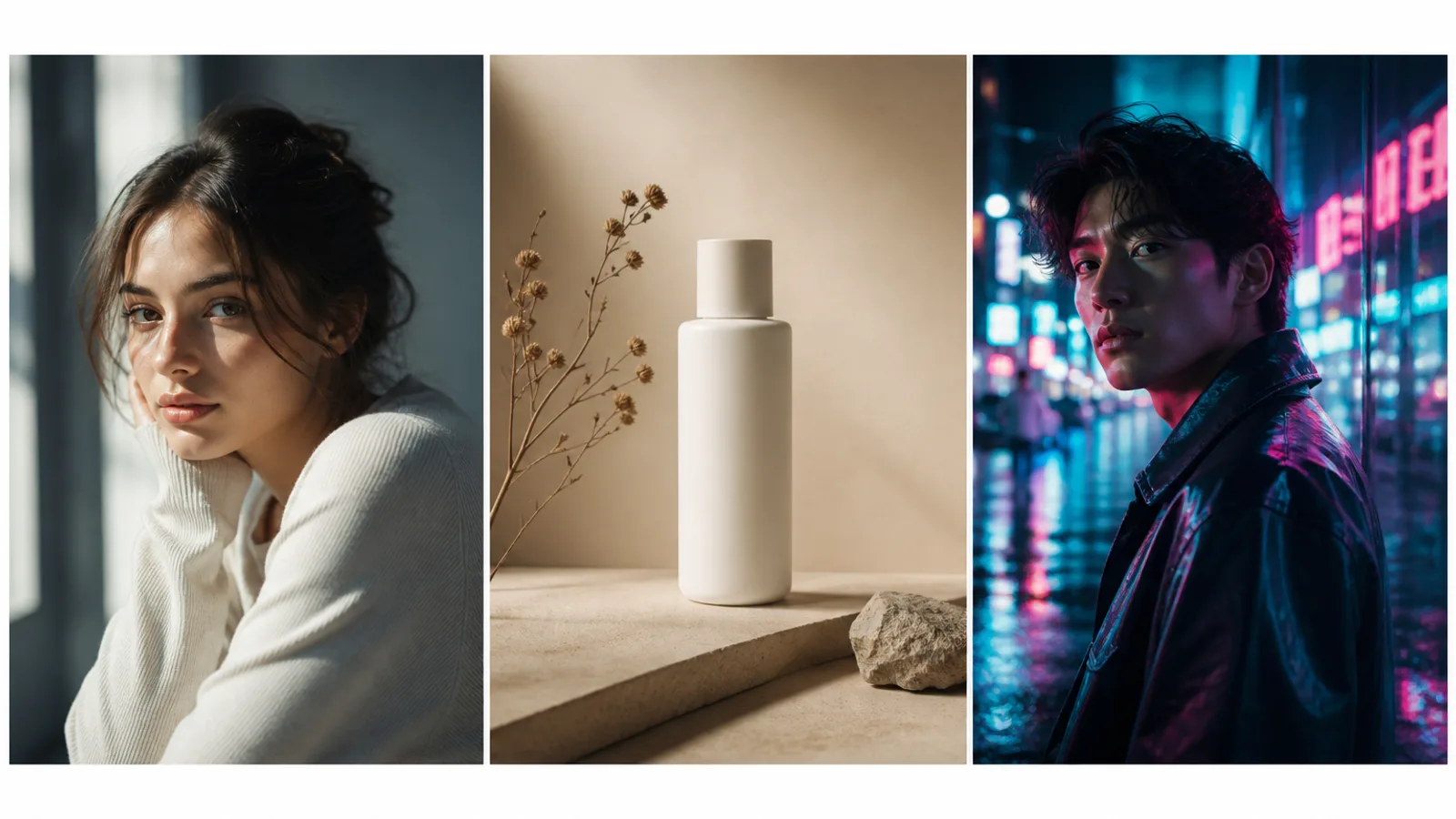
Prompt: Half-body portrait of a young woman with natural freckles and visible pores, soft daylight from a large window on the left, gentle shadow under the jaw, off-white wall, face slightly right of center, 85mm lens, f/2.0 shallow depth of field, both ears visible, natural skin texture —ar 3:4 —raw —no beauty blur, plastic skin, heavy makeup, watermark
Mẹo viết lại: Đổi tuổi/tóc trước; giữ ánh sáng và --raw.
Ví dụ 2. Sản phẩm có khoảng tiêu đề
Prompt: Minimal product still life of a matte white skincare bottle on beige seamless backdrop, softbox key from upper left, gentle bounce fill, crisp bottle silhouette, generous negative space on the right for headline layout, commercial photography —ar 4:5 —stylize 100 —no harsh reflections, extra props, watermark, text
Mẹo viết lại: Chỉ đổi màu/chất liệu đến khi khoảng trống ổn.
Ví dụ 3. Editorial với Style Reference
Prompt: Editorial fashion portrait of a woman in a tailored black blazer, cinematic rim light from behind, cool teal fill from the front, sharp catchlights, subtle film grain, medium close-up on 50mm, realistic wool fabric texture —ar 3:4 —sref [your style reference] —stylize 150 —no oversaturated glow, melted facial features
Mẹo viết lại: Giữ --sref, chỉ đổi trang phục hoặc tóc.
Ví dụ 4. Concept sci-fi táo bạo
Prompt: Futuristic canyon city at dusk, neon light strips along cliff roads, volumetric haze, cinematic wide shot, sophisticated sci-fi atmosphere, bold color contrast between amber sky and cyan streets, ultra-detailed architecture silhouettes —ar 16:9 —chaos 10 —stylize 250
Mẹo viết lại: Tăng --chaos khi khám phá; giảm khi đã khóa hướng.
Ví dụ 5. Nội thất lifestyle
Prompt: Woman reading by a large window in a quiet apartment, soft morning side light, linen curtains, light oak table, shallow depth of field, calm lifestyle photography, natural color grading, 35mm documentary feel, realistic interior materials —ar 3:2 —raw —no HDR look, staged smile, plastic skin
Mẹo viết lại: Ghi vật liệu (linen, oak) thay vì «cozy».
Ví dụ 6. Cắt avatar an toàn thương hiệu
Prompt: Professional head-and-shoulders portrait of a woman, clean light-gray seamless background, even soft studio light, confident calm expression, centered face with safe crop for circular avatar, natural skin texture, business-casual knit top —ar 1:1 —raw —no heavy retouching, harsh shadows, watermark
Mẹo viết lại: Nháp trên Midjourney; hoàn thiện ở Trình tạo ảnh chân dung AI.
Ví dụ 7. Poster dọc
Prompt: Vertical poster composition of a confident woman on a golden-hour city street, warm backlight, shallow depth of field, clean upper-third negative space reserved for a short headline, high contrast photographic look —ar 2:3 —stylize 120 —no watermark, busy background clutter, extra slogans
Mẹo viết lại: Chữ dài: chừa khoảng trống và xếp chữ trên thiết kế.
Ví dụ 8. Chân dung neon đêm
Prompt: Night portrait of a woman under cyan and magenta neon signs, wet street reflections, shallow depth of field, cinematic contrast, rain-damp hair strands, realistic skin under colored light, 50mm lens, moody urban atmosphere —ar 3:4 —raw —no oversaturated glow, melted facial features, plastic skin
Mẹo viết lại: Giữ realistic skin under colored light.
Sai lầm thường gặp
- Chỉ chồng từ không khí
- Đổi chủ thể, ánh sáng và
--srefcùng lúc - Chọn
--arquá muộn - Khám phá bằng HD
- Sửa HD mà không upscale lại
- Trộn tín hiệu anime và ảnh thật
Bước tiếp theo
Bắt đầu với ví dụ 1 hoặc 3: sao chép → đổi một lớp → ghi lý do loại. Khóa --sref cho series; --raw để kiểm soát sát nghĩa; HD ở cuối.
Mở
Trình tạo ảnh AI và tạo các khung Midjourney để so sánh.