
Guía de prompts de Midjourney V8.2: consejos y ejemplos
Guía práctica de prompts para Midjourney V8.2: esqueleto reutilizable, Raw / Style Reference / Personalization y ejemplos listos para copiar en bikabika AI.
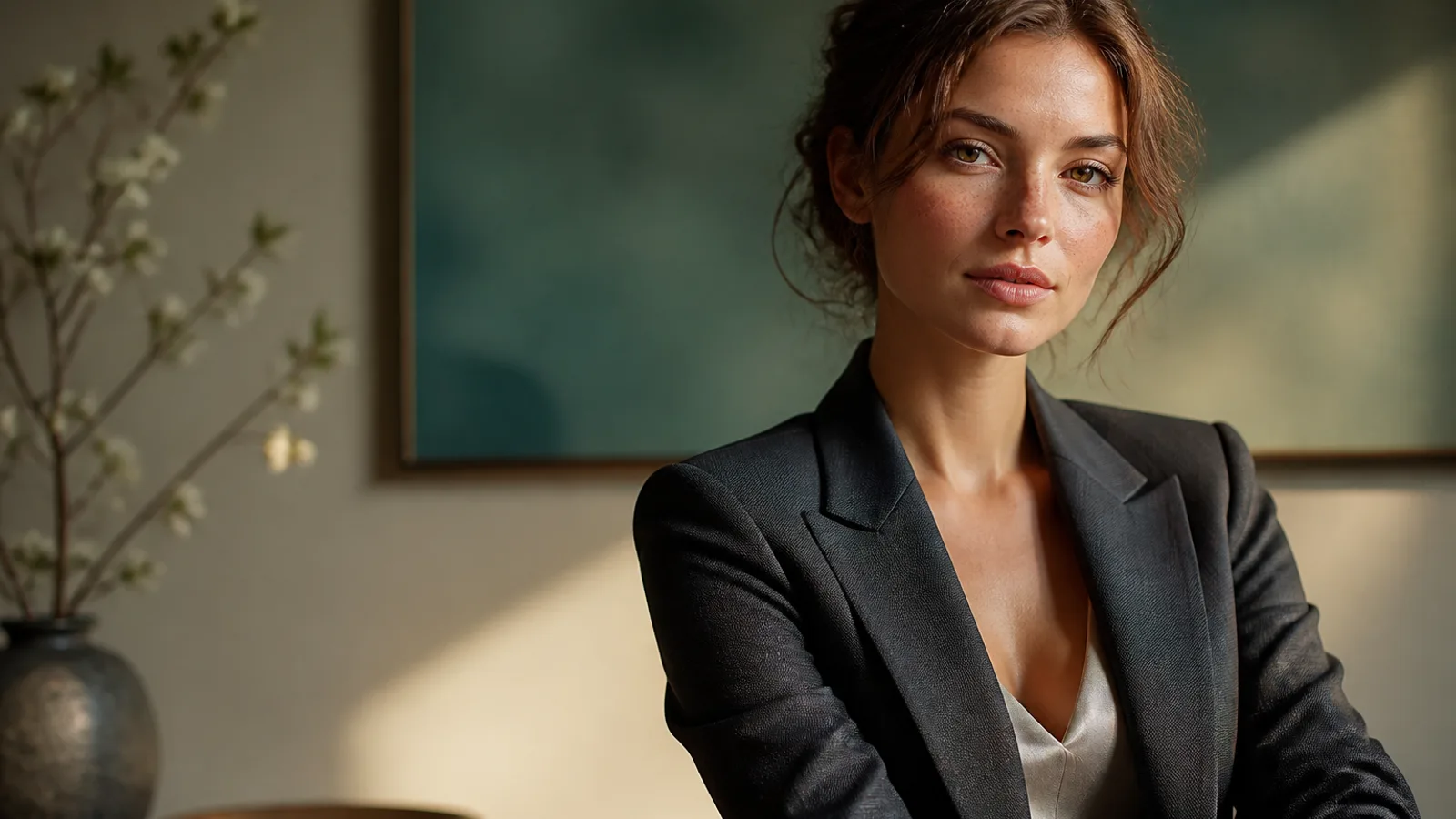
Midjourney V8.2 premia especificaciones claras, no adjetivos vacíos. Desde el 24 de julio de 2026 es el modelo predeterminado de Midjourney: más audaz y sofisticado. Si sigues pidiendo «beautiful cinematic» como en V7, la estética por defecto suele llevarse la toma.
Esta guía de prompts de Midjourney ofrece tácticas reutilizables y ejemplos para pegar en el Generador de imágenes IA. Cambia una variable por ronda y guarda «ganador + motivo de rechazo». Más sobre el modelo: Midjourney V8.
En qué destaca Midjourney V8.2
- Exploración de alta estética — moda, concepto, claves de marca
- Prompts estructurados — sujeto, medio, entorno, luz, composición
- Series con Style Reference —
--sreffija el look - Personalization — perfiles con más muestras leen mejor tu gusto
- Finales HD nativos — ~2K cuando haga falta; explora en SD
Esqueleto más sólido para Midjourney V8.2
- Sujeto — quién / qué
- Medio — fotografía, ilustración, concepto
- Entorno — estudio, calle, interior
- Luz + lente — ventana izquierda, softbox, 85mm
- Materiales — tela, piel, metal
- Encaje + parámetros —
--ar,--raw,--sref,--no
Los términos fotográficos en inglés suelen seguir mejor.
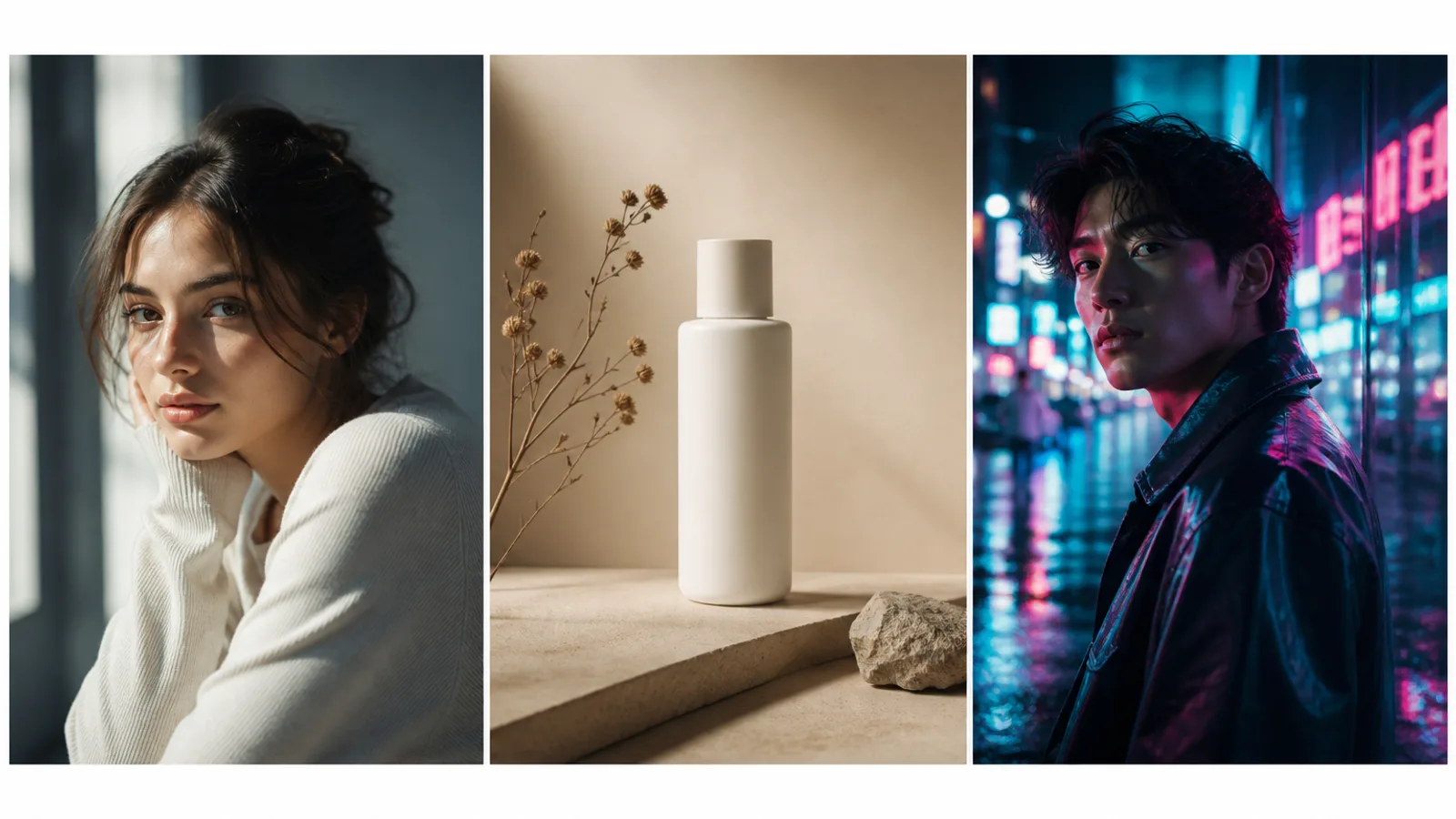
Consejo 1: convierte el ambiente en especificaciones
Débil: beautiful cinematic masterpiece
Más fuerte: soft window light from the left, 85mm lens, muted teal and cream palette
Sin luz ni paleta, V8.2 rellena con su estética más marcada.
Consejo 2: usa Raw para seguimiento literal
Añade --raw en diseños complejos o cuando el estilo audaz sea excesivo. Migra --style raw a --raw.
Consejo 3: una sola capa por ronda
A fija sujeto+luz (SD) → B solo vestuario/fondo → C solo recorte/--ar → D HD para ganadores.
Consejo 4: fija Style Reference primero
--sref (o Moodboard) bloquea el look sin fotocopiar personas u objetos de la referencia.
Consejo 5: decide --ar antes de componer
Empieza con --ar 3:4, --ar 16:9 o --ar 1:1.
Consejo 6: exclusiones en --no
--no watermark, extra fingers, plastic skin, oversharpened HDR.
Consejo 7: elige la herramienta
| Tu objetivo | Mejor entrada |
|---|---|
| Fotogramas Midjourney generales | Generador de imágenes IA |
| Retratos de perfil | Generador de headshots IA |
| Consistencia de personaje | Generador de personajes IA |
| Estética anime | Generador de anime IA |
Ejemplo 1. Retrato con luz fija
Prompt: Half-body portrait of a young woman with natural freckles and visible pores, soft daylight from a large window on the left, gentle shadow under the jaw, off-white wall, face slightly right of center, 85mm lens, f/2.0 shallow depth of field, both ears visible, natural skin texture —ar 3:4 —raw —no beauty blur, plastic skin, heavy makeup, watermark
Consejo de reescritura: Cambia edad/pelo primero; mantén luz y --raw.
Ejemplo 2. Producto con espacio de titular
Prompt: Minimal product still life of a matte white skincare bottle on beige seamless backdrop, softbox key from upper left, gentle bounce fill, crisp bottle silhouette, generous negative space on the right for headline layout, commercial photography —ar 4:5 —stylize 100 —no harsh reflections, extra props, watermark, text
Consejo de reescritura: Cambia solo color/material hasta estabilizar el espacio negativo.
Ejemplo 3. Editorial con Style Reference
Prompt: Editorial fashion portrait of a woman in a tailored black blazer, cinematic rim light from behind, cool teal fill from the front, sharp catchlights, subtle film grain, medium close-up on 50mm, realistic wool fabric texture —ar 3:4 —sref [your style reference] —stylize 150 —no oversaturated glow, melted facial features
Consejo de reescritura: Con --sref fijo, cambia solo vestuario o pelo.
Ejemplo 4. Concepto sci-fi audaz
Prompt: Futuristic canyon city at dusk, neon light strips along cliff roads, volumetric haze, cinematic wide shot, sophisticated sci-fi atmosphere, bold color contrast between amber sky and cyan streets, ultra-detailed architecture silhouettes —ar 16:9 —chaos 10 —stylize 250
Consejo de reescritura: Sube --chaos al explorar; bájalo al fijar dirección.
Ejemplo 5. Interior lifestyle
Prompt: Woman reading by a large window in a quiet apartment, soft morning side light, linen curtains, light oak table, shallow depth of field, calm lifestyle photography, natural color grading, 35mm documentary feel, realistic interior materials —ar 3:2 —raw —no HDR look, staged smile, plastic skin
Consejo de reescritura: Nombra materiales (linen, oak) en lugar de «cozy».
Ejemplo 6. Avatar seguro
Prompt: Professional head-and-shoulders portrait of a woman, clean light-gray seamless background, even soft studio light, confident calm expression, centered face with safe crop for circular avatar, natural skin texture, business-casual knit top —ar 1:1 —raw —no heavy retouching, harsh shadows, watermark
Consejo de reescritura: Borrador en Midjourney; termina en el Generador de headshots IA.
Ejemplo 7. Póster vertical
Prompt: Vertical poster composition of a confident woman on a golden-hour city street, warm backlight, shallow depth of field, clean upper-third negative space reserved for a short headline, high contrast photographic look —ar 2:3 —stylize 120 —no watermark, busy background clutter, extra slogans
Consejo de reescritura: Textos largos: reserva espacio y tipografía en diseño.
Ejemplo 8. Retrato neón
Prompt: Night portrait of a woman under cyan and magenta neon signs, wet street reflections, shallow depth of field, cinematic contrast, rain-damp hair strands, realistic skin under colored light, 50mm lens, moody urban atmosphere —ar 3:4 —raw —no oversaturated glow, melted facial features, plastic skin
Consejo de reescritura: Conserva realistic skin under colored light.
Errores frecuentes
- Solo palabras de ambiente
- Cambiar sujeto, luz y
--srefa la vez - Dejar
--arpara el final - Explorar en HD
- Editar HD sin reampliar
- Mezclar anime y fotorealismo
Siguientes pasos
Empieza por el ejemplo 1 o 3: copia → cambia una capa → anota rechazos. Fija --sref en series; --raw para control literal; HD al final.
Abre el
Generador de imágenes IA y genera fotogramas Midjourney comparables.