
Panduan Prompt Midjourney V8.2: Tips dan Contoh
Panduan prompt praktis untuk Midjourney V8.2: kerangka yang bisa dipakai ulang, tips Raw / Style Reference / Personalization, serta contoh siap tempel di bikabika AI.
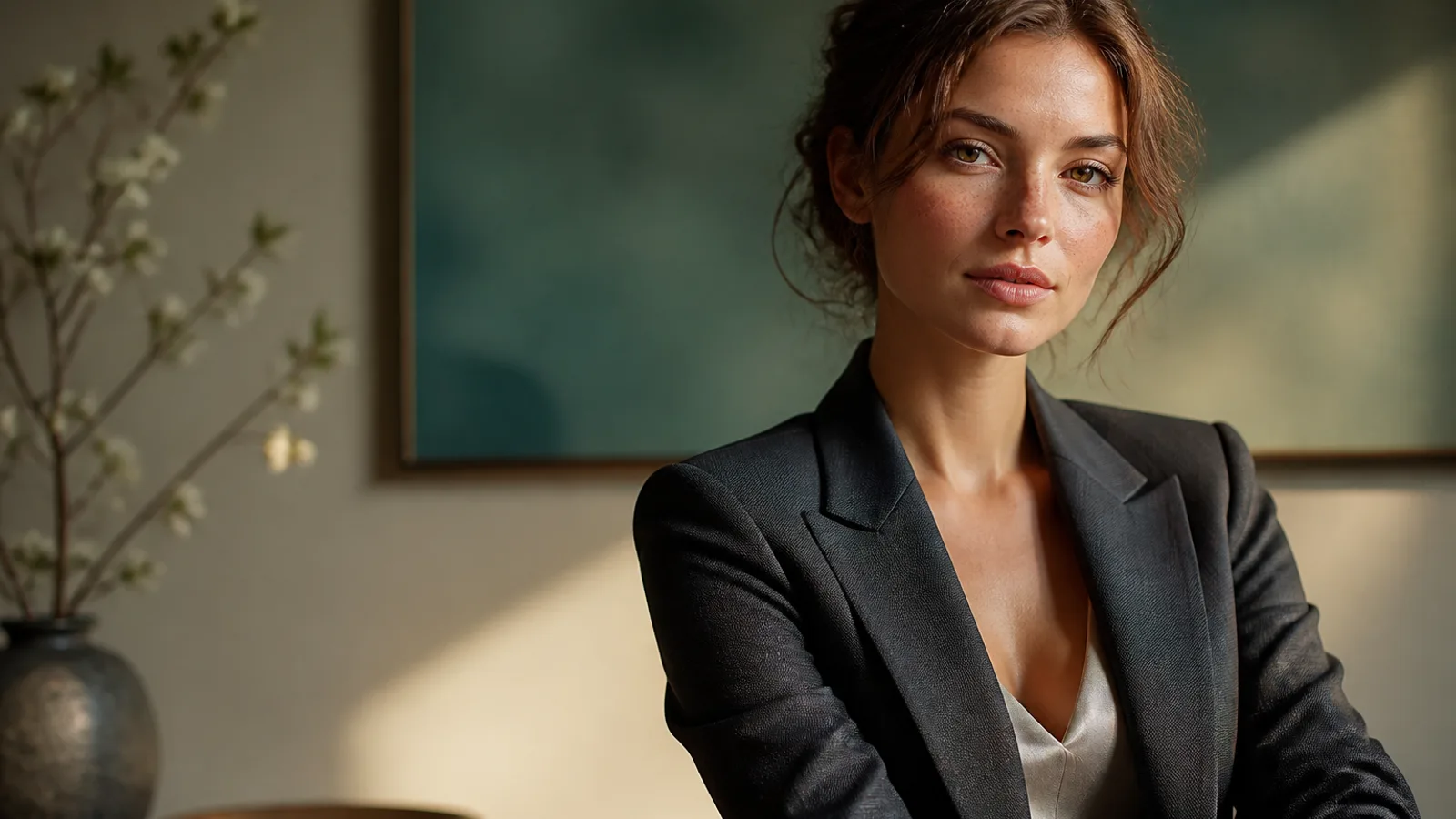
Midjourney V8.2 lebih menghargai spesifikasi yang jelas, bukan kata pujian kosong. Sejak 24 Juli 2026, V8.2 menjadi model bawaan Midjourney: lebih berani dan canggih. Jika masih menulis «beautiful cinematic» seperti di V7, estetika bawaan sering menguasai hasil.
Panduan prompt Midjourney ini fokus pada taktik yang bisa diulang dan contoh siap tempel di Generator gambar AI. Ubah satu variabel per putaran dan simpan catatan «pemenang + alasan ditolak». Ringkasan model: Midjourney V8.
Keunggulan Midjourney V8.2
- Eksplorasi estetika tinggi — fashion, konsep, key visual merek
- Prompt terstruktur — subjek, medium, lingkungan, cahaya, komposisi
- Seri Style Reference —
--srefmengunci look - Personalization — profil dengan banyak sampel lebih paham selera Anda
- Final HD bawaan — ~2K bila perlu; eksplorasi di SD
Kerangka yang lebih stabil untuk Midjourney V8.2
- Subjek 2. Medium 3. Lingkungan 4. Cahaya + lensa 5. Material 6. Framing + parameter (
--ar,--raw,--sref,--no)
Istilah fotografi dalam bahasa Inggris biasanya lebih stabil.
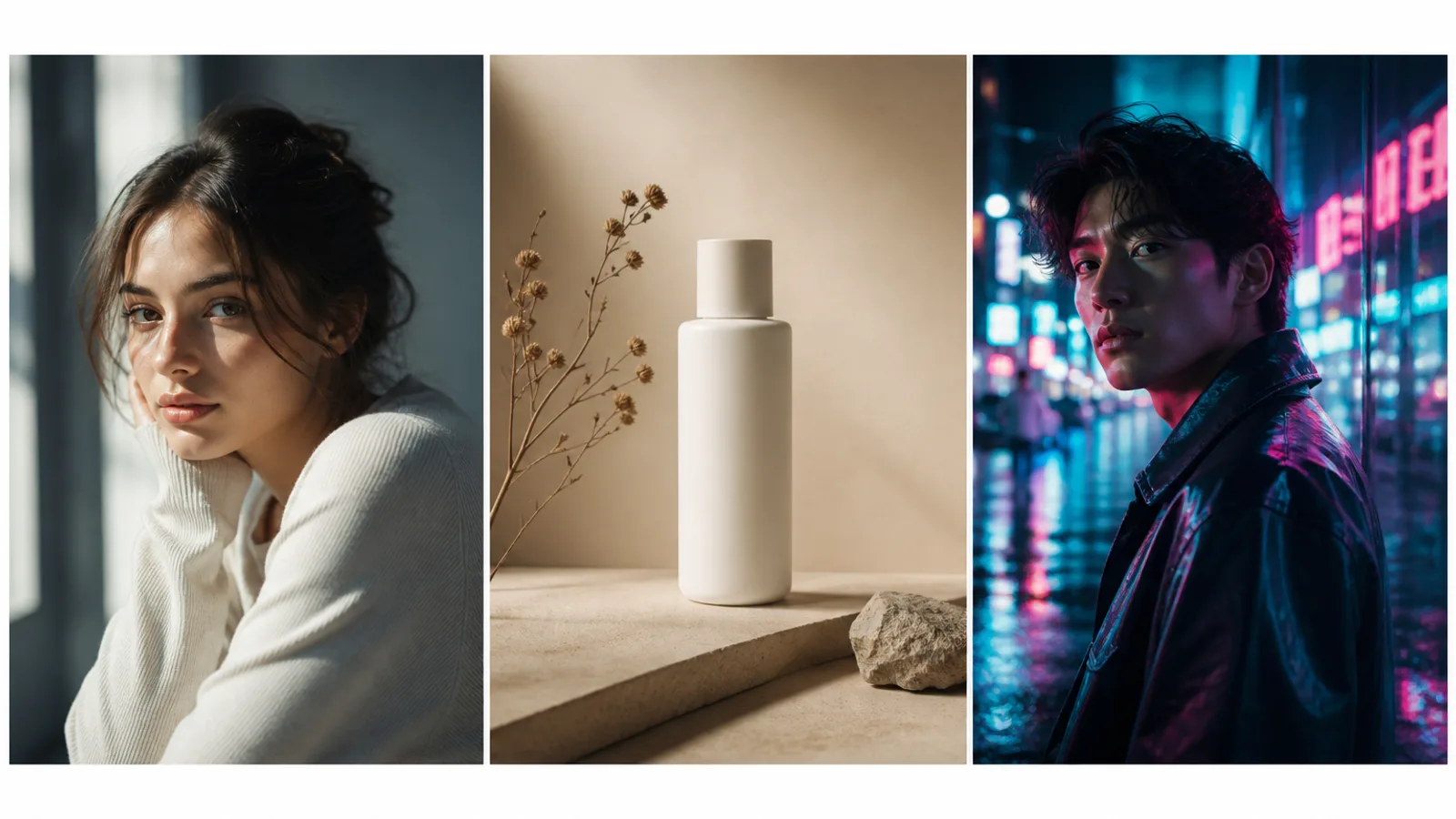
Tips 1: ubah kata suasana menjadi spesifikasi
Lemah: beautiful cinematic masterpiece
Lebih kuat: soft window light from the left, 85mm lens, muted teal and cream palette
Tanpa cahaya dan palet, V8.2 mengisi dengan estetika bawaan yang lebih tegas.
Tips 2: gunakan Raw untuk kepatuhan harfiah
Tambahkan --raw untuk tata letak rumit atau gaya terlalu berani. Migrasi --style raw ke --raw.
Tips 3: ubah satu lapisan per putaran
A kunci subjek+cahaya (SD) → B hanya pakaian/latar → C hanya crop/--ar → D HD untuk pemenang.
Tips 4: kunci Style Reference dulu
--sref (atau Moodboard) membawa look, bukan memfotokopi orang/objek dari referensi.
Tips 5: tetapkan --ar sebelum komposisi
Mulai dengan --ar 3:4, --ar 16:9, atau --ar 1:1.
Tips 6: penolakan di --no
--no watermark, extra fingers, plastic skin, oversharpened HDR.
Tips 7: pilih alat yang tepat
| Tujuan Anda | Entri yang lebih tepat |
|---|---|
| Hasil Midjourney umum | Generator gambar AI |
| Headshot profil | Generator headshot AI |
| Konsistensi karakter | Generator karakter AI |
| Estetika anime | Generator anime AI |
Contoh 1. Potret dengan cahaya terkunci
Prompt: Half-body portrait of a young woman with natural freckles and visible pores, soft daylight from a large window on the left, gentle shadow under the jaw, off-white wall, face slightly right of center, 85mm lens, f/2.0 shallow depth of field, both ears visible, natural skin texture —ar 3:4 —raw —no beauty blur, plastic skin, heavy makeup, watermark
Tips penulisan ulang: Ubah usia/rambut dulu; tahan cahaya dan --raw.
Contoh 2. Produk dengan ruang judul
Prompt: Minimal product still life of a matte white skincare bottle on beige seamless backdrop, softbox key from upper left, gentle bounce fill, crisp bottle silhouette, generous negative space on the right for headline layout, commercial photography —ar 4:5 —stylize 100 —no harsh reflections, extra props, watermark, text
Tips penulisan ulang: Ubah hanya warna/material sampai ruang negatif stabil.
Contoh 3. Editorial dengan Style Reference
Prompt: Editorial fashion portrait of a woman in a tailored black blazer, cinematic rim light from behind, cool teal fill from the front, sharp catchlights, subtle film grain, medium close-up on 50mm, realistic wool fabric texture —ar 3:4 —sref [your style reference] —stylize 150 —no oversaturated glow, melted facial features
Tips penulisan ulang: Dengan --sref tetap, ubah hanya pakaian atau rambut.
Contoh 4. Konsep sci-fi berani
Prompt: Futuristic canyon city at dusk, neon light strips along cliff roads, volumetric haze, cinematic wide shot, sophisticated sci-fi atmosphere, bold color contrast between amber sky and cyan streets, ultra-detailed architecture silhouettes —ar 16:9 —chaos 10 —stylize 250
Tips penulisan ulang: Naikkan --chaos saat eksplorasi; turunkan setelah arah jelas.
Contoh 5. Interior gaya hidup
Prompt: Woman reading by a large window in a quiet apartment, soft morning side light, linen curtains, light oak table, shallow depth of field, calm lifestyle photography, natural color grading, 35mm documentary feel, realistic interior materials —ar 3:2 —raw —no HDR look, staged smile, plastic skin
Tips penulisan ulang: Sebut material (linen, oak), bukan «cozy».
Contoh 6. Crop avatar aman merek
Prompt: Professional head-and-shoulders portrait of a woman, clean light-gray seamless background, even soft studio light, confident calm expression, centered face with safe crop for circular avatar, natural skin texture, business-casual knit top —ar 1:1 —raw —no heavy retouching, harsh shadows, watermark
Tips penulisan ulang: Draf di Midjourney; selesaikan di Generator headshot AI.
Contoh 7. Poster vertikal
Prompt: Vertical poster composition of a confident woman on a golden-hour city street, warm backlight, shallow depth of field, clean upper-third negative space reserved for a short headline, high contrast photographic look —ar 2:3 —stylize 120 —no watermark, busy background clutter, extra slogans
Tips penulisan ulang: Teks panjang: sisakan ruang dan tipografi di desain.
Contoh 8. Potret neon malam
Prompt: Night portrait of a woman under cyan and magenta neon signs, wet street reflections, shallow depth of field, cinematic contrast, rain-damp hair strands, realistic skin under colored light, 50mm lens, moody urban atmosphere —ar 3:4 —raw —no oversaturated glow, melted facial features, plastic skin
Tips penulisan ulang: Pertahankan realistic skin under colored light.
Kesalahan umum
- Hanya kata suasana
- Mengubah subjek, cahaya, dan
--srefsekaligus - Menentukan
--arterlalu terlambat - Mengeksplorasi di HD
- Mengedit HD tanpa upscale ulang
- Mencampur isyarat anime dan fotoreal
Langkah berikutnya
Mulai dari contoh 1 atau 3: salin → ubah satu lapisan → catat penolakan. Kunci --sref untuk seri; --raw untuk kontrol harfiah; HD di akhir.
Buka
Generator gambar AI dan hasilkan bingkai Midjourney yang bisa dibandingkan.