
GPT Image 2.5 Prompt Guide: Best AI Images के लिए Effective Prompts कैसे लिखें
GPT Image 2.5 prompt guide—keep vs change lines, light और materials, reference locks, aur paste-ready examples bikabika AI par.
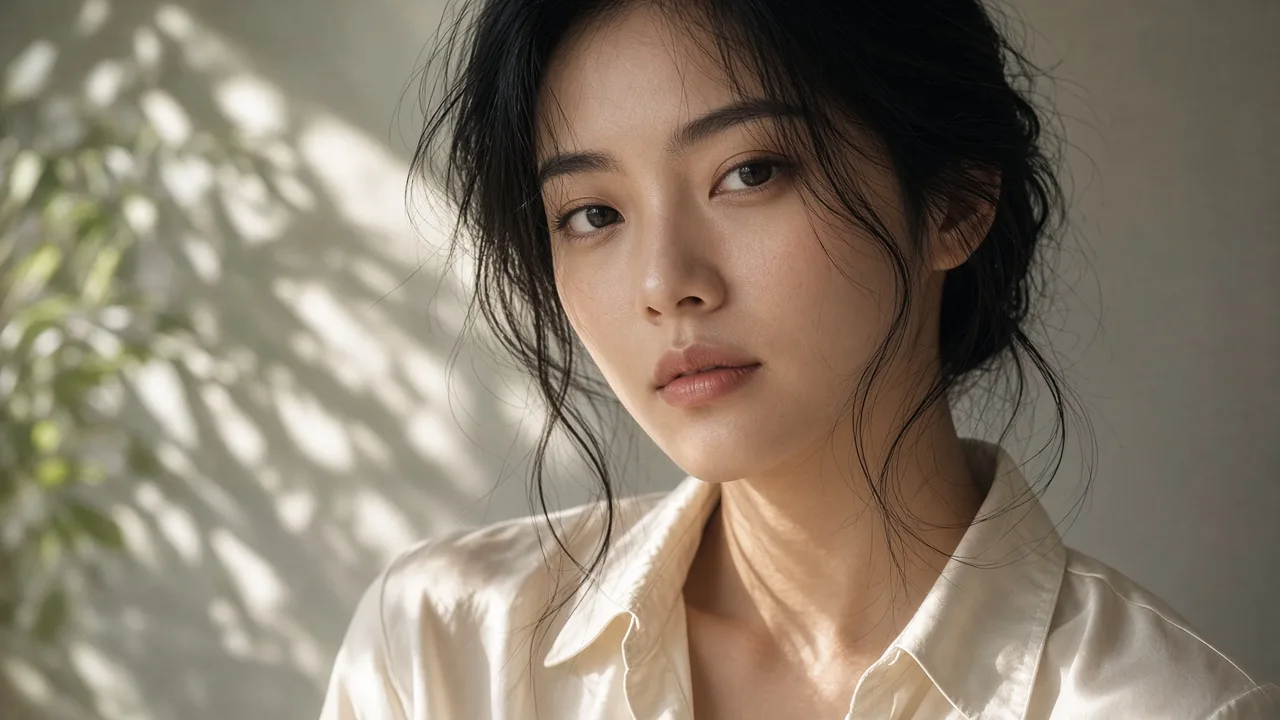
Frame पर client note है: “light thodi warm, bottle mat hilao.” Log aksar poora pehla prompt wapas paste karke teen mood words chipka dete hain. GPT Image 2.5 tez hai, references zyada steady rakhta hai, aur light ko kam plastic sheen ke saath render karta hai—par yeh tabhi dikhta hai jab prompt clearly bataye kya stick rahega aur kya badlega.
Yeh guide usi tarah ka prompt likhne ke baare mein hai: chhota brief, “cinematic masterpiece” tags ka dher nahi. Release details ke liye padhein GPT Image 2.5 जारी: प्रमुख अपग्रेड की व्याख्या. Pehle session ki feel ke liye dekhein GPT Image 2.5 व्यावहारिक अनुभव: पहली छाप. Run karne ke liye kholein GPT Image 2.5 ya AI Image Generator.
Prompt se pehle job pin karein
Teen lines, style adjectives ke ek aur stack se behtar:
- Deliverable — portrait, packshot, background swap, ya local light fix?
- Locked — chehra, bottle silhouette, logo color, crop.
- Is pass mein sirf — light, background, ya wardrobe. Ek chunein.
2.5 vague “make it better” se zyada reliably keep/change language follow karta hai. Agar ek hi turn mein poora scene rewrite karte ho, subject lock khud hi tod dete ho.
Revision survive karne wala skeleton
Is order mein likhein taaki baad ke adjectives brief ko daba na dein:
- Subject aur identity marks — kaun ya kaunsa product, aur jo details bachni chahiye
- Is pass ka action — khade hona, centered product, ya “background only”
- Jagah — ek location, do competing sets nahi
- Light — direction, time of day, shadow hardness
- Materials — skin, glass, cloth, metal, seedhe naam se
- Delivery constraints — crop, safe area, no watermark, no extra fingers
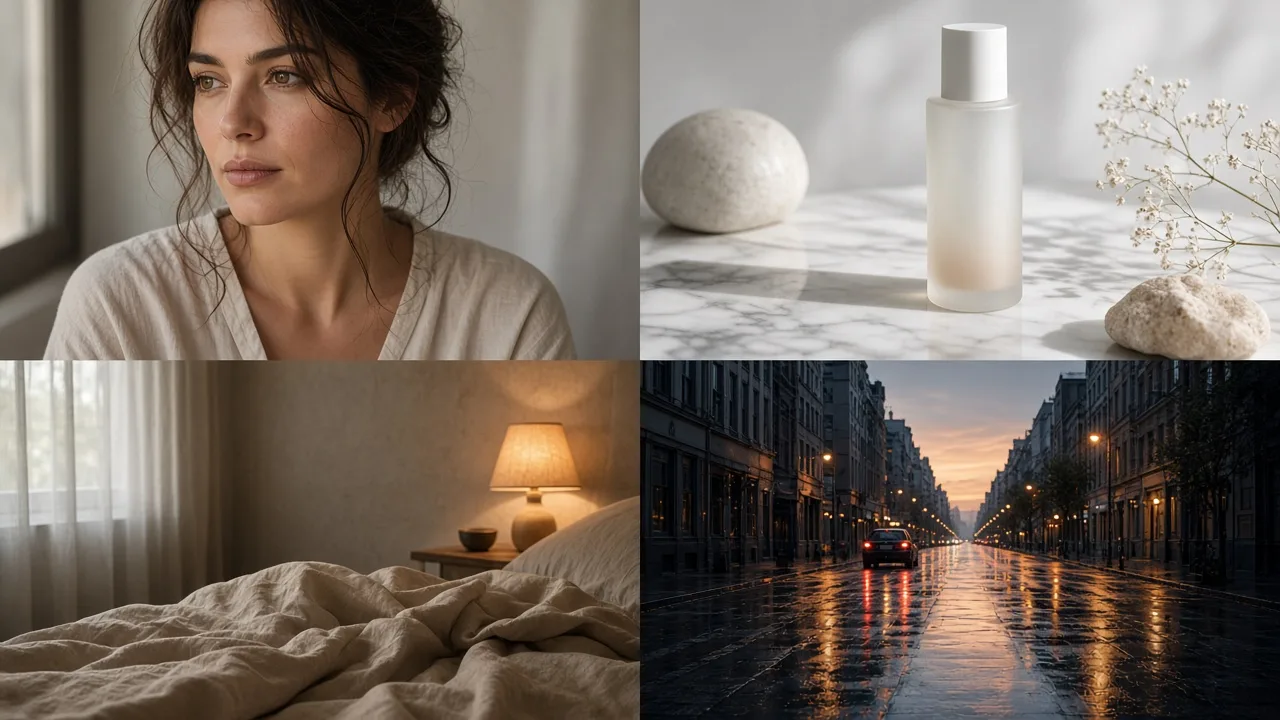
Light aur materials ko executable lines chahiye
2.5 ka natural-light jump khali praise par waste ho sakta hai. Compare karein:
| Weak | Stronger |
|---|---|
| premium, cinematic, 8K | window light from the left, soft shadow, faint leaf pattern on the wall |
| realistic skin | natural skin, visible pores, no beauty blur, no plastic skin |
| luxury bottle | frosted glass, soft highlight on the shoulder, matte stone surface |
Hard constraints ko teen se chhah lines tak rakhein. Uske baad clauses ek doosre ko cancel karte hain aur model subset choose karta hai.
References: pehle lock, phir single change naam karein
Background swap, wardrobe change, ya series extension ke liye lock aage rakhein:
Keep the same face and short-hair silhouette. Change only the background to a light-gray seamless cove with soft frontal light. Do not change the jacket or earrings.
“Bana do prettier, cafe mein daal do” se bachein. Pehla clause nayi identity invite karta hai; cafe ko stable subject milta hi nahi.
Agar sketch ya storyboard hai, layout upload karein aur style/light text se likhein. Prose mein composition describe karne se aksar kam rounds lagte hain. Revision thread mein har turn ek cheez badlein. Region point kar sakte ho to likhein: “sirf left side ki light” ya “sirf title area.”
On-image type chhota rahe, spelling ek baar
Label, poster line, ya price ek phrase hona chahiye, type mood jaise clean sans-serif ke saath. Ek hi prompt mein teen spellings mat do. Letters fail ho to wahi spelling dubara chalao—paanch aur style tags mat chipkao.
Lambha multilingual body copy ab bhi layout software mein. 2.5 chhote headlines ke liye dependable hai, instructions ke paragraph ke liye nahi.
Teen prompts jo adapt kar sakte ho
Window-light portrait (pehla pass)
Medium close-up of a young woman, low bun, cream silk blouse, natural window light from the left, faint leaf shadows on the face, shallow depth of field, natural skin with visible pores, no beauty blur, no plastic skin, chest-up crop.
Product still (pehla pass)
Frosted glass skincare bottle, matte black cap, centered on pale marble, soft daylight from the left, gentle shadow, no label text, no watermark, square-safe crop.
Dusra pass (sirf light)
Keep the same bottle and crop. Change only the light to a warmer side light with a slightly longer shadow. Do not alter the cap or the stone texture.
Poora pehla prompt wapas paste karke naya sentence mat chipkao. Model ko pata nahi chalta kaunsi line retire hui.
GPT Image 2 prompts se kya carry over karein
Agar GPT Image 2 Prompt Guide: Tips और Examples ka skeleton already use karte ho, rakho. 2.5 par shift mostly do edits:
- Mood words ko light direction aur shadow hardness se replace karo
- “Generate another one” ko “keep A, change only B” se replace karo
Pichle model ke liye dekhein GPT Image 2 क्या है?. Lane choose kar rahe ho to 2026 के शीर्ष AI इमेज जनरेटर: टीमें किस पर भरोसा कर रही हैं wider map hai.
Das minute ka drill
- Deliverable, lock, aur single change likho.
- Ek first-pass prompt draft karo. Hard constraints chhah par cap karo.
- Image generation par GPT Image 2.5 se chalao.
- Miss ho to ek layer badlo: light, background, ya crop.
- Winner rakho aur note karo baaki kyun fail hue.
Effective prompt lamba prompt nahi hota. Yeh 2.5 ki speed, light, aur subject hold ko us ek change par lagata hai jo sach mein chahiye. Shuru karein GPT Image 2.5 on bikabika AI se.