
GPT Image 2 提示詞指南:技巧與範例
面向 GPT Image 2 的實用提示詞指南:可複用骨架、指令跟隨技巧、圖內文字建議,以及人像、產品、編輯與可發布成片的可複製範例,適用於嗶咔嗶咔 AI。
GPT Image 2 更吃清晰指令,而不是一堆空泛誇讚詞。如果你習慣 Midjourney 式的氛圍堆詞,換成「短創意簡報」寫法會更穩:主體、約束、光線、鏡頭,以及明確不要出現什麼。
這篇 GPT Image 2 提示詞指南聚焦可複用技巧與可直接複製的範例。你可以把提示貼到 AI 圖像生成器 中的 GPT Image 2,每輪只改一層變數,才能沉澱真正有效的經驗。
GPT Image 2 特別擅長什麼
優先在這些任務裡使用 GPT Image 2:
- 指令跟隨 — 服裝、姿勢、裁切與否定約束需要穩住
- 圖內可讀文字 — 包裝標籤、海報標題、介面標題(文字要短)
- 身份敏感編輯 — 換背景或換裝時,盡量保住臉與商品輪廓
- 結構化交付 — 電商主圖、品牌安全頭像、預留排版負空間
它不是「樣樣最強」。只追氛圍與藝術偶然性時,你仍可用 Midjourney 做短名單;需要可控簡報時,GPT Image 2 往往是更穩的第一輪。
一套在 GPT Image 2 上更穩的提示骨架
多數時候按這個順序寫:
- 主體 + 角色 — 是誰 / 是什麼,年齡感,關鍵身份標誌
- 動作或姿勢 — 站立、手持、行走、產品居中
- 環境 — 棚拍、街拍、公寓、無縫背景
- 光線 + 鏡頭 — 左側窗光、柔光箱、85mm、f/2.0
- 材質與細節約束 — visible pores、織物紋理、no plastic skin
- 交付約束 — 裁切、給文字留白、無浮水印、無多餘手指
下面範例裡,攝影與材質術語保留英文,多數模型對它們更穩;人物身份與故事細節可用中文改寫。
技巧 1:把約束寫成命令,而不是氛圍形容詞
弱寫法:ultra realistic 8k masterpiece cinematic
更強:natural skin with visible pores, no beauty blur, no plastic skin, keep both ears visible
GPT Image 2 更吃「要保護什麼 / 禁止什麼」。硬約束控制在三到六條;再多容易互相打架。
技巧 2:把不可妥協的條款放進第一句
如果 Logo 色、產品名或圖內文字必須保住,寫進第一句。後面的形容詞很少能救回開場就寫錯的關鍵資訊。
開場範例:White ceramic bottle labeled "AURA CARE" in clean sans-serif black type, centered on matte beige seamless...
技巧 3:每輪只改一層
在 GPT Image 2 上迭代時:
- A 輪 — 鎖定主體 + 光線
- B 輪 — 只改服裝,或只改背景
- C 輪 — 只改裁切 / 負空間 / 文字
如果每次整段重寫,你無法判斷哪句真正起作用。留下「入選圖 + 淘汰原因」短名單。
技巧 4:圖內文字要短,拼寫只寫一次
只要求一句短語,準確拼寫,並說明字體氣質(clean sans-serif、bold condensed poster type)。包裝上不要塞整段說明。若文字失敗,先用同一拼寫重跑,而不是再加五個風格詞。
技巧 5:把「生成」與「編輯」任務分開
- 生成:從空白簡報生成完整場景
- 編輯:上傳底圖,只描述改動(
replace background with soft gray seamless, keep face identity and hairline)
把兩類目標塞進一條超長提示,常常傷害身份一致性。需要可發布的形象照裁切時,收尾走 AI 頭像生成器。
技巧 6:按賽道選工具入口
| 你的目標 | 更合適的入口 |
|---|---|
| 通用 GPT Image 2 成片、產品、時尚、場景 | AI 圖像生成器 |
| 履歷與資料頁形象照 | AI 頭像生成器 |
| 跨圖角色一致性 | AI 角色生成器 |
| 二次元 / 日系插畫氣質 | AI 動漫生成器 |
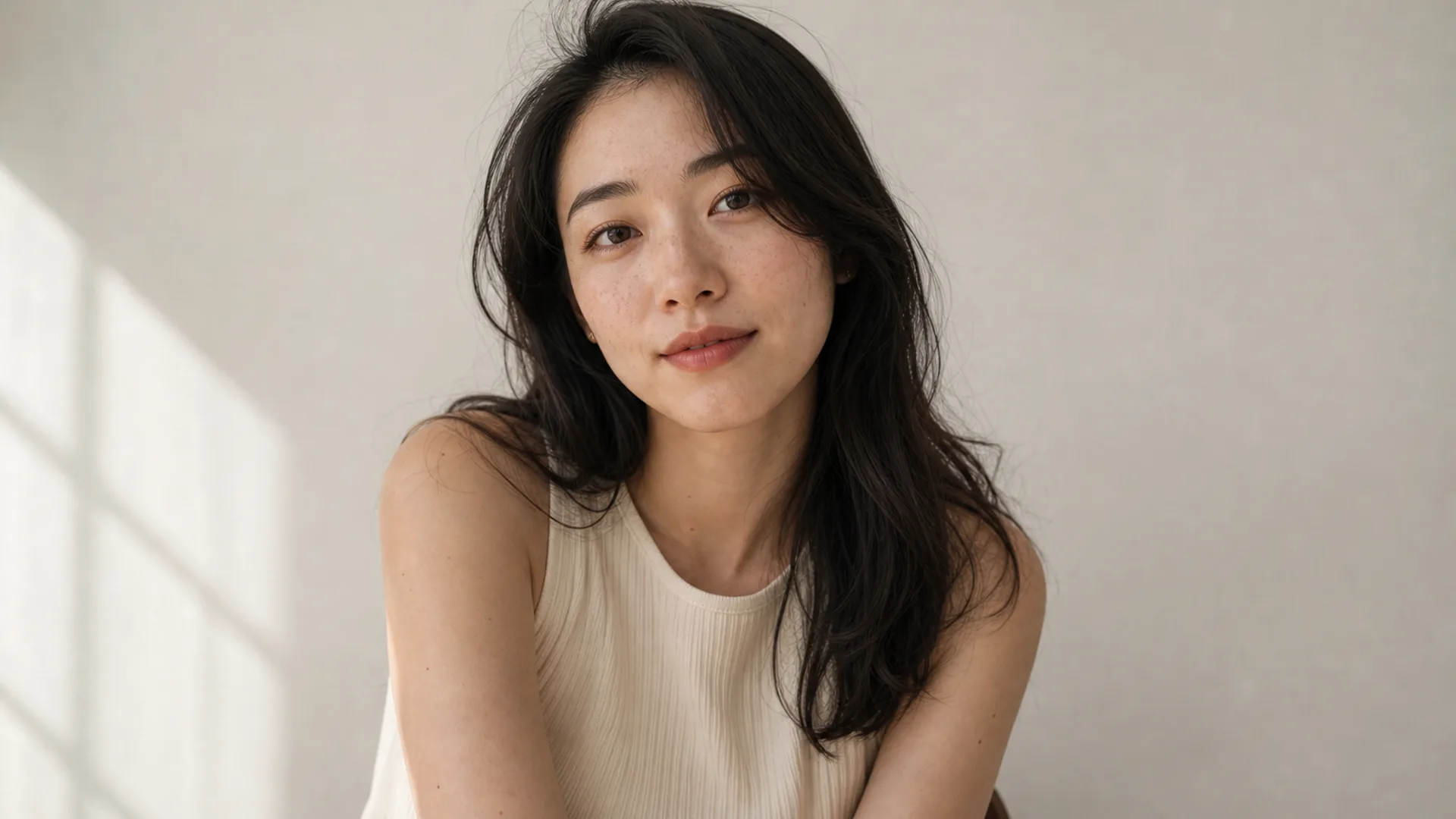
範例 1. 指令收緊的真人像
適合:品牌主頁與社媒形象,需要穩住雀斑、裁切與光位。
提示詞: Half-body portrait of a young woman with natural freckles and visible pores, soft daylight from a large window on the left, gentle shadow under the jaw, off-white wall, face slightly right of center, 85mm lens, f/2.0 shallow depth of field, both ears visible, no beauty blur, no plastic skin, no heavy makeup
改寫提示:第一句只改年齡感與髮型;光線與 “no plastic skin” 整塊先保持一輪不動。
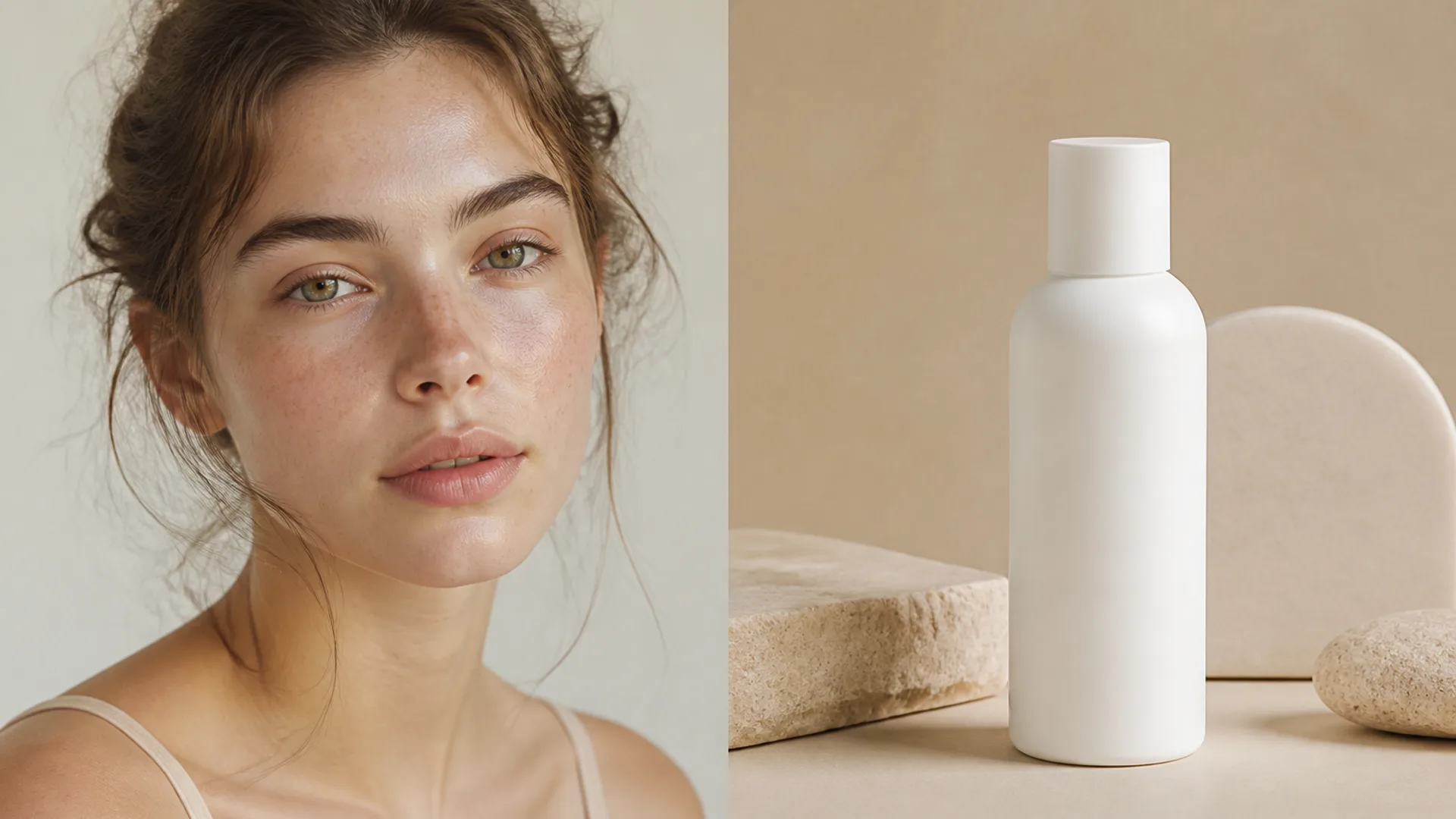
範例 2. 帶短標籤文字的產品主圖
適合:需要可讀產品名的電商包裝與廣告圖。
提示詞: Minimal product still life of a matte white skincare bottle labeled “AURA CARE” in clean black sans-serif, centered on beige seamless backdrop, softbox key from upper left, gentle bounce fill, crisp label typography, generous negative space on the right for headline text, commercial photography, no harsh reflections, no extra props
改寫提示:先只改引號內標籤與瓶身顏色;文字穩定前不要重做光位。
範例 3. 身份安全的換背景簡報
適合:活動視覺改版,人物必須保持同一人。
提示詞: Keep the same woman and facial identity, replace the busy cafe background with a clean light-gray seamless studio backdrop, preserve hair strands and natural skin texture, even soft studio light, head-and-shoulders crop safe for circular avatar, no beauty filter, no face reshape
改寫提示:走編輯流程時,刪掉場景敘事詞;只寫「改什麼」和「必須保留什麼」。
範例 4. 可控品牌色的時尚編輯肖像
適合:主視覺需要特定強調色,又不能把臉洗糊。
提示詞: Editorial fashion portrait of a woman in a tailored black blazer, cinematic rim light from behind, cool teal fill from the front matching brand accent, sharp catchlights, subtle film grain, medium close-up on 50mm, realistic wool fabric texture, natural skin detail under colored light, no oversaturated glow
改寫提示:把 “teal” 換成品牌色的英文描述(如 deep emerald fill);臉易被彩光洗掉時,保留 keep natural skin detail under colored light。
範例 5. 點名材質的室內生活場景
適合:家居與生活方式廣告,需要「像拍出來」而不是 HDR。
提示詞: Woman reading by a large window in a quiet apartment, soft morning side light, linen curtains, light oak table, shallow depth of field, calm lifestyle photography, natural color grading, 35mm documentary feel, realistic interior materials, no HDR look, no staged smile
改寫提示:點名兩種可核對的材質;空洞的 “cozy aesthetic” 遠不如 “linen” + “oak” 有效。
範例 6. 品牌安全的頭像裁切
適合:團隊頁、履歷、LinkedIn 風格頭像。
提示詞: Professional head-and-shoulders portrait of a woman, clean light-gray seamless background, even soft studio light, confident calm expression, centered face with safe crop for circular avatar, natural skin texture, business-casual knit top, no heavy retouching, no harsh shadows
改寫提示:這裡打草案,裁切與背景控制收尾到 AI 頭像生成器。
範例 7. 只含一條標題的海報構圖
適合:活動或發布視覺,需要單行可讀標題。
提示詞: Vertical poster composition of a confident woman in a city golden-hour street, warm backlight, shallow depth of field, large clear headline text “OPEN STUDIO” in bold condensed sans-serif in the upper third, high contrast but readable type, photographic look, space under the text kept clean, no extra slogans, no watermark
改寫提示:只要一條標題;字母壞掉時,先用同一拼寫重跑,再改服裝或地點。
範例 8. 保住真實膚質的霓虹夜景人像
適合:音樂封面與夜生活視覺,但仍要像攝影。
提示詞: Night portrait of a woman under cyan and magenta neon signs, wet street reflections, shallow depth of field, cinematic contrast, rain-damp hair strands, realistic skin under colored light, 50mm lens, moody urban atmosphere, no oversaturated glow, no melted facial features
改寫提示:霓虹色改成品牌雙色;每輪都保留 “realistic skin under colored light”。
GPT Image 2 提示詞常見失誤
- 堆空品質詞(
8k ultra detailed masterpiece),卻不寫光位與材質 - 要求大段圖內文字 — 只保留一句短短語
- 同一次重試同時改主體、光線與裁切 — 學習閉環斷掉
- 把二次元與真實攝影線索硬捆 — 選定一條賽道,或改走 AI 動漫生成器
- 明知後期要加標題,卻不預留負空間
下一步
今天從範例 1或範例 2開始,在 GPT Image 2 上做三輪受控實驗:複製骨架 → 只改一層 → 用淘汰筆記做短名單。交付物是形象照時轉頭像工具;需要跨圖角色一致時打開角色生成器。
準備開始時,打開 AI 圖像生成器,把上面任意一條提示立刻變成可對比的 GPT Image 2 成片。